On this page
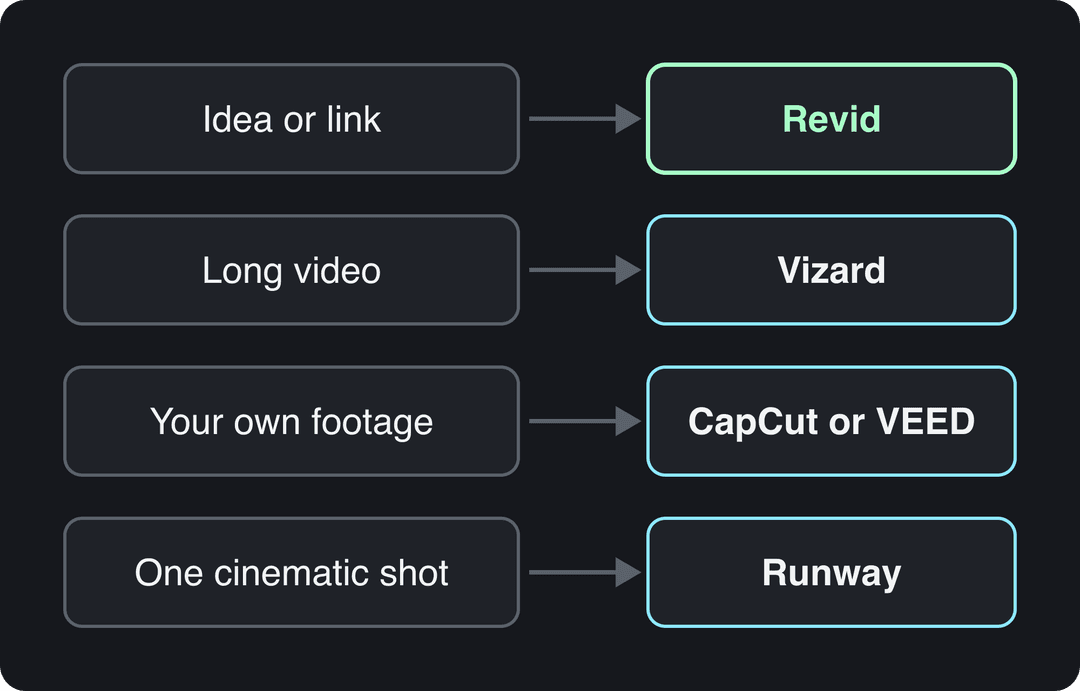
The best AI TikTok video maker depends on what you start with: Revid turns an idea, a script or a link into a finished, captioned TikTok, Vizard cuts clips from long videos, CapCut and VEED edit footage you filmed, and Runway generates single cinematic shots. Pick by your input, not by the longest feature list.
Input matters more than features for a simple reason: most of these apps rent the same video models (Google Veo, Seedance, Kling, Wan, MiniMax Hailuo), so the same prompt returns similar clips wherever you type it. What decides whether a TikTok gets watched is what goes into the model: the hook, the structure, the pacing. A blank prompt carries none of that, which is why so much AI content looks alike and gets skipped.
The 12 best AI TikTok video makers at a glance
| Tool | Starts from | Best for | Free option | Paid from |
|---|---|---|---|---|
| Revid | Idea, script, link, song or viral video | Finished TikToks, published for you | Free sign-up with free credits to try; then plan credits | $39/month |
| Sprello | Prompt | UGC-style ads | Free start (per its site) | Credit-based |
| InVideo | Prompt | Chat-style editing, stock footage | Watermarked plan | $20/month per seat |
| CapCut | Your footage | Phone editing, trend templates | Full editor, 1080p export | About $9.99/month |
| VEED | Your footage | Subtitles, team editing | 720p with watermark | Roughly $10 to $24/month |
| FlexClip | Template or script | Templates with AI help | Limited plan | Check site |
| Vizard | Long video | Clipping podcasts and webinars | 60 credits/month, 720p | $29/month ($14.50 billed yearly) |
| Runway | Prompt or image | Cinematic shots | 125 one-time credits | $15/month |
| Magisto | Your clips | Automatic assembly | Check site | Check site |
| Simplified | Prompt or script | Video inside a marketing suite | Free plan | Check site |
| Speechify | Script | Natural voice-overs | Limited free version | Check site |
| Appy Pie | Prompt | Teams already on Appy Pie | Limited free plan | Check site |
What AI tools can create TikTok content?
AI tools that create TikTok content fall into six types. Most people need one main tool from the first three rows and, at most, one helper.
| Type | What it does | Examples |
|---|---|---|
| Idea or link to video | Writes the script, generates visuals, adds voice, captions and music | Revid, InVideo, Sprello, FlexClip |
| Clipping tools | Cut long videos into vertical clips with captions | Vizard, OpusClip, Klap |
| AI-assisted editors | Speed up editing of footage you filmed | CapCut, VEED, Magisto |
| Clip generators | Produce single AI shots you assemble yourself | Runway, Pika, Kling |
| Voice and avatar tools | Narration or a presenter on screen | Speechify, HeyGen, Synthesia |
| All-in-one suites | Video next to design, copy and scheduling | Simplified, Appy Pie |
Single-purpose generators fill small gaps around these: a photo-to-cartoon converter from SimpsonizeMe, for example, can turn a portrait into a cartoon for a profile picture or a cover image.
The 12 tools, reviewed
1. Revid: best for turning an idea or link into a finished TikTok
Revid builds the whole video from one input: an idea, a script, a link (a blog post, a product page, a Reddit thread, a YouTube video), a song or a reference video. It writes the script, generates scene-by-scene visuals, adds a voice-over in 70+ languages with synced captions and music, and publishes directly to TikTok, Instagram and YouTube from one queue.
What sets it apart is where the video starts. Revid includes a searchable library of about 2.77 million real short-form videos with their public engagement data. Instead of a blank prompt, you can open a TikTok that already performed in your niche and choose "Same energy, new script": Revid keeps the structure, hook style and pacing, and writes an original video about your topic. A free deep analysis (up to 60 a day) explains why any video worked: the hook, the timed structure and three ways to adapt it.
For visuals, Revid offers Seedance 2.5, MiniMax Hailuo H3, Wan 3.0 and Google Veo 3 under one credit system, chosen per scene. A full timeline editor lets you fix any scene by hand, and export goes up to 4K at 30 or 60 fps. Auto-Mode workers can create a fresh video every day from a prompt or a content source.
- Best for: founders, small businesses, faceless channels and anyone posting daily without filming.
- Limits: AI generation uses credits, so there is no unlimited free generation; if you only hand-edit your own footage, a classic editor fits better.
- Price: free sign-up with free credits to try video creation, no credit card needed; regular creation uses the credits of a paid plan, from $39/month (Growth, 2,000 credits). See Revid plans and credits.
- Start here: the AI TikTok video generator.
2. Sprello: best for UGC-style TikTok ads
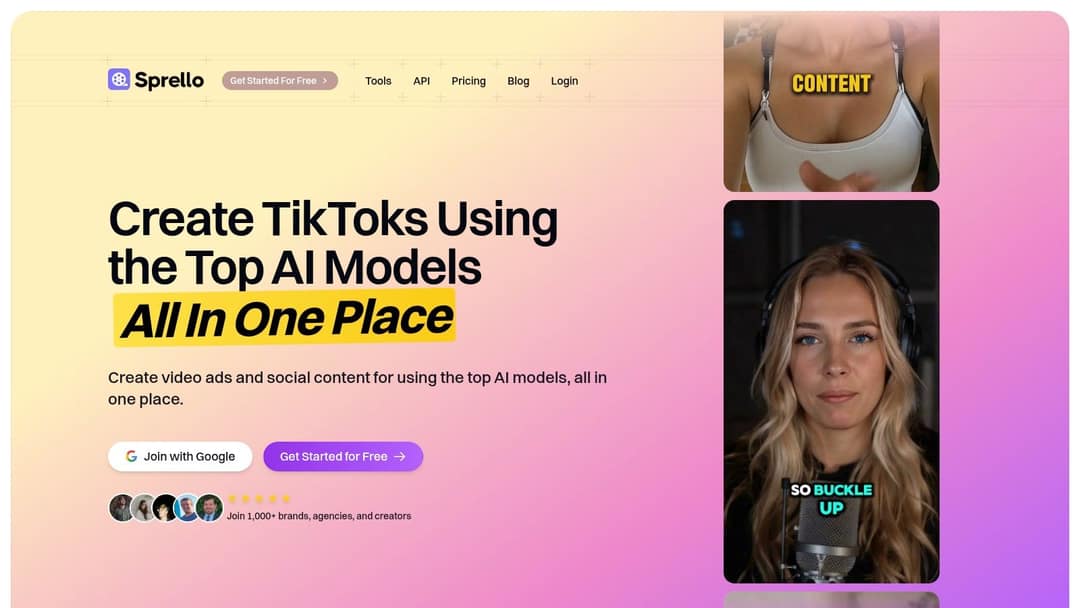
Sprello presents itself as one place to create TikToks and video ads with several top AI models. Its focus is UGC-style ads: AI-written scripts, AI presenters, voice-overs and auto captions, generated in variations you can test against each other. Pricing is credit-based, so watch your usage when you generate many versions of the same ad.
- Best for: e-commerce brands and performance marketers testing ad creatives.
- Price: credit-based; check its site for current plans.
3. InVideo: best for chat-style editing with stock footage
InVideo turns a prompt into a video through a chat-style agent: you edit by typing commands ("shorten the intro", "swap scene 3") rather than working on a timeline. Paid plans include a 16M+ stock library, AI avatars and voice clones from the entry tier, and access to several third-party video models. Stock-heavy output can look generic unless you direct it closely.
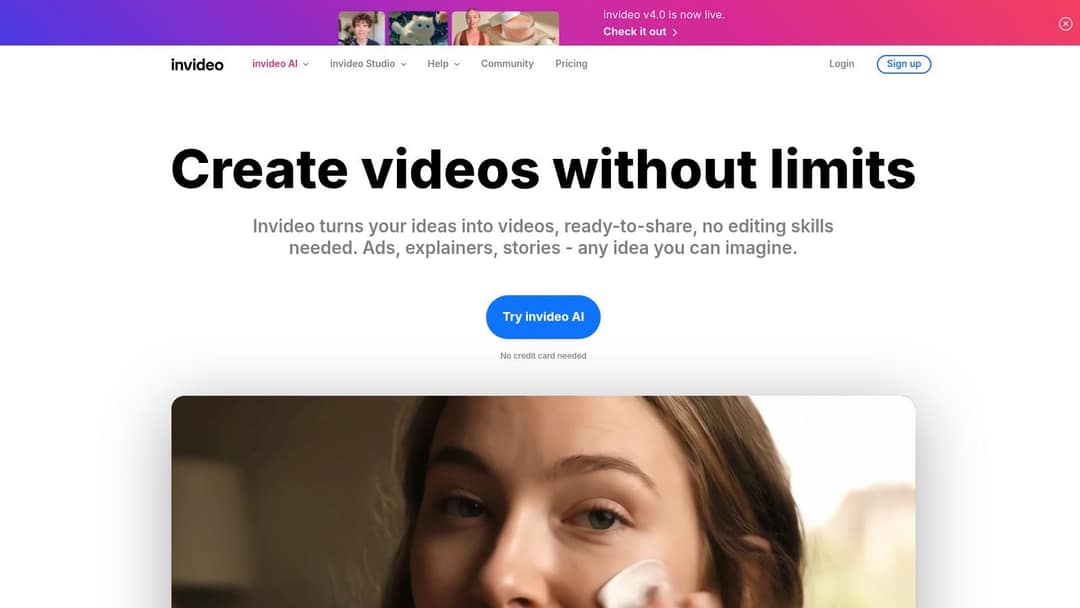
- Best for: marketers who prefer describing changes in plain language.
- Price: free plan with a watermark and weekly limits; paid from $20/month per seat (Starter).
- Compare: Revid vs InVideo.
4. CapCut: best free editor for footage you filmed
CapCut comes from ByteDance, TikTok's parent company, and has the tightest TikTok integration of any editor. It is built for clips you already shot, on mobile or desktop: auto-captions, trend templates that drop your clips into viral formats, background removal and a large effect library. It will not write a script or generate scenes from an idea for you.
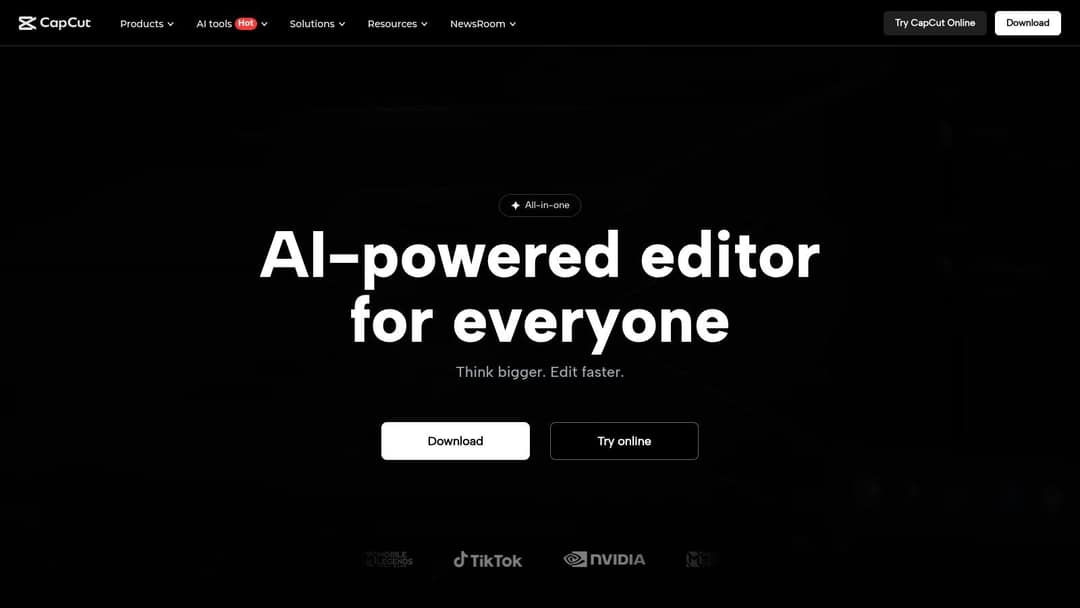
- Best for: creators who film on their phone.
- Price: free tier with the full editor and 1080p export; premium templates, effects and most AI features are paid (Standard is about $9.99/month).
- Compare: Revid vs CapCut.
5. VEED: best browser editor for subtitles and teams
VEED is a browser editor with a multi-track timeline, screen recording and brand kits, best known for auto-subtitles and translation. Its AI features include dubbing, eye-contact correction, stock avatar presenters and AI clip generation inside the editor.
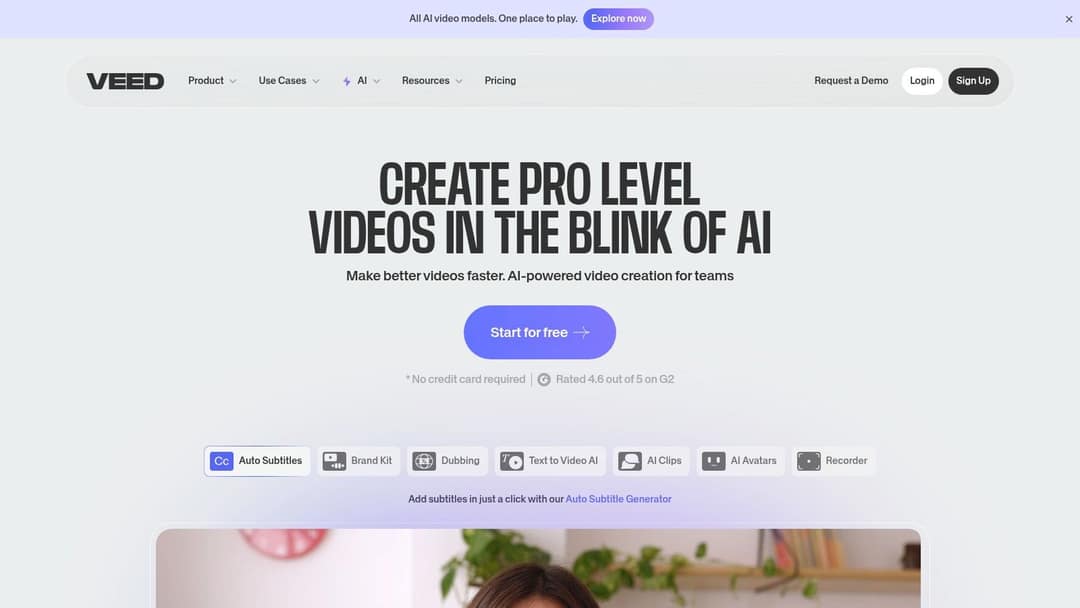
- Best for: social teams polishing talking heads, interviews and screen recordings.
- Price: free plan with a "Made with VEED" watermark and 720p export; paid roughly $10 to $24/month.
- Compare: Revid vs VEED.
6. FlexClip: best for template-based editing with AI help
FlexClip is an online editor where you start from a template or from scratch, with AI tools (script writing, text to video, text to speech) and a stock library on top. AI gives you a first draft; the timeline lets you change every text, transition and clip. The free plan is limited, so check export quality and watermark rules before building a routine around it.
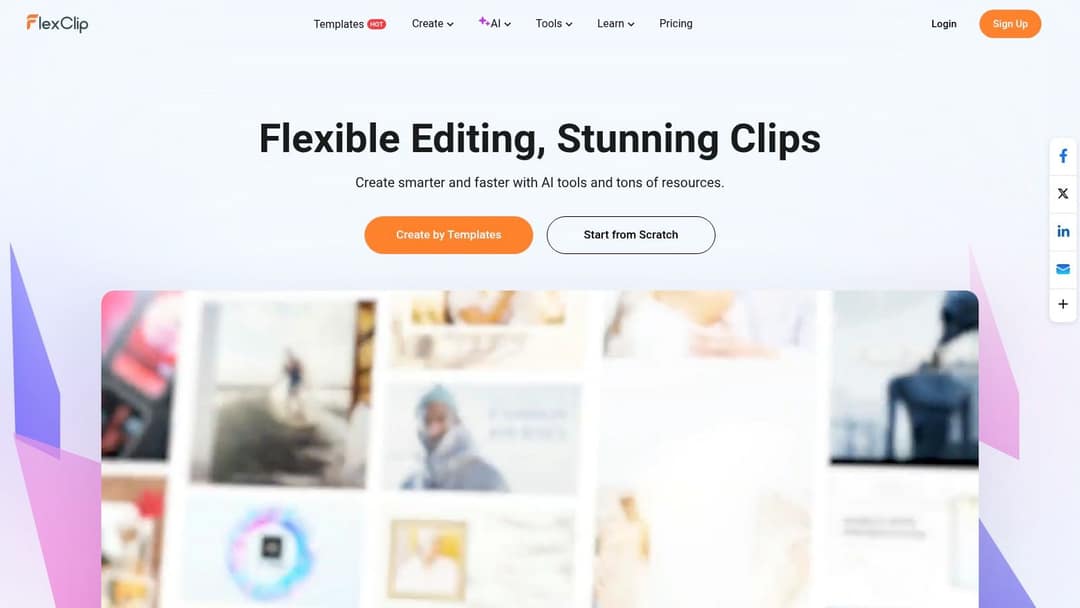
- Best for: beginners who want templates plus manual control.
- Price: limited free plan; paid subscriptions listed on its site.
7. Vizard: best for cutting long videos into TikToks
Vizard takes a podcast, webinar or interview, finds the strongest moments and returns vertical clips with captions and auto reframing. Paid plans add 4K export, subtitle translation and scheduling to up to 6 social accounts on Creator. Treat its picks as a shortlist: expect to retrim a few clips so the first second lands. OpusClip and Klap do the same job if you want to compare clip selection.
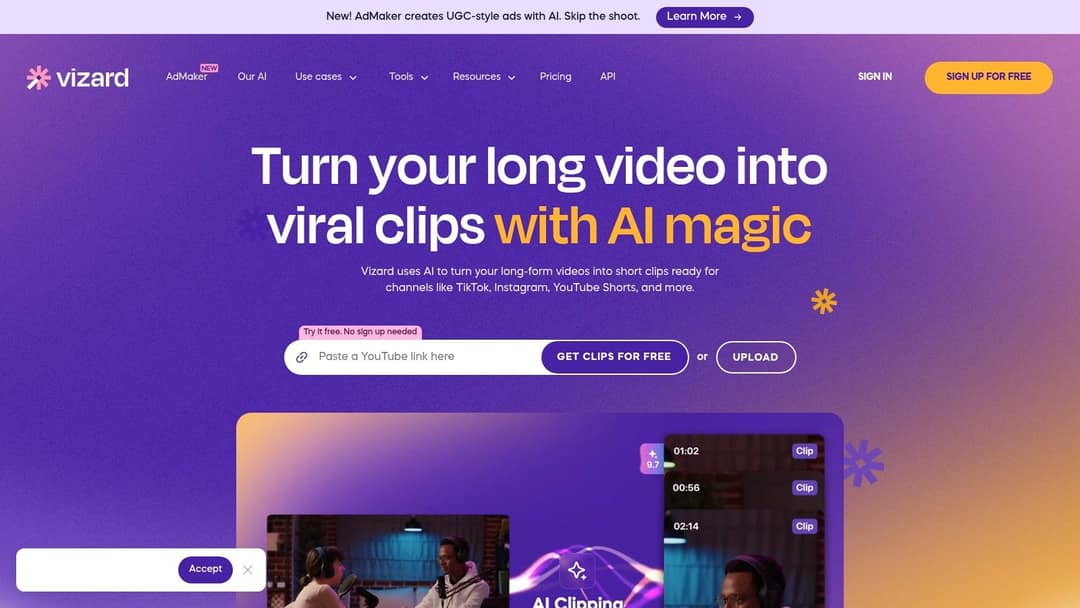
- Best for: podcasters and YouTubers with a back catalog.
- Price: free plan with 60 credits a month (1 credit = 1 minute of video, 720p, watermark); paid from $29/month, or $14.50/month billed yearly.
- Compare: Revid vs Vizard.
8. Runway: best for cinematic AI shots
Runway is a model lab first. Its Gen-4.5 model is rated among the best for generation quality, and tools such as Aleph give shot-level control over camera moves, relighting and object removal. It produces clips, not finished TikToks: script, voice-over, captions, assembly and posting are up to you, and credits go fast when you iterate on high-resolution shots.
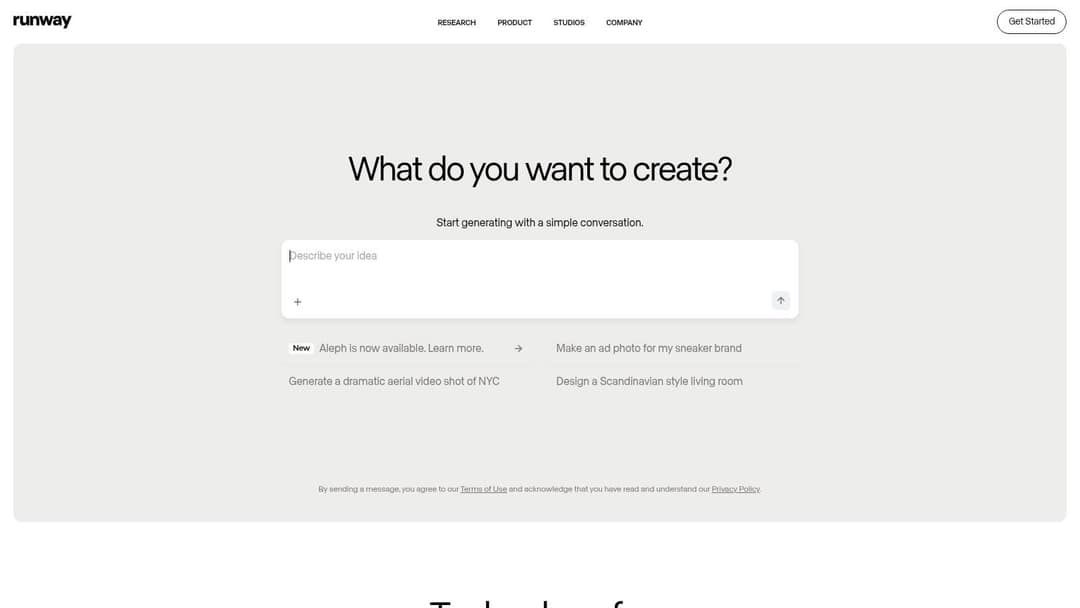
- Best for: artists and editors who want one striking shot to build a video around.
- Price: free plan with 125 one-time credits (watermarked); paid from $15/month.
- Compare: Revid vs Runway.
9. Magisto: best for auto-assembling a batch of clips
Magisto, owned by Vimeo, takes the clips you upload, picks the best moments and assembles them with an editing style and a soundtrack. It suits small businesses that shoot a lot and edit little. The trade-off is control: the AI decides the cuts, so tightening a TikTok hook takes extra work.
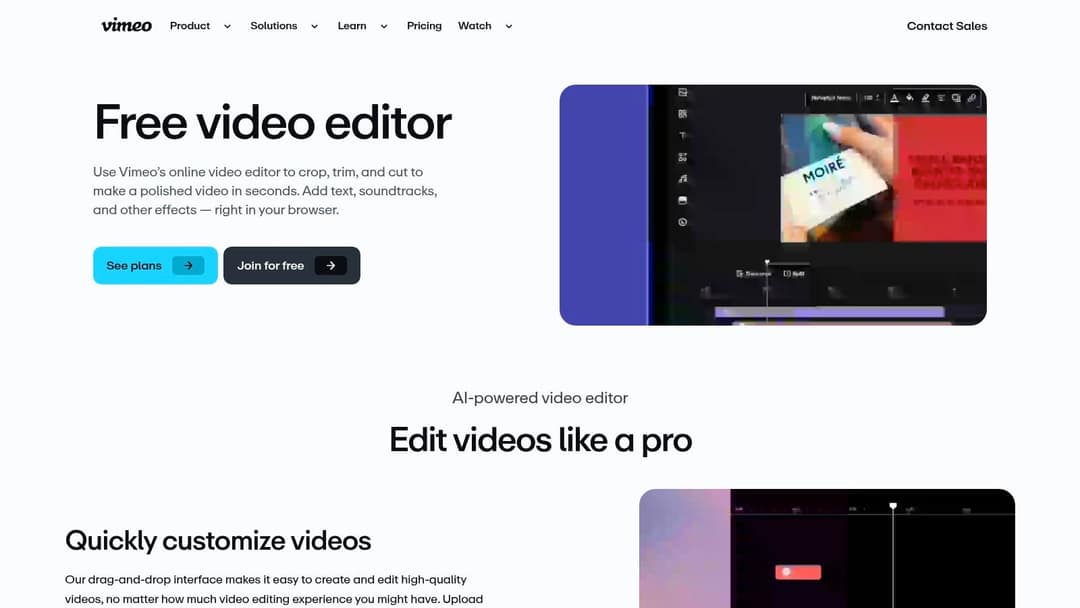
- Best for: owners with phone footage of products, events or a shop.
- Price: check its site for current plans.
10. Simplified: best if you want video inside a marketing suite
Simplified bundles an AI writer, a design tool, video and clip tools and a social media scheduler. You can draft a TikTok script and hashtags with the writer, then build the video in the same workspace. The breadth is both the appeal and the cost: if you only need TikToks, a dedicated video tool is faster.
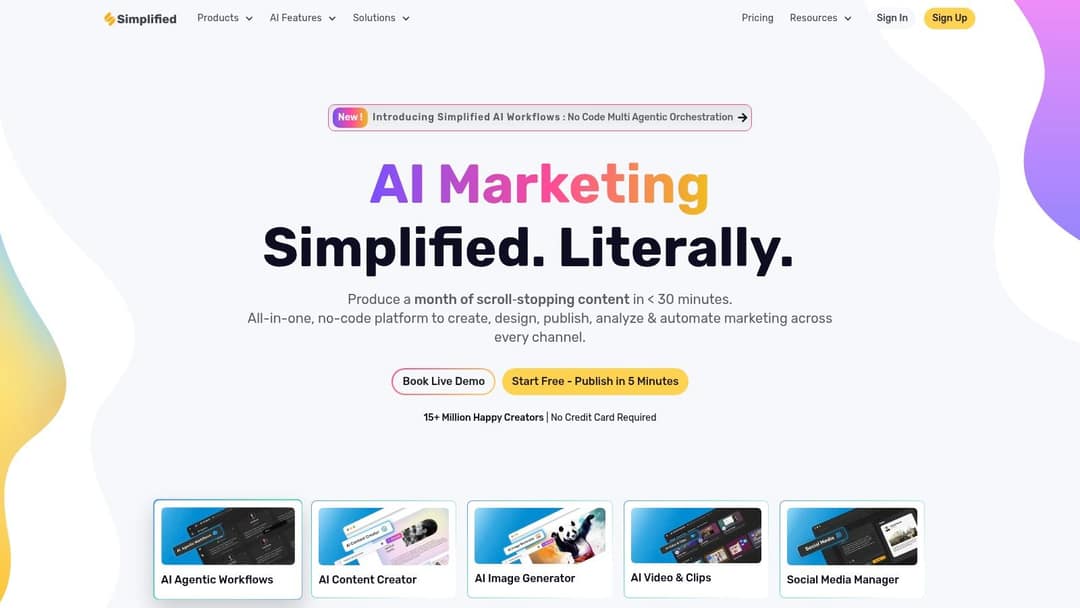
- Best for: small marketing teams that want one login for copy, design and video.
- Price: free plan; check its site for paid tiers.
11. Speechify: best for narration quality
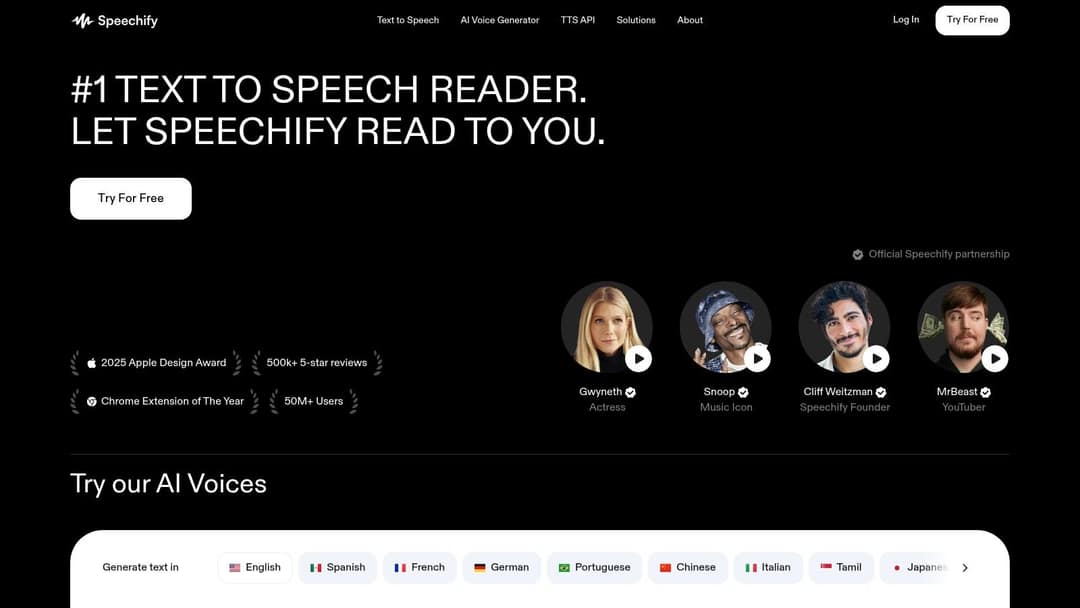
Speechify started as a text-to-speech reader and now sells AI voices and a video studio built on them. Use it when the voice is the product: faceless explainers, story clips, narrated tips. Its visuals and editing are thinner than in video-first tools, so you may pair it with one of them.
- Best for: educators and faceless creators who care most about the voice.
- Price: limited free version; premium subscription for full features.
12. Appy Pie: only if you already use it for apps
Appy Pie is a no-code builder for apps and websites that also bundles AI generators, including video. It makes sense if your business already runs on Appy Pie and you want an occasional TikTok without another subscription. For a TikTok-first workflow, the dedicated tools above go further; check which video features your plan includes before paying.
Which AI edit maker for TikTok fits footage you already filmed?
If you shot the footage yourself, you need an editor with AI help, not a generator. Pick by the job:
- Phone-first and free: CapCut, with trend templates for fan edits and viral formats.
- Subtitles, translation, team review: VEED.
- A pile of clips you want assembled for you: Magisto.
- A talking-head video that needs punch: Revid's auto edit tool takes a talking video or a link and returns it edited, with your key lines turned into motion graphics.
Which AI TikTok video maker should you pick?
Use these rules, in order:
- If you post every day and do not want to film, use a tool that goes from idea to published video in one place (Revid). Starting from a format that already performed beats a blank prompt.
- If you have hours of podcasts or webinars, start with a clipping tool (Vizard, OpusClip or Klap) before generating anything new.
- If you film on your phone, edit in CapCut; move to VEED when a team needs to review and subtitle.
- If you need one cinematic shot for an intro or an ad, generate it in Runway and assemble the rest elsewhere.
- If the narration is the product, test Speechify's voices first.
- If budget is zero, CapCut's free tier is the most complete; expect watermarks or low resolution on most other free plans.
For tools beyond TikTok (YouTube, ads, explainers), see our AI video maker comparison.
Prompt to try
Make a 30-second vertical TikTok called "3 mistakes that make your coffee taste bitter." Open with the hook "You're ruining your coffee before it even brews," then cover water temperature, grind size and old beans, one per scene. Use close-up cinematic coffee shots, a warm friendly voice, bold captions and end with a one-line tip to save the video.
How to make a TikTok with Revid
- Open the AI TikTok video generator and paste a script, a one-line idea or a link to a blog post, product page or Reddit thread.
- Or start from proof: search the viral library by topic, open a video that performed, and choose "Same energy, new script" or "Make it about your topic". This is how you repurpose viral videos without copying them.
- Pick a voice (1,000+ voices in 70+ languages), a visual style and one of 30 caption styles.
- Fix any scene in the timeline editor, then export in 1080p or 4K.
- Publish directly to TikTok or schedule it, and add TikTok's AI label if the video contains realistic AI footage.
Before you post: 3 TikTok rules for AI videos
- Format: TikTok's Creator Academy recommends a 9:16 aspect ratio at 1080x1920 pixels.
- Labels: TikTok requires creators to label AI-generated content with realistic images, audio or video. It may also apply an "AI-generated" label automatically to uploads carrying C2PA Content Credentials, and an automatic label cannot be removed. Turning on the label does not affect distribution if the video follows the Community Guidelines.
- Originality for Creator Rewards: the program needs a Personal account, 18+, 10,000 followers and 100,000 video views in the last 30 days, and only videos at least one minute long earn. Duets, Stitches, lightly modified reposts, looping videos and photo-only or text-only videos do not count as original.
FAQ
What is the best tool for creating viral TikTok videos quickly?
Revid is the fastest route from an idea to a posted TikTok because it writes, generates, captions and publishes in one place, and it can start from a format that already performed. If you already have a long video, Vizard is faster; if you filmed the clip, CapCut is.
Is there a free AI TikTok video maker?
CapCut has the most complete free tier, with the full editor and 1080p export. Vizard's free plan gives 60 credits a month at 720p with a watermark, and Runway gives 125 one-time credits; Revid's sign-up is free, needs no credit card and includes viral library search plus free credits to try video creation, while regular creation uses paid-plan credits.
Do AI-generated TikToks get less reach?
Not because of the label: TikTok says turning on its AI-generated content setting does not affect a video's distribution if it follows the Community Guidelines. Generic, low-effort videos are the bigger risk, which is why the hook and structure matter more than the tool.
Can I make faceless TikToks with AI?
Yes. Idea-to-video tools such as Revid generate the visuals, voice-over and captions without you on camera, and voice-first tools like Speechify cover narration. Label any realistic AI footage before posting.