On this page
The landscape of digital content is shifting at an unprecedented pace, and at the heart of this transformation is artificial intelligence. Gone are the days of spending countless hours scripting, shooting, editing, and designing. Today, a new wave of powerful AI tools for content creation is empowering creators, marketers, and businesses to produce high-quality, engaging content faster than ever before. This shift is reshaping workflows and strategies across the industry. For a broader perspective on this evolution, you can explore the latest influencer marketing trends, including AI integration to see how deeply AI is impacting the creator economy.
From generating viral video scripts in seconds to crafting entire blog posts and designing stunning visuals, AI is no longer a futuristic concept. It's a practical, accessible co-pilot for your creative process, solving the problem of limited time and resources. In Wyzowl's 2026 survey (published December 2025), 63% of video marketers said they had used AI video tools to create or edit marketing videos, up from 51% a year earlier, one of the figures in our short-form video statistics.
This comprehensive guide gets straight to the point. We will walk you through the absolute best AI platforms available, from video generators like revid.ai and Synthesia to writing assistants like Jasper and Copy.ai. Each review includes screenshots, direct links, and an honest breakdown of their unique strengths, practical use cases, and limitations. Our goal is to help you choose the right tools to amplify your message and grow your audience.
1. revid.ai
Best for: Rapidly creating short-form videos for social media.
Revid.ai establishes itself as a premier choice among AI tools for content creation, specifically targeting the high-demand vertical video market. It excels at transforming simple text prompts, URLs, or existing content into engaging, viral-ready videos for platforms like TikTok, Instagram Reels, and YouTube Shorts. This platform is meticulously designed for users who need to produce high-volume, high-quality video content without the steep learning curve of traditional video editing software.
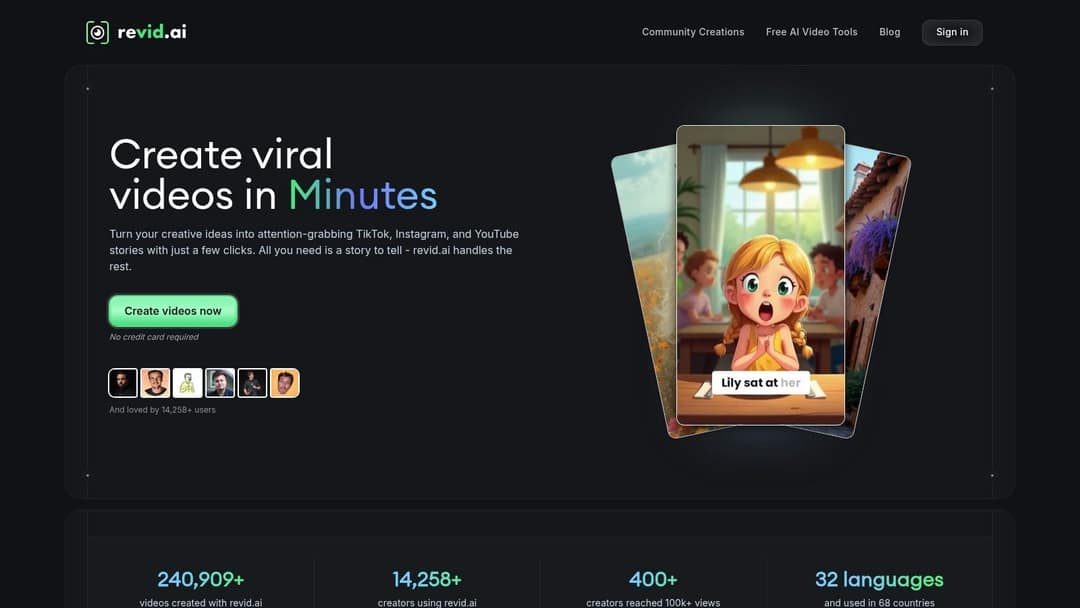
What truly distinguishes Revid.ai is its seamless, all-in-one workflow that takes an idea to a finished video in minutes. Its AI script generator is a standout feature, capable of crafting compelling narratives from a single input. This script is then automatically paired with dynamic visuals, auto-generated captions, and an AI voiceover in 70+ languages, creating a polished final product almost instantly. Each scene can use stock footage, AI images or AI video from models like Seedance 2.5, MiniMax Hailuo, Wan 3.0 and Google Veo 3 under one subscription, and the finished video publishes directly to TikTok, Instagram and YouTube.
Key Takeaway: Revid.ai is the ideal solution for creators and marketers aiming to dominate short-form video. Its speed and specialized features for social media optimization provide a significant competitive advantage, enabling consistent content output that captures audience attention.
Core Features & Analysis
- AI-Powered Script & Video Generation: The platform’s core strength lies in its ability to auto-generate entire videos. Users can input a topic, and the AI will produce a script, generate scene-by-scene visuals (stock footage, AI images or AI video), add captions and music, and synthesize a voiceover, streamlining the creation process from hours to minutes.
- Extensive Voice & Style Customization: With AI voices in 70+ languages, 30 caption styles and 100+ specialized tools, users can maintain brand consistency or experiment with different tones. This flexibility is crucial for avoiding the generic feel that can sometimes plague AI-generated content.
- User-Friendly Editor: The full timeline editor is designed for speed and simplicity. While it lacks the granular control of professional software like Adobe Premiere Pro, it provides all the essential tools for quick adjustments, ensuring videos are polished and ready for publication without technical hurdles.
Practical Use Case: A faceless YouTube channel owner can use Revid.ai to create 10-15 Shorts per week by simply feeding the AI interesting facts or story ideas. The platform handles the scripting, visuals, and voiceover, allowing the creator to focus entirely on content strategy and scaling their channel's output. Auto-Mode workers can even create a fresh video every day from a prompt and publish it on a schedule.
Pros & Cons
| Pros | Cons |
|---|---|
| Exceptionally fast video creation from a single prompt. | Advanced customization is limited for professional video editors. |
| No video editing experience required. | AI generation uses credits; paid plans start at $39/month. |
| AI voices in 70+ languages and 100+ social-media-specific tools. | Primarily focused on short-form content, less ideal for long-form video projects. |
| Free-to-start plan with no credit card required. |
Website: revid.ai
Prompt to try
Make a 40-second YouTube Short on 3 surprising facts about octopuses. Open with the hook "Octopuses have three hearts, and that's not even the weirdest part." Use AI video visuals of the ocean, a curious upbeat narrator and bold captions.
2. Writesonic
Writesonic positions itself as a comprehensive suite of AI tools for content creation, designed to streamline the entire writing process from ideation to publication. It stands out with its broad selection of over 50 unique templates, catering to needs ranging from full-length blog posts and product descriptions to specific ad copy for platforms like Facebook and Google. The user-friendly interface makes it particularly accessible for beginners who might find other AI platforms intimidating.
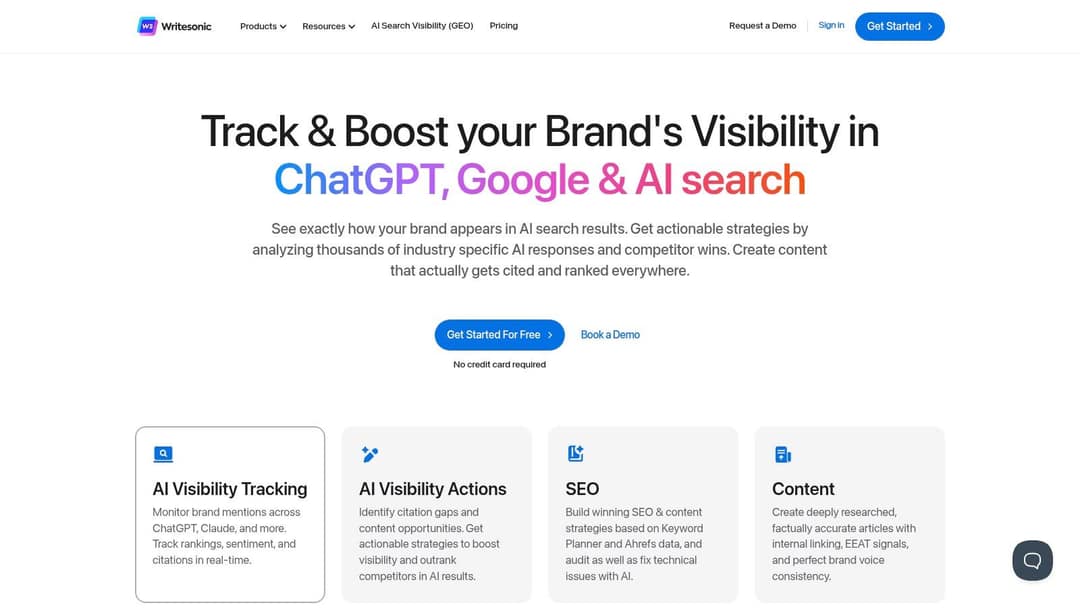
A key differentiator is Writesonic's focus on structured, multi-step workflows. For example, its AI Article Writer 4.0 guides you through generating an outline, crafting the introduction, and then building out the full article, giving you more control over the final output. This process-oriented approach, combined with built-in SEO tool integration, helps ensure the content is not only generated quickly but is also optimized for search engines from the start.
Key Details & Pricing
- Best For: Bloggers, marketers, and small business owners needing diverse content types.
- Key Features: AI Article Writer, paraphrasing tool, landing page generator, and multi-language support.
- Pros: Excellent for structured long-form content, intuitive UI, generous free trial.
- Cons: The generated text sometimes requires significant editing for tone and factual accuracy; premium plans can be pricey for solopreneurs.
- Pricing: Offers a free trial with a limited word count. Paid plans start around $13 per month for individuals and scale up for teams and businesses.
3. Copy.ai
Copy.ai positions itself as an intuitive creative partner, one of the most accessible ai tools for content creation for marketers and entrepreneurs aiming to overcome writer's block. It excels at generating a wide array of marketing copy, from engaging social media posts to compelling email subject lines, all through a streamlined and user-friendly interface. The platform is built for speed and brainstorming, helping users quickly produce multiple creative options for any given prompt.
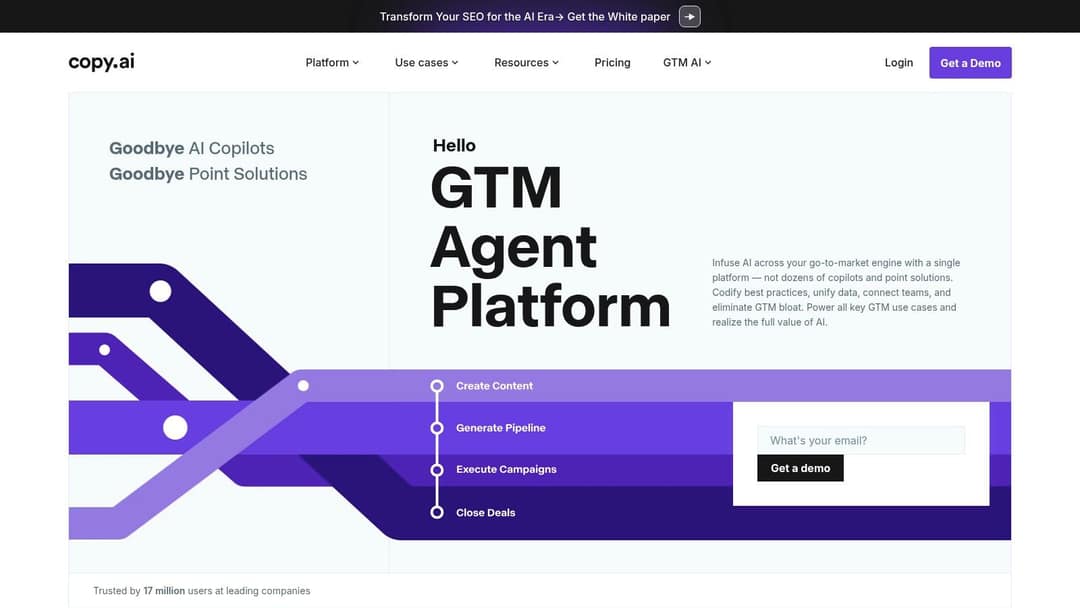
What sets Copy.ai apart is its emphasis on collaborative workflows and brand voice consistency. Its Chat feature allows for a more conversational interaction, while the Infobase lets you save key information about your brand, products, and target audience. The AI then uses this context to generate more relevant and on-brand content, a crucial step for creating engaging content for modern creators. This makes it more than just a text generator; it becomes a knowledgeable assistant.
Key Details & Pricing
- Best For: Social media managers, email marketers, and business owners needing fast, creative copy ideas.
- Key Features: Over 90 templates, brand voice and Infobase features, real-time team collaboration, and multi-language support.
- Pros: Excellent for generating creative ideas quickly, generous free plan for trial, simple and intuitive interface.
- Cons: The generated content often needs significant refinement to align with a specific brand voice; the free plan is quite limited.
- Pricing: Offers a free plan with a 2,000-word limit. Paid plans start at $36 per month (billed annually) for unlimited words and more advanced features.
4. Jasper AI
Jasper AI is often regarded as a premium player among AI tools for content creation, positioning itself as a versatile writing assistant for marketers and businesses. It excels at generating high-quality long-form content, such as blog posts and detailed articles, and crafting persuasive marketing copy. Its strength lies in its ability to adapt to a specific brand voice, ensuring that all generated content remains consistent and on-brand.

A key differentiator for Jasper is its deep integration with other essential marketing tools. The built-in partnerships with Grammarly for grammar checking and SurferSEO for on-page optimization create a powerful, all-in-one workflow. This allows content teams to move from idea to an optimized, ready-to-publish piece without leaving the platform, streamlining the content creation process and improving the potential for higher search rankings from the outset.
Key Details & Pricing
- Best For: Marketing teams, agencies, and businesses focused on producing high-quality, SEO-optimized content at scale.
- Key Features: Over 50 content templates, brand voice customization, SurferSEO integration, and support for over 30 languages.
- Pros: Excellent for high-quality content generation, customizable tone of voice, real-time collaboration features for teams.
- Cons: Pricing is on the higher end compared to some alternatives; there can be a slight learning curve for mastering its advanced features.
- Pricing: Plans are based on features and word counts, with premium plans designed for teams and businesses. A free trial is typically available.
5. Rytr
Rytr carves out its niche as one of the most accessible and affordable AI tools for content creation, making it an ideal starting point for individuals and small teams. It focuses on speed and simplicity, offering a clean, no-frills interface where users can quickly generate short-form content like social media updates, product descriptions, and email copy. Its standout feature is the sheer number of use cases and tones available, allowing for rapid customization with minimal setup.
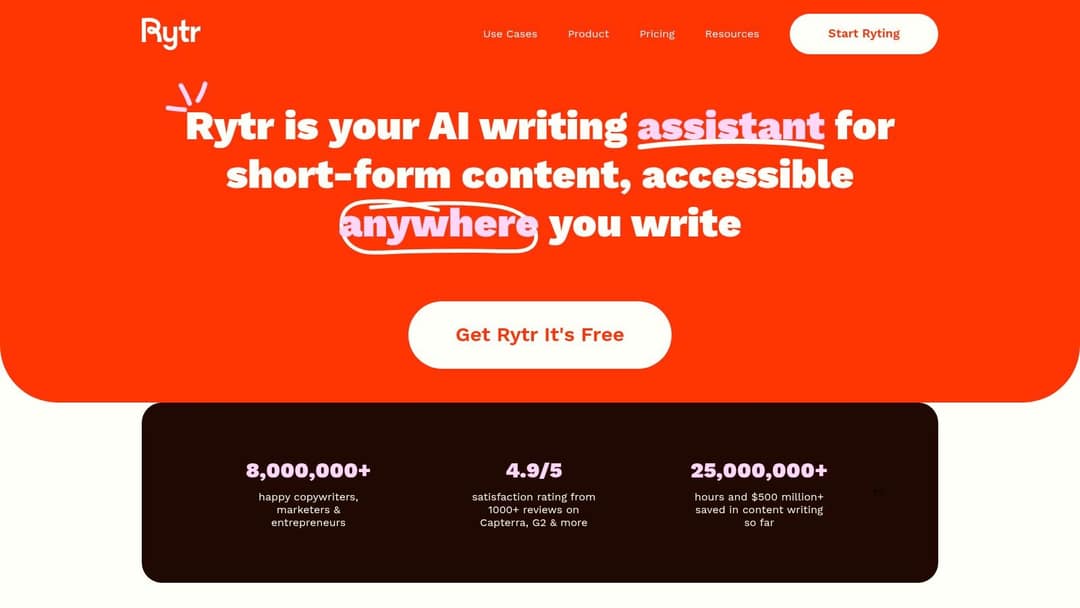
Unlike more complex platforms, Rytr's strength lies in its straightforward approach. You select a use case, provide a brief input, choose a tone, and get results almost instantly. This makes it particularly effective for high-volume, repetitive tasks where creativity needs a quick boost rather than a comprehensive, multi-step workflow. The generous free plan also provides a perfect, risk-free environment for newcomers to experiment with AI writing.
Key Details & Pricing
- Best For: Social media managers, email marketers, and solopreneurs needing quick, affordable content generation.
- Key Features: Over 40 use cases, 20+ tones of voice, multi-language support, and a built-in plagiarism checker.
- Pros: Highly affordable with a permanent free plan, extremely user-friendly interface, very fast content output.
- Cons: Lacks advanced features for long-form content structuring; free plan has a strict monthly character limit.
- Pricing: Offers a free plan with 10k characters per month. Paid plans start at just $9 per month.
6. Descript
Descript revolutionizes audio and video production by treating media like a text document, making it one of the most innovative AI tools for content creation available. Instead of navigating complex timelines, users edit their recordings by simply deleting or rearranging words in an auto-generated transcript. This text-based approach dramatically lowers the barrier to entry for podcasting, video editing, and creating social media clips, turning what was once a technical task into an intuitive word-processing exercise.
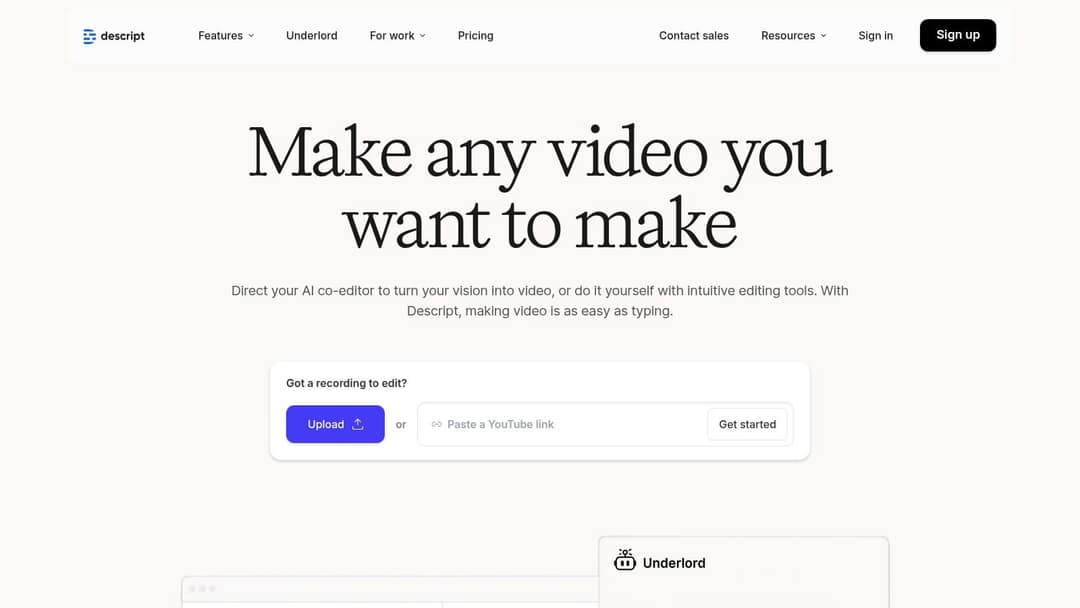
Its standout feature is Overdub, which allows you to create a clone of your own voice to correct mistakes or add new words without re-recording audio. Descript also automatically detects and removes filler words like "um" and "uh" with a single click, saving countless hours in post-production. This unique combination of transcription, editing, and voice synthesis makes it an indispensable tool for content creators aiming for professional-quality audio and video with minimal effort.
Key Details & Pricing
- Best For: Podcasters, YouTubers, and video creators who want to simplify their editing workflow.
- Key Features: Text-based audio and video editing, automated transcription with speaker identification, Overdub voice cloning.
- Pros: Intuitive interface suitable for beginners, time-saving features like filler word removal, supports collaboration with team members.
- Cons: Free plan offers limited transcription minutes; Overdub feature requires a premium subscription.
- Pricing: A free plan is available with basic features. Paid plans start at $24 per month ($16 billed annually) for more advanced features and higher usage limits.
7. Synthesia
Synthesia is a pioneering AI video generation platform that transforms text into professional-quality videos featuring AI avatars. This tool is a game-changer for businesses and creators looking to produce training materials, corporate communications, or marketing videos without the complexities of traditional filming. It effectively replaces the need for cameras, microphones, and actors, making it one of the most powerful AI tools for content creation in the video space.
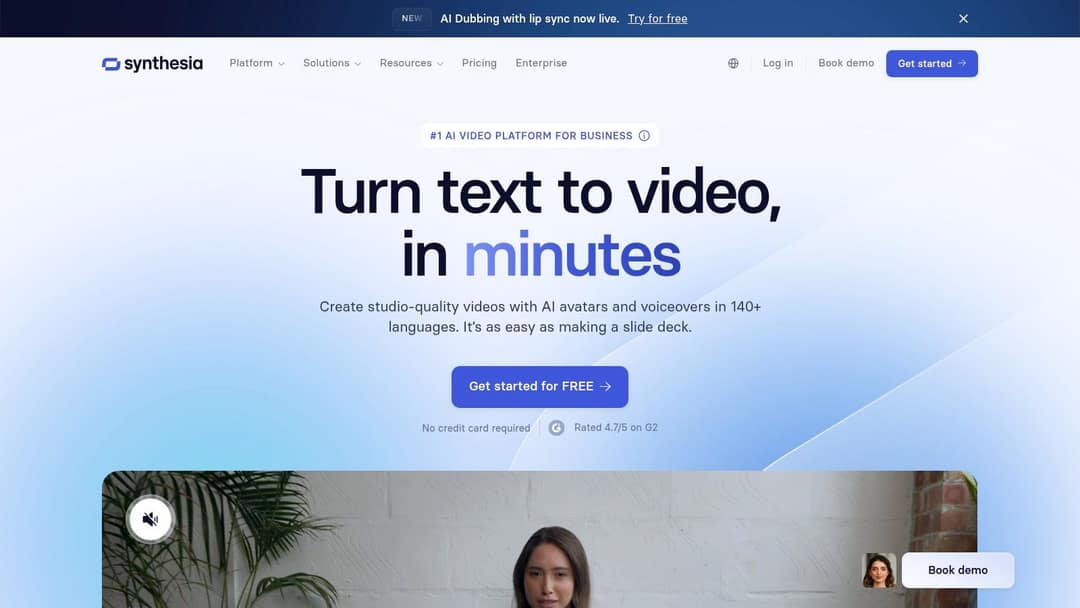
The platform's primary strength lies in its scalability and efficiency. Users can create a video simply by typing a script, choosing from over 140 diverse avatars, and selecting a language from more than 140 options. This makes localizing content for a global audience incredibly straightforward. The ability to upload custom branding assets, like logos and backgrounds, ensures that the final video aligns perfectly with brand identity, all within a user-friendly interface that requires no prior video editing skills.
Key Details & Pricing
- Best For: Corporate trainers, marketing teams, and content creators producing informational or instructional videos.
- Key Features: Over 140 AI avatars, 140+ languages and accents, custom avatar creation, and screen recording capabilities.
- Pros: Dramatically reduces video production time and costs, excellent for content localization, no technical expertise needed.
- Cons: Avatar expressions and gestures can feel robotic and lack nuance; the pricing model is aimed more at businesses than individual creators.
- Pricing: A free plan offers up to 10 minutes of video per month. Paid plans start at $29 per month for individuals, with custom pricing for corporate and enterprise needs.
8. Murf AI
Murf AI has carved out a niche as one of the premier AI tools for content creation focused on generating high-quality, human-like voiceovers. It transforms text into speech with remarkable realism, making it an essential asset for video creators, podcasters, and educators who need professional narration without the expense of a voice actor. The platform offers a vast library of voices across numerous languages and accents, providing incredible versatility for global content.
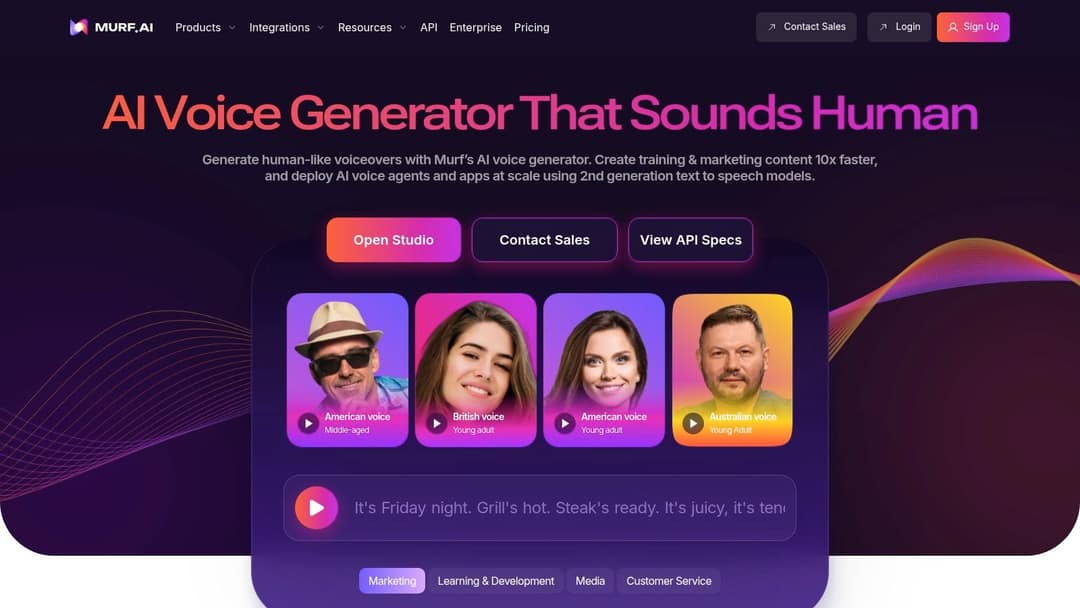
What sets Murf AI apart is its emphasis on granular control and emotional range. Users can finely tune parameters like pitch, speed, and emphasis to match the exact tone required for their project. Its standout voice cloning feature allows you to create a digital replica of your own voice, ensuring brand consistency across all audio content. The collaborative workspace also makes it easy for teams to work on scripts and audio projects together.
Key Details & Pricing
- Best For: YouTubers, podcasters, e-learning creators, and corporate training developers.
- Key Features: Over 200 AI voices, voice cloning, adjustable speech parameters, and script-to-voice editor.
- Pros: High-quality and realistic voice outputs, user-friendly interface, supports team collaboration.
- Cons: Some voices can still sound slightly robotic on complex sentences; pricing is higher than some competitors.
- Pricing: A free plan is available to test voices. Paid plans start at $19 per user per month for more extensive features and download rights.
9. Canva
Canva has evolved from a simple graphic design tool into a powerhouse platform that integrates powerful AI tools for content creation, making design accessible to everyone. It excels at helping users create professional-looking social media graphics, presentations, and marketing materials without needing any formal design training. Its intuitive drag-and-drop interface is complemented by an enormous library of templates, stock photos, and design elements.
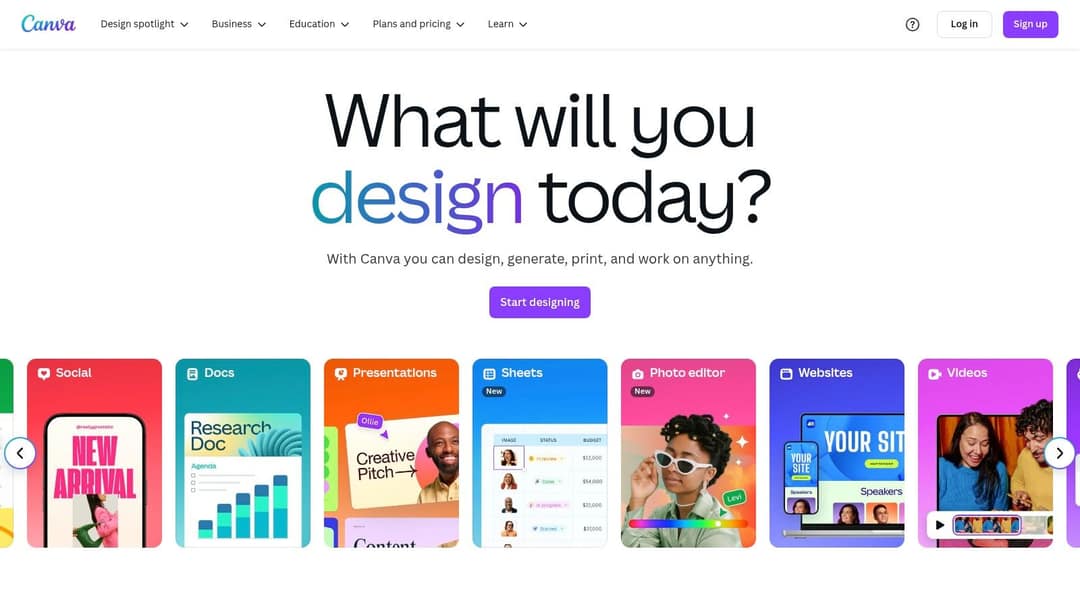
What sets Canva apart is how seamlessly it weaves AI into the design workflow. Features like Magic Write help generate text, while Magic Design suggests personalized templates based on a simple prompt or image upload. Its most praised feature, Magic Resize, allows users to instantly adapt a single design for multiple platforms, like an Instagram post, a Facebook banner, and an X header, saving creators a significant amount of time and effort.
Key Details & Pricing
- Best For: Social media managers, small business owners, and creators needing quick, high-quality visuals.
- Key Features: Magic Design, Magic Write, Background Remover tool, and Magic Resize.
- Pros: No design skills required, extensive library of templates and assets, excellent collaborative features.
- Cons: Some advanced features require a premium subscription; certain templates offer limited customization.
- Pricing: Offers a robust free plan. Canva Pro starts at $14.99 per month for one person.
Visit Canva
10. InVideo
InVideo is a powerful online video editor that leverages AI to make professional-quality video production accessible to everyone, regardless of technical skill. It is one of the standout AI tools for content creation in the video space, allowing users to transform scripts, articles, or simple ideas into engaging videos in minutes. The platform's core strength lies in its massive library of pre-made templates and its intuitive text-to-video functionality, which automates much of the creation process.
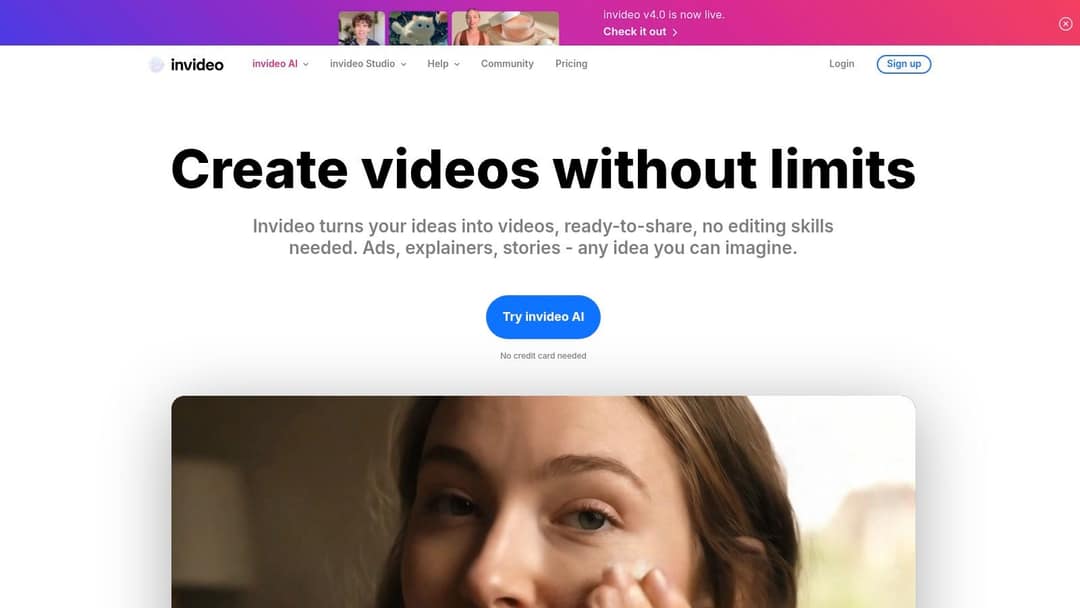
A key differentiator is its AI-powered workflow that can generate a video complete with stock footage, transitions, and automated voiceovers from a simple text prompt. This is particularly useful for creating social media content, YouTube videos, and promotional ads at scale. The drag-and-drop interface and integration with premium stock media libraries like iStock make it easy to customize the AI-generated output, ensuring a polished final product without the steep learning curve of traditional video editing software.
Key Details & Pricing
- Best For: Social media managers, YouTubers, and marketers needing to create videos quickly.
- Key Features: AI-powered video templates, automated voiceovers and subtitles, and extensive stock footage integration.
- Pros: Extremely beginner-friendly interface, vast library of templates and media assets, supports multiple languages.
- Cons: The free plan includes a watermark on exported videos; customization can feel limited compared to advanced editors like Adobe Premiere Pro.
- Pricing: Offers a free plan with watermarked exports. Paid plans start at $20 per month, unlocking premium features and removing watermarks.
11. Pictory
Pictory specializes in transforming long-form text into engaging, short-form videos, making it one of the most efficient AI tools for content creation for repurposing existing assets. The platform excels at converting blog posts, articles, and scripts into dynamic videos complete with stock footage, music, and AI-generated voiceovers. Its core strength lies in its simplicity, enabling users with no video editing experience to produce professional-looking social media content in minutes.
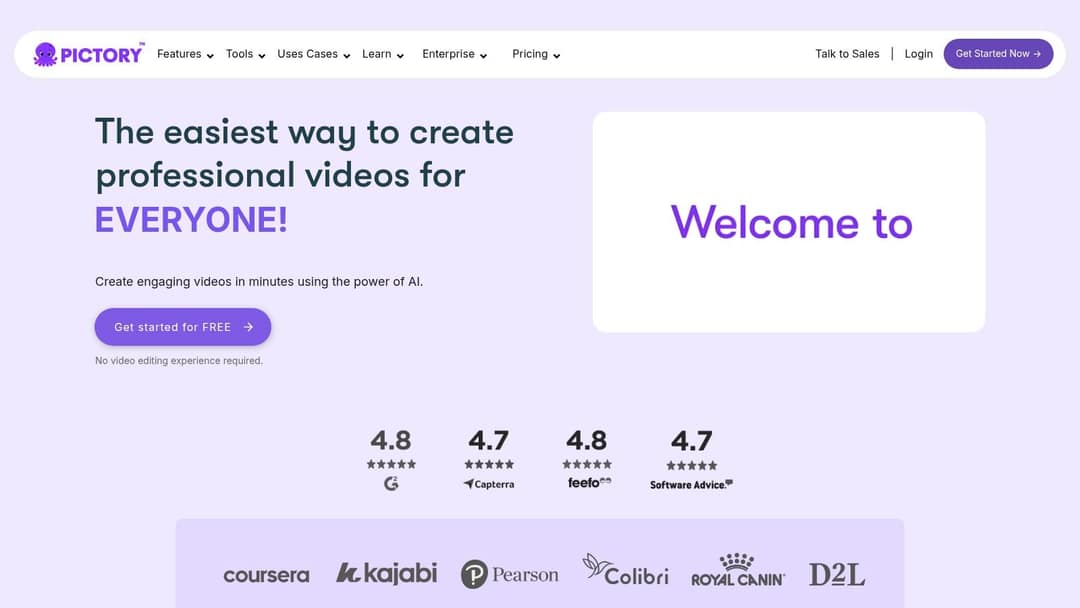
A key differentiator is Pictory’s intelligent text-to-video engine, which automatically analyzes your script, selects relevant visuals from a vast library, and adds captions. The AI also highlights key phrases to keep viewers engaged, a crucial feature for platforms like TikTok and Instagram Reels. This automated workflow significantly cuts down production time, allowing content creators and marketers to maintain a consistent video presence with minimal effort.
Key Details & Pricing
- Best For: Social media managers, bloggers, and course creators wanting to repurpose text content into video.
- Key Features: Text-to-video transformation, AI voiceover generation, automatic captioning, and auto-highlighting of key points.
- Pros: Dramatically simplifies video creation from existing content, user-friendly with a minimal learning curve, and supports multiple languages.
- Cons: AI voiceovers can lack emotional depth and sound robotic; customization options are limited for advanced video editors.
- Pricing: Offers a free trial to create up to three video projects. Paid plans start at $29 per month.
12. Freepik
While traditionally known as a massive repository for stock assets, Freepik has powerfully evolved by integrating AI tools for content creation directly into its platform. It serves as a one-stop shop for visual content, offering an enormous collection of high-quality stock photos, vectors, and templates, now complemented by AI-powered image generation and editing features. This blend makes it invaluable for creators who need both curated human-made designs and the flexibility of AI-generated visuals for their projects.
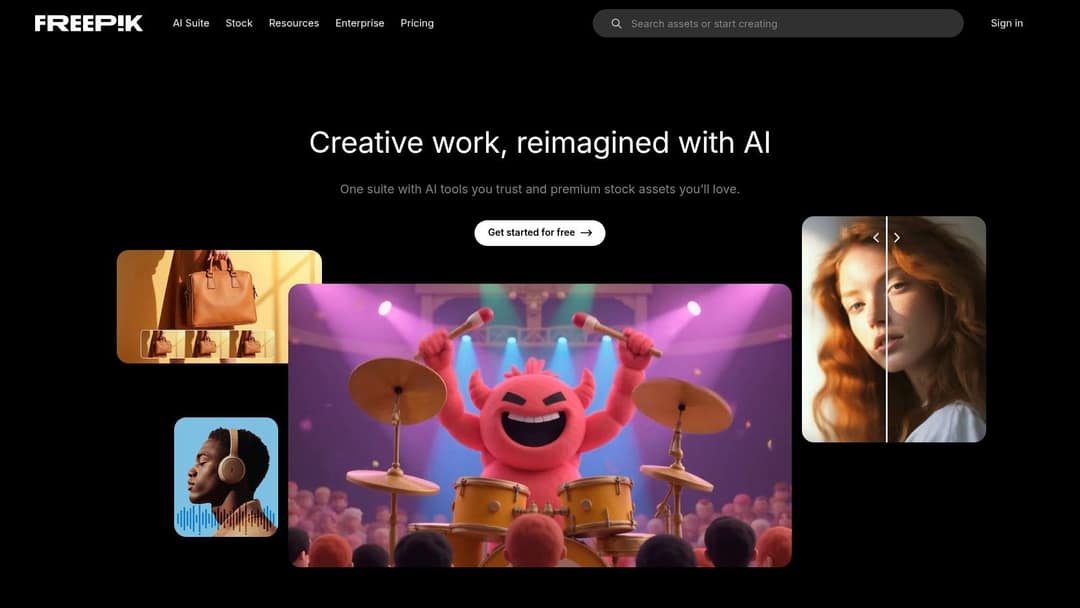
Freepik’s key differentiator is its seamless combination of a vast, high-quality stock library with accessible AI tools. Users can search for a traditional asset or use the AI image generator to create something entirely new from a text prompt. This dual-offering approach is perfect for marketers and designers who need to quickly produce social media graphics, blog banners, or presentation slides without juggling multiple subscriptions or platforms, streamlining the entire visual creation workflow.
Key Details & Pricing
- Best For: Graphic designers, social media managers, and content creators needing a vast library of visual assets and AI generation capabilities.
- Key Features: AI image generator, extensive library of stock photos and vectors, presentation and social media templates, icon collections.
- Pros: Massive and regularly updated content library, high-quality human-created resources, user-friendly interface for both browsing and AI creation.
- Cons: Free assets often require attribution; a premium subscription is necessary for full library access and unlimited AI use.
- Pricing: Offers a generous free plan with limited downloads and attribution requirements. Premium plans start around $12 per month for unlimited access and enhanced AI features.
Visit Freepik
AI Content Creation Tools Comparison
| Platform | Core Features ✨ | User Experience ★ | Value Proposition 💰 | Target Audience 👥 | Unique Selling Points 🏆 | Price Points 💰 |
|---|---|---|---|---|---|---|
| revid.ai 🏆 | AI script generation, AI video models, 70+ voice languages, direct publishing | Super-simple editor, viral-ready videos | Free to start, scalable, no skills needed | Creators, social managers, influencers, SMBs | AI-driven viral videos, 100,000+ videos rendered monthly | Free credits, paid from $39/mo |
| Writesonic | 50+ content templates, SEO tool integration | Beginner-friendly, fast content generation | Free trial available | Marketers, bloggers, social media managers | Diverse content types, SEO-focused content | Free trial, subscription |
| Copy.ai | 90+ templates, multi-language, collaboration | Easy-to-use, real-time collaboration | Free basic plan | Marketers, copywriters, content creators | Extensive templates, frequent updates | Free & paid tiers |
| Jasper AI | 50+ templates, 30+ languages, SEO tools | High quality, collaborative, customizable | Premium pricing | Marketers, agencies, SEO-focused writers | Custom tone, integration with Grammarly & SurferSEO | Higher-priced subscription |
| Rytr | Multi-language, tones/styles, simple interface | Quick generation, updated regularly | Affordable with free plan | Small businesses, freelancers, bloggers | Affordable AI writing tool | Free plan, affordable paid |
| Descript | Text-based audio/video editing, transcription | Intuitive, filler removal, collaboration | Limited free transcription | Podcasters, video editors, teams | Voice cloning, text-edit video editing | Free limited, premium needed |
| Synthesia | 140+ AI avatars, 140+ languages, customizable | No video experience needed, fast creation | Cost-effective vs traditional video | Businesses, educators, marketers | AI avatars for video, brand customization | Higher-priced plans |
| Murf AI | 200+ AI voices, voice cloning, adjustable speech | Natural voiceovers, team collaboration | Premium pricing | Video creators, presenters, marketers | High-quality voiceover realism | Premium subscription |
| Canva | AI design suggestions, Magic Resize, bg remover | No design skills needed, collaborative | Freemium | Creators, marketers, teams | Extensive templates, easy graphic/video creation | Free & premium available |
| InVideo | AI video templates, voiceovers, subtitles | Beginner-friendly, large template library | Free plan with watermark | Social media managers, marketers | Automated subtitles, multi-language support | Free w/ watermark, paid |
| Pictory | Text-to-video, AI voiceover, captioning | Easy to use, minimal learning curve | Mid-range pricing | Bloggers, marketers, repurposers | Converts blogs/articles into videos | Subscription-based |
| Freepik | Stock content, AI design tools, freemium model | User-friendly, large library | Free with attribution, premium access | Designers, marketers, content creators | Vast stock assets, AI-enhanced design | Freemium + subscription |
Integrating AI into Your Content Workflow
The landscape of content creation is undergoing a seismic shift, and the tools we've explored are at the very epicenter. From crafting compelling blog posts with Jasper and Writesonic to producing studio-quality videos with Descript and Synthesia, the potential for AI to augment our creative processes is undeniable. We've seen how platforms like Revid.ai can transform a simple idea into a high-engagement social video, while visual suites like Canva and Pictory streamline the creation of stunning graphics and video assets. The common thread among all these powerful platforms is their ability to handle the repetitive, time-consuming tasks that often hinder creative momentum.
This comprehensive list of AI tools for content creation demonstrates that the technology has moved beyond novelty and into practical, everyday application. The key takeaway is not that one tool reigns supreme, but that a strategic combination of them can build an unstoppable content engine. By understanding the specific strengths of each, from Murf AI's realistic voiceovers to Copy.ai's versatile copywriting frameworks, you can assemble a personalized toolkit that directly addresses your unique workflow challenges.
Prompt to try
Create a 30-second vertical video for small business owners titled "Stop wasting hours on your content." Hook: "Your biggest content bottleneck is costing you more than you think." Show three quick tips with clean motion graphics and a calm, confident voiceover.
How to Choose the Right AI Tools for Your Needs
Selecting the perfect AI tool can feel overwhelming, but a structured approach simplifies the process. Instead of chasing the newest or most hyped platform, start with an honest assessment of your own content creation pipeline.
- Identify Your Biggest Bottleneck: Where do you spend the most time for the least return? Is it writing initial drafts, editing video footage, creating social media graphics, or coming up with new ideas? If scriptwriting is your pain point, a text generator like Rytr or Jasper is a logical starting point. If video editing drains your resources, a tool like Revid.ai or Descript will deliver the most immediate impact.
- Define Your Primary Content Format: Are you a blogger, a YouTuber, a social media manager, or a course creator? A YouTuber would benefit immensely from video-centric tools like Synthesia or InVideo. A blogger, on the other hand, should prioritize powerful text and image generators.
- Consider Your Technical Skill Level: Many of these tools, particularly Canva and Pictory, are designed for ultimate user-friendliness. Others, while still accessible, may have a slightly steeper learning curve to unlock their full potential. Be realistic about the time you're willing to invest in learning a new system.
- Test Before You Invest: Nearly every tool on this list offers a free trial or a generous free tier. Use these opportunities to your advantage. Test the core features that matter most to you and see how the tool integrates with your existing workflow before committing to a paid subscription.
Moving from Tools to a Cohesive Strategy
Adopting these technologies is more than just learning a new piece of software; it's about fundamentally shifting your mindset. View these AI tools not as replacements for your creativity, but as tireless, highly skilled assistants. They can generate the first draft, allowing you to focus on refinement and strategy. They can handle the technicalities of video editing, freeing you up to concentrate on storytelling.
This evolution is even extending into highly specialized areas of visual content. For instance, the tedious process of getting a professional headshot can now be streamlined through AI-powered application photo creation, showcasing how AI is simplifying niche tasks and saving creators valuable time. By embracing these advancements, you empower yourself to produce more, maintain higher quality, and avoid creative burnout. The future of content belongs to those who learn to collaborate effectively with their new AI partners, creating smarter, not just harder.
Ready to revolutionize your video content workflow? If your goal is to create engaging, viral-ready social media videos with unprecedented speed, then revid.ai is your ultimate solution. Visit revid.ai to see how you can turn any idea, article, or audio into captivating videos in minutes, complete with dynamic captions, visuals, and voiceovers.