On this page
The best AI video creation tools in 2026 depend on what you start from:
- From an idea or link to a finished short-form video: Revid.
- Single AI clips: Runway, Pika and Luma.
- Avatar presenters: Synthesia and HeyGen.
- Editing footage you already have: Descript, VEED and Kapwing.
- Template design: Canva and Adobe Express.
Most of these products rent the same engines. Google Veo, Seedance, Kling, Wan and MiniMax Hailuo are sold through APIs to many video tools, Revid included, so the same prompt sent to the same model returns comparable clips in two different apps. What you actually pay for is everything around the model: the script, voice, captions, editing, publishing, and how good the input is.
AI video creation tools compared
| Tool | Best for | You start from | Entry price* | Free option |
|---|---|---|---|---|
| Revid | Finished TikToks, Reels and Shorts, published for you | An idea, link, script, song or viral reference | $39/month | Free sign-up with free credits to try video creation, no card needed |
| InVideo AI | Prompt-to-video built on stock footage | A prompt | $20/month per seat | Watermarked free plan with weekly limits |
| Runway | Cinematic clips with shot-level control | A prompt or image | $15/month | 125 one-time credits, watermarked |
| Pika | Effects on generated clips and your own footage | A prompt, image or clip | $8/month billed yearly | Free account; you buy credit packs; no commercial license |
| Luma Dream Machine | Image-to-video with natural motion | A prompt or image | See Luma's pricing page | Free plan |
| Synthesia | Corporate training with avatar presenters | A script or slides | $29/month | Up to 10 minutes of video a month |
| HeyGen | Realistic avatars and video translation | A script | $29/month | 3 watermarked videos a month, up to 1 minute each |
| Descript | Editing talking videos and podcasts | A recording | $24/month ($16 billed yearly) | 60 media minutes a month, 720p |
| VEED | Browser editing with auto-subtitles | Your footage | About $10 to $24/month | Watermarked, 720p |
| Kapwing | Team editing with AI helpers | Your footage | See Kapwing's pricing page | Free plan with limits |
| Canva | Design work plus short AI clips | A template | €110/year (Pro) | 1.6 million+ templates; AI clips on paid plans only |
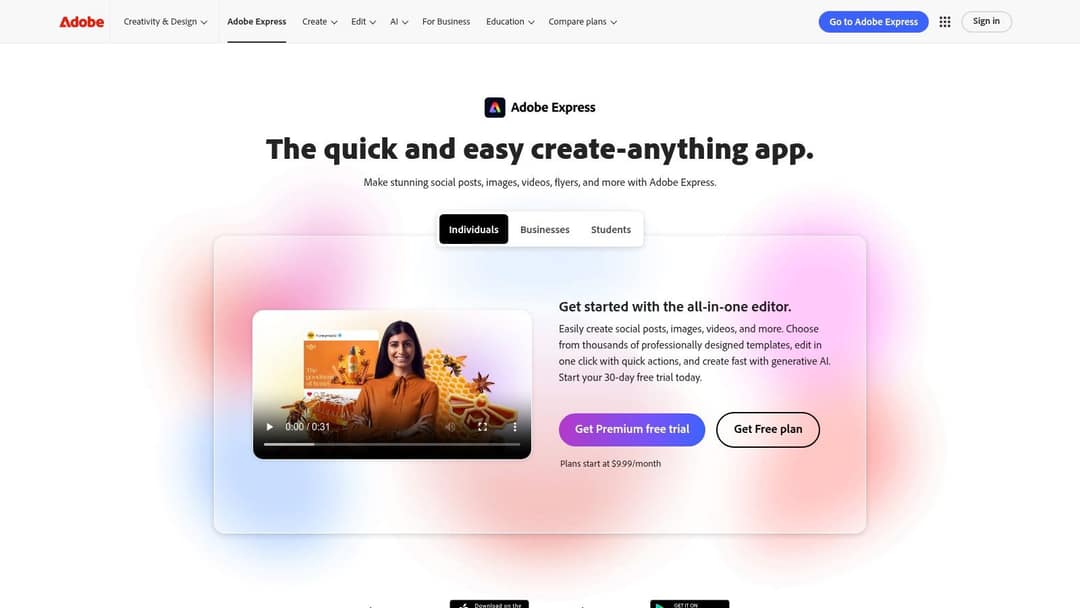
| Adobe Express | On-brand social content with Firefly | A template | See Adobe's pricing page | Free plan |
*Competitor prices as checked in August and September 2026; confirm on each vendor's site before you buy. Revid's live price list is on the Revid pricing page.
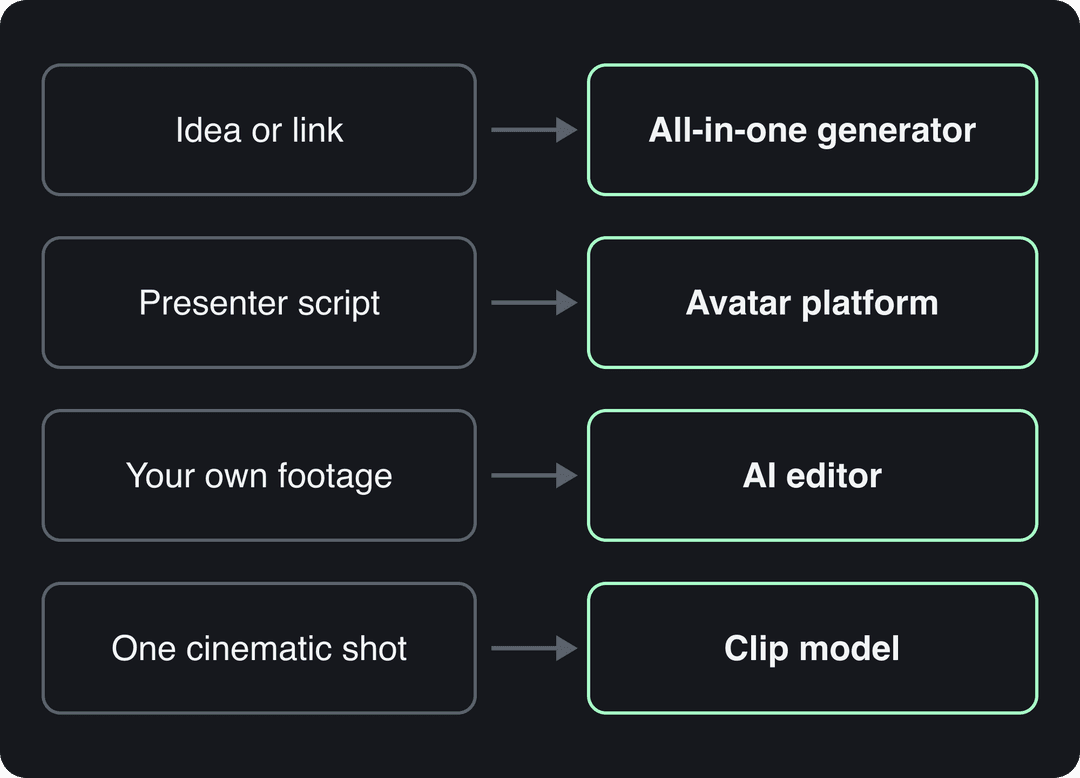
Which type of AI video tool do you need?
- An idea, an article or a link that should become a finished, captioned vertical video: use an all-in-one generator (Revid, InVideo AI).
- One striking shot (B-roll, a product reveal, a concept): use a clip model (Runway, Pika, Luma). You still have to voice, caption and assemble it somewhere else.
- A person who has to present on screen without filming: use an avatar platform (Synthesia, HeyGen).
- Footage you already shot: use an AI editor (Descript, VEED, Kapwing).
- Video as one part of a wider design workload: use Canva or Adobe Express.
All-in-one generators: from idea to published video
1. Revid
Revid turns an idea, a script, a link, a song or a reference video into a finished short-form video. It produces the script, scene-by-scene visuals, voice-over, synced captions and music, then publishes directly to TikTok, Instagram and YouTube. It is built for founders and small business owners first, and is also used by creators, agencies and developers.
What separates it from other generators is where a video starts. Revid includes a searchable library of about 2.77 million real short-form videos and posts with their public engagement data. Instead of typing a blank prompt, you can start from a format audiences already watch and turn it into an original video. When Revid writes a script from a prompt in automations and several tools, it first pulls transcripts of related TikToks with more than 10,000 likes as references for style and story.
- Visuals: stock footage, AI images, motion graphics or AI video. The video models are Seedance 2.5, MiniMax Hailuo H3, Wan 3.0 and Google Veo 3, chosen per scene under one credit system.
- Voice and captions: 1,000+ AI voices in 70+ languages, 30 caption styles and automatic captions in 100+ languages.
- Editing and export: a full timeline editor, with export in 720p, 1080p or 4K at 30 or 60 fps.
- Automation: Auto-Mode workers create a fresh video every day from a prompt or a content source (3 on Growth, 5 on Elite, 10 on Ultra). Shared team workspaces cover agencies running client accounts.
- Developers: a REST API, an MCP server and a CLI are included on every paid plan.
Sign-up is free, with no credit card needed, and new accounts get free credits to try video creation. Regular creation then uses credits from a paid plan, starting at $39/month (Growth, 2,000 credits). A 30-second video with Pro AI visuals and a voice-over costs about 40 to 80 credits.
It is not the right pick for long-form or cinematic film work edited shot by shot, for corporate training with a fixed presenter, or for editing only your own footage by hand. To try it, open the AI video generator, paste a link or describe the video, review the script and scenes, then publish.
2. InVideo AI
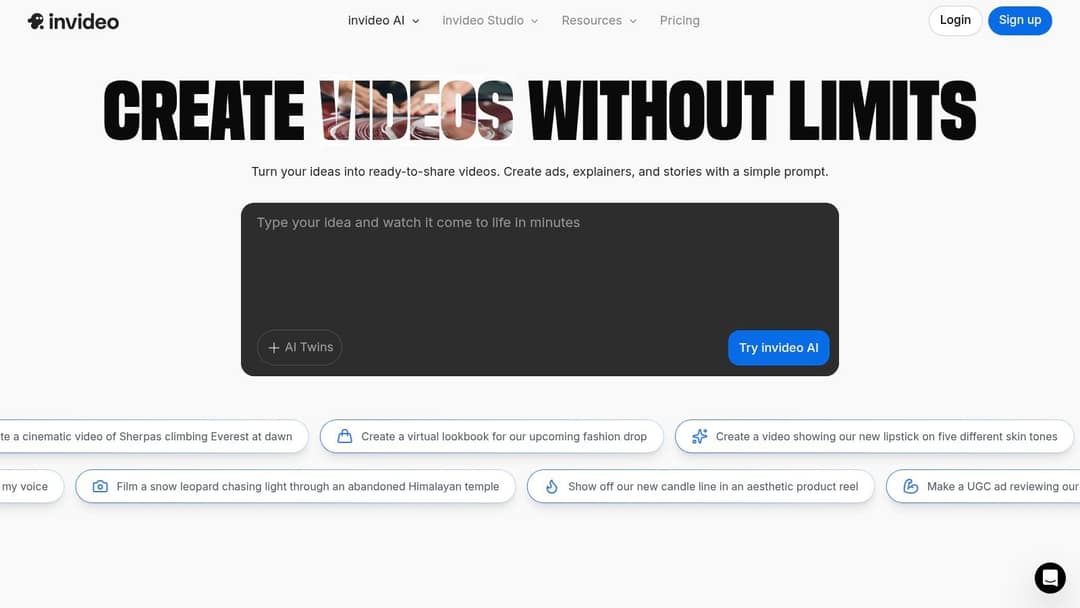
InVideo AI builds a full video from one prompt: script, stock scenes, voice-over and music. You edit through a chat-style agent by typing commands instead of working on a timeline.
It includes a 16M+ stock library with metered iStock assets on paid plans and a menu of third-party AI models. AI avatars and voice clones are available from the entry tier ($20/month per seat on Starter).
It suits faceless explainers and YouTube videos built on stock footage. The trade-off: when a scene is wrong, you re-prompt rather than fix it by hand. See the Revid vs InVideo comparison for the differences.
AI clip generators: one shot at a time
3. Runway
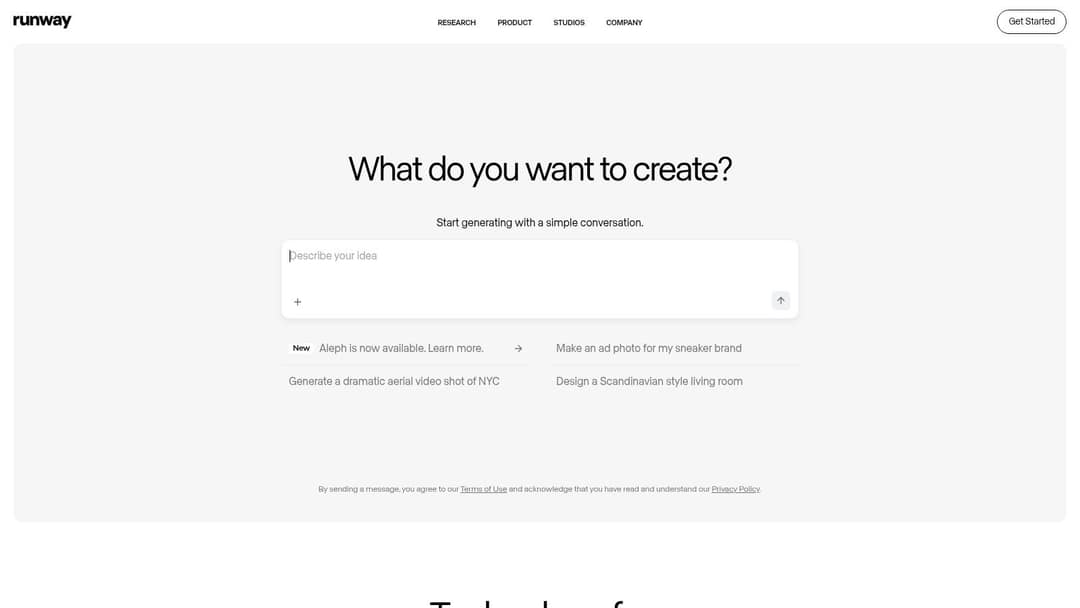
Runway has some of the highest-rated generation quality available with its Gen-4.5 model. Its Aleph tools add shot-level control: camera moves, relighting and object removal on clips.
It also offers native audio and motion transfer, plus a developer API and MCP server. Plans start at $15/month (Standard); the free plan gives 125 one-time credits with a watermark.
Use it for B-roll, cinematic shots and effects on footage you already have. It gives you clips, not finished videos: script, voice, captions and publishing are up to you. Read how Runway compares with Revid if you need both.
4. Pika
Pika is the playful one, built around effects nothing else has:
- Pikadditions inserts AI characters and objects into footage you filmed.
- Pikaswaps replaces elements in a clip.
- Pikaffects applies stylized effects.
Generations take 1 to 2 minutes and credits roll over. Paid plans start at $8/month billed yearly. The free account includes all models with no watermark, but you buy one-time credit packs and get no commercial license. Pick it for memes, effects-driven Reels and quick creative tests.
5. Luma AI Dream Machine
Luma's Dream Machine generates clips from text or still images, with a focus on natural motion. It runs on Luma's Ray video models and Photon image models, on the web and on iOS.
It has a free plan. Paid plans include commercial rights, and an API covers both video and image models. Use it to animate product photos, artwork or storyboard frames.
Avatar platforms: presenter videos without a camera
6. Synthesia
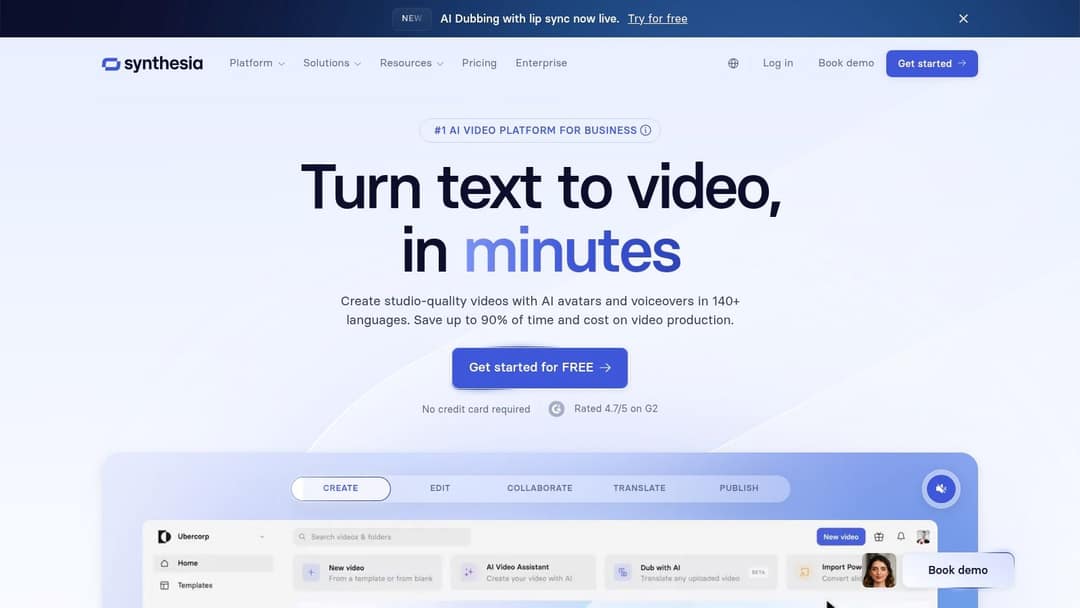
Synthesia is built for corporate training and internal communications at enterprise scale. Its Express-2 avatars use full-body gestures, it supports 140+ languages, and its slide-based workflow feels familiar to L&D teams.
It adds SCORM/LMS export and SSO. Plans start at $29/month. The free plan covers up to 10 minutes of video a month with 9 stock avatars, and logo removal is paid. See Synthesia compared with Revid for social video versus training video.
7. HeyGen
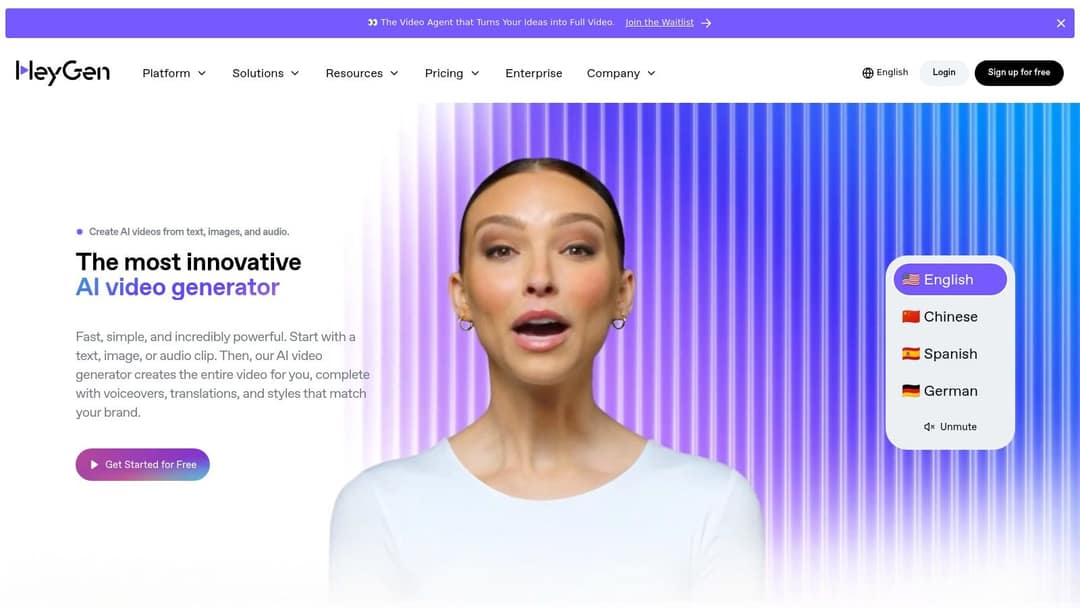
HeyGen has some of the most realistic avatars and digital twins available. Its video translation lip-syncs a recording into 175+ languages, and LiveAvatar runs real-time, interactive avatars.
It offers an API. Plans start at $29/month ($24 billed yearly); the free plan gives 3 watermarked videos a month, up to 1 minute each. Read HeyGen vs Revid if you are choosing between a presenter and a full short-form pipeline.
AI editors: for footage you already have
8. Descript
Descript lets you edit video by editing its transcript: delete a sentence and the matching footage is cut. It suits podcasts, tutorials, interviews and recorded explainers.
It includes Studio Sound, filler-word removal, Underlord (an AI co-editor) and Create Clips for repurposing long recordings. Plans start at $24/month or $16 billed yearly. The free plan gives 60 media minutes a month at 720p. More in Descript vs Revid.
9. VEED
VEED is a full browser editor: multi-track timeline, screen recording and brand kits. Its auto-subtitles and translation are among the best known in the category.
It adds AI dubbing, eye-contact correction, 30+ stock avatars and Seedance generation inside the editor when you need a clip. Plans run about $10 to $24/month; the free plan exports at 720p with a watermark.
10. Kapwing
Kapwing is a collaborative online editor that automates repetitive jobs: subtitles and translation, background removal, a silence remover and text-to-speech. Shared workspaces, brand kits and social templates help teams stay consistent. It does not generate videos from a prompt; it speeds up editing the ones you have.
Design suites with AI video
11. Canva
Canva is one tool for all design work, with the gentlest learning curve here. Paid plans can generate short Veo 3 clips with synchronized audio, which you drop into templates; this is not available on the free plan.
The free plan includes 1.6 million+ templates and a small AI allowance. Pro costs €110/year.
12. Adobe Express
Adobe Express combines templates, Adobe stock media and Firefly generative AI for images and text effects. It also offers brand kits and social scheduling.
It is not a text-to-video generator. It is the right pick when your team already works in Adobe and needs on-brand social posts fast.
Prompt to try
Make a 30-second vertical video on 3 mistakes people make when starting a home herb garden. Open with the hook "Your basil is dying because of this one habit." Use bright, realistic close-up visuals, a warm friendly voiceover and bold captions, ending with a quick tip to save the plant.
How do you choose an AI video editor for short-form content and Reels?
Run every candidate through five checks before paying:
- Vertical by default. It should output 9:16 natively, not a cropped 16:9 frame.
- Editable captions. You want burned-in captions you can restyle, because most short-form viewing starts muted.
- Real control. You need a way to fix one bad scene, through a timeline or scene editor, without regenerating everything.
- Publishing. Direct posting and scheduling to TikTok, Instagram and YouTube saves a download-and-upload loop every day.
- Cost per finished video. Price one 30-second video in credits, not the monthly plan.
If you need to post vertical videos daily without hiring an editor, choose a tool that both generates and schedules: Revid's Auto-Mode workers or InVideo AI. If you already film yourself, an editor like Descript or VEED will be faster than any generator.
Which platforms give you several AI video models in one place?
To test styles without paying for five subscriptions, use a tool that bundles models:
- Revid offers Seedance 2.5, MiniMax Hailuo H3, Wan 3.0 and Google Veo 3, chosen per scene, so one video can mix a realistic shot with a stylized one.
- InVideo AI includes a menu of third-party models in one plan.
- Higgsfield covers 30+ models plus cinematic camera presets (dolly, crane, FPV, bullet time), from about $15/month billed yearly.
- Kaiber offers a creative canvas where you pick the model yourself.
If you want the most control over camera angles and motion from a written description, Runway (with Aleph) and Higgsfield's presets give you the most direct handles. Send the same prompt to two models and compare. Since the models are shared across tools, that is the fastest way to learn which look fits your content.
What is the best AI platform to create both images and videos?
For design-led work, Canva and Adobe Express handle images, graphics and video in one place. For generation, Luma pairs Photon images with Ray video, and Higgsfield adds 4K image generation alongside clips. Revid uses AI images and AI video as scene visuals inside one finished video, which suits creators who switch between realistic and stylized looks from scene to scene.
Which AI tools find repurposable moments in long videos?
Clipping tools scan a long recording and pull out the moments worth posting:
- OpusClip ranks moments with a virality score, adds animated captions and reframes talking-head footage. It starts at $15/month and offers an API and MCP server. The free plan exports 1080p with watermarked captions, and media expires after 3 days.
- Klap offers highlight-finding, virality scoring and captions in 52 languages, plus a public API. It costs $29/month or $14 billed yearly.
- Vizard is strong on webinars and interviews. Its free plan gives 60 credits a month (1 credit is 1 minute of video) at 720p with a watermark.
- Descript Create Clips fits if you already edit there.
To post daily Shorts on a budget, test the free plans of Vizard and OpusClip first. For original clips rather than cut-downs, Revid's YouTube clip maker turns a long YouTube video into vertical clips inside the same workflow that creates and publishes new videos.
Which AI editors keep repurposed clips on brand?
Pick a tool with a brand kit, then set your logo, fonts, colors and caption style once. VEED, Kapwing, Canva and Adobe Express all store brand kits and templates your whole team can reuse. Synthesia and HeyGen do the same for presenter videos. This also covers teams making training or documentation videos from a shared template.
OpusClip vs InVideo vs VEED: which for short-form content?
They solve different problems, so the right one depends on your starting material:
| If you have... | Pick | Why |
|---|---|---|
| Long recordings (podcasts, streams, webinars) | OpusClip | It finds and cuts the best moments for you |
| Only an idea or a prompt | InVideo AI | It builds the whole video from stock footage |
| Footage you want to edit by hand | VEED | It gives you a full timeline with AI subtitles |
Which AI tools recreate viral formats like the reveal or transformation?
This is the job Revid is built for. You start from a real video that already performed and rebuild its structure for your topic, without editing frame by frame:
- Search the viral library by topic, platform, engagement tier and length.
- Open a video and run a free deep analysis (up to 60 a day). It breaks down the hook, the timed structure and the scroll-stopping moment.
- Choose "Make it about your topic" or "Same energy, new script".
- Revid keeps the spoken structure, timing and tone, then writes new words, new visuals and an original music direction.
- Adjust scenes in the timeline and publish or schedule.
The full workflow is on the viral video repurposing page.
What's the best AI tool for long-form explainer videos?
For long explainers with custom avatars, Synthesia and HeyGen are the strongest options, and both are common Elai.io alternatives. Synthesia leans toward structured training (slides, LMS export); HeyGen leans toward realistic digital twins and translation.
For walkthroughs your product managers can follow, such as architecture or software demos, record your screen in Descript or VEED and edit by transcript. Short-form generators, Revid included, are not built for long explainers.
Which tools offer live or real-time AI video?
Few do. HeyGen's LiveAvatar runs real-time, interactive avatars for conversational uses. Every other tool in this list renders a video file that you then publish, so check each vendor's product page before you plan a live use case.
Input
A 15-second vertical (9:16) UGC streetwear fashion transformation video filmed on a smartphone.
Output
Which AI tools turn product photos into ad creatives?
- Revid creates product videos and UGC-style ads from a product page or website URL. This also works for local businesses such as home services. Its resize tool converts output to 9:16, 4:5, 16:9 or 1:1 for different placements.
- Creatify turns a URL into an ad with AI actors and can batch-generate up to 50 ad variants for testing, from $39/month.
- Runway, Pika and Luma animate single product shots that you can cut into an ad yourself.
Which AI video tools have an API?
| Tool | What you can automate |
|---|---|
| Revid | Search viral videos, create and publish videos (REST API, MCP server, CLI on every paid plan) |
| Runway | Clip generation (API and MCP server) |
| Luma | Video and image generation |
| Synthesia, HeyGen | Avatar video creation |
| OpusClip, Klap | Clipping and repurposing long videos |
Next step
Pick two tools from different categories above and give both the same 30-second project, such as turning one blog post into a vertical video. The one that gets you to a publishable result with the fewest fixes is your tool.
The same shift toward AI-assisted production is hitting other media too; this overview of AI trends in the publishing industry shows how it is changing books. For a broader list that includes script and voice tools, see our guide to AI tools for video creation.
FAQ
What free AI video generator works for site safety briefings or training?
Synthesia's free plan is the closest fit: up to 10 minutes of avatar video a month with 9 stock avatars, though the logo stays on. If someone records the briefing, Descript's free plan (60 media minutes a month) lets you edit it by transcript.
Which AI video tools give you ownership of the generated video and script?
It depends on each tool's terms and plan, so read them before client work. Free plans often limit commercial use: Pika's free plan has no commercial license, and Luma grants commercial rights on paid plans. On Revid, you are responsible for having the rights to anything you reuse from a reference.
What are the most beginner-friendly video tools with templates?
Canva, Adobe Express and Kapwing have the gentlest learning curves and large template libraries. If you would rather not edit at all, an all-in-one generator like Revid builds the whole video from a prompt or link.
What are the best AI tools for cinematic transitions and effects on short videos?
Runway's Aleph handles camera moves, relighting and object removal, and Pika's Pikaffects adds stylized effects. Submagic adds b-roll, zooms and sound effects to clips you already have. Revid's AI VFX editor applies an effect you describe in words to your footage.
Is Revid worth it?
Revid is worth it if you publish short-form video regularly and want research, creation and publishing in one place. It starts at $39/month with the API included. It is the wrong choice for long-form film editing or corporate training presenters, where Runway, Premiere Pro or Synthesia fit better.