On this page
The best AI video generator for YouTube depends on what you start with. Revid turns an idea or a link into finished, published Shorts; Runway makes cinematic B-roll; Synthesia and HeyGen make avatar presenters; Descript edits your own recordings; InVideo and Pictory turn scripts and articles into stock-footage videos.
YouTube now sees over 200 billion Shorts views a day (YouTube, August 2026), so the volume these tools promise is tempting. The catch most AI channels miss: YouTube does not monetize AI videos made from generic templates that look mass-produced. The tool you pick matters less than whether the finished video carries your own idea, and some tools make that much easier than others.
The 12 best AI video generators for YouTube at a glance
| Tool | Best for | Starts at | Free option |
|---|---|---|---|
| Revid | Idea or link to published Shorts, faceless channels | $39/month | Free sign-up with free credits to try it; regular creation uses paid-plan credits |
| Runway | Cinematic B-roll and single clips | $15/month | 125 one-time credits, watermarked |
| InVideo | Prompt-to-video with stock media | $20/month per seat | Watermarked plan with weekly limits |
| Pictory | Blog posts and webinars to video | $29/month | Free trial |
| Synthesia | Training videos with avatar presenters | $29/month | Up to 10 minutes a month, 9 stock avatars |
| Descript | Editing recorded talking videos and podcasts | $24/month ($16 billed yearly) | 60 media minutes a month, 720p |
| VEED | Browser editing with subtitles and dubbing | About $10 to $24/month | Watermarked, 720p |
| Fliki | Voice-led explainers | $28/month ($21 billed yearly) | Watermarked, 720p, 1-minute max |
| Elai | Avatar presentations for learning | Check elai.io | Free trial |
| HeyGen | Realistic avatars and video translation | $29/month ($24 billed yearly) | 3 watermarked videos a month, up to 1 minute |
| Kapwing | Team editing, subtitles, resizing | Check kapwing.com | Free tier with watermark |
| Lumen5 | Articles to branded social videos | Check lumen5.com | Free plan with watermark |
Prices come from Revid's head-to-head comparison pages, checked in August and September 2026. Plans change often, so confirm on each tool's pricing page before you pay.
How to choose an AI video generator for your channel
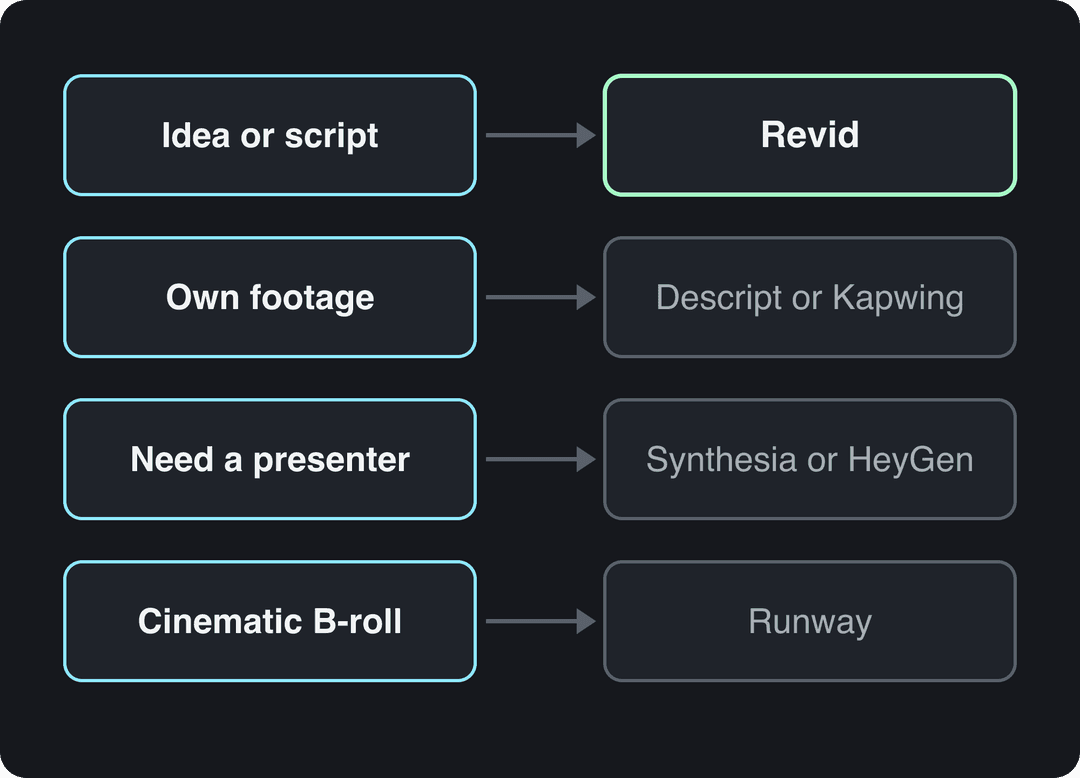
Start from your input, not from a feature list. Each type of tool is built around one starting point:
- If you start from an idea, a topic or a link and want Shorts published on a schedule, use a full pipeline that writes, voices, captions and posts: Revid.
- If you start from your own recordings (podcasts, streams, talking videos), use an editor such as Descript, and cut Shorts from the long video with a clipping tool.
- If you need a presenter on screen without filming, use an avatar platform: Synthesia for training, HeyGen for marketing and translation.
- If you need cinematic B-roll for a long-form video, use a clip generator such as Runway, then assemble the edit yourself.
- If you turn your own blog posts into 16:9 videos, use Pictory, Lumen5 or InVideo.
- If a team edits together in the browser, use VEED or Kapwing.
- If the voice carries the video, use Fliki.
A tool only saves time if the rest of your process keeps up. For the planning side (idea backlog, batching, review), this guide to building a content creation workflow on getlate.dev is a useful checklist.
1. Revid
Revid is an AI video platform that turns an idea, a script, a link or a proven viral format into a finished short-form video and publishes it to YouTube, TikTok and Instagram. It covers the whole loop in one product: script, scene-by-scene visuals, voice-over, synced captions, music, a timeline editor and direct publishing.
What sets it apart is where a video starts. Revid includes a searchable library of about 2.77 million real short-form videos with their public engagement data. In automations and several tools, when it writes a script from a prompt, it first pulls transcripts of related TikToks with more than 10,000 likes as references for style and story, so the draft starts from formats audiences already watch instead of a blank prompt.
- Best for: faceless Shorts channels, founders and small businesses making product and explainer Shorts, and anyone repurposing links or long videos into vertical clips.
- AI models: Seedance 2.5, MiniMax Hailuo H3, Wan 3.0 and Google Veo 3, chosen per scene under one credit system.
- Voices and captions: 1,000+ AI voices in 70+ languages and automatic captions in 100+ languages.
- Output: export in 720p, 1080p or 4K at 30 or 60 fps, or publish and schedule straight to YouTube.
- Automation: Auto-Mode workers create a fresh video every day from a prompt or a content source (3 on Growth), and the API, MCP server and CLI come with every paid plan.
- Pricing: free sign-up with free credits to try video creation (no credit card needed); regular creation uses credits from a paid plan starting at $39/month (Growth, 2,000 credits). A 30-second video with Pro AI visuals and a voice-over costs about 40 to 80 credits.
- Limits: built for short-form. For a hand-cut long-form film, a professional editor such as Premiere Pro or DaVinci Resolve fits better, and AI generation always uses credits.
More than 100,000 videos are rendered on Revid every month, and 400+ creators have passed 100,000 views with videos made on it.
How to make a YouTube Short with Revid
- Open the AI YouTube Shorts generator and enter an idea, a script or a link.
- Review the script Revid writes, then pick a voice and a visual style (stock footage, AI images or AI video, with a model per scene).
- Fix any scene, caption or music cue in the timeline editor.
- Export in 1080p or 4K, or publish and schedule the Short to your YouTube channel from the same queue.
Already have long videos? The YouTube clip maker turns a long YouTube video into short vertical clips from its link. For channels that never show a host, the faceless video generator starts from a topic and a voice.
2. Runway
Runway is a model lab for creators who want shot-level control. Its Gen-4.5 model generates clips from text or images, and Aleph handles camera moves, relighting and object removal on footage. It produces single clips: scripting, voice, captions, assembly and publishing are up to you, which is why it suits B-roll for long-form videos better than finished Shorts. See how it differs from a full pipeline in Revid vs Runway.
- Best for: creative YouTubers and filmmakers who need custom, cinematic B-roll.
- Pricing: from $15/month (Standard). The free plan gives 125 one-time credits, watermarked, on select models.
- Standout: frontier features land here first, including native audio and motion transfer.
- Limits: credits go fast at high volume, and keeping a character consistent across scenes takes work.
Tip: write prompts like a shot list. Instead of "a car driving", try "cinematic wide shot of a vintage red sports car on a coastal road at sunset, golden hour light".
Website: runwayml.com
3. InVideo
InVideo is built around a chat-style agent: you describe the video, it assembles a script, stock footage and voice-over, and you edit by typing commands. It draws on a 16M+ stock library (with metered iStock assets on paid plans) and bundles AI avatars and voice clones from the entry tier. Compare the two approaches in Revid vs InVideo.
- Best for: new YouTubers making listicles, explainers and Top 10 videos fast.
- Pricing: from $20/month per seat (Starter). The free plan has a watermark and weekly generation limits.
- Standout: several third-party video models in one subscription.
- Limits: precise fixes happen by re-prompting rather than in a hand-edited timeline, and stock picks can feel generic.
Tip: write your script in short, distinct sentences. Each sentence becomes a clearer cue for the footage search.
Website: invideo.io
4. Pictory
Pictory turns blog posts, scripts and URLs into videos at volume, and auto-clips highlights out of Zoom, Teams and webinar recordings. It summarizes your text into scenes and matches each one with footage from a 12M+ licensed stock library from Getty Images and Storyblocks, with ElevenLabs voices on premium plans.
- Best for: bloggers and marketers turning their own articles into YouTube videos.
- Pricing: from $29/month, with a free trial on all plans and no permanent free tier.
- Standout: a gentle scene-based editor plus an enterprise REST API and MCP server for automated repurposing.
- Limits: output has a stock-footage look, and it is less suited to original, imaginative content.
Tip: after the first draft, swap the stock clips in your two or three key scenes by hand. That small step does the most for quality.
Website: pictory.ai
5. Synthesia
Synthesia makes presenter-led videos with AI avatars: type a script, pick an avatar and a voice, and render. Its Express-2 avatars use full-body gestures, it covers 140+ languages, and it exports to SCORM and LMS platforms. It is the reference tool for training and internal communication; see where it sits next to short-form tools in Revid vs Synthesia.
- Best for: educational channels, corporate trainers and course creators.
- Pricing: from $29/month. The free plan includes up to 10 minutes of video a month with 9 stock avatars.
- Standout: re-render a whole video when the script changes, in many languages, with the same presenter.
- Limits: the format is a presenter on a background, built for training more than for Shorts or cinematic B-roll.
Tip: break avatar scenes with on-screen text, images or screen recordings so viewers are not watching one talking head for minutes.
Website: synthesia.io
6. Descript
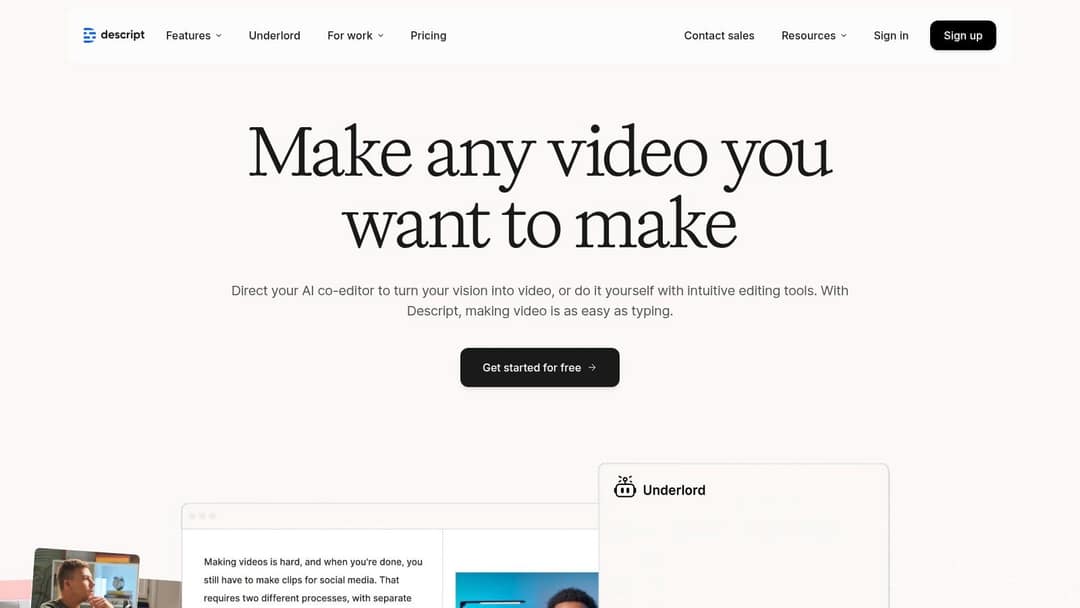
Descript edits recorded video by editing its transcript: delete a sentence in the text and the matching video and audio are cut. It adds recording, Studio Sound, filler-word removal, Underlord (an AI co-editor) and Create Clips for repurposing long recordings. It is an editor for footage you have, not a generator of visuals.
- Best for: podcasters, interview channels and tutorial creators who record themselves.
- Pricing: from $24/month ($16 billed yearly). The free plan gives 60 media minutes a month, 100 one-time AI credits and 720p export; watermark-free export starts on paid plans.
- Standout: rough cuts at the speed of editing a document.
- Limits: you need source recordings, and transcripts still need a proofread.
Tip: run filler-word removal on a raw recording first; it clears "um" and "uh" before you start cutting.
Website: descript.com
7. VEED
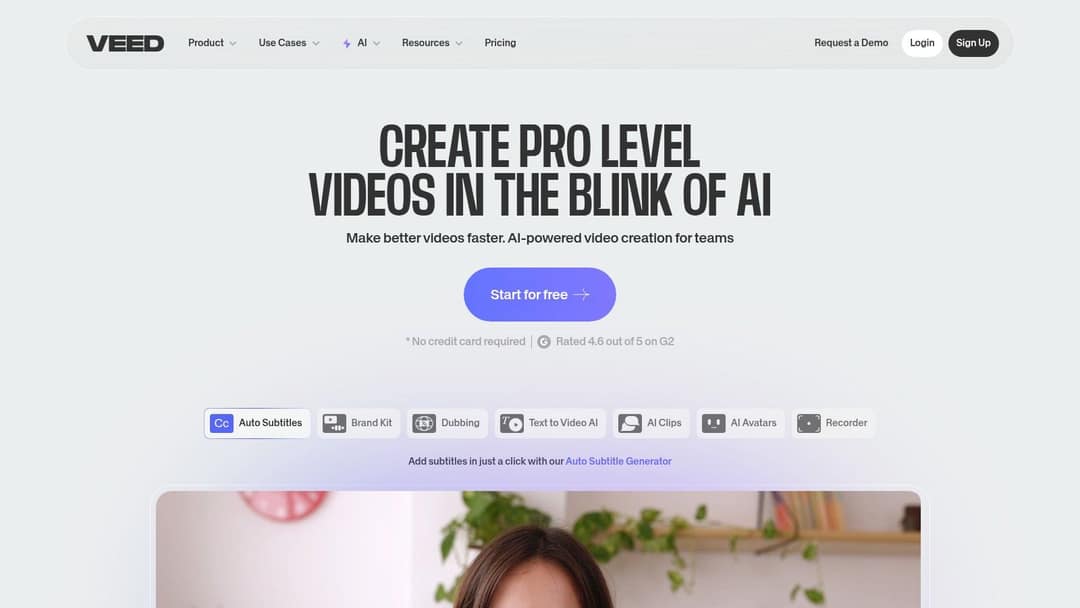
VEED is a browser editor with AI built in: a multi-track timeline, screen recording, brand kits, auto-subtitles and translation, AI dubbing, eye-contact correction and 30+ stock avatar presenters. It can also generate AI clips inside the editor when you need one.
- Best for: all-round YouTubers and social teams who edit real footage in one place.
- Pricing: roughly $10 to $24/month at entry. The free plan adds a "Made with VEED" watermark and exports at 720p.
- Standout: its auto-subtitles and translation are among the best known in the category.
- Limits: it is an editor first, so a full video from a prompt takes more manual work than with a dedicated generator.
Tip: generate a script draft for structure and talking points, then rewrite it in your own words before recording.
Website: veed.io
8. Fliki
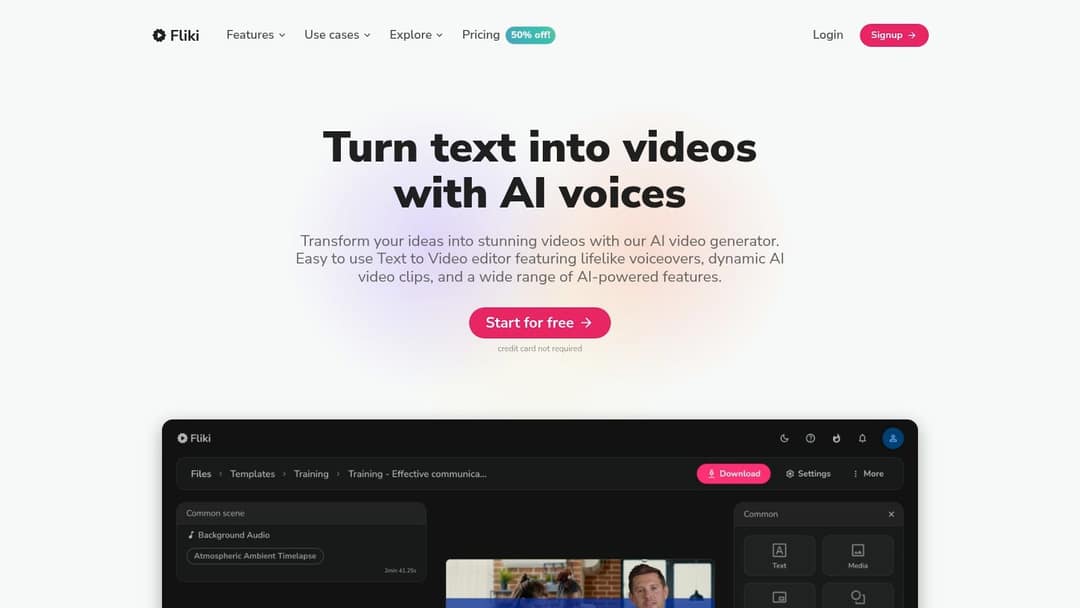
Fliki is voice-first: paste a script, and it reads it with one of 2,000+ voices in 80+ languages over matching stock media. Its 2026 engine rebuild added emotional delivery such as laughing, sarcasm and deadpan.
- Best for: explainer and listicle channels where narration carries the video.
- Pricing: from $28/month ($21 billed yearly). The free plan has a watermark, 720p and a 1-minute export cap.
- Standout: the largest voice library in the category.
- Limits: visuals lean on stock slideshows, and the automatic media picks sometimes miss.
Tip: let it auto-pick media for a first draft, then replace the clips that do not match the narration.
Website: fliki.ai
9. Elai
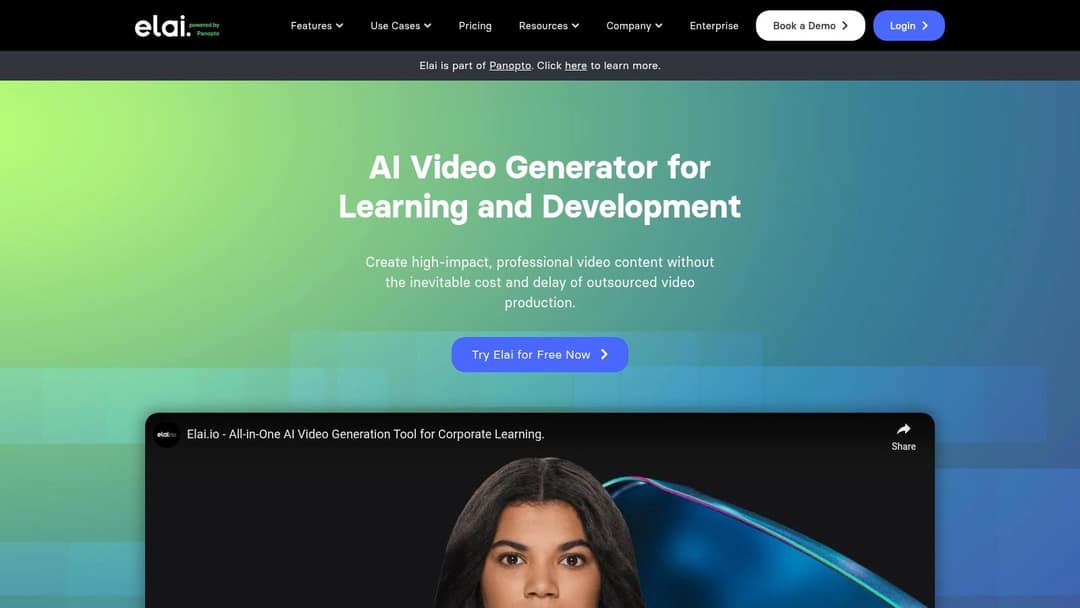
Elai turns a text script or a URL into an avatar-led presentation and positions itself as an AI video generator for learning and development. It can draft a storyboard from a prompt and translate a finished video's audio and captions into other languages.
- Best for: educators, trainers and tutorial channels.
- Pricing: a free trial is available; check elai.io for current plans.
- Limits: the style reads corporate, which can feel stiff for personal or entertainment channels.
Tip: cut between the presenter and screen recordings or stock clips to keep the pace up.
Website: elai.io
10. HeyGen
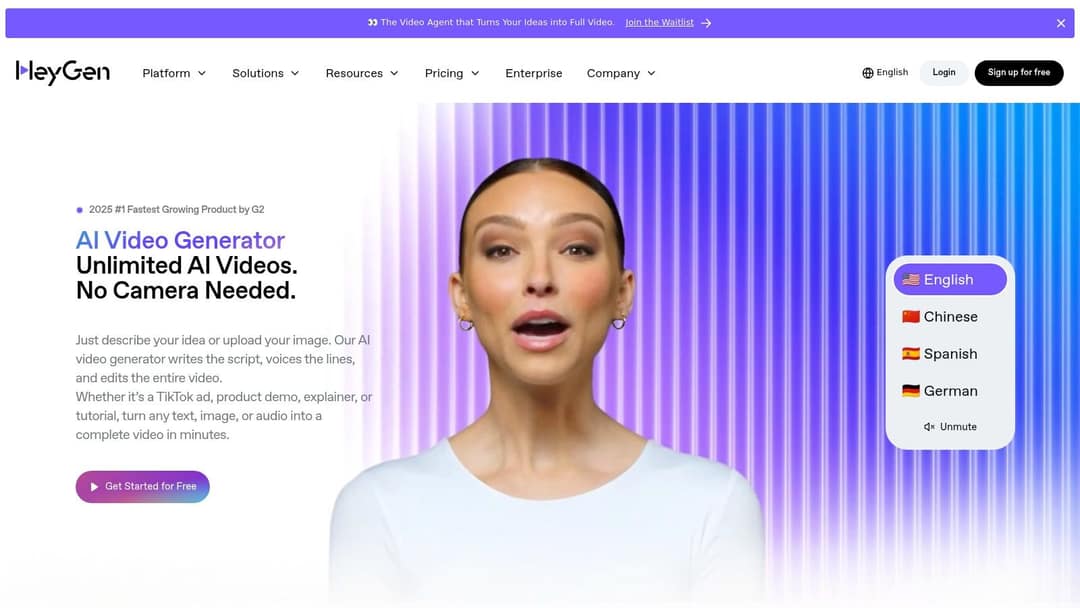
HeyGen makes some of the most realistic avatars and digital twins available, and its video translation lip-syncs into 175+ languages. It also offers real-time interactive avatars (LiveAvatar). For short-form channels that need more than a presenter, see Revid vs HeyGen.
- Best for: marketers and educators who want a consistent on-screen presenter, including a clone of themselves.
- Pricing: from $29/month for Creator ($24 billed yearly). The free plan gives 3 watermarked videos a month, up to 1 minute each.
- Standout: translating one video into many languages with matching lip movements.
- Limits: credits add up for daily posting. Read the rule on AI personas below before you build an advice channel on an avatar.
Tip: punctuate your script carefully. Commas and periods are how you control the avatar's pauses and intonation.
11. Kapwing
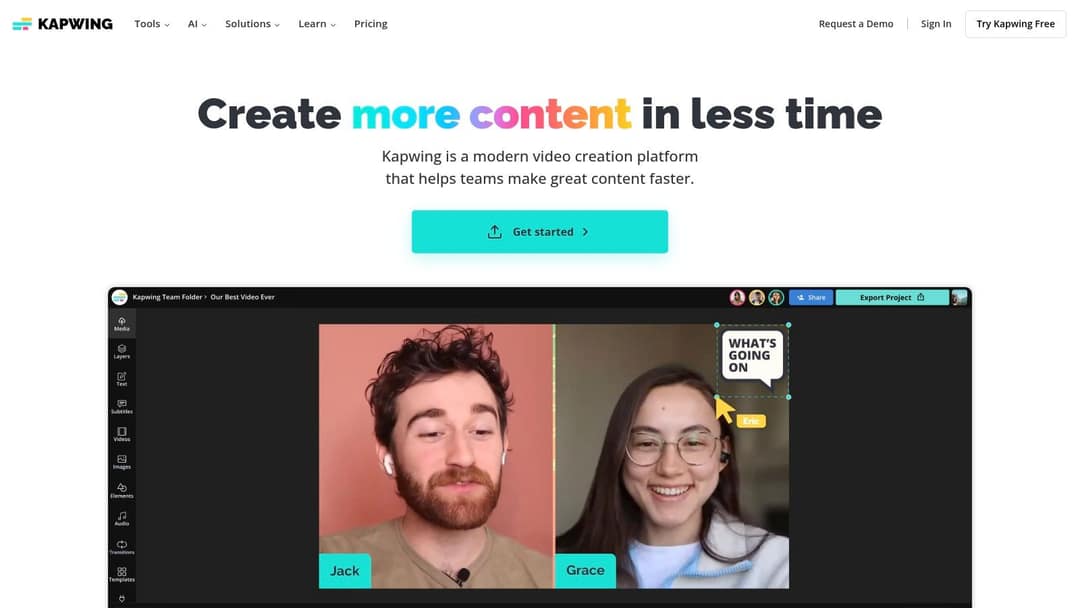
Kapwing is a collaborative browser editor with AI tools for generating a video from text, auto-subtitling, translating captions and resizing for other platforms. Teams can share a project link and comment or edit directly.
- Best for: YouTubers who work with an editor or a team and need one place to create, subtitle and resize.
- Pricing: free tier with a watermark; check kapwing.com for paid plans.
- Limits: some AI features sit behind the paid plan, and long, complex projects can render slowly.
Website: kapwing.com
12. Lumen5
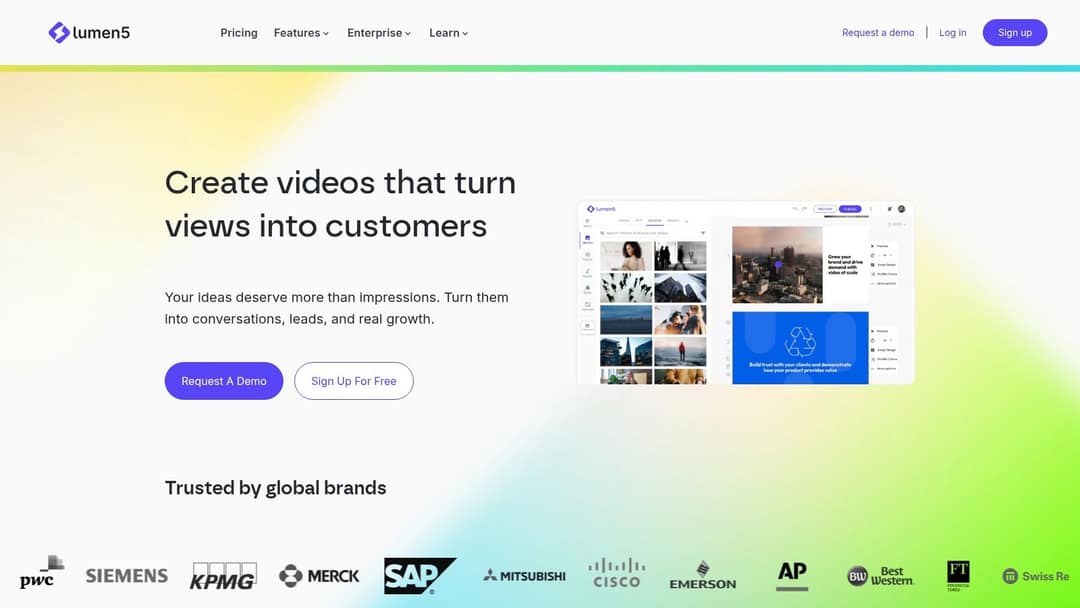
Lumen5 turns an article link or a script into a branded video: its AI picks highlighted text for each scene and suggests stock footage, images and music. It is built for marketing and educational teams converting written content, not for generating visuals from scratch.
- Best for: content marketers and B2B channels turning blog posts into short informational videos.
- Pricing: free Community plan with a watermark; check lumen5.com for paid tiers.
- Limits: no generative video, and customization is narrower than in a full editor.
Tip: one sentence per scene. Short sentences give the AI a clean scene break each time.
Website: lumen5.com
What settings should an AI-made YouTube video use?
Whatever tool you pick, the export has to match what YouTube accepts. These are YouTube's current limits:
| Setting | YouTube Shorts | Long-form video |
|---|---|---|
| Orientation | Square or vertical (9:16) | Horizontal (16:9) |
| Maximum length | 3 minutes | 15 minutes by default; longer once your account is verified, up to 12 hours or 256 GB |
| Title | Up to 100 characters | Up to 100 characters |
| Description | Up to 5,000 characters | Up to 5,000 characters |
| Tags | 500 characters in total | 500 characters in total |
| Custom thumbnail | 9:16, 2160x3840 recommended, minimum height 640 px, uploaded in YouTube Studio on a computer by verified accounts | 16:9, 3840x2160 recommended, minimum width 640 px, up to 50 MB on desktop or 2 MB on mobile |
| Music | Most Shorts Audio Library songs for up to 90 seconds | Check each track's license |
Two traps catch AI channels. A Short longer than one minute with an active Content ID claim of any type is blocked globally and can't be monetized, so use original or properly licensed music on longer Shorts. And for vertical videos, YouTube replaces a 16:9 custom thumbnail with an auto-generated 4:5 one on the home, explore and subscription pages. Keep captions and on-screen text clear of the interface with a YouTube Shorts safe zone template.
Prompt to try
Make a 45-second vertical YouTube Short on why the Titanic's rivets helped it sink. Open with the hook: "The iceberg wasn't the only thing that sank the Titanic." Use realistic AI video visuals, a calm documentary voice-over and bold captions, and end on one surprising fact about the steel.
Can you monetize AI-generated videos on YouTube?
Yes, if the finished video shows your creative vision and gives educational or entertainment value. YouTube's monetization policies explicitly allow AI and automated tools, for example to edit a script or create a background visual. What they block is the output many AI channels drift into:
- AI content made with generic or unoriginal templates that looks mass-produced. On July 15, 2025, YouTube renamed its "repetitious content" policy to "inauthentic content" to make this explicit.
- Videos that stitch together unrelated or inconsistent AI clips to shock viewers, or use realistic visuals to fake events.
- AI personas presented as human experts giving health, legal, financial or political advice.
- Reused content: videos that only read out material you did not write, such as website text or news feeds.
To earn ad revenue through the YouTube Partner Program today, you need 1,000 subscribers plus either 4,000 qualified watch hours in the last 12 months or 10 million qualified Shorts views in the last 90 days; Shorts-feed watch hours do not count toward the watch-hour route. From February 1, 2027, new applicants need 8,000 qualified watch hours in 365 days or 20 million qualified Shorts views in 90 days, and every partner needs 10 million qualified Shorts views in the last 90 days to earn Shorts ad revenue in a given month.
Reach is a separate question. In Revid's study of AI videos vs real footage, AI-generated TikToks averaged twice the views of real footage, while on X, Instagram and Threads AI visuals clustered in the lowest engagement tier. That is TikTok and social data, not YouTube, but the lesson carries over: AI visuals earn attention when the idea behind them is strong, and lose it when they are filler.
Do you have to label AI videos on YouTube?
Only when the content is realistic. YouTube requires you to use the "AI use" setting in YouTube Studio for realistic AI-generated or altered content, such as making a real person appear to say something or showing a realistic scene that never happened. You do not need to disclose AI-written scripts, outlines, titles or thumbnails, captions, beauty filters, or a clone of your own voice used for voice-overs.
Disclosure alone does not limit a video's audience or its ability to earn. Skipping it is the riskier move: since May 2026, YouTube automatically labels undisclosed videos with significant photorealistic AI, and the label is permanent for content made with Veo or Dream Screen or carrying fully generative C2PA metadata. If you generate realistic scenes with Veo, in Revid or anywhere else, expect the label and disclose up front; creators who keep failing to disclose risk labels, content removal or YPP suspension.
FAQ
Is there a free AI video generator for YouTube?
Yes, with limits. Synthesia's free plan includes up to 10 minutes of video a month, Descript gives 60 media minutes a month, and Runway, InVideo, VEED and Fliki offer watermarked free options, so plan on a paid tier for watermark-free, publish-ready videos.
What is the best AI video generator for YouTube Shorts?
For Shorts made from an idea or a link, Revid is built for the job: it writes the script, generates vertical visuals, adds voice and captions, and publishes straight to YouTube. If you already have long videos, cut them into Shorts with a clipping tool instead.
Can I start a faceless YouTube channel with AI?
Yes. Revid, InVideo, Pictory and Fliki all make narrated videos without a camera, and YouTube lets AI-assisted videos monetize as long as each one shows your own idea rather than a mass-produced template.
How much does it cost to make an AI YouTube video?
On Revid, a 30-second video with Pro AI visuals and a voice-over costs about 40 to 80 credits, and the Growth plan includes 2,000 credits a month for $39. Other tools bill by minutes, credits or exports, so compare the cost per finished video, not the plan price.