12 Best Content Repurposing Tools and Software for 2026
Twelve content repurposing tools compared by what they start from and what they produce, with decision rules, a webinar-to-LinkedIn workflow and a podcast workflow.

On this page
The best content repurposing tool depends on what you start from. Revid turns videos, articles and ideas into publish-ready short videos. Descript, Munch and 2short.ai cut long recordings into clips, Lumen5 turns blog posts into videos, Wavve turns audio into audiograms, and Repurpose.io, MeetEdgar and ContentStudio automate reposting and scheduling.
Pick on that basis, because platforms now reward transformation over copying. Since March 2026, Facebook deprioritizes reaction-only reels, clip stitches and reposts that add only borders, captions or speed changes. TikTok's Creator Rewards Program doesn't count lightly modified reposts as original, and YouTube won't monetize videos that only read out material the creator didn't write. A good repurposing tool changes the format and adds something, not just the destination.
Content repurposing tools compared
| Tool | Starts from | Produces | Best for | Entry price |
|---|---|---|---|---|
| Revid | Idea, link, script, video, audio | Finished short videos, published | Short-form at volume | Free sign-up; plans from $39/month |
| Repurpose.io | Published videos, podcast episodes | Cross-posts, audiograms | Hands-off distribution | Check its site |
| Lumen5 | Blog posts, text | Stock-footage videos | Text-first marketers | Check its site |
| Canva | Designs | Resized graphics, simple videos | Visual assets | Free plan; Pro from €110/year |
| Descript | Recordings | Edited video, audio, clips | Spoken-word content | Free plan; $24/month ($16 billed yearly) |
| Wavve | Audio | Audiograms | Podcasters | Check its site |
| Automata | Webinars, documents | Posts, articles, emails | Enterprise teams | Custom quote |
| ContentStudio | Articles, posts | Scheduled multi-channel posts | Agencies | Check its site |
| MeetEdgar | Evergreen posts | A recycling post schedule | Evergreen libraries | Check its site |
| Visme | Data, reports | Infographics, presentations | Data-heavy content | Free plan; check its site |
| 2short.ai | YouTube videos | Short vertical clips | YouTubers | Check its site |
| Munch | Long videos | Short clips | Video marketers | Check its site |
Prices for tools marked "check its site" change often. Confirm them on the vendor's pricing page before you buy.
How to choose a content repurposing tool
Start from your source format, not from the feature list. Most repurposing tools are good at one input and one output. The ones that try to do everything usually do the middle steps poorly.
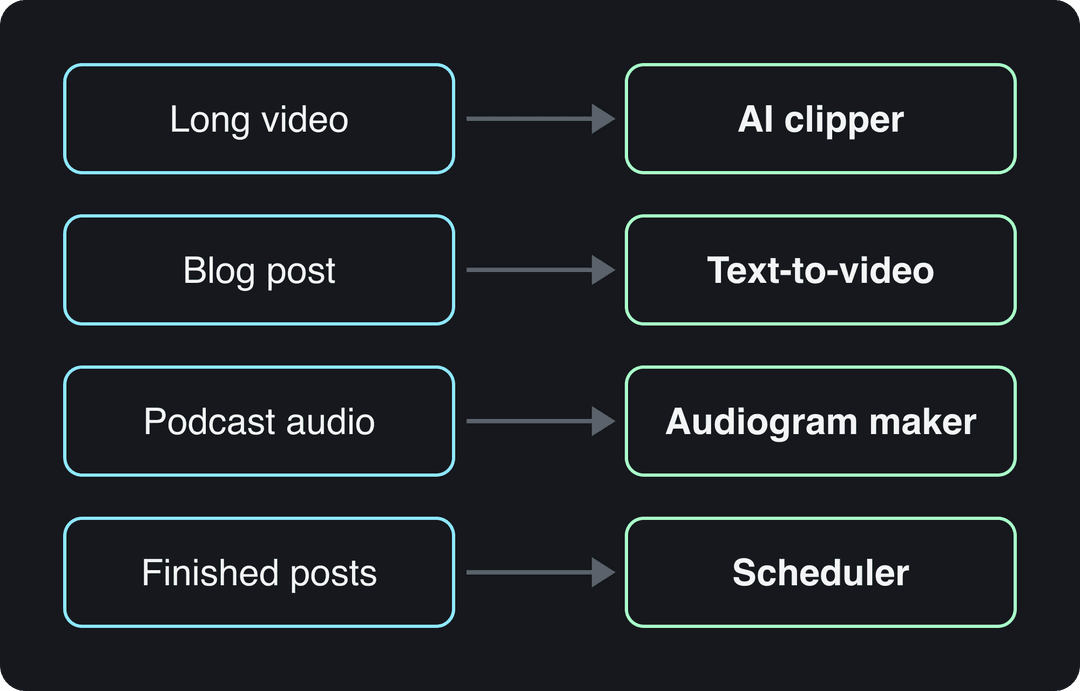
- Long video (webinar, video podcast, YouTube upload): use an AI clipper such as Revid, 2short.ai or Munch. Use Descript if you also need to fix the edit.
- Text (blog post, newsletter, case study): use a text-to-video tool such as Revid or Lumen5.
- Audio only: use Wavve for audiograms and Descript for cleanup. Use Revid if you want generated visuals around the voice.
- Finished posts that need more reach: use Repurpose.io for automatic cross-posting, MeetEdgar for recycling evergreen posts, or ContentStudio for team scheduling.
- Static visuals: use Canva to resize one design into many formats and Visme for charts and infographics.
- A whole campaign from one asset, with analytics and a sales contract: use Automata.
If you need two of these jobs, pair one creation tool with one distribution tool rather than buying a suite you only half use.
The 12 best content repurposing tools in 2026
1. Revid: best for turning videos, articles and viral formats into new short videos
Revid is an AI video platform that turns an idea, a link or a proven viral format into finished short-form videos and publishes them to TikTok, Instagram and YouTube. For repurposing, you can paste a long YouTube video into the YouTube clip maker to get vertical clips. You can also paste a blog post into article to video to get a narrated short with script, visuals, voice-over and synced captions.
The difference from pure clippers is that Revid creates new visuals instead of only cutting what you filmed. It uses stock footage, AI images, or AI video from Seedance 2.5, MiniMax Hailuo, Wan 3.0 and Google Veo 3, and you can pick the model per scene. It also includes a library of about 2.77 million real short-form videos with their engagement data, so you can remix a format that already performs instead of starting from a blank prompt.
- Best for: founders, small businesses, creators and faceless channels that need a steady stream of TikToks, Reels and Shorts.
- Standout: the full loop in one tool. You get the script, visuals, 1,000+ AI voices in 70+ languages and captions in 100+ languages. You also get a timeline editor, export up to 4K, and direct publishing and scheduling to TikTok, Instagram and YouTube.
- Automation: Auto-Mode workers create a fresh video every day from a prompt or a content source (3 on the Growth plan). The API, MCP server and CLI are included on every paid plan.
- Pricing: sign-up is free and new accounts get free credits to try video creation, no credit card needed; regular creation uses credits from a paid plan, starting at $39/month. See Revid pricing.
- Limitation: AI generation uses credits, and Revid is not a scheduler for text posts or a design tool for static graphics.
To repurpose one piece of content with Revid:
- Paste the source: a YouTube link, a blog URL, a script or an audio file.
- Revid writes the script, picks visuals for each scene, and adds the voice-over, captions and music.
- Fix any scene in the timeline editor.
- Publish or schedule to TikTok, Instagram and YouTube from one queue. Each post reports its views, likes and comments, and you can remix the best performer in one click.
2. Repurpose.io: best for automatic cross-posting
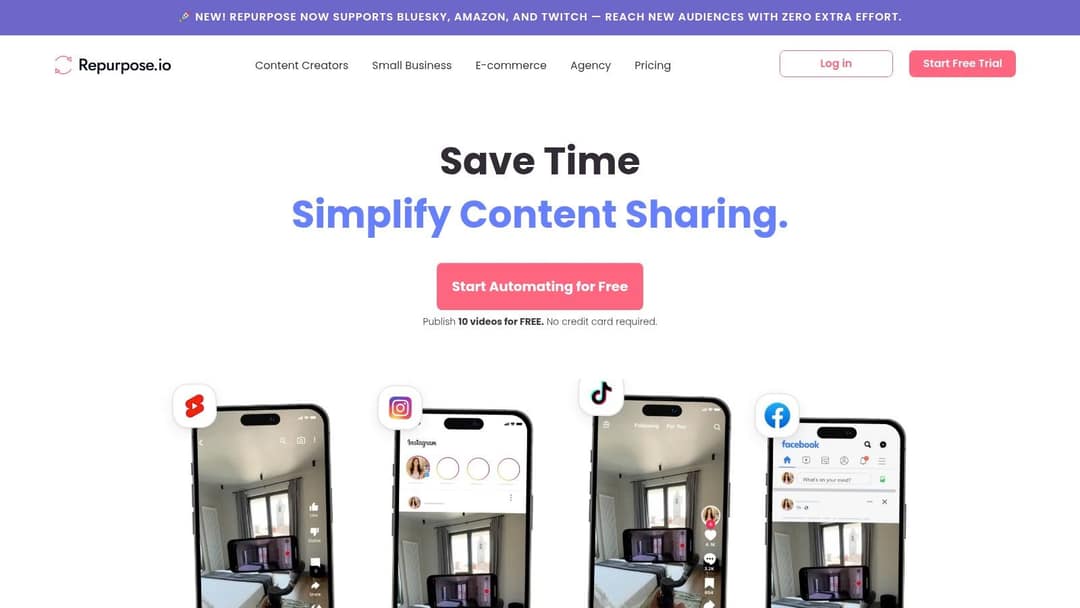
Repurpose.io runs automated workflows. You connect a source (a YouTube channel or a podcast feed) to destinations, and every new upload is reformatted and posted without you touching it. A common setup turns each new podcast episode into an audiogram, or sends each new TikTok to Reels and Shorts.
- Best for: podcasters, YouTubers and course creators who want the same content everywhere with no recurring effort.
- Standout: set-and-forget workflows that run in the background.
- Pricing: tiered subscriptions; check its pricing page.
- Limitation: almost no editing. It moves and reformats content; it doesn't make new cuts, hooks or visuals.
3. Lumen5: best for turning blog posts into videos
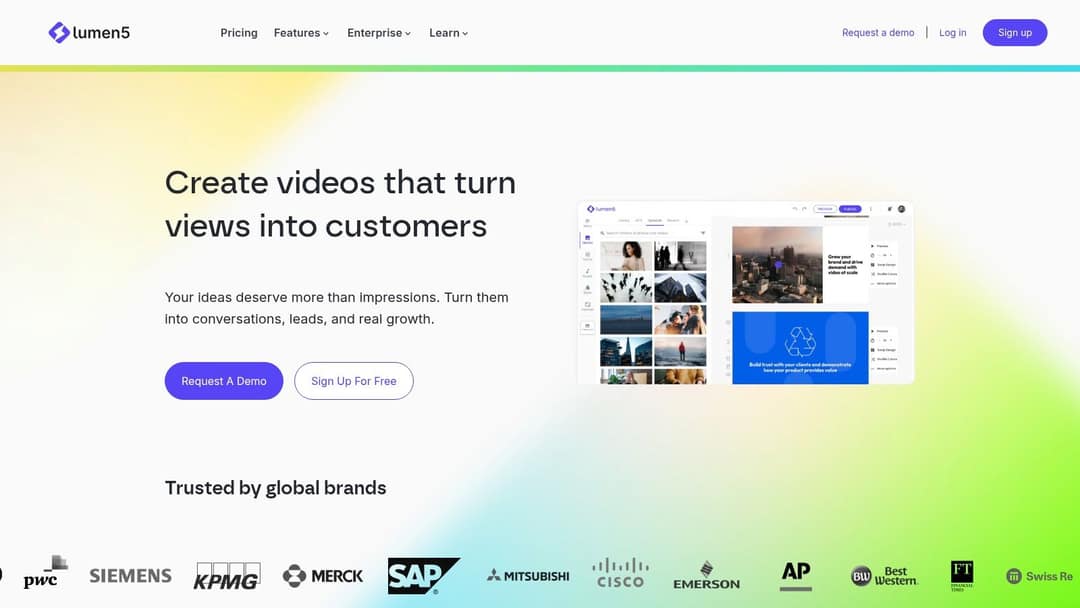
Lumen5 reads a blog post or article, summarizes it into scenes and fills a storyboard with stock footage, images and music. Paste a URL and you have a draft video in minutes, which suits marketers giving written content a second life on LinkedIn, Facebook or Instagram.
- Best for: content marketers and B2B teams whose source material is text.
- Standout: fast URL-to-video drafts with a large stock media library.
- Pricing: a free plan with watermarked videos and paid tiers above it; check its site for current prices.
- Limitation: the result looks like stock footage, and fine control over transitions, effects and audio mixing is limited.
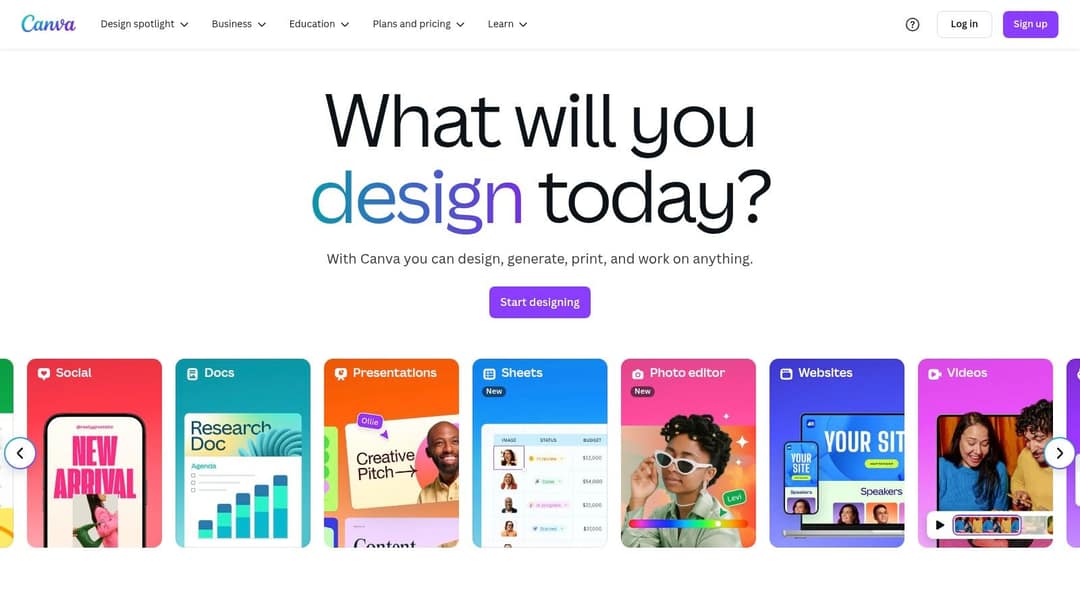
4. Canva: best for resizing visual content
Canva turns one design into many formats. Its Magic Switch feature reformats a design to other dimensions, so a blog header becomes an Instagram story, a Pinterest pin and a LinkedIn banner. Paid plans also generate short Veo 3 clips with synchronized audio inside your designs.
- Best for: social media managers and small businesses that need consistent branded graphics on every channel.
- Standout: the gentlest learning curve in the category, with brand kits and team collaboration.
- Pricing: a free plan with 1.6 million+ templates and a small AI allowance (up to 20 uses); Pro from €110/year.
- Limitation: it is a design suite, not a video generator. Canva can't produce full videos from text, and editing timelines is basic (Revid vs Canva covers the difference).
5. Descript: best for editing spoken-word recordings
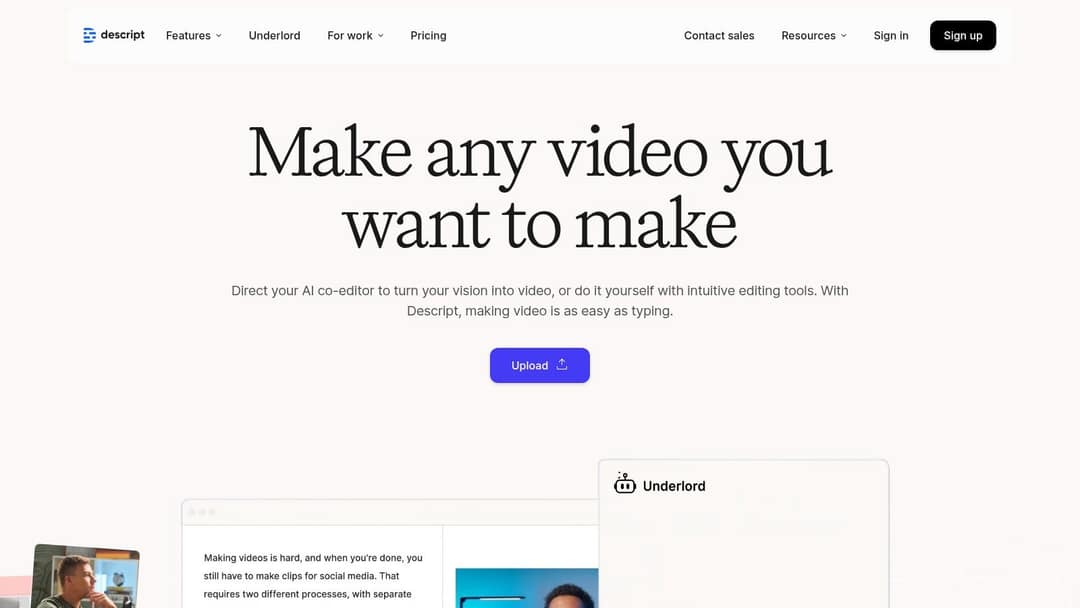
Descript transcribes your audio or video and lets you edit the recording by editing the text. Delete a sentence in the transcript and it disappears from the video. Studio Sound and filler-word removal clean up speech, and its Create Clips feature plus Underlord, an AI co-editor, help pull short clips out of long recordings.
- Best for: podcasters, interviewers and marketing teams repurposing webinars.
- Standout: finding the best soundbite by reading instead of scrubbing a timeline.
- Pricing: a free plan with 60 media minutes a month, 100 one-time AI credits and 720p export; paid plans from $24/month ($16 billed yearly).
- Limitation: you need source footage. Descript edits what you recorded, and it doesn't generate new visuals (Revid vs Descript).
6. Wavve: best for podcast audiograms
Wavve turns audio into audiograms: a background image or video with an animated waveform and captions. It gives a podcast clip something to look at in visual feeds like Instagram, Facebook and LinkedIn.
- Best for: podcasters, musicians and coaches who publish audio.
- Standout: waveform styles and templates you can match to your brand colors.
- Pricing: a free tier with a small monthly allowance and paid plans by video minutes; check its site.
- Limitation: audiograms only. Wavve doesn't do video-to-video or text-to-video, and lower tiers cap video length.
7. Automata: best for enterprise campaigns from one asset
Automata takes a source asset such as a webinar or whitepaper and uses AI to generate a campaign from it: social posts, blog articles and email newsletters adapted to each channel. It adds scheduling and performance tracking in the same product.
- Best for: agencies and enterprise marketing teams that need repurposing, distribution and analytics under one contract.
- Standout: analytics tied to the repurposed assets, so you can see which formats worked.
- Pricing: custom quotes only, which can be a barrier for small teams.
- Limitation: setup takes real effort, including training the output on your brand voice.
8. ContentStudio: best for team scheduling and content discovery
ContentStudio is a social media management suite where repurposing is one step in a bigger workflow. You discover trending articles, turn their key points into posts, and schedule everything across channels from one calendar.

- Best for: agencies and social media managers running several client accounts.
- Standout: content discovery, so you are not starting from scratch.
- Pricing: tiered subscriptions with a free trial; check its site.
- Limitation: the feature set can overwhelm solo creators, and it doesn't produce video.
9. MeetEdgar: best for recycling evergreen posts
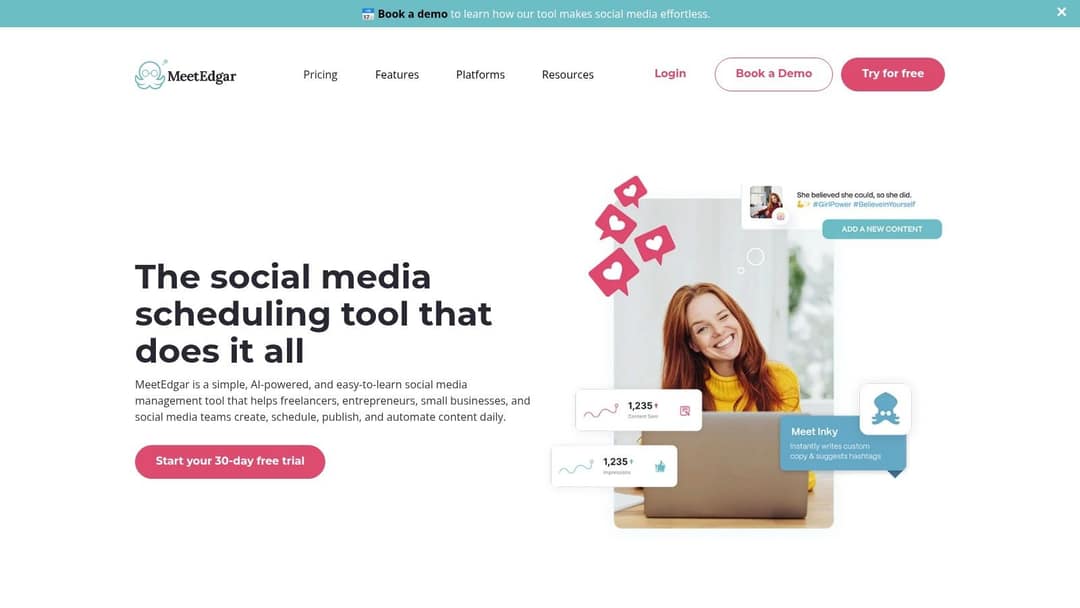
MeetEdgar is built around one idea: your best posts should run more than once. You file updates into categories, and Edgar pulls from them to build a varied, recurring schedule, so the queue never runs dry.
- Best for: small businesses and solo marketers with a library of evergreen links, quotes and blog posts.
- Standout: the category-based recycling library.
- Pricing: tiered plans with a free trial; check its site.
- Limitation: it distributes content; it doesn't create clips, videos or graphics.
10. Visme: best for turning data into visuals
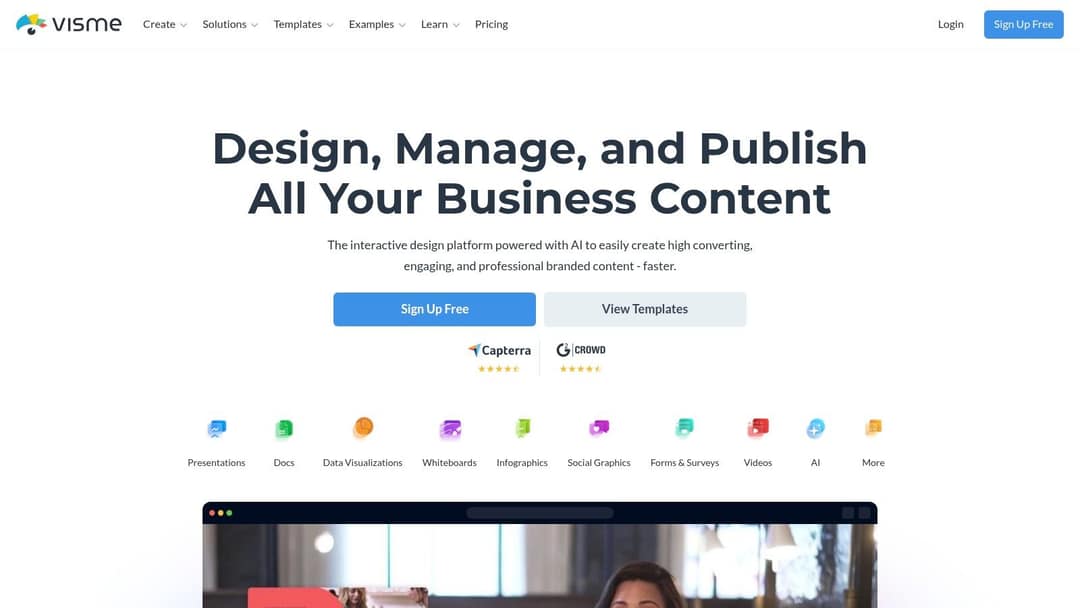
Visme turns reports, research and blog key points into infographics, animated charts, presentations and social graphics. Its data visualization tools can pull from spreadsheets, which helps when you repurpose numbers rather than stories.
- Best for: marketers and educators repurposing reports and data-heavy content.
- Standout: charts and maps built from your own data.
- Pricing: a free Basic plan and paid tiers; check its site.
- Limitation: everything is made by hand, with no automation, and it takes longer to learn than Canva.
11. 2short.ai: best for quick YouTube-to-Shorts clipping
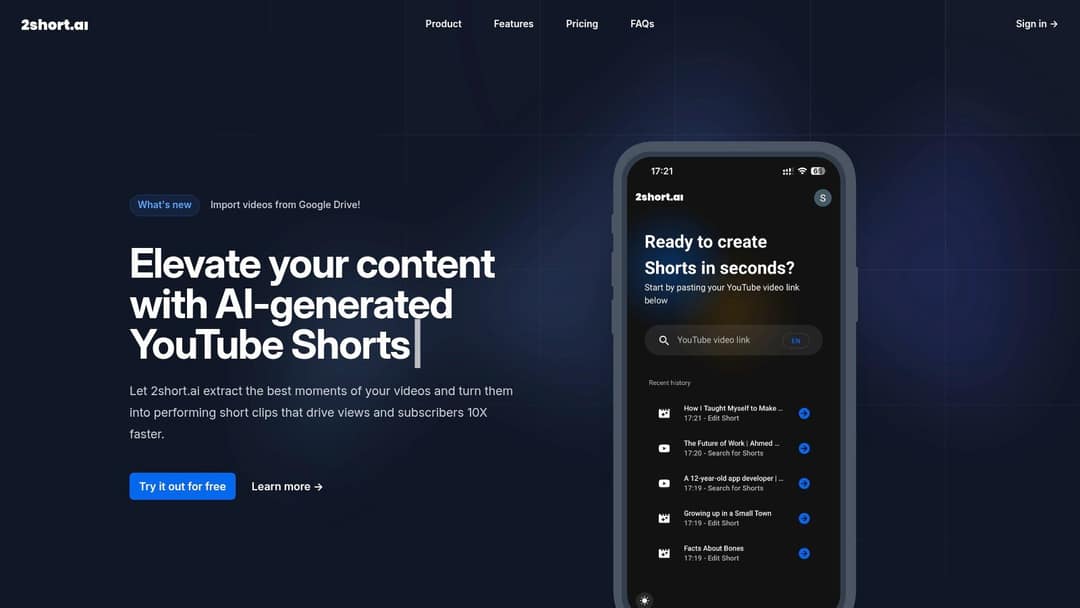
2short.ai takes a YouTube link, finds the strongest moments and exports them as vertical clips for Shorts, TikTok and Reels. Face tracking keeps the speaker centered when it reframes landscape footage to 9:16.
- Best for: YouTubers and video podcasters with a back catalog to mine.
- Standout: highlight detection plus face tracking.
- Pricing: a free trial and low-cost monthly tiers; check its site.
- Limitation: clips only, with no text, audio or blog outputs.
12. Munch: best for marketing teams clipping long videos
Munch analyzes long-form videos, suggests the clips most likely to perform, and adds captions and the right aspect ratio for each platform. It suits teams that publish a lot of interviews, talks or webinars.

- Best for: brand marketers and podcasters producing a high volume of social clips.
- Standout: AI clip suggestions with captions included.
- Pricing: paid tiers that sit above most clippers; check its site.
- Limitation: light editing tools, and a higher price than simpler clippers.
Repurposing vs. reposting: which tools should creators use?
Reposting software sends the same file to more places. Repurpose.io does it automatically, ContentStudio schedules it for teams, MeetEdgar recycles it over time, and Revid publishes the videos it makes to TikTok, Instagram and YouTube from one queue. Reposting your own original video to several platforms is normal practice.
The originality rules in the intro target something else: reposting content that isn't yours, or adding nothing but a border, captions or a speed change. If you rely on platform payouts, make every cross-post a real version for that platform, with a new hook, a new length or new visuals.
Looking for Repurpose.io alternatives? Choose MeetEdgar if recycling evergreen posts is the main job. Choose ContentStudio if you need team scheduling and discovery. Choose Revid if you also need to create the videos you post.
Which AI tools turn a webinar into LinkedIn clips?
LinkedIn is where most repurposed video goes. In Wistia's 2026 State of Video Report, 67% of teams that repurpose videos into social clips post them on LinkedIn, ahead of Instagram (49%) and YouTube (41%). About one in five teams share clips on TikTok (more in our short-form video statistics).
A workflow that holds up:
- Find the moments. Load the recording into Descript and read the transcript. Mark each spot where a speaker makes one complete point.
- Cut the clips. Use Descript, Munch or 2short.ai (or a dedicated clipping tool such as OpusClip). If the webinar is on YouTube, Revid's YouTube clip maker works from the link.
- Check the specs. LinkedIn accepts aspect ratios from 1:2.4 to 2.4:1 and videos up to 15 minutes and 5 GB. Its full-screen vertical video feed is mobile-only and you can't post to it directly, but any video you post can appear there.
- Burn in captions so the clip works with the sound off, and write a post that states the point in one line.
Prompt to try
Make a 40-second vertical video from this week's podcast takeaway: why most small businesses post too little video. Open with the hook "You don't need more ideas, you need more formats." Use clean motion graphics, bold synced captions and a calm, confident voiceover, ending with one actionable tip.
A content repurposing workflow for a weekly podcast with no extra time
If you record a podcast every week and have no time left, automate the steps that don't need judgment and keep one human review.
- Record as usual, then run the episode through Descript to remove filler words and get a transcript.
- Pick the strongest moments from the transcript. This is the only manual step.
- Turn them into clips with a clipper, or into audiograms with Wavve. Revid can also build a captioned video with generated visuals from the audio.
- Let Repurpose.io or a scheduler push every new episode and clip to your channels automatically.
The full process, including how many formats to make from one episode, is in our guide to content repurposing for social media. For the strategy behind video specifically, see how to repurpose video content.
Content repurposing software or a content repurposing service?
A content repurposing service is an agency or freelancer who takes your recordings and returns edited clips, posts and graphics. Software is faster and cheaper per asset, but someone on your team still has to pick moments and approve output.
Use software if you can spare a short review session each week. Use a service, including a video content repurposing service, if nobody in-house can review output, or if each clip carries brand or legal risk that needs an editor's eye.
What is a content remix tool?
A content remix tool starts from an existing video's structure (the hook, pacing and format) and produces a new video on your topic. The output is new content, not a cut of the old one.
Revid works this way. Search its library by topic and platform, open a video, and choose "Same energy, new script", "Make it about your topic" or "Post the Part 2". Revid analyzes the reference, keeps its spoken structure, timing and tone, and writes new words, new visuals and an original music direction. Its free deep analysis (up to 60 a day) explains why a video worked before you remix it.
FAQ
Are there platforms that automate content reuse?
Yes. Repurpose.io reposts every new upload to other platforms automatically, and MeetEdgar recycles evergreen posts on a schedule. Revid's Auto-Mode workers create and publish a new video every day from a prompt or a content source.
What software keeps training videos updated without re-recording?
An avatar platform such as Synthesia lets you edit the script and re-render the video when a policy or product changes, in 140+ languages. Descript is the alternative for recorded footage: you can fix short passages by editing the transcript.
What do enterprise marketing teams use for video repurposing at scale?
They usually combine a campaign or scheduling platform (Automata or ContentStudio) with a video tool that supports teams and automation. Descript offers SOC 2 Type II and SSO. Revid includes team workspaces, Auto-Mode workers, and an API, MCP server and CLI on every paid plan.
What are the best tools to resize videos at scale?
Revid's resize video tool converts any video to 9:16, 4:5, 16:9 or 1:1. Canva's Magic Switch resizes designs to other formats. For whole libraries, an API-based workflow beats resizing files one by one.
Is there free content repurposing software?
Partly. Canva and Visme have free plans for graphics, and Descript's free plan includes 60 media minutes a month with 720p export. Most video tools limit free use or add watermarks; Revid's free account comes with free credits to try video creation, and regular creation then uses a paid plan from $39/month.