12 Best Social Media Automation Tools in 2026, Compared
The 12 best social media automation tools for 2026, compared by what they automate, who they fit and where they fall short, plus how to automate the step most schedulers skip: making the videos.

On this page
The best social media automation tools in 2026 are Hootsuite and Sprout Social for teams that need listening and analytics, Buffer and Later for simple scheduling, SocialBee and MeetEdgar for recycling evergreen posts, Sendible and SocialPilot for agencies, and Revid for automating short-form video creation and publishing.
The catch: almost every tool on this list automates the posting, not the making. According to HubSpot's 2026 State of Marketing data, 60% of marketers use short-form video, the most-used content format, yet a scheduler can't produce a single video for you. If your bottleneck is content, not calendar slots, the tool you need may not be a scheduler at all.
Social media automation tools compared
Prices change often, so the table shows each tool's pricing model. Check each site for current plans before you buy.
| Tool | Best for | What it automates | Pricing model | Weak spot |
|---|---|---|---|---|
| Revid | Short-form video at volume | Video creation, scheduling and publishing to TikTok, Instagram, YouTube | Free sign-up; paid from $39/month | No social inbox or listening |
| Hootsuite | Teams and agencies | Scheduling, listening streams, analytics, approvals | Tiered plans, higher entry price | Complex for solo users |
| Buffer | Solo creators, small businesses | Queue-based scheduling | Free plan; paid per channel | Light analytics, no listening |
| Sprout Social | Data-driven teams | Scheduling, Smart Inbox, CRM, reporting | Premium, per seat | Price and learning curve |
| SocialPilot | Budget-minded agencies | Bulk scheduling, client approvals, white-label reports | Low-cost tiers | Shallower listening |
| Agorapulse | Engagement-heavy teams | Unified inbox, scheduling, ROI reports | Per user | Mobile app lighter than desktop |
| CoSchedule | Content marketers | Marketing calendar, ReQueue recycling | Per user; full suite on quote | Can lag with large calendars |
| Sendible | Agencies, consultants | Multi-client scheduling, branded reports | Tiered by users and profiles | Pricey for one account |
| Zoho Social | Zoho CRM users | SmartQ timing, inbox, listening | Low entry price | Analytics less deep |
| Later | Visual brands, influencer programs | Visual planning, Linkin.bio, influencer campaigns | Tiered plans | Limited analytics |
| SocialBee | Evergreen libraries | Category scheduling, recycling with variations | Tiered by accounts | No built-in listening |
| MeetEdgar | Busy solo entrepreneurs | Automatic content recycling | Two main plans | Narrow feature set |
What does the best social media workflow look like?
Social media automation means letting software handle repeatable steps: making posts, publishing them on a schedule, routing comments and messages, and building reports. A good workflow has four stages, and most teams use one tool for creation and another for everything after it.
The rule of thumb: if you post fewer than a handful of times a week across two or three networks, one scheduler is enough. If you publish video every day, automate creation first, then plug the output into a scheduler or publish it directly. Revid covers creation and publishing for TikTok, Instagram and YouTube; a scheduler covers the networks and the inbox work Revid doesn't.
The 12 best social media automation tools
1. Revid
Best for: automating the creation and publishing of short-form video.
Revid is an AI video platform that turns an idea, a link or a proven viral format into finished short-form videos and publishes them to TikTok, Instagram and YouTube. Where a scheduler waits for you to upload a finished file, Revid writes the script, builds scene-by-scene visuals, adds a voice-over, captions and music, and puts the video in a publishing queue. More than 30,000 videos are published to TikTok, Instagram and YouTube through Revid every month (Revid's own analytics, 2026).
What it automates:
- Daily videos: Auto-Mode workers create a fresh video every day from a prompt or a content source (3 workers on Growth, 5 on Elite, 10 on Ultra).
- Ideas that already work: Revid's library holds about 2.77 million real short-form videos with their engagement data. The Search & Remix automation picks a high-engagement reference on your topic and generates an original video from it on a schedule, never reusing the same reference twice. You can also remix viral videos by hand.
- Repurposing: turn a blog post into a narrated short with the article to video converter, or cut a long recording into clips with long video to short video AI.
- Publishing: direct publishing and scheduling to TikTok, Instagram and YouTube from one queue, plus webhooks.
- Production quality: AI visuals from Seedance 2.5, MiniMax Hailuo H3, Wan 3.0 and Google Veo 3 (chosen per scene), 1,000+ voices in 70+ languages, captions in 100+ languages, a full timeline editor and export up to 4K.
Pricing: sign-up is free and new accounts get free credits to try video creation, no credit card needed; regular video creation then uses the credits of a paid plan. Growth is $39/month (2,000 credits, or $32/month billed yearly), Elite $89 and Ultra $199, and every paid plan includes the API, MCP server and CLI. The Revid pricing page has the live list.
Watch out for: Revid publishes to TikTok, Instagram and YouTube, so pair it with a scheduler if you also post to LinkedIn, X or Facebook. It has no social inbox or listening, and AI generation uses credits, so plan your monthly volume.
2. Hootsuite
Best for: teams and agencies that need listening, approvals and analytics in one place.
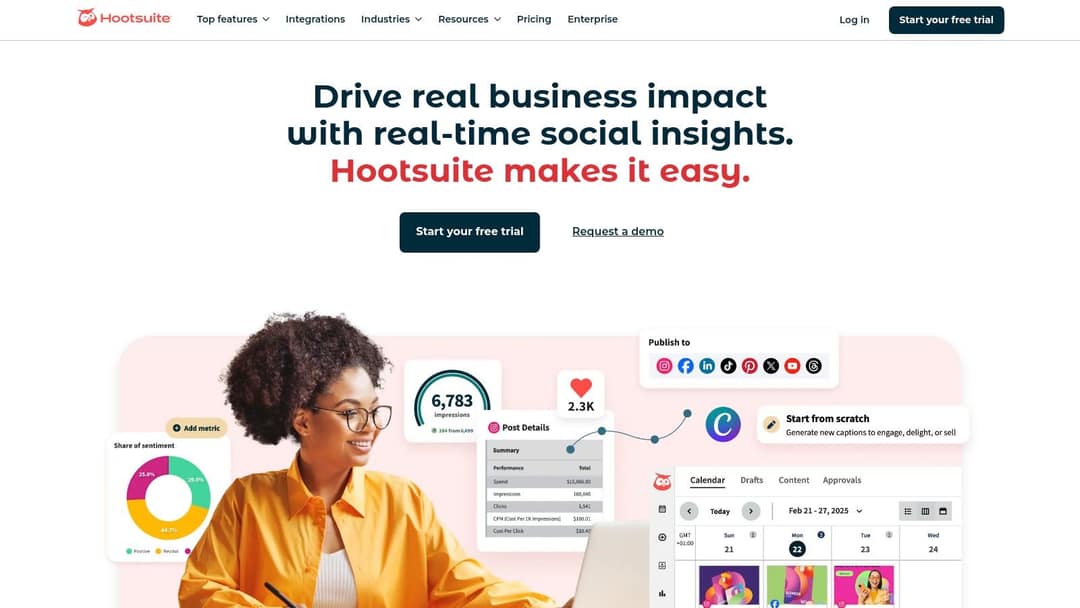
Hootsuite is one of the oldest social media management platforms. Its Streams dashboard tracks keywords, hashtags and mentions in real time, so you can reply fast and watch competitors from one screen. Plans add users, roles and permissions as you grow, which also makes it a common pick for franchise and multi-location brands that need central approval.
- Standout feature: custom listening Streams.
- Watch out for: a higher entry price than simple schedulers, and more screens than a solo creator needs.
3. Buffer
Best for: solo creators and small businesses that want simple, consistent posting.
Buffer works around a queue: you set posting times for each channel once, add content, and Buffer publishes it in the next open slot. That removes the most tedious part of scheduling. It has a free plan and charges per channel on paid plans, which is cheap for a few accounts and adds up for agencies.
- Standout feature: the queue with preset time slots.
- Watch out for: no advanced listening and lighter analytics than premium tools.
4. Sprout Social
Best for: mid-size and larger teams that run social as a customer channel.
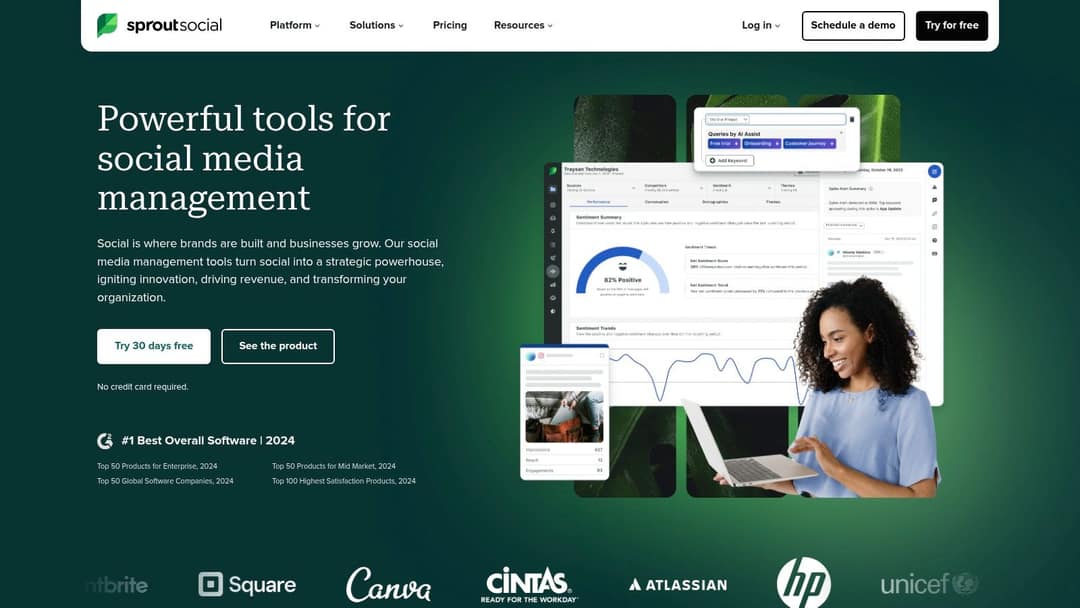
Sprout Social combines scheduling, listening, engagement and reporting. Its Smart Inbox pulls every message into one stream and shows conversation history next to each contact, so support and marketing reply with context. Its reporting is among the deepest in this list.
- Standout feature: Smart Inbox with CRM-style contact history.
- Watch out for: premium per-seat pricing and a learning curve for beginners.
5. SocialPilot
Best for: agencies and small teams that want agency features at a lower price.
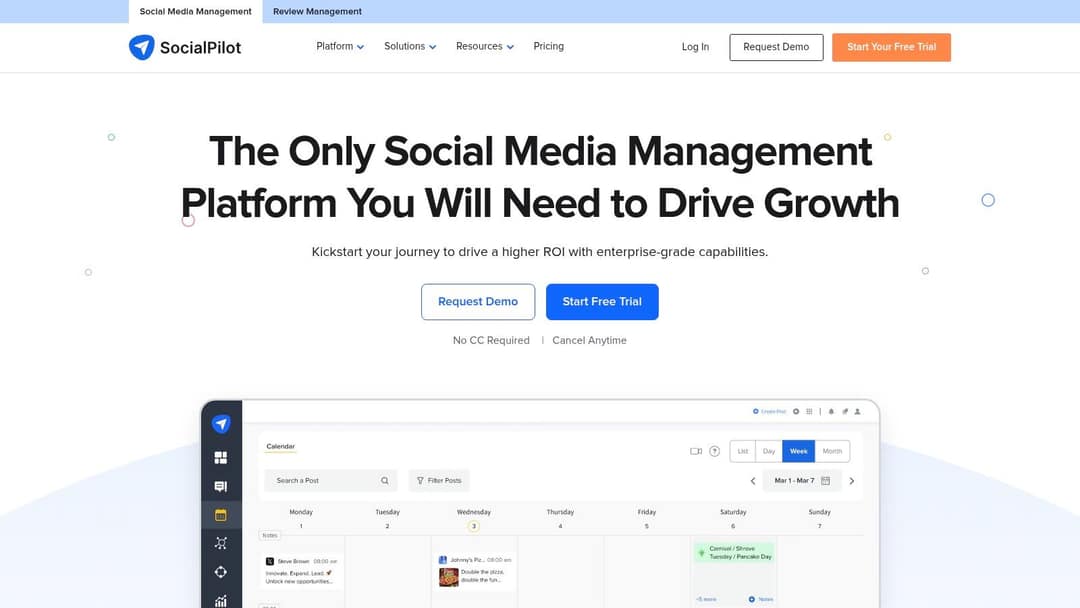
SocialPilot gives agencies client approval portals, white-label reports and AI post generation. Bulk scheduling from a CSV file lets you load a month of posts in one upload, which is the fastest way to fill a calendar for content-heavy clients.
- Standout feature: CSV bulk scheduling plus client approvals.
- Watch out for: listening and inbox tools are less deep than Sprout Social or Agorapulse.
6. Agorapulse
Best for: teams that handle a high volume of comments and messages.
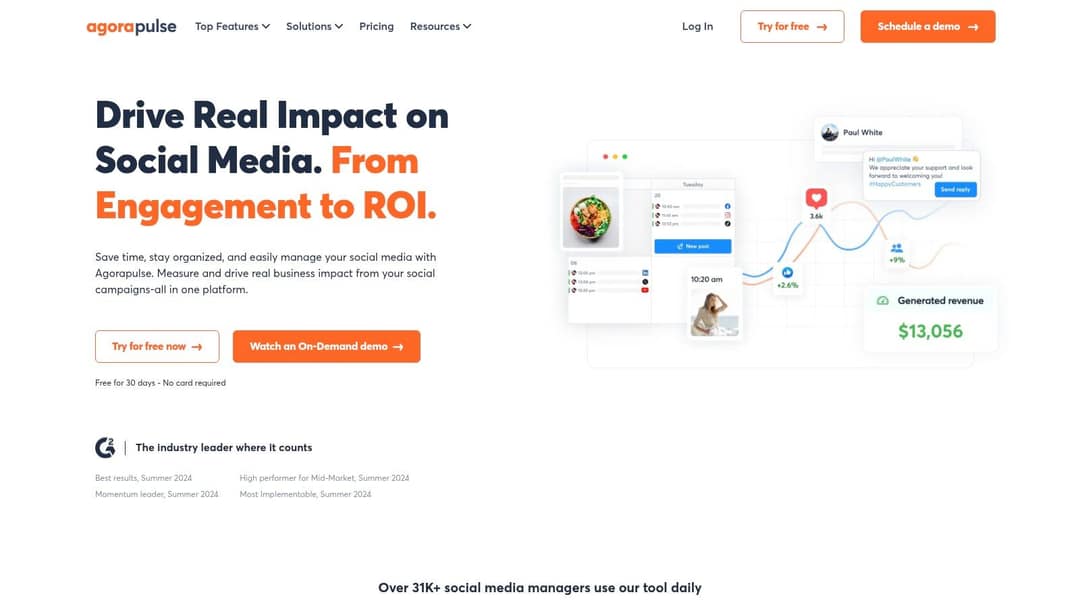
Agorapulse is built around a unified inbox: comments, messages and mentions from every connected network land in one stream where you can reply, assign, label or archive them. It also ties social activity to ROI reporting, which helps when you need to show what social brings in.
- Standout feature: inbox with assignment and labels for teams.
- Watch out for: per-user pricing, and a mobile app that is less complete than the desktop version.
7. CoSchedule
Best for: content marketers who plan social around blogs and campaigns.
CoSchedule puts social posts on the same drag-and-drop marketing calendar as your blog posts and campaigns, so promotion moves when the content moves. Its ReQueue feature reshares your best evergreen posts to fill gaps in the calendar.
- Standout feature: ReQueue automatic resharing.
- Watch out for: the full marketing suite is priced on quote, and very large calendars can feel slow.
8. Sendible
Best for: agencies and consultants managing many client profiles.
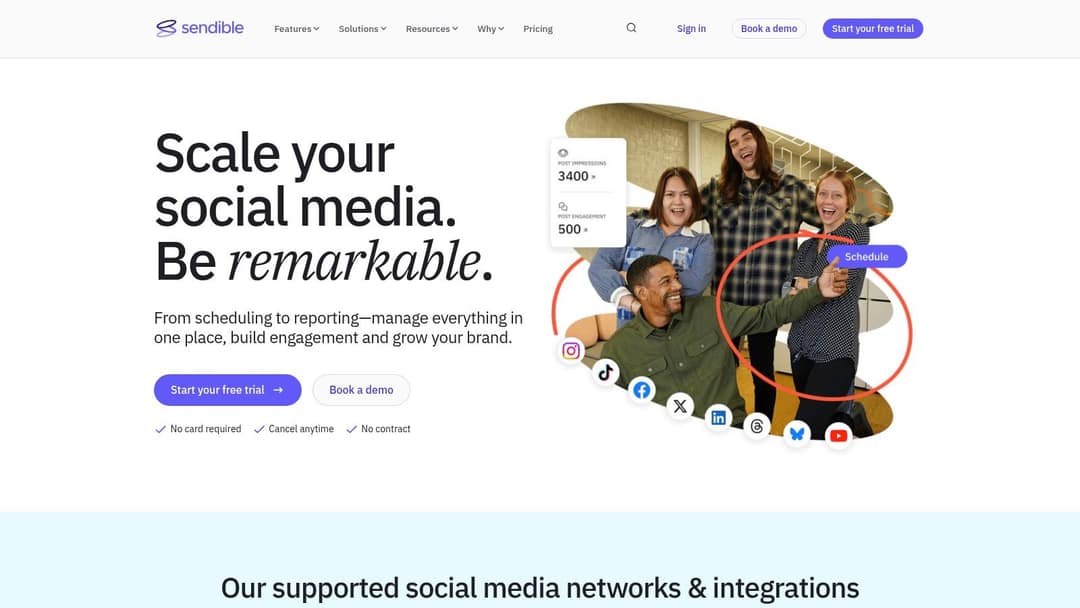
Sendible is designed for agency work: white-label dashboards, a drag-and-drop report builder for branded client reports, bulk scheduling by CSV and a shared content library. Pricing scales with users and profiles, which suits agencies and franchise groups more than one-account users.
- Standout feature: custom branded client reports.
- Watch out for: solo marketers with one or two accounts can find cheaper options.
9. Zoho Social
Best for: small and mid-size businesses already on Zoho CRM.
Zoho Social turns social interactions into CRM leads when connected to Zoho CRM. Its SmartQ feature predicts when your audience is most active and schedules posts for those times, and it includes an inbox and a listening dashboard.
- Standout feature: SmartQ timing plus Zoho CRM integration.
- Watch out for: analytics are less deep than enterprise platforms.
10. Later
Best for: visual brands, and brands running influencer campaigns.
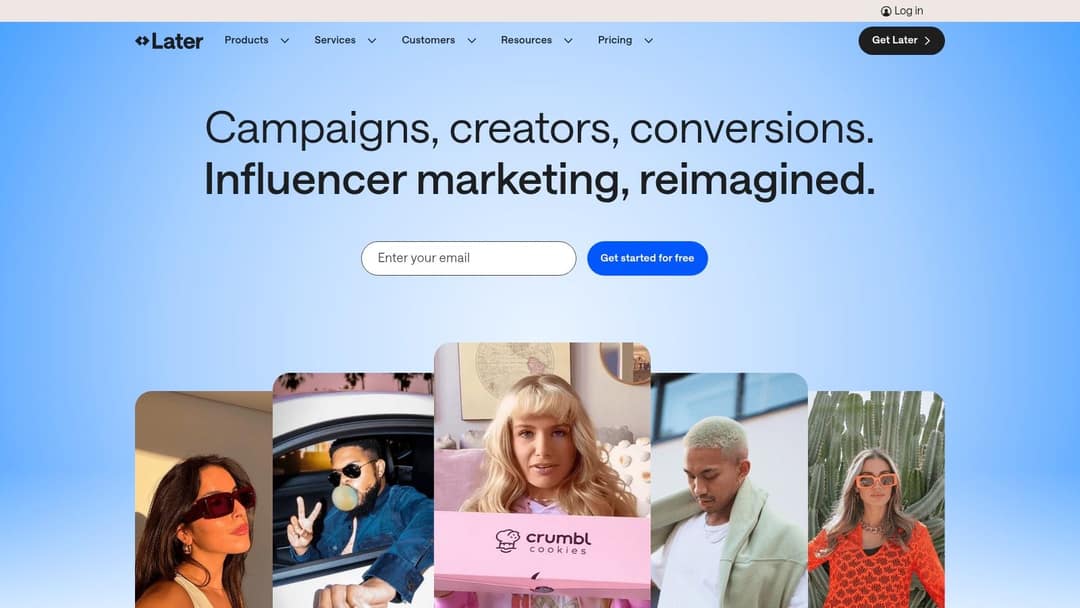
Later started as an Instagram scheduler with a visual planner that previews your grid before posts go live, plus Linkin.bio, a shoppable link-in-bio page. It now leads with influencer marketing: finding creators, running campaigns and tracking conversions. If you want better content visualization than Hootsuite's list views, Later's planner and CoSchedule's calendar are the two to try.
- Standout feature: visual planner and Linkin.bio.
- Watch out for: analytics are lighter than all-in-one suites.
11. SocialBee
Best for: marketers with a large library of evergreen posts.
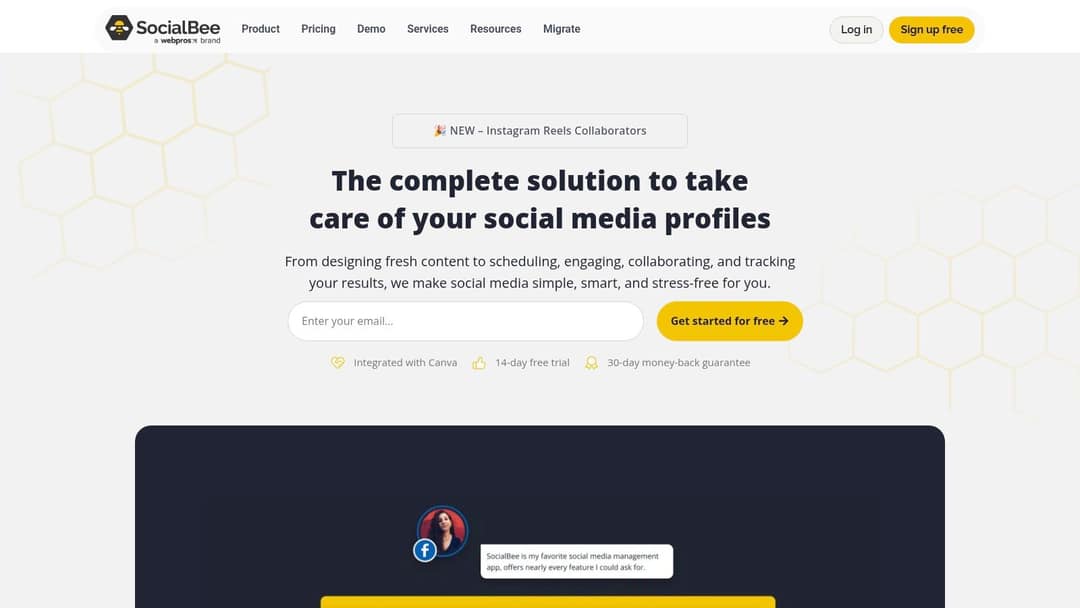
SocialBee schedules by content category: you group posts by theme, give each category time slots, and let evergreen categories recycle automatically. Post variations let a recycled post go out with different text or hashtags, so it doesn't look repetitive. It integrates with Canva.
- Standout feature: category scheduling with recycling and variations.
- Watch out for: no built-in listening, so add a separate tool if you monitor brand mentions.
12. MeetEdgar
Best for: solo entrepreneurs who want feeds that never go quiet.
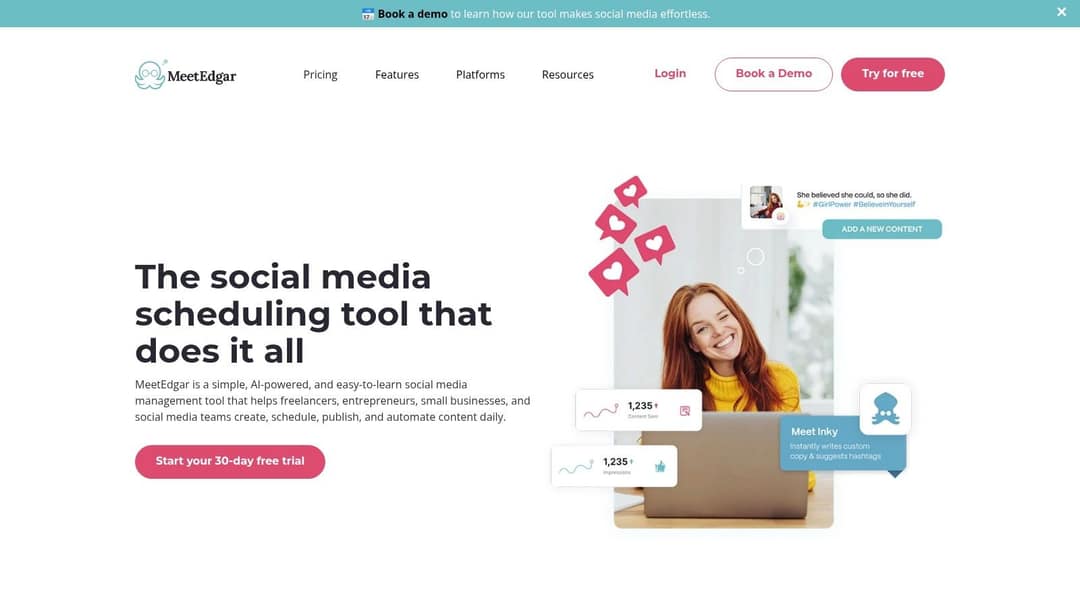
MeetEdgar keeps a library of your posts in categories such as blog posts, promotions or quotes, assigns each category a weekly slot, and pulls from the library automatically, recycling older posts. Its AI assistant, Inky, writes post copy and suggests hashtags.
- Standout feature: a self-refilling content library.
- Watch out for: little in the way of listening, deep analytics or approval workflows.
Prompt to try
Make a 30-second vertical video for a small coffee shop titled '3 mistakes ruining your home espresso'. Open with the hook 'Your espresso tastes bitter for one reason.' Use close-up stock footage of brewing, a friendly upbeat voiceover, bold captions and light acoustic music.
How to choose a social media automation platform
Start from your bottleneck, not from feature lists:
- If you run out of content, automate creation first (Revid for video), then schedule.
- If you post inconsistently, pick a queue-based scheduler: Buffer, Later or SocialBee.
- If you miss comments and DMs, pick an inbox-first tool: Agorapulse or Sprout Social.
- If you report to clients, pick agency tools: Sendible or SocialPilot.
- If you reuse evergreen posts, pick a recycler: MeetEdgar, SocialBee or CoSchedule's ReQueue.
- If your team uses five tools already, consolidate: one creation tool plus one scheduler with inbox and reports covers most workflows and cuts tool sprawl.
Then run free trials of your top two or three. Connect real accounts, schedule a week of posts and pull one report; the friction shows up in the first hour. For a step-by-step setup once you've chosen, see our guide on how to automate social media posts.
How do I automate publishing across LinkedIn, Instagram and TikTok?
Use a scheduler that supports all three: Hootsuite and Sendible both list LinkedIn, Instagram and TikTok among their publishing networks. If your posts are mostly short videos, make them in Revid, publish to Instagram and TikTok directly from Revid's queue, and send the same files to LinkedIn through your scheduler. Check each scheduler's supported-networks page before buying, since post types (Reels, carousels, Stories) are not always supported equally.
Which tools support webhooks and API automation?
If you want automation that triggers other systems (a new video posts, a sheet updates, a Slack message goes out), you need webhooks or an API. Revid includes webhooks, a REST API, an MCP server and a CLI on every paid plan, so a script or an AI agent such as Claude or ChatGPT can search viral videos, render a video and publish it with one key; the Revid MCP, CLI and API page shows the setup. For schedulers, general automation platforms such as Zapier or Make connect apps through triggers and actions; check each scheduler's integrations page to see what it exposes.
Automating video for teams that publish 30 to 50 videos a month
At that volume, editing time is the constraint, not scheduling. A practical setup:
- Feed the pipeline: one Auto-Mode worker per series or account, each with its own prompt or content source.
- Start from evidence: point Search & Remix at your topic so each video follows a format that already performed, rewritten as an original.
- Reuse client footage: reformat existing clips to 9:16, 4:5, 16:9 or 1:1 with the resize video tool, then add captions and music in the editor.
- Review before posting: fix any scene in the timeline editor; keep a human sign-off for brand videos.
- Close the loop: every post published through Revid reports views, likes and comments, and a winner can be remixed in one click.
For the bigger picture on scheduling, formats and batching, see our social media video automation guide. Teams that need a fixed corporate presenter rather than social video may be better served by an avatar platform such as Synthesia.
Prompt to try
Create a 45-second vertical video for a fitness coach on 'Why your step count is lying to you', opening with the hook '10,000 steps was a marketing slogan, not science.' Give it an original angle with one personal-style tip at the end, clean motion graphics, a calm confident voice and on-screen captions.
What you should not automate
Automate production and publishing; keep judgment human. Three lines not to cross:
- Engagement bots. Tools that auto-follow, auto-like or auto-comment through unofficial access break platform rules and put the account at risk. Use schedulers that publish through official integrations.
- Mass-produced templates. YouTube's "inauthentic content" policy (renamed from "repetitious content" on July 15, 2025) blocks monetization of repetitive or mass-produced content, including AI videos made from generic templates without original insight. Since March 2026, Facebook deprioritizes reposts with only borders, captions or speed changes added.
- Unreviewed output. Sprout Social research published in March 2026 found that 50% of Gen Z have already blocked, muted or unfollowed a brand or creator because their content felt like "AI slop."
Want more options beyond these 12? OKZest's roundup of social media automation tools and Spur's list of social media automation tools cover additional schedulers and chat-automation apps.
FAQ
Which tool lets you post to TikTok or Snapchat from one platform?
For TikTok, Revid, Hootsuite and Sendible all publish directly. Snapchat support varies by scheduler and changes often, so check the supported-networks page of any tool before you commit.
What's more powerful than SocialBee for automation?
For listening and inbox work, Sprout Social, Hootsuite or Agorapulse go further than SocialBee. For automating the content itself rather than the schedule, Revid creates and publishes short-form videos on a daily schedule.
What can I use for Instagram and Facebook automation instead of Jarvee?
Use schedulers that publish through official integrations, such as Buffer, Later, Agorapulse or Hootsuite, instead of bot tools that automate follows, likes and comments. Bots risk account restrictions; schedulers only publish and manage your own content.
Is there a free social media automation tool?
Buffer has a free plan for basic scheduling, and several other schedulers offer trials. Revid's sign-up is free, with free credits to try video creation and no credit card needed; regular video creation then uses the credits of a paid plan, from $39/month.
Does labeling AI-generated content hurt reach?
No. TikTok says turning on its AI-generated content label doesn't affect distribution if the video follows Community Guidelines, and YouTube says disclosure alone doesn't limit a video's audience or its eligibility to earn.