8 YouTube Shorts Ideas Without Showing Face (2026)
Explore 8 YouTube Shorts Ideas Without Showing Face, from animated explainers to blog repurposing, with hooks, scripts and editing tips for 2026.
On this page
You've got a topic list, a phone, and every intention of posting regularly. Then you open the camera, dislike the lighting, restart your introduction, and spend your production time trying to look comfortable instead of making something useful.
You don't have to solve that problem by becoming a presenter. A viewer looking for a spreadsheet shortcut needs to see the shortcut. Someone watching a restoration wants the reveal. Build around the hook, the payoff, and the rhythm of the edit, rather than treating your face as a required ingredient.
The useful question isn't whether you can hide behind stock footage. It's what you can show more clearly when you remove the presenter. A close-up, diagram, screen recording, or carefully written caption can carry the explanation, provided you give viewers a reason to keep watching.
These YouTube Shorts ideas without showing face start with lightweight, reusable production setups and move toward formats that depend more heavily on sourcing and editorial judgment. Keep animation simple at the beginning, use footage you already own where possible, and resist building a complicated visual identity before you've published anything.
Each format gives you a hook to adapt, a recording setup, an editing instruction, and another use for the material. Choose the one you can make with the skills and assets you have today.
- Daily YouTube Shorts views
- 200B+
- YouTube Official Blog, June 2025
- YouTube channels publishing Shorts each day as of March 2026
- 10M+
- Alphabet, April 2026
- Qualified Shorts views in 90 days needed for Shorts ad revenue, plus 1,000 subscribers
- 10M
- YouTube Help, October 2026
1. Animated Explainer Shorts
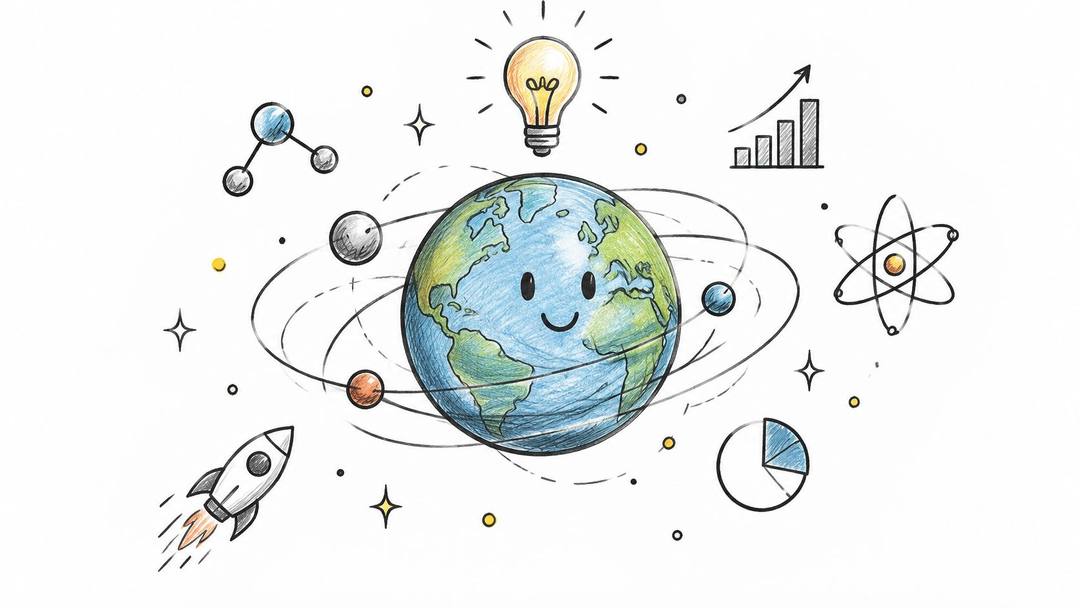
A moving diagram can explain something that would take a talking presenter several sentences. Start with a familiar problem, such as why a crowded project board makes it hard to identify the next task, then show the problem disappearing as you simplify the board.
Keep the animation functional. You don't need illustrated characters or elaborate transitions. Use Canva or PowerPoint to create a clear diagram, then animate the relationships between its parts.
Build around a visible change
Hook line: Your project board is organized, but can you tell what to do next? Show a cluttered board immediately, rather than opening with your channel name.
Shot and audio setup: Record a conversational voiceover first. Build simple cards, arrows, and labels around the narration, using a consistent palette so viewers can distinguish the problem from the solution.
Editing prompt: Reveal the board, highlight the competing labels, and replace them with a clear next-action field. Move an object only when its movement explains something, not because the frame feels too quiet.
Second use: Export the diagram's stages as a carousel or add them to a written tutorial. You can also reuse the graphic components for a related explanation without repeating the script.
Kurzgesagt and TED-Ed are useful references for visual explanation, not sensible production benchmarks for a solo creator's first upload. Borrow the principle of making an abstract idea visible, rather than trying to copy their production complexity.
The format breaks when you write an essay and decorate it afterward. Sketch the visual explanation before polishing the narration. If you can't draw the central idea clearly, narrow the topic until you can.
Prompt to try
Make a 30-second vertical animated explainer on why a crowded project board hides your next task. Open on the hook "Your project board is organized, but can you tell what to do next?" over a cluttered board, then use simple cards, arrows and labels in a consistent two-color palette to replace the competing labels with one clear next-action field. Calm conversational voiceover, clean motion graphics style.
2. Hands-Only Tutorial and DIY Process Videos
Put the finished object on the table before showing how you made it. For a stationery business, that might mean opening with a neatly wrapped order, then showing the folding, fastening, and labeling that produced it.
Hands-only tutorials work best when the viewer can distinguish an essential action from a decorative shot. Overhead recipe videos associated with Tasty offer a useful reference for keeping the materials and process central.
- Hook line: Keep the wrapping neat without hiding the product. Show the completed package while your hands turn it toward the camera.
- Shot and audio setup: Fix your phone to an overhead mount, lock exposure, and light the work surface from the side. Record the paper folds and tool sounds separately if the room is noisy.
- Editing prompt: Cut waiting and repetition, but preserve the moment when the technique becomes clear. Label the action beside your hands without covering the contact point.
- Second use: Pull close-up stills into a product-care guide, or use the finished-result footage on your shop's product page.
The index leans toward videos that surface in hashtag and keyword searches, so its view counts run high: compare the groups, not the absolute numbers.
Source: Revid TikTok index: 2,377,477 TikToks with AI labels per video, snapshot of Sep 15, 2026. Median views estimated from view buckets.
Show the data
| Median views | Share past 1M views | |
|---|---|---|
| Challenge | 226.9K | 32% |
| Comedy | 194.6K | 29.9% |
| Dance | 121K | 23.4% |
| Reaction | 117.4K | 23.4% |
| Tutorial | 111.5K | 22.2% |
| Storytelling | 107.7K | 21.5% |
| Lip Sync | 90.7K | 21.4% |
Make the steps readable without sound
Use concise action labels, strong contrast, and enough screen time to read each instruction. Keep text away from interface controls and the part of the demonstration that viewers need to inspect.
The academic review of captioning and short-form video presents mixed evidence across platforms, so captions deserve testing rather than automatic expansion. Compare full captions with selective action labels, especially when the demonstration already communicates clearly.
Practical rule: Speed up the waiting, not the part someone needs to learn.
The trade-off is physical preparation. Reset the workspace, prepare spare materials, and check focus before starting an irreversible cut, fold, or pour.
3. Narrated Story Shorts with Background Footage
A story needs a reason for the viewer to care before it needs atmospheric footage. Start with a consequential decision, then explain what made it difficult.
For a clearly labeled fictional business scenario, your hook could be: The customer wanted a refund, but the order hadn't left the workshop. That creates a specific question you can resolve without borrowing someone else's personal story.

Let the narration determine the pictures
Shot and audio setup: Write the ending before recording the opening. Use your voice or a carefully reviewed synthetic narration, paired with footage you filmed or licensed for the intended use.
For the workshop scenario, capture an unfinished order, a packing bench, and a recreated message with no personal information. Those images support the story better than unrelated gameplay.
Editing prompt: Introduce the decision, reveal the missing context, and deliver the outcome. Change visuals when the story changes direction, and emphasize only the words needed to understand that turn.
Second use: Turn the script into a newsletter scenario inviting readers to explain what they would do. Reuse the workshop footage for a separate process tutorial with a different purpose.
Originality matters more than changing the voice. YouTube's channel monetization policies require original, authentic content and warn against mass-produced, repetitive material and minimally transformed reuse.
Copying a forum post, adding narration, and placing it over a loop doesn't give you a distinctive editorial contribution. Write an original scenario, obtain permission where appropriate, or add substantive analysis to material you're entitled to use.
Deliver the promised resolution. A cliffhanger can introduce another story, but withholding the entire payoff makes the current video feel unfinished.
4. Oddly Satisfying Visual Loops
The strongest starting point is a process you can repeat safely and control precisely: arranging beads, brushing dust from a textured surface, folding paper, or assembling a small mechanism. Choose an action with a recognizable beginning and a visually pleasing finish.
Unlike a tutorial, the main job isn't necessarily to teach. It's to make the movement, texture, and transition worth watching.
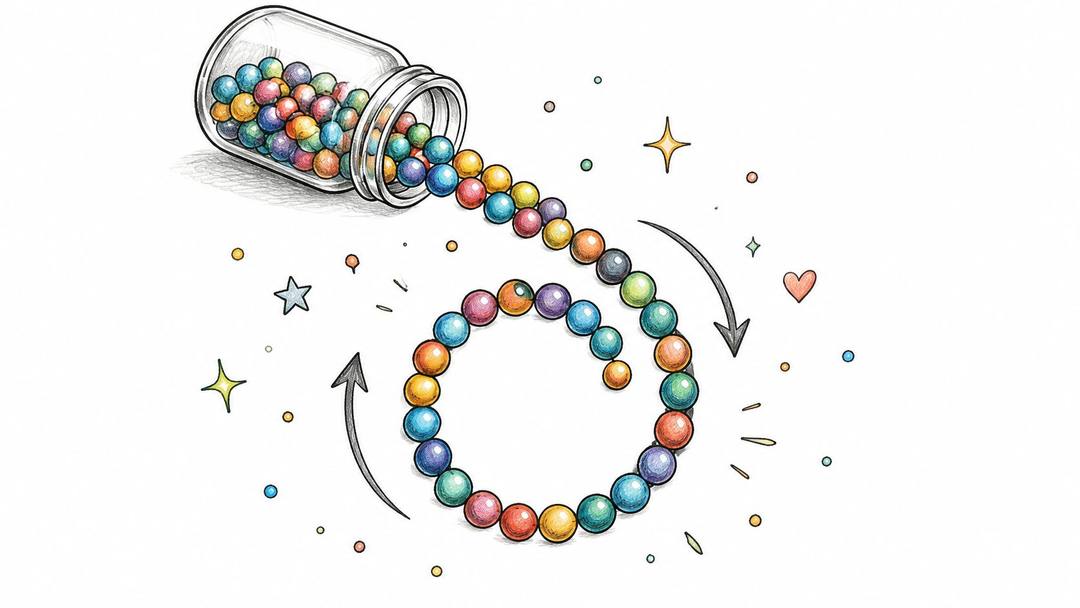
Hook line: An optional overlay such as Watch the final gap disappear gives a bead-sorting sequence a clear destination. If the action is self-explanatory, leave the frame clean.
Shot and audio setup: Lock the phone on a tripod, fix focus and exposure, and keep your hands from casting changing shadows. Capture clean contact sounds close to the materials, without letting the microphone enter the shot.
Plan the loop before filming
Editing prompt: Match the final composition to the opening composition. Use a repeated hand movement or an object crossing the lens to conceal the join, and listen for an audio jump at the cut.
For a car-detailing business, a controlled foam application can become a texture-led process video. The guide to angles that make foam look cinematic offers a relevant starting point for framing that footage.
Second use: Keep a clean version without text for a product-page background or a longer process montage. Save the raw recording too, since a tightly cropped Short may not suit another layout.
A seamless join is useful only when the action itself is worth repeating.
This format breaks when creators mistake slow motion for interesting movement. Remove dead time, keep the subject obvious, and avoid manufacturing dangerous cutting or pouring setups just to imitate another channel.
5. Top-N List and Countdown Shorts
A countdown needs a defensible organizing principle. Useful tools for freelancers is broad; Tools that help a freelancer hand off finished work gives you a specific audience, task, and reason for including each entry.
The ranking should reflect your judgment, not the order in which you found screenshots. Explain what makes the final recommendation a better fit for the stated task.
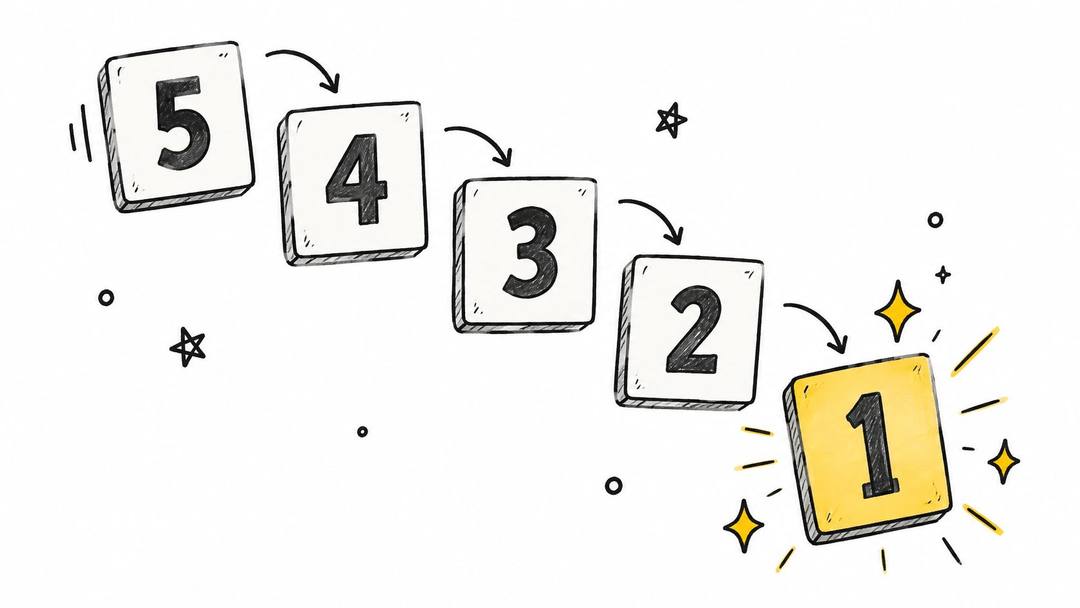
- Hook line: The handoff tool I'd choose depends on what the client needs next. Preview the decision rather than making an unsupported best-ever claim.
- Shot and audio setup: Record each tool completing the same relevant task. Narrate the benefit and limitation while showing the evidence on screen.
- Editing prompt: Use a consistent rank label, name, and comparison field. Give each entry a visible demonstration instead of filling the screen with logos.
- Second use: Turn each demonstration into a standalone answer to a narrower question. Reuse the underlying comparison notes in a buyer's guide.
Rank for a situation, not everyone
Say you're comparing ways to deliver design files. Show how the recipient previews the work, finds the final version, and leaves feedback. A tool that suits internal collaboration may not be the simplest choice for a client who only needs to download an approved file.
Verify current features before recording. Avoid pricing claims unless you're prepared to check and maintain them, and don't imply you've tested a tool you've only read about.
The production advantage is a reusable layout. The editorial risk is interchangeable recommendations. Keep the layout consistent, but make each explanation specific enough that viewers understand why you included it.
6. Screen Recording and Software Tutorial Shorts
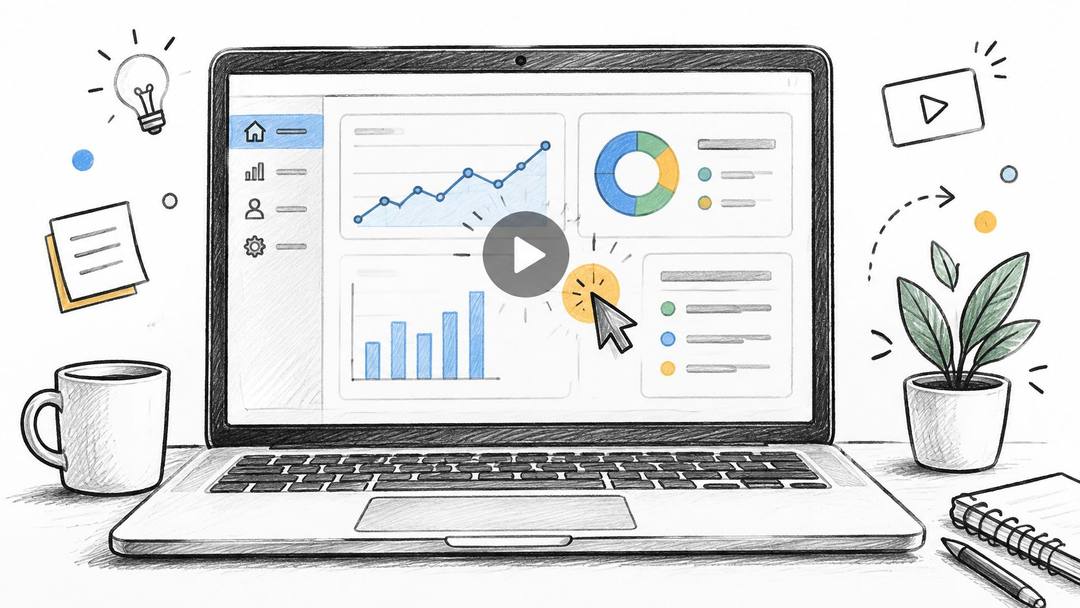
Show the result before navigating the menus. If you're teaching spreadsheet cleanup, open on the messy sheet beside the cleaned version, then demonstrate the action that connects them.
A useful software Short solves a named problem. Remove duplicate rows in Google Sheets gives viewers a clearer promise than A productivity trick you need.
Record the task, not your entire desktop
Hook line: Clean this duplicate-filled sheet without deleting rows by hand. Make sure the recorded demonstration fulfills that promise.
Shot and audio setup: Create a sample document with fictional information. Hide notifications, close unrelated tabs, enlarge the interface, and capture the screen with OBS Studio or your device's recorder.
Record narration after completing a clean take. That keeps you from explaining while hunting for a menu, and lets you match each sentence to a visible action.
Editing prompt: Crop around the relevant controls, pause briefly on menu selections, and cut loading time. Preserve enough context that viewers know where the selected command lives.
Second use: Embed the recording in a help article or expand it into a longer walkthrough covering exceptions. Keep the editable sample file so you can re-record when the interface changes.
Keep the proof visible: If you promise a cleaner spreadsheet, show the cleaned rows before ending.
The format breaks when a full desktop gets squeezed into a vertical frame. Viewers shouldn't need to decipher tiny text or follow a cursor across irrelevant panels.
Include the prerequisite that makes the instruction work, such as selecting the correct data range. A short tutorial can be concise without hiding the detail that prevents a mistake.
7. Animated Quote and Motivational Text Shorts
A familiar quote over a sunset is easy to assemble and difficult to distinguish. A specific lesson for a specific situation gives you more to work with.
For a channel serving freelance designers, build around the moment before sending unfinished work for feedback. Use an original line such as Ask for feedback on the decision, not permission to keep working, then show what that means in practice.
Prompt to try
Create a 20-second YouTube Short for freelance designers with the hook "Before you send that draft, change the question." Show a desk with a sketchbook, contrast a vague feedback request with a focused one, and land on the line "Ask for feedback on the decision, not permission to keep working." Calm voiceover, restrained music, large readable text revealed in full thoughts.
Turn the sentence into an action
Hook line: Before you send that draft, change the question. This promises an applicable lesson rather than a vague emotional lift.
Shot and audio setup: Film a desk, sketchbook, or recreated feedback request. Use restrained music you're entitled to use, with optional narration that supports rather than competes with the text.
Editing prompt: Reveal complete thought units instead of animating every word separately. Contrast an unclear feedback request with a focused one, and leave the improved version visible long enough to read comfortably.
Second use: Turn the lesson into a static post or client-communication template. Reuse the desk footage for another lesson, but give the next video its own argument and visual progression.
The main trade-off is speed versus substance. Text templates make production convenient, but swapping a sentence and background can leave you with a channel full of indistinguishable uploads.
- Attribution: Check the original work before attaching a famous name to a quotation. If you can't verify it, use your own wording without implying someone else said it.
- Readability: Choose a clear font, stable placement, and contrast that survives a small screen.
- Specificity: End with an action the viewer can take, such as rewriting a feedback request, rather than another abstract instruction to stay motivated.
Keep the emotional tone consistent with the audience. A calm, useful lesson doesn't need dramatic music to justify its existence.
8. Blog-to-Video and Article Repurposing Shorts
Don't start by pasting an entire article into a narration track. Find the passage that answers a clear question, then rebuild it as a visual explanation.
Say your business has an article about preparing artwork for print. A useful Short could demonstrate how to spot a low-resolution image before submitting a file, rather than attempting to summarize every production requirement.
Hook line: This image looks sharp on your laptop. Check it before sending it to print. Follow immediately with a close-up that makes the issue visible.
Rewrite for speech and demonstration
Shot and audio setup: Extract the takeaway, record a plain-language explanation, and capture the relevant document or workflow. Use your own article and visuals, or confirm permission before adapting someone else's work.
Editing prompt: Replace written introductions with the problem itself. Show the example, explain the check, and finish with the corrected result, using captions for terms viewers may want to remember.
Second use: Embed the finished Short in the original article. Use another distinct question from the same article for a follow-up, rather than cutting the same explanation into near-identical uploads.
The guide to turning a blog post into a video provides a practical route for adapting written material into a video workflow.
- Keep the evidence: Preserve important qualifications when shortening an explanation. Don't turn a conditional recommendation into a universal rule.
- Update the material: Check product interfaces, specifications, and examples before carrying them into a fresh upload.
- Make the next step clear: Name the original article in the description and explain what additional detail it contains.
This format becomes sourcing-heavy when the article relies on external claims or assets. Your advantage is an existing argument, not an exemption from checking it. Repurpose the expertise, not just the paragraphs.
How the 8 face-free YouTube Shorts formats compare on effort, risk, and best use
| Item | Production Effort | Main Risk | Best For |
|---|---|---|---|
| Animated Explainer Shorts | Moderate; animation and voiceover | Animation learning curve and crowded niches | Educational facts, science, and history |
| Hands-Only Tutorial and DIY Process Videos | Moderate; requires materials and filming | Time and materials; hard to stand out | Cooking, crafts, cleaning, and DIY |
| Narrated Story Shorts with Background Footage | Low to moderate; scripting, narration, and editing | Reuse and licensing concerns | Mystery, true stories, and narrated posts |
| Oddly Satisfying Visual Loops | Low to moderate; filming and precise loop editing | Difficult to differentiate; footage rights | ASMR and visually satisfying processes |
| Top-N List and Countdown Shorts | Low to moderate; research and visual selection | Generic content or inaccurate claims | Rankings across travel, tech, and other niches |
| Screen Recording and Software Tutorial Shorts | Low; screen capture and clear explanation | Tutorials can become outdated | Software tips and quick how-to guides |
| Animated Quote and Motivational Text Shorts | Very low; template-based | Saturation and quote attribution issues | Motivational, philosophy, and affirmation content |
| Blog-to-Video and Article Repurposing Shorts | Low to moderate; adapt existing content | Lost nuance and source or visual rights | Businesses and publishers repurposing articles |
The index leans toward videos that surface in hashtag and keyword searches, so its view counts run high: compare the groups, not the absolute numbers.
Source: Revid TikTok index: 2,377,477 TikToks with AI labels per video, snapshot of Sep 15, 2026. Median views estimated from view buckets.
Show the data
| Median views | Share past 1M views | |
|---|---|---|
| Animal-focused | 273.2K | 36.3% |
| Faceless | 199.4K | 29.7% |
| Object-focused | 143.1K | 24.9% |
| Group-focused | 140.3K | 23.7% |
| Person-focused | 104.8K | 21.8% |
Pick One Format and Publish Your First Faceless Short This Week
Choose the format that matches what you can demonstrate reliably. If you know software, record a workflow. If you make products, point the camera at the materials. If you explain complex ideas well, sketch a diagram before opening an animation tool.
Don't choose based solely on which format seems easiest to automate. Choose something you can make useful again with a different subject.
Set a small publishing commitment
Write a hook, identify the promised payoff, and gather only the assets needed to connect them. Publish within seven days, then improve from the response instead of postponing the upload until every visual detail feels finished.
Watch the exported video on your phone before publishing. Check that the opening makes sense without sound, captions don't cover the demonstration, and the ending delivers what the hook promised.
- Track the hold: In YouTube Studio, inspect whether viewers stay rather than swipe away, then examine where they leave.
- Look for rewatches: Use retention patterns and repeat-viewing signals to investigate which demonstrations viewers revisit.
- Change a variable: Test the opening frame, caption density, or narration pace separately so you can make a useful comparison.
- Keep production notes: Record what you changed and what viewers asked. Comments can reveal missing steps that deserve their own tutorial.
Keep monetization expectations separate from the decision to start. YouTube's Partner Program eligibility guide sets the full advertising-revenue Shorts route at 1,000 subscribers and 10 million qualified public Shorts views within the previous 90 days, alongside its other eligibility requirements.
That's a substantial scale requirement, not a reason to chase random viral subjects. Build a repeatable format with original explanations, clear demonstrations, and a recognizable audience before treating views as a business forecast.
At Revid, we can turn a YouTube video, an article, or a song into Shorts and add captions in 30 styles. We can also create finished videos from an idea or a link without filming or editing skills, which fits narrated explainers, text-led lessons, and article adaptations.
You still need to check the script, verify claims, and decide whether each visual helps the viewer understand. Removing the presenter should simplify production, not remove your judgment.
Your first upload needs a clear promise and a satisfying answer. Make that connection work, publish it, and use what viewers do to plan the next one.
At Revid, we turn ideas and existing content links into finished short-form videos with visuals, voice, and captions, without requiring filming or editing skills. Visit revid.ai with a topic or article you already own, choose a faceless format, and build your first Short around a clear takeaway.
FAQ
Can you monetize YouTube Shorts without showing your face?
Yes, but YouTube's monetization policies require original, authentic content and warn against mass-produced, repetitive material and minimally transformed reuse. Narrating a copied forum post over looped footage does not count as a real editorial contribution. Write original scenarios or add substantive analysis to material you are entitled to use.
How many views do you need to earn ad revenue from YouTube Shorts?
YouTube's Partner Program sets the full advertising-revenue Shorts route at 1,000 subscribers and 10 million qualified public Shorts views within the previous 90 days, alongside other eligibility requirements. That is a substantial scale, so build a repeatable format with clear demonstrations before treating views as a business forecast.
What is the easiest faceless YouTube Shorts format to start with?
Animated quote and text Shorts take very low effort because they are template based, but they risk saturation and attribution problems. Screen recording tutorials are also low effort and solve a named problem, though they can become outdated. Pick the format that matches what you can demonstrate reliably.
Should faceless Shorts use full captions?
Evidence on captions across platforms is mixed, so test them rather than expanding them automatically. Compare full captions with selective action labels, especially when the demonstration already communicates clearly. Keep text away from the part of the frame viewers need to inspect.
How do you know if a faceless Short is working?
In YouTube Studio, check whether viewers stay rather than swipe away and where they leave. Look at retention and rewatch signals, and test one variable at a time, such as the opening frame, caption density or narration pace. Keep notes on what you changed and what viewers asked in the comments.
Sources
- Revid TikTok index: 2,377,477 TikToks with AI labels per video, snapshot of Sep 15, 2026. Median views estimated from view buckets.
- YouTube Official Blog, Neal Mohan at Cannes Lions 2025: What 20 years of YouTube reveals about creativity's future (June 2025)
- Alphabet, Q1 2026 earnings call transcript (April 2026)
- YouTube Help, YouTube Partner Program overview & eligibility (October 2026)
Charts and figures checked on November 16, 2026.