YT Short to MP4: Keep Quality and Rights
Turn a yt short to mp4 only if you own it. See official download limits, quality checks, and a smarter way to reuse the idea.
On this page
Most “YT Short to MP4” posts start with a pile of buttons. Paste any Short URL, click through a converter, and treat the download as finished. That advice skips the only questions that matter after a bad repost: do you have the right to keep the file, and does the file still match the Short you published?
A portable MP4 is still worth having. The clip that already worked can land in a client edit, a pitch deck, or a backup before you clean a channel. The file is a normal container for a portrait video you are allowed to store, cut, or move. It is not a pass to pull someone else's Short off YouTube.
Why a YT Short to MP4 File Is Useful
A Short that already connected is a terrible thing to leave only inside the player. A client asks for the vertical clip in a longer cut. You want a copy before a channel cleanup. The phone that filmed it is not an archive.
YouTube did not treat Shorts as a side experiment for long. Creation tools arrived in September 2020 for very brief vertical videos. Between September 2020 and September 2021, the average number of daily first-time Shorts creators more than doubled, so the format was not only existing channels recycling old habits. By July 2021, Shorts was available in more than 100 countries, up from 26, which means a global publishing format showed up in roughly ten months, according to YouTube's account of the Shorts rollout. Creators now juggle stacks of portrait assets, not one hero upload a month.
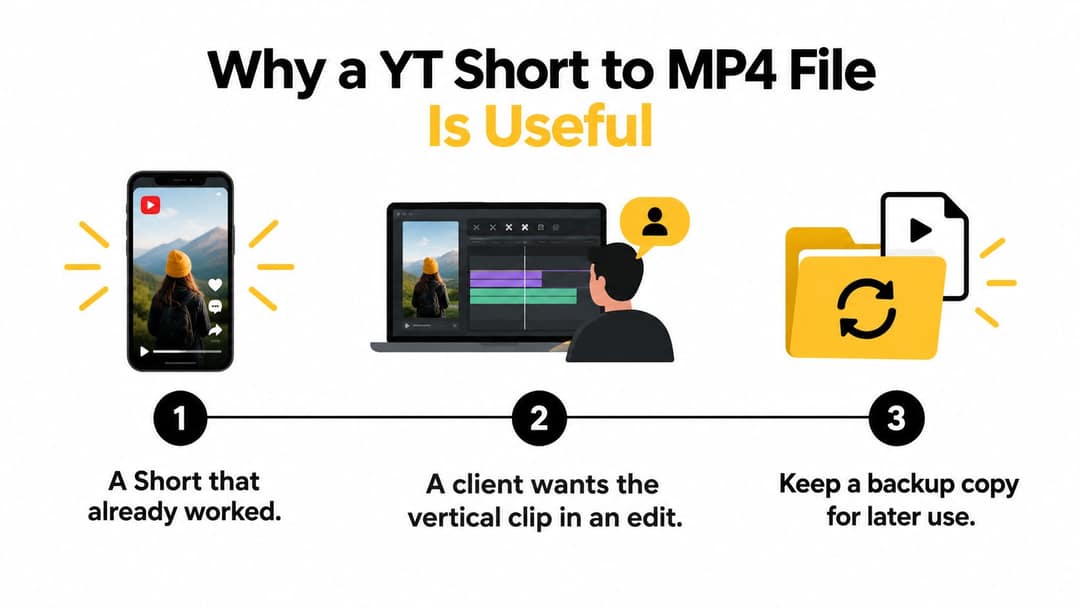
That growth is why a YT Short to MP4 file shows up in real ops work. Editors, drives, and other apps speak MP4. The YouTube app does not hand a client a timeline.
Two jobs that should not share one click
Keeping a file means an authorized copy you can open offline, rename, and drop into a project folder. Deciding later use means edit, commercial cut, repost, or monetized upload. A container does not grant the second job.
Popular button lists collapse those jobs into one. They also ignore what usually breaks a repost I have had to redo: a cropped 9:16 frame, a late voiceover, or a file so compressed the on-screen text smears. Format and permission are different problems. Solve permission first, then demand a file that still looks like the Short.
Practical rule: If you cannot name who owns the Short and what they allowed, stop before any converter.
Check Permission Before You Download
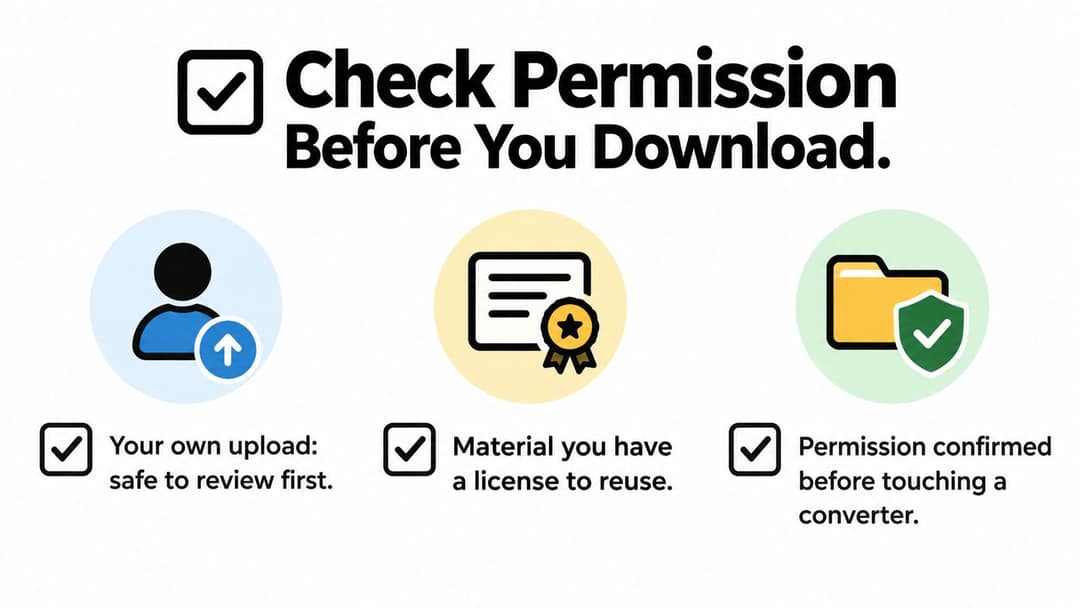
Sort the Short before you touch a tool. Four buckets cover almost every request that lands in a creator inbox.
Your own upload. You filmed it, you posted it, YouTube Studio still lists it. This is the cleanest case for an official MP4.
Licensed reuse. A written license, a work-for-hire handoff, or a clear Creative Commons grant that matches how you will use the clip. Read the grant. “Credit the creator” is not the same sentence as “download and repost.”
Public-domain material. Rare on a Shorts feed, and you still need a reason to believe the claim. A caption that says “free to use” is not a deed.
Someone else's copyrighted work. Default assumption for a URL you did not upload. Watching it, dueting the idea in your head, or linking to it is not the same as extracting a file.
YouTube's terms generally prohibit downloading unless the platform provides the feature or the rights holder authorizes it. YouTube Premium offline playback stays inside the app. It does not hand you a reusable MP4. The same reporting put daily Shorts views near 200 billion in 2025, which is a lot of footage people will be tempted to copy. Scale does not soften the rule.
What the official download actually gives you
For videos you uploaded, YouTube's own docs say you can download an MP4, generally at 720p or 360p depending on video size. Individual downloads are limited to five times per day. Videos tied to removal, copyright, Community Guidelines, or certain audio restrictions are excluded. Those limits come from the same one-year Shorts update that also reported 30 billion Shorts views a day in July 2022 (a 400% rise from a year earlier), 1.5 billion logged-in monthly viewers, and more than 100 billion views in April 2022 on Shorts that sampled long-form videos. Huge demand, narrow official door.
The same fork shows up on other platforms. If you need offline audio you own, download SoundCloud tracks through official methods instead of a random ripper. Rights first, file second.
Reposting without rights is how creators, agencies, and small businesses collect claims and strikes. A credit line in the description does not buy a license. Convert content you are authorized to use, and stop when the Short is not yours.
Get an Authorized MP4 You Can Edit
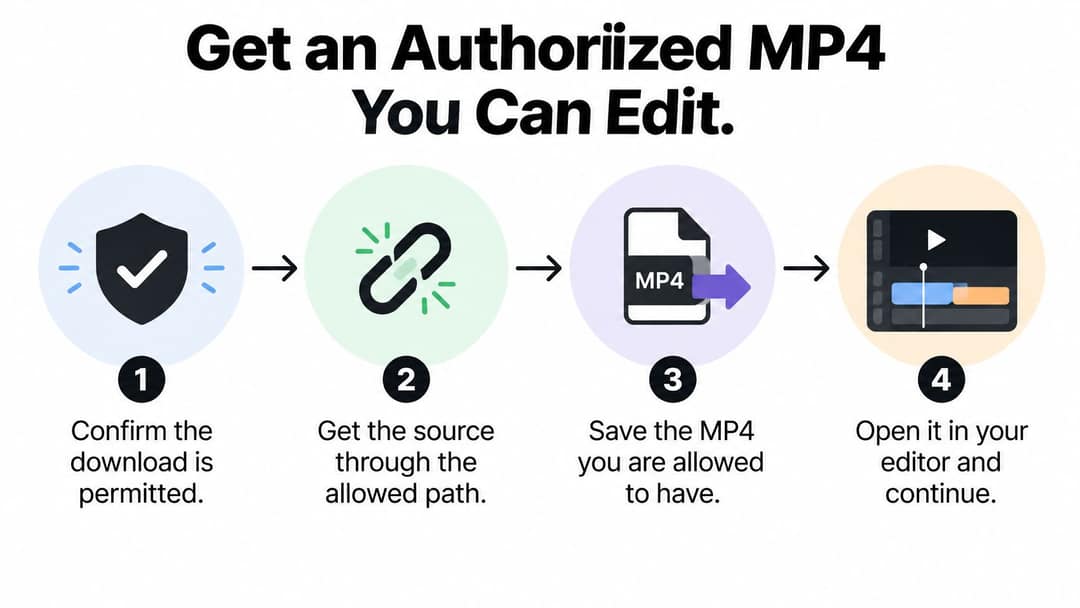
Once the Short is yours, or you hold a license that includes a file, the work turns technical. Four stages, in this order, keep the export honest.
Confirm the download is permitted. Then get the source through YouTube's download for an upload you own, not through a site that asks you to paste someone else's URL. Inspect the streams. Remux when they already fit, and transcode only when they do not.
Remux before you re-encode
A remux copies compatible audio and video into an MP4 without decoding them. FFmpeg's stream copy (-c copy) avoids another generation of quality loss and keeps CPU time low. If the official download is already H.264 plus AAC inside a container your editor opens, copying streams is the whole job.
Transcoding is the expensive path. Resize, a filter, deinterlace, or a codec the editor refuses are real reasons. Re-encoding is computationally heavy and generally lossy. Doing it “just in case” is how a crisp on-screen caption turns soft.
A target that plays almost everywhere
For broad playback, aim at an MP4 with progressive H.264 video and AAC-LC audio. YouTube's own delivery notes point at 48 kHz audio, variable bitrate video, 4:2:0 chroma, and a moov atom at the front (Fast Start) so players can begin before the whole file downloads.
There is no honest universal success rate. The authorized source, the codec pair, and the tool decide the result. Anyone promising 99% conversion is selling a number they cannot show against a test set.
A file you would hand an editor is the finish line, not a scraped copy of whatever is trending.
Skip third-party downloaders for other people's Shorts entirely. If Studio will not release your upload, the block is often copyright, a guidelines hold, or an audio claim. Fix that inside YouTube. Do not route the same URL through a browser toy.
Check Quality Before You Reuse the File
A download that “finished” is not a file you can trust. Open it on the machine that will do the edit, not in a preview tab.
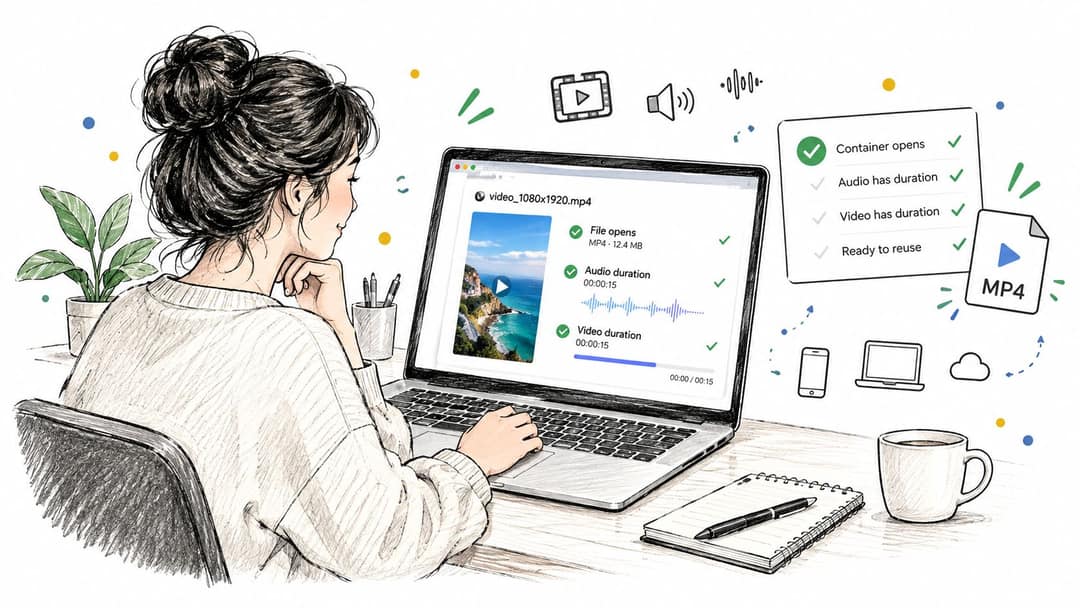
I have archived Shorts that looked fine in a browser player and failed in the timeline: picture with no duration on the audio, or a start offset that made the voice land a few frames late. That is a wrecked repost waiting to happen.
A short validation pass
- Container opens: The MP4 plays in a normal player and in the editor, with no repair prompt.
- Real duration: Audio and video both report a nonzero length that matches the Short.
- Start times line up: Picture and sound begin together. A small offset is enough to make captions miss the mouth.
- Pixel format: The frame is a format your editor accepts, typically 4:2:0 for this kind of delivery.
- Fast Start: The moov atom sits at the front, so web and phone players do not wait on the whole file.
Then check what roundup posts skip: resolution, frame rate, whether an audio track is there, a 9:16 aspect ratio, file size, and any metadata you still need (title, date, license note). If you are unsure what the container is supposed to hold, this breakdown of what a YouTube video format includes is a useful checklist before you call the export done.
Since March 31, 2025, a Short view can count when the video starts or replays, with no minimum watch time, while engaged views are a separate analytics idea, as described in this note on how Shorts views are counted. An altered archive makes later comparisons meaningless. You cannot audit a hook if the backup is a different cut.
A faithful file is also a private file. Random browser tools often mean ads, hidden redirects, and an upload of footage you did not mean to share. A client Short stays on a machine you control.
Master versus preview
Keep one editing master: highest official quality, untouched timing, full audio. Make a smaller file only when someone needs a phone preview. Do not let the preview become the only copy in the project folder.
The check below is the kind of pass worth running on your own export before it leaves the drive.
Hand an editor the master you already proved: picture, sound, timing, and Fast Start. Anything less is a redo.
Choose a Tool That Fits the Next Job
The next choice is not another exporter. It is which job you are doing.
| Situation | What you actually get | Best next move |
|---|---|---|
| You uploaded the Short | An official MP4, usually 720p or 360p, inside the daily download cap | Keep that file, validate it, store it with the project |
| You hold a license to rebuild the idea, not to lift the file | Your own edit, your own footage or graphics, your own audio bed | Cut a new vertical in your editor and do not import their MP4 |
| You liked a topic and have no rights to the original file | Nothing you can defend if you download it | Write a new script and render an original Short |
Keep the original when it is yours
Studio's download preserves your picture and your audio within the quality YouTube will release. You will not get a secret 4K master the platform never stored for you. You also avoid a second encode. That is the right path for archive, client delivery of your own clip, and a clean recut.
What it does not do: it will not process a stranger's URL, and it will not turn Premium offline viewing into a file on disk.
Rebuild when the license stops at the idea
Some brands will let you reference a hook and will not let you move their pixels. In that case the editor you already use (CapCut, Premiere, DaVinci, whatever is on the machine) is the tool. Restage the point with footage you shot or assets you licensed. Copying their MP4 “just for timing” is still copying.
Start a new Short when you cannot defend a file
When permission stops at watching, a new render is the honest move. Revid.ai turns an idea or an existing content link you are allowed to use into a short social video. It helps you look up trending material, writes a script quickly, and includes an editor aimed at TikTok, Instagram, and YouTube, including faceless channels. That is a production path, not a downloader. You leave with a video you made, not someone else's MP4 with the watermark cropped off.
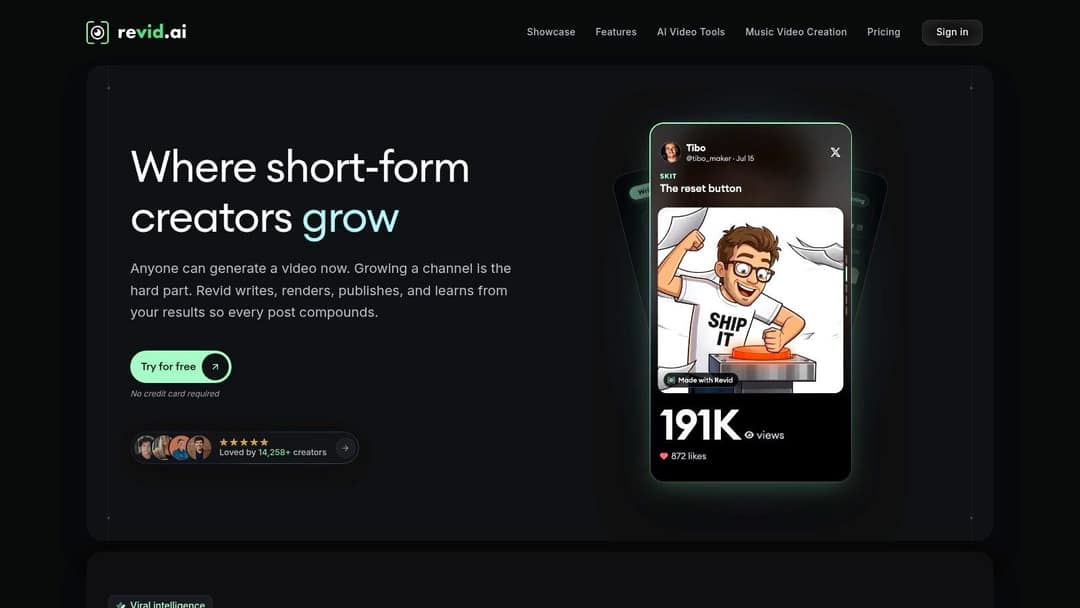
An official download preserves your footage. A new render is the right move when all you have is permission to watch.
Pick one row in the table before you open a tab. Mixing them is how teams “save time” and then spend a week on a claim.
Put the File to Work on Your Channel
Do one thing today. The fork is simple.
If the Short is yours, download it through YouTube while the quality options still match the edit you need. Play it once with picture and sound in sync. Store that MP4 in the project folder, not only on the phone that happens to be logged into the channel. Name it with the Short's title, the date, and a tag for edit master or preview, so the next person on the account does not grab the small file and call it final.
If the Short is someone else's, do not convert it. Write down the hook, the on-screen text, and who the audience was. Then build an original version from notes you can defend. Start from the idea, or from a source you are allowed to use. Generate a script, shape a new vertical video for YouTube, TikTok, or Instagram, and publish that. A repost you cannot explain in one sentence is not a growth tactic. It is a strike waiting on a music or visual claim.
Prompt to try
Create a 30-second vertical YouTube Short on 3 mistakes beginners make when archiving their own videos. Open with the hook "Your phone is not a backup." Use clean motion graphics, bold on-screen text for each mistake, a calm confident voiceover and synced captions, and end with a one-line tip to name files as master or preview.
A light archive habit
- Name: Title plus the date you downloaded or rendered it.
- Role: Master or preview, written in the filename, not in your memory.
- Rights note: “Own upload” or the license name, so a freelancer does not guess.
That habit is the whole close. Archive a Short you own, or turn the idea into a new video instead of copying a file you cannot stand behind.
If the Short is not yours to download, make a new one instead of borrowing the file. Revid.ai turns an idea or a link you are allowed to use into a short video for TikTok, Instagram, and YouTube, with a fast script and an editor built for social cuts, including faceless channels. Start the next vertical from a clean brief at revid.ai.