Social Media Video Scheduling

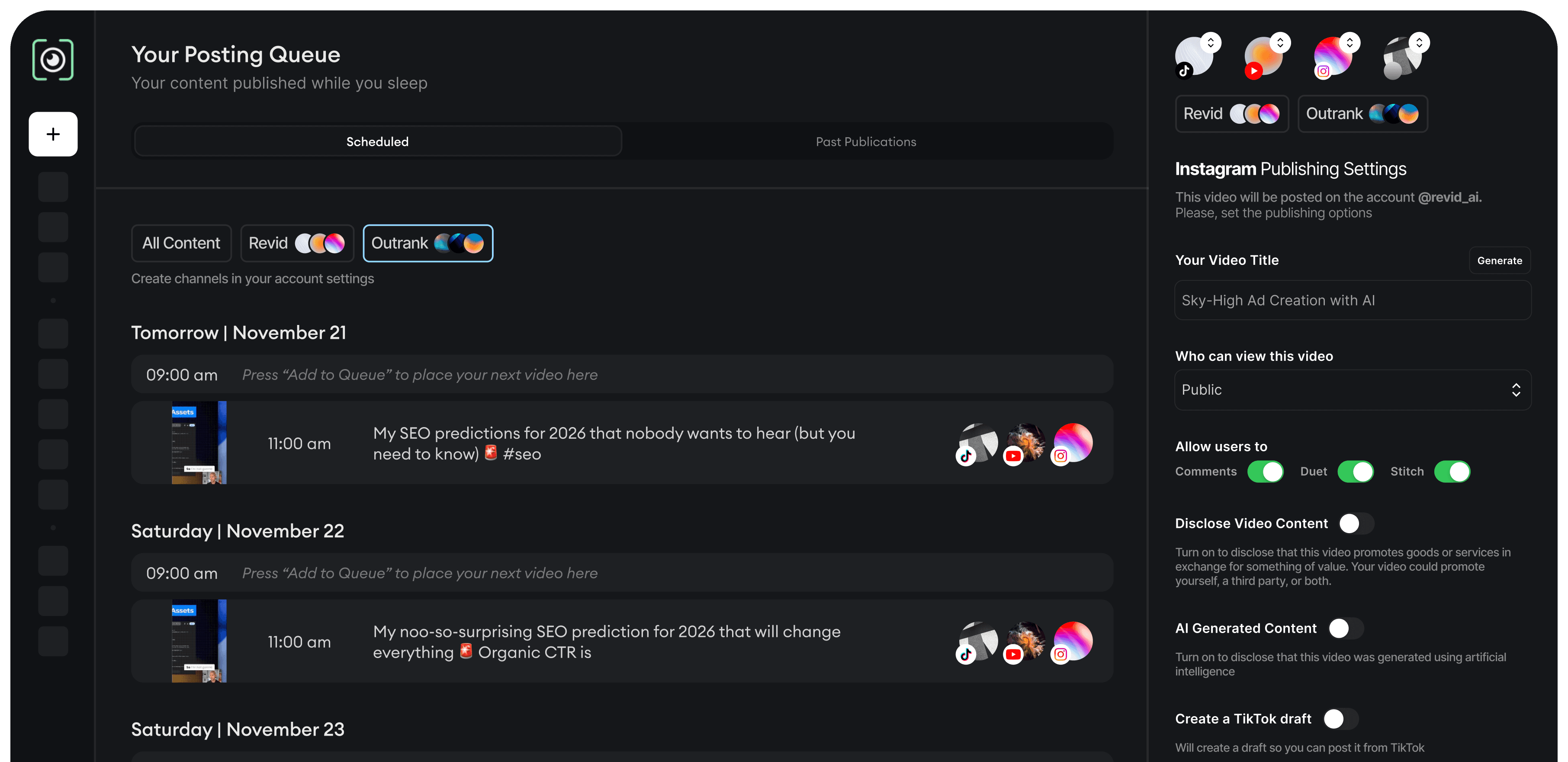
Stop switching between apps. Create your video once, then schedule and auto-publish to YouTube, TikTok, and Instagram - all from Revid's unified dashboard.

No credit card required
How It Works

One Dashboard to Control All Your Video Publishing

Schedule and Publish Videos on YouTube

Revid lets you schedule YouTube videos automatically, whether you’re posting long-form videos, Shorts, podcasts, or repurposed clips.
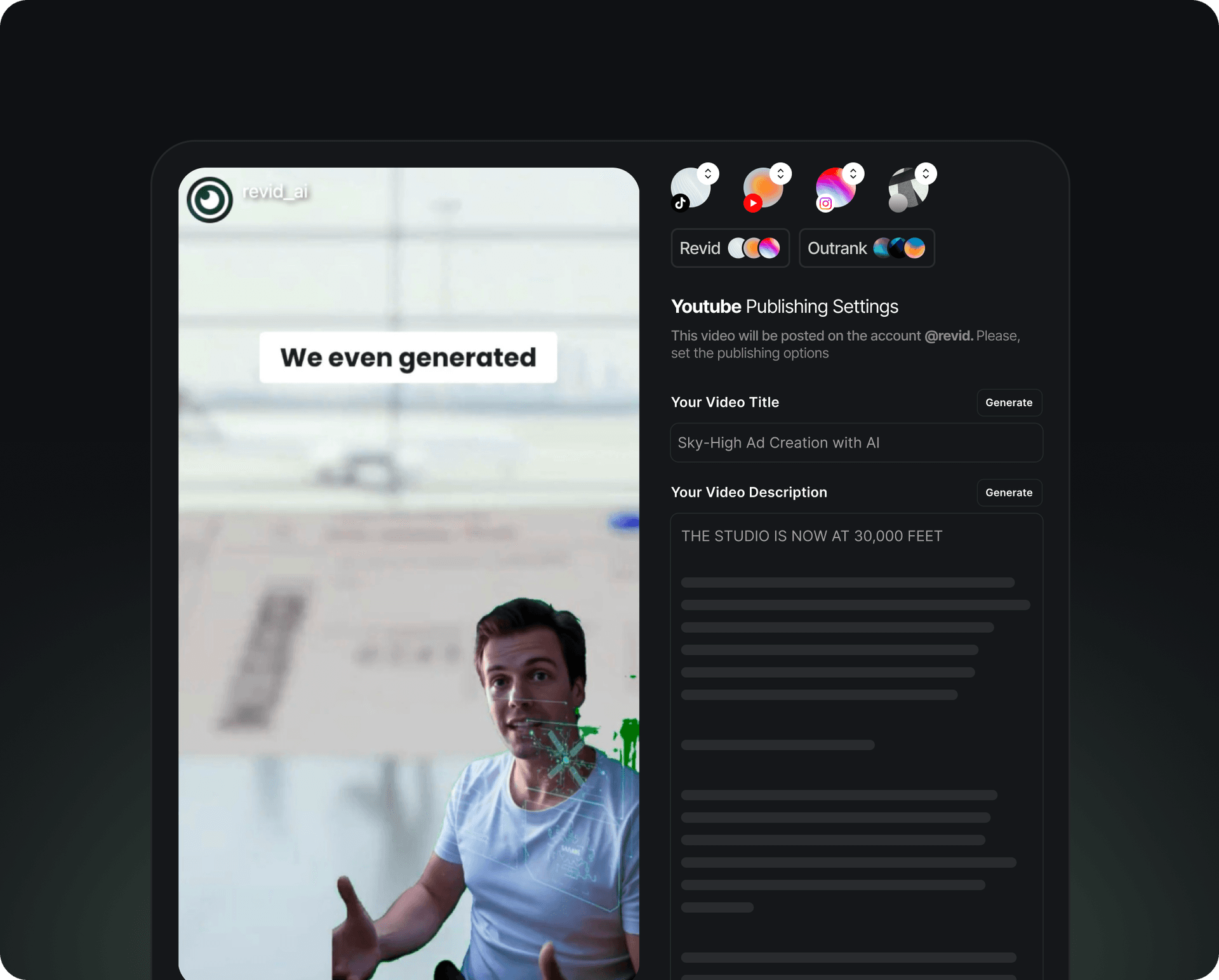
  • Schedule long-form YouTube videos
  • Auto-publish YouTube Shorts
  • Add titles, descriptions, and tags
  • Upload thumbnails automatically
  • Select exact date & time for publishing
Schedule and Publish Videos on YouTube

Schedule and Publish Videos on TikTok

Upload and schedule TikTok videos in bulk from your desktop—no phone required. Add captions, hashtags, and covers, then let Revid publish at optimal times.
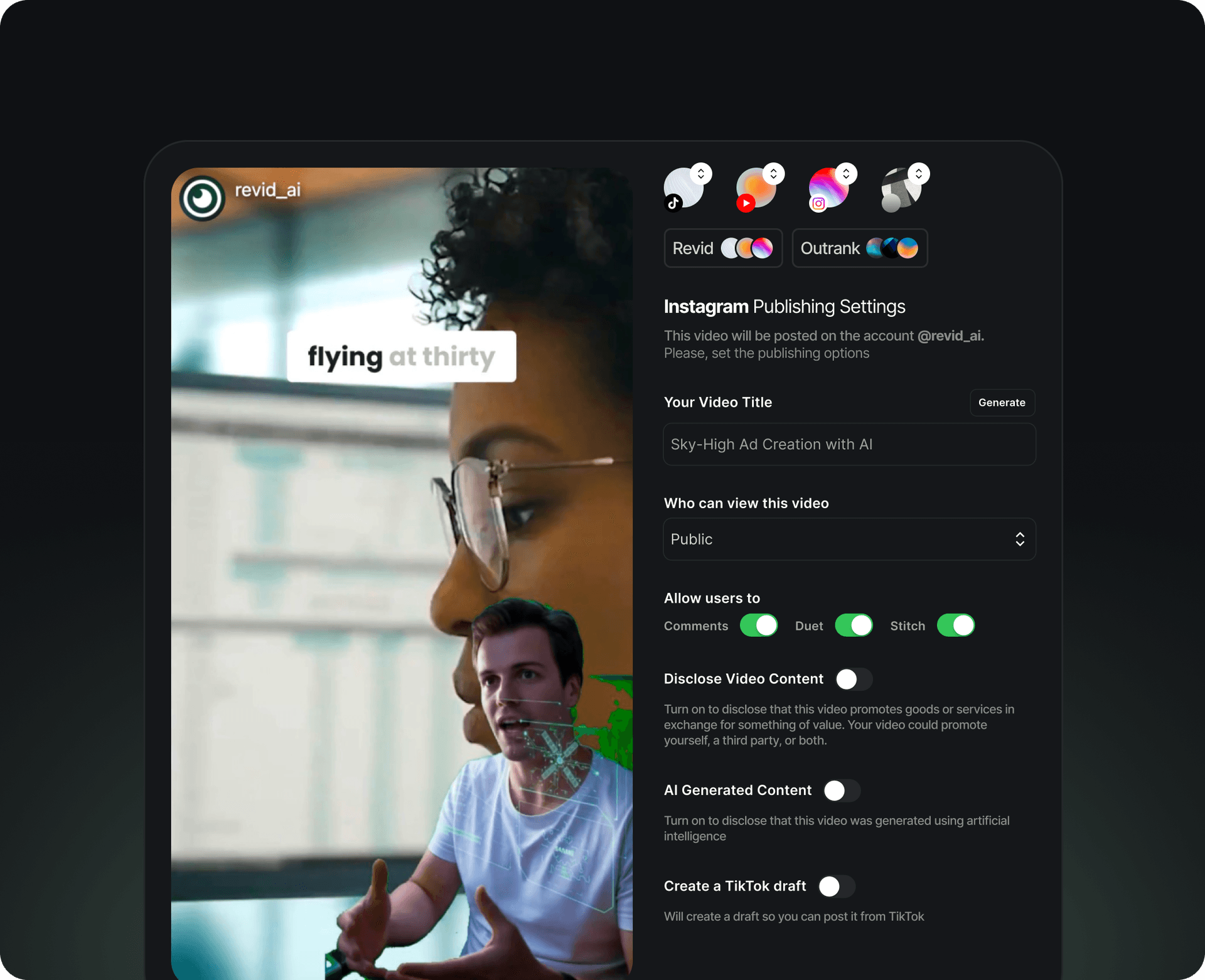
  • Upload and schedule TikTok videos in bulk
  • Auto-publish vertical video formats
  • Add captions, hashtags, and covers
  • Maintain consistent posting frequency
  • Schedule from desktop without phone uploads
Schedule and Publish Videos on TikTok

Schedule and Publish Videos on Instagram

Revid lets you schedule Instagram videos, including Reels and feed posts with captions, hashtags, and cover selection included.
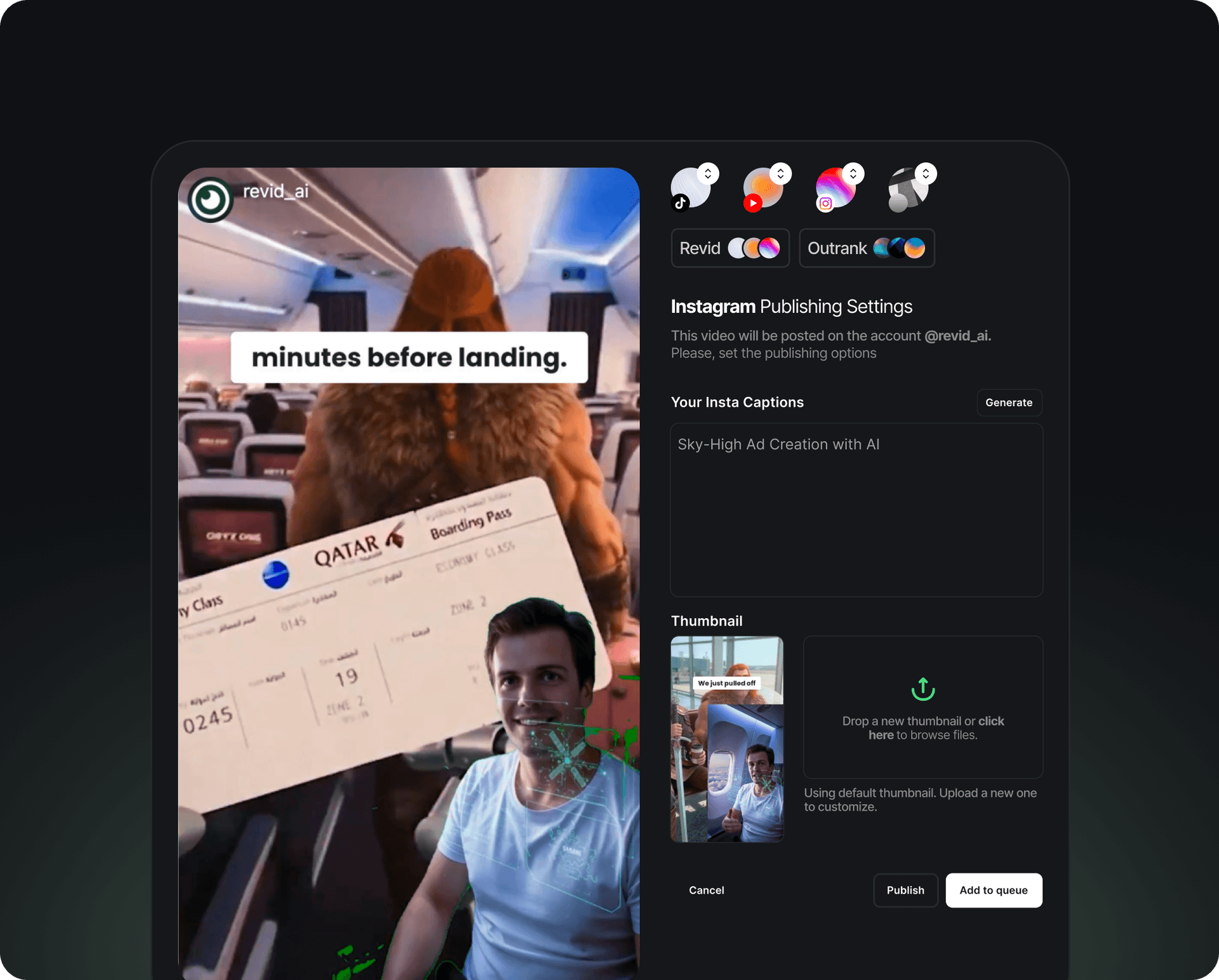
  • Schedule Instagram Reels
  • Schedule feed video posts
  • Add captions & hashtags
  • Upload custom video covers
  • Auto-publish at peak engagement times
Schedule and Publish Videos on Instagram

One dashboard, every platform

Benefits

Smart Scheduling for Maximum Reach

Never Miss a Posting Day

Revid AI keeps your content flowing every single day by automatically scheduling your videos ahead of time, so you stay visible, relevant, and favored by platform algorithms without the daily pressure.

Post at Peak Times

Revid AI helps you avoid dead hours by guiding your videos into high-attention windows, increasing reach, watch time, and engagement without you guessing the timing.

Balanced Multi-Platform Growth

Instead of over-posting on one channel and neglecting another, Revid AI balances your content distribution across YouTube, TikTok, and Instagram automatically, so your growth stays steady everywhere.

Optimize Your Content Calendar

Revid AI turns scattered uploads into a clean, structured content calendar, helping you plan ahead, spot gaps, and execute campaigns with clarity.

FAQs

Frequently Asked Questions

Which social media platforms can I schedule videos to?
You can schedule and auto-publish videos to YouTube (including Shorts), TikTok, and Instagram (Reels and feed posts) directly from Revid's dashboard.
Can I bulk schedule videos for TikTok or Instagram?
Yes, Revid supports bulk video uploads and scheduling. Upload multiple videos at once and set individual publish times for each platform.
Does Revid automatically post at the best times?
Yes, Revid analyzes engagement patterns and can auto-publish your videos at peak times to maximize views and reach on each platform.
Can I schedule TikTok videos from my desktop?
Absolutely. Revid lets you upload, edit, and schedule TikTok videos entirely from your desktop - no phone transfers or mobile app required.
Do I need separate accounts for each platform?
You'll need to connect your YouTube, TikTok, and Instagram accounts to Revid once. After that, you can manage all publishing from a single dashboard.
View Complete Help Center

Find detailed answers to 100+ questions about features, tools, and workflows

or check our markdown version optimized for LLMs

Create once. Schedule everywhere. Grow faster.

Start Scheduling Your Videos. Try for Free

Join today!

No credit card required