AI Video Generator
From text prompts to full scripts, music tracks to social posts - Revid's AI transforms any content into scroll-stopping videos. Pick your format, add your content, and create.
No credit card required
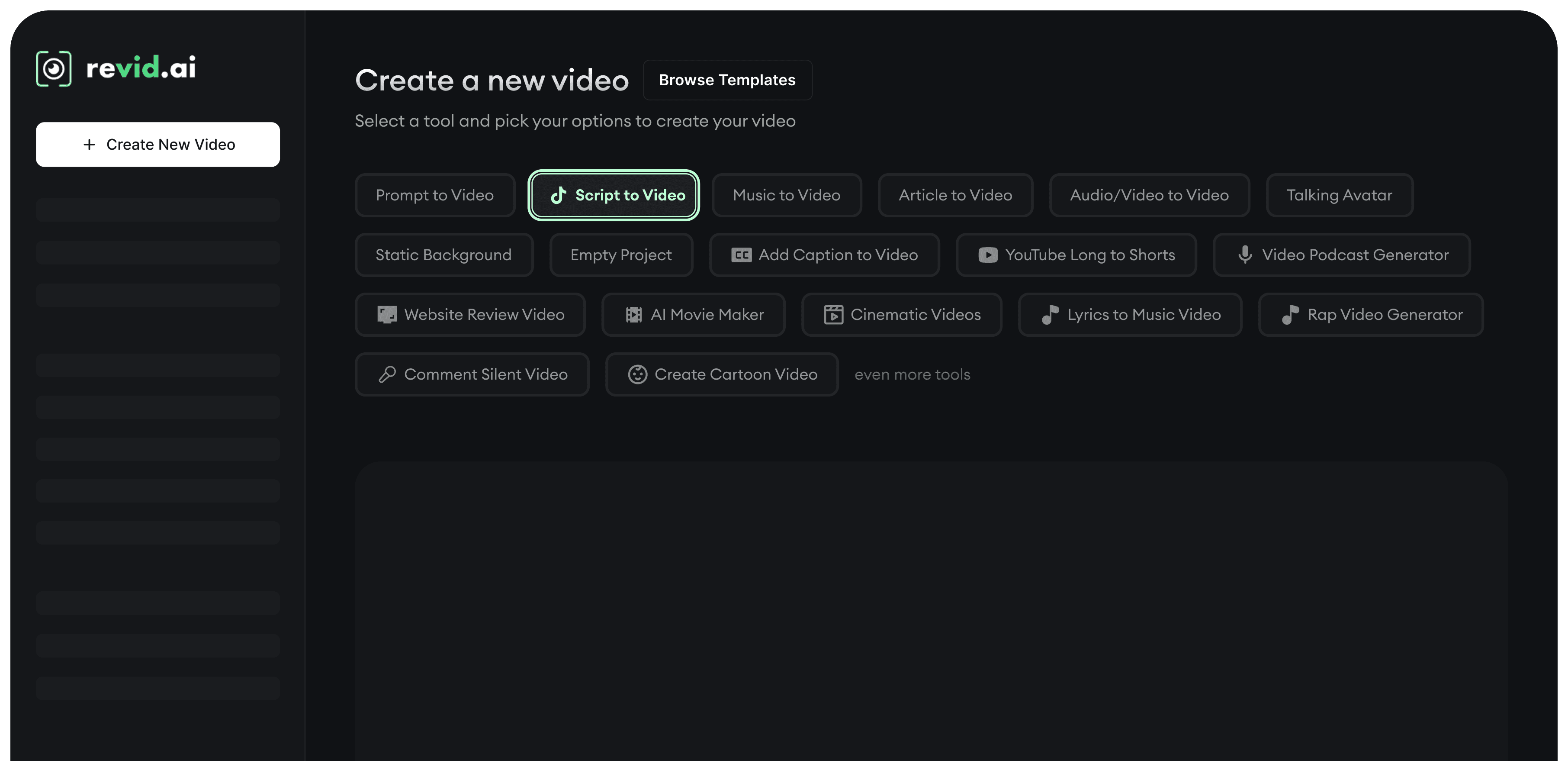

From text prompts to full scripts, music tracks to social posts - Revid's AI transforms any content into scroll-stopping videos. Pick your format, add your content, and create.
Describe your video idea in plain text and watch AI generate a complete video with visuals, voiceover, and captions.

Paste your voiceover script and Revid transforms it into a polished video with AI visuals, professional voiceover, and auto-synced captions.
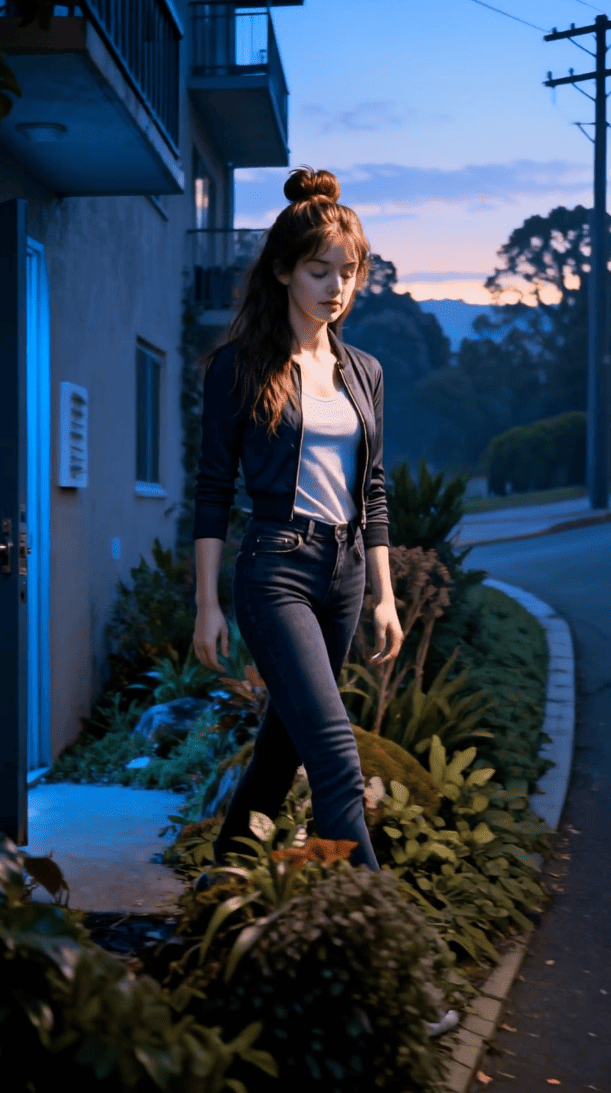
Turn any blog post or article URL into an engaging video summary - perfect for repurposing content across platforms.

Upload existing audio or video files and transform them into new formats with fresh visuals, captions, and optimized aspect ratios.

Turn any music track into a beat-synced visualizer video with motion graphics, waveforms, and dynamic animations.

Generate realistic AI avatars that narrate your script with natural expressions, lip-sync, and human-like gestures.
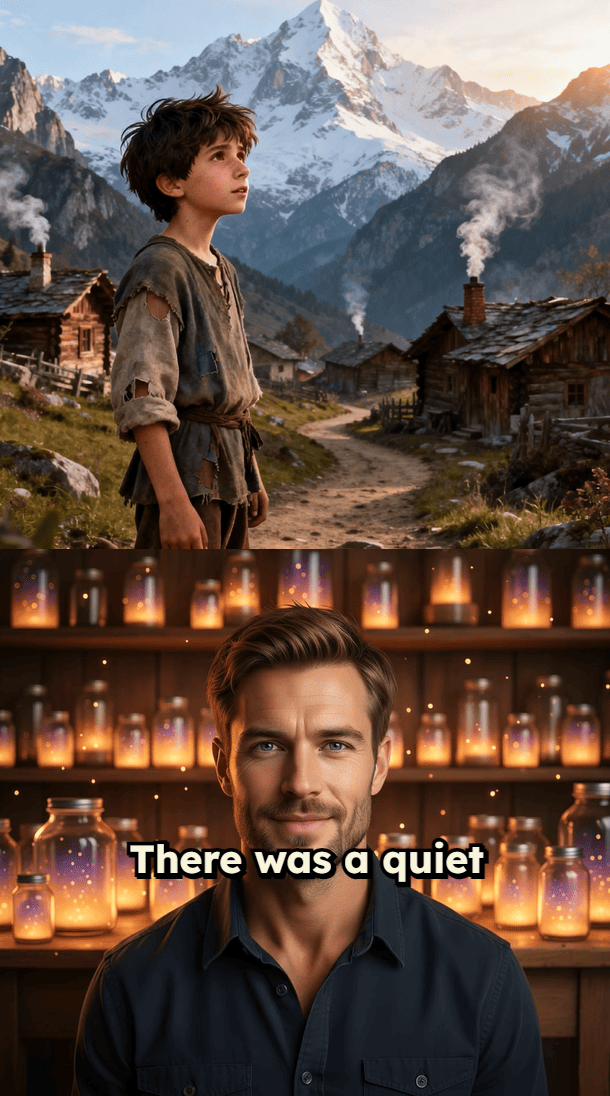
Create clean, minimalist videos with static backgrounds - ideal for podcasts, voiceovers, and text-focused content.
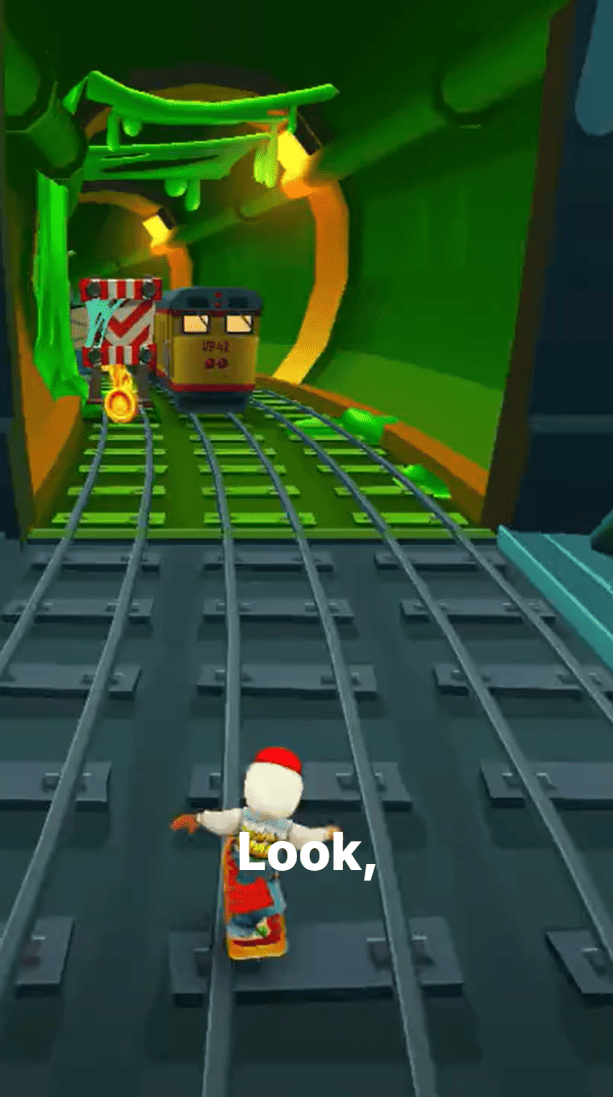
Transform full podcast episodes into highlight reels, short clips, and vertical videos optimized for social media.
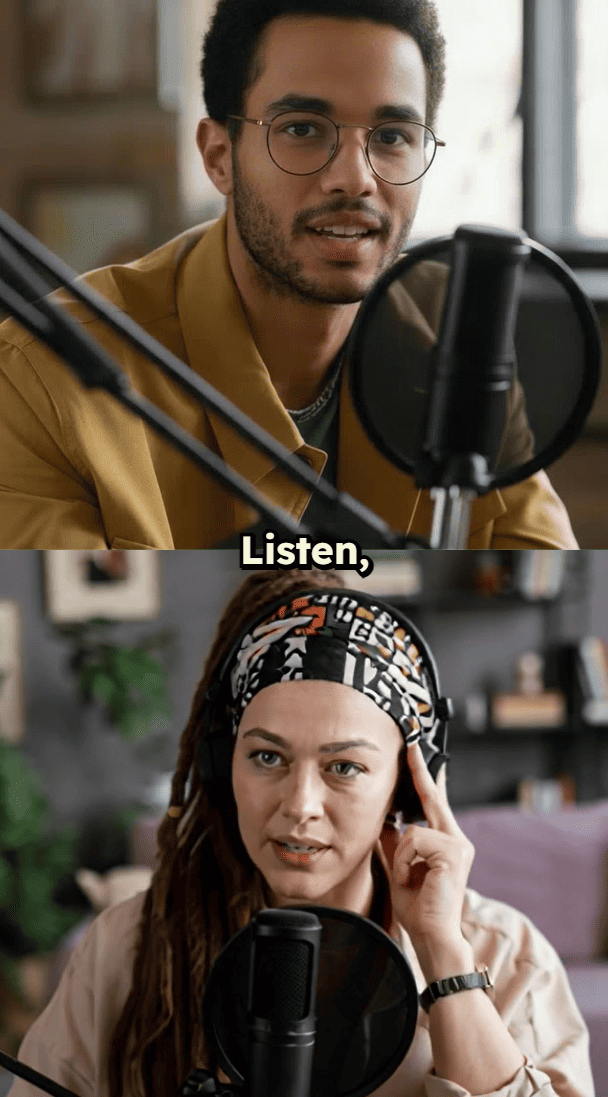
AI automatically identifies the best moments from long YouTube videos and converts them into viral-ready Shorts.

Drop any website URL and generate a narrated video review showcasing the site's features, design, and key pages.
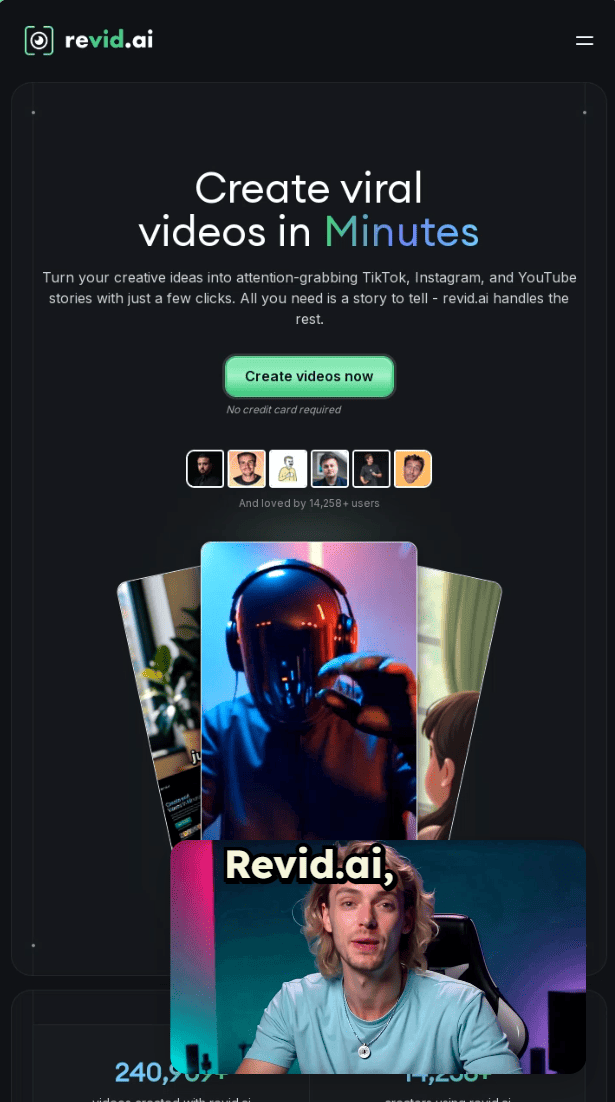
Convert your best-performing tweets and LinkedIn posts into animated videos that drive engagement across platforms.

Transform PDFs into narrated video presentations - extract text, images, and key points automatically.
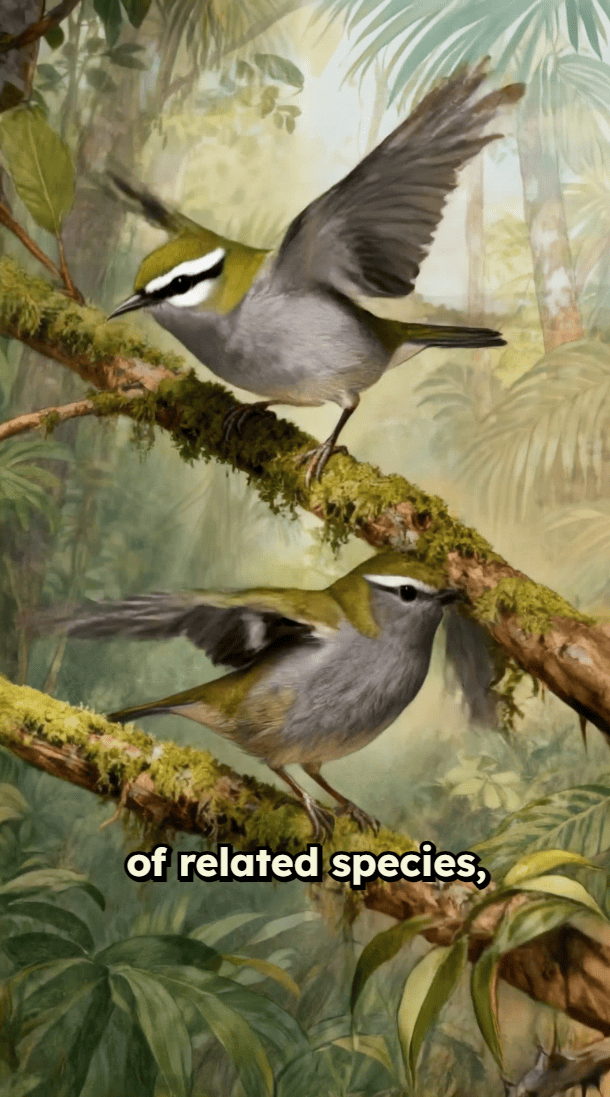
Create cinematic short films with AI-generated scenes, camera movements, transitions, and dramatic storytelling.

Produce premium, film-quality videos with slow-motion effects, dramatic transitions, and professional color grading.

15+ AI video tools
Drop your story idea, and watch as AI transforms it into a polished, attention-grabbing video. No editing skills needed - just your creative mind.
Every story you share stays true to your style while hitting those engagement sweet spots. Build a loyal following that keeps coming back for more.
Say goodbye to hours of editing. Focus on what matters - crafting amazing stories. Our AI handles the technical stuff while you build your business and brand.
Share your stories instantly across TikTok, Instagram, and YouTube. No more juggling platforms or complicated scheduling tools.
Find detailed answers to 100+ questions about features, tools, and workflows
or check our markdown version optimized for LLMs


Pick your content type, add your input, let AI create.

