01
Find where viewers drop off
Turn a video into a retention scoreline so you can see the slow moments, confusing transitions, and weak setup that may hurt watch time.

Score the URL, scrub the video, and use Revid's cutlist, scoreline, and neural surface to decide what to keep, tighten, or replace.
One URL becomes an edit decision board.
Dips and lifts appear after scoring.
Model signal, Revid interface.
No video loaded
A Revid editing map for spotting lift, drag, and timestamp-level fixes.
Jump to the exact edit beat that needs keeping, tightening, or replacing.
A Revid 3D layer that follows the selected edit moment and highlights active response zones.
| Time | Score | Raw response |
|---|---|---|
| Paste a video URL and run a prediction to generate the editing report. | ||
{
  "status": "waiting_for_video_url"
}This is the Attention Studio workflow in one view: a short-form video, a retention signal, and the exact timestamps that deserve another edit.
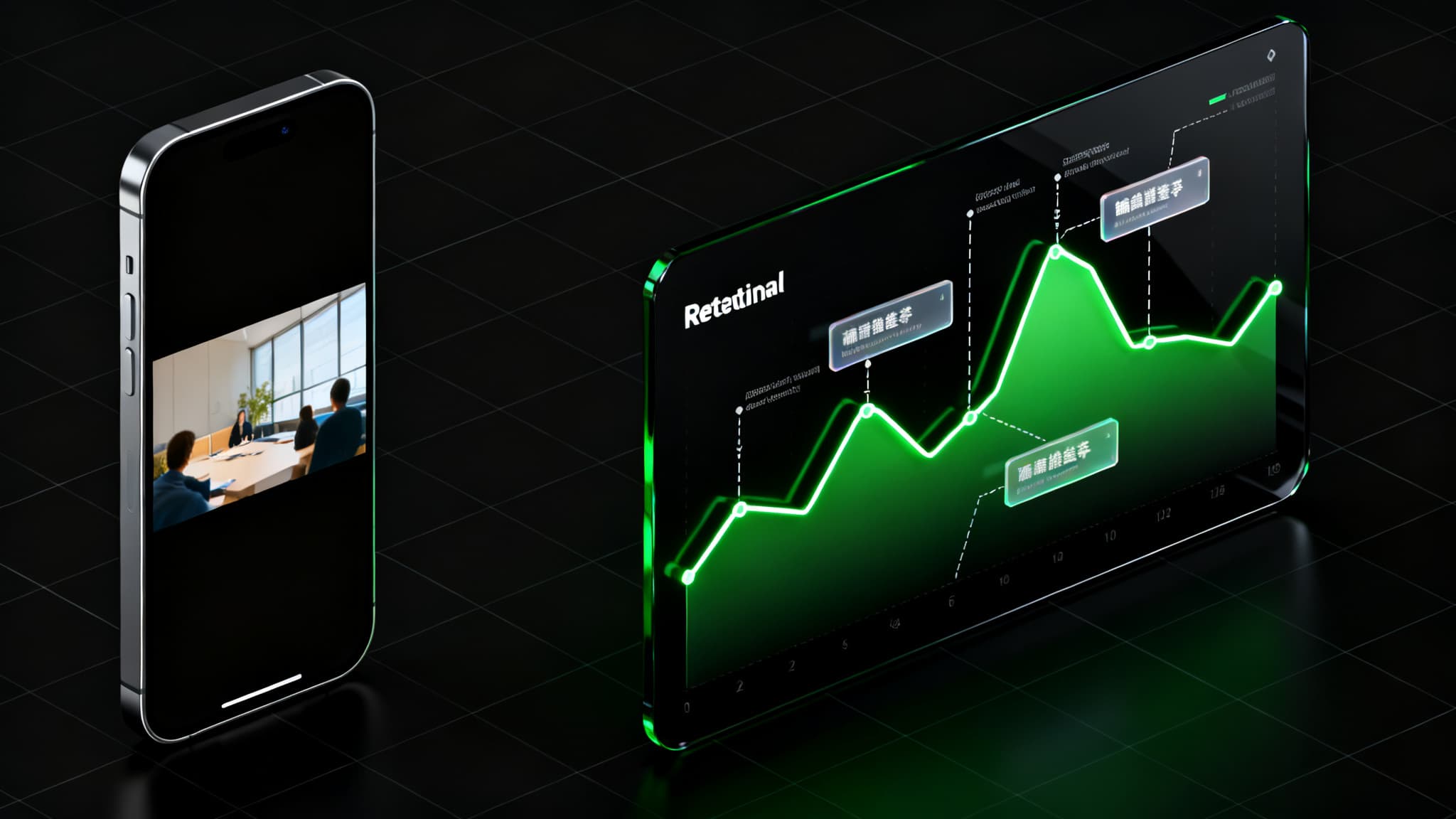
The best short videos feel fast because every beat creates a reason to keep watching. Attention Studio gives you a visual way to see which beats are helping and which ones are slowing the story down.
Most videos do not fail because the idea is bad. They fail because the opening takes too long, the subject is unclear, or the edit drifts before the payoff. Attention Studio helps you find those moments faster.
Turn a video into a retention scoreline so you can see the slow moments, confusing transitions, and weak setup that may hurt watch time.
Use Attention Studio as a hook analyzer for TikTok, Reels, and YouTube Shorts. It helps you decide whether the opening is clear enough to stop the scroll.
Instead of vague feedback, Revid shows peaks, dips, cut suggestions, and moments worth preserving so your next edit is faster and more focused.
Run a quick preflight check before posting, pitching an ad creative, or handing a final cut to a client.
Use Revid as a pre-publish quality check for short-form videos. The output is built for editors, not spreadsheets.
Start with an MP4, MOV, or hosted video link. Attention Studio works best for short-form videos, social ads, product demos, educational clips, and creator content.
Revid analyzes the video and creates a time-based attention map. You can scrub the video while the scoreline follows the current moment.
Use the output to identify what to keep, what to cut, and what needs a stronger visual beat, caption, scene change, or payoff.
Apply the edit plan, tighten the opening, remove drag, and use Revid to create or improve the final video for the platform you care about.
Whether you post daily, manage paid creative, or edit for clients, Attention Studio gives you a second read before your audience decides in the first second.
Attention Studio is not a generic score. It turns video analysis into timestamped editing advice: where the hook is weak, which moments to keep, where pacing drops, and what to tighten before the next export.
Attention Studio helps creators understand how a video may hold attention over time. The retention scoreline is designed for practical editing decisions, not vanity reporting.
The opening seconds decide whether viewers keep watching. Use the tool to inspect the hook, remove slow setup, and bring the payoff closer to the start.
Short-form platforms reward clarity, pace, and novelty. Revid turns those editing questions into a visual timeline you can act on immediately.
Revid helps teams move from opinions to timestamps. Use it as a second read before publishing a TikTok, Reels ad, YouTube Short, UGC cut, or product demo.
Comments like 'make it punchier' or 'the hook needs work' are hard to act on. Revid turns that feedback into a timeline you can scrub, review, and edit against.
Check your video before posting, then tighten the first seconds, add a clearer visual beat, or move the strongest moment earlier.
Review social ads, UGC, product demos, and hooks before spend goes live. Use the scoreline to prioritize which creative deserves another edit.
Use the cutlist as a fast second opinion. It helps you defend decisions, spot drag, and create stronger client revisions.
Here is how creators and teams use Revid Attention Studio to improve hooks, pacing, retention, and publishing confidence.
An AI video retention analyzer reviews a video and creates a time-based read of where attention is likely to rise or drop. Revid Attention Studio turns that signal into a scoreline, timestamps, and editing recommendations.
Yes. The tool is built for short-form video workflows, including TikTok videos, Instagram Reels, YouTube Shorts, social ads, UGC clips, product demos, and educational videos.
No tool can guarantee virality. Attention Studio helps you make better editing decisions by showing likely attention peaks and dips, but distribution, topic, audience, timing, and creative quality still matter.
Start with the weakest early moments, especially the first three seconds. Cut slow setup, add clearer motion or subject framing, move the payoff earlier, and preserve the strongest peaks.
Inside the app, Attention Studio analysis costs 100 credits per minute of video analyzed. Public visitors can upload or paste a video first, then sign up to run the full analysis.
No. You can use it on rough cuts, ad variants, UGC drafts, demos, and final exports. It is often most useful before publishing, while you can still make edits.
Upload a draft, read the attention map, improve the hook, and publish a tighter video with Revid.
Try Attention Studio