
On this page
You've got one 25-minute recording, a Thursday upload deadline, and no spare evening to edit by hand. Start with the bottleneck: writing the script, cutting footage, recording a voiceover, finding B-roll, or turning a long video into Shorts. The right tool depends on which task is slowing the upload.
This list sorts ten AI tools for YouTube video creation by workflow job. Compare the cost per finished video, not just the subscription price: credits, minutes, and export caps run down at different rates. The aim is to judge each tool against its documented plan limits and the work it can take off your plate.
YouTube's September 2024 global Radius survey reported that 92% of creators were already using generative-AI tools, according to YouTube's generative AI creativity report. Adoption alone doesn't determine what to buy. Match the tool to your workflow, then weigh its limits and the control it gives you over the finished video.
Pick one tool for your biggest bottleneck. Paying for two production platforms before proving the format is usually money wasted.
None of the ten is a dedicated YouTube thumbnail generator. Plan thumbnail creation separately with your usual image editor or designer. A well-made video still needs strong packaging to earn clicks.
1. revid.ai
Best for Drafting a Whole Video From an Idea or Source
If a script, source link or rough concept is the starting point, revid.ai can turn it into an editable video draft. Type an idea, paste a link to a website, product page, YouTube video, article or song, or choose a proven video from its library. Then select a format, style and voice. Revid can generate a script, visuals and voiceover, add captions and assemble the timeline, giving you a path from idea to published video in minutes.
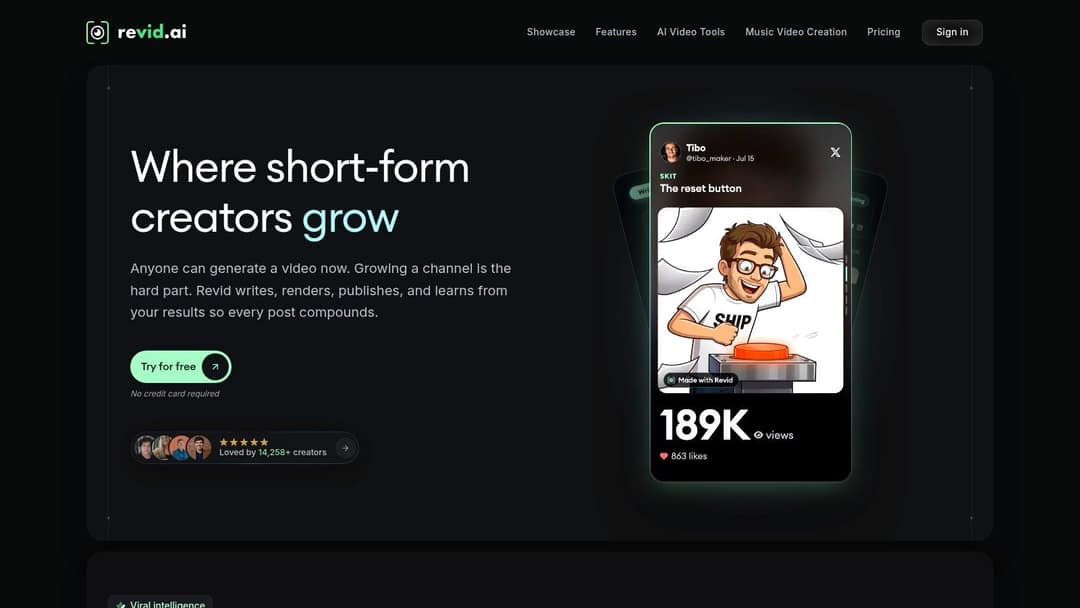
The editor matters as much as the first draft. You can refine visuals and pacing, add branding and a professional-sounding voice-over, and adjust captions in 30 styles. Revid also turns YouTube videos, articles and songs into Shorts, Reels and TikToks. For music videos, upload an MP3 or WAV, or paste a Suno link, then choose a visual style. Revid cuts scenes to the beat, with optional lyrics synced to the vocals. YouTube's creator research found 74% of respondents said they knew a great deal or a fair amount about generative AI, according to YouTube's tech and creativity update.
What It Costs Per Video
A free account can search viral videos, and the $39-per-month Hobby plan includes creating videos from text or links, access to 3M+ viral videos to remix, and editable short-form videos. A typical 30-second video with Pro moving images and a voiceover uses about 40 to 80 credits, or roughly 25 to 50 such videos from 2,000 credits. Your actual output depends on how often you use credit-consuming generation features.
- Publishing and automation: Publish or schedule videos to TikTok, Instagram and YouTube, and view post stats. Auto-Mode workers can create fresh videos on a schedule from a prompt, content source or viral-library pick, then post them automatically.
- Tools and formats: Every plan includes access to 100+ AI video tools, including product videos, ads, launch videos, faceless videos, AI avatars and motion graphics. You can also make daily social posts from a website or idea without filming or editing skills.
- Where it fits: Revid suits creators testing ideas quickly or producing a regular stream of short-form videos. Its breadth can reduce tool switching, but generated scripts and visuals still need editorial review. Track credits per finished video before relying on a high-volume workflow, since heavy generation uses the allowance faster than light editing.
Prompt to try
Make a 45-second vertical explainer titled 'Why your phone battery dies faster in winter'. Open with the hook 'Your battery isn't broken, it's cold.' Use clean motion graphics, a calm confident voiceover and bold captions, and end with one practical tip.
2. InVideo AI
If your bottleneck is turning a script you already have into a stock-led explainer, InVideo AI is the straightforward option. You paste a prompt or script, it assembles a draft, and you adjust scenes and pacing on a conventional timeline. That combination suits creators who want generation without giving up a familiar editor.
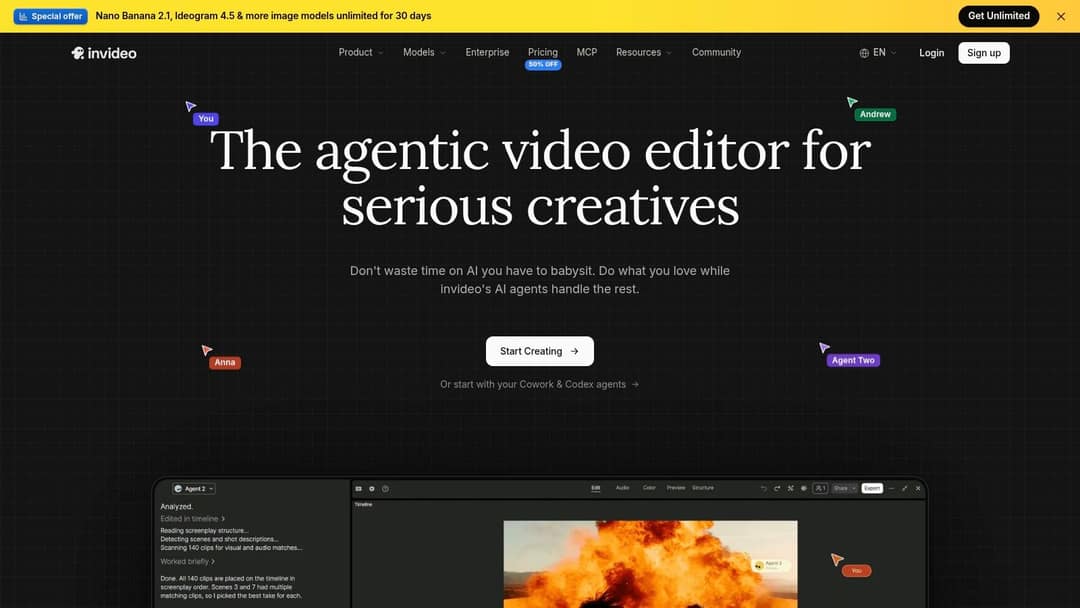
A free option is available, and listed annual-billing plans start at $10 per seat per month, with higher tiers raising generation allowances. Paid plans apply limits and credits to some AI-generation features, so the cheapest tier only works if your upload volume is modest. Divide the allowance by your weekly schedule before you subscribe.
- Timeline control: Trim scenes, adjust pacing and fix captions inside the same product instead of exporting to a second editor.
- Finish work included: Captions, audio, effects and video resizing cover both widescreen uploads and vertical cuts.
- Repeatable formats: Template-led production suits list videos and explainers you publish on a fixed rhythm.
The weakness shows up in the visuals. AI-selected stock often needs substantial review or replacement, and unedited drafts look like every other channel using the same library. Adobe's 2025 Creators' Toolkit survey found 60% of creators used more than one creative-AI tool in the previous three months, according to Adobe's 2025 creators survey. Treat InVideo as your assembly layer and keep your own footage or graphics handy to break up the sameness.
3. Descript
For a talking-head video, the footage may be ready while the edit is still hours away. Descript lets you edit through the transcript: remove a sentence from the text, and its corresponding video is removed too. That makes it a strong fit for spoken-word content where cutting tangents matters more than building elaborate visuals.
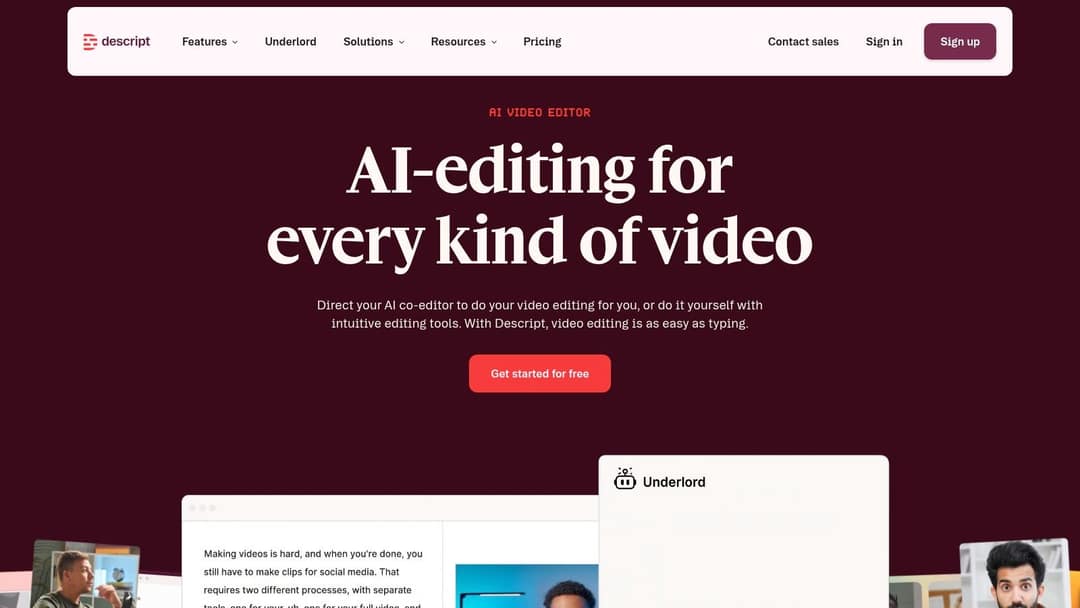
The same workspace includes Studio Sound audio cleanup, filler-word removal and clip creation, useful for interviews, tutorials and podcasts. Descript also offers AI-assisted video creation from ideas and scripts, but its transcript-based editing is the clearer reason to choose it. For channels built around a host's voice and face, it can reduce editing time without changing the recording workflow.
Pricing and Limits to Check
You can start with the free plan. Paid plans are tiered by media-hour allowance, and export limits also vary, so check Descript's live pricing page before choosing a tier. Raw recording time is the practical constraint: several long interviews in a week use an allowance faster than short tutorials, even if the finished videos are similar in length.
Practical rule: Count the raw recording hours in a typical week. Use that figure, not finished runtime, to estimate which tier fits your schedule.
Descript is less suited to visual ambition. Transcript editing will not deliver cinematic or heavily designed video on its own, and custom generative visuals require another tool. Choose it when spoken-word editing speed is the bottleneck; compare its media-hour limits with the number of finished videos you expect to publish before subscribing.
4. Pictory
Say your archive is written, not filmed. You've got blog posts, newsletters or articles that already perform, and you want them working on YouTube too. Pictory converts scripts and written content into video drafts, with widescreen output for long-form uploads and ready-made presenters if you want a face on screen.

It also edits and repurposes existing recordings, so a webinar or long upload can be reshaped rather than rebuilt. The displayed paid entry plan starts at $25 per month, and allowances vary by video length and usage. Check the live pricing page for current terms before you buy, because length caps are the figure that decides whether the entry tier carries your schedule.
- Text-led starting point: Practical when you have limited footage but plenty of written material ready to adapt.
- Widescreen output: Built for standard YouTube uploads rather than only vertical clips.
- Repeatable production: Suits regular formats where structure stays stable week to week.
The trade-off is distinctiveness. Template-based assembly can make every video look alike, and automatically selected visuals don't always fit the script's specifics. Budget time to replace mismatched scenes and impose your own pacing. Pictory works best as a first-draft machine for written content, not as a publish-and-forget pipe.
5. VEED
Sometimes the job is a fast, clean edit with captions, and you don't want desktop software involved. VEED runs entirely in the browser and combines text-based editing, automatic subtitles and an AI Playground that generates video from prompts or images. Stock video and audio assets are built in for quick assembly.
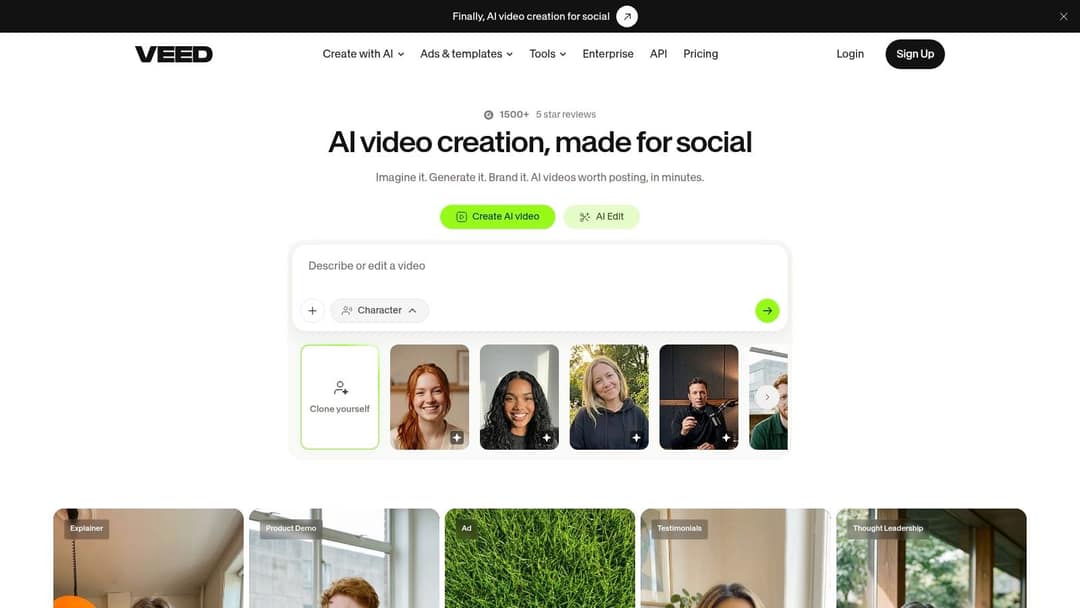
The free plan exists for testing, but free exports carry a watermark, so it can't carry a real channel. Paid plans start at $9 per month with annual billing or $19 per month with monthly billing as listed on the editor page. One detail I like: VEED shows the credit cost of an AI generation before you commit, which makes budgeting honest instead of surprising.
- Browser-based editing: No installation, and projects are easy to share for quick collaborative fixes.
- Caption workflow: Automatic subtitles plus text-based editing handle the two most repetitive finishing jobs.
- Credit warning: AI credits expire rather than carrying over, so unused allowance at month end is lost.
Choose VEED for speed and convenience on straightforward uploads and Shorts. Don't choose it expecting deep generative control, and don't pay for a credit tier you'll leave half unused. Higher-resolution exports sit behind paid plans, which is why most creators upgrade.
6. Fliki
Faceless channels live or die on narration. Fliki turns ideas, scripts, blog posts or presentations into narrated videos, pairing AI voiceovers with stock images, clips and music. If you have no recorded footage and no interest in recording, this is one of the most direct routes to a finished explainer.

The free plan offers limited credits and a watermark, so treat it as a trial. Paid plans add 1080p exports, longer videos and voice cloning, with exact rates depending on your billing choice. Because paid use is credit-based, frequent creators need to check allowances against upload frequency, not just against the monthly price.
Where It Earns Its Place
- Multiple starting points: A script, a blog post or a slide deck can all become the same narrated format.
- Language range: Voiceovers in many languages make one script reusable across international audiences.
- Combined workflow: Narration and visuals are produced together, so there's no separate voice session to schedule.
What doesn't work is accepting the automatic visual choices untouched. Stock picks can feel generic, and a synthetic voice reading a page-written script sounds flat. Rewrite for the ear, swap the weakest scenes, and Fliki becomes a reliable production line for multilingual faceless content.
7. CapCut
If you have footage ready but editing is slowing uploads, CapCut can handle both YouTube videos and Shorts in one editor. Templates, effects and AI features speed up routine cuts and formatting. It suits a phone-based workflow, though template-heavy edits can make distinct videos look alike.
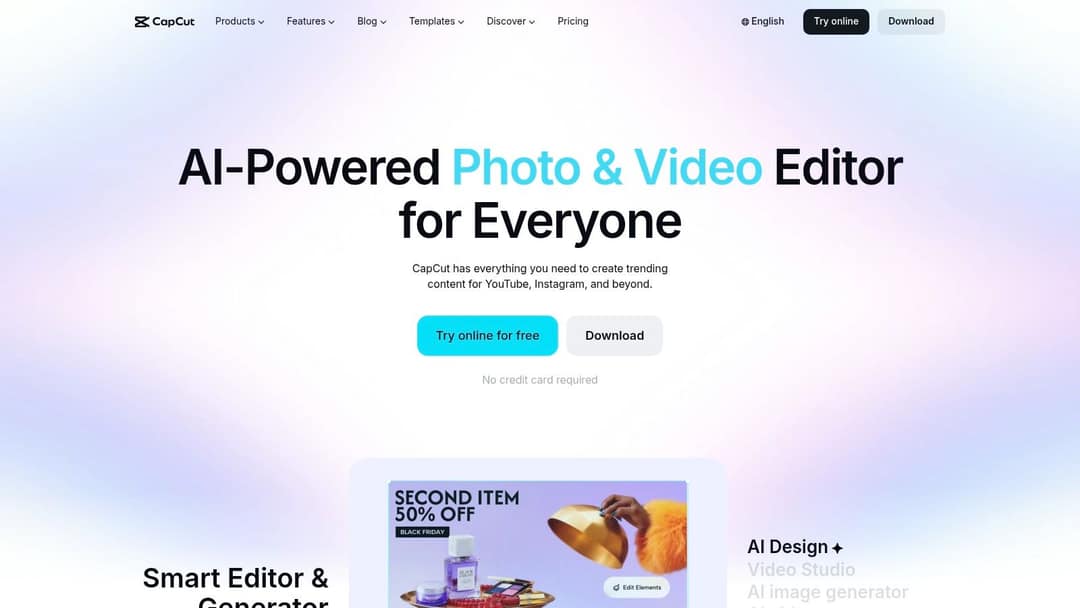
CapCut offers a free tier and paid plans, with features and availability varying by region and platform. Check the official CapCut pricing page for current rates. The free tier covers basic editing; paid tiers add access to premium assets and features. Compare the upgrade against the time saved on edits you repeat, rather than paying for tools you rarely use.
Template-driven editors suit fast, phone-based workflows, especially when you publish familiar formats and want to move from footage to a finished cut without a desktop setup. The trade-off is creative control: presets speed up routine work, but they do not replace planning, scripting and filming.
- Free entry point: Start editing without a subscription and see whether the workflow fits your channel.
- Template speed: Reusable effects and layouts reduce repetitive work on recurring formats.
- Where it fits: CapCut is strongest as a finishing editor. If scripting or generating ideas is the bottleneck, use a separate tool upstream.
8. OpusClip
Your long video is done. Now you need Shorts from it, and manually hunting for clip-worthy moments eats the rest of your day. OpusClip scans longer recordings such as interviews, livestreams and podcasts, identifies potential segments, adds captions and reframes footage for vertical formats.
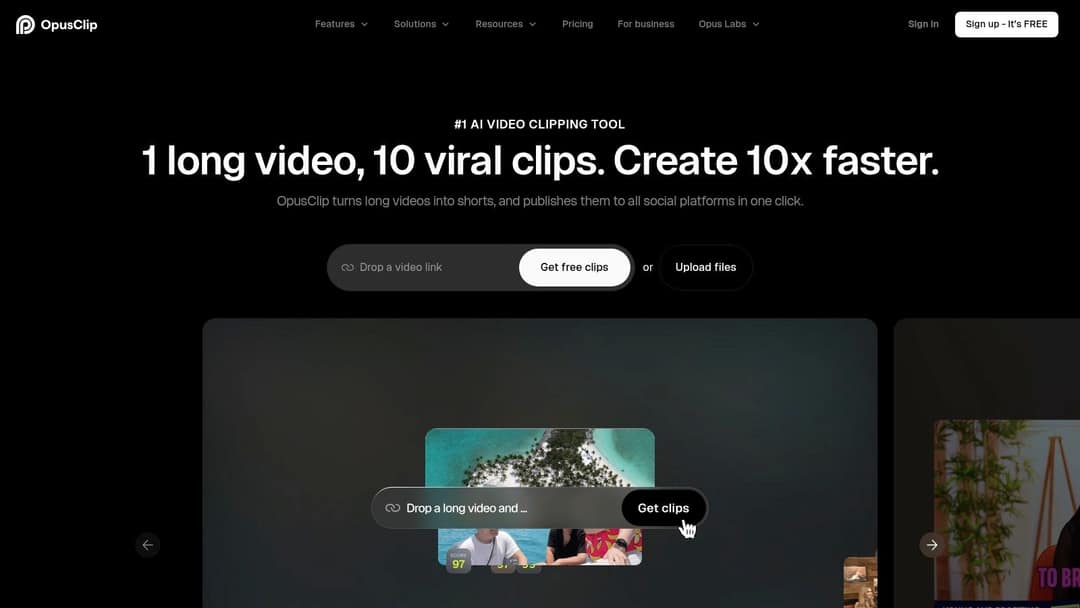
A free plan is available with restrictions, including a watermark and limited export access. Listed paid plans are Starter at $15 per month and Pro at $29 per month, with annual-billing discounts. Paid tiers add editing, templates and scheduling, and you can import from YouTube and other sources depending on your plan. If this category fits you but OpusClip doesn't, our guide to Opus Clip alternatives covers the other repurposing options in detail.
- Clip extraction: Pull several short candidates from one long recording in a single pass.
- Captions and reframing: The repetitive vertical-format work is handled automatically.
- Distribution support: Existing YouTube content gets a second life on Shorts and other platforms.
The honest weakness is judgement. Automated selection can miss context or pick awkward in and out points, so every clip still needs a watch before posting. It also can't make your long-form video for you. Buy it to repurpose what you already publish, and only if that back catalogue is deep enough to feed it weekly.
9. HeyGen
Some formats need a presenter, but filming one every week isn't realistic. HeyGen specialises in presenter-led videos built from AI avatars and voices, which suits explainers and educational content with a recurring host. Custom video avatars are available on eligible plans if you want a consistent on-screen identity.

The free plan includes three videos per month, up to one minute each, with a watermark, which is enough for one honest test. The Creator plan is listed at $29 per month and includes 1080p export, while paid plans use credits with feature limits. Multilingual and dubbing features are the strongest reason to pay, since one avatar performance can be localised instead of reshot.
The Credibility Question
Avatar video raises a disclosure question the other tools mostly avoid. YouTube's guidance requires disclosure when realistic content is meaningfully altered or synthetically generated, per YouTube's altered content disclosure help page, and the label itself doesn't reduce reach or monetisation eligibility. Be straightforward with viewers. A synthetic presenter introduced openly reads as a production choice. One passed off as a real person reads as a trick.
- Camera-free presenting: Recurring topics get a consistent host without repeat filming.
- Localisation built in: Text-to-speech and translation open new language markets from one script.
- Realism ceiling: Avatars can feel less natural and less personal than a real host, especially in first-person formats.
10. Runway
Runway is built for generating individual visual assets, rather than assembling a finished YouTube video. Its text-to-video and image-to-video tools create footage for B-roll, stylised sequences or shots that would be difficult to film. You can then edit those clips in your preferred editor. Both widescreen and vertical formats are supported.
Free access is limited. Paid plans provide monthly credits, and credit use per second varies by model and task. Check Runway's pricing page before budgeting, since generating footage from scratch can use credits quickly.
A generated shot that takes several attempts uses credits on each attempt. Estimate costs by the usable footage you need, not just the plan's credit balance.
- Custom B-roll: Create visuals matched to a script when suitable stock footage is hard to find.
- Prompt and reference control: Use image references and prompt direction to guide motion and style.
- Credit trade-off: Iteration helps refine a shot, but each generation adds to the cost.
Generated clips are short, so long-form videos still need footage and editing from other sources. Runway fits best as a specialist tool when distinctive visuals matter to the channel's format. Budget for usable clips and revisions, rather than treating it as a complete production pipeline.
How the ten AI tools compare on price, free access and best use
Choose by production step, then compare the price and limits against the videos you need to finish. The table gives a quick starting point; for credit-based tools, available credits shape how many videos you can produce.
| Item | Starting Price | Free Option | Best For |
|---|---|---|---|
| revid.ai | $39/month for 2,000 credits | Free AI video tools and a free account to start | End-to-end AI video creation, trend research, and publishing |
| InVideo AI | $10/seat/month with annual billing | Free option available | Prompt-to-video drafts with timeline editing |
| Descript | $16/month with annual billing | Free-to-start option | Transcript-based editing for spoken-word videos and podcasts |
| Pictory | $25/month | Check the current pricing page for free options | Turning scripts and articles into videos |
| VEED | $9/month with annual billing | Free plan; exports include a watermark | Browser-based editing, captions, and AI generation |
| Fliki | Paid plans billed by credits; free plan with limited credits and a watermark | Free plan with limited credits and a watermark | Faceless explainers and multilingual videos |
| CapCut | Free; Pro is $19.99/month | Free plan | Quick editing for Shorts and longer videos |
| OpusClip | $15/month | Free plan with restrictions | Creating short clips from longer videos |
| HeyGen | $29/month | Three videos per month, up to one minute each, with a watermark | Presenter-led videos and multilingual localization |
| Runway | Free plan with 125 one-time credits; paid plans use monthly credits | One-time allotment of 125 credits | Generating custom B-roll and visual assets |
For Revid, the Hobby plan costs $39 per month and includes 2,000 credits, plus editable short-form videos made from text or links and access to a library of videos to remix. Treat that as a production budget, not just a subscription price: the number of finished videos depends on how much each one uses.
The comparison also reflects different jobs. Descript handles transcript-led editing, OpusClip repurposes long videos into short clips, and Runway generates custom visual assets. A free option may still carry limits such as watermarks or restricted credits, so check those against your intended output before choosing.
Choosing the Right AI Tool for Your Channel
A tool earns its place when it removes a specific production bottleneck. If scripting takes too long, use a drafting tool. If editing footage is the slow step, choose an editor. If you publish long videos but rarely make Shorts, a repurposing tool may save more time than another generator. Track one production cycle and identify where the work stalls before choosing.
Then calculate cost per finished video, not just the subscription price. Check the plan allowance, credit or minute limits, video-length restrictions, and export conditions. A low monthly fee can be poor value if the watermark or length cap rules out your intended upload. Divide the allowance by your planned output, then consider how much editing each result needs before it is ready to publish.
Test two shortlisted tools on the same real video, using the same script and target length. Time the process from a blank project to an exportable file. Compare the finished work with your channel's existing videos, not a vendor demo. The better fit is the tool that needs less correction to its script, shot choices, and final pacing.
- For talking-head videos: Descript handles transcript-based editing. CapCut or VEED can help with finishing and captions.
- For videos starting from text or a prompt: revid.ai, InVideo AI, Pictory, and Fliki address different steps, from trend research and timeline editing to blog conversion and narration.
- For presenter-led videos without filming: HeyGen can supply a presenter, though the result may not feel as natural as a person on camera.
- For custom visuals: Runway can generate B-roll, which you can then edit in a conventional timeline.
- For Shorts from long videos: OpusClip can find short clips, provided your long-form videos give it enough material to work with.
AI assistance does not by itself rule out YouTube monetization. The platform's July 2025 clarification says AI may help with scripts, voice generation, and editing when videos provide unique narrative value, as explained in YouTube's response to creator questions about YPP policies. The update also renamed the repetitious content policy to inauthentic content and warns about generic templates that make a channel appear mass-produced. Before publishing, check factual claims, add original commentary or evidence, and vary structure and visuals. Keep your editorial decisions visible in the finished video.
Thumbnails remain a separate job. None of these ten tools is a dedicated thumbnail generator, so leave time for thumbnails and titles rather than assuming video automation covers them. Choose the tool that removes your biggest recurring chore, and check its pricing periodically because plans can change. Use the time saved to improve your ideas. Faster editing cannot make a weak topic compelling.
If your bottleneck is turning an idea into a reviewable, publishable video, revid.ai brings trend research, scripting, video creation, captions, editing, and scheduling into one workflow. Start with a free account, generate your first video from a prompt or link, and judge the result by the same test you would use for any tool: time from blank page to finished upload.