3,730 people used this tool in the last 24h

or explore our 42+ other tools to create the exact video you want
Explore our tools
Create professional motion graphics videos with AI. Generate dynamic animations, kinetic typography, and visual effects from a simple text prompt.
Need the prompt first? Try the free AI video prompt generator.
or explore our 42+ other tools to create the exact video you want
Explore our toolsEnter a text prompt describing the motion graphics you want to create. Be specific about styles, colors, movements, and visual effects. For example, "Neon geometric shapes pulsing to a beat" or "Kinetic typography with smooth transitions." Our AI interprets your text to generate unique visuals.
Choose from top-tier AI video models like Veo3 or Ultra to ensure high-definition output. The tool is optimized for a 9:16 vertical ratio, perfect for TikTok, Instagram Reels, and YouTube Shorts. You can also select specific visual styles to match your brand identity.
Click "Generate Video" and watch as the AI motion graphics generator turns your prompt into a dynamic video in minutes. Once generated, use the Revid AI editor to add music, overlay text, trim clips, or adjust the pacing before exporting your final masterpiece.
Creating motion graphics traditionally requires proficiency in tools like After Effects or Cinema 4D, plus the design skills to use them effectively. Revid's AI motion graphics generator produces dynamic animated videos from a text description, handling typography animation, visual effects, transitions, and scene composition automatically. The output is a professional-quality motion graphics video suitable for brand content, social media, product launches, and presentation decks. No design background is required to generate broadcast-quality results.
The tool supports a wide range of motion graphics styles including kinetic typography, abstract visual effects, product showcases with animated callouts, brand identity animations, and data visualization sequences. Google's Veo3 model is recommended for the most visually polished results. Describe the visual style, color palette, motion behavior, and any text elements you want animated, and the AI builds the sequence to spec. The output defaults to 9:16 vertical format for TikTok and Reels, with landscape support for presentations and ads.
Short motion graphics clips perform exceptionally well on social platforms because they communicate information visually without requiring viewers to read long captions or listen to narration. Brand awareness campaigns, product feature highlights, and event announcements all benefit from motion graphics format. For creators building a visual content identity, posting motion graphics consistently establishes a distinctive aesthetic that makes a profile immediately recognizable. The AI movie maker is worth exploring for projects that require narrative storytelling to accompany the visual effects output.
Create professional motion graphics for social media campaigns, product announcements, and brand awareness content without briefing a design team or motion graphics studio.
Produce visually distinctive animated posts that stand out in feeds and communicate brand messages through motion rather than relying on static images or text-only formats.
Build visual explainers, product feature animations, and launch videos for investor decks, product pages, and social announcements without a dedicated creative production budget.
Develop a consistent motion graphics aesthetic for your channel or profile using AI, posting visual content that reinforces your brand identity without designing from scratch each time.
Traditional motion graphics production requires specialized software, design expertise, and significant production time. Revid generates professional animated videos from a text description in minutes.
Discover more ways to create engaging videos with our AI-powered tools
Find detailed answers to 100+ questions about features, tools, and workflows
or check our markdown version optimized for LLMs
Choose your tool, add your content, and create a video in seconds. Then customize it to your liking.
Turn your prompts into engaging videos with AI assistance
Create studio-quality videos from text, no filming required
Turn any song into an animated lyric video with synced text and visuals.
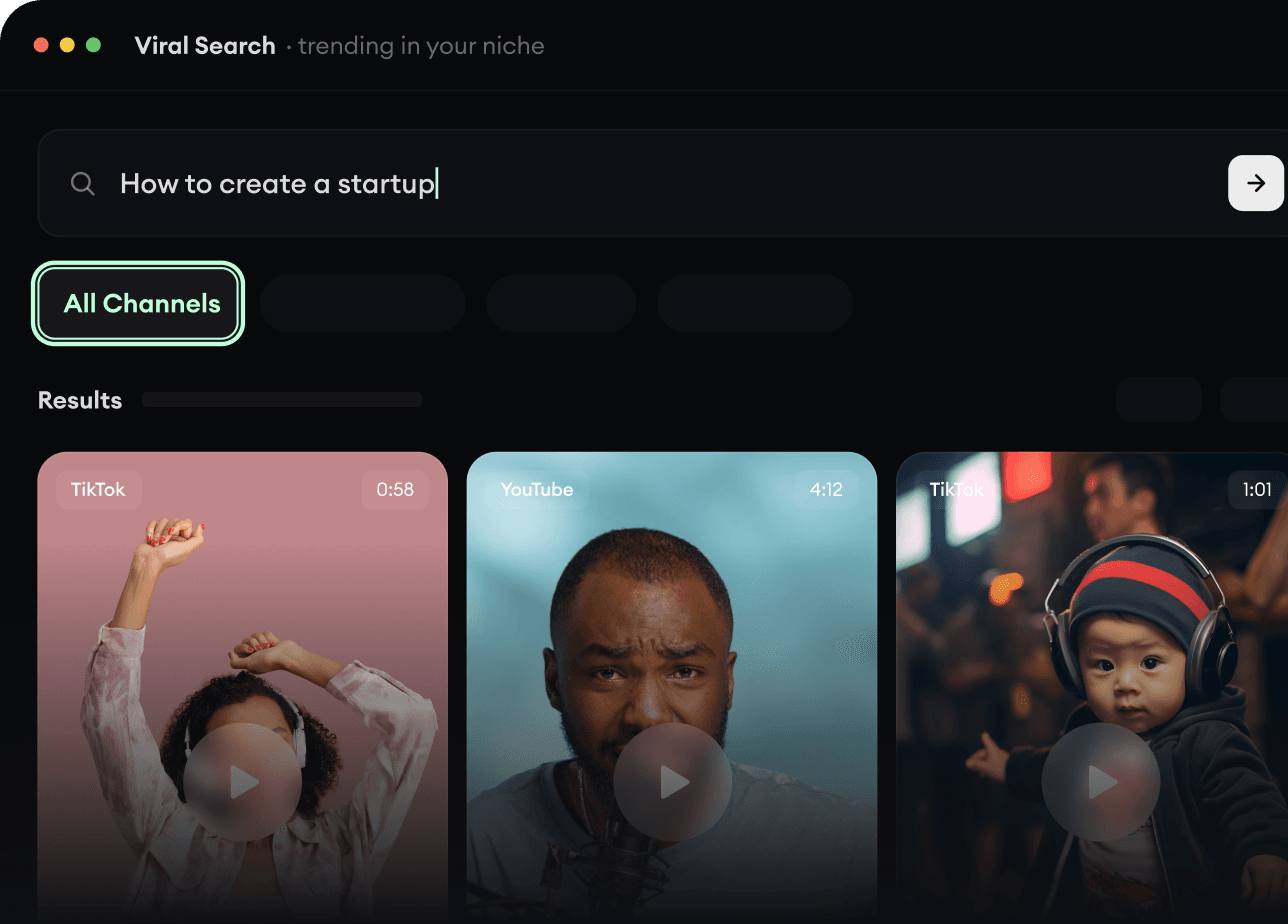
RevidAI's Viral Search and Channel Watcher surface the formats, creators, and trends getting attention right now, then help you turn them into ideas of your own.
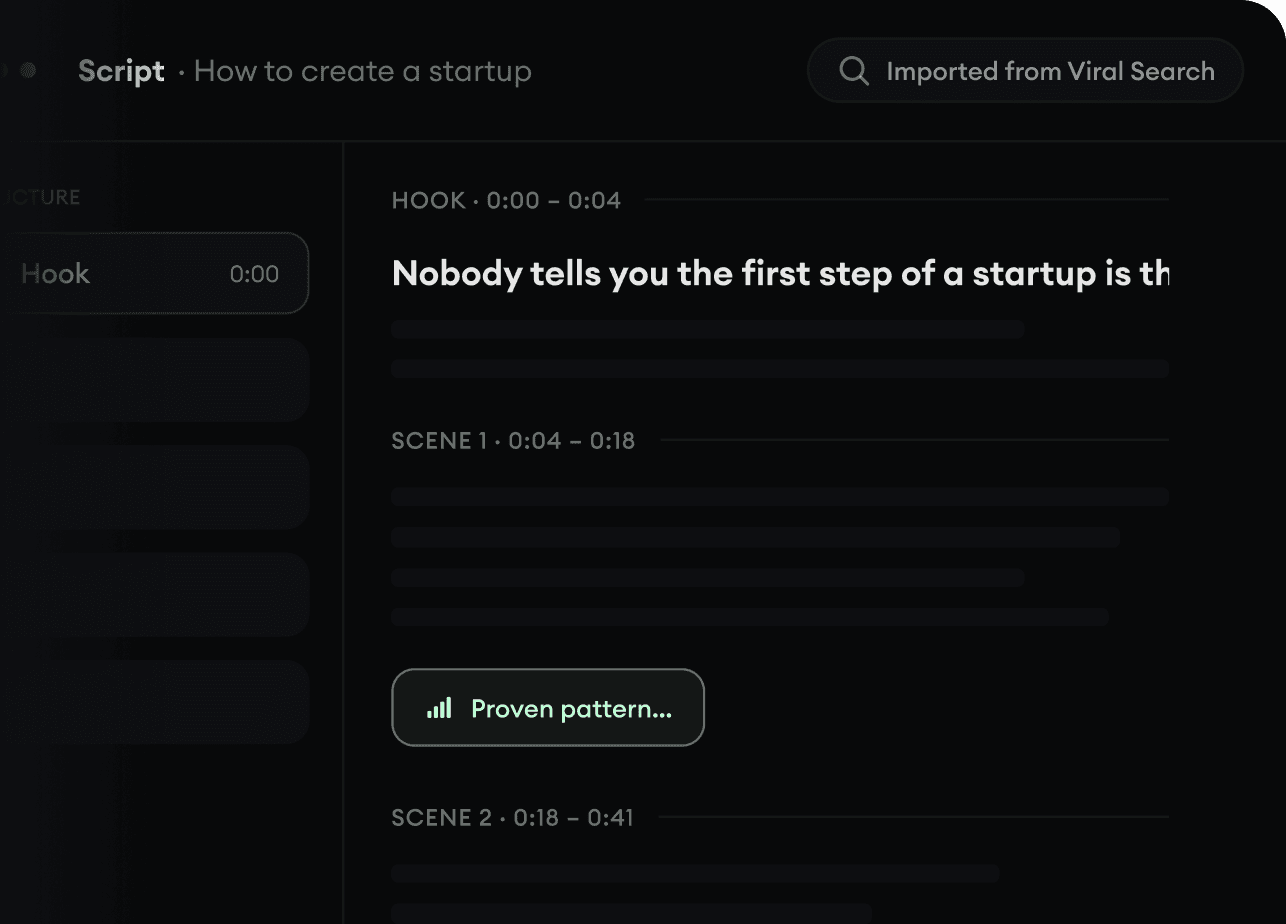
Found something worth making? Revid AI writes the script, suggests the structure, and turns links, prompts, or topics into complete video concepts.
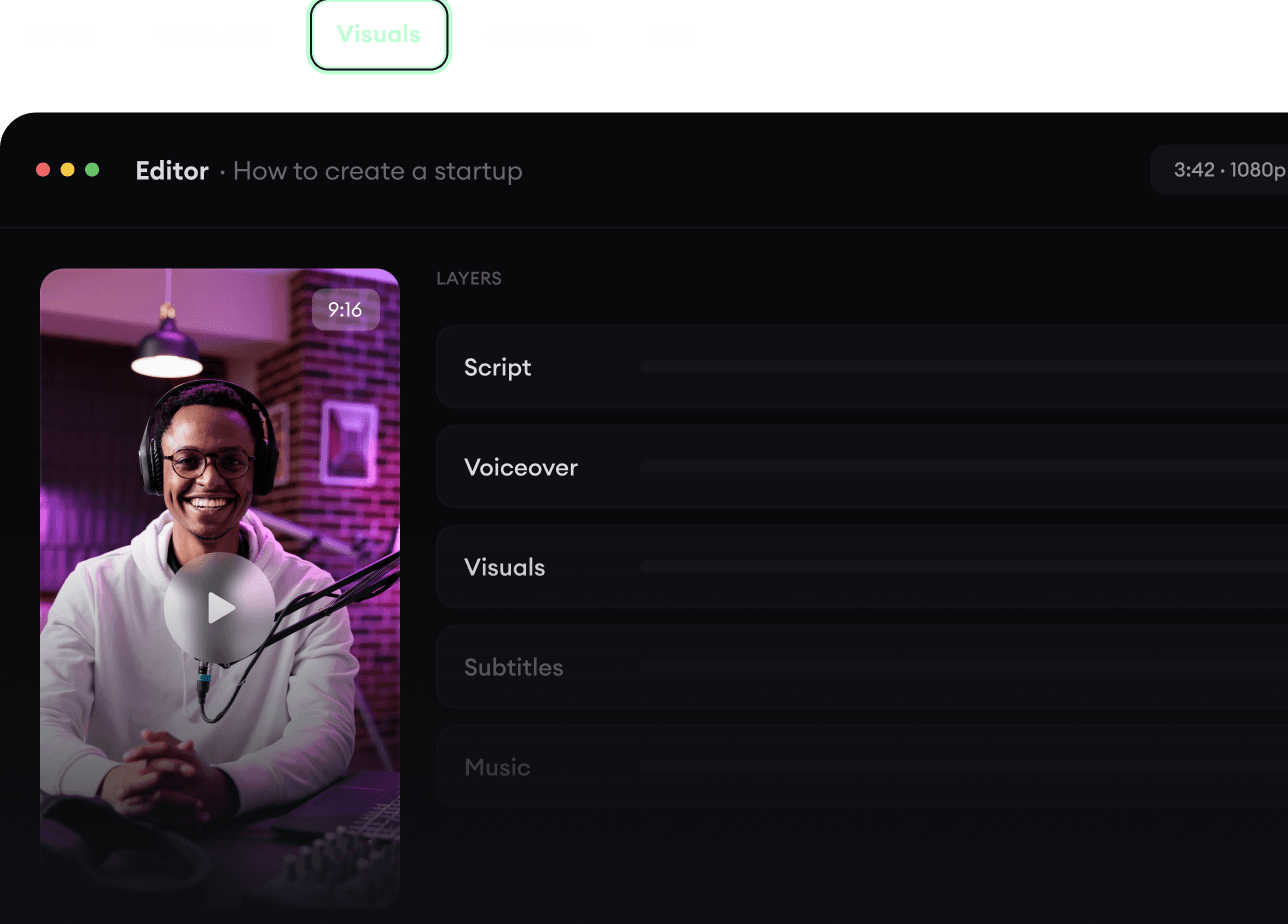
Script, voiceover, visuals, subtitles, and editing all come together in one workflow. No stitching together five different tools.
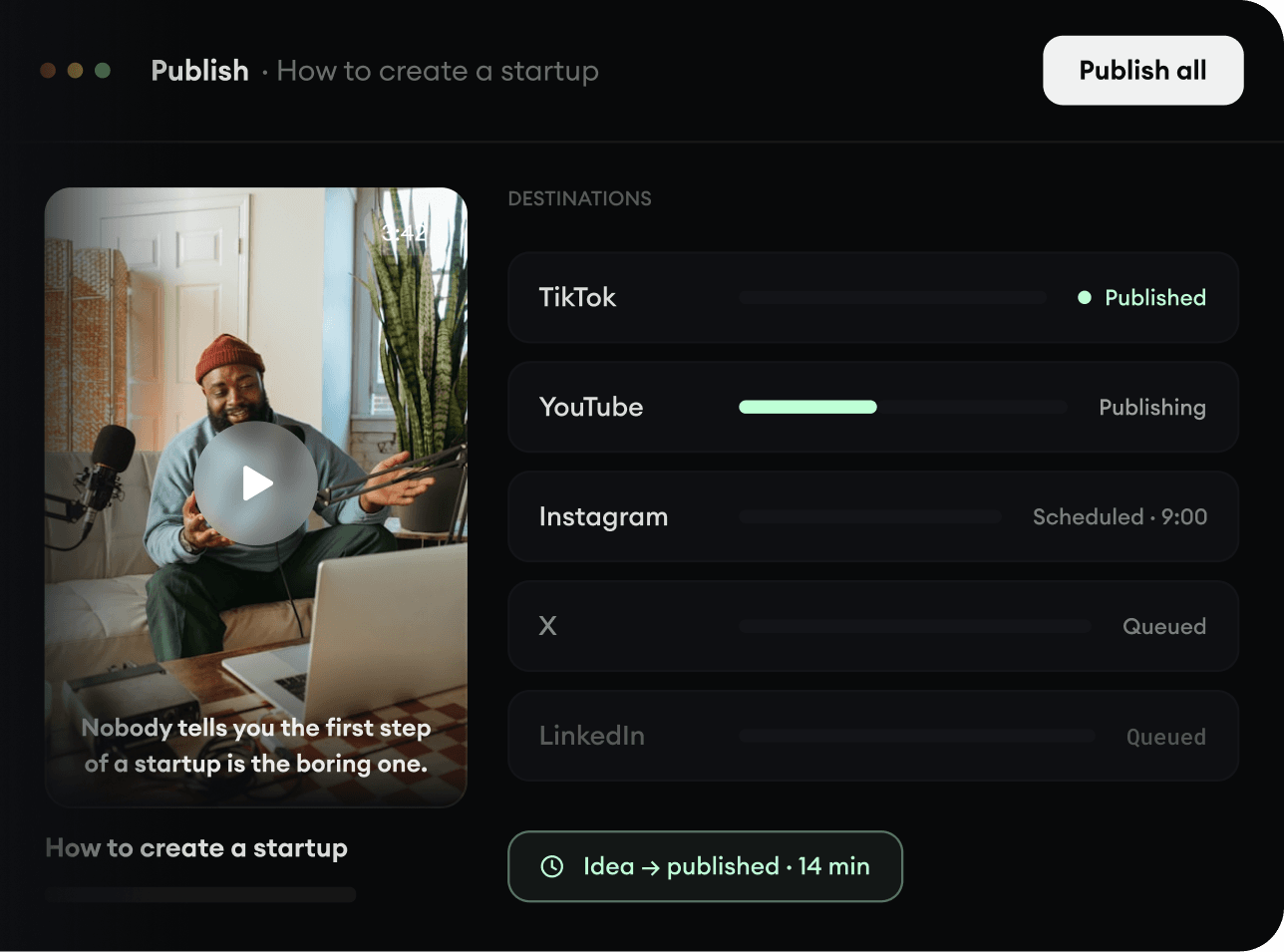
Share your videos to TikTok, YouTube, Instagram, and wherever your audience is.