Best Short Video Apps: 10 Picks for Creators
Compare the best short video apps for editing, publishing, discovery, and monetization, with practical picks for creators, brands, and teams.
On this page
You're probably deciding between two very different tasks: making a vertical video that looks and sounds right, and finding a place where the people you want to reach will see it. A polished edit can underperform if it's posted to the wrong audience, while a platform's native tools may be enough when you're reacting to a trend or answering a customer question.
The best short video apps serve different stages of content creation. Some help you edit polished vertical videos, others provide discovery and distribution, and the strongest combinations connect research, production, publishing, and performance analysis. This guide compares ten options across those roles so creators and businesses can choose tools that match their editing habits, audience, platform strategy, and budget.
The audience data points to a practical starting place. In the U.S., YouTube has the broadest adult reach, while TikTok and Instagram are especially relevant for reaching younger adults, according to Pew Research Center's 2025 survey. But reach isn't the same as an easy path to discovery. Short-form publishing has become more competitive, and platform analysis has found that content volume and reach can move in opposite directions, as discussed in this analysis of shifting short-form engagement patterns.
So treat the apps below as parts of a workflow, not interchangeable destinations. Use an editor that removes production friction, then choose publishing platforms based on audience behavior and the job each video needs to do. If you're also building a paid distribution plan, these paid social ad targeting tips can help connect video creative with campaign targeting.
1. TikTok
TikTok is the strongest fit when discovery and fast creative testing matter more than a predictable publishing routine. Its For You feed can expose videos beyond an account's existing followers, while hashtag discovery, native editing, creator resources, and analytics support day-to-day publishing. The Pew survey cited earlier found TikTok reaches a smaller share of U.S. adults than YouTube but a much larger share of adults under 30, so it earns its place when the target viewer skews young. It is a weaker pick when a team needs stable, scheduled reach for a fixed campaign calendar.
The practical advantage is the tight loop between publishing a post and reading the response. A creator can test an opening line, visual format, or topic, then use comments and analytics to decide what deserves another version. TikTok's commerce features, including TikTok Shop, LIVE Shopping, and Showcase, connect video discovery with product consideration. Brand collaborations through TikTok One can support partnership workflows, though eligibility and feature availability should be checked before building a campaign around them.
Practical rule: Treat TikTok as a place to test ideas, not a guarantee that a video will travel. High attention on a platform doesn't automatically mean low competition or reliable reach.
The trade-off is operational. Features, policies, and commerce requirements can change, and shopping or paid-partnership tools may involve eligibility checks, compliance work, or transaction fees. Keep a clean vertical master and make platform-specific edits rather than assuming a TikTok export will suit every destination. For a closer look at that workflow, this guide explains how to edit TikTok videos for viral content creation. Visit TikTok if discovery-led publishing is central to your plan.
Prompt to try
Make a 30-second vertical TikTok testing a hook for a home coffee channel: open with "You're wasting half your coffee beans" on screen, then give three quick grinding mistakes with punchy captions and fast b-roll cuts. End by asking viewers which mistake they make.
2. Instagram Reels
If your audience already follows your work on Instagram, Reels can extend that relationship without sending viewers to a separate service. Videos can surface through the Reels tab and Explore, while Feed, Stories, and direct messages provide ways to continue the conversation. That makes Reels useful for creators and businesses that want short videos to support profile visits, community interaction, and product interest together.
Instagram also gives teams more than one route to distribute a finished clip. Native audio and editing tools support in-app creation, and cross-sharing to Facebook can extend a post's life across Meta's platforms. Branded-content and monetization features may be available, but programs and eligibility vary, so don't treat a particular earning feature as a dependable part of the budget.
Where it fits: Reels works well for visual product demonstrations, creator updates, and short explainers that lead naturally to a profile, a DM, or a shop-related interaction. It's a less direct choice when the sole objective is rapid trend testing with no existing Instagram presence.
The main limitation is that creator monetization can be inconsistent, and feature access depends on account status and location. Production quality alone won't solve distribution; the video still needs a clear first frame and a reason for viewers to keep watching. If you need to save a video for legitimate reference or workflow purposes, review this guide on how to save Instagram videos safely. See Instagram for current Reels features and account tools.
3. YouTube Shorts
YouTube Shorts is a natural choice when a short video should introduce a topic, creator, or product and lead into a larger channel. Unlike a feed that stands apart from other content, Shorts sits alongside YouTube search, long-form videos, subscriptions, and channel pages. A short product explanation can introduce a longer demonstration, while a clip from a full video can point viewers toward the complete discussion.
That ecosystem matters for distribution. Pew's 2025 U.S. survey found that 84% of adults had used YouTube, the broadest potential reach among the major platforms covered in the survey. The same source reported that 48% of adults visited YouTube daily, giving Shorts a place in a platform people already use regularly (Pew Research Center's social media fact sheet). These are U.S. benchmarks, not a promise that any individual Short will reach a broad audience.
Creators can make and review Shorts with YouTube's creation tools and Studio analytics. Eligible members of the YouTube Partner Program can participate in Shorts ad-revenue sharing, subject to the program's policies and requirements. Short videos can also connect to long-form channel content, which gives a publishing plan more ways to build continuity than a stand-alone clip feed.
The challenge is competition and consistency. A channel needs useful concepts and deliberate packaging, not just frequent uploads. YouTube's ecosystem also makes it important to decide whether each Short is a standalone answer or a doorway to a deeper video. Check the current duration rules and monetization terms before production, then explore YouTube Shorts as a cross-format publishing destination.
4. Snapchat Spotlight
Snapchat Spotlight is worth considering when the material feels immediate, visual, and native to Snapchat's camera-first environment. The feed offers short-form discovery, while AR Lenses, filters, and built-in creative tools give creators ways to make effects part of the idea rather than adding them as decoration. That can suit quick visual jokes, reactions, and playful demonstrations better than a heavily polished export designed for another platform.
Spotlight can also be an additional publishing destination for creators who already make vertical video. Its rewards and monetization programs may offer earning opportunities for qualifying creators, but eligibility and program details can change. Treat potential earnings as conditional, not as a predictable return for posting.
A useful workflow: Create a concept that makes sense in Snapchat's visual language first. Then adapt a suitable version for other apps, rather than reposting a video whose effects, text, or pacing depend on a different platform.
The audience fit is strongest for creators seeking younger viewers and for brands comfortable with casual, camera-native storytelling. The downside is that reward availability and qualification rules may be invite-driven or subject to changing criteria. That makes Spotlight better as a selective test than as the only distribution channel in a business plan. Review current requirements and publishing tools on Snapchat before investing in a recurring format.
5. Facebook Reels
Facebook Reels is a practical cross-posting destination for creators and businesses that already maintain a Facebook presence. Reels can appear in Feed and search, and Instagram cross-posting can add distribution without requiring a completely separate video concept. For a local business, service provider, or creator with an established Page, a short explanation or product clip can sit alongside existing posts and community activity.
Meta's advertising infrastructure also gives businesses options to boost Reels. That can be useful when a video has a clear campaign objective, but paid distribution should be evaluated separately from organic results. Boosting a post doesn't establish that its creative works without paid support, and a strong placement still needs an appropriate audience and clear next step.
Facebook is particularly useful as part of a broader publishing system rather than as a replacement for Instagram or TikTok. Adapt the opening, caption, and call to action for the Facebook context. A clip made for a trend-led feed may need a more direct explanation when it appears beside updates from friends, Pages, and groups.
Creator bonus programs have been intermittent, some earning opportunities may be invite-only, and earnings can be uncertain. That makes audience development and business outcomes more dependable planning priorities than assumed platform payouts. Use Facebook Reels when cross-posting fits your workflow or when your audience already interacts with your Page, and check Facebook for current publishing and advertising options.
6. Pinterest Video Pins
Pinterest Video Pins fit videos that help people find an idea, compare a product, or learn how to do something. The platform's search- and shopping-oriented environment changes the creative brief: a useful tutorial, recipe, product demonstration, or home project may remain relevant beyond the moment it's first published. This makes Pinterest a better match for evergreen visual information than for commentary built around a fast-moving trend.
Video Pins support topic and product tagging, video ad formats, and shopping or catalog integrations. Those tools can connect visual content with product discovery, especially when the clip shows what an item does rather than only naming it. Tutorials in areas such as food, beauty, and DIY can also serve viewers who are actively collecting ideas.
For a sense of how this content appears in context, see the Pinterest interface below.
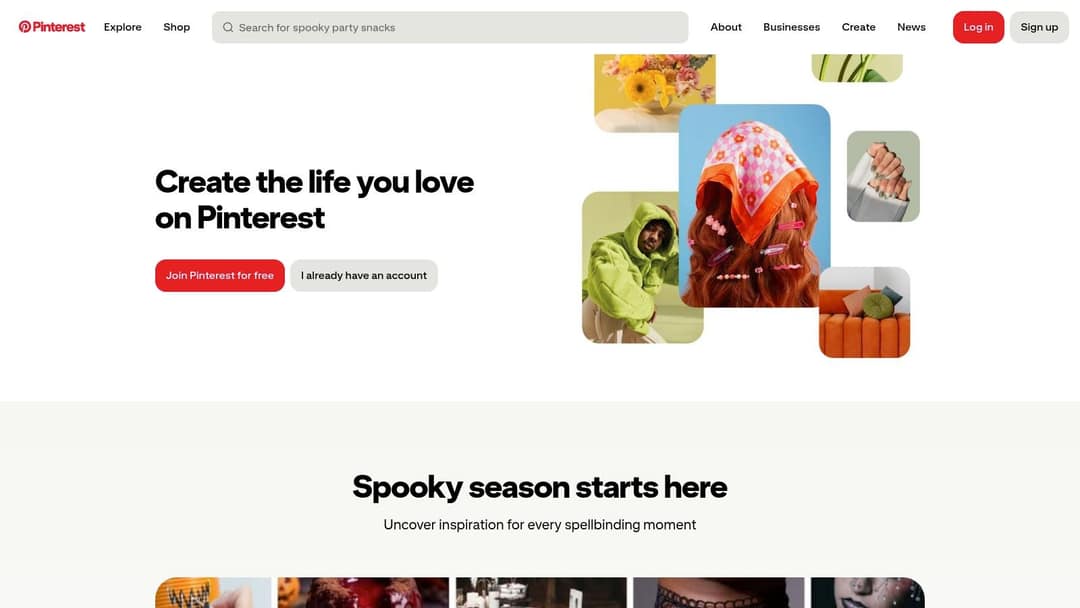
Pinterest shouldn't be judged by the same feedback loop as TikTok. It isn't a short-video-only platform, and its discovery behavior differs from a fast-moving social feed. The creator's job is to make a clip understandable and useful when someone encounters it while looking for a solution, product, or inspiration.
That distinction affects production. Put the subject and value proposition on screen early, and make the video understandable without relying on a trend reference. For product-focused businesses, Pinterest can complement more conversation-driven platforms by supporting discovery around specific interests. Explore Pinterest if your content has value beyond its original posting moment.
Evergreen tutorial prompt
Create a 40-second evergreen vertical tutorial on repotting a houseplant without killing it. Show the subject and the benefit in the first frame with the text "Repot in 5 steps, no shock", then walk through each step with clear on-screen labels and calm narration. Clean, bright style that makes sense without any trend reference.
7. Likee
Likee can serve as an extra publishing channel for creators who want to test short videos outside their primary platforms. It combines a community feed with in-app creation effects and live streaming, making it possible to use one app for both short clips and live interaction. For a creator already producing vertical content, publishing selected versions to Likee may offer another way to learn which formats resonate with a particular audience.
The sensible use case is experimentation, not assuming it can replace larger destinations. Likee's U.S. audience is smaller than TikTok, YouTube, and Meta platforms, and brand demand is comparatively weaker. That can limit its usefulness for businesses that need broad reach or established commercial workflows, even if a niche creator finds an engaged community.
Before adding it to a schedule: Ask whether the audience you want to reach is active there, and whether you can tailor the content enough to justify another account and moderation workload. Repurposing is useful only when the destination fits.
Monetization features can vary, so check current availability rather than building a revenue forecast around a feature that may not apply to your region or account. Likee's effects and live tools may appeal to creators who prefer expressive, creator-led formats, but they don't remove the need to test audience fit. Review the current app and its tools at Likee.
8. Clapper
Clapper puts community and live interaction closer to the center of the short-video experience. Creators can share clips, stream live, form groups, and use gifts or subscriptions as direct audience-support options. That mix may appeal to people who want a smaller-scale community environment and an alternative to relying only on advertising or platform-wide discovery.
The app supports short videos of about three minutes, according to the product description provided for this comparison. Its audience is described as older than TikTok's, which may make it a better fit for certain topics and conversational styles. As with any platform-level audience description, creators should validate the fit for their own niche rather than treating it as a guarantee.
A smaller community can be more useful than a larger feed when the goal is recurring conversation, but community size and commercial reach are different measures.
Clapper's appeal is the combination of video, live streams, groups, and direct creator support. Its constraints are scale and advertiser demand: both are smaller than on the largest platforms, and creator income depends largely on gifts, subscriptions, and brand deals. Bank-transfer withdrawal support is listed among its features, but creators should verify the current rules, fees, and eligibility before counting on it.
Use Clapper when community participation is part of the format, not just as another place to repost. Visit Clapper to review its current creator tools and publishing options.
9. Kwai
Kwai is an additional publishing option for creators building multilingual or international audience strategies. It combines a short-video feed with creator tools and live streaming, and it may be relevant to some Spanish- and Portuguese-speaking communities in the U.S. That makes it worth testing when the audience plan depends on language or regional context, rather than automatically adding every available platform to a distribution list.
Kwai's creator center and earnings or withdrawal support, where available, can support publishing and account management. But feature access and monetization options vary by region and program eligibility. Check those details directly before treating the app as a reliable source of creator income.
Best use: Publish a small set of videos that already fit the intended audience, then compare the quality of interaction and the operational effort with your established channels. A new destination is useful if it adds a distinct audience or a meaningful learning opportunity.
Kwai's U.S. audience penetration is much smaller than TikTok, YouTube, and Meta's platforms, while brand demand is comparatively limited. That makes it a secondary channel for many U.S.-focused creators, rather than a default home for a short-form strategy. Its connection to a major global short-video company is relevant context, but it doesn't prove that a specific creator will find an audience there. Explore Kwai if your content and target community make the test worthwhile.
10. CapCut
CapCut is an editor, not a publishing destination. That distinction makes it a useful complement to social apps: creators can work on mobile, desktop, or web, then export a vertical video for TikTok, Reels, Shorts, or another channel. Templates, captions, effects, background removal, and social-ready exports can reduce repetitive production work for solo creators and small businesses.
A free tier is available, while some advanced effects and AI features may require a paid plan. Pricing can vary by platform and region, and plans may change, so check the current terms before choosing it as a standard tool. For a simple workflow, the relevant question isn't whether an editor has the longest feature list. It's whether it makes your recurring edits faster without adding review or export problems.
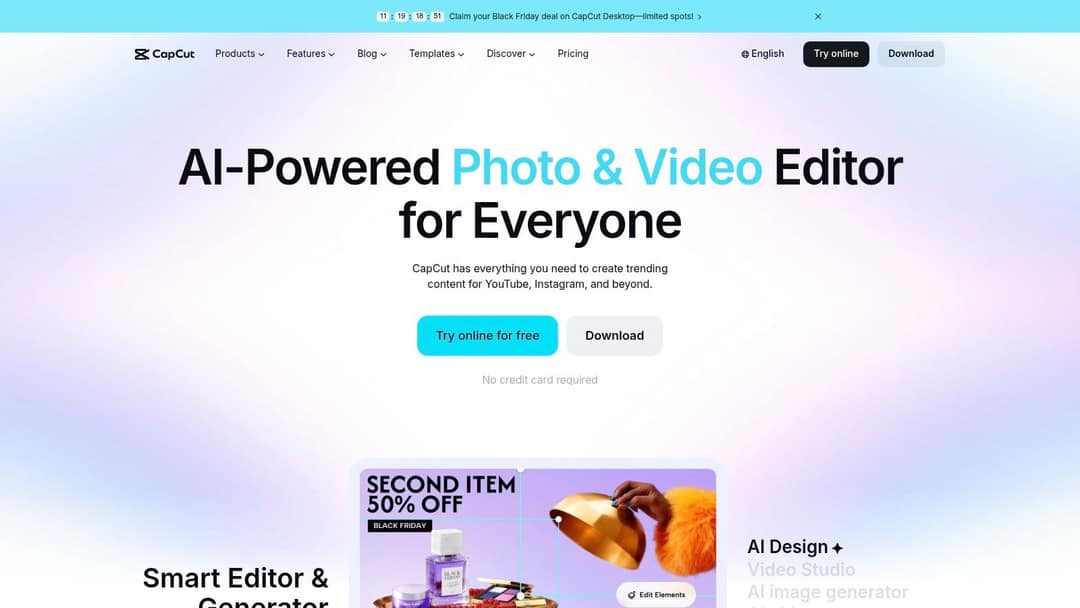
The main advantage is flexibility across devices and a short-form-focused feature set. A creator can build a captioned master, refine it, and publish versions to several destinations. Still, don't treat a single export as automatically optimized for every app. Review text placement, captions, audio, and platform-specific metadata after export.
CapCut is a production choice for people who need an editor alongside their publishing apps. It can support a faster workflow, but it won't decide where a video belongs or whether its idea fits an audience. Visit CapCut to compare current editing features and pricing.
Top 10 Short Video Apps Compared
| Platform | Core Features & Unique Edge | Discovery & Reach | Value & Monetization | Best For |
|---|---|---|---|---|
| TikTok | ✨ For You feed, native editing, LIVE, and TikTok Shop | ★ Strong discovery for new creators and brands | 💰 Shopping and creator earnings; eligibility and fees apply | 👥 Creators and brands seeking reach and commerce |
| Instagram Reels | ✨ Reels integrated with Feed, Explore, Stories, and DMs | ★ Reach followers and new audiences; Facebook cross-posting | 💰 Monetization varies by feature and eligibility | 👥 Creators and businesses building on Instagram |
| YouTube Shorts | ✨ Connects vertical videos with long-form channels and search | ★ Search and channel ecosystem support ongoing discovery | 💰 Ad-revenue sharing for eligible Partner Program members | 👥 Creators growing a broader YouTube channel |
| Snapchat Spotlight | ✨ AR Lenses, filters, and native creative tools | ★ Discovery with a Gen Z audience focus | 💰 Rewards and monetization for eligible creators | 👥 Creators targeting younger audiences |
| Facebook Reels | ✨ Feed and search placements; Instagram cross-posting | ★ Can extend reach across Facebook audiences | 💰 Reels ads and boosting; creator earnings may vary | 👥 Businesses and creators with Meta audiences |
| Pinterest Video Pins | ✨ Video Pins with topic, product, and shopping integrations | ★ Search-led discovery can support evergreen content | 💰 Video ads and shopping integrations | 👥 Brands and creators sharing tutorials or product demos |
| Likee | ✨ Effects, community feed, and live streaming | ★ Additional reach; audience scale varies by market | 💰 Monetization availability varies | 👥 Creators testing another publishing channel |
| Clapper | ✨ Videos, live streams, groups, gifts, and subscriptions | ★ Community focus; smaller audience than major platforms | 💰 Direct support through gifts and subscriptions | 👥 Creators seeking community-led engagement |
| Kwai | ✨ Short-video feed, creator tools, and live streaming | ★ Potential reach among multilingual audiences | 💰 Earnings options vary by region and eligibility | 👥 Creators pursuing international or Spanish- and Portuguese-speaking audiences |
| CapCut | ✨ Templates, auto-captions, AI effects, and social-ready exports | ★ Editing tool, not a discovery platform | 💰 Free to start; some features require a paid plan | 👥 Creators and small businesses making short-form videos |
Build a Short-Form Stack That Scales With Your Content
No single app is best for every creator. A useful setup separates production, distribution, and audience development instead of asking one service to handle everything. CapCut, for example, supports editing across mobile, desktop, and web, while TikTok, Instagram Reels, and YouTube Shorts each offer different publishing contexts. The right combination depends on what you make and how much time you can spend adapting each video.
Start with the audience and the job of the content. TikTok is a strong candidate for discovery-led experiments and trend-responsive posts. Reels can connect videos with an existing Instagram presence, direct messages, and commerce features. YouTube Shorts can support broader channel growth by linking short videos to search, long-form content, and subscriptions. Pinterest is a better fit when a video answers a practical question or supports product discovery, while Clapper and Likee may be worth testing when community or a specific audience segment is the priority.
Don't confuse a large audience with an easy path to organic reach. The available platform analysis points to a growing supply of short-form content and shifting reach patterns. For creators, that means the operational question isn't only where people watch videos. It's also whether your topic and format can stand out, how much competition you face, and whether you can respond when a platform changes its distribution or eligibility rules.
Build the workflow around reusable assets, but customize the final version. Keep a clean 9:16 master, retain caption files or editable text, and make a deliberate first-second hook for each publishing destination. Adapt the framing, metadata, and call to action instead of automatically posting identical exports everywhere. That process makes it easier to test a concept across platforms without mistaking a mismatch in packaging for a failure of the idea.
Before committing to an app, check current pricing, export options, account eligibility, and policies. Platform monetization can be conditional, regional, or subject to change, so don't base a budget on unverified payouts. Businesses that need consistent production may also want to hire a remote social media manager to coordinate publishing, community responses, and creative testing.
Teams producing repeatable social content can also test AI-assisted workflows in tools such as Revid.ai. It can help turn an idea or source link into a draft for a vertical video, which a creator can then review and refine in an editor suited to the publishing destination. The editor's job is still important: verify the script, visuals, captions, rights, and final export before publishing.
Choose one primary platform and one editor first. Publish a focused test, review what viewers respond to, then add another destination only when it serves a clear audience or workflow need. That keeps your tool stack manageable while leaving room to scale when your content process is ready.
Revid.ai helps turn ideas, scripts, or source links into short-form video drafts for social platforms, with tools for captions, voiceovers, and editing. If you're building a repeatable workflow for TikTok, Instagram Reels, or YouTube Shorts, visit revid.ai to explore how it could fit your production process.