Trusted by 14,000+ creators worldwide

Shopify Product Video AI Maker

Input a product URL with information about it and we will create a video for you, fully editable, ready in minutes.

  • Start from a URL
  • AI voiceover
  • Use your own media
  • Captions and sound-ready
2,342 people used this tool in the last 24h
Start for free.(no credit card required)

or explore our 42+ other tools to create the exact video you want

Explore our tools

Transform Shopify Products into Engaging Videos in 3 Steps with AI

1 Input Your Shopify Product URL

Start by pasting the URL of your Shopify product page (e.g., https://www.yourstore.com/products/your-product) into the designated field. Revid AI's intelligent system will automatically fetch product information, including titles, descriptions, and images, to serve as the foundation for your compelling product video.

2 Customize Your Video's Look and Sound

Tailor your Shopify product video to match your brand. Choose from a selection of AI voices or upload your own voiceover. Select background music from our library or upload your own track. Opt to enrich your video with relevant stock footage using the 'Search stock videos' feature, or bring your product images to life by enabling 'Animate images' for an appealing dynamic effect. You can also guide visual choices by inserting [bracketed descriptions] in the script.

3 Generate, Refine, and Showcase

Click the "Generate Video" button, and our AI Shopify video generator will create your product video in minutes, complete with visuals, voiceover, and captions. Once generated, use Revid AI's intuitive built-in editor to make final adjustments, add text overlays, or fine-tune scenes. Then, download your video and upload it to your Shopify store, product pages, or share it across social media to boost engagement and sales.

01

Shopify Product Video Generator That Works Directly from Your Store

Revid's Shopify AI video generator pulls product information directly from your store URL and transforms it into a polished short-form video ready for TikTok ads, Instagram Reels, and Facebook placements. Paste your Shopify product link, and the AI extracts your title, description, and imagery to build a complete video with script, voiceover, and captions automatically. It is the fastest way for Shopify sellers to produce professional product video content without a creative team or production budget.

02

Automatically Generate Video from Your Shopify Products

For Shopify store owners who need a consistent stream of video content without the overhead of manual production, Revid offers a solution that integrates directly into your existing workflow. Drop in any product page URL, choose your ad style and platform format, and generate a TikTok-style product showcase video in minutes. Whether you are running paid ads, building organic social content, or populating your product pages with video, Revid gives you the AI video tools for Shopify that turn your catalog into content automatically.

FAQs

Frequently Asked Questions

What is the Shopify Product Video AI Maker?
Our Shopify Product Video AI Maker is a specialized tool designed to help e-commerce store owners effortlessly create engaging product videos directly from their Shopify product page URLs. It uses AI to automate the video creation process, turning product details into captivating visual content perfect for your Shopify store and marketing channels, helping you make product videos for Shopify quickly.
How do I create a Shopify product video with this tool?
It's simple! Just paste your Shopify product URL into our Shopify video app. Then, customize options like AI voice, background music, stock footage integration (via 'Search stock videos'), and image animation (via 'Animate images'). Our AI Shopify video generator then crafts a professional video. You can edit it further before publishing on your Shopify listing or social media.
What product information does the AI extract from my Shopify URL?
Our AI intelligently scans your Shopify product page to extract key information such as the product title, description, price, and available product images. This data is then used by our e-commerce product video creator to construct the narrative and visuals for your automated product video, ensuring it's relevant and informative.
Can I use my own product images and branding in the video?
Yes! The tool primarily uses images found on your Shopify product page. After the initial AI video generation, you can also upload additional images, logos, or branding elements within our editor to further personalize your Shopify product video and maintain brand consistency.
How does the 'Search stock videos' option enhance my product video?
By enabling 'Search stock videos,' our AI will attempt to find relevant, high-quality stock footage to complement your product and its features. This can add a professional touch and make your Shopify product video more dynamic and engaging, especially if you want to create stock footage product videos for Shopify with minimal original assets.
What does the 'Animate images' feature do for my Shopify videos?
The 'Animate images' feature adds subtle motion effects to your existing product images pulled from your Shopify page. This transforms static pictures into more dynamic visuals, creating more appealing and eye-catching animated product videos for your Shopify e-commerce store.
Why are product videos crucial for my Shopify store's success?
Product videos significantly boost customer engagement, build trust, and can lead to higher conversion rates on your Shopify store. They provide a dynamic way to showcase product features and benefits, improving your Shopify video marketing efforts and potentially enhancing your store's SEO by making product information more accessible.
What's the recommended length for a Shopify product video?
For Shopify product pages and social media, concise videos are generally most effective. Aim for 15-60 seconds to highlight key features and benefits. Our Shopify product video maker is designed to create short, impactful videos perfect for e-commerce and quick consumption.
How much does it cost to create a Shopify product video?
The cost of creating a video depends on the specific settings and length, utilizing Revid AI's credit system. Each video generation will show an estimated credit cost. Your available credits are based on your Revid AI subscription plan, with free tiers offering initial credits to try our Shopify store video generator.
How long does it typically take to generate a product video?
Our AI Shopify video generator is fast! Most product videos are ready within a few minutes. The exact time can vary based on video complexity and the amount of information processed from your Shopify product page. You'll be notified once your AI video for Shopify listings is ready.
Can I edit the Shopify product video after AI generation?
Absolutely! Once our AI creates the initial draft of your product video, you gain full access to Revid AI's comprehensive video editor. You can refine visuals, adjust text, change audio, trim scenes, and much more to ensure your Shopify video perfectly matches your vision and branding requirements.
How can this tool help improve my Shopify store's conversion rates?
By providing engaging and informative visual content, our Shopify Product Video AI Maker helps customers better understand your products. This leads to increased confidence and a higher likelihood of purchase, effectively turning your Shopify product page into a more persuasive video experience.
What if my Shopify product page has limited images or text?
While the tool works best with comprehensive product pages, it can still create a video with limited content. You can supplement this by enabling the 'Search stock videos' option for more visuals and by extensively using our editor to add more text, graphics, or upload additional media to enrich your product video.
Where can I use the videos created for my Shopify products?
The videos are perfect for your Shopify product pages, collection pages, and homepage. Additionally, they are optimized for sharing on social media platforms like Instagram Reels, Facebook, TikTok, and YouTube Shorts to drive traffic and engagement for your Shopify store.
I need further assistance with the Shopify video tool. What should I do?
If you have more questions about how to create product videos for Shopify using our tool, or need help with any Revid AI feature, please contact our support team at hello@revid.ai. We're dedicated to helping you succeed with your Shopify video marketing and automation.
View Complete Help Center

Find detailed answers to 100+ questions about features, tools, and workflows

or check our markdown version optimized for LLMs

Tools

Free AI Video Tools

Choose your tool, add your content, and create a video in seconds. Then customize it to your liking.

AI TikTok Video Generator

Turn text into trendy, viral TikTok videos in a snap

Try it out

Prompt to Video

Turn your prompts into engaging videos with AI assistance

Try it out

Add Caption to Video

Generate subtitles in 100+ languages with AI captions

Try it out

PDF to Brainrot

Convert PDFs into attention-grabbing, scrollable videos

Try it out

Text to Brainrot

Turn your text into trendy, scrollable content with dynamic visuals

Try it out

AI Talking Avatar

Create lifelike talking avatars from text in seconds

Try it out

Video Podcast Generator

Transform your podcasts into visually engaging video content

Try it out

AI Movie Maker

Create studio-quality videos from text, no filming required

Try it out

Audio to Video

Make engaging videos from your podcasts, interviews, or any audio content

Try it out

Animated Lyrics Video Generator

Turn any song into an animated lyric video with synced text and visuals.

Try it out

AI Music Video Generator

Transform your music into cinematic music videos.

Try it out

AI Lyrics Video Generator

Transform your lyrics into a complete music video with AI

Try it out
See all tools
How it works

Four simple steps to create and share your video

1
Step 1

Find your next viral idea

Lacking inspiration? Our AI spots trends and helps you adapt them for your own videos, hassle-free.

  • Identify the best performing formats
  • Get inspired by top creators
  • Turn your ideas into captivating videos
Find your next viral idea
2
Step 2

Storytelling designed to captivate

Revid.ai analyzes viral videos and uses those same codes to write your scripts.
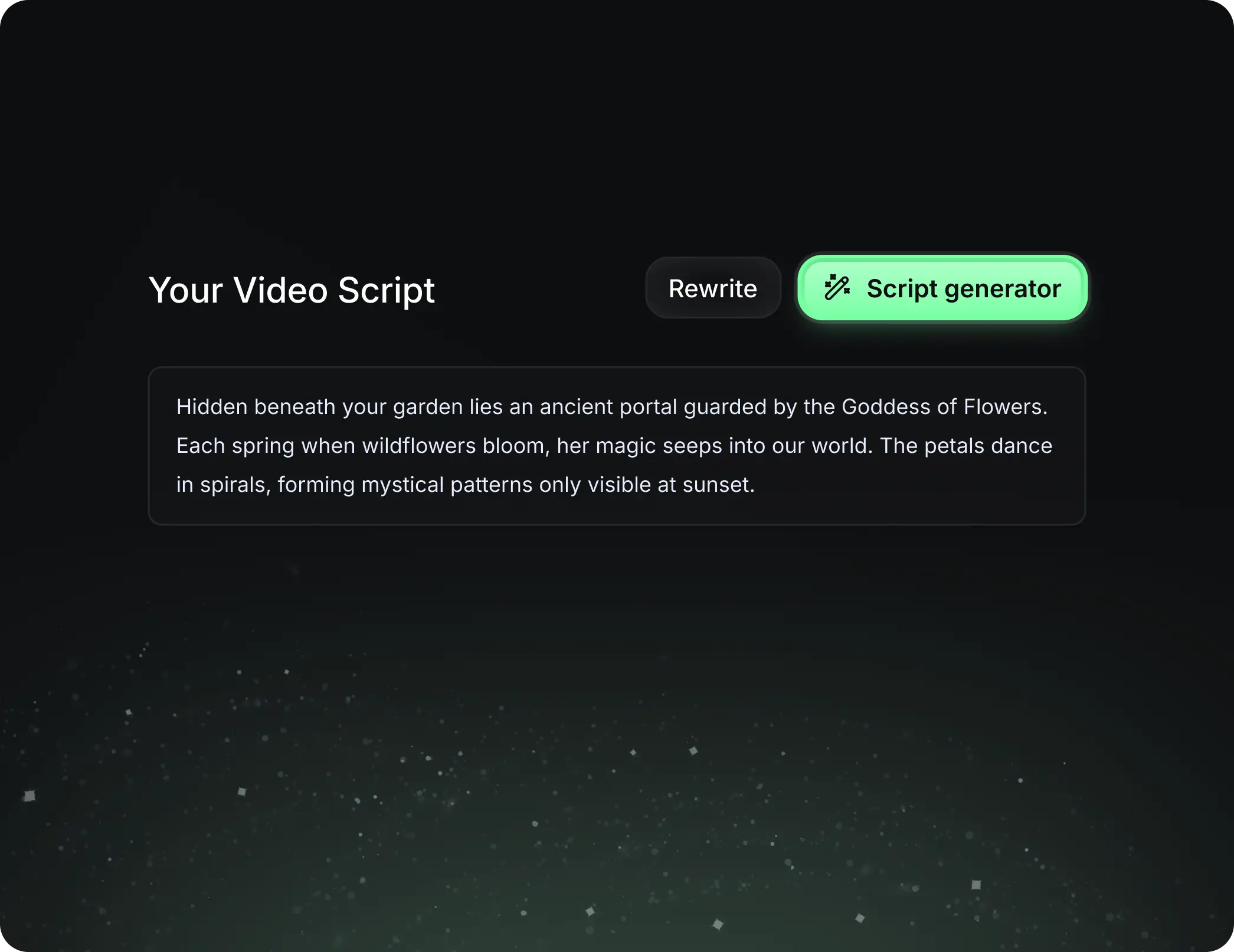
  • Write your script or just give the topic to our AI
  • The AI will suggest relevant content to inspire you
  • Paste a link, our AI analyzes it and turns it into a video
Storytelling designed to captivate
3
Step 3

Videos you will love

Create professional videos, share them with one click, and grow your audience.

  • Watch your texts turn into professional videos
  • Automate video creation from your content
Videos you will love
4
Step 4

Publish on TikTok, YouTube, Instagram and more

Reach a wider audience by sharing your videos across all your networks.
Publish on TikTok, YouTube, Instagram and more
revid.ai logo

The fastest way to create captivating videos.