AI Found Footage & CCTV Generator

Create viral bodycam, CCTV, and VHS found footage instantly. Visualize #fnaf security camera scenes, #backrooms exploration, or realistic mystery clips.

Related tools you might like:

3,534 people used this tool in the last 24h
Start for free.(no credit card required)

or explore our 42+ other tools to create the exact video you want

Explore our tools

Create Viral AI Found Footage & CCTV Videos in 3 Steps

1 Describe Your Scene

Enter a prompt describing the footage you want to create. Whether it's a 'security camera feed of an animatronic bear', 'bodycam footage of the backrooms', or a 'grainy VHS tape of a cryptid', our AI found footage generator understands the context of horror and mystery.

2 Select Camera Style

Choose the specific recording aesthetic for your video. Select 'Security Camera / CCTV' for static surveillance looks, 'Bodycam' for shaky tactical exploration, 'VHS' for 90s retro home video vibes, or 'Dashcam' for road incidents. You can also select 'AI Video' or 'Moving AI Images' as your base media type.

3 Generate and Share

Click generate to instantly produce realistic found footage complete with visual imperfections, grain, and appropriate audio. Use our editor to add final touches like timestamps or 'REC' overlays, then download your viral clip for TikTok, YouTube Shorts, or Instagram Reels.

Example Videos

See What You Can Create with AI Found Footage & CCTV Generator

Explore different styles and possibilities with our AI Found Footage & CCTV Generator

FNAF Style Security Footage

Create tense security camera feeds perfect for Five Nights at Freddy's lore videos and fan theories. Capture the eerie atmosphere of empty pizzerias.

  • Realistic CCTV overlays and timestamps
  • Night vision and low-light aesthetics
  • Perfect for #fnaf2movie theories
  • Suspenseful animatronic reveals
FNAF Style Security Footage

Viral Bodycam Exploration

Generate immersive bodycam footage for #backrooms content, tactical simulations, or urban exploration videos that keep viewers on the edge of their seats.

  • Shaky cam and fisheye lens effects
  • Immersive first-person perspective
  • Realistic breathing and movement audio
  • Ideal for 'LiveWithLessFollowers' viral clips
Viral Bodycam Exploration

Retro VHS Mystery Clips

Produce nostalgic 90s-style home video footage. Great for analog horror, cryptid sightings, or dramatizing celebrity news and rumors.

  • Authentic VHS tracking and glitch effects
  • 90s camcorder aesthetic
  • Perfect for analog horror storytelling
  • Create 'leaked tape' style content
Retro VHS Mystery Clips
Tools

Free AI Video Tools

Pick the right tool, provide your input, and you'll create a video in no time - customize it however you want.

AI TikTok Video Generator

Turn text into trendy, viral TikTok videos in a snap

Try it out

Add Caption to Video

Generate subtitles in 100+ languages with AI captions

Try it out

PDF to Brainrot

Convert PDFs into attention-grabbing, scrollable videos

Try it out

Text to Brainrot

Turn your text into trendy, scrollable content with dynamic visuals

Try it out

AI Talking Avatar

Create lifelike talking avatars from text in seconds

Try it out

Video Podcast Generator

Transform your podcasts into visually engaging video content

Try it out

AI Movie Maker

Create studio-quality videos from text, no filming required

Try it out

Audio to Video

Make engaging videos from your podcasts, interviews, or any audio content

Try it out

AI Music Video Generator

Transform your music into cinematic music videos.

Try it out

AI Lyrics Video Generator

Transform your lyrics into a complete music video with AI

Try it out

Instrumental Music Visualizer

Transform your instrumental music into videos.

Try it out

Prompt to Video

Turn your prompts into engaging videos with AI assistance

Try it out
See all tools
How it works

Four Easy Steps To Create & Share Your Story

1

Get inspired by viral content

Looking for story ideas? Our AI finds trending content and helps you remake it into your very own videos - no more trial and error.

  • See what types of stories are working right now
  • Get inspiration from successful creators
  • Turn your ideas into stories people want to hear
Get inspired by viral content
2

Storytelling to Hook your Audience

Revid.ai understands what makes videos go viral and uses the same proven methods to write scripts for you.
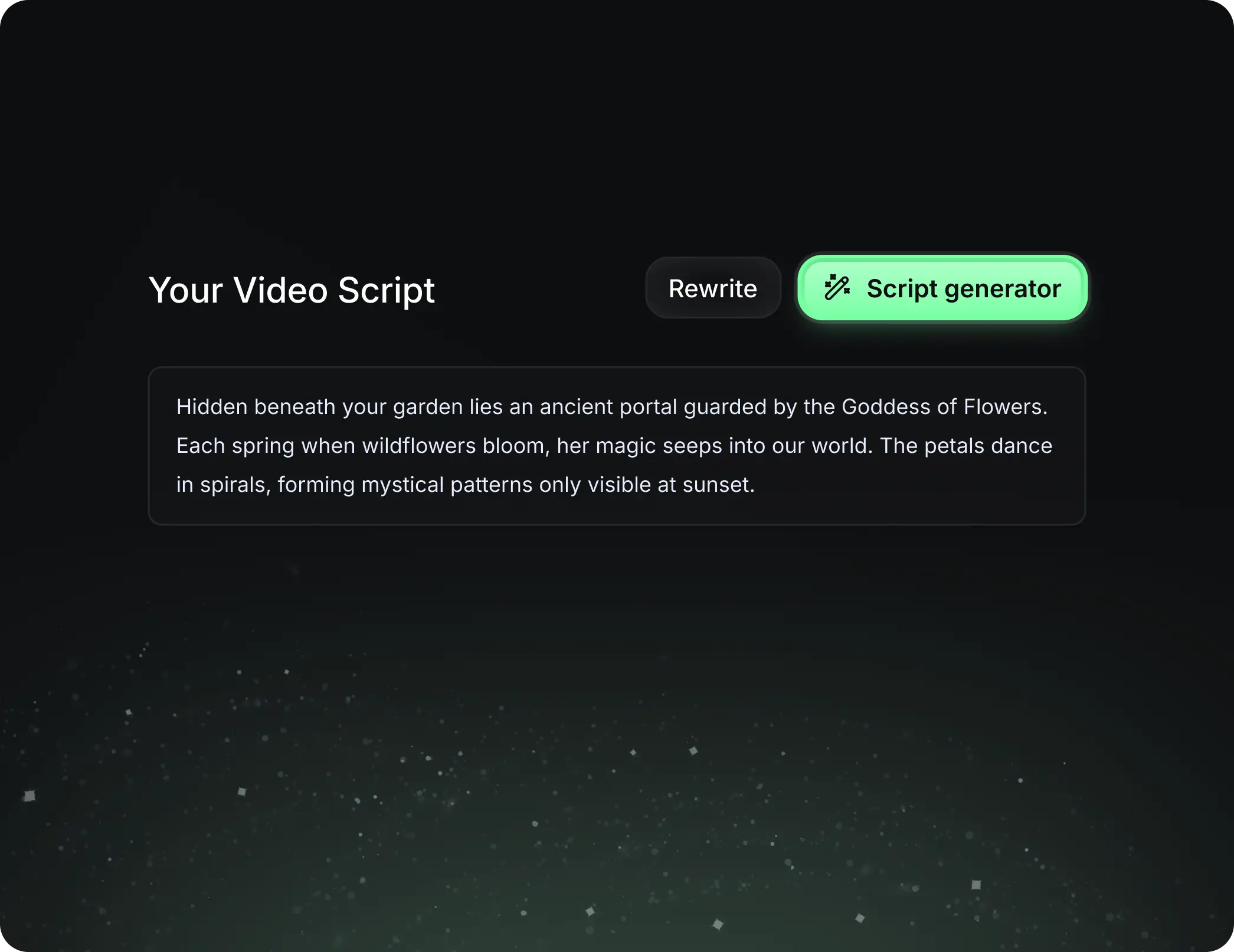
  • Write your script or tell our AI what you want to talk about
  • The AI will find relevant content to get inspired by
  • Drop any link and it will be automatically parsed and formatted for a video
Storytelling to Hook your Audience
3

Videos You'd LOVE to Watch

Create perfect videos, share instantly, and grow your business.
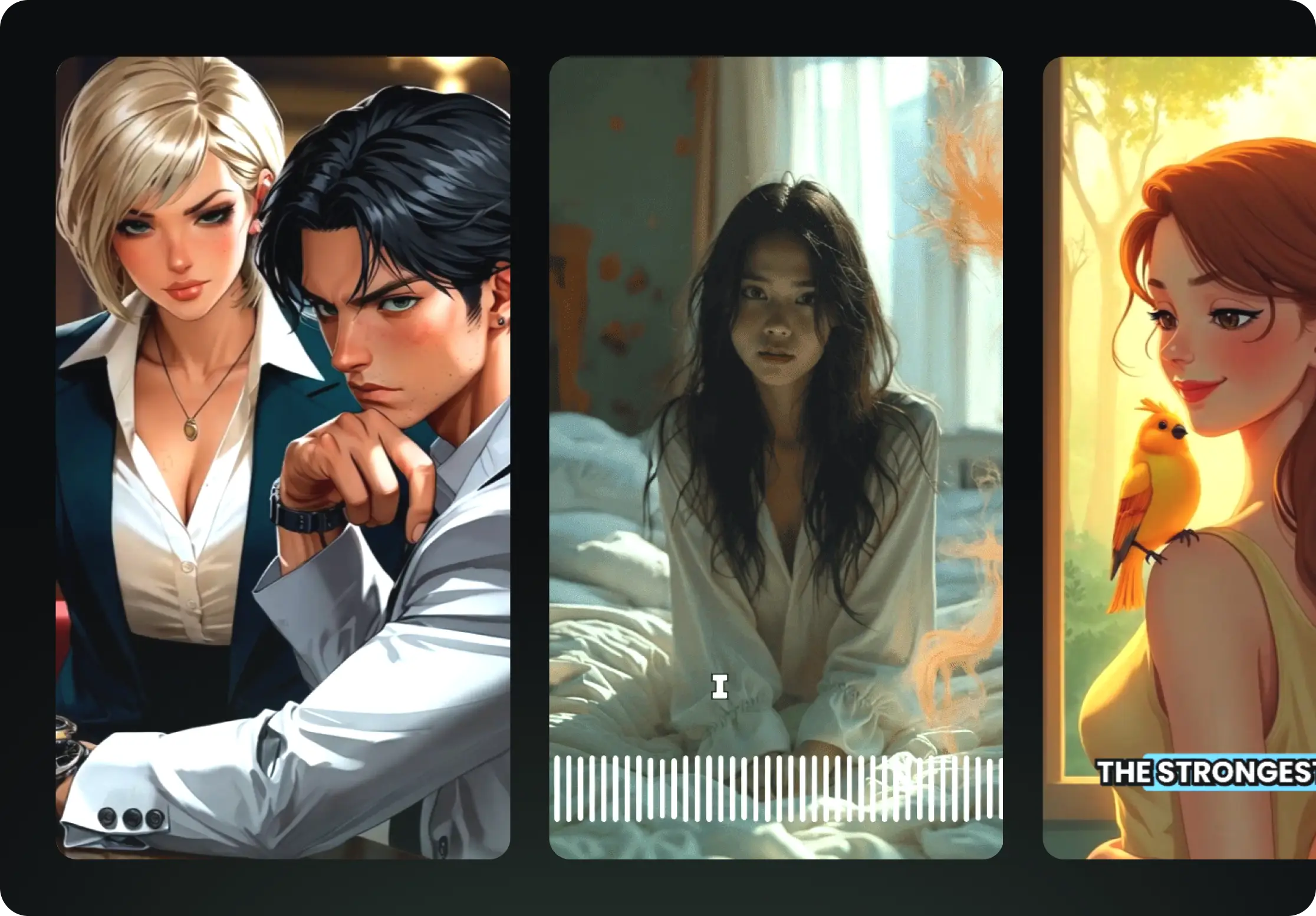
  • Watch your words become a professional video
  • Set up automatic video creation from your content
Videos You'd LOVE to Watch
4

Publish on TikTok, YouTube, Instagram and more...

Reach a wider audience by sharing your video across your favorite social media platforms
    Publish on TikTok, YouTube, Instagram and more...
    revid.ai logo

    Your shortcut to effortless video storytelling.

    FAQs

    Frequently Asked Questions

    What is the AI Found Footage Generator?
    The AI Found Footage Generator is a specialized tool within Revid AI designed to create realistic, raw-looking video clips. It simulates various recording mediums like CCTV security cameras, police bodycams, vintage VHS camcorders, and dashcams. It is perfect for creators looking to make viral horror content, #fnaf lore videos, #backrooms exploration clips, or mystery storytelling videos without needing complex video editing software or actual camera equipment.
    How can I create FNAF-style security camera footage?
    Creating Five Nights at Freddy's (FNAF) style videos is easy with our tool. Simply describe your scene (e.g., 'a dark pizzeria hallway with an animatronic figure in the shadows'), and select 'Security Camera / CCTV' as your Camera Style. The AI found footage generator will apply the necessary grain, static, and wide-angle perspective to mimic the iconic security cam look from the games.
    Can I generate bodycam footage for Backrooms content?
    Absolutely! To create viral #backrooms videos, enter a prompt describing yellow hallways or liminal spaces and select the 'Bodycam / Tactical' option. The AI will generate footage with a fisheye lens effect, camera shake, and realistic lighting that mimics a person exploring an environment, perfect for immersive horror storytelling.
    What camera styles are available in this tool?
    Our AI Found Footage Generator offers four distinct camera styles to match your narrative: 'CCTV' for static surveillance feeds, 'Bodycam' for first-person tactical views, 'VHS' for retro 90s camcorder aesthetics (great for analog horror), and 'Dashcam' for vehicle-based footage. Each style comes with specific visual artifacts like lens distortion, grain, and color grading to ensure realism.
    Is this tool suitable for Analog Horror creation?
    Yes, this is an excellent tool for Analog Horror creators. By selecting the 'VHS / Home Video' style, the AI generates video with tracking errors, color bleeding, and tape noise characteristic of old recordings. You can use it to create 'leaked tapes,' cryptid sightings, or mysterious home movies that fit perfectly into the analog horror genre.
    Do I need to add my own sound effects?
    While you can upload your own audio, the AI Found Footage Generator comes with built-in audio capabilities. It automatically selects atmospheric sounds based on your prompt, such as ambient humming, static noise, breathing, or suspenseful drones (like our 'Observer' audio track). This ensures your CCTV or bodycam footage sounds as authentic as it looks.
    How realistic is the AI-generated CCTV and bodycam footage?
    The footage is designed to be highly realistic within the context of 'found footage.' The AI focuses on lighting, shadows, and camera limitations—such as night vision grain, low resolution, and compression artifacts—to sell the illusion of raw, unedited recordings. This gritty realism makes it ideal for social media storytelling where authenticity drives engagement.
    Can I edit the found footage clips after generation?
    Yes, all clips created with the AI Found Footage Generator are fully editable. Once the AI generates your base clip, you can use Revid's built-in editor to trim the video, add text overlays (like dates, timecodes, or 'REC' indicators), adjust the audio, or splice multiple clips together to form a longer narrative.
    What prompts work best for this generator?
    For the best results, describe the lighting and the subject clearly but leave room for mystery. Prompts like 'grainy CCTV footage of a figure standing in a parking lot at night', 'shaky bodycam video running through an abandoned hospital', or 'VHS tape of a UFO in the sky' work exceptionally well. Mentioning specific lighting conditions (e.g., 'night vision', 'flashlight beam') also helps the AI create the right atmosphere.
    How much does it cost to generate found footage videos?
    Generating a video with the AI Found Footage tool typically costs 1 credit per video. If you choose specific high-fidelity rendering options or extend the duration, credit usage may vary based on your subscription plan. You can check your credit balance and estimated costs before hitting the generate button.
    View Complete Help Center

    Find detailed answers to 100+ questions about features, tools, and workflows

    or check our markdown version optimized for LLMs