Highlight Video Maker Guide: 9 Tools Compared for 2026
Compare 9 highlight video maker tools for 2026, from AI clip finders to gaming and sports editors. See features, free plans and best use cases.
On this page
You've got a two-hour podcast, a stream VOD, or a full game tape on your drive, and you need one good clip posted today. Scrubbing manually eats the afternoon. Guessing the best moment eats your reach. A highlight video maker can do the first pass, but these tools don't start from the same place. Some hunt through spoken recordings. Some only understand gameplay. Some don't need footage at all.
That difference matters more than popularity. The DataReportal Digital 2025 April Global Statshot found 87.5% of online adults worldwide watched short videos such as TikToks and Instagram Reels at least once per week, averaging 6 hours and 37 minutes per week on those formats. You're not making one clip for one viewing. You're feeding a habit that happens in short, frequent sessions.
So this list is organized by what you already have. Long recording, live stream, sports tape, or a blank idea. I'll name the free-plan and export limits most roundups skip, and where automated selection still needs your eye. If your footage is athletic performance rather than social clips, the Vanta Sports performance analysis guide covers that different job. For posting today, start below.
- Online adults worldwide who watch short videos at least once a week
- 87.5%
- DataReportal, April 2025
- Completion rate for business videos under one minute, vs 20% past 20 minutes
- 65%
- Vidyard, 2024
- Marketers naming short-form as the video format with the highest ROI
- 21%
- HubSpot, 2025
1. OpusClip
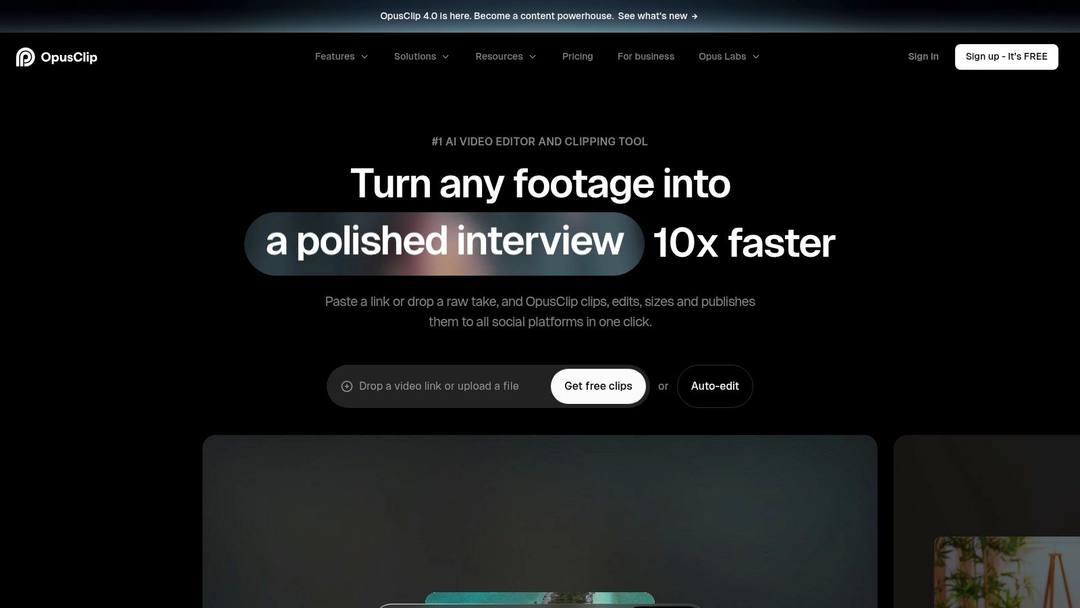
Drop in a podcast, interview, or webinar and OpusClip returns a batch of short clips, each with a Virality Score. Treat that score as a sorting hint, not a verdict. The top-ranked clip often opens mid-thought or cuts the payoff short, so you still trim the head and tail before posting.
What it does well
- Clip discovery: AI selection, animated captions, and automatic vertical reframing in one pass.
- Cleanup: Filler-word removal saves tedious cuts on speech-heavy recordings.
- Publishing: Social posting and scheduling on eligible plans, plus brand templates on higher tiers.
The commercial case for this workflow is clear in HubSpot's 2025 marketing data, where 29.18% of marketers actively use short-form video and 21% identified it as the video format delivering the highest ROI. Batch generation lets you test several openings instead of betting on one.
Watch the free plan. It lets you try the workflow, but exports carry a watermark and restrictions. Test it on a real episode, not a sample. If you're comparing this category broadly, see these OpusClip alternatives worth testing before you pay.
2. Vizard
The first AI cut is rarely the clip you post. Vizard accepts that reality: it generates clips from long-form video, then puts an in-browser editor on top so you fix captions, framing, and timing where the clip was made. No export-and-reimport loop.
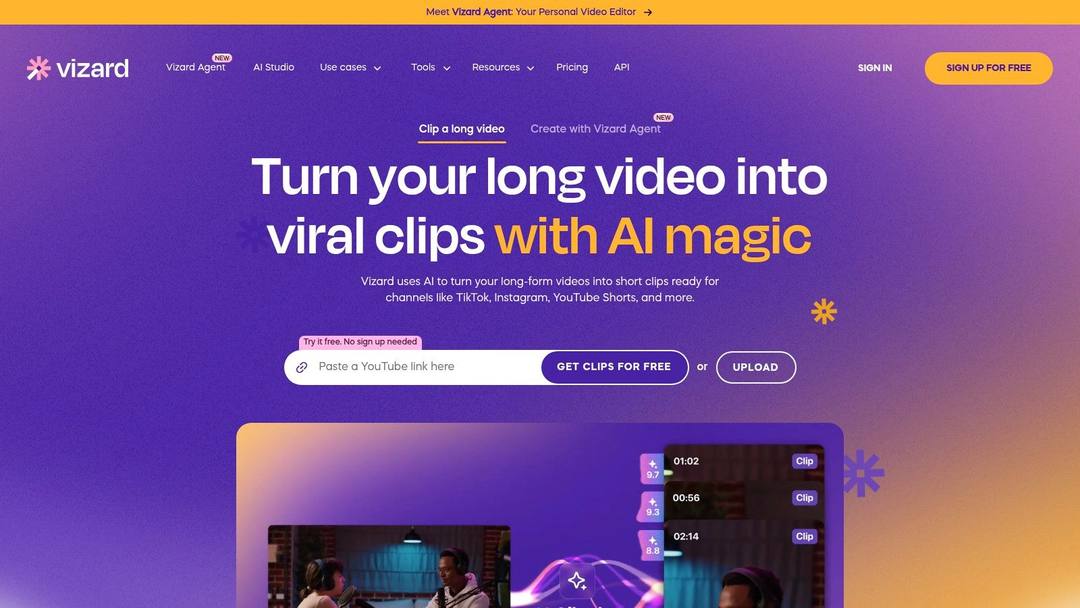
That editor earns its keep on length. The Vidyard benchmark reported by Angarum Media, covering nearly one million business videos, found videos shorter than one minute achieved approximately 65% completion, while videos longer than 20 minutes reached about 20% completion. So treat each AI suggestion as raw material. Cut it down to one self-contained idea, and front-load the context into the opening seconds.
- Batch work: Shared workspaces and brand assets on higher tiers keep multi-editor teams consistent.
- Scheduling: Social account management sits on paid plans.
- Free limit: Free exports carry resolution and storage limits, so download keepers immediately.
Credits and video-minute allowances cap how much you can process, which stings if you record long webinars every week. If a simpler conversion path fits your workflow better, run the same file through this long video to short video AI tool and compare clip quality side by side.
Practical rule: Judge every AI clip by completion and early drop-off, not views. A clip nobody finishes wasn't a highlight.
The index leans toward videos that surface in hashtag and keyword searches, so its view counts run high: compare the groups, not the absolute numbers.
Source: Revid TikTok index: 2,377,477 TikToks with AI labels per video, snapshot of Sep 15, 2026. Median views estimated from view buckets.
Show the data
| Median views | Share past 1M views | |
|---|---|---|
| 0-7s | 88.3K | 19.9% |
| 8-15s | 111.1K | 22.6% |
| 16-30s | 141K | 25.1% |
| 31-60s | 120.4K | 22.8% |
| 61-120s | 97K | 19.8% |
| 2-5 min | 89.1K | 18.3% |
| 5 min+ | 90.1K | 17.2% |
3. Klap
Klap keeps the workflow narrow, and that's its strength. Long video in, captioned vertical clips out. For recurring podcasts and interviews, you don't rebuild the edit every week. You run the episode, review the scored suggestions, and publish the ones that land.
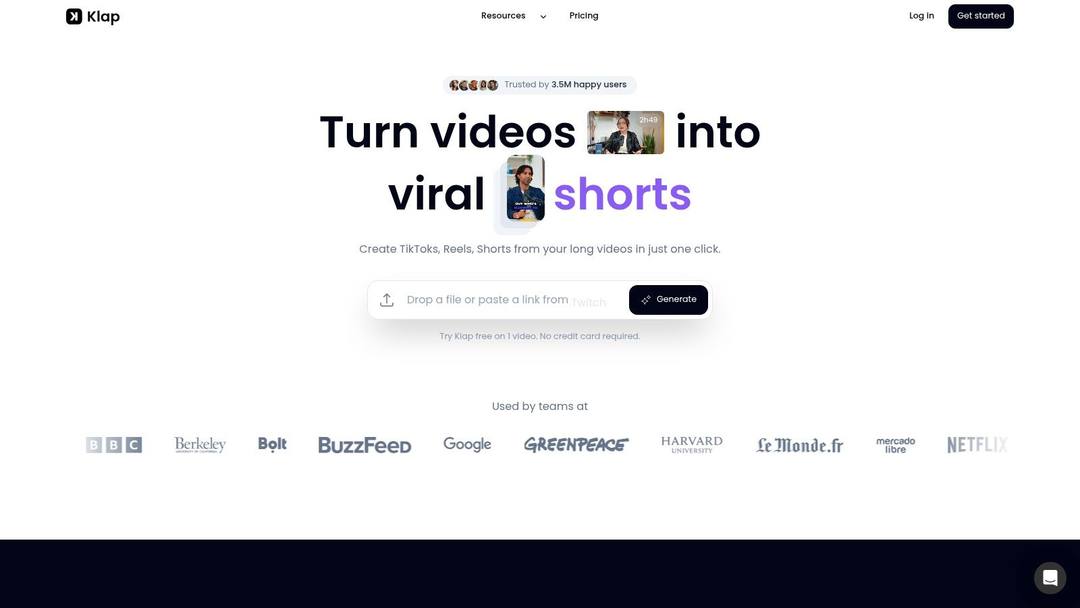
Where Klap fits
Its active-speaker reframing follows whoever's talking, which solves the common two-person podcast problem. A wide shot cropped to vertical usually loses one face. Klap keeps the right face in frame. Animated captions come baked into the same pass.
Audience preference supports this format. A March 2025 impact.com and EMARKETER survey of 4,500 users across eight countries found 63% of global social media users preferred short videos from creators. Short, captioned, speaker-led clips match what people already choose.
- Trial: You can try a video before committing to a plan.
- Scaling: Plans scale by clip volume, so heavy publishers pay more.
- Limit: AI-selected moments still need human review, especially where a joke or claim needs setup.
Klap won't replace a full editor. It isn't trying to.
4. VEED
Choose VEED when clipping is only half the job. Its AI Clips feature finds highlights, adds subtitles, reframes speakers, and removes filler words, then drops everything into a full editor in the same browser tab. You keep cutting, trimming, and styling instead of exporting a rough clip and finishing it somewhere else.
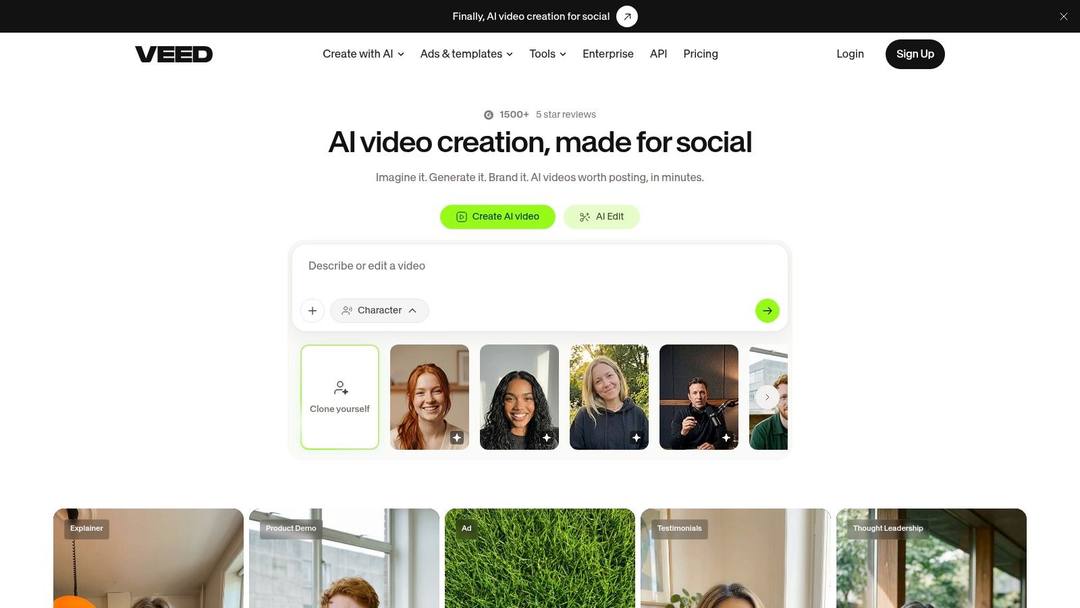
That matters at scale. Metricool's 2025 study reported by Marketing Tech News analyzed 5,696,685 short-form videos from 582,456 accounts across TikTok, YouTube Shorts, Facebook, and Instagram Reels. You're competing in a crowded feed on every platform, so vertical and horizontal support in one tool saves reformatting work.
Know the constraints first
- Free plan: Trial access to Clips is limited, so test it on a short sample before using it on footage that matters.
- Speech requirement: Clips relies on spoken content to find moments, so it works best with talk-heavy recordings.
- Best use: Talking-head content, tutorials, and interviews you'll polish further before publishing.
VEED fits the workflow where the AI suggestion is a rough cut, not the finished post. If your source material is a webinar, a course recording, or an interview that needs captions, reframing, and a few manual trims, everything stays in one place.
5. Eklipse
Gaming streams break general-purpose clippers. They listen for speech, but your best moment is a clutch play with no talking. Eklipse scans connected Twitch, YouTube, or Kick streams for gameplay moments instead, across a broad catalog of games.
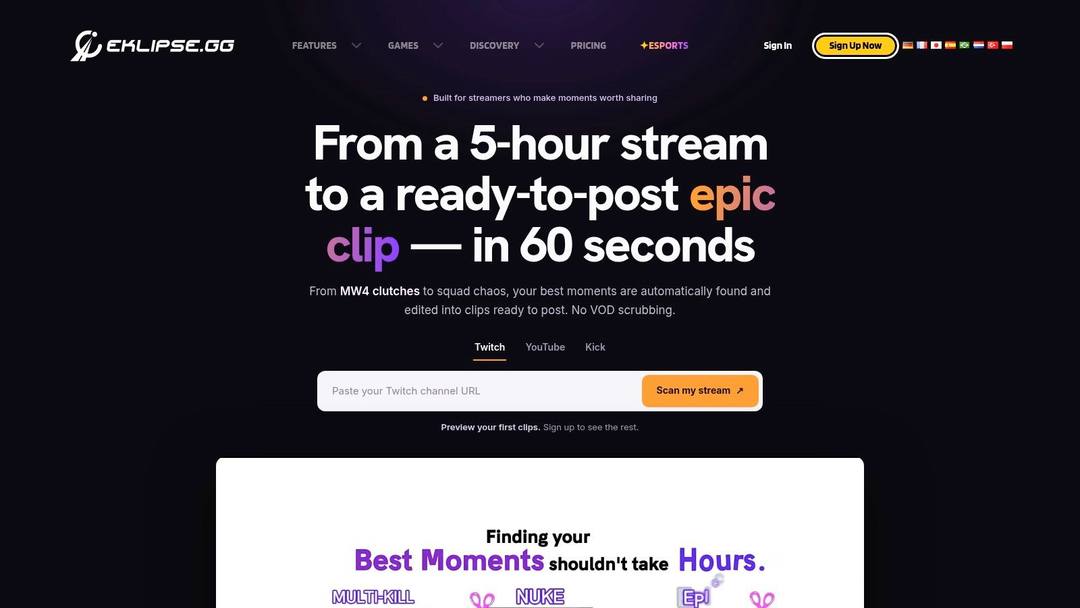
The audience case is strong. Deloitte's Digital Media Trends survey found that in 2025, Gen Z respondents spent about 50 more minutes per day on social platforms and user-generated content than the average consumer. Your stream highlights compete for exactly that time.
- Automatic scanning: Connect a stream and Eklipse flags moments without manual scrubbing.
- Finishing tools: Social templates, captions, and editing options, plus a mobile app for reviewing clips.
- Free limit: Free exports carry quality and watermark limitations, and some games sit behind paid access.
Check your main game is fully supported before subscribing. If your stream isn't in the catalog, this game stream to short converter gives you another route from VOD to vertical clip.
6. CapCut
CapCut is not a highlight finder. It's a broad editor for footage you've already selected. That distinction decides whether it helps you. If you know your three best moments and want control over every cut, CapCut works. If you need a tool to find those moments in two hours of tape, it won't.
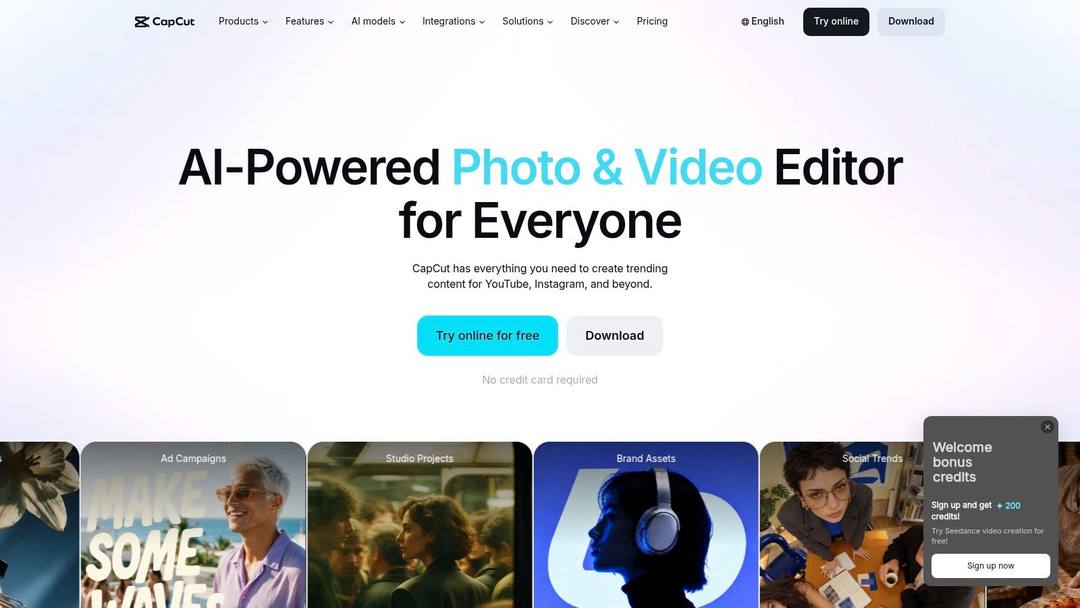
Businesses have largely made this kind of editing routine. Wyzowl's State of Video Marketing data reported by Cambridge Filmworks found that in 2024, 91% of businesses used video as a marketing tool. CapCut fits that everyday production, with captions, text styles, effects, and templates across desktop and online editing.
- Control: Direct, hands-on cutting suits creators who distrust automation.
- Finishing: Templates and effects polish a highlight reel quickly.
- Cost: Free editing is available, though feature availability and pricing vary by platform or region.
The trade is your time. Manual selection on long recordings is slow. If that trade stops working, these CapCut alternatives cover tools that automate more of the first pass.
A manual editor gives you the exact clip you imagined. It also gives you nobody to blame when it takes three hours.
7. Submagic
Your clip is cut, but it looks flat. That's Submagic territory. It focuses on presentation, with automatic captions, customizable templates, and hook-title generation that gives viewers a reason to stop scrolling in the first second.
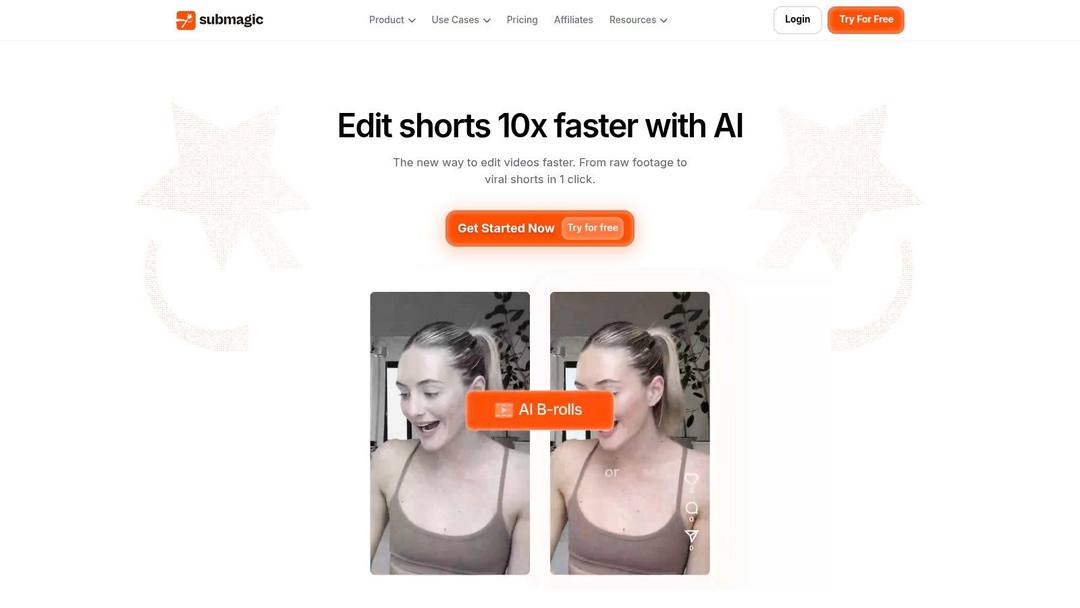
More than trimming
On eligible plans you get AI audio cleanup and removal of pauses or bad takes. That fixes the problems captions alone can't. A clean, tight clip with styled captions reads as intentional, even when the source was a rough webcam recording.
Volume is the constraint to check. Plans specify monthly video allowances, and credits cap how many videos you can make. Brand and social publishing features sit on higher tiers. Count your weekly posts before choosing a tier, because a daily creator burns through a small allowance fast.
- Strength: Caption-led short-form presentation.
- Cleanup: Pause and bad-take removal on eligible plans.
- Limit: Some editing and asset features require higher tiers.
If the credit model doesn't fit your output, compare these Submagic alternatives on allowance, not features.
8. Revid.ai
Sometimes you don't have footage. You have a topic, an article, or a link, and you still need a video today. Revid.ai starts there. It turns ideas and existing content sources into social-first videos with AI-assisted scripting and an editor for customizing the result.
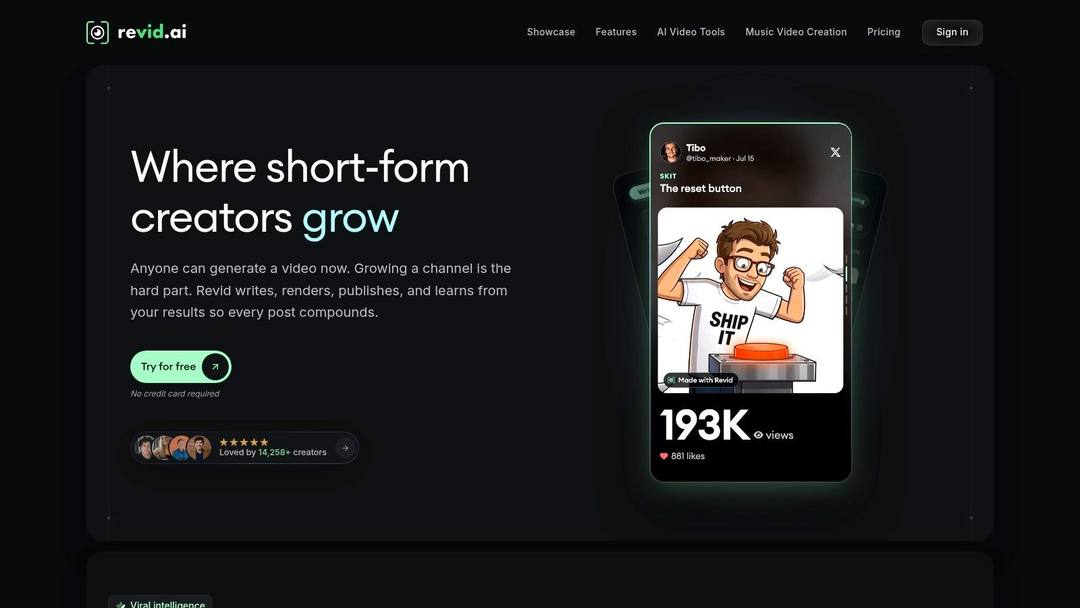
That makes it a different tool from the clippers above. OpusClip and Klap extract. Revid.ai generates. You input text or a link, the AI builds the video, and you refine any part of it in the rebuilt editor before publishing to TikTok, Instagram, or YouTube. For faceless channels and small businesses without a camera setup, that's the whole appeal.
Prompt to try
Make a 45-second vertical video on the 3 biggest mistakes new podcasters make when clipping episodes for TikTok. Open with the hook "Your best podcast moment is probably getting cut off." Use clean motion graphics, bold captions and an upbeat, direct voiceover, and end with one quick tip viewers can apply today.
Honest limits
- Not a specialist detector: It isn't built primarily for sports plays or gameplay moments.
- Voice check: AI-generated scripts need review so they sound like you, not a template.
- Best fit: Creators repurposing written content or starting from an idea with no recording.
Use it when the source is text. Use a clipper when the source is tape.
9. NextPlay Highlights
Game tape needs a different cut than a podcast clip. A recruiting reel has to show the play developing, the spacing, and the finish, because coaches read context before they judge athleticism. NextPlay Highlights is built around athlete recruiting, coach film, and game tape, so it fits source material most social clippers ignore.
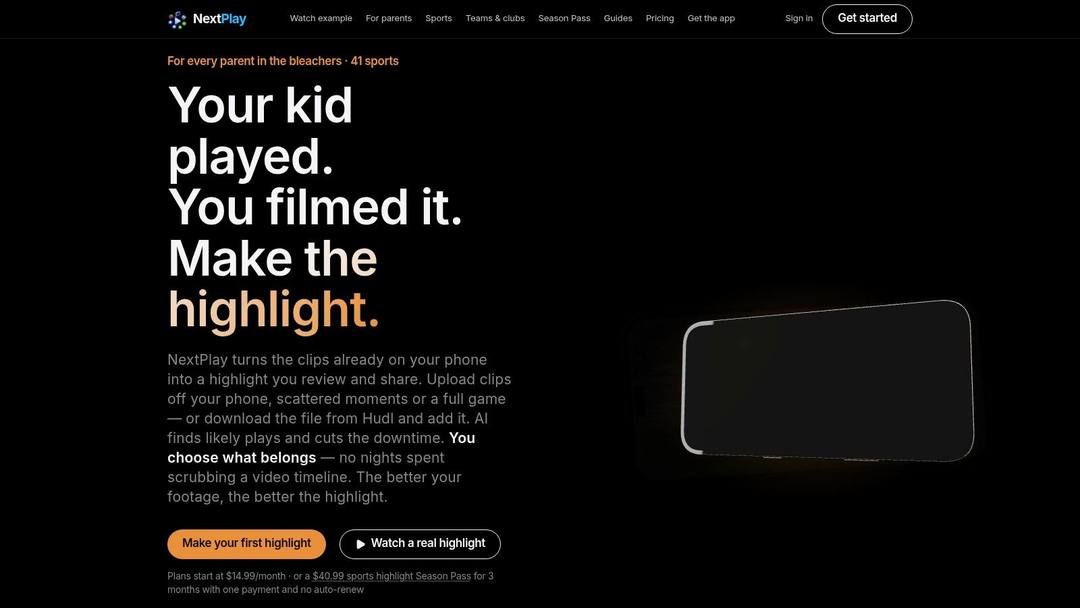
Rights come before trimming. The NCAA 2025-26 digital highlights policy%20-%202025-26.pdf) states that digital championship highlights must be licensed through its designated rights holder, and basketball highlights cannot be distributed online without permission. A fast edit has no value if the clip cannot be posted.
- Access: Plan for subscription or season-pass coverage across a full schedule of games.
- Audience: Athletes, families, and coaches evaluating plays.
- Check first: Confirm your sport, upload format, and export workflow are supported before the season starts.
It is a poor fit for business video, everyday social clips, or ways to find Fortnite squadmates. For social clips from sports footage you own, the general clippers covered above are a better starting point than a dedicated sports tool. Revid's AI sports highlights generator sits in the idea-or-link lane, so keep raw game tape with NextPlay or the clippers above.
Highlight video makers compared by best use, free access, input type and main limitation
Treat free access as export freedom: watermark, resolution, credits, and minutes decide whether a clip can ship.
| Item | Best For | Free Option | Input Type | Main Limitation |
|---|---|---|---|---|
| OpusClip | Repurposing long videos into social clips | Free plan with limits and watermark | Long-form videos | AI selections may need review; free exports are restricted |
| Vizard | Batch clipping and editing for social teams | Free access available | Long-form videos | Processing credits and video minutes are limited |
| Klap | Repurposing podcasts and interviews | A trial video before choosing a plan | Long videos | AI selections need review; high-volume use may cost more |
| VEED | Generating and editing clips in one workspace | One-time trial of Clips | Videos with speech | Clips requires at least one minute of speech |
| Eklipse | Finding highlights in gaming streams | Free access available | Twitch, YouTube, or Kick streams | Free exports have quality and watermark limits |
| NextPlay Highlights | Sports highlights, recruiting videos, and game tape | Subscription and season-pass options | Sports footage and game tape | Less suited to podcasts, business videos, or everyday social clips |
| Revid.ai | Creating social videos from ideas or source content | Free AI video tools, such as Prompt to Video and Image to Video Effect | Ideas and existing content sources | Scripts and edits may need review to match the creator's voice |
| CapCut | Hands-on editing and styling of social videos | Free editing available | Video footage | Highlight selection requires more manual work |
| Submagic | Caption-led short-form video finishing | Plan-dependent video allowances | Video footage | Credits limit video volume; some features require higher tiers |
Price divided by included minutes, assuming you use the whole allowance. Descript's hours are editing hours, not automatic clipping, so it is cheap per hour but you do the picking. Klap (billed per clip) and Revid (billed per job in credits) do not bill by source minutes and are left out.
Source: Monthly prices and allowances from vendor pricing pages on October 29, 2026 (Quso, Descript, Munch Studio yearly price), OpusClip allowances (150 and 300 minutes) from Castmagic's OpusClip pricing guide verified August 20, 2026, Vizard from vizard.ai/pricing on September 30, 2026.
Show the data
| US dollars per 10 hours of uploads | Minutes of video included per month | |
|---|---|---|
| Quso Lite | 174 | 100 |
| Quso Essential | 78 | 300 |
| OpusClip Starter | 60 | 150 |
| OpusClip Pro | 58 | 300 |
| Munch Studio Essential | 46 | 500 |
| Vizard Creator | 29 | 600 |
| Descript Hobbyist | 24 | 600 |
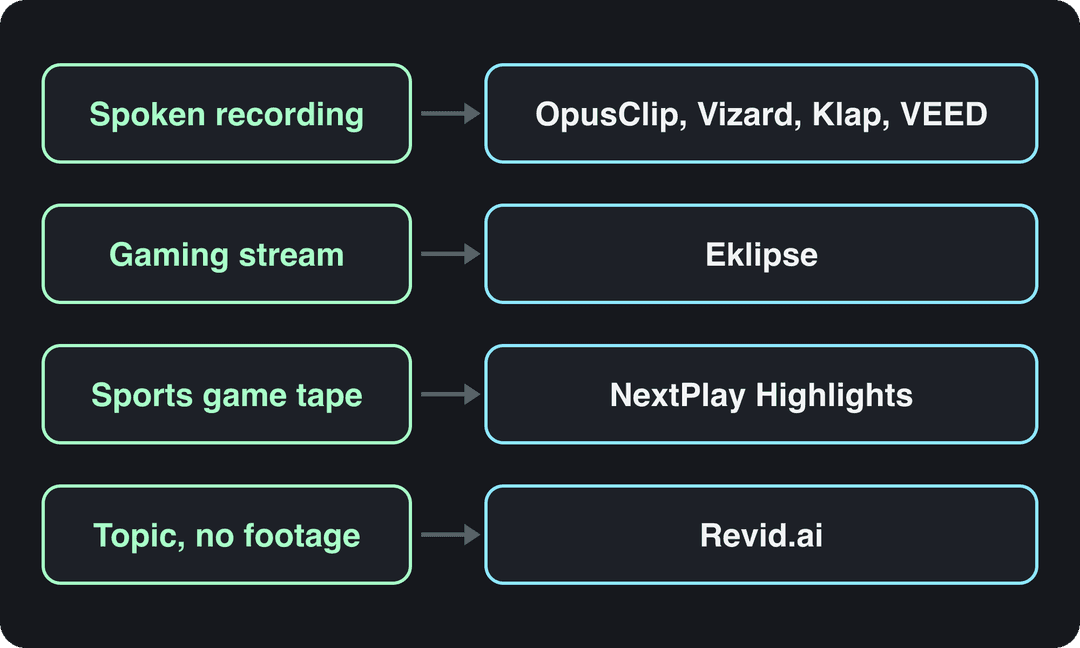
Match the Maker to the Footage You Already Have
Start with the source, not the brand name. A long spoken recording points to OpusClip, Vizard, Klap, or VEED. A live gaming stream points to Eklipse. Sports game tape points to NextPlay Highlights. A topic or link with no footage points to Revid.ai. CapCut and Submagic sit downstream, finishing clips you've already found.
The attention shift behind all of this is measurable. The DataReportal Digital 2025 July Global Statshot reported internet users spent 11 hours and 39 minutes per week on online video, compared with 10 hours and 15 minutes for television including streaming. Short-form clips took 6 hours and 42 minutes of that online time. You're editing for where people already watch.
Don't ignore who gets left out by one-click workflows. Academic research published through the ACM with 20 video creators with visual or hearing impairments in Kenya found mainstream editing tools often lack non-visual timeline support, dependable caption synchronization, and sign-language integration. Test whether you can independently review captions, correct timing, and publish on your device and connection before committing.
Your test before paying
- Run one real file through the free plan, not a polished sample.
- Export it and check resolution, watermark, and storage limits.
- Watch every AI-selected moment against what your audience needs to see, and check you own the rights.
The same logic applies outside social video. You'd pick a dedicated wedding media tool for guest photos instead of forcing a general editor into that job. Match the highlight video maker to the footage in front of you, verify the export, and keep your eye on the final cut. Automation finds candidates. You decide what's a highlight.
If your source is an idea, a link, or a long recording that needs to become Shorts, Reels, and TikToks, Revid.ai can generate the script, build the video, and let you fine-tune it in the editor before publishing. Start from the footage or text you already have and try it at revid.ai.
FAQ
What is the best highlight video maker for podcasts and interviews?
For long spoken recordings, OpusClip, Vizard, Klap and VEED are the main options. They find moments in talk-heavy footage, add captions and reframe to vertical. Klap's active-speaker reframing helps on two-person podcasts, and VEED suits clips you plan to polish further in a full editor.
Which tool finds highlights in gaming streams?
Eklipse scans connected Twitch, YouTube or Kick streams for gameplay moments instead of relying on speech, which general clippers need. Free exports carry quality and watermark limits, and some games sit behind paid access, so check your main game is supported before subscribing.
Are free highlight video makers really free?
Most free plans let you try the workflow but limit exports with watermarks, lower resolution, credits or video-minute caps. VEED offers a one-time trial of Clips, Klap lets you try one video before choosing a plan, and OpusClip free exports carry a watermark. Run one real file and export it before paying.
Can CapCut automatically find highlights in a long video?
No. CapCut is a broad editor for footage you have already selected, with captions, text styles, effects and templates. It works well when you know your best moments, but finding them in hours of tape is manual and slow.
How long should a highlight clip be?
Shorter usually holds viewers better. A Vidyard benchmark found business videos under one minute reached about 65% completion, while videos over 20 minutes reached about 20%. Cut each AI suggestion down to one self-contained idea and judge clips by completion, not views.
Can I make a highlight video without any footage?
Yes. Revid.ai starts from a topic, an article or a link and generates the video with AI-assisted scripting, then lets you refine it in the editor before publishing to TikTok, Instagram or YouTube. Review AI-written scripts so they sound like you.
Sources
- Revid TikTok index: 2,377,477 TikToks with AI labels per video, snapshot of Sep 15, 2026. Median views estimated from view buckets.
- Monthly prices and allowances from vendor pricing pages on October 29, 2026 (Quso, Descript, Munch Studio yearly price), OpusClip allowances (150 and 300 minutes) from Castmagic's OpusClip pricing guide verified August 20, 2026, Vizard from vizard.ai/pricing on September 30, 2026.
- Vidyard, Video in Business Benchmark Report (2024)
Charts and figures checked on November 7, 2026.