2,213 videos created with Revid in the last 24h
or explore our 42+ other tools to create the exact video you want
Explore our tools
Generate accurate subtitles for videos automatically with Revid AI's video subtitles generator in 100+ languages. Save countless hours of manual effort.
Upload a video to generate accurate captions, subtitle translations, and mobile-ready reframing in minutes.
or explore our 42+ other tools to create the exact video you want
Explore our toolsStart by uploading the video you want to caption. Our AI Subtitle Generator works with any existing video that needs highly accurate subtitles, caption translation, or a formatting upgrade for social media.
Select your target language if you want to auto translate subtitles. You can also use Auto-reframe video to turn horizontal videos into a vertical (9:16) format, enable the AI video editor to add dynamic motion graphics, or turn on Add B-Roll to insert relevant AI-generated footage.
Click generate and let our video caption generator do the heavy lifting. In just minutes, you will receive a video with 99.5% accurate, perfectly timed subtitles. You can burn the captions directly into your video or export them as a separate file.
Upload your video and Revid generates accurate subtitles automatically in over 100 languages without any manual transcription work. The AI processes your audio, identifies every word spoken, and outputs correctly timed subtitle captions that sync precisely to the visuals. Accuracy reaches 99.5% across supported languages, meaning you spend almost no time correcting errors after the fact. The process takes a fraction of the time that manual transcription or editing-based captioning would require, even for long-form video content.
The subtitle generator produces fully timed captions that can be burned into the video or exported as a separate subtitle file. It handles speaker changes, background noise, accented speech, and rapid dialogue without losing accuracy. The output is formatted correctly for the aspect ratio of your video, whether you are working in vertical, square, or widescreen format. Captions are styled to be readable across platforms and can be adjusted for font size, position, and color before you export the final video.
Most short-form video is watched without sound. Viewers scrolling TikTok, Instagram, and YouTube Shorts in public or at work rely entirely on subtitles to follow video content. Videos with accurate on-screen captions consistently outperform uncaptioned videos on every metric, including watch time, saves, and shares. Accessible content also reaches a larger audience by including viewers who are deaf or hard of hearing. Adding subtitles with Revid takes the same amount of time regardless of how long your video is.
Reach international audiences by generating accurate subtitles in their language without hiring translators or spending hours on manual captioning for every video you produce.
Add accurate closed captions to every video without transcribing manually, improving accessibility, search indexing, and watch time metrics across your entire channel library.
Make every lecture, tutorial, and lesson video fully accessible with accurate automatic subtitles that help learners follow along regardless of language background or hearing ability.
Generate subtitles in every language your customers speak to make product demos, brand videos, and ad content accessible and effective across all your international markets.
Manual transcription and captioning is time-consuming and error-prone. Revid's AI generates accurate, timed subtitles in 100+ languages automatically from any video upload.
Discover more ways to create engaging videos with our AI-powered tools
Find detailed answers to 100+ questions about features, tools, and workflows
or check our markdown version optimized for LLMs
Choose your tool, add your content, and create a video in seconds. Then customize it to your liking.
Turn your prompts into engaging videos with AI assistance
Create studio-quality videos from text, no filming required
Turn any song into an animated lyric video with synced text and visuals.
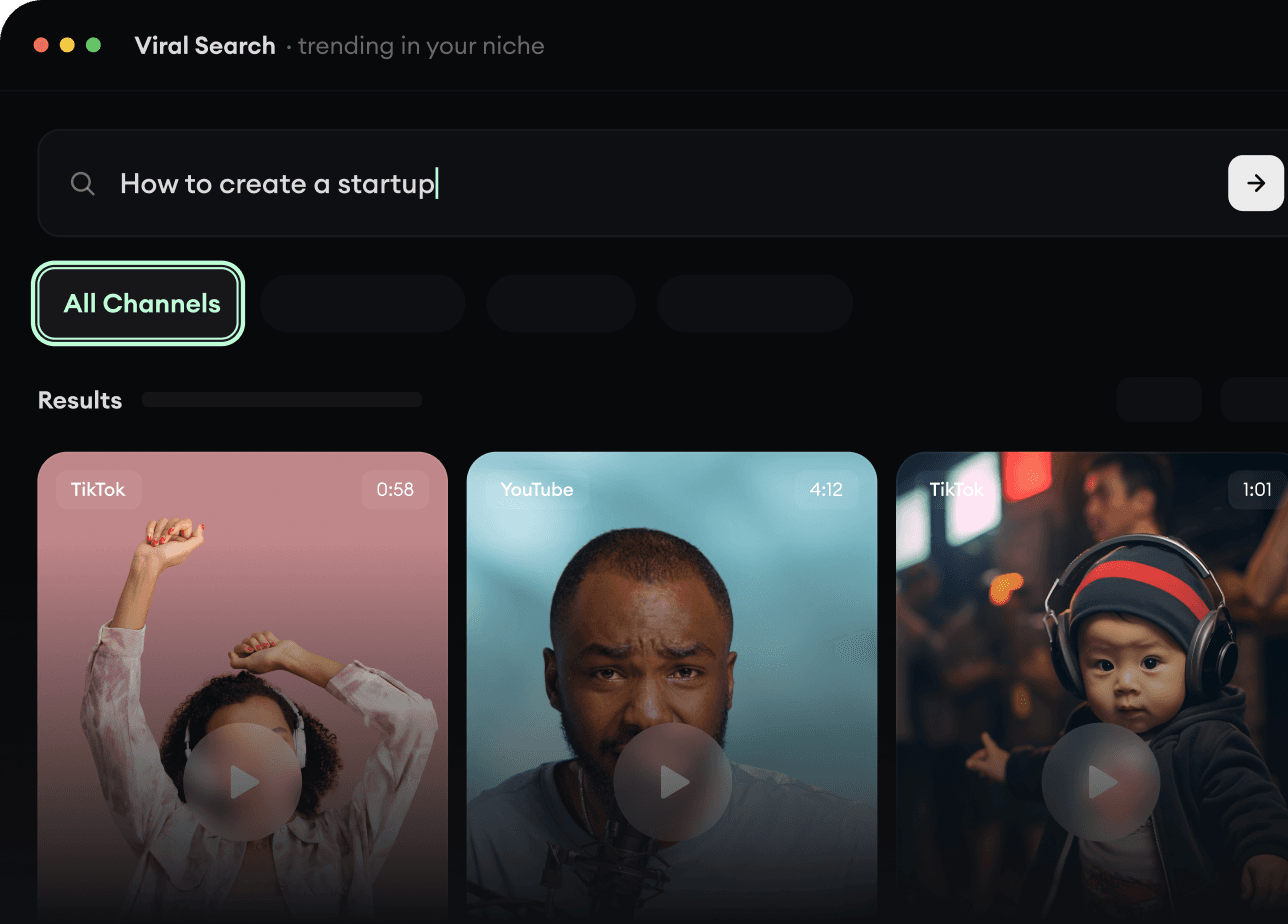
RevidAI's Viral Search and Channel Watcher surface the formats, creators, and trends getting attention right now, then help you turn them into ideas of your own.
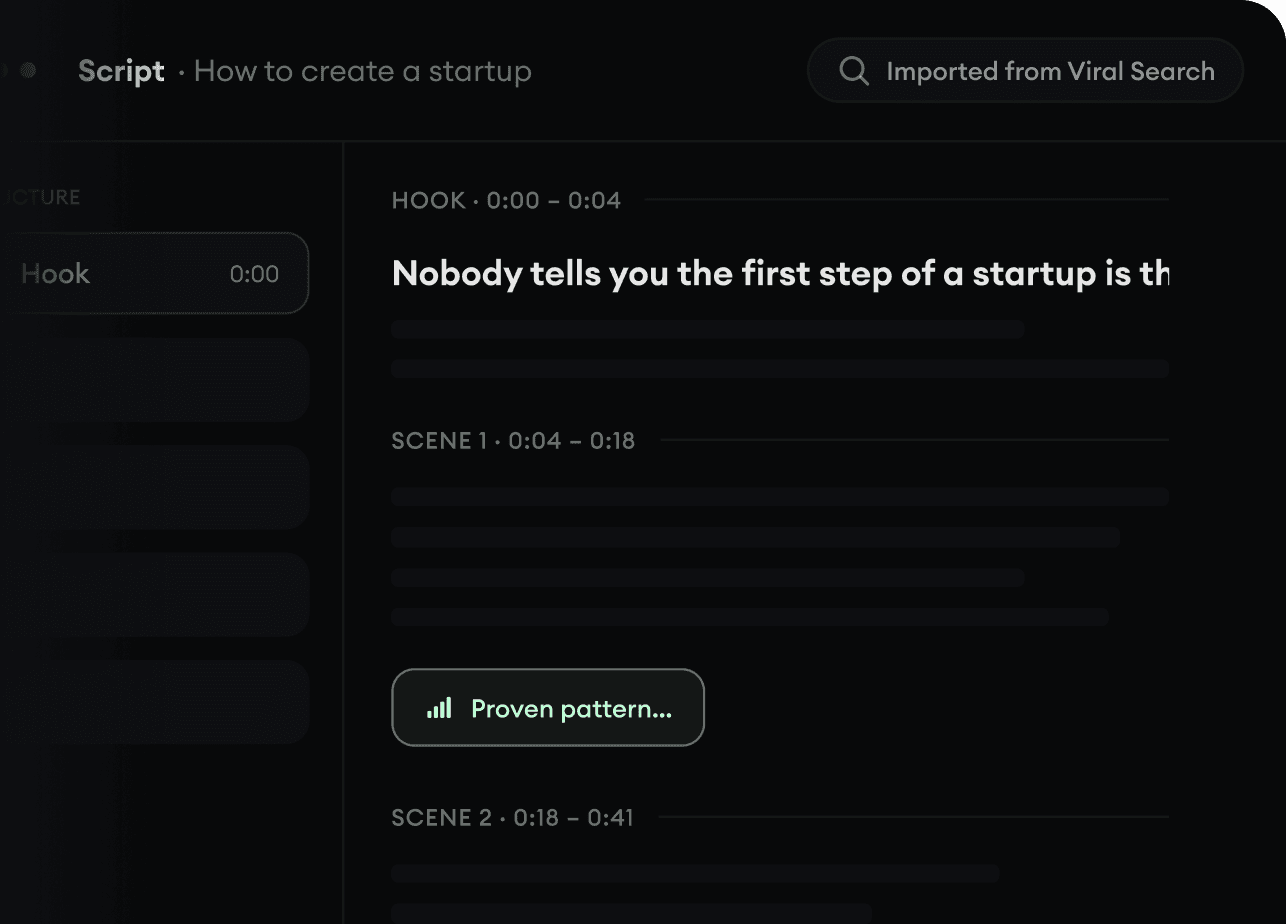
Found something worth making? Revid AI writes the script, suggests the structure, and turns links, prompts, or topics into complete video concepts.
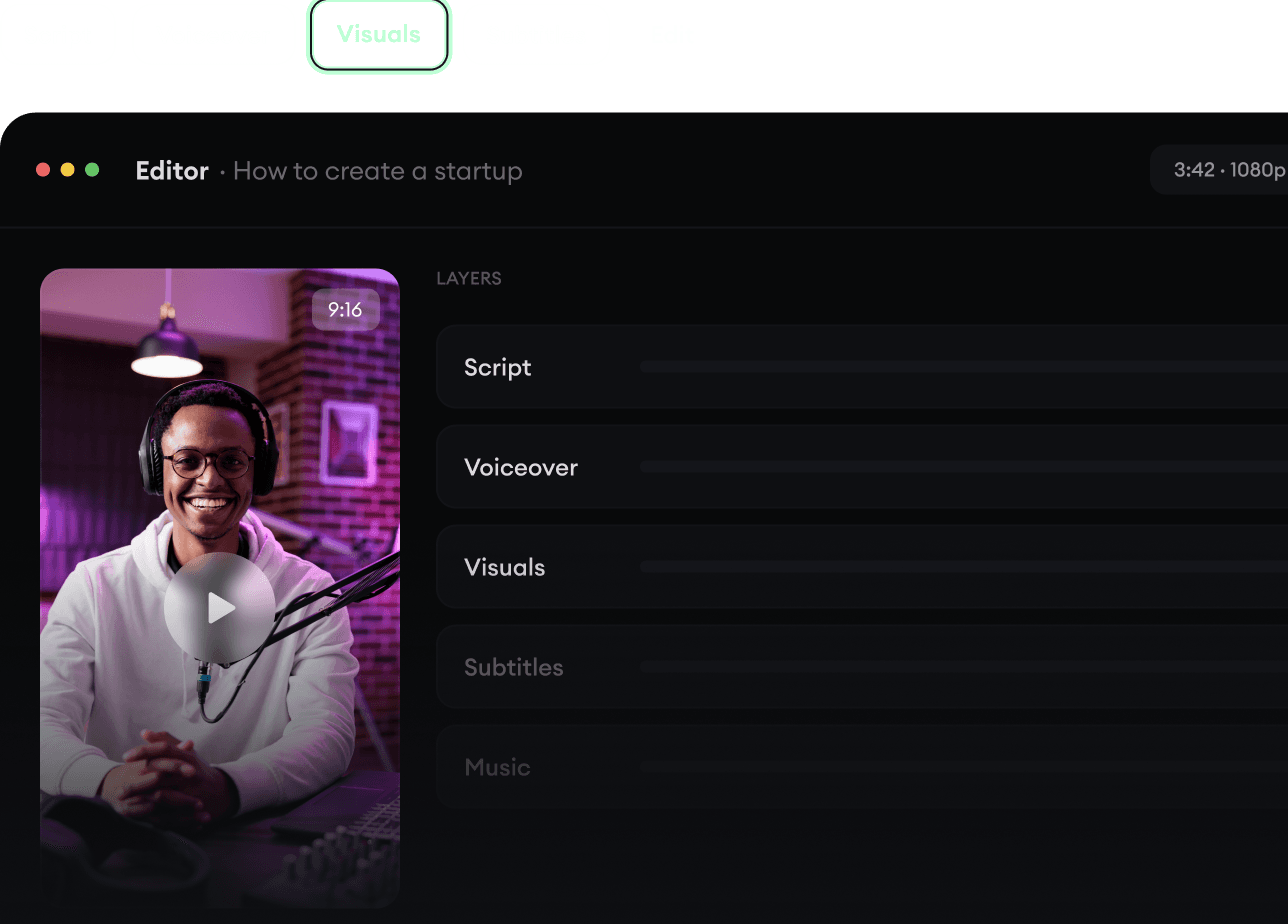
Script, voiceover, visuals, subtitles, and editing all come together in one workflow. No stitching together five different tools.
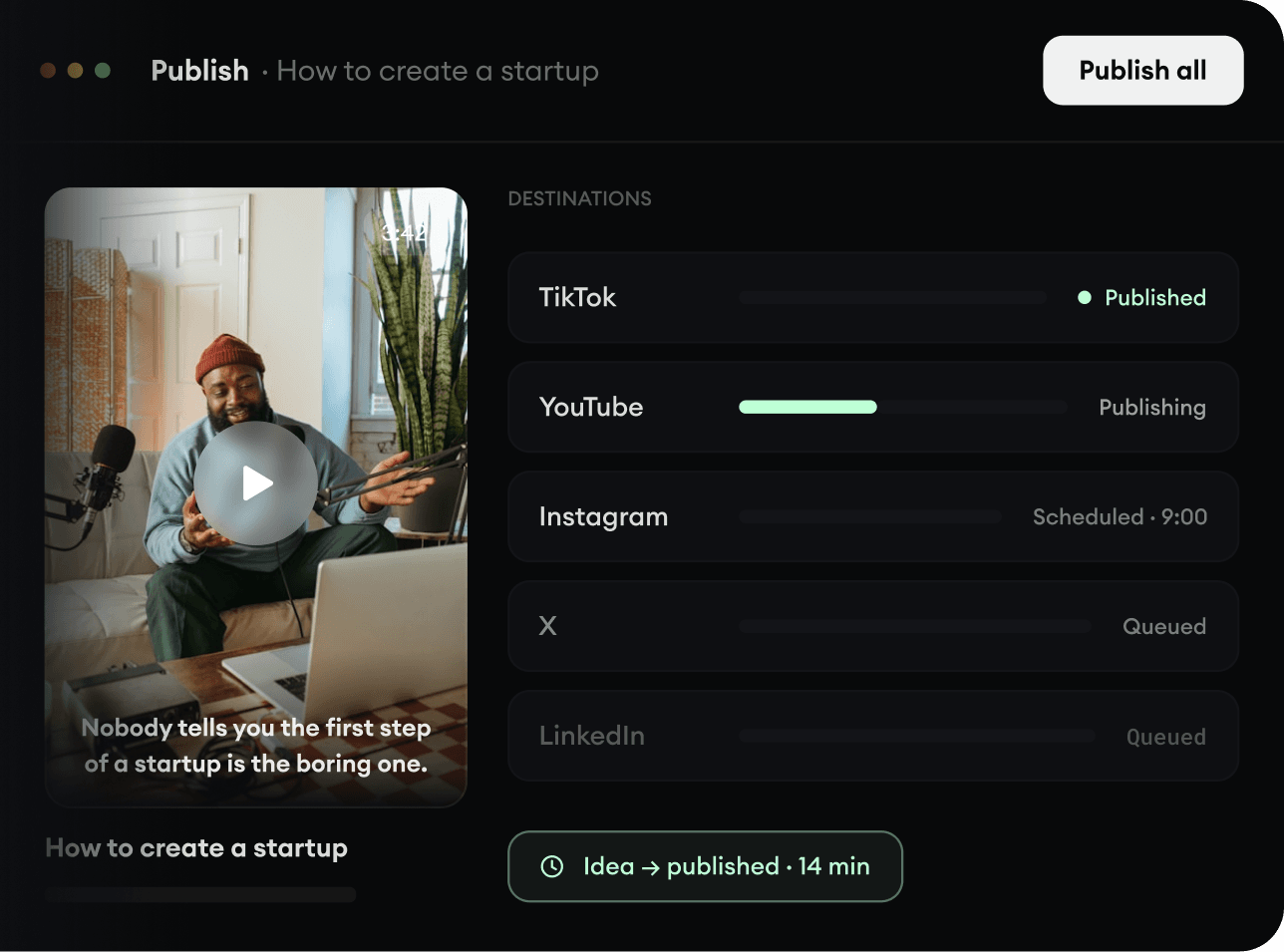
Share your videos to TikTok, YouTube, Instagram, and wherever your audience is.