9 Best Social Media Caption Generators: Effortless Content Creation
Crafting the perfect caption can be time-consuming. Discover how a social media caption generator can elevate your content and free up your schedule.
On this page
Boost Your Social Media Game with AI-Powered Captions
Capturing audience attention on social media requires more than just eye-catching visuals. While images are crucial, a well-crafted caption turns a simple post into a compelling story that drives engagement. Over the years, captions have grown from basic descriptions into essential tools for building connections, starting conversations, and strengthening brand identity. The right caption can be the difference between a scroll-past and a meaningful interaction.
Creating fresh, engaging captions consistently is one of the biggest challenges for content creators. Writing multiple captions daily drains both time and creativity. This is where AI caption generators are changing the game. These tools help everyone from established influencers to small business owners develop better social media content faster. They take the stress out of caption writing while maintaining authenticity and brand voice. According to HubSpot's 2026 social media trends data, 73% of marketers already use generative AI tools to create social content, one of the figures in our short-form video statistics.
In this guide, you'll discover practical ways to use AI caption tools to improve your social media presence. We'll explore how these tools can help you:
- Save valuable time on content creation
- Develop more engaging captions
- Connect with your target audience
- Maintain consistent posting schedules
- Scale your social media efforts
These insights will help transform your social media caption writing from a daily struggle into a smooth, effective process that drives real results.
1. Revid
Revid is an AI video platform for TikTok, Instagram Reels and YouTube Shorts, and it includes free generators for the text that goes with a post: a TikTok caption generator, an Instagram caption generator, a YouTube title generator and a YouTube description generator.
Key Uses and Applications
You describe what your post is about and get several captions to pick from and edit, each with hashtags. It suits creators and social media managers who post short-form video often and want captions written for each platform rather than one generic text.
Main Features
- Platform-specific captions: short hooks and a few trending hashtags for TikTok, a storytelling first line and a call to action for Instagram, and search-friendly titles and descriptions for YouTube.
- On-screen captions too: the AI caption generator adds animated subtitles to any video in 100+ languages, with 30 caption styles.
- The video itself: Revid can write the script and create the visuals, voice-over, captions and music, then publish to TikTok, Instagram and YouTube from one queue.
Cost and System Requirements
The caption generators are free in the browser, with no sign-up. Creating videos uses credits: sign-up is free with free credits, and paid plans start at $39/month (see pricing).
How It Compares
Jasper and Copy.ai write captions as one of many marketing documents. Revid is built around short-form video, so the caption, the video and the publishing happen in one place.
2. Jasper.ai

Jasper.ai is a powerful AI writing tool that helps create compelling social media captions and content. It's designed for businesses and creators who want to maintain a strong, consistent brand voice across platforms like Instagram, Facebook, and X (formerly Twitter).
Key Uses and Applications
The tool excels at generating social media content that connects with specific audiences. Content creators, social media managers, and business owners can use it to create content that matches their brand's unique voice. It's particularly useful for influencers and YouTubers who need to regularly engage their audience, as well as channel owners looking to maintain consistency in their content.
Main Features
With over 50 writing templates, Jasper.ai covers a wide range of content needs including social posts, blogs, emails, and SEO content. The tool supports multiple languages, making it valuable for international projects. Its brand voice settings help ensure all content matches your established style. The platform integrates smoothly with major social media platforms to speed up content posting.
Cost and System Requirements
While Jasper.ai delivers quality results, it does come at a higher price point compared to similar tools. For current pricing details, check their official website. The tool runs in your web browser, requiring only a stable internet connection and up-to-date browser to function.
Key Benefits and Limitations
Benefits:
- Creates natural, high-quality content
- Strong at long-form content
- Built-in originality checks
Limitations:
- Higher price point
- Takes time to master
- Content usually needs some editing
How It Compares
Jasper.ai stands out from basic alternatives through its advanced features and versatility. While some tools only handle social posts, Jasper.ai's extensive template library supports many content types. The premium quality comes with higher costs, which users should weigh against their needs.
Getting Started Tips
To get the most from Jasper.ai, invest time in learning its core functions. Make use of their training materials and user community. Begin with simple projects before moving to more complex content as you become familiar with the tool.
Final Thoughts
Jasper.ai earns its top spot through its ability to create quality, engaging social media content. Its comprehensive features, including brand voice tools and platform integration, make it valuable for content professionals of all types. Though the cost and learning curve require consideration, the quality and efficiency gains often justify the investment. For those needing a reliable social media caption tool, Jasper.ai is worth considering.
Learn more at Jasper.ai.
3. Canva
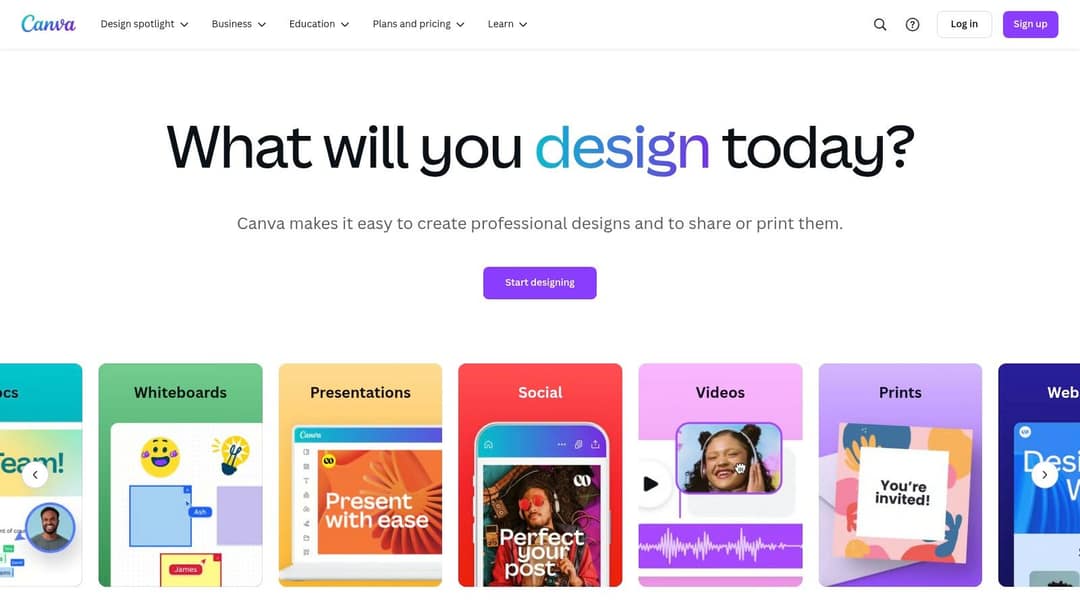
Canva combines visual design with AI-powered caption writing capabilities. This makes it perfect for content creators, social media managers, small business owners, and YouTubers who need to create polished social media posts quickly.
What Makes Canva Stand Out
The platform shines by letting users design visuals and write captions in one place using the Magic Write feature. This helps maintain consistent messaging across social platforms, saving valuable time. Content creators can focus on their message rather than juggling multiple tools.
Key Features
- Smart Caption Generation: Create engaging captions matched to your visual content
- Design Tools: Full suite of professional design features and templates
- Platform-Specific Options: Pre-sized templates for Instagram, Facebook, X and more
- Brand Controls: Save and apply your fonts, colors and logos across designs
What Works and What Doesn't
The Good:
- One-Stop Solution: Create both visuals and text without switching tools
- Easy to Learn: Simple interface works for beginners and experts
- Free Option: Basic features available at no cost
Room for Improvement:
- AI Limitations: Caption generation not as advanced as specialized tools
- Cost for Full Access: Premium features require paid subscription
Plans and Requirements
The free plan includes essential features. For advanced options like expanded AI capabilities and more templates, Canva Pro starts at €110 per year.
How It Compares
While dedicated caption tools may offer more text options, Canva's real value comes from combining design and text creation. This makes it ideal for users who want to create complete social media posts efficiently. If your posts are moving to video, our Revid vs Canva comparison shows when generating a full short-form video from text fits better than designing one by hand.
Getting Started Tips
Follow these steps for best results:
- Start with Templates: Use platform-specific layouts for proper sizing
- Set Up Brand Assets: Add your colors and fonts for consistent branding
- Test Magic Write: Practice different caption styles to find what works
Canva stands out by making social media content creation simpler and faster. Its mix of design tools and AI text features, plus reasonable pricing, makes it an excellent choice for content creators looking to improve their workflow.
Want to learn more? Visit the Canva website.
4. CopyAI
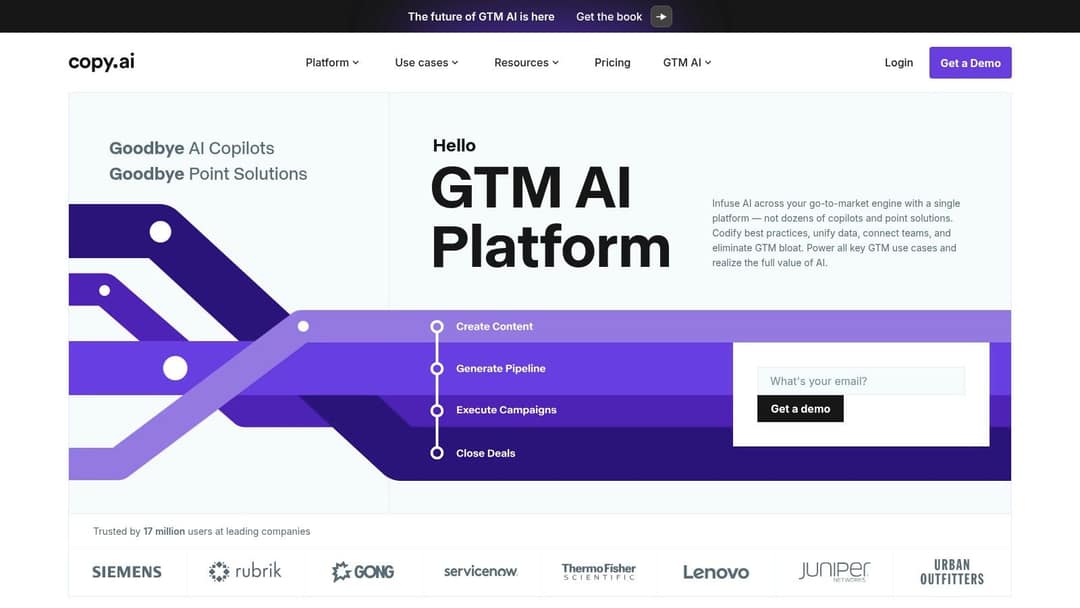
Creating engaging social media captions that connect with your audience while staying true to your brand voice can be time-consuming and challenging. CopyAI helps content creators, social media managers, business owners and influencers generate effective captions without the hassle.
Key Use Cases
CopyAI excels at creating platform-specific social media content for Facebook, Instagram, X, and LinkedIn. The tool helps you craft posts that resonate with each platform's unique audience, whether you're promoting products, sharing updates, or building engagement.
The tool works well for businesses showcasing new offerings, influencers crafting their message, and content creators aiming to boost engagement through better captions.
Main Features
- Smart Templates: Create consistent, platform-optimized captions using pre-made templates that maintain your brand voice
- Tone Controls: Adjust between professional and casual styles to match your brand personality
- Hashtag Tools: Find and add relevant trending hashtags to increase post visibility
- Multi-Language Support: Connect with international audiences by generating captions in different languages
Advantages and Limitations
Benefits:
- Simple, user-friendly interface
- Wide selection of caption templates
- Frequent feature updates and improvements
Drawbacks:
- Monthly limits on content generation
- Some outputs may feel similar if used frequently
Plans and Setup
The tool offers different pricing options to fit various budgets and needs. Getting started requires minimal technical knowledge - the straightforward design lets you focus on creating content rather than figuring out complex settings.
How It Compares
CopyAI stands out from other caption generators through its extensive language options and specialized platform templates. The tool balances functionality with ease of use, making it a popular choice for social media professionals.
Visit CopyAI to see how this tool can help streamline your social media caption writing process and create content that truly connects with your audience.
5. Hootsuite

Hootsuite is a leading social media management platform that provides AI caption generation alongside essential features like scheduling and analytics. The platform offers a complete set of tools that makes it a smart choice for content creators, social media managers, business owners, and influencers.
Key Features and Uses
The AI caption tool helps professionals managing multiple social accounts save time and effort. Content creators can quickly generate engaging captions, while social media managers can maintain consistent brand messaging across platforms. The scheduling features let you plan content ahead, helping maintain an active online presence without constant manual posting.
Cost and System Requirements
The platform offers different pricing tiers to match various needs. While premium features come at a higher cost, they deliver professional-grade capabilities. Hootsuite no longer offers a free plan, so check its website for current paid plan prices. The web-based platform works with standard browsers and requires an internet connection.
How It Compares
When compared to Buffer or Sprout Social, Hootsuite stands out with its built-in AI caption generator. The platform excels at managing multiple social accounts simultaneously while providing detailed analytics - making it ideal for businesses seeking unified social media management.
Getting Started Tips
Make your Hootsuite experience more effective by customizing the dashboard to match your workflow. Connect your social profiles, set up team access for better collaboration, and use the analytics tools to track performance and adapt your strategy based on real data.
Why Choose Hootsuite
Hootsuite earned its spot on this list by delivering professional-quality tools essential for complete social media management. Though it requires some learning and investment, the platform provides valuable features like AI captions, advanced scheduling, and in-depth analytics that benefit serious social media professionals.
Key Benefits and Limitations
Pros:
- Complete social media solution
- Professional-grade tools
- Strong team collaboration features
Cons:
- Premium pricing
- Steeper learning curve
- No free plan
For more details about features and pricing, visit the Hootsuite website.
6. Lately.ai
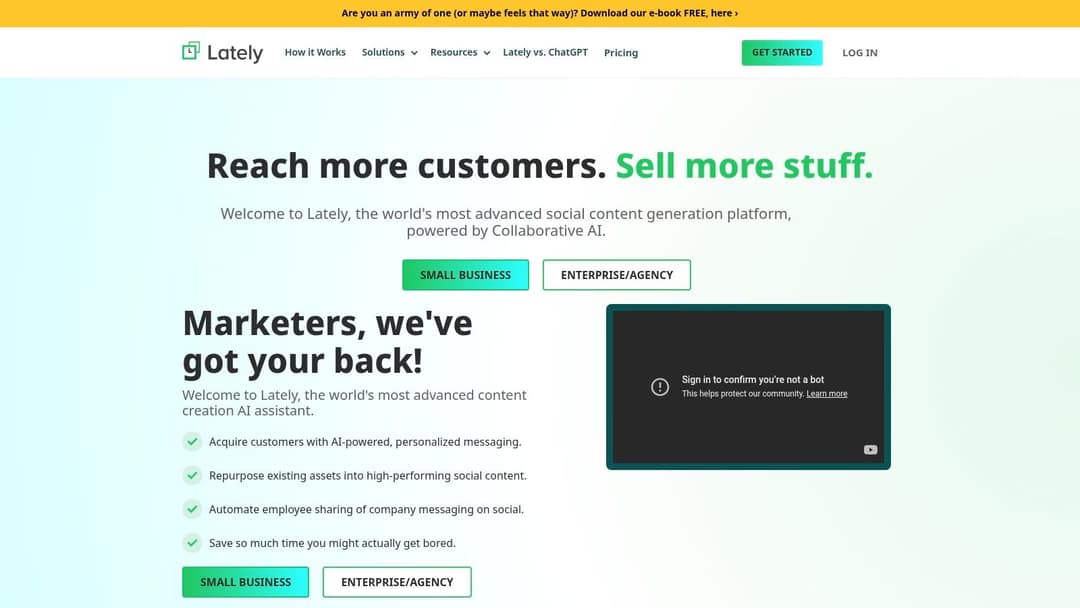
Lately.ai is a specialized AI content platform that excels at turning long-form content into engaging social media posts. It's particularly valuable for content creators, social media managers, and small business owners who want to make the most of their existing content.
Prompt to try
Turn my blog post on 5 ways to write Instagram captions that get comments into a 45-second vertical video. Open with the hook "Your caption is the reason nobody comments." Use clean motion graphics, an upbeat voiceover and bold on-screen captions, ending with a question for viewers.
How It Works
The platform's main strength is taking content like blog posts, articles, or podcasts and breaking them down into smaller, focused social media updates. This process, called content atomization, helps:
- Content Creators expand the reach of their work across multiple formats
- Small Business Owners keep their social media active without spending hours creating new content
- Social Media Managers handle multiple accounts while maintaining consistent messaging
Key Features
Lately.ai comes with several useful capabilities:
- Smart Content Conversion: Automatically transforms long content into platform-specific formats
- Performance-Based Learning: Studies past engagement to improve future posts
- Voice Matching: Ensures posts match your brand's established tone
- Scheduling Tools: Makes post planning and publishing simpler
What Works and What Doesn't
Understanding the platform's strengths and limitations helps set realistic expectations:
Strong Points:
- Makes existing content work harder
- Strong data tracking for post performance
- AI learns and improves from real engagement data
Limitations:
- Higher price point may not suit smaller budgets
- Takes time to master all features
How It Compares
Lately.ai stands out from other social media tools through its smart approach to content creation. While basic scheduling tools are common, Lately.ai's ability to understand and learn from content performance sets it apart.
Getting Started
Start small when setting up Lately.ai - give the AI time to understand your content style. Begin with a few posts and gradually increase volume as you get comfortable with the features. Pay attention to the analytics from day one to help guide your content decisions.
Lately.ai has earned its spot on this list by offering smart AI features focused on making the most of your content. For pricing details and more information, visit Lately.ai's website.
7. Lightricks Caption Writer
Lightricks Caption Writer helps social media creators quickly generate captions on their phones. As part of the Lightricks creative suite (the company behind Facetune and Videoleap), this tool fits perfectly into their existing mobile-focused apps. It's made specifically for content creators who need to write engaging captions while on the move.
The app shines in real-world situations - like when you're at an event and want to share content immediately. Just take a photo, open the Caption Writer, and get your caption in moments. It adds relevant hashtags automatically and lets you post directly to platforms like Instagram and TikTok without switching apps. This smooth workflow makes it ideal for active social media users.
The tool's pricing isn't clearly listed on their website, but it likely comes as part of their broader app subscription. While the mobile focus works great for many creators, keep in mind that Caption Writer is built primarily for phones and tablets, with limited options for desktop users.
Key Features:
- Mobile-first design: Built specifically for smartphones and tablets
- Quick caption creation: Generate social media captions in seconds
- Smart hashtag finder: Get relevant hashtag suggestions automatically
- Direct posting: Share to social platforms right from the app
Advantages:
- Simple mobile interface: Easy to use while creating content on your phone
- Perfect for quick posts: Ideal for immediate social media updates
- Works with other Lightricks apps: Smooth integration if you use their other tools
Limitations:
- Basic desktop options: Not designed for computer-based workflows
- Simpler features: Fewer advanced options compared to desktop tools
- Mobile-only restrictions: May not suit creators who work mainly on computers
Getting Started:
Download the app from your device's app store. Test different caption styles by trying various prompts. Use the hashtag suggestions to help your posts reach more people.
How It Compares:
While desktop tools like Jasper.ai offer deeper customization and SEO features, Lightricks Caption Writer focuses on speed and ease of use. It's best for creators who need quick captions while creating content on their phones, especially if they already use other Lightricks apps.
Website: https://www.lightricks.com
8. WordAi
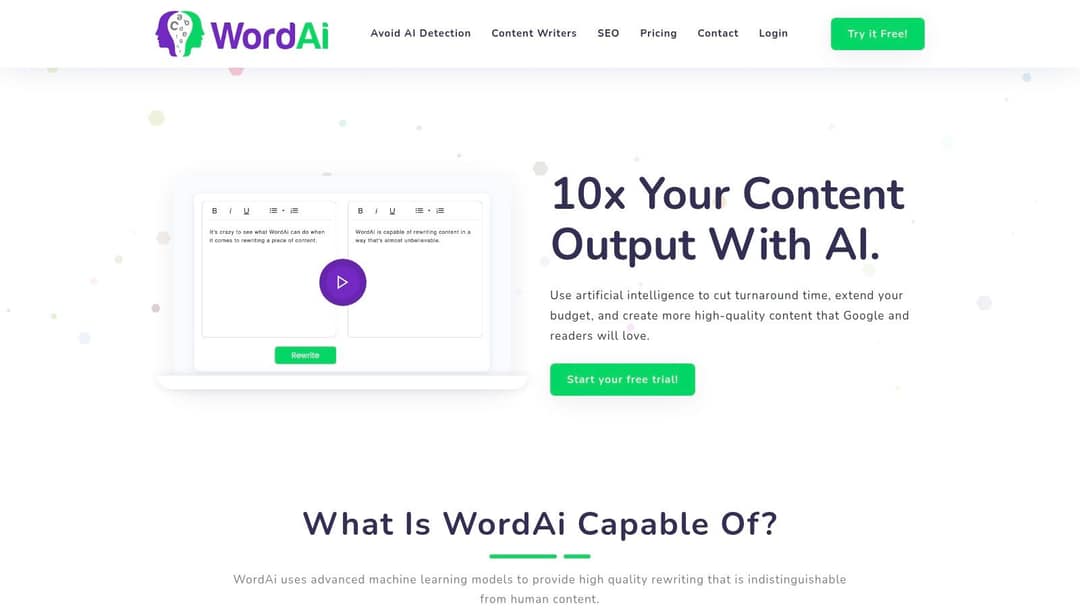
WordAi stands out for its advanced AI writing capabilities that go beyond basic rewriting tools. The platform helps create unique social media captions by understanding context and generating high-quality content that connects with readers. It's particularly useful for social media content creators who need engaging captions.
This tool works best for content managers, social media teams, and business owners handling multiple social accounts. The bulk generation feature helps those with packed content schedules. Video creators, especially those running faceless YouTube channels, can use it to write compelling video descriptions.
Key Features:
- Smart Sentence Restructuring: Creates natural-sounding captions by rebuilding sentences from scratch rather than just swapping words
- Bulk Creation: Generate multiple caption versions quickly to save time
- Multiple Languages: Create captions in different languages to reach global audiences
- Context Analysis: Uses AI to understand language nuances for more relevant content
Advantages:
- High-Quality Results: Produces better captions than basic text spinners
- Efficient Bulk Processing: Perfect for managing high-volume content needs
- Smart Technology: Uses advanced AI for better writing quality
Limitations:
- Higher Cost: Monthly plans are more expensive compared to other caption tools
- Extra Features: May have too many features for basic caption needs
- Learning Curve: Getting full value requires understanding AI writing concepts
Getting Started Tips:
Know your audience and brand voice before using WordAi. Start with key phrases about your content, try different caption versions, and adjust them to match your brand's style and audience preferences.
Pricing: Visit WordAi's website for current subscription options.
While WordAi costs more than basic tools, its advanced features deliver value for users who need quality social media captions. The platform's AI capabilities make it a solid choice for those seeking more than simple caption generation.
9. Kicksta Caption Generator
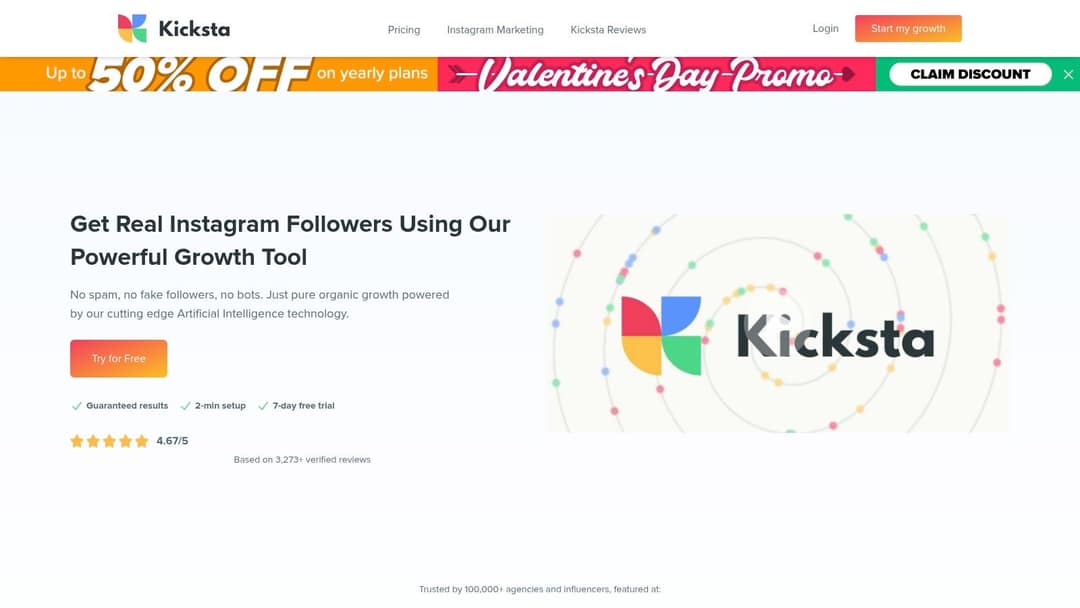
Kicksta Caption Generator provides Instagram-focused caption creation for influencers, small businesses, and social media marketers. This tool stands out by concentrating specifically on crafting content that works well on Instagram.
The platform goes beyond basic caption writing by including important extras like hashtag research and performance tracking. Users can analyze how their captions perform and use this data to improve their strategy. The tool also offers ready-to-use caption templates to help speed up content creation.
Key Features & Benefits:
- Instagram-focused captions: Get captions built for Instagram's specific needs and best practices
- Hashtag research: Find relevant hashtags to expand your reach
- Performance tracking: See which captions work best with your audience
- Pre-made templates: Start with proven caption structures to save time
Pros:
- Instagram specialty: Focused tools and features just for Instagram success
- Great for influencers: Complete toolkit combining captions, hashtags and analytics
- Simple interface: New users can quickly create effective content
Cons:
- Single platform focus: May not suit users managing multiple social networks
- Basic generation: Limited caption variety and customization options
- Few advanced options: Not ideal for users needing highly specific or unique captions
Pricing & Technical Requirements:
Contact Kicksta directly for current pricing as it's not publicly listed. The tool runs in your web browser, requiring only internet access to use.
Comparison with Similar Tools:
While tools like Copy.ai and Jasper.ai offer broader caption options, Kicksta excels at Instagram-specific optimization. It trades wide platform support for deep Instagram expertise and integrated performance tracking.
Setup Tips:
Connect your Instagram account to make full use of the analytics and hashtag tools. Test different templates to find what engages your followers best. Check your performance data regularly to keep improving your caption strategy.
Why Choose Kicksta:
Kicksta earns its place through its dedicated Instagram focus. The combination of caption creation, hashtag research, and performance tracking makes it especially valuable for Instagram-centered marketing strategies. While not the most versatile option, it provides the specific tools needed for Instagram success.
For more details about their services, visit Kicksta's website.
Head-to-Head Comparison of 9 Social Media Caption Generators
| Tool | Ease of Use | AI Capabilities | Output Quality | Pricing | Best For | Standout Feature |
|---|---|---|---|---|---|---|
| Revid | ★★★★★ | ★★★★ | ★★★★ | Free | Short-form video creators | Captions, video and publishing in one place |
| Jasper.ai | ★★★★ | ★★★★★ | ★★★★★ | 💰💰💰 | Long-form & brand copy | Voice customization |
| Canva | ★★★★★ | ★★★ | ★★★★ | 💰 | Visual & captions | All-in-one design |
| CopyAI | ★★★★ | ★★★★ | ★★★★ | 💰💰 | Social media copy | Template variety |
| Hootsuite | ★★★ | ★★★ | ★★★★ | 💰💰💰 | Team collaboration | Scheduling & analytics |
| Lately.ai | ★★★ | ★★★★★ | ★★★★ | 💰💰💰💰 | Repurposing content | Content atomization |
| Lightricks Caption Writer | ★★★★★ | ★★★ | ★★★ | 💰 | Mobile creators | Mobile-first design |
| WordAi | ★★★ | ★★★★★ | ★★★★★ | 💰💰💰💰 | Bulk content generation | Deep learning technology |
| Kicksta Caption Generator | ★★★★ | ★★★ | ★★★ | 💰💰 | Instagram engagement | Instagram focus |
Choosing the Right Social Media Caption Generator
There are many caption generation tools available today - from broad AI writing assistants to platform-specific solutions. Let's explore how to select the tool that will work best for your social media needs.
Here are the key factors to consider when evaluating caption generators:
Core Requirements: Think about the types of captions you need most. Do you primarily create short Instagram captions or longer Facebook posts? Will you need multilingual options? Some tools focus on specific platforms, so identify your main priorities.
User Experience: Consider how quickly you can start using the tool effectively. Look for an intuitive interface and clear guidance. While some tools provide ready-to-use templates, others need more manual input. Factor in your comfort level with new technology.
Cost and Value: Caption tools range from free basic versions to premium subscriptions. Define your budget and must-have features first. Starting with a free tool can help you learn what advanced capabilities are worth paying for. Revid's free TikTok caption generator is an easy way to test AI captions before you commit to a subscription.
Platform Connections: Check if the tool works smoothly with your current social media management system. Direct integration for scheduling and publishing saves valuable time. Verify compatibility with your most-used social platforms.
The Bottom Line: Your choice of caption generator will directly affect your social media results. Focus on finding a tool that matches your specific needs, budget constraints, and workflow requirements. Look for options that will save you time while delivering quality results.
Creating engaging social posts involves more than just writing captions - it's about building connections and growing your following. But what if you could make your entire content process more efficient?
Don't waste time switching between multiple tools or struggling to create content. Revid.ai helps you produce high-quality, engaging videos for TikTok, Instagram, and YouTube in minutes - even with no video editing experience. Transform written content and trending topics into captivating videos with AI-powered script generation, AI voice-overs in 70+ languages, synced captions and a full timeline editor, then publish directly to TikTok, Instagram and YouTube. Start creating better content with Revid.ai today!