Proof of range
Start FromWhat Already Works
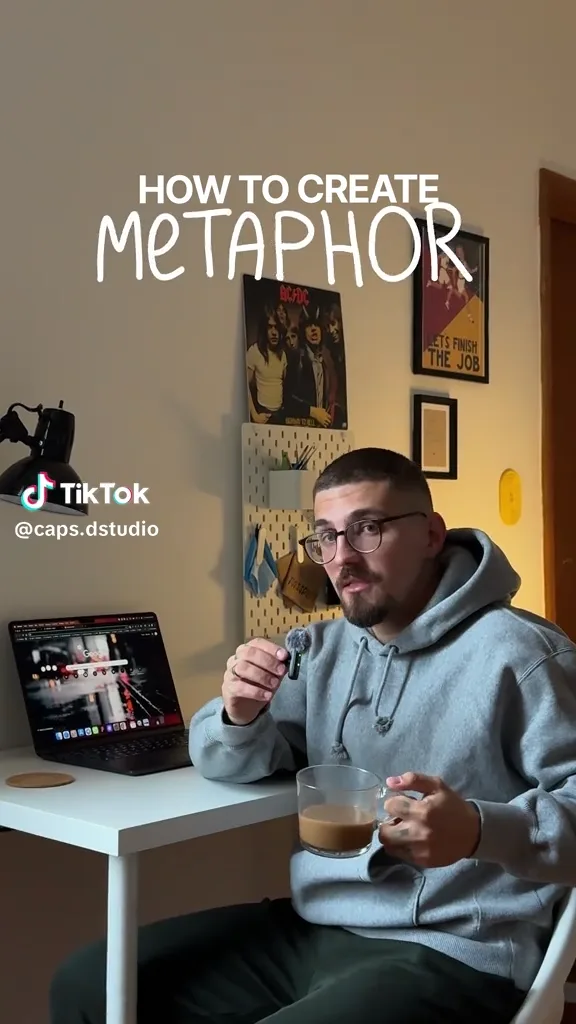
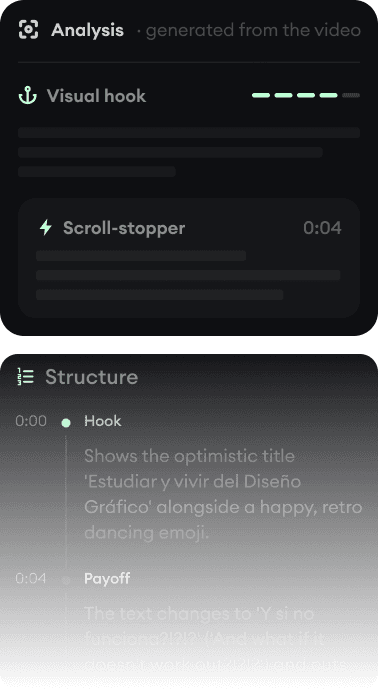
Every example starts with an input. Revid analyzes it, extracts what matters, and creates something new for you.
Viral Video
Your Version

Canva is the easiest place to design almost anything, and it can generate short AI clips. Revid generates the whole video: script, scenes, voice, captions, and the post.
We link to Canva's own pages and public review scores so you can verify everything yourself. Last updated .
Canva is the default design tool for beginners for good reasons: millions of templates, a drag-and-drop editor anyone can use, a free plan that is truly useful, and a fair review record (4.0/5 across 7,465 Trustpilot reviews in September 2026). If you need a logo, a presentation, social graphics and the occasional video in one place, Canva is the better pick, and nothing on this page argues otherwise.
For text-to-video specifically, the two tools do different amounts of the work. Canva's AI video feature, Create a Video Clip, is powered by Google's Veo 3 and produces one 16:9 clip of up to eight seconds per prompt, on paid plans only, which you then place into a design (per canva.com/features/ai-video-generator). Revid takes a prompt, script, article or song and returns a complete vertical or landscape video with scenes, voice-over, captions and music, then posts it.
| Feature | Revid | Canva |
|---|---|---|
| Main focus | Generating complete short-form videos from text, audio, and links | All-purpose visual design suite with a template-based video editor |
| Text to video | A full video from a prompt, script, article, or song | Create a Video Clip: one 16:9 clip of up to 8 seconds per prompt (Veo 3), added to a design |
| Who gets AI video | Every plan, including free credits on signup | Pro, Business, Enterprise and Nonprofit users, a limited number per month; unavailable on Free |
| Voice and captions | Voice-over in 70+ languages; 16 caption presets, auto-captions in 100+ languages | AI voices and an avatar app (D-ID) in over 40 languages; auto captions listed as a feature |
| Editor | Full timeline editor in the browser | Drag-and-drop design editor with templates, stock media and animations |
| Aspect ratios for AI video | 9:16, 16:9, 1:1, 4:5 | AI clips are generated in 16:9; designs can use custom dimensions |
| API and AI agents | Public REST API, MCP server with 14 tools, npm CLI, on every paid plan | Apps SDK and AI connectors for external agents listed on every plan |
| Free tier | Free credits on signup, no credit card required | Free plan with 1.6 million+ templates and up to 20 Standard and Premium AI uses; no text-to-video |
| Trustpilot | 4.0/5 (301 reviews) | 4.0/5 |
Feature and pricing details checked September 2026 on both products' public pages. Spotted something outdated? Email us and we'll fix it.
Don't take the table's word for it. These are real Revid projects: the exact input on the left, the exported video on the right.
Every example starts with an input. Revid analyzes it, extracts what matters, and creates something new for you.
Viral Video
Your Version
$39/monthto start
Free credits on signup, no credit card required.
$32/month billed yearly. Every plan includes the editor, direct publishing, and full API/MCP/CLI access. Exact credit costs are public.
€110/year (Pro)to start
Free plan with 1.6 million+ templates and a small AI allowance (up to 20 uses); Create a Video Clip is not available on Free.
Canva shows prices in local currency. Viewed from the EU, Pro was €110/year for one person and Business €170/year per person; the US dollar price is not shown to EU visitors, so check canva.com/pricing in your region. Pro lists up to 20 Ultra AI uses a month, the tier that includes video, and an AI Pass add-on raises the allowance. Checked September 2026 on canva.com/pricing.
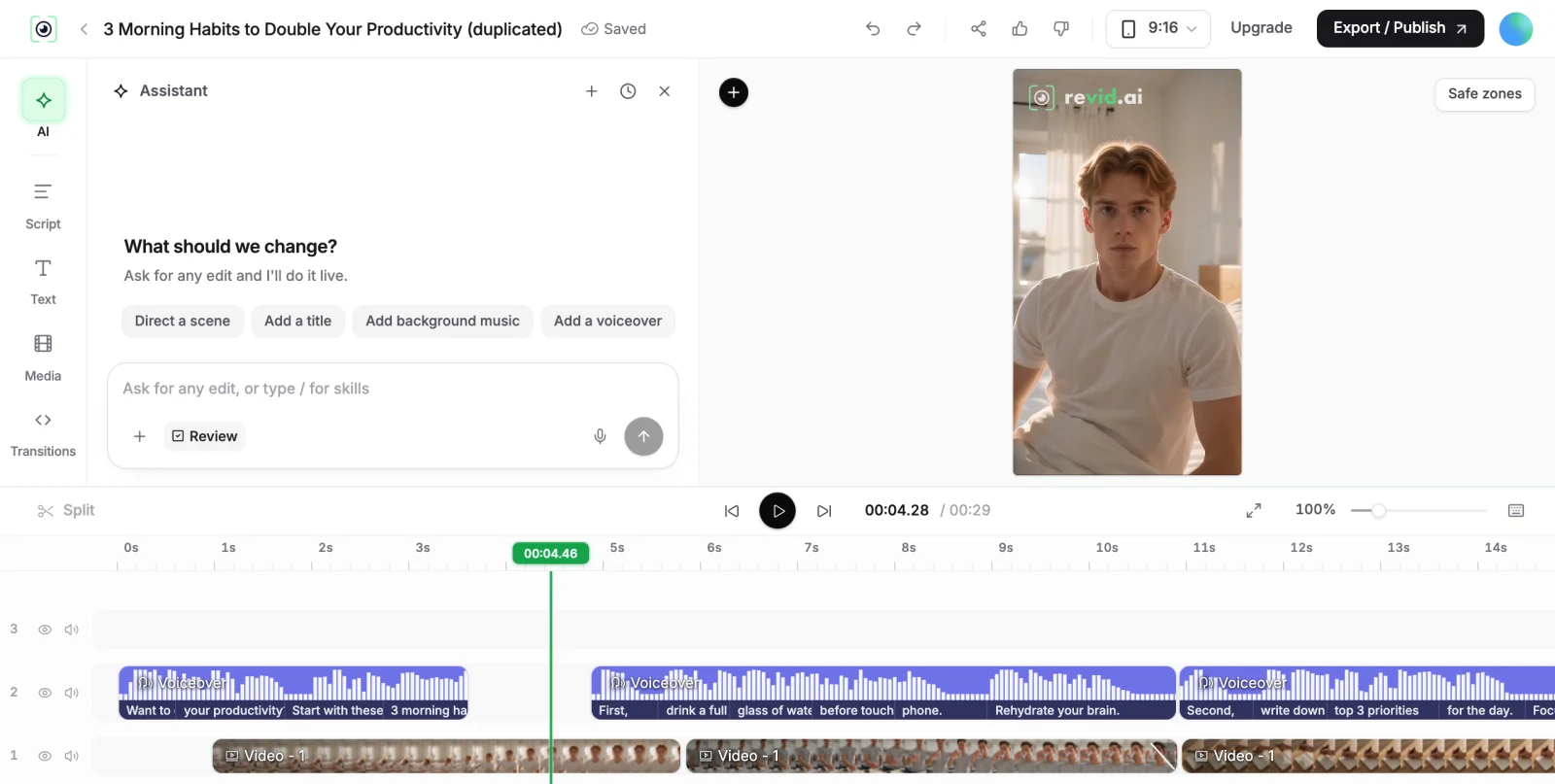
Canva's AI video is a building block. You type a prompt, Veo 3 returns one clip of up to eight seconds in 16:9 with synchronized audio, and you drop it into a Canva design where the template, text and transitions are yours to arrange. For a short hero clip in a presentation or a single social post, that is quick and the result looks good.
A sixty-second TikTok or Short needs many scenes, a script, a voice, captions timed to the words and music. In Canva you would generate and assemble those pieces yourself, within a monthly AI allowance (Pro lists up to 20 Ultra AI uses). Revid generates the full sequence from one input and keeps it editable on a timeline, which is why people who publish video daily tend to outgrow a design tool for that specific job.
If you are a beginner who needs a bit of everything, choose Canva. It costs far less per year, the free plan covers a lot, and you will use it for thumbnails, carousels and decks even if you make videos elsewhere. Its Trustpilot page (4.0/5 across 7,465 reviews in September 2026) praises the interface and templates; the complaints are mostly about billing disputes and slow support.
Choose Revid when video is the product: a faceless channel, a content series, ads, or music videos, where you want the video generated and posted on a schedule. Plenty of creators use Canva for the thumbnail and Revid for the video.
Revid is not a 5-second video toy. Its viral video intelligence writes the script, directs the scenes, generates the voices and edits the final cut. Every film below was created in one go.


Creators publish 30,000+ videos to TikTok, Instagram, and YouTube through Revid every month. Your channel could be next.


Find detailed answers to 100+ questions about features, tools, and workflows
or check our markdown version optimized for LLMs