AI Fan Tribute Video Generator

Create viral fan edits and emotional tributes. Celebrate #blackpink, support #dwts stars, or honor #laliga legends with cinematic AI videos.

Related tools you might like:

2,984 people used this tool in the last 24h
Start for free.(no credit card required)

or explore our 42+ other tools to create the exact video you want

Explore our tools

Create Viral Fan Tributes & Edits in 4 Simple Steps

1 Describe Your Idol or Team

Enter a prompt describing the celebrity, athlete, or K-pop star you want to honor. Whether it's for #blackpink, a #laliga legend, or a #dwts contestant, be specific about the mood (emotional, energetic, heroic) to help the AI capture the perfect vibe.

2 Choose Your Visual Style

Select the best media type for your fan edit. Choose 'AI Video' for unique, cinematic clips, 'Moving AI Images' to animate still photos with motion effects, or 'Stock Videos' for high-quality footage. You can also customize the aspect ratio for TikTok or Instagram.

3 Select Audio & Voiceover

Pick an emotional or epic AI voice to narrate the tribute, or upload a custom audio file to use a specific song or sound bite. Our tool helps you match the audio energy to the visual storytelling for maximum impact.

4 Generate and Share

Click 'Generate Video' and watch our AI assemble your tribute in minutes. Once done, use the built-in editor to add text overlays, tweak subtitles, or adjust transitions. Download your masterpiece and share it instantly to #fancam communities on TikTok, Reels, or YouTube Shorts.

Example Videos

See What You Can Create with AI Fan Tribute Video Generator

Explore different styles and possibilities with our AI Fan Tribute Video Generator

K-Pop Idol Journey

Visualize the journey of global icons like #blackpink. Create stunning visuals that capture their stage presence, fashion, and connection with fans.

  • Cinematic slow-motion stage visuals
  • Emotional narrative of their rise to fame
  • Perfect for #konsermusik and fandoms
  • High-energy visuals matching the beat
K-Pop Idol Journey

Football Club Legends

Celebrate the return of the #newseason by honoring #laliga legends. Create heroic tribute videos that highlight skill, passion, and victory.

  • Heroic angles and dramatic lighting
  • Focus on victory and team spirit
  • Ideal for #kickoff and #footballlsback content
  • Inspiring commentary and music
Football Club Legends

Reality Star Support

Create supportive campaign videos for your favorite #dancingwiththestars contestants. Visualize their grace and determination to rally votes.

  • Elegant ballroom aesthetic visuals
  • Emotional storytelling for voting support
  • Capture the drama of #dwts
  • Engaging calls to action
Reality Star Support
Tools

Free AI Video Tools

Pick the right tool, provide your input, and you'll create a video in no time - customize it however you want.

AI TikTok Video Generator

Turn text into trendy, viral TikTok videos in a snap

Try it out

Add Caption to Video

Generate subtitles in 100+ languages with AI captions

Try it out

PDF to Brainrot

Convert PDFs into attention-grabbing, scrollable videos

Try it out

Text to Brainrot

Turn your text into trendy, scrollable content with dynamic visuals

Try it out

AI Talking Avatar

Create lifelike talking avatars from text in seconds

Try it out

Video Podcast Generator

Transform your podcasts into visually engaging video content

Try it out

AI Movie Maker

Create studio-quality videos from text, no filming required

Try it out

Audio to Video

Make engaging videos from your podcasts, interviews, or any audio content

Try it out

AI Music Video Generator

Transform your music into cinematic music videos.

Try it out

AI Lyrics Video Generator

Transform your lyrics into a complete music video with AI

Try it out

Instrumental Music Visualizer

Transform your instrumental music into videos.

Try it out

Prompt to Video

Turn your prompts into engaging videos with AI assistance

Try it out
See all tools
How it works

Four Easy Steps To Create & Share Your Story

1

Get inspired by viral content

Looking for story ideas? Our AI finds trending content and helps you remake it into your very own videos - no more trial and error.
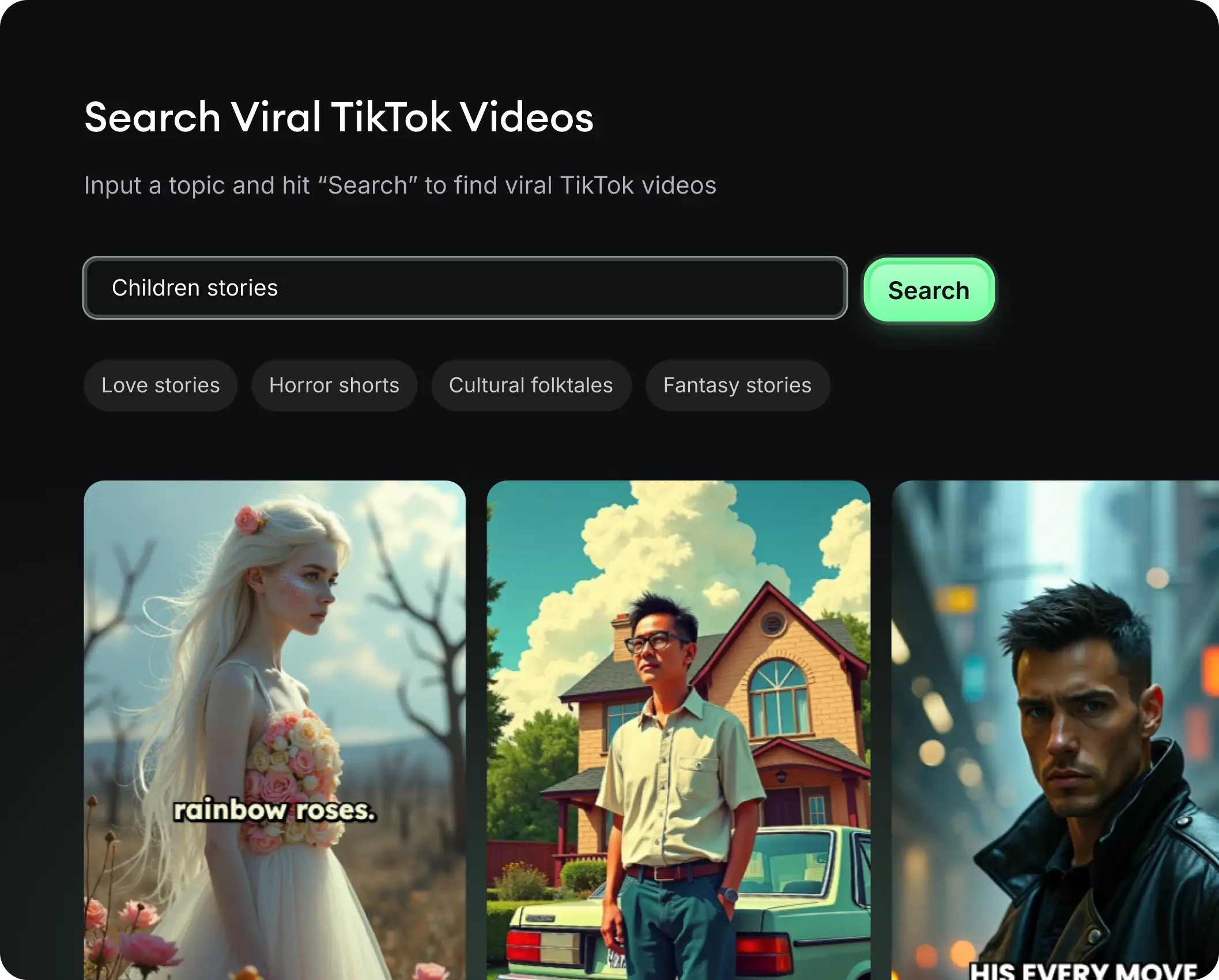
  • See what types of stories are working right now
  • Get inspiration from successful creators
  • Turn your ideas into stories people want to hear
Get inspired by viral content
2

Storytelling to Hook your Audience

Revid.ai understands what makes videos go viral and uses the same proven methods to write scripts for you.
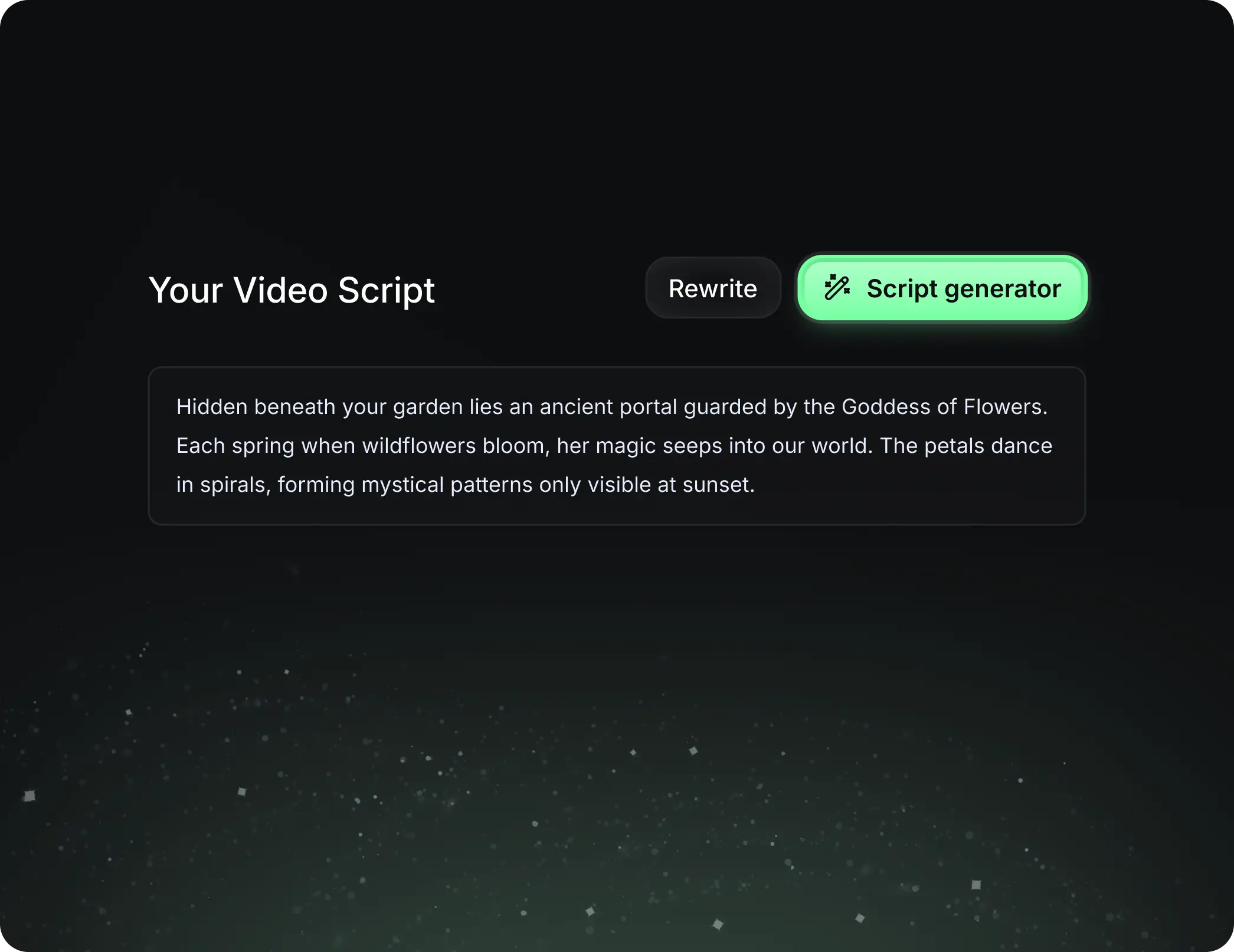
  • Write your script or tell our AI what you want to talk about
  • The AI will find relevant content to get inspired by
  • Drop any link and it will be automatically parsed and formatted for a video
Storytelling to Hook your Audience
3

Videos You'd LOVE to Watch

Create perfect videos, share instantly, and grow your business.
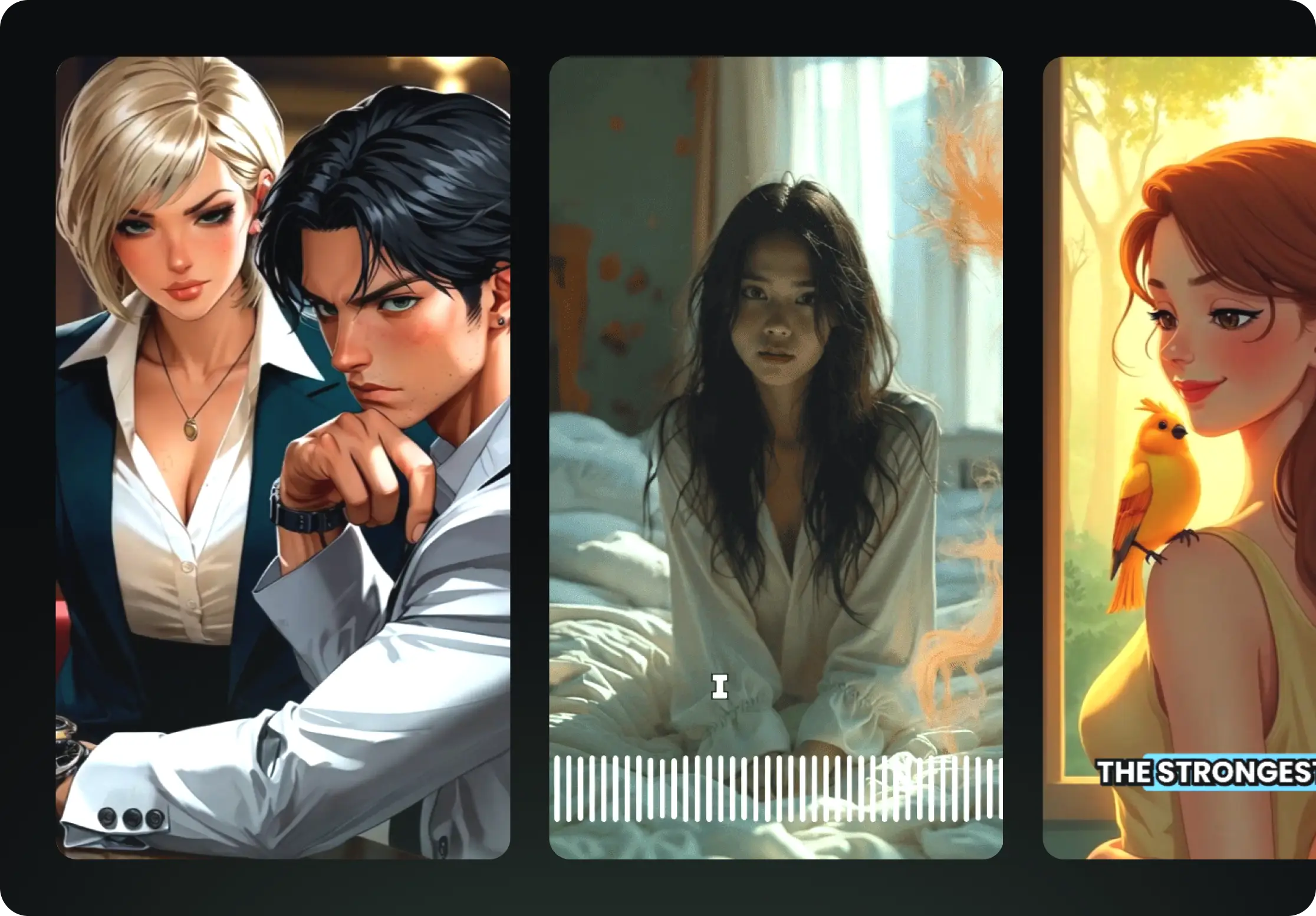
  • Watch your words become a professional video
  • Set up automatic video creation from your content
Videos You'd LOVE to Watch
4

Publish on TikTok, YouTube, Instagram and more...

Reach a wider audience by sharing your video across your favorite social media platforms
    Publish on TikTok, YouTube, Instagram and more...
    revid.ai logo

    Your shortcut to effortless video storytelling.

    FAQs

    Frequently Asked Questions

    What is the AI Fan Tribute Video Generator?
    The AI Fan Tribute Video Generator is a specialized tool designed for fandoms to create viral-worthy edits and tribute videos instantly. Whether you run a stan account for K-pop idols, a sports analysis channel, or a celebrity fan page, this tool uses AI to generate cinematic visuals, moving images, and emotional narratives that celebrate your favorite stars without needing complex editing software.
    How do I make a fan edit for TikTok with this tool?
    Creating a TikTok fan edit is easy! Simply enter a text prompt describing the person or team (e.g., 'An emotional tribute to Lisa from Blackpink'). Select the 9:16 aspect ratio optimized for mobile screens. Choose your visual style—such as 'Moving AI Images' for a photo-motion look or 'AI Video' for generated scenes—and hit generate. You'll have a polished, vertical video ready to post to TikTok in minutes.
    Can I create videos for specific trends like #blackpink or #laliga?
    Absolutely. Our AI is tuned to understand pop culture and sports contexts. You can create high-energy performance tributes for #blackpink, heroic highlight reels for #laliga football stars, or support campaign videos for #dancingwiththestars contestants. Just include the relevant names and context in your script or prompt to guide the AI's content generation.
    What visual styles are available for tribute videos?
    We offer three main visual styles to match different types of fan edits: 1) **AI Video:** Generates unique, cinematic clips from scratch based on your text. 2) **Moving AI Images:** Takes AI-generated static images and adds camera motion and effects, perfect for a classic 'fancam' aesthetic. 3) **Stock Videos:** Utilizes high-quality stock footage to create a more documentary-style tribute.
    Can I use my own music or audio for the tribute?
    Yes! Music is the heartbeat of any great fan edit. While we provide a library of inspirational and pop background tracks, you can upload your own custom audio file. This allows you to use specific songs, interviews, or sound bites that resonate with your fandom. Please ensure you have the right to use any uploaded music.
    How does the AI create the script for the video?
    You can either write the script yourself or let our AI generate one for you based on a simple prompt. If you provide a topic like 'The rise of a football legend,' the AI will write a passionate, narrative-driven script that sounds like a dedicated fan or commentator, focusing on achievements, skill, and glory.
    Is this tool suitable for Instagram Reels and YouTube Shorts?
    Yes, the AI Fan Tribute Video Generator is built for short-form vertical content. By default, it generates videos in a 9:16 aspect ratio, which is the native format for Instagram Reels, YouTube Shorts, and TikTok. This ensures your content fills the screen and grabs attention immediately.
    How much does it cost to generate a fan tribute video?
    Video generation costs depend on your credit balance. Generally, creating a video costs a base amount of credits (usually 3), with additional credits required for premium features like specific AI video generation or longer scripts. We offer various subscription plans that provide monthly credits, and free tier users also get a starter allowance to try the tool.
    Can I edit the video after it has been generated?
    Definitely. After the AI generates the initial video, you are taken to our comprehensive video editor. Here you can trim clips, change the background music, edit the captions/subtitles, add text overlays, and adjust the timing. You have full creative control to polish your tribute before sharing it with the world.
    How can I make my fan tribute video go viral?
    To increase viral potential, focus on emotional or high-energy prompts. Use the 'Moving AI Images' or 'AI Video' settings for unique visuals that stand out on the 'For You' page. Use trending hashtags (like #newseason, #kickoff, #konsermusik) in your prompt to align the content with current events. Finally, keep your video concise and visually dynamic to maintain viewer retention.
    View Complete Help Center

    Find detailed answers to 100+ questions about features, tools, and workflows

    or check our markdown version optimized for LLMs