Create Cinematic Product Ad Videos with AI

Transform any product image into a stunning, photorealistic commercial video. Upload your product and create scroll-stopping ads for social media.

3,339 people used this tool in the last 24h
Start for free.(no credit card required)

or explore our 42+ other tools to create the exact video you want

Explore our tools

Create Professional Cinematic Product Ads in 3 Simple Steps

1 Upload Your Product Image

Start by uploading a high-quality photo of your product. For the best results with our Cinematic Product Ad Video Generator, use a clear image where the product is the main focus. This serves as the visual anchor for your AI-generated commercial.

2 Select Model & Customize Style

Choose your preferred video generation model (Base, Pro, Ultra, or Sora2) to define the quality and fluidity. You can also add optional text prompts to describe the desired atmosphere—such as 'golden hour lighting,' 'luxury marble surface,' or 'slow-motion smoke effects'—to tailor the aesthetic to your brand.

3 Generate and Download

Click 'Generate Video' and watch as our AI transforms your static image into a premium, motion-rich commercial. Once rendered, you can download your cinematic product video immediately or use our built-in editor to add final touches before posting to social media.

FAQs

Frequently Asked Questions

What is the Cinematic Product Ad Video Generator?
The Cinematic Product Ad Video Generator is an advanced AI tool designed to transform static product photography into high-end, photorealistic video commercials. By analyzing your product image, our AI adds professional camera movements, realistic lighting effects, and cinematic environments, creating scroll-stopping ads perfect for TikTok, Instagram Reels, and YouTube Shorts without the need for a physical film crew.
How do I turn a product photo into a video commercial?
Creating a video is effortless. Simply upload a clear image of your product into the Cinematic Product Ad Video Generator. Optionally, add a text description to guide the AI on the mood (e.g., 'dramatic lighting', 'water splash'). Select your preferred rendering model (such as Pro or Ultra), and click generate. In minutes, you'll have a professional cinematic product video ready for your marketing campaigns.
What types of images work best for AI product ads?
For the highest quality cinematic product ads, we recommend uploading high-resolution images where the product is clearly visible and well-lit. Clean backgrounds or professional product photography shots yield the best results, allowing the AI to accurately animate the object and generate realistic surrounding environments.
Can I customize the visual style and effects of the video?
Absolutely. While the tool works automatically, you can use the optional prompt box to influence the visual style. You can request specific elements like 'neon lighting,' 'nature background,' 'luxury aesthetics,' or 'floating particles.' This allows you to align the generated cinematic product video with your specific brand identity and campaign goals.
What are the different Video Generation Models (Base, Pro, Ultra, Sora2)?
We offer different models to suit your needs. 'Base' is great for quick iterations. 'Pro' and 'Ultra' offer higher definition, better adherence to physics, and more complex lighting effects for a truly premium look. 'Sora2' represents the cutting edge of video generation technology, offering the most lifelike movement and detail. Choosing a higher-tier model ensures your cinematic product ad looks like a big-budget production.
Is this tool suitable for social media ads like TikTok and Instagram?
Yes, the Cinematic Product Ad Video Generator is specifically optimized for social media. The output is designed to be visually striking and 'scroll-stopping,' making it perfect for high-engagement platforms like TikTok, Instagram Reels, and YouTube Shorts. The AI focuses on creating a strong visual hook in the first few seconds to capture viewer attention immediately.
How much does it cost to generate a cinematic product video?
The cost depends on the video generation model you select (Base, Pro, Ultra, etc.). Basic generations consume fewer credits, while advanced models like Ultra or Sora2 require more credits due to the intensive processing power needed to create photorealistic cinematic effects. Your credit balance depends on your subscription plan, with options available for every budget.
Do I own the rights to the commercials I create?
Yes, you have full commercial rights to the videos you generate using our Cinematic Product Ad Video Generator. You can use these videos for paid advertising campaigns, social media content, e-commerce product pages, and anywhere else you need to promote your products.
Can I add music or text to my product video?
While this specific tool focuses on generating the visual video content from an image, you can use the Revid AI editor after generation to add background music, text overlays, your brand logo, and voiceovers. This allows you to turn the raw cinematic footage into a complete, polished advertisement.
How long does it take to generate a video?
Generation times vary based on the chosen model and server load, but typically, your cinematic product ad will be ready in just a few minutes. We'll notify you as soon as the rendering is complete so you can download your video and start promoting your product instantly.
View Complete Help Center

Find detailed answers to 100+ questions about features, tools, and workflows

or check our markdown version optimized for LLMs

Tools

Free AI Video Tools

Pick the right tool, provide your input, and you'll create a video in no time - customize it however you want.

AI TikTok Video Generator

Turn text into trendy, viral TikTok videos in a snap

Try it out

Add Caption to Video

Generate subtitles in 100+ languages with AI captions

Try it out

PDF to Brainrot

Convert PDFs into attention-grabbing, scrollable videos

Try it out

Text to Brainrot

Turn your text into trendy, scrollable content with dynamic visuals

Try it out

AI Talking Avatar

Create lifelike talking avatars from text in seconds

Try it out

Video Podcast Generator

Transform your podcasts into visually engaging video content

Try it out

AI Movie Maker

Create studio-quality videos from text, no filming required

Try it out

Audio to Video

Make engaging videos from your podcasts, interviews, or any audio content

Try it out

AI Music Video Generator

Transform your music into cinematic music videos.

Try it out

AI Lyrics Video Generator

Transform your lyrics into a complete music video with AI

Try it out

Instrumental Music Visualizer

Transform your instrumental music into videos.

Try it out

Prompt to Video

Turn your prompts into engaging videos with AI assistance

Try it out
See all tools
How it works

Four Easy Steps To Create & Share Your Story

1

Get inspired by viral content

Looking for story ideas? Our AI finds trending content and helps you remake it into your very own videos - no more trial and error.
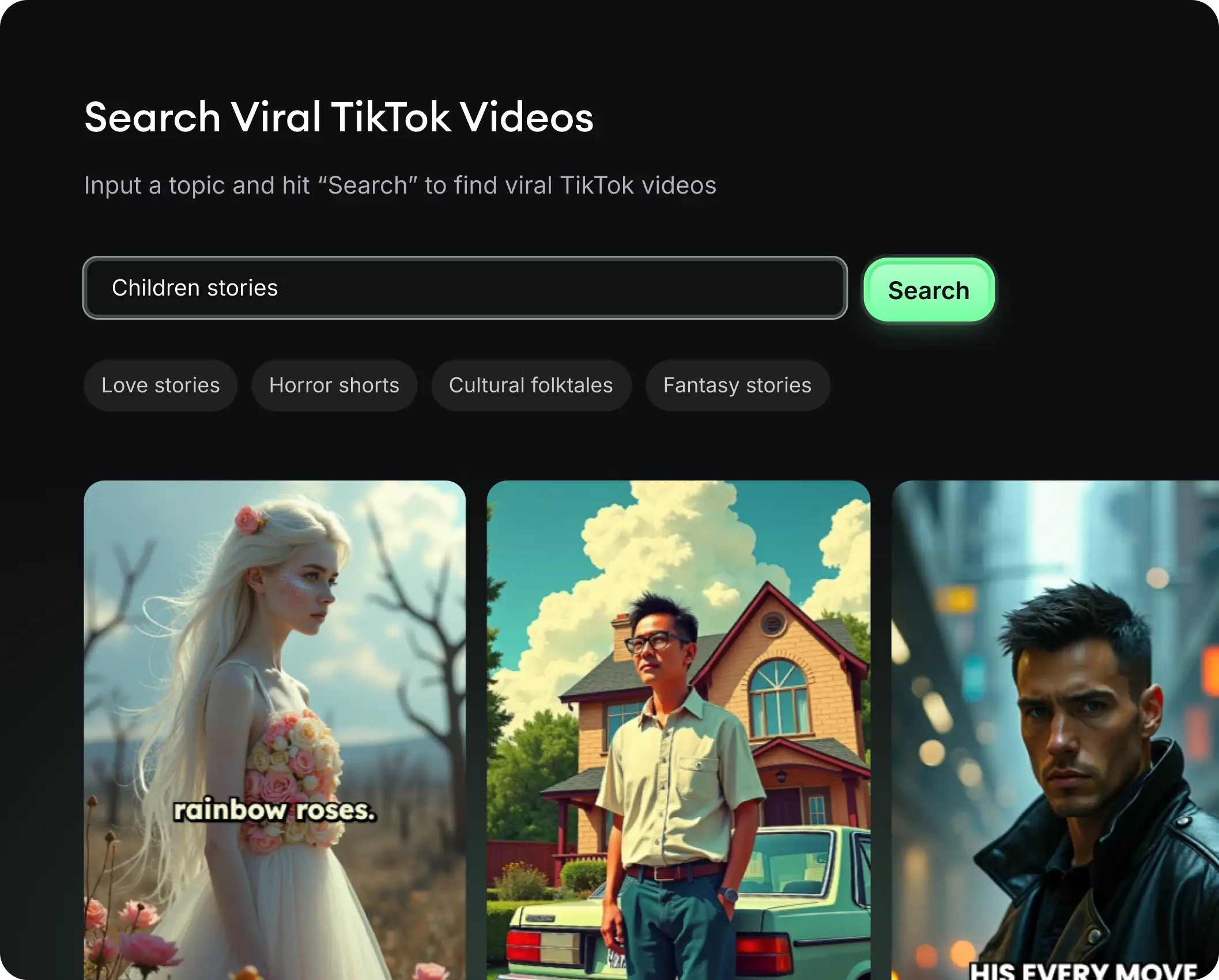
  • See what types of stories are working right now
  • Get inspiration from successful creators
  • Turn your ideas into stories people want to hear
Get inspired by viral content
2

Storytelling to Hook your Audience

Revid.ai understands what makes videos go viral and uses the same proven methods to write scripts for you.
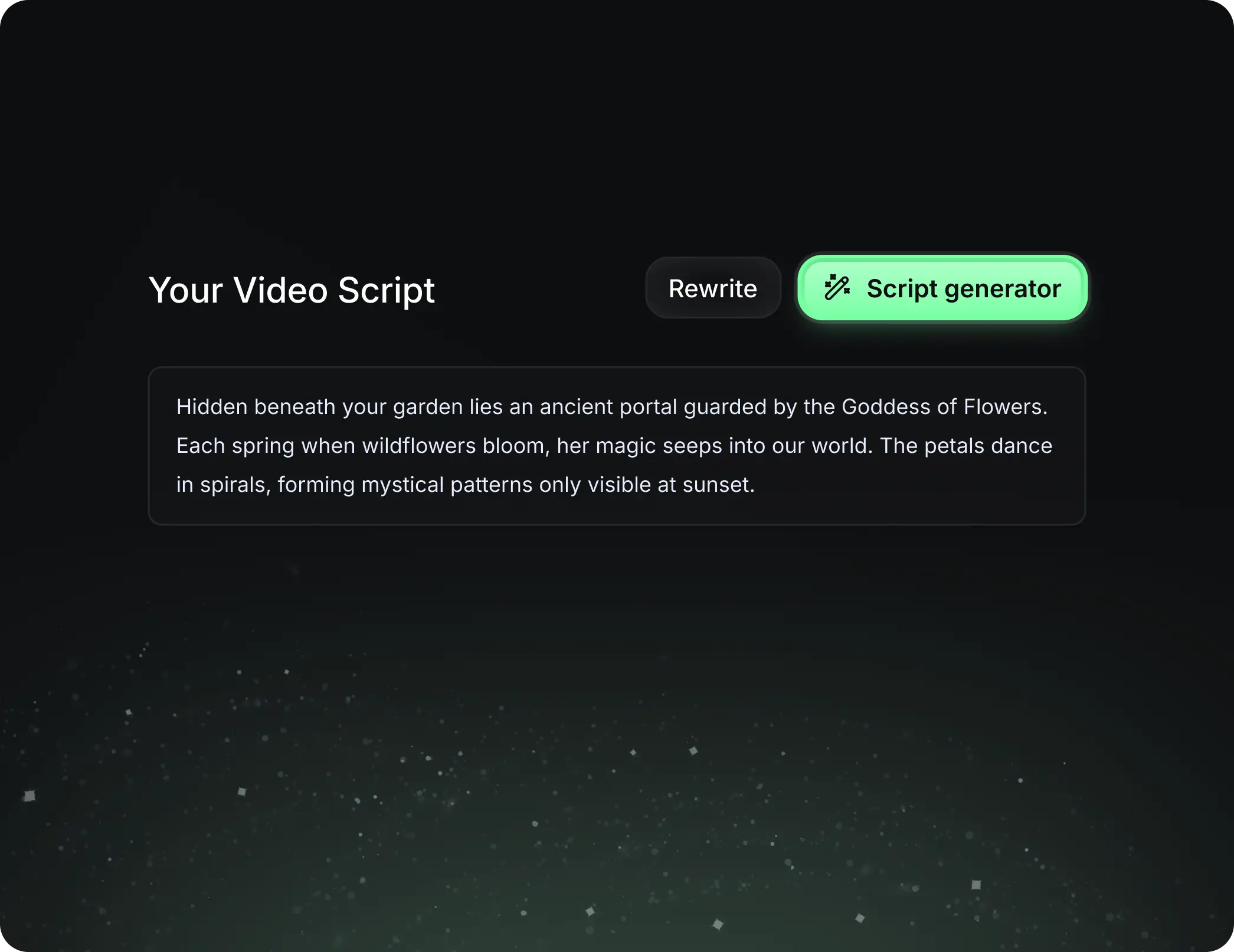
  • Write your script or tell our AI what you want to talk about
  • The AI will find relevant content to get inspired by
  • Drop any link and it will be automatically parsed and formatted for a video
Storytelling to Hook your Audience
3

Videos You'd LOVE to Watch

Create perfect videos, share instantly, and grow your business.
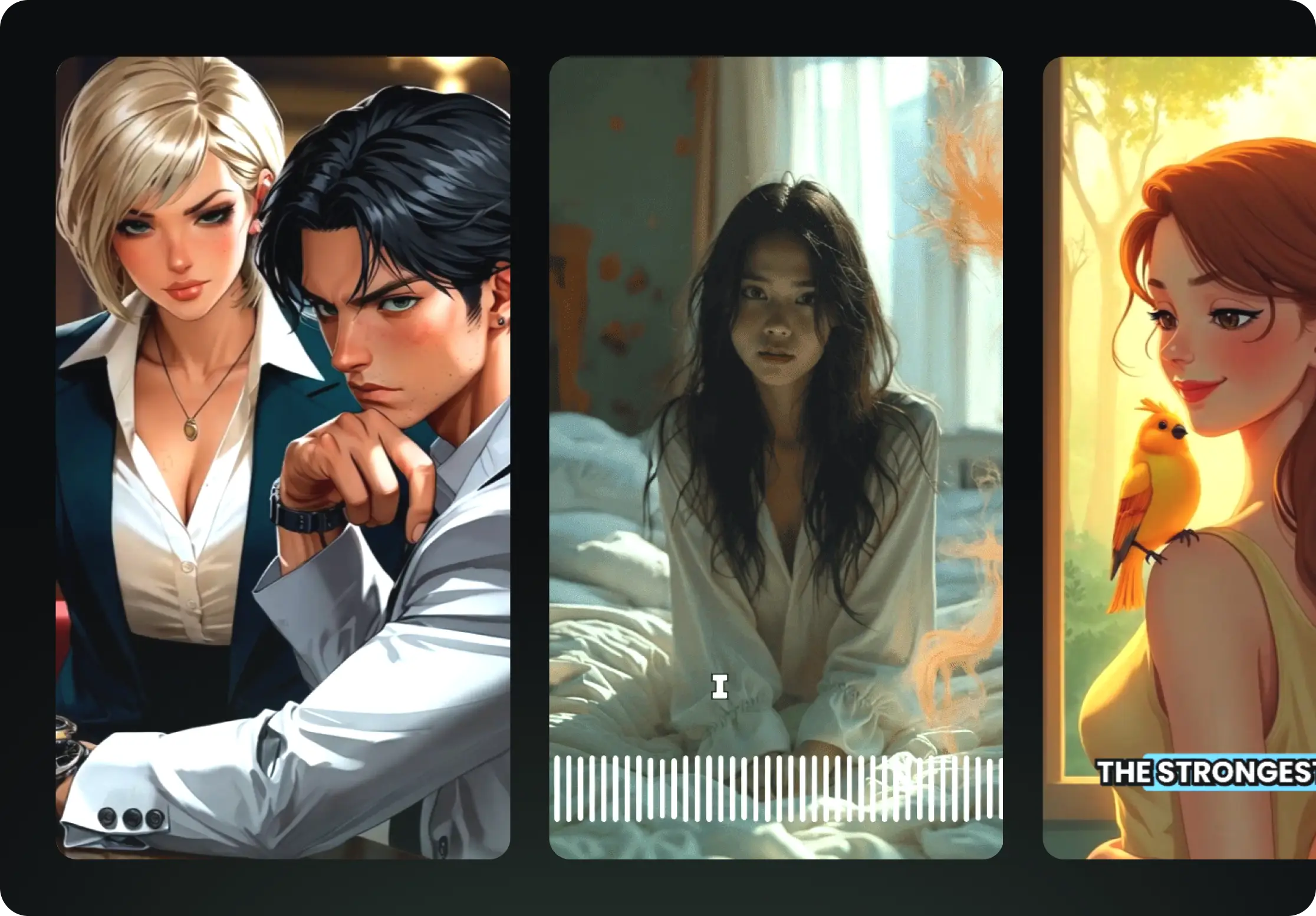
  • Watch your words become a professional video
  • Set up automatic video creation from your content
Videos You'd LOVE to Watch
4

Publish on TikTok, YouTube, Instagram and more...

Reach a wider audience by sharing your video across your favorite social media platforms
    Publish on TikTok, YouTube, Instagram and more...
    revid.ai logo

    Your shortcut to effortless video storytelling.