Newsletter to Video Converter

Convert email newsletters into engaging video content automatically. Paste your newsletter and our AI creates scripts, voiceovers, visuals and editing. Perfect for repurposing newsletter content into social media videos.

Related tools you might like:

1,730 people used this tool in the last 24h

Start for free.(no credit card required)

or explore our 42+ other tools to create the exact video you want

Explore our tools

Convert Newsletters into Engaging Videos in 4 Steps

1 Import Newsletter Content

getting started is easy. Simply paste the URL of your newsletter (Substack, Beehiiv, LinkedIn, website archive) into the input field. Alternatively, you can copy and paste the raw text of your email directly. This serves as the foundation for your new video content.

2 Customize Summarization & Script

Decide how you want your content handled. You can choose to 'Summarize' long newsletters into punchy scripts, 'Summarize if long', or 'Keep as is' for shorter updates. You can even provide a specific 'Scraping Prompt' (e.g., 'Make it funny' or 'Explain like I'm 5') to tailor the tone of the AI-generated script.

3 Select Visual & Audio Style

Choose how to illustrate your video. Select 'Scraped media' to use images directly from your newsletter, mix them with 'Stock videos', or use 'AI-generated visuals' for a unique look. Pick a target duration and an AI voice that matches your brand's personality.

4 Generate and Refine

Click 'Generate Video' and let our AI transform your text into a fully edited video with voiceovers, subtitles, and transitions. Once done, use our integrated editor to tweak clips, adjust the script, or change the music before downloading for TikTok, YouTube Shorts, or Instagram Reels.

Example Videos

See What You Can Create with Newsletter to Video Converter

Explore different styles and possibilities with our Newsletter to Video Converter

Newsletter to Video for Content Creators

Convert email newsletters into viral video content with our newsletter to video converter. Automatically transform your newsletter content into engaging videos with AI narration, dynamic visuals, and social media optimization for TikTok, Instagram Reels, and YouTube Shorts.

  • Newsletter to video conversion in one click
  • Transform email content into social media videos
  • AI-generated narration and engaging visuals
  • Optimized for TikTok, Instagram, and YouTube
Newsletter to Video for Content Creators

Newsletter to Video Marketing for Business Growth

Turn newsletter content into powerful video marketing assets with our newsletter to video converter. Perfect for marketers, businesses, and creators looking to amplify their email newsletter strategy with video without expensive production or editing software.

  • Newsletter to video for content marketing strategy
  • Professional video from email newsletters instantly
  • Amplify newsletter reach and engagement
  • Cost-effective video marketing solution
Newsletter to Video Marketing for Business Growth

Repurpose Newsletter Content into Videos Automatically

Maximize your newsletter's reach with our newsletter to video generator. Paste your email newsletter content and watch as AI transforms it into shareable video stories with professional voiceover, eye-catching visuals, and perfect pacing for maximum engagement.

  • Automated newsletter to video repurposing
  • Extend email newsletter reach across video platforms
  • Professional voiceover and visual storytelling
  • No video editing skills required
Repurpose Newsletter Content into Videos Automatically
Tools

Free AI Video Tools

Pick the right tool, provide your input, and you'll create a video in no time - customize it however you want.

AI TikTok Video Generator

Turn text into trendy, viral TikTok videos in a snap

Try it out

Add Caption to Video

Generate subtitles in 100+ languages with AI captions

Try it out

PDF to Brainrot

Convert PDFs into attention-grabbing, scrollable videos

Try it out

Text to Brainrot

Turn your text into trendy, scrollable content with dynamic visuals

Try it out

AI Talking Avatar

Create lifelike talking avatars from text in seconds

Try it out

Video Podcast Generator

Transform your podcasts into visually engaging video content

Try it out

AI Movie Maker

Create studio-quality videos from text, no filming required

Try it out

Audio to Video

Make engaging videos from your podcasts, interviews, or any audio content

Try it out

AI Music Video Generator

Transform your music into cinematic music videos.

Try it out

AI Lyrics Video Generator

Transform your lyrics into a complete music video with AI

Try it out

Instrumental Music Visualizer

Transform your instrumental music into videos.

Try it out

Prompt to Video

Turn your prompts into engaging videos with AI assistance

Try it out
See all tools
How it works

Four Easy Steps To Create & Share Your Story

1

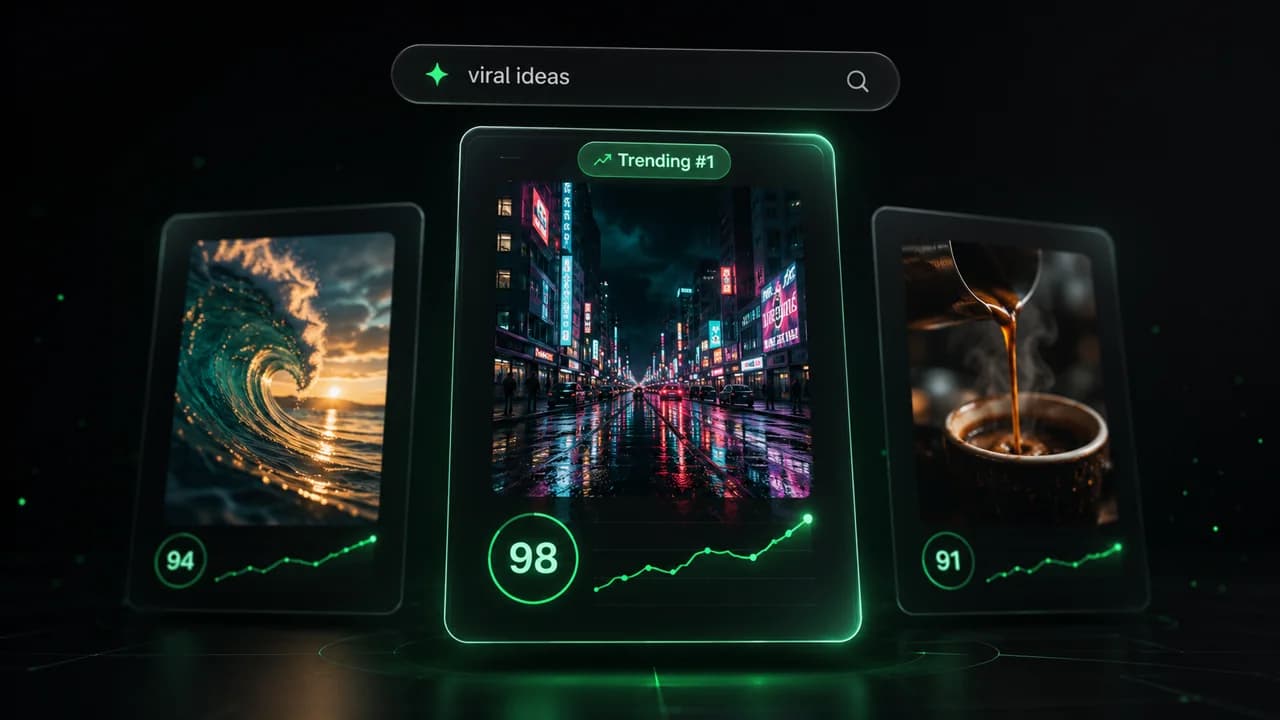
Get inspired by viral content

Looking for story ideas? Our AI finds trending content and helps you remake it into your very own videos - no more trial and error.

  • See what types of stories are working right now
  • Get inspiration from successful creators
  • Turn your ideas into stories people want to hear
Get inspired by viral content
2

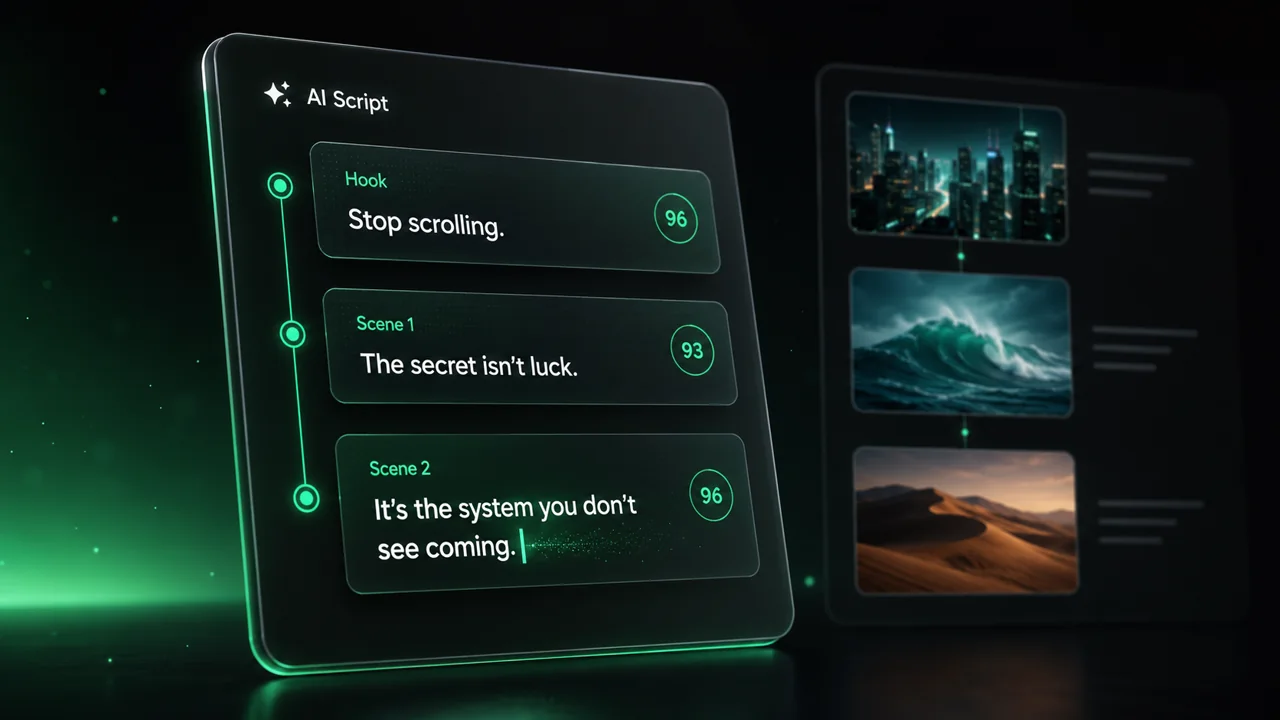
Storytelling to Hook your Audience

Revid.ai understands what makes videos go viral and uses the same proven methods to write scripts for you.

  • Write your script or tell our AI what you want to talk about
  • The AI will find relevant content to get inspired by
  • Drop any link and it will be automatically parsed and formatted for a video
Storytelling to Hook your Audience
3

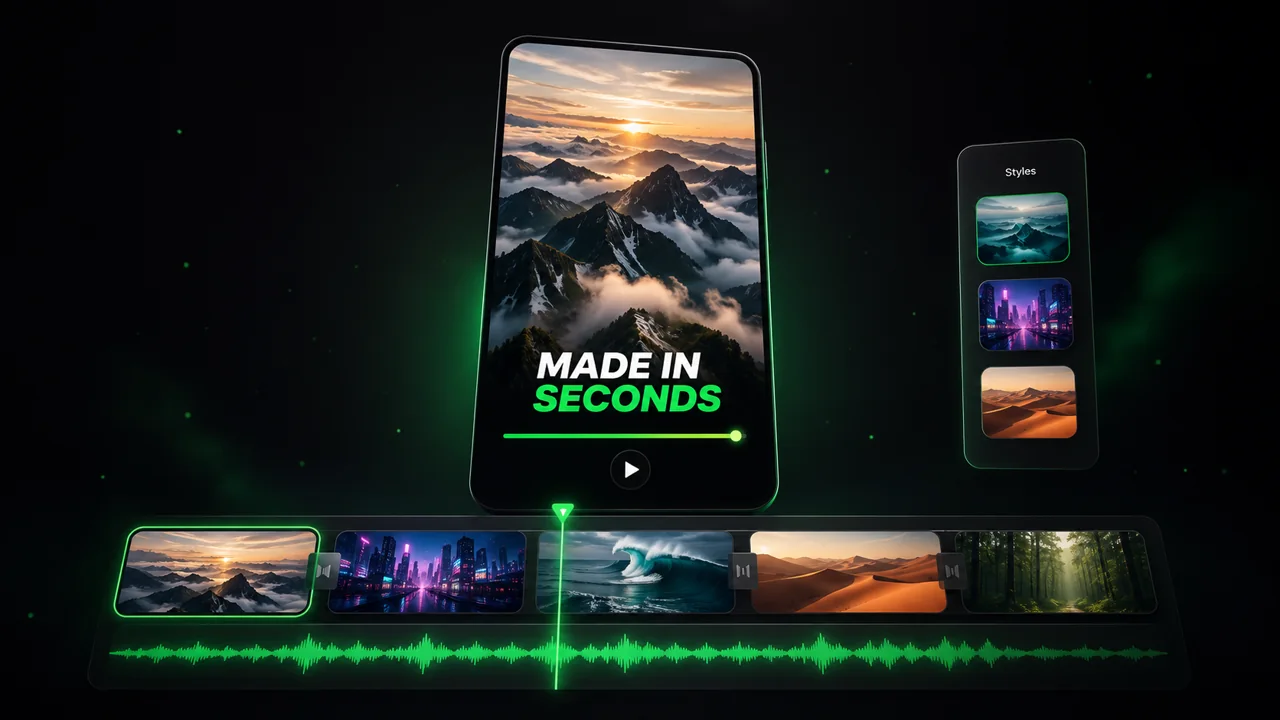
Videos You'd LOVE to Watch

Create perfect videos, share instantly, and grow your business.

  • Watch your words become a professional video
  • Set up automatic video creation from your content
Videos You'd LOVE to Watch
4

Publish on TikTok, YouTube, Instagram and more...

Reach a wider audience by sharing your video across your favorite social media platforms

    Publish on TikTok, YouTube, Instagram and more...
    revid.ai logo

    Your shortcut to effortless video storytelling.

    FAQs

    Frequently Asked Questions

    What is the Newsletter to Video Converter?
    The Newsletter to Video Converter is an AI-powered tool designed to repurpose your written email content into engaging short-form videos. It automatically analyzes your newsletter, writes a script (or summarizes the content), selects relevant visuals (from the newsletter itself, stock footage, or AI generation), adds a professional voiceover, and edits it all together. It's the fastest way to turn Substack posts, company updates, or marketing emails into viral content for social media.
    How does the 'Scraped Media' feature work?
    One of the unique features of our tool is the ability to use the actual images from your newsletter in the video. When you select 'Scraped media' or 'Scraped + Stock' in the media type options, our AI scans the URL you provided, extracts the relevant images, and incorporates them into the video timeline. This ensures your video visually aligns perfectly with the original email content.
    Can I summarize long newsletters into short videos?
    Absolutely! We know newsletters can be long reads. Our tool offers a 'Summarize' preference where the AI condenses your detailed email into a concise, engaging video script. You can even set a 'Target Duration' (e.g., 30 seconds or 60 seconds) to ensure the output fits the fast-paced nature of platforms like TikTok and Instagram Reels.
    What if I want to control the tone of the video?
    You have full control over the narrative style. Using the 'Scraping Prompt' field, you can give the AI specific instructions on how to process your content. For example, you can type 'Focus on the top 3 takeaways,' 'Make the tone sarcastic and funny,' or 'Create a professional executive summary.' The AI will generate the script based on these directions.
    Can I use this for any type of newsletter?
    Yes! Whether you run a personal Substack, a corporate Beehiiv newsletter, a LinkedIn newsletter, or a traditional email marketing campaign, our tool works for all of them. As long as you have a public URL or the text content, Revid AI can convert that newsletter into a video.
    What visuals will be used if my newsletter has no images?
    If your newsletter is text-heavy, you have several great options. You can select 'Stock videos' to have the AI match your text with high-quality royalty-free footage. Alternatively, you can choose 'Moving AI images' or 'AI video' to have our generative AI create unique, context-aware visuals from scratch based on the topics discussed in your newsletter.
    How much does it cost to convert a newsletter to video?
    The cost is based on a credit system. Generating a standard video costs a base amount of credits depending on the length and features used (like AI video generation vs. stock footage). Free users get a starter allowance of credits, while our paid plans offer monthly credit allocations suitable for frequent content creators. Check our pricing page for the most current rates.
    Can I edit the video after the AI creates it?
    Yes, the AI gives you a 90% finished product, and you can polish the rest. After generation, you enter our full-featured video editor where you can change the text overlays, swap out images or video clips, adjust the background music, and trim the timeline to perfection before exporting.
    Why should I repurpose my newsletter into video?
    Repurposing content is key to growth. While newsletters engage your reading audience, short-form video captures a completely different audience on platforms like TikTok and YouTube Shorts. By converting your newsletter to video, you double your content's reach with minimal extra effort, driving more traffic back to your subscription page.
    Does the tool support different languages?
    Yes, Revid AI supports multiple languages for both input and voiceover output. You can paste a newsletter in one language and generate a video with a voiceover in that same language. We offer a wide range of high-quality AI voices in various accents and languages to suit your global audience.
    View Complete Help Center

    Find detailed answers to 100+ questions about features, tools, and workflows

    or check our markdown version optimized for LLMs