On this page
The best AI video editor depends on what you start with. To edit footage you filmed, use Descript or VEED; to generate finished short-form videos from an idea, script or link, use Revid; for a talking presenter, use Synthesia or HeyGen; for cinematic AI clips, use Runway.
The most common mistake is buying the wrong kind of tool. "AI video editor" covers three different products (editors for your own footage, generators that make videos from text, and avatar platforms), and paid plans in this list run from about $10 to $39 a month. Pay for a clip generator when you needed captions on a podcast, and you will spend that money re-prompting instead of publishing.
The 10 best AI video editors in 2026, compared
| Tool | Type | Best for | Free option | Paid from |
|---|---|---|---|---|
| Revid | AI video generator with timeline editor | Short-form videos from an idea, link or viral format, published to TikTok, Instagram and YouTube | Free sign-up with free credits to try video creation | $39/month ($32 billed yearly) |
| Runway | AI clip generator | Cinematic shots, camera moves, object removal | 125 one-time credits, watermarked | $15/month |
| VEED | Browser editor | Subtitles, translation, editing filmed footage | Watermark, 720p export | Roughly $10 to $24/month |
| Descript | Text-based editor | Podcasts and talking-head videos | 60 media minutes/month, 720p | $24/month ($16 billed yearly) |
| Synthesia | Avatar platform | Corporate training and internal comms | Up to 10 minutes/month | $29/month |
| Pictory | Text and URL to video | Turning blog posts into stock-footage videos | Free trial, no permanent free tier | $29/month |
| Kapwing | Browser editor | Team editing, subtitles, resizing | Free tier with watermark | See kapwing.com |
| InVideo | Prompt-to-video agent | Editing by typing commands | Watermark, weekly limits | $20/month per seat |
| Elai.io | Avatar platform | Presenter-led training videos | See elai.io | See elai.io |
| HeyGen | Avatar platform | Realistic avatars and video translation | 3 watermarked videos/month, up to 1 minute | $29/month ($24 billed yearly) |
Prices and free plans change often. Check each tool's pricing page before you subscribe.
1. Revid: best for short-form videos from an idea, a link or a viral format
Revid is an AI video platform that turns an idea, a link or a proven viral format into finished short-form videos and publishes them to TikTok, Instagram and YouTube. You don't need footage: the AI writes the script, builds scene-by-scene visuals (stock footage, AI images, AI video or motion graphics), adds a voice-over, synced captions and music, then gives you a full timeline editor to change anything.
The difference is where a video starts. Revid includes a searchable library of about 2.77 million real short-form videos and posts with their public engagement data, so instead of a blank prompt you can start from a format audiences already watch and turn it into an original video on your topic. A free Deep analysis (up to 60 a day) explains why any video worked: the hook, the timed structure, the scroll-stopping moment and a checklist to replicate it.
Revid features
- Ways to create: script, prompt, a blog post or article, a YouTube video cut into Shorts, audio, a song, talking avatars, face swap and ads. 100+ specialized tools in total.
- AI video models: Seedance 2.5, MiniMax Hailuo H3, Wan 3.0 and Google Veo 3, plus lower-cost tiers, chosen per scene, up to native 4K.
- Voices and captions: 1,000+ AI voices in 70+ languages, voice cloning on Elite and above, 30 caption styles and automatic captions in 100+ languages.
- Editing and export: a full timeline editor; export in 720p, 1080p or 4K at 30 or 60 fps.
- Publishing and automation: direct publishing and scheduling to TikTok, Instagram and YouTube from one queue, Auto-Mode workers that create a fresh video every day, and the API, MCP server and CLI on every paid plan.
Prompt to try
Make a 30-second vertical video on why most people quit the gym in February. Open with the hook "80% of New Year gym goers are gone by week six, here's why." Use fast-cut AI visuals, an energetic voice-over and bold synced captions, and end with one simple tip to stay consistent.
How to make a video with Revid
- Open the AI video generator and paste an idea, a script or a link, or pick a high-engagement video from the library as a reference.
- Choose the visual style: stock footage, AI images or AI video, and the model for each scene if you want control.
- Pick a voice and a caption style.
- Review the timeline and fix any scene, line or timing by hand.
- Export, or publish and schedule straight to your accounts. Revid then reports each post's views, likes and comments, and you can remix any post that did well.
Revid pricing and free plan
Sign-up is free, no credit card needed, and new accounts get free credits to try video creation. A free account can also search the viral video library. Regular creation then uses the monthly credits of a paid plan:
| Plan | Monthly | Billed yearly | Credits/month | Notable extras |
|---|---|---|---|---|
| Growth | $39 | $32/month | 2,000 | API, MCP, CLI, 3 Auto-Mode workers, 5 watched channels |
| Elite | $89 | $74/month | 5,000 | Voice cloning, 5 Auto-Mode workers, 20 watched channels |
| Ultra | $199 | $166/month | 12,000 | 10 Auto-Mode workers, 50 watched channels |
As a guide, a 30-second video with Pro AI visuals and a voice-over costs about 40 to 80 credits, and you can estimate any video's cost before generating it. The live Revid pricing page is the authoritative source.
Where Revid is not the right pick
Revid is less suited to long-form or cinematic film work where every shot is cut by hand, to editing only your own footage with no AI generation (a classic editor such as CapCut fits better), and to anyone expecting unlimited free generation. For a full walkthrough of the interface, see our complete Revid AI guide.
Revid vs HeyGen
HeyGen is the better choice when the video is a realistic presenter: its avatars, digital twins and lip-synced translation are its core. Revid is the better choice when you need complete short-form videos with generated scenes, captions, music and direct publishing, in formats beyond a talking head. The fact-checked Revid vs HeyGen comparison goes feature by feature.
2. Runway: best for cinematic AI clips
Runway is a model lab first and an editor second. Its Gen-4.5 model has some of the highest-rated generation quality available, and it gives shot-level control: camera moves, relighting and object removal with Aleph, plus native audio and motion transfer. Developers get an API and an MCP server.
- Free: 125 one-time credits (not monthly), watermarked, select models only.
- Paid: from $15/month.
- Limit: Runway produces clips. The script, voice, captions, assembly and publishing are up to you.
If you want finished vertical videos rather than individual shots, the Revid vs Runway comparison shows where each fits.
3. VEED: best browser editor for subtitles and filmed footage
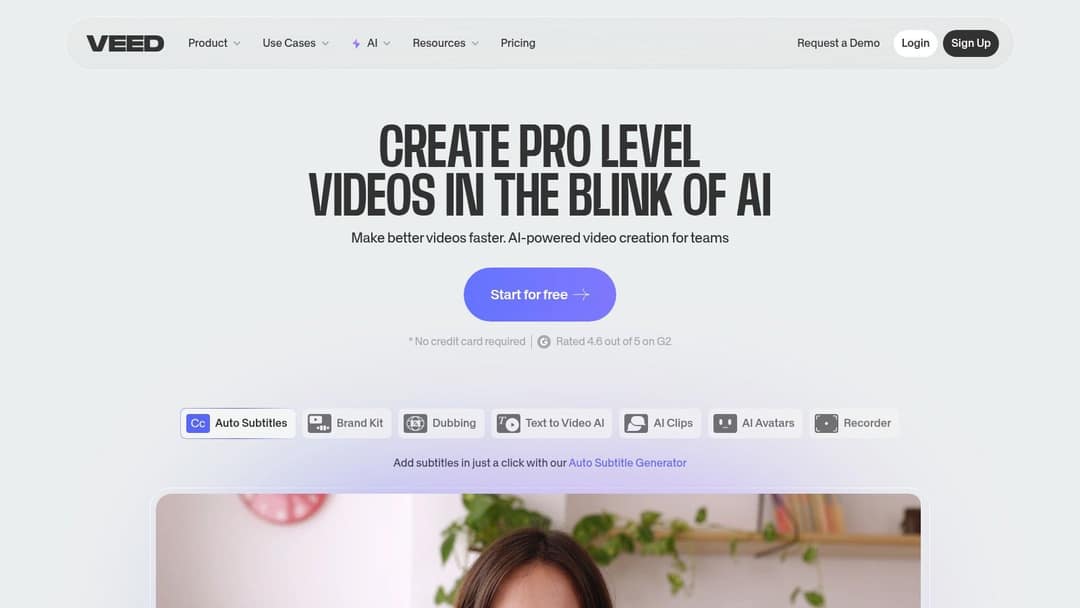
VEED is a full manual editing toolbox in the browser: a multi-track timeline, screen recording and brand kits, with some of the best-known auto-subtitles and translation in the category. AI extras include dubbing, eye-contact correction, 30+ stock avatar presenters and AI clip generation inside the editor.
- Free: a plan with a "Made with VEED" watermark, 720p export and limited AI trials.
- Paid: roughly $10 to $24/month to start.
- Limit: fewer advanced controls than desktop software like DaVinci Resolve or Adobe Premiere Pro, and speed depends on your connection.
Pick VEED if you film your own videos and want captions, translation and quick cuts without installing anything.
4. Descript: best for podcasts and talking-head videos
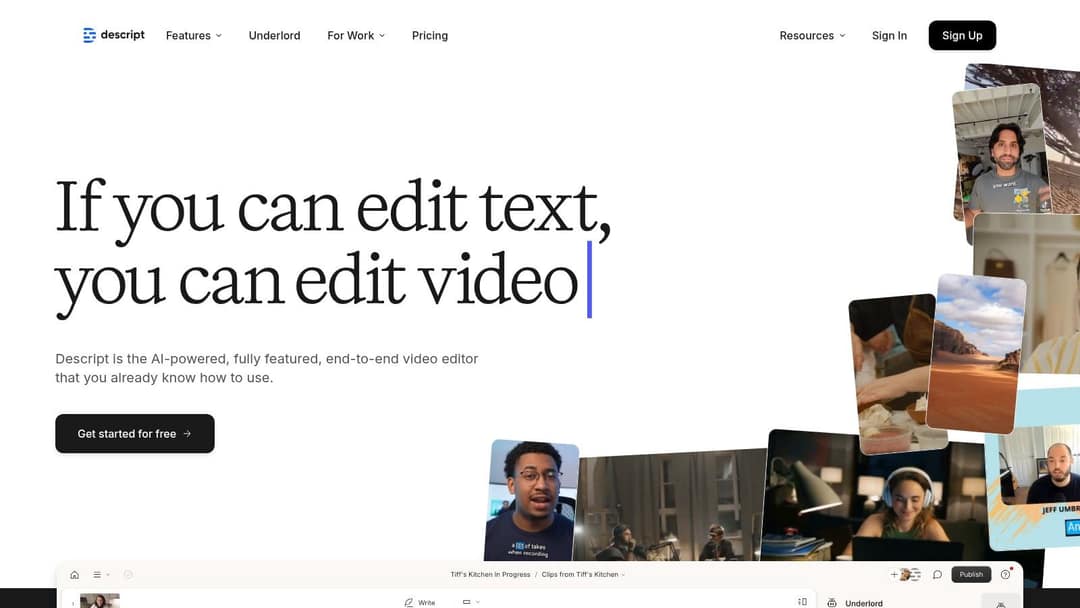
Descript lets you edit a video by editing its transcript: delete a sentence and the matching audio and video go with it. Studio Sound cleans up audio, filler-word removal strips the "um"s in one click, Underlord works as an AI co-editor, and Create Clips cuts long recordings into shorter ones. Teams get Brand Studio, SOC 2 Type II and SSO.
- Free: 60 media minutes a month, 100 one-time AI credits, 720p export; watermark-free export starts on paid plans.
- Paid: $24/month, or $16/month billed annually.
- Limit: built for spoken content. For effects-heavy work, a traditional editor such as Final Cut Pro or Premiere Pro gives more visual control.
5. Synthesia: best for corporate training with AI presenters
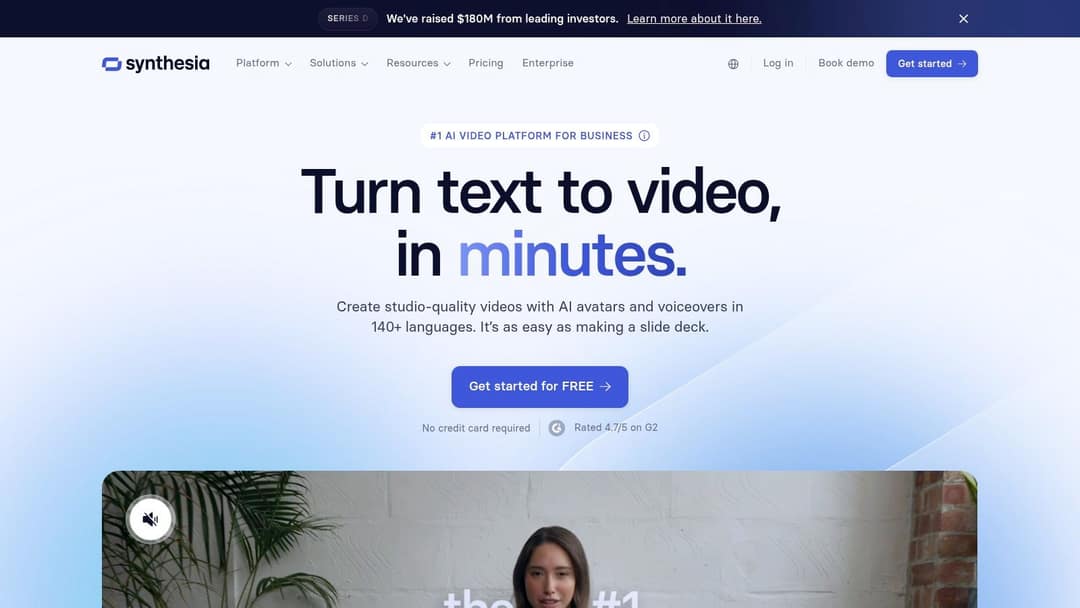
Synthesia is built for training and internal communications at enterprise scale. You write a script, pick an avatar presenter (Express-2 avatars use full-body gestures) and get a video in 140+ languages through a slide-based workflow L&D teams already know. SCORM and LMS export, SSO and governance features make it a fit for large companies, and updating a video when a policy changes means re-rendering, not re-shooting.
- Free: up to 10 minutes of video a month with 9 stock avatars; logo removal is paid.
- Paid: from $29/month.
- Limit: a presenter on a background is not what performs in a TikTok or Reels feed. For social video, see the Revid vs Synthesia comparison.
D-ID is another option for avatar-based videos if you mainly need a talking presenter.
6. Pictory: best for turning articles into stock-footage videos
Pictory turns blog posts, scripts and URLs into videos at volume, matching your text with a 12M+ licensed stock library from Getty Images and Storyblocks. It also auto-clips highlights out of Zoom, Teams and webinar recordings, offers ElevenLabs voices on premium plans and has an enterprise REST API and MCP server.
- Free: a free trial on all plans, no permanent free tier.
- Paid: from $29/month.
- Limit: the stock-footage look is shared by many videos built the same way. If you want AI-generated scenes and vertical-first output instead, the Revid vs Pictory comparison covers the differences.
Lumen5 and Steve.AI work in a similar text-to-video way and are worth a look if Pictory's style doesn't suit you.
7. Kapwing: best for collaborative editing in the browser
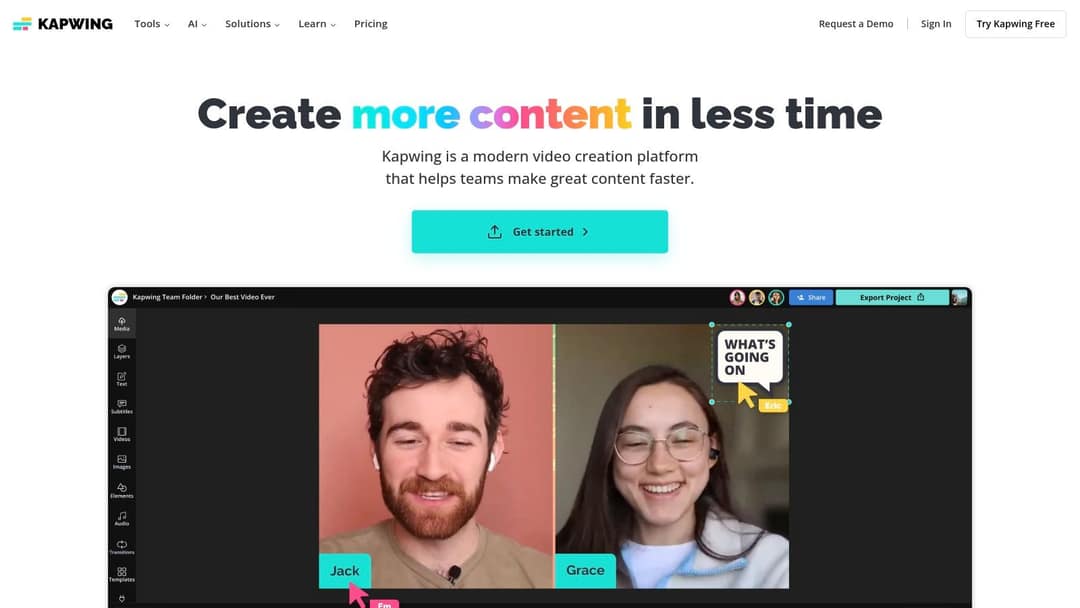
Kapwing is a browser-based editor designed for teams working on the same project. Its AI tools cover automatic subtitles and transcription, text-to-speech, background removal and one-click resizing, so a single edit can go out to YouTube, Instagram and Facebook in the right shape. Templates help beginners start fast.
The free tier adds a watermark to exports; paid plans remove it. Prices change, so check Kapwing's site for current plans.
If you are evaluating Kapwing for AI avatars or a virtual presenter: Kapwing is an editor first. Check its current AI feature list, and compare it with a platform built for presenters (Synthesia, HeyGen or Elai.io) before you commit.
8. InVideo: best for editing by typing commands
InVideo works through a chat-style agent: you describe the video, then edit it by typing commands instead of dragging clips on a timeline. Paid plans include a 16M+ stock library with metered iStock assets, access to several third-party generation models, and AI avatars and voice clones from the entry tier.
- Free: a plan with a watermark and weekly generation limits.
- Paid: from $20/month per seat on Starter.
- Limit: without a real timeline, fixing one scene often means re-prompting. The Revid vs InVideo comparison explains the trade-off.
9. Elai.io: best for presenter-led learning videos
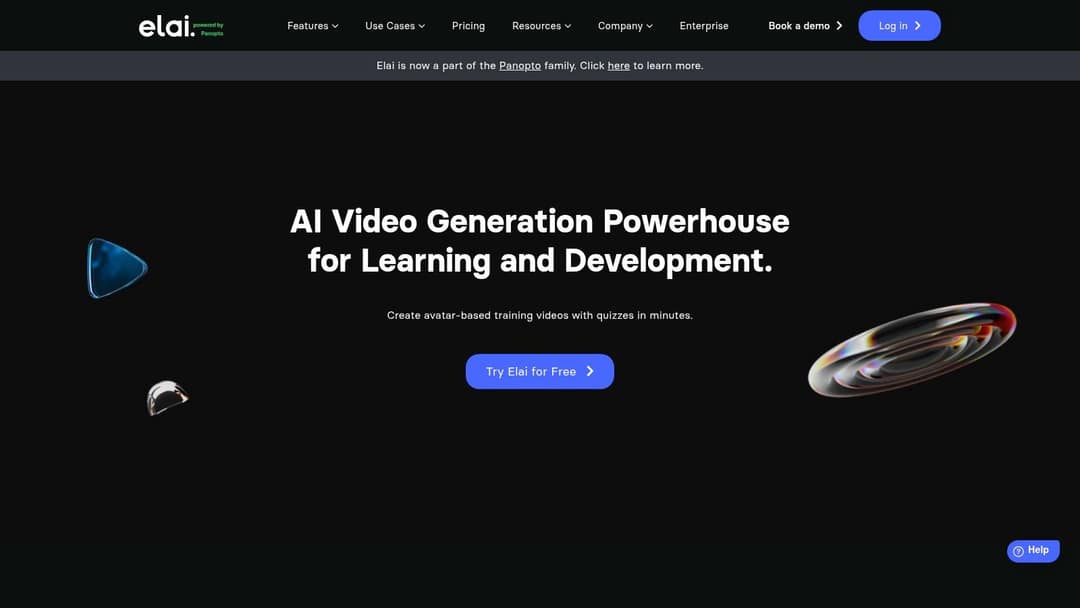
Elai.io generates presenter-led videos from text: paste a script, choose a digital avatar, add slides, images and a background, and render. Its homepage positions it for learning and development, with avatar-based training videos and quizzes. Updating content is simple because you edit the script and regenerate.
Pricing is tiered by video minutes and features; check Elai's site for current plans. Like every avatar tool, it suits explainers and training better than quick-cut social video.
10. HeyGen: best for realistic avatars and video translation
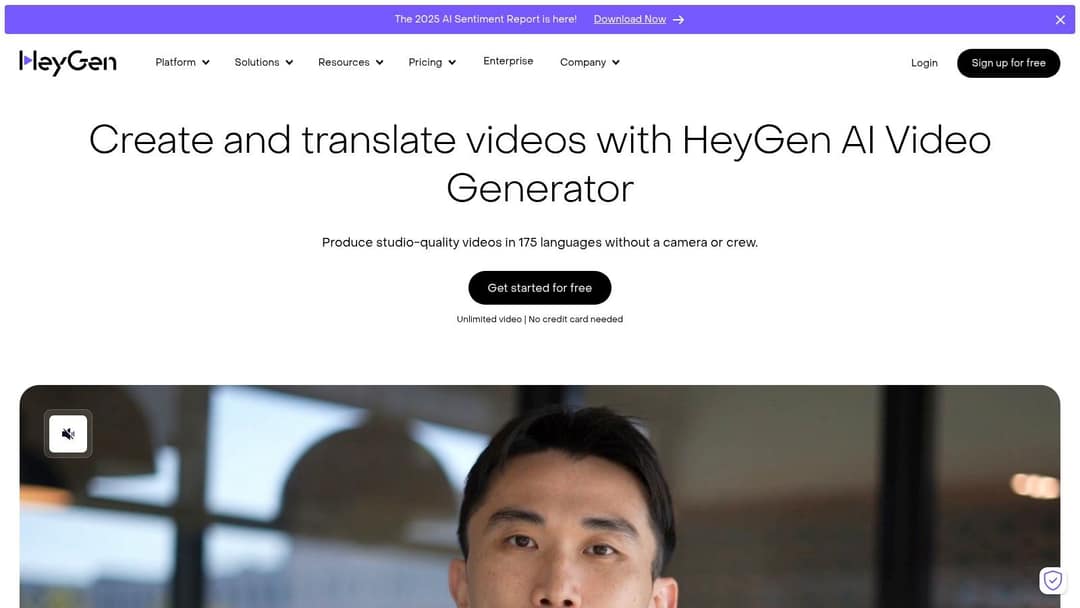
HeyGen has some of the most realistic avatars and digital twins available, plus video translation with lip sync across 175+ languages and real-time interactive avatars (LiveAvatar). It was rated 4.8/5 on G2 in Summer 2026.
- Free: 3 watermarked videos a month, up to 1 minute each.
- Paid: from $29/month Creator ($24 billed yearly).
- Limit: you get a presenter, not a full short-form video with generated scenes, music and scheduled publishing.
Which AI video editors are free and web-based?
Every tool in this list runs in a web browser, but "free" means very different things:
- Free to edit your own footage: VEED (watermark, 720p), Descript (60 media minutes a month, 720p) and Kapwing (watermark) are the strongest free browser editors. Clipchamp is another browser editor with a free plan, and Canva's free plan includes 1.6 million+ templates. On a phone, InShot covers quick edits.
- Free to try AI generation: Runway gives 125 one-time credits, HeyGen 3 short watermarked videos a month, Synthesia up to 10 minutes a month, and InVideo a watermarked plan with weekly limits.
- Free research, paid creation: a free Revid account can search the 2.77 million-video library and run Deep analysis on up to 60 videos a day; making videos uses paid credits.
Decision rule: if a watermark is acceptable while you test, start free. If you post for a business account, budget for a paid plan from day one, because watermarked or 720p exports look out of place in a feed.
Which AI video editor is best for YouTube?
Match the tool to the format you publish:
- Long videos you record yourself: Descript, for transcript editing and Studio Sound, or a professional editor if you cut every shot by hand.
- Shorts cut from your long videos: Revid's YouTube clip maker turns a YouTube link into short vertical clips; dedicated clipping tools such as OpusClip do the same job if clipping is all you need.
- Shorts made from scratch, with or without your face: Revid, which writes, voices, captions and publishes the Short for you.
- Explainers with a presenter: HeyGen or Synthesia.
How to test an AI video editor before you pay
- Use one real project. Take a 60-second video you actually need and run it through two or three tools from the table.
- Check the export. Look for watermarks, the maximum resolution on your plan and whether vertical 9:16 output is native.
- Read the captions. Auto-captions save hours only if you don't have to retype them.
- Time the fix. Change one scene or line. A tool with a real timeline fixes it in seconds; a prompt-only tool may need a full regeneration.
- Count the steps to publish. If you post daily, direct publishing and scheduling matter more than any single effect.
FAQ
Is Revid AI safe?
Yes. Revid is an independent software company based in Paris (operated by TMAKER), founded in 2023 as Typeframes and renamed Revid in April 2024, with more than 3,000,000 sign-ups between August 2024 and July 2026. It runs in the browser with nothing to install, and it is not affiliated with other apps that use the name Revid.
Is Revid AI good?
It is strong at one job: turning an idea, a link or a viral reference into finished short-form videos and publishing them to TikTok, Instagram and YouTube. For hand-editing long recordings or film projects, a dedicated editor is the better fit.
Does Revid have a free plan?
Sign-up is free, and a free account can search the viral video library and run Deep analysis on up to 60 videos a day. New accounts also get free credits to try video creation, no credit card needed. Regular creation then uses the credits of a paid plan, starting at $39/month.
Can an AI video editor replace Premiere Pro or DaVinci Resolve?
For short-form social video, captions and spoken-word editing, often yes. For long-form or cinematic work where every shot is cut by hand, keep a professional editor and use AI tools for subtitles, audio cleanup and clips.
Do I have to label AI-generated videos?
On YouTube and TikTok you must label realistic AI-generated content; YouTube does not require it for AI-written scripts, captions or non-realistic visuals. Both platforms say the label alone does not reduce a video's reach.