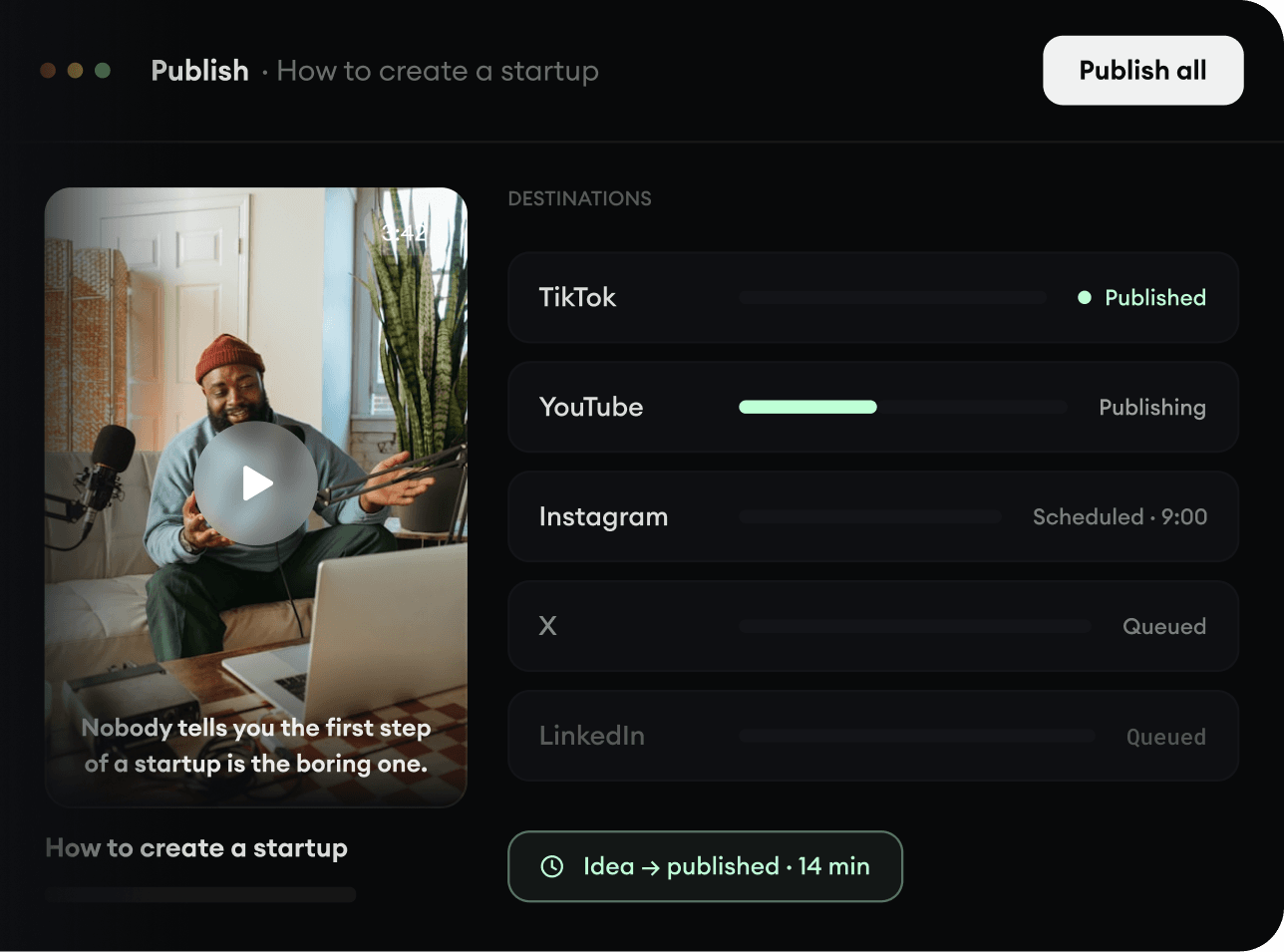
374 people used this tool in the last 24h

or explore our 42+ other tools to create the exact video you want
Explore our tools
Upload a talking video or paste a link, and it comes back edited: your key lines become motion graphics in the room behind you, the camera punches in on the lines that matter, and the captions step aside for them. Uses 100 credits, plus 20 per 30 seconds of video to cut you out, on videos up to 2 minutes.
Upload a talking video or paste a link and get it back edited: motion graphics behind you, camera punch-ins and captions.
or explore our 42+ other tools to create the exact video you want
Explore our toolsStart to auto edit video by uploading your raw footage or pasting a direct link from YouTube, TikTok, or Instagram. This tool is perfect for talking head videos, podcast clips, and interviews where a speaker is addressing the camera.
Select the specific part of the video you want to auto edit using the trim feature (keep it to 2 minutes or less to enable background motion graphics). You can also toggle the auto-reframe option if you need to crop the video to fit a specific ratio, like 9:16 for social media.
Hit generate and watch our AI auto edit video software transform your footage. It will automatically cut you out to add dynamic motion graphics behind you, apply camera punch-ins on key lines, and generate highly accurate auto captions.
Discover more ways to create engaging videos with our AI-powered tools
Find detailed answers to 100+ questions about features, tools, and workflows
or check our markdown version optimized for LLMs
Choose your tool, add your content, and create a video in seconds. Then customize it to your liking.
Turn your prompts into engaging videos with AI assistance
Create studio-quality videos from text, no filming required
Turn any song into an animated lyric video with synced text and visuals.
RevidAI's Viral Search and Channel Watcher surface the formats, creators, and trends getting attention right now, then help you turn them into ideas of your own.
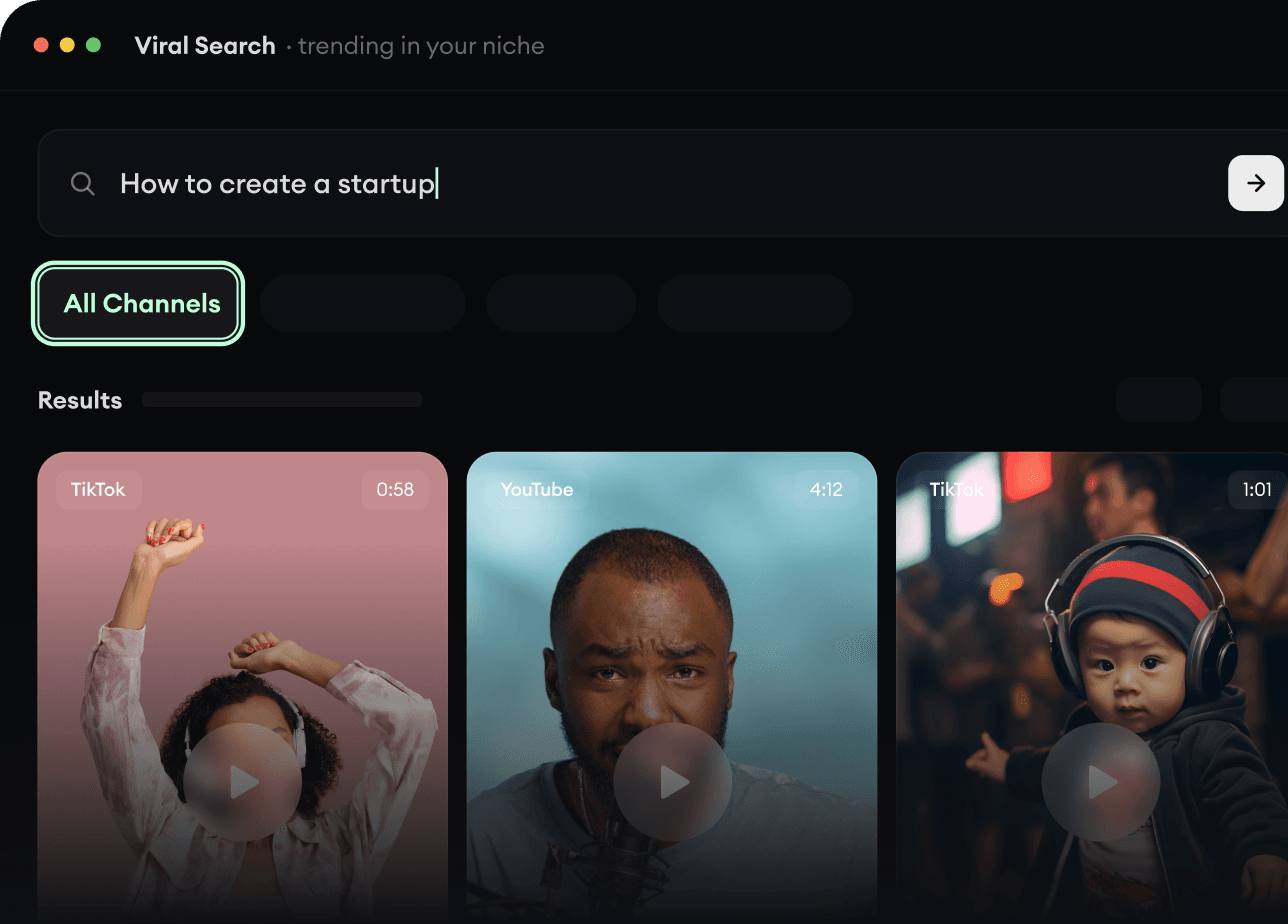
Found something worth making? Revid AI writes the script, suggests the structure, and turns links, prompts, or topics into complete video concepts.
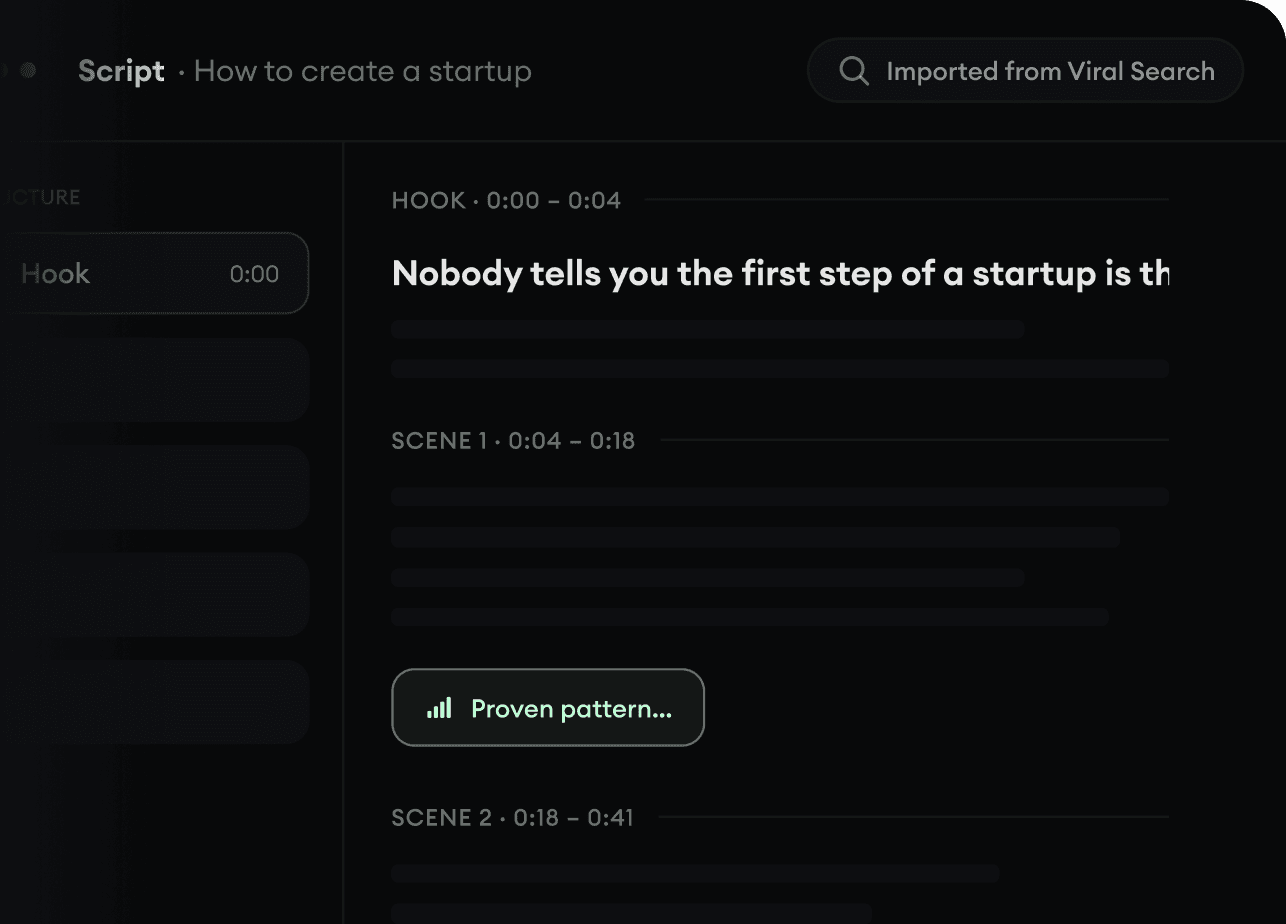
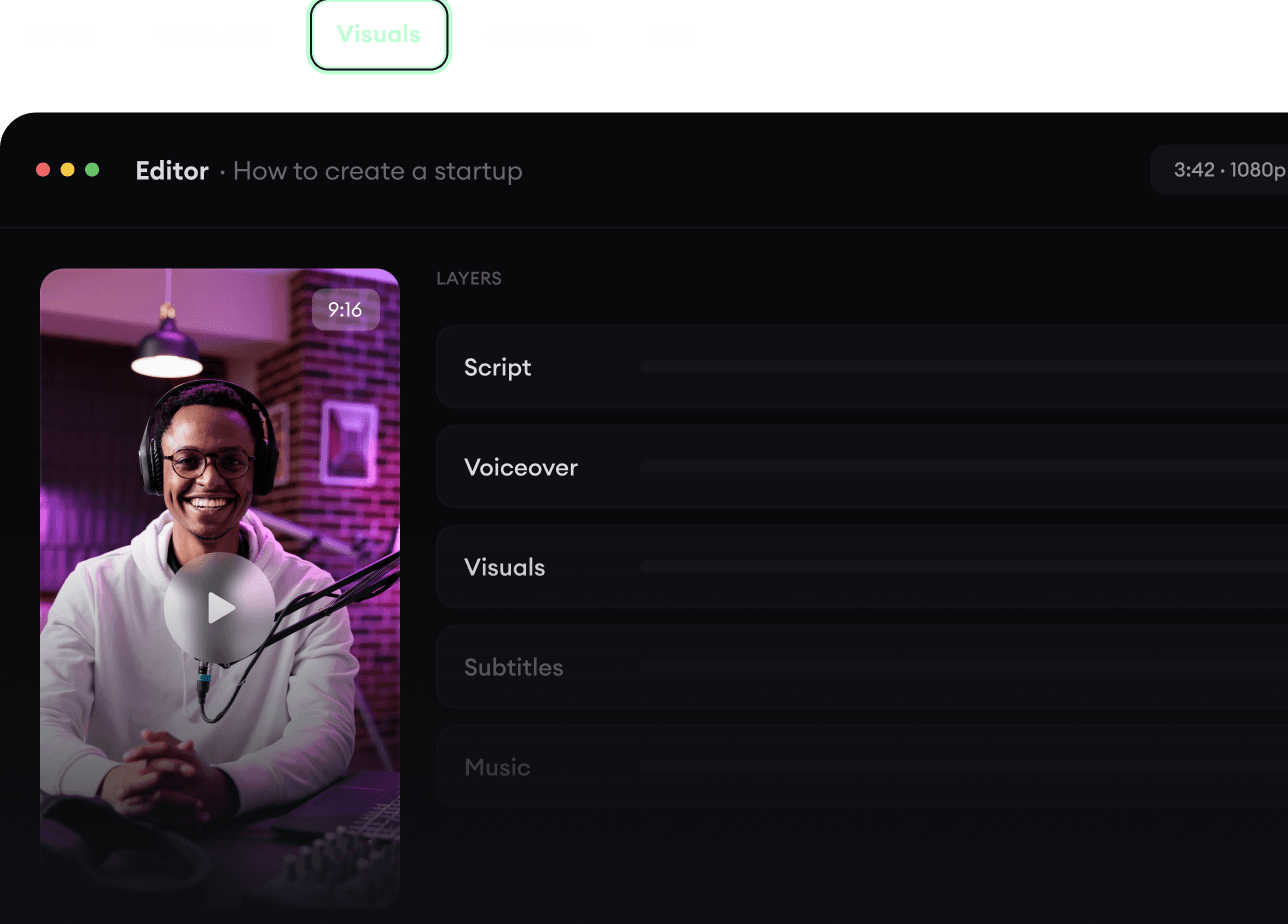
Script, voiceover, visuals, subtitles, and editing all come together in one workflow. No stitching together five different tools.
Share your videos to TikTok, YouTube, Instagram, and wherever your audience is.