On this page
The best AI video editing tools in 2026 depend on what you start with. Descript edits recorded talk through its transcript, Runway generates and alters shots, and Pictory turns articles and recordings into videos. Revid turns a script, a link or a talking clip into a captioned short that is ready to post. Veed and Kapwing handle quick browser edits with auto-subtitles.
AI editing is now a mainstream habit. In Wyzowl's 2026 survey, 63% of video marketers said they had used AI video tools to create or edit marketing videos, up from 51% a year earlier (sourced on Revid's short-form video statistics page). The costly mistake is choosing by feature list. A timeline editor with AI buttons is useless if you have no footage, and a generator is the wrong buy if your job is cutting a weekly podcast.
Which AI video editor fits what you start with?
Most roundups rank tools by feature count. A better filter is your input: what you have before you open the app decides which kind of tool can help.
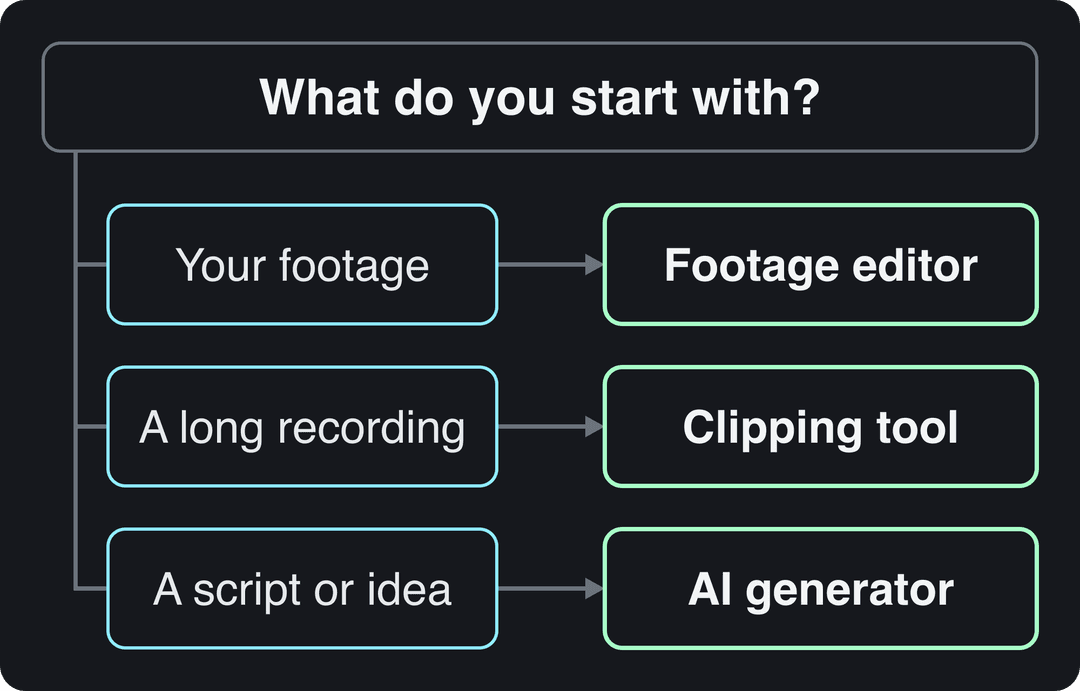
- Footage of people talking (podcasts, tutorials, interviews): a transcript editor. Descript cuts video when you delete words.
- A long recording you want to turn into many clips: a clipping tool such as Pictory or OpusClip.
- Only a script, an article or an idea: a generator. Revid for short-form videos, Synthesia for avatar presenters, InVideo if you prefer to edit by typing instructions.
- A shot that does not exist yet (a camera move, a relit scene, an object removed): Runway.
- Footage you edit by hand, with AI help for subtitles and translation: Veed or Kapwing.
AI video editing tools compared
| Tool | Best for | AI editing features | Free option | Paid plans from |
|---|---|---|---|---|
| Revid | Script, link or talking clip to a finished short | Auto edit, captions in 100+ languages, AI visuals per scene, timeline editor, direct publishing | Free sign-up with free credits to try; regular creation uses paid-plan credits | $39/month |
| Runway | Generating and altering shots | Gen-4.5 generation, relighting and object removal (Aleph), camera moves | 125 one-time credits, watermarked | $15/month |
| Descript | Editing recorded talk | Transcript editing, filler-word removal, Studio Sound, Underlord co-editor | 60 media minutes a month, 720p | $24/month ($16 billed yearly) |
| InVideo | Editing by typed instructions | Chat-style agent, stock library, avatars and voice clones | Watermark, weekly limits | $20/month per seat |
| Synthesia | Avatar training and explainer videos | Avatar presenters, 140+ languages, LMS export | Up to 10 minutes a month | $29/month |
| Pictory | Articles and webinars into videos | Script or URL to video, highlight clipping, licensed stock | Free trial only | $29/month |
| Kapwing | Quick team edits in a browser | AI subtitles, background removal, real-time collaboration | Free tier with watermark | See Kapwing's site |
| Veed | Hand editing with AI subtitles | Auto-subtitles, translation, AI dubbing, eye-contact correction | Watermark, 720p | Roughly $10 to $24/month |
Prices and free plans are as each company listed them when Revid checked in August and September 2026 (Kapwing was not part of that check). Plans change often, so confirm on each pricing page before you pay.
Which AI video editors have free trials and work online?
All eight run in a web browser, and Descript also has desktop apps for Windows and Mac. What differs is how much you can do for free:
- Free plans you can keep using: Descript (60 media minutes a month, 720p, with watermark-free export only on paid plans), Synthesia (up to 10 minutes a month with 9 stock avatars), Veed (720p with a watermark), InVideo (watermark and weekly generation limits) and Kapwing (watermark).
- One-time credits: Runway gives 125 credits once, watermarked and limited to select models.
- Trial only: Pictory offers a free trial on every plan but no permanent free tier.
- Revid: sign-up is free (no credit card needed) and includes free credits to try video creation, the viral video library and up to 60 free Deep analyses a day; regular creation then uses the monthly credits of a paid plan.
Test each candidate on the same short clip from your real work, not a demo file. The tool that needs the fewest manual fixes on your own footage is the one worth paying for.
Which AI video editing tools automate tasks?
| Task | What the AI does | Tools that do it |
|---|---|---|
| Captions | Transcribes speech and syncs styled captions | Revid, Veed, Kapwing, Descript |
| Filler words | Finds and removes filler words from speech | Descript |
| Long video to clips | Picks highlights and reframes them to vertical | Pictory, OpusClip, Revid |
| Talking video to edited short | Cuts the clip and turns key lines into motion graphics | Revid |
| Background and object removal | Isolates or removes elements without a green screen | Runway, Kapwing |
| Voiceover and dubbing | Generates or replaces narration, including other languages | Revid, Veed, Synthesia |
| Script to video | Builds scenes, voice and captions from text | Revid, Synthesia, Pictory, InVideo |
| Publishing | Posts or schedules to social accounts | Revid, Submagic, OpusClip |
How do you re-edit a video with AI?
Re-editing means taking a video you already have and changing it: tighter cuts, new captions, a vertical version, a new voice or another language. AI handles most of it in this order:
- Cut by transcript. Delete filler words, retakes and dead air in a transcript editor, or let an auto-editor trim the clip for you.
- Recaption. Generate fresh captions instead of keeping text burned into the old version.
- Reframe. Convert a 16:9 original to 9:16 for TikTok, Reels and Shorts, keeping faces and text inside the frame.
- Replace the audio if needed: a cleaner voice, an AI voice or a translated track.
- Export at the platform's spec and post it as a new upload.
Input
Your video as it is
Output
Re-edit a video with Revid
- Upload a talking video or paste a link into Revid's auto edit video tool. It comes back edited, with your key lines turned into motion graphics.
- Fix any scene by hand in the timeline editor.
- Restyle or regenerate captions with the AI caption generator: 30 caption styles, captions in 100+ languages.
- Use the video resizer to make 9:16, 4:5, 16:9 or 1:1 versions.
- Export in 720p, 1080p or 4K at 30 or 60 fps, or publish it straight to TikTok, Instagram and YouTube.
Prompt to try
Make a 40-second vertical explainer titled "3 editing mistakes that kill your Shorts". Open with the hook "Your video loses viewers in the first 2 seconds, here's why." Use fast-cut stock footage, a confident male voice-over and bold synced captions, ending with a quick recap of all three mistakes.
Which AI tools turn a script into a video?
Script-to-video synthesis tools take your text and build the scenes, voice and captions around it. Pick by what should appear on screen:
- Generated scenes for short-form: Revid's script to video maker creates scene-by-scene visuals (stock footage, AI images, AI video or motion graphics), a voice-over in 70+ languages, synced captions and music. You can choose the AI model per scene: Seedance 2.5, MiniMax Hailuo H3, Wan 3.0 or Google Veo 3.
- A presenter reading your script: Synthesia.
- Stock footage matched to an article or URL: Pictory.
- Edits by chat instead of a timeline: InVideo.
If you only need one generated shot to drop into an edit, Runway makes clips but leaves voice, captions and assembly to you.
Which video editor can reverse a clip, add AI captions and post to TikTok?
CapCut is the closest single tool. It has a reverse function in its editor, auto-captions on the free tier and the tightest TikTok integration of any editor. Revid covers the caption and publishing half: AI captions plus direct posting and scheduling to TikTok, Instagram and YouTube from one queue. Reversing playback is not a Revid feature, so if your video depends on reversed clips, do that part in CapCut. The Revid vs CapCut comparison shows where each one fits.
The 8 AI video editing tools in detail
Revid
Revid is an AI video platform that turns an idea, a link or a proven viral format into finished short-form videos and publishes them to TikTok, Instagram and YouTube. It is built for founders, small businesses and creators who post often and do not want to edit every frame by hand. More than 100,000 videos are rendered on it each month.
The difference from a classic editor is where a video starts. Revid includes a searchable library of about 2.77 million real short-form videos with their public engagement data, so you can start from a format audiences already watch and turn it into an original video instead of a blank prompt.
- AI editing: auto edit for talking videos, 30 caption styles, 1,000+ AI voices in 70+ languages, a voice changer, video translation and a full timeline editor.
- Generation: Seedance 2.5, MiniMax Hailuo H3, Wan 3.0 and Google Veo 3 under one credit system, chosen per scene, up to 4K.
- Publishing: direct publishing and scheduling to TikTok, Instagram and YouTube, plus Auto-Mode workers that create a new video every day.
- For developers: the API, MCP server and CLI come with every paid plan.
- Limits: it is not built for hand-editing long-form film, and video creation uses credits. Plans start at $39/month for 2,000 credits ($32/month billed yearly), and a 30-second video with AI visuals and a voice-over costs about 40 to 80 credits. See Revid's current plans.
For head-to-head breakdowns against most tools below, see Revid's comparison pages.
Runway
Runway is a model lab first. Its Gen-4.5 model generates clips, and Aleph edits existing shots by relighting them or removing objects, with camera moves and native audio on top. Choose it when you need a shot that does not exist yet, or one that has to change at the shot level.
- Best for: filmmakers and editors who want shot-level control.
- Limits: it produces clips, not finished videos; script, voice, captions, assembly and publishing are up to you.
- Price: from $15/month (Standard); the free plan is 125 one-time credits, watermarked, on select models.
Descript
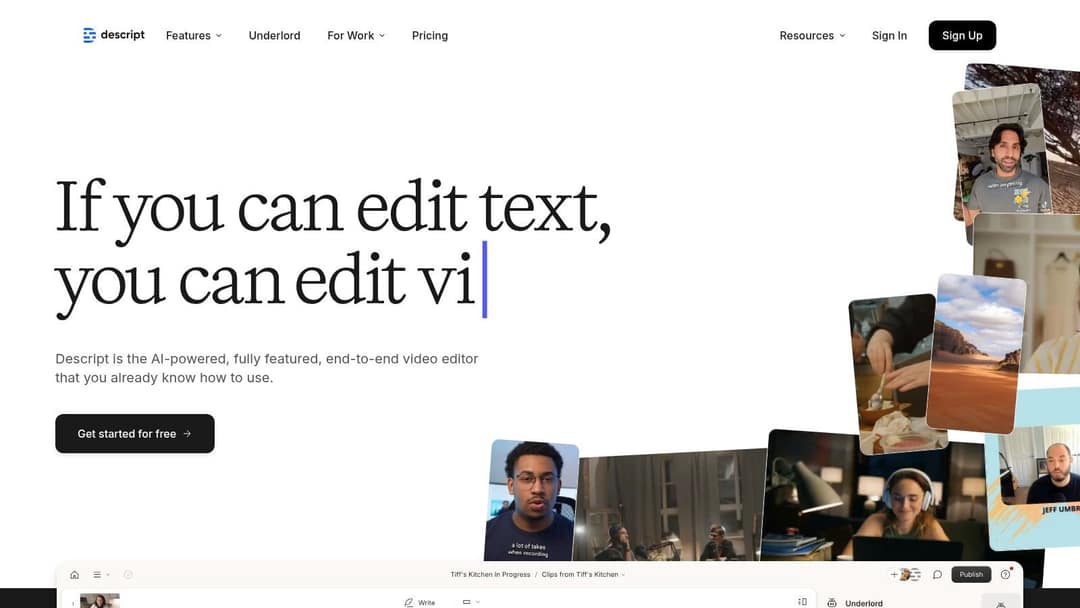
Descript transcribes your recording and lets you edit the video by editing the text: delete a sentence and the clip is cut. Studio Sound cleans up audio, filler-word removal tidies speech, Underlord acts as an AI co-editor, and Create Clips turns long recordings into shorts.
- Best for: podcasts, interviews, tutorials and anything driven by speech.
- Limits: light on visual effects, and it needs source footage; it does not generate a video from an idea.
- Price: free plan with 60 media minutes a month, 100 one-time AI credits and 720p export; paid from $24/month ($16 billed annually) with 10 media hours.
If you only edit audio and want a free option, Audacity is an open-source audio editor, though it has no transcript-based editing.
InVideo
InVideo replaces the timeline with a chat-style agent: you type an instruction, such as shortening the intro or swapping a shot, and it edits. It bundles a 16M+ stock library, AI avatars and voice clones from the entry tier, and a menu of third-party generation models.
- Best for: marketers who would rather describe edits than drag clips.
- Limits: there is no hand-editing timeline, so precise fixes mean re-prompting.
- Price: from $20/month per seat (Starter); the free plan adds a watermark and weekly generation limits.
For simple drag-and-drop editing in a browser, Microsoft's Clipchamp is a lighter alternative.
Synthesia

Synthesia turns a script into a video read by an AI avatar. Its Express-2 avatars use full-body gestures, it covers 140+ languages, and its slide-based workflow, SCORM and LMS export and SSO suit corporate training teams.
- Best for: training, onboarding and internal explainers that get re-rendered when a policy changes.
- Limits: a presenter on a background is the core format, so it is a weak fit for entertainment-style social clips.
- Price: from $29/month; the free plan includes up to 10 minutes of video a month with 9 stock avatars.
Other avatar options include D-ID and Elai.io, which also make talking-presenter videos from text.
Pictory
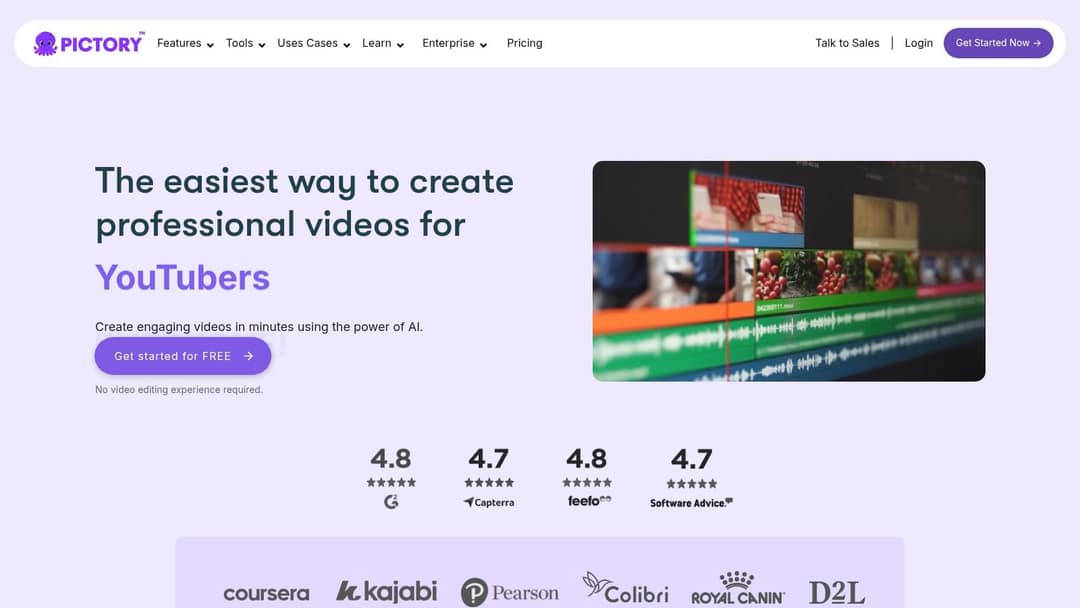
Pictory turns blog posts, scripts and URLs into videos built from a 12M+ licensed stock library (Getty Images and Storyblocks), and auto-clips highlights from Zoom, Teams and webinar recordings. Premium plans add ElevenLabs voices, and an enterprise API and MCP server handle repurposing at volume.
- Best for: content teams repurposing articles and webinars.
- Limits: the output leans on stock footage, and manual control is limited.
- Price: from $29/month; free trial on all plans, no permanent free tier.
Kapwing
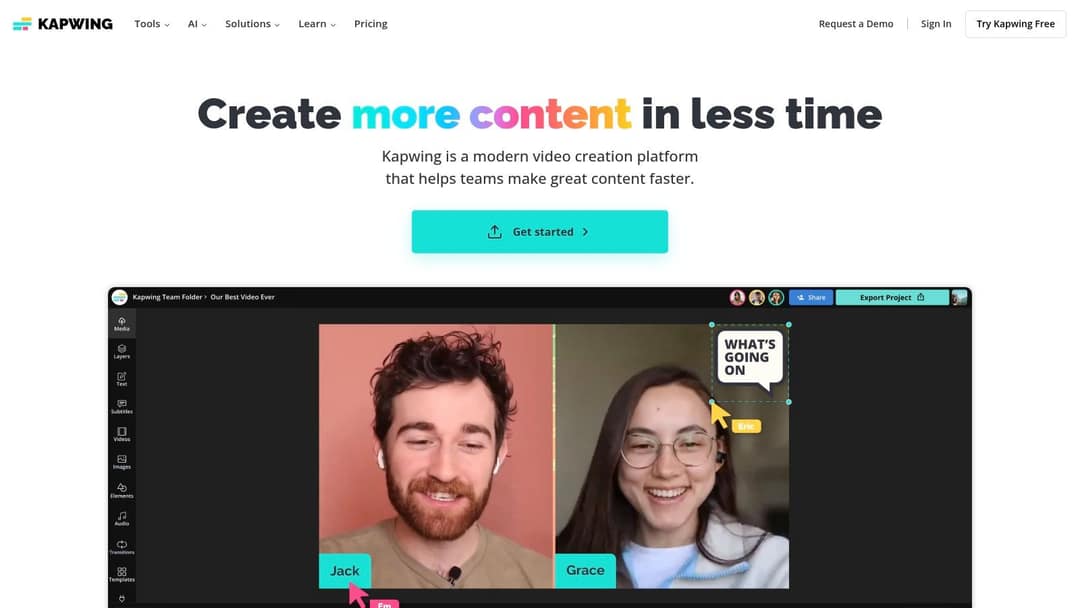
Kapwing is a browser editor built for fast social content and teams. Its AI subtitle generator captions your audio, background removal works without a green screen, and several people can edit one project in real time. It also has a meme maker and text animation tools.
- Best for: small teams making quick social edits, subtitles and memes.
- Limits: large projects can be slow to export, and advanced editing is thinner than in desktop editors.
- Price: free tier with a watermark; check Kapwing's site for current paid plans.
On a phone, InShot is a common mobile editor for the same kind of quick social edits.
Veed
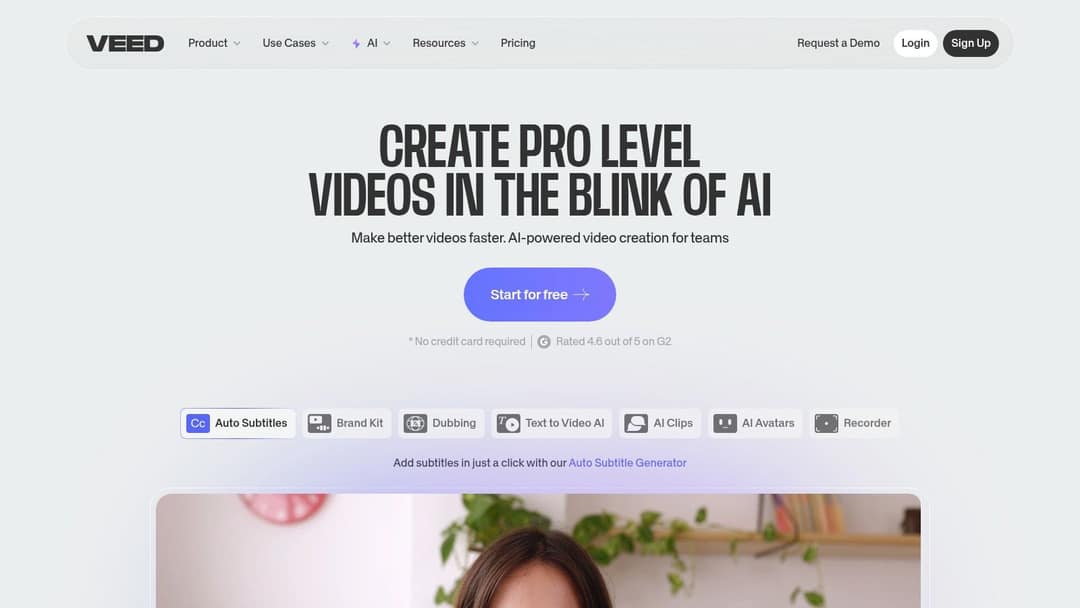
Veed is a full browser editor (multi-track timeline, screen recording, brand kits) with AI features on top: auto-subtitles and translation, AI dubbing, eye-contact correction and 30+ stock avatar presenters.
- Best for: editing footage you filmed, with fast subtitles for social.
- Limits: generation is an add-on to editing, so you still assemble the video yourself.
- Price: roughly $10 to $24/month to start; the free plan exports in 720p with a "Made with VEED" watermark.
Other AI video tools worth knowing
- Adobe Premiere Pro: the professional timeline editor, now with AI-assisted features, for long-form work where every cut is yours.
- CapCut: fast mobile and desktop editing of your own footage, with a generous free tier and trend templates.
- OpusClip: clips podcasts, streams and webinars into shorts and scores which moments are worth posting.
- Submagic: animated captions, b-roll, zooms, sound effects and silence removal in one pass.
For a wider list beyond these eight, see the 12 best AI video editors for creators.
FAQ
What is the easiest AI video editor for beginners?
If you have footage, Veed or Kapwing: both run in a browser and caption videos automatically. If you have no footage, Revid needs no editing skill, since you give it an idea, a script or a link and it builds the video.
Can AI edit a video automatically?
Yes, for most routine work: captions, filler-word cuts, reframing to vertical, highlight clipping and turning talking videos into edited shorts. Review every export before posting, because AI still misjudges which moment matters most.
Do AI-edited videos need an AI label on TikTok or YouTube?
Only when they contain realistic AI-generated or altered content. TikTok requires a label on realistic AI images, audio or video, and YouTube does not require disclosure for captions, AI-written scripts or cloning your own voice. Both say the label by itself does not reduce a video's reach.
Can an AI video editor replace Premiere Pro?
Not for long-form or cinematic work where every shot is edited by hand; Premiere Pro or DaVinci Resolve still fit better there. For short-form social videos, AI editors and generators now handle most of the cutting, captioning and formatting.
How much do AI video editing tools cost?
Entry plans in this list run from roughly $10 a month (Veed) to $39 a month (Revid), and most offer a free plan or trial with a watermark or a usage cap. Check each pricing page, since plans change often.