Proof of range
Start FromWhat Already Works
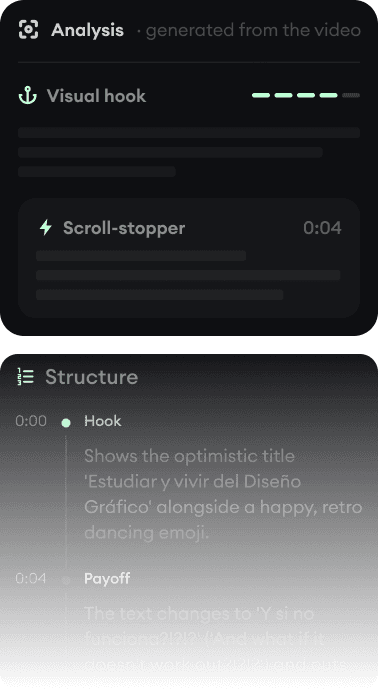
Every example starts with an input. Revid analyzes it, extracts what matters, and creates something new for you.
Viral Video

Your Version

Two prompt-to-video generators with different priorities: InVideo bundles frontier models with a huge stock library, Revid is built to get finished shorts published on TikTok, Reels, and YouTube.
We link to InVideo's own pages and public review scores so you can verify everything yourself.
InVideo and Revid solve the same headline problem: you type an idea, you get a video. The difference is what happens around that generation. InVideo has pivoted into a generative-model aggregator with a chat-style agent, metered iStock assets, and high-end tiers for heavy Sora and Veo usage. Revid treats generation as step one of a pipeline that ends with a captioned, music-backed vertical video posted to your TikTok, YouTube, or Instagram account.
Both are real, capable products. Which one fits depends on whether you want a giant model-and-stock buffet you assemble yourself, or a system that ships finished short-form content, including on autopilot.
| Revid | InVideo | |
|---|---|---|
| Main focus | Publish-ready short-form videos: TikToks, Reels, Shorts, music videos, UGC ads | Prompt-to-video generation with a chat-style AI agent plus a large stock library |
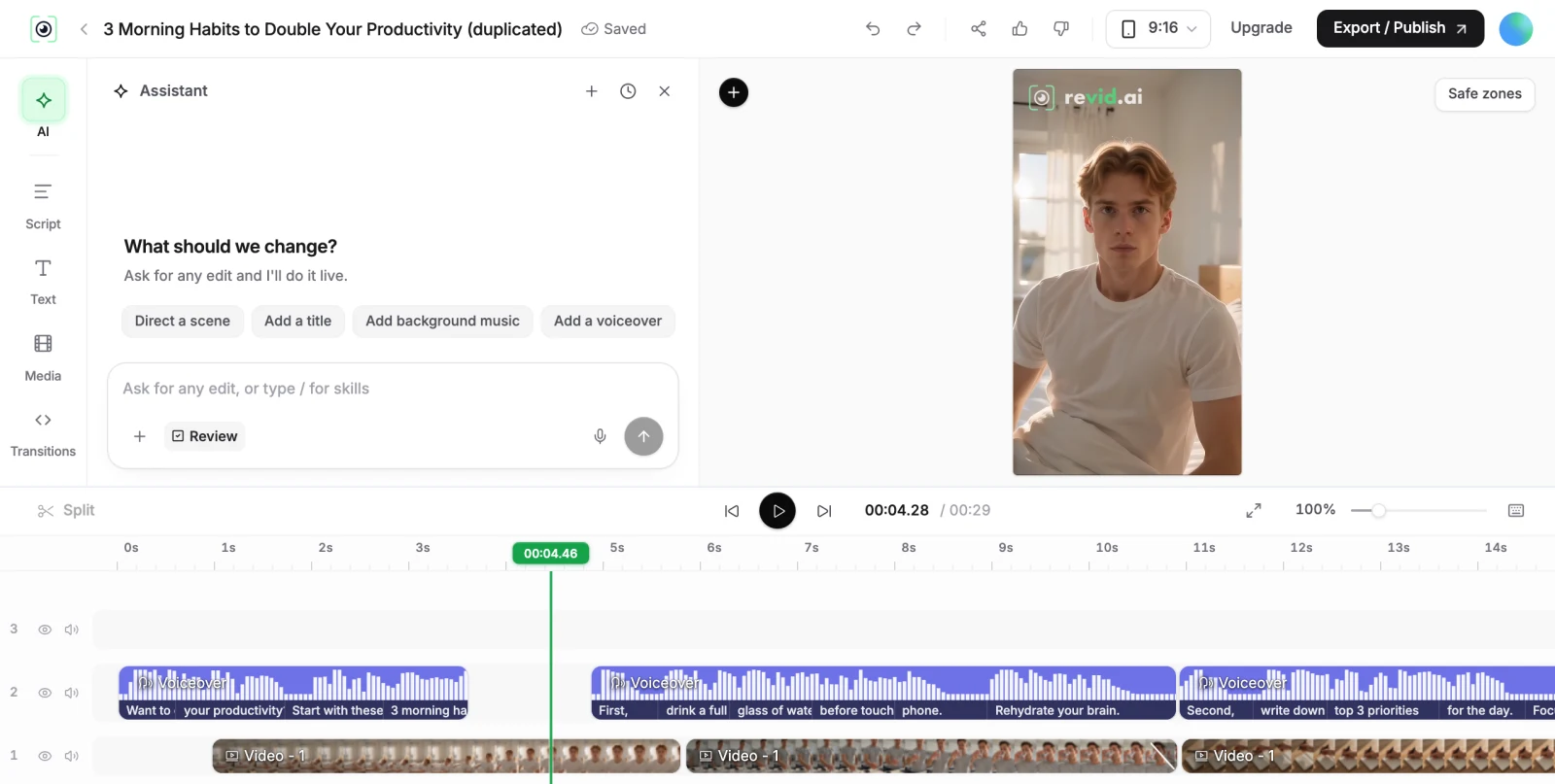
| How you edit | Full timeline editor in the browser: trim, reorder, swap media, restyle captions | Chat commands ("delete scene 2"); no traditional timeline in the AI product |
| AI video models | Veo 3, Sora 2, Kling, Seedance, picked per workflow and quality tier | Sora 2, Veo 3.1 and other models, billed against credits at model rates |
| Voices and captions | Voices in 70+ languages with cloning; 16 caption presets, 100+ caption languages | AI voiceovers and voice clones (count scales with plan); subtitles in 50+ languages |
| Publishing | Direct posting and scheduling to TikTok, YouTube, and Instagram | Download and post manually (no verified direct publishing) |
| API and AI agents | Public REST API, MCP server with 14 tools, and an npm CLI on every paid plan | Official MCP server in beta; no verified public REST API |
| Credit transparency | Public credit-cost page listing the exact cost of every feature | Credit costs vary by model; unpredictable consumption is a recurring review complaint |
| Free tier | Free credits on signup, no credit card required | Limited free generation with watermark (details vary; not shown on the pricing page) |
| Trustpilot | 4.0/5 (301 reviews) | 3.1/5 |
Feature and pricing details checked August 2026 on both products' public pages. Spotted something outdated? Email us and we'll fix it.
Don't take the table's word for it. These are real Revid projects: the exact input on the left, the exported video on the right.
Every example starts with an input. Revid analyzes it, extracts what matters, and creates something new for you.
Viral Video
Your Version
$39/monthto start
Free credits on signup, no credit card required.
$29/month billed yearly. Every plan includes the editor, direct publishing, and full API/MCP/CLI access. Exact credit costs are public.
$17/monthto start
Free plan with watermark and weekly generation limits (details not shown on the official pricing page).
Plus at $17/month is billed as $200/year and includes 75 credits/month. Max is $85/month, Generative $170/month, Elite $900/month. Unused credits do not roll over. Checked August 2026 on invideo.io/pricing.
InVideo's 2025-2026 pivot turned it into an aggregator: one subscription, many models, big stock library, and a conversational agent that assembles videos. That is genuinely useful if you want to experiment across models, and its top tiers ($170-$900/month) are sized for heavy generative usage.
Revid starts from the other end: what does a video need to perform on TikTok, Reels, or Shorts? That means captions people can read, licensed music, sound effects, hooks, vertical pacing, and a path from finished video to published post. Generation quality matters (Revid uses Veo 3, Sora 2, Kling, and Seedance under the hood), but the product is the finished, posted video.
InVideo has two Trustpilot profiles: the current AI product (ai.invideo.io) sits at 3.1/5 and the legacy Studio product (invideo.io) at 1.9/5 as of August 2026. The dominant complaint themes are opaque credit consumption and refund friction, not output quality.
Revid holds 4.0/5 on Trustpilot across 301 reviews. We publish our full review breakdown, including the negative ones, on our reviews page, and our credit costs are public so you know what a video costs before you make it. Check both Trustpilot pages yourself; that is what they are for.
Both products see the agent wave coming. InVideo runs an MCP server in beta. Revid ships a production MCP server with 14 tools (render, status, export, publishing, characters, credits), a public REST API with per-workflow docs, an OpenAPI spec, and an npm CLI, all included on every paid plan. If you want Claude, ChatGPT, Cursor, or your own automation to make videos for you, that difference is the product.
Revid is not a 5-second video toy. Its viral video intelligence writes the script, directs the scenes, generates the voices and edits the final cut. Every film below was created in one go.


Creators publish 30,000+ videos to TikTok, Instagram, and YouTube through Revid every month. Your channel could be next.


Find detailed answers to 100+ questions about features, tools, and workflows
or check our markdown version optimized for LLMs