10 Best Video Tools for X (Twitter) Content Creators in 2026
Discover the 10 best video tools for X (Twitter) content creators in 2026. Boost your engagement and grow your audience today!
On this page
As an X (formerly Twitter) content creator in 2026, staying ahead of the curve with the latest X video tools is essential for capturing your audience's attention and driving engagement.
With so many options available, it can be overwhelming to know where to start. That's why we've compiled this list of the top 10 modern, intuitive video tools to elevate your Twitter video content game.
From AI-powered video generation to all-in-one recording and editing solutions, these tools will help you create professional, captivating videos with minimal effort.
1. revid.ai
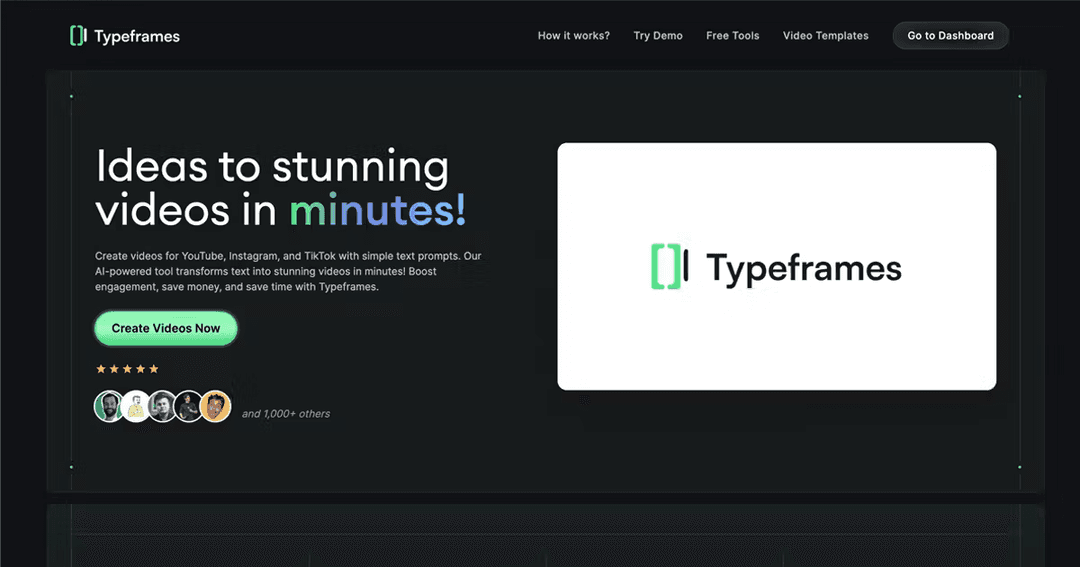
revid.ai is a game-changer for Twitter content creators looking to quickly transform text into engaging videos.
This AI-powered tool allows you to input your text or script and automatically generates a visually appealing video with customizable elements such as fonts, colors, and backgrounds.
The same platform makes short-form videos for TikTok, Instagram Reels and YouTube Shorts, with AI visuals from several leading models (Seedance 2.5, MiniMax Hailuo, Wan 3.0 and Google Veo 3), voice-overs in 70+ languages, synced captions and direct publishing to TikTok, Instagram and YouTube.
The intuitive interface makes it easy to create professional-looking videos in minutes, even if you have no prior video editing experience.
Simply input your tweet or text, choose your desired style and format, and let revid.ai work its magic.
If you’re wondering which tweet to repurpose, use this tool to find the best viral tweets to turn into videos.
The resulting videos are optimized for Twitter and can be easily shared to drive engagement and reach.
- Tweet/X to Video: Turn your tweets into engaging video content that expands your reach and impact.
- Script to Video AI: Bring your scripts to life with professional-quality videos that captivate audiences.
2. AnimStats

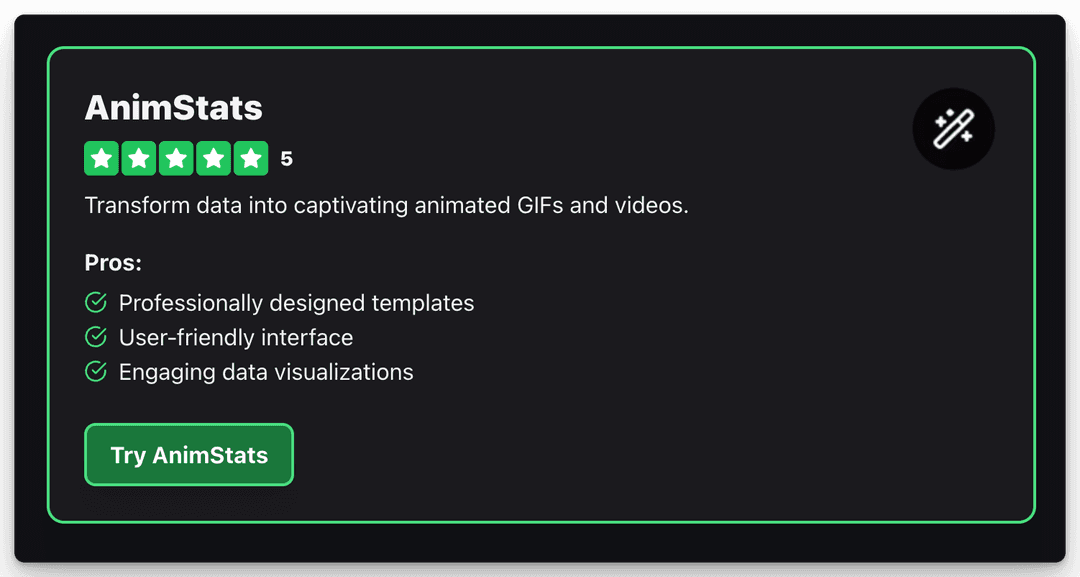
AnimStats is a must-have tool for data-driven Twitter content creators looking to present statistics and insights in a visually compelling way.
This tool transforms dry data into captivating animated GIFs and videos, making it easy to share key takeaways with your audience.
With a library of professionally designed templates and a user-friendly interface, AnimStats allows you to create high-quality data visualizations without any design experience.
Simply input your data, choose your desired template and color scheme, and let AnimStats bring your numbers to life.
These engaging data-driven videos are sure to stop Twitter scrollers in their tracks and drive home your key messages.
3. Screen Studio
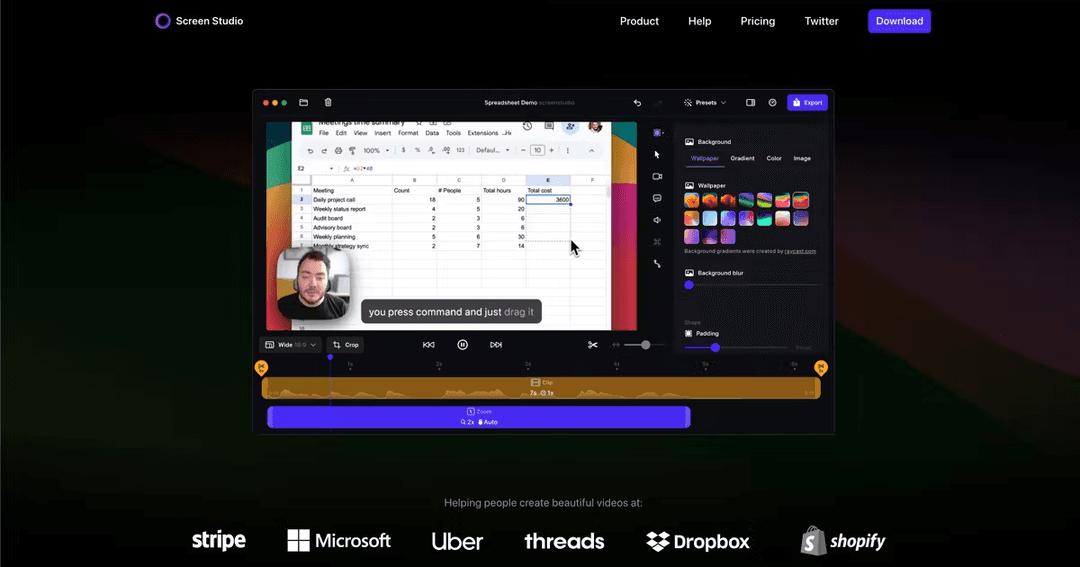
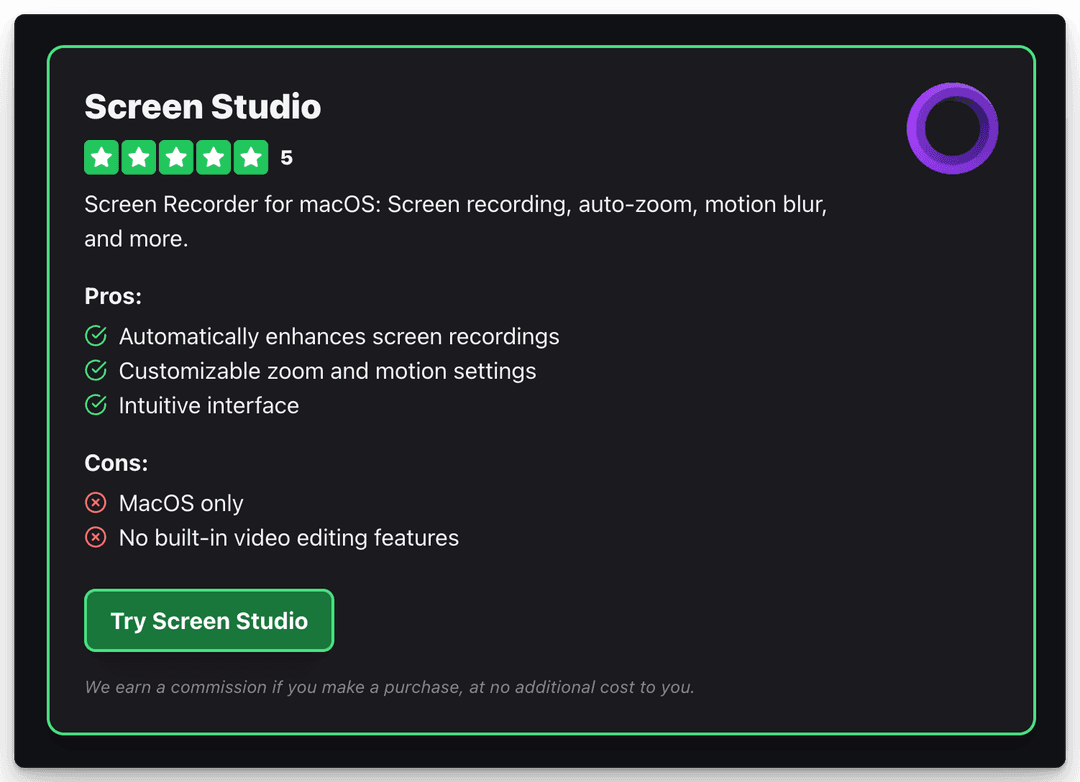
Screen Studio is a powerful screen recording tool for macOS that automatically enhances your videos with smooth mouse movements, auto-zooming on clicks, cinematic motion blur, and beautiful backgrounds.
With just a few clicks, you can transform your screen recordings into high-quality promotional videos, tutorials, or demos.
Screen Studio's intuitive interface makes it easy to record your screen, window, or a specific area, and you can even include your webcam and microphone if needed.
The app offers a range of customization options, such as adjusting the speed of the auto-generated zooms and adding your own custom zooms.
4. Tella

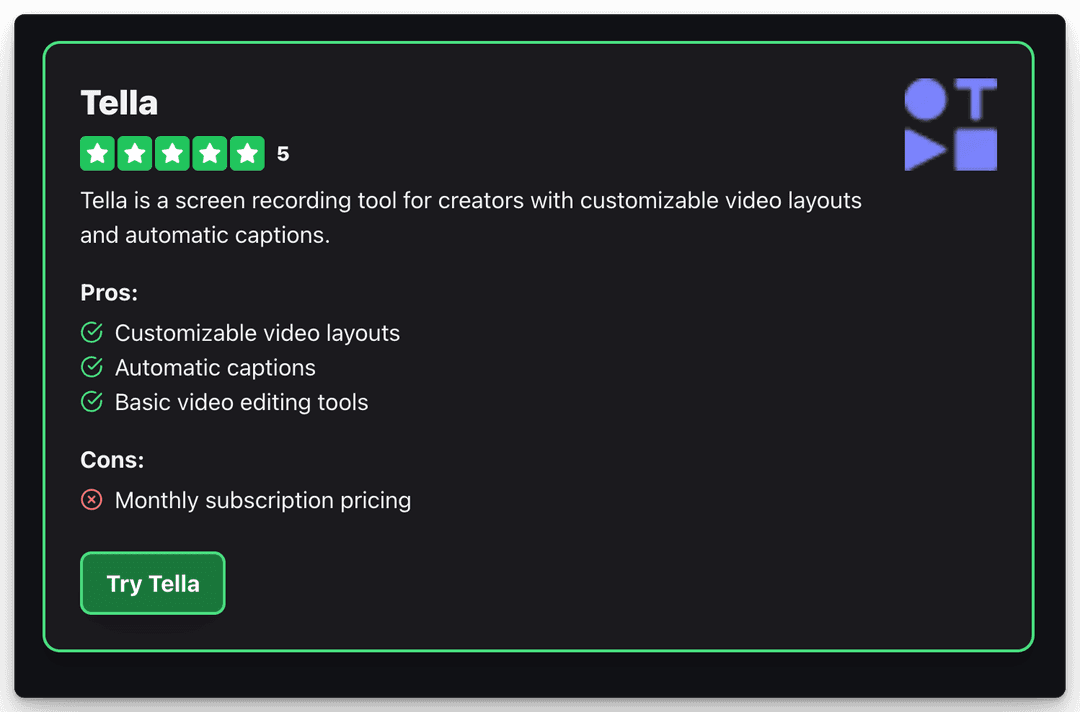
If you're looking for a screen and camera recording tool with more robust editing capabilities, Tella is an excellent alternative. Tella offers features like customizable video layouts, automatic captions, and basic video editing tools, making it suitable for a wider range of content creation needs.
Key differences:
- Screen Studio is a one-time purchase desktop app for macOS, while Tella has monthly subscription pricing and is available as a web app, Chrome extension, and Mac app.
- Screen Studio specializes in automatically enhancing screen recordings with effects like auto-zoom, motion blur, and backgrounds, while Tella offers more general screen/cam recording and editing features.
- Tella includes built-in video editing tools, while Screen Studio focuses primarily on recording and automatic enhancements.
What is the best screen recorder for Twitter?
Screen Studio is ideal for quickly creating polished promo videos, demos and tutorials on macOS, while Tella offers more flexibility and editing options for a variety of screen and camera recording needs across platforms. The best choice depends on your specific use case, preferred platform, and budget.
5. Eleven Labs

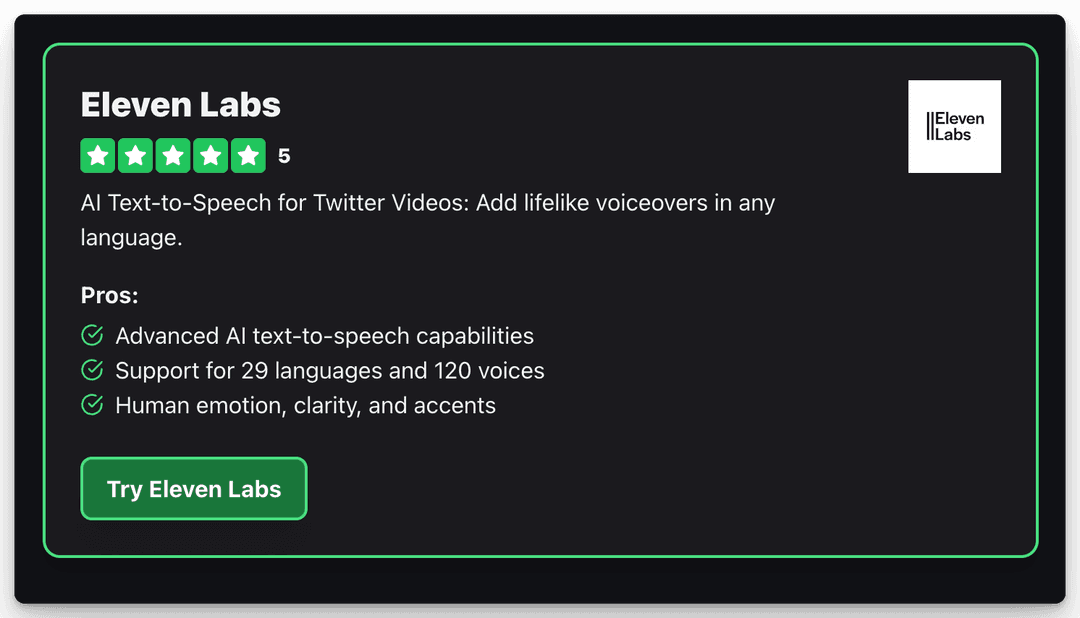
Eleven Labs is a powerful tool for adding lifelike voiceovers in any language to your Twitter video content. Its advanced AI text-to-speech capabilities add human emotion, clarity, and accents to your videos, making them more engaging and relatable.
With support for dozens of languages and a large voice library, Eleven Labs offers plenty of options to enhance your Twitter content. Revid uses ElevenLabs voices too, so you can add a voice-over in 70+ languages directly inside the videos you generate. Whether you're creating tutorials, product demos, or thought leadership content, lifelike voiceovers can help you stand out in the Twitter feed and capture your audience's attention.
6. Tweet/X to Video AI Converter
As a Twitter content creator, being able to quickly transform tweets into engaging video content is a valuable skill.
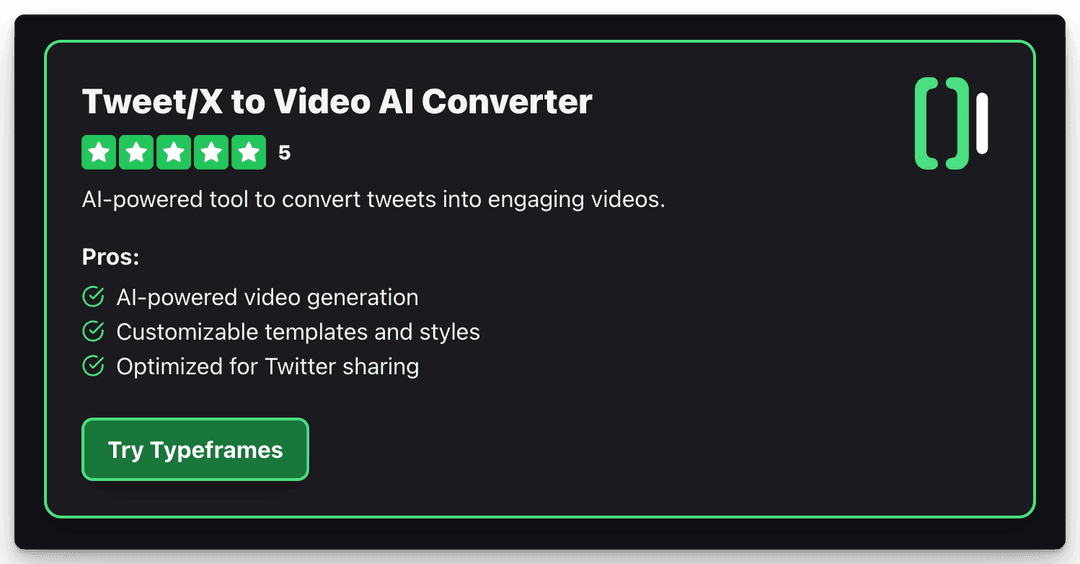
Revid's Tweet/X to Video tool makes this process a breeze.
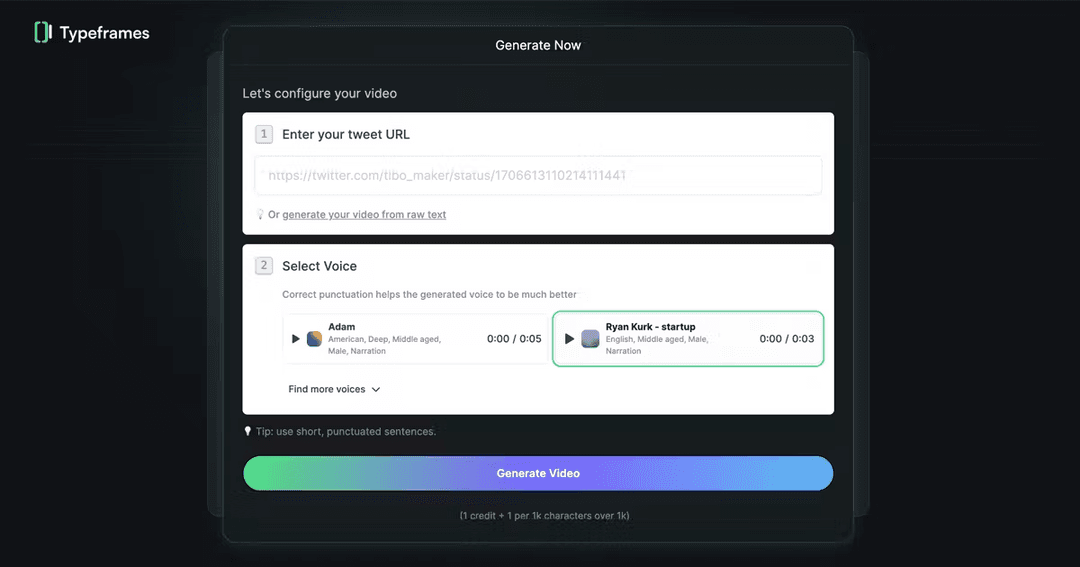
Simply copy and paste the URL of the tweet you want to feature, choose your desired video template and format, and revid will generate a polished video showcasing the tweet's content.
This Twitter video tool is perfect for sharing industry insights, highlighting user feedback, or participating in Twitter conversations in a visually compelling way.
By turning static tweets into dynamic videos, you can capture attention, drive engagement, and expand the reach of your Twitter content.
7. Create Clips from YouTube
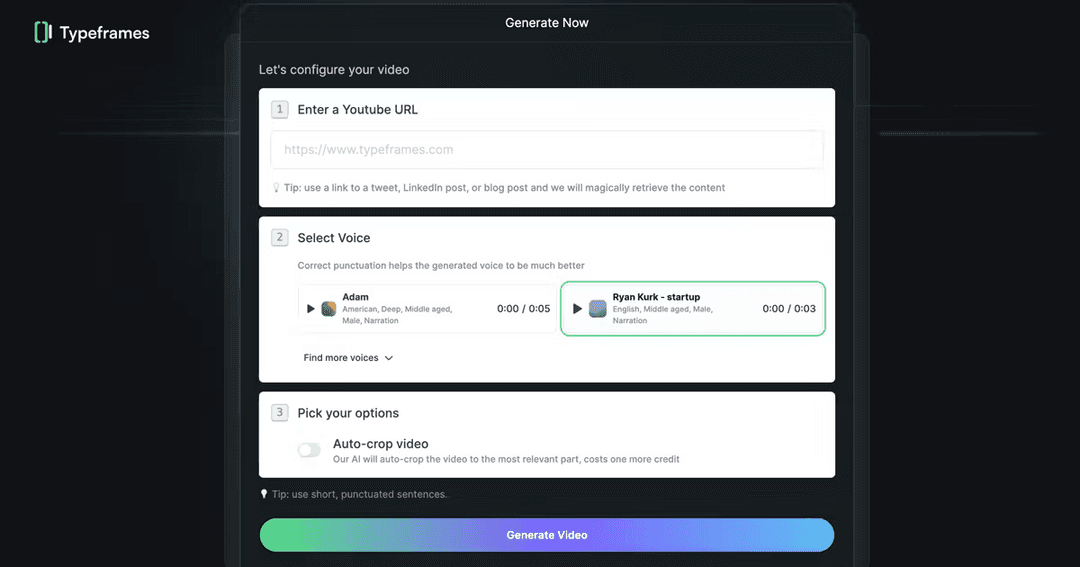
For Twitter content creators looking to repurpose existing YouTube content, revid offers a handy tool to convert YouTube videos into short, vertical clips optimized for Twitter.
This feature allows you to select the most engaging parts of your YouTube videos and repackage them into bite-sized content perfect for your Twitter feed.
Simply input the YouTube video URL, select the desired clip length and format, and revid will generate a Twitter-ready video in seconds.
This tool is a great way to maximize the reach of your existing content and drive traffic back to your YouTube channel.
8. Audio to Video Converter
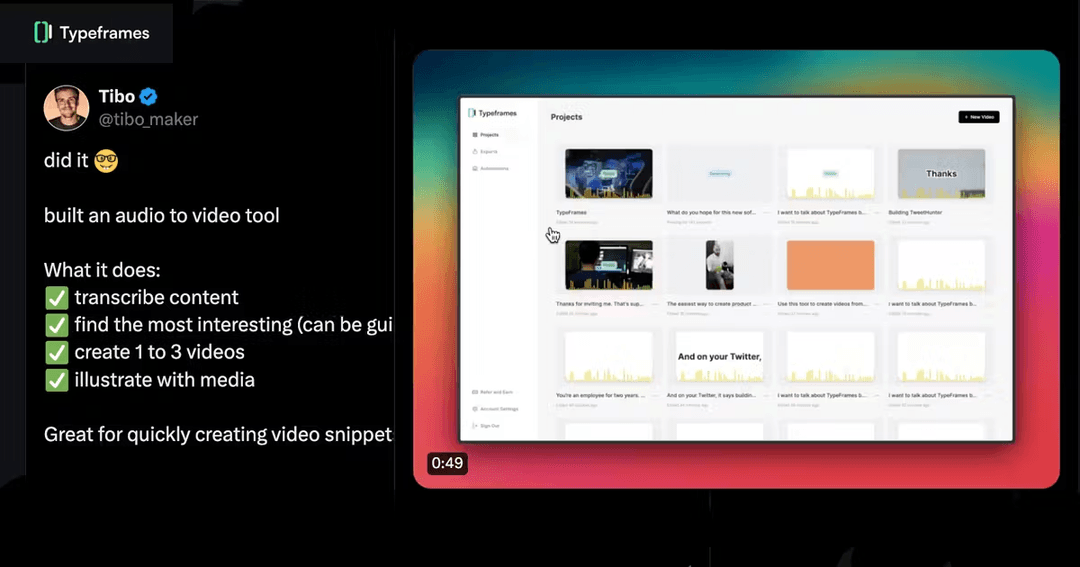
For Twitter content creators who want to repurpose audio content into engaging videos, Revid's Audio to Video Converter is an essential tool.
It allows you to upload your podcast, interview, or any audio recording (MP3, WAV or M4A) and turn it into a captioned video with matching visuals.
Key features:
- Transcribe podcast or audio content into video
- Cut the source by selecting words in the Transcript tab
- Add images, video footage, and subtitles
Prompt to try
Make a 30-second video for X explaining three mistakes founders make when they launch on social media. Open with the hook "Most launches fail before the first post goes live." Use clean motion graphics, bold captions and a calm, confident voiceover, and end with one clear tip.
9. Text to AI Video Generator
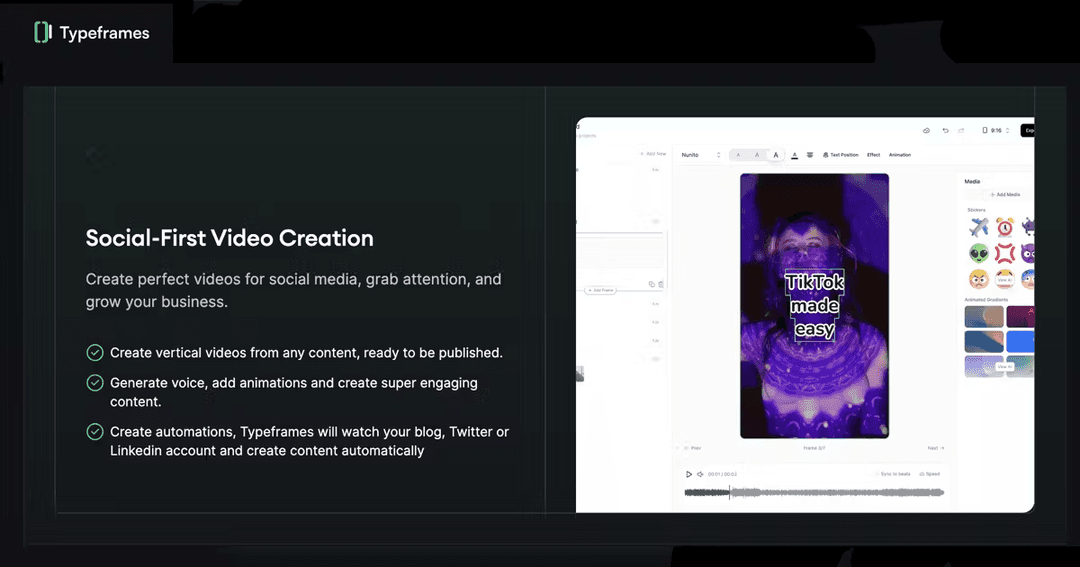
Revid's Text to AI Video Generator is a powerful tool for creating professional, engaging videos from text content.
Input any text, such as blog posts, articles, or social media updates, and let the AI-powered tool automatically generate a visually compelling video.
With customizable video templates, styles, and formats, you can create videos that align with your brand voice and content goals. If you post motion graphics on X, landscape still works: in Revid's study of 63 Claude Opus 5.5 motion graphics videos that passed 100 likes on X, 78% were landscape and 71% used music only, with no voiceover.
10. Twitter Media Studio
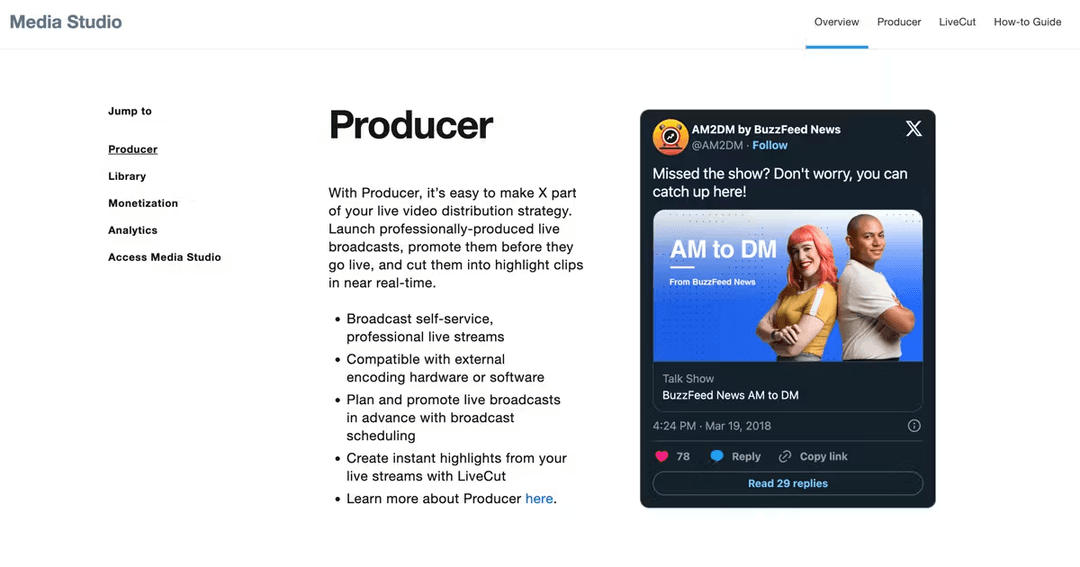
No list of essential Twitter video tools would be complete without mentioning X's own Media Studio (formerly Twitter Media Studio).
This native platform tool offers a range of features for managing, editing, monetizing, and publishing videos directly on X.
With Media Studio, you can upload and organize your video content, trim and edit clips, add captions and tags, and schedule tweets for optimal engagement.
The platform also provides detailed analytics to help you track your video performance and make data-driven decisions about your content strategy.
While not as feature-rich as some third-party tools, Twitter Media Studio is a solid choice for content creators looking to streamline their video workflow within the Twitter ecosystem.
For live video content or broadcasts, X's Live Producer offers a range of features for creating and managing live broadcasts directly on the platform. With Live Producer, you can schedule live events via RTMP or HLS, add custom graphics and branding, and engage with your audience in real time.
Conclusion
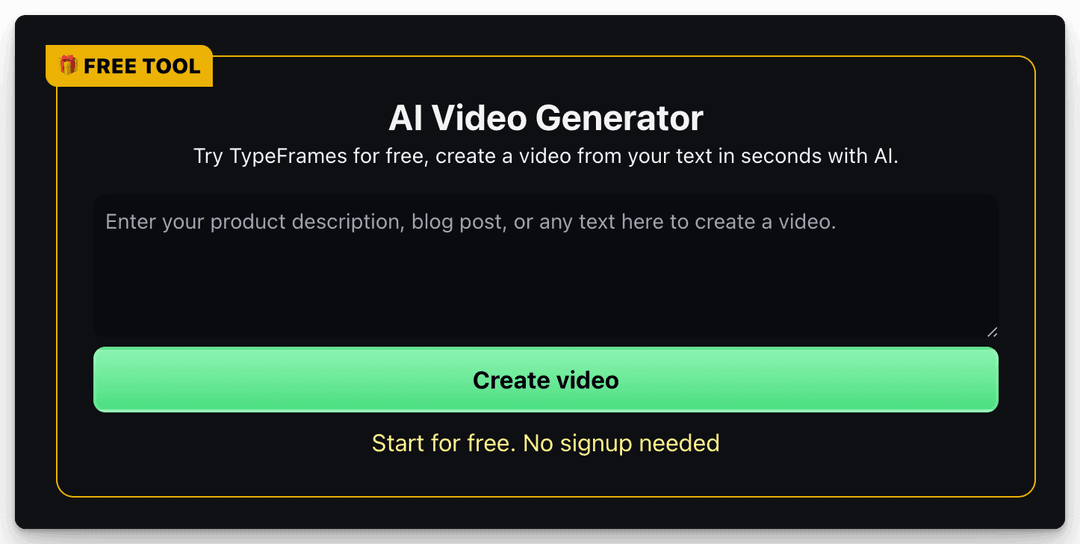
In the fast-paced world of Twitter content creation, having the right video tools can make all the difference in capturing attention and driving engagement.
The 10 tools featured in this list represent some of the most modern, intuitive, and effective options available to X content creators in 2026.
From AI-powered text to video generation with revid, animated gifs with AnimStats to all-in-one recording, snipping and editing with Screen Studio or Tella, these tools offer a range of features and benefits to suit every content need and skill level.
By incorporating these tools into your Twitter content strategy, you can create professional, captivating videos that stop scrollers in their tracks and leave a lasting impression on your audience.
Whether you're repurposing existing content, showcasing data insights, or creating original video content from scratch, these tools will help you save time, streamline your workflow, and achieve your Twitter marketing goals.
As you explore and experiment with these video tools, remember to keep your target audience and content goals at the forefront.
Choose the tools that best align with your brand voice, niche, and resources, and don't be afraid to mix and match to create a video workflow that works for you.
With the right tools and a creative mindset, you'll be well on your way to X content success in 2026 and beyond.
Pro-tip: You can also use revid to create TikTok videos from any text or content. It's a quick and easy way to generate engaging videos for your TikTok account.