Proof of range
Start FromWhat Already Works
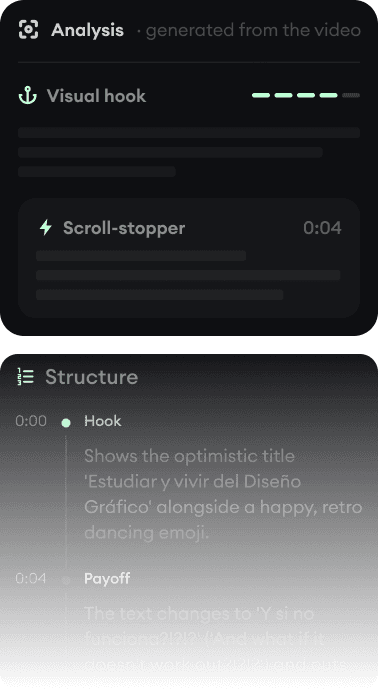
Every example starts with an input. Revid analyzes it, extracts what matters, and creates something new for you.
Viral Video

Your Version

OpusClip cuts your long videos into short clips. Revid creates original short videos from scratch. Many creators genuinely need one, some need both.
We link to OpusClip's own pages and public review scores so you can verify everything yourself.
This is the rare comparison where the honest answer is: these tools do different jobs. OpusClip is the category leader at repurposing, taking podcasts, streams, and webinars and cutting them into captioned vertical clips scored for virality. Revid is a creation engine, turning ideas, scripts, articles, and songs into original short-form videos with AI visuals, voice-over, captions, and music.
The overlap is the output: both produce short vertical videos ready for TikTok, Reels, and Shorts. So the real question is your input. If you have hours of recorded content, start with OpusClip's model. If you are creating from zero, or want videos on topics you never filmed, that is Revid's job. Revid also includes a YouTube clip maker for basic repurposing, but it will not pretend to match a dedicated clipping product.
| Revid | OpusClip | |
|---|---|---|
| Main focus | Creating original short-form videos from text, audio, and links | Clipping existing long-form video into short highlights |
| Input needed | An idea, script, article URL, song, or audio file | Existing long-form footage (podcast, stream, webinar, YouTube link) |
| Visuals | Generated by AI models (Veo 3, Sora 2, Kling, Seedance) or stock | Your own footage, auto-reframed; AI B-roll as a premium add-on |
| Editor | Full timeline editor in the browser | Text-based editing plus a timeline, tuned for trimming clips |
| Publishing | Direct posting and scheduling to TikTok, YouTube, and Instagram on all plans | Posting and scheduling on paid tiers (excluded from the free plan) |
| API and AI agents | Public REST API, MCP server with 14 tools, npm CLI, all plans | Public API with SDKs and an official hosted MCP server |
| Free tier | Free credits on signup, no credit card; exports do not expire | Free plan with watermarked caption templates; media and exports expire after 3 days |
| Trustpilot | 4.0/5 (301 reviews) | 4.0/5 |
Feature and pricing details checked August 2026 on both products' public pages. Spotted something outdated? Email us and we'll fix it.
Don't take the table's word for it. These are real Revid projects: the exact input on the left, the exported video on the right.
Every example starts with an input. Revid analyzes it, extracts what matters, and creates something new for you.
Viral Video
Your Version
$39/monthto start
Free credits on signup, no credit card required.
$29/month billed yearly. Every plan includes the editor, direct publishing, and full API/MCP/CLI access. Exact credit costs are public.
$15/monthto start
Free plan: 1080p exports with watermarked animated captions; media expires after 3 days.
Starter at $15/month removes watermarks. Pro at $29/month adds posting, scheduling, and custom reframing. Credits meter source-video minutes and expire. Checked August 2026 on opus.pro/pricing.
OpusClip assumes you already produce long-form content and multiplies it. Its multimodal curation (speech, visuals, emotion) plus virality scoring is genuinely the best in the clipping category, which is why podcasters default to it.
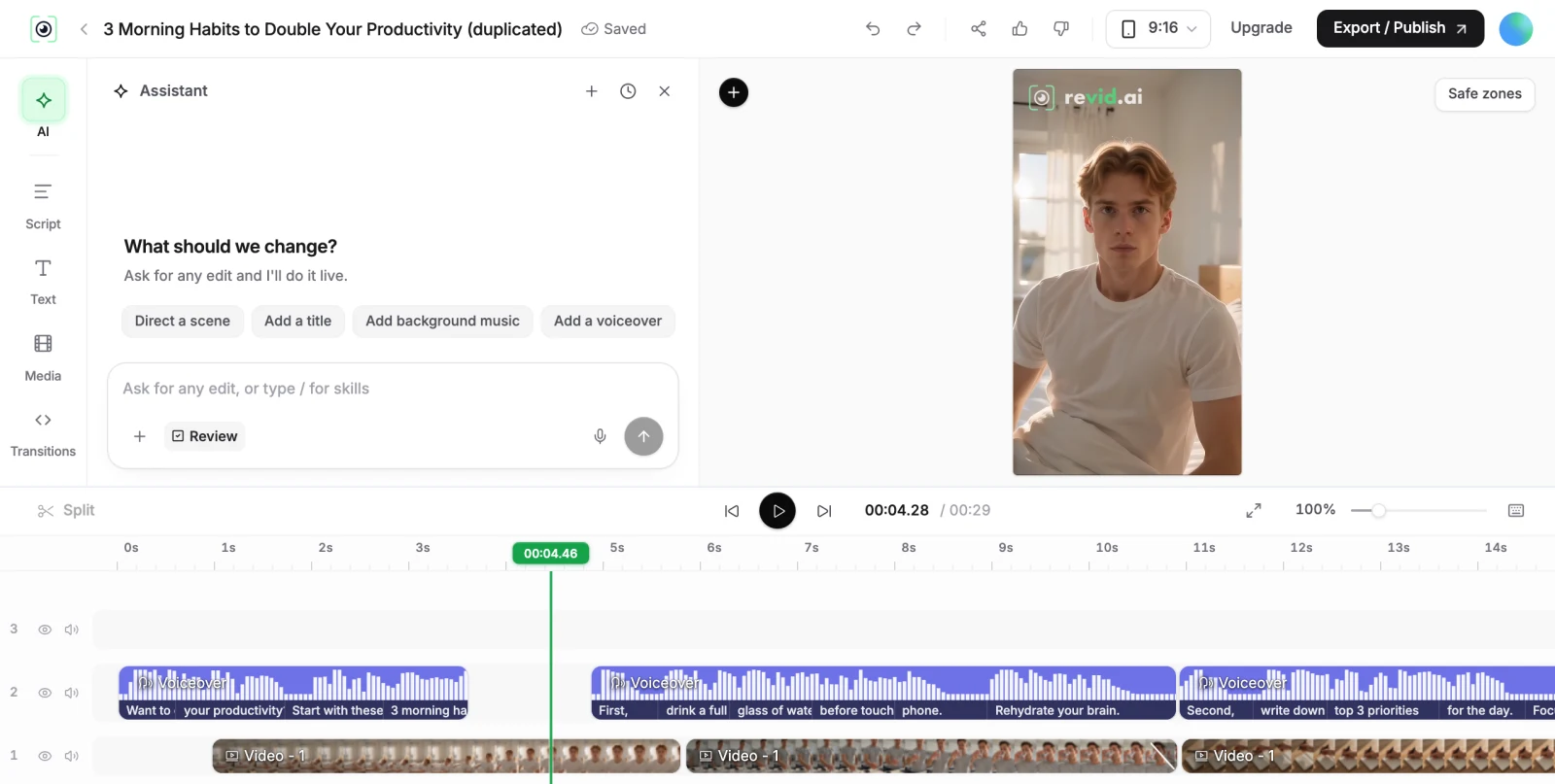
Revid assumes nothing exists yet. Type what the video should be about, or paste an article, or upload a song, and it generates the script, visuals, voice-over, captions, and soundtrack. That means you can run channels about topics you never filmed, test content ideas daily, or produce a music video for a track that has no footage at all.
Plenty of creators use a clipper for their podcast and a generator for original shorts between episodes. Both products expose APIs and official MCP servers, so an AI agent or automation can drive either. The practical difference is gating: OpusClip excludes posting from its free plan and meters source minutes with expiring credits, while Revid includes publishing and API/MCP/CLI access on every paid plan and publishes its exact credit costs.
Revid is not a 5-second video toy. Its viral video intelligence writes the script, directs the scenes, generates the voices and edits the final cut. Every film below was created in one go.


Creators publish 30,000+ videos to TikTok, Instagram, and YouTube through Revid every month. Your channel could be next.


Find detailed answers to 100+ questions about features, tools, and workflows
or check our markdown version optimized for LLMs