Proof of range
Start FromWhat Already Works
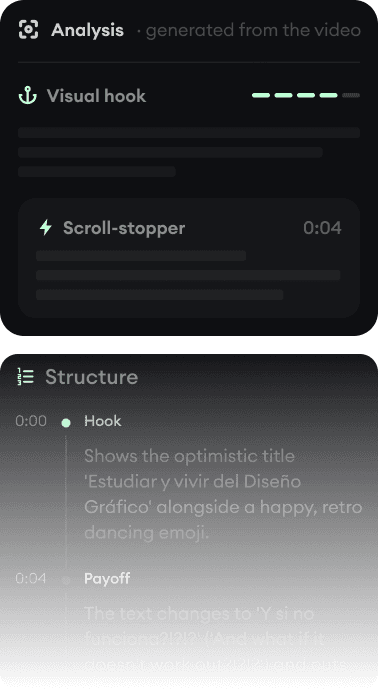
Every example starts with an input. Revid analyzes it, extracts what matters, and creates something new for you.
Viral Video

Your Version

CapCut is the editor you open when you filmed something. Revid is the generator you open when you did not. Many creators end up using both.
We link to CapCut's own pages and public review scores so you can verify everything yourself.
CapCut is the most-used short-form editor on earth for a reason: a deep free tier, trend templates, excellent auto-captions, and a native TikTok workflow (it is a ByteDance product). If you film content on your phone, it is the default place to cut it.
Revid answers a different question: what if there is no footage? It generates the video from a prompt, script, article, or song, with AI visuals, voice-over, captions, and music, then publishes it. This comparison also covers CapCut's 2025-2026 changes (pricing restructure and terms-of-service controversy) factually, because they are part of why people search for alternatives.
| Revid | CapCut | |
|---|---|---|
| Main focus | Generating complete short-form videos from text, audio, and links | Manual editing of your own footage with templates and effects |
| Starting point | A prompt, script, article, or song | Footage from your camera roll or a template |
| AI capabilities | Core of the product: scene generation, voice-over, captions, music, avatars | Add-ons via credits: TTS, effects, some image/video generation (models undisclosed) |
| Captions | 16 caption presets, auto-captions in 100+ languages, styled for vertical | Excellent auto-captions free; speaker-ID captions on Pro |
| Publishing | Direct posting and scheduling to TikTok, YouTube, and Instagram | Native TikTok publishing (ByteDance integration) |
| API and AI agents | Public REST API, MCP server with 14 tools, npm CLI, on every paid plan | No public developer API or MCP server |
| Free tier | Free credits on signup, no credit card required | Full editor and 1080p export free; premium assets and AI features gated |
| Trustpilot | 4.0/5 (301 reviews) | 1.2/5 |
Feature and pricing details checked August 2026 on both products' public pages. Spotted something outdated? Email us and we'll fix it.
Don't take the table's word for it. These are real Revid projects: the exact input on the left, the exported video on the right.
Every example starts with an input. Revid analyzes it, extracts what matters, and creates something new for you.
Viral Video
Your Version
$39/monthto start
Free credits on signup, no credit card required.
$29/month billed yearly. Every plan includes the editor, direct publishing, and full API/MCP/CLI access. Exact credit costs are public.
~$9.99/month (Standard)to start
Free tier with the full editor and 1080p export; premium templates/effects and most AI features are paid.
Pro is about $19.99/month or $179.99/year on the web, more via app stores; CapCut has no public pricing page and prices vary by region and platform. The Pro tier roughly doubled in the late-2025 restructure. Figures approximate, checked August 2026 via third-party trackers.
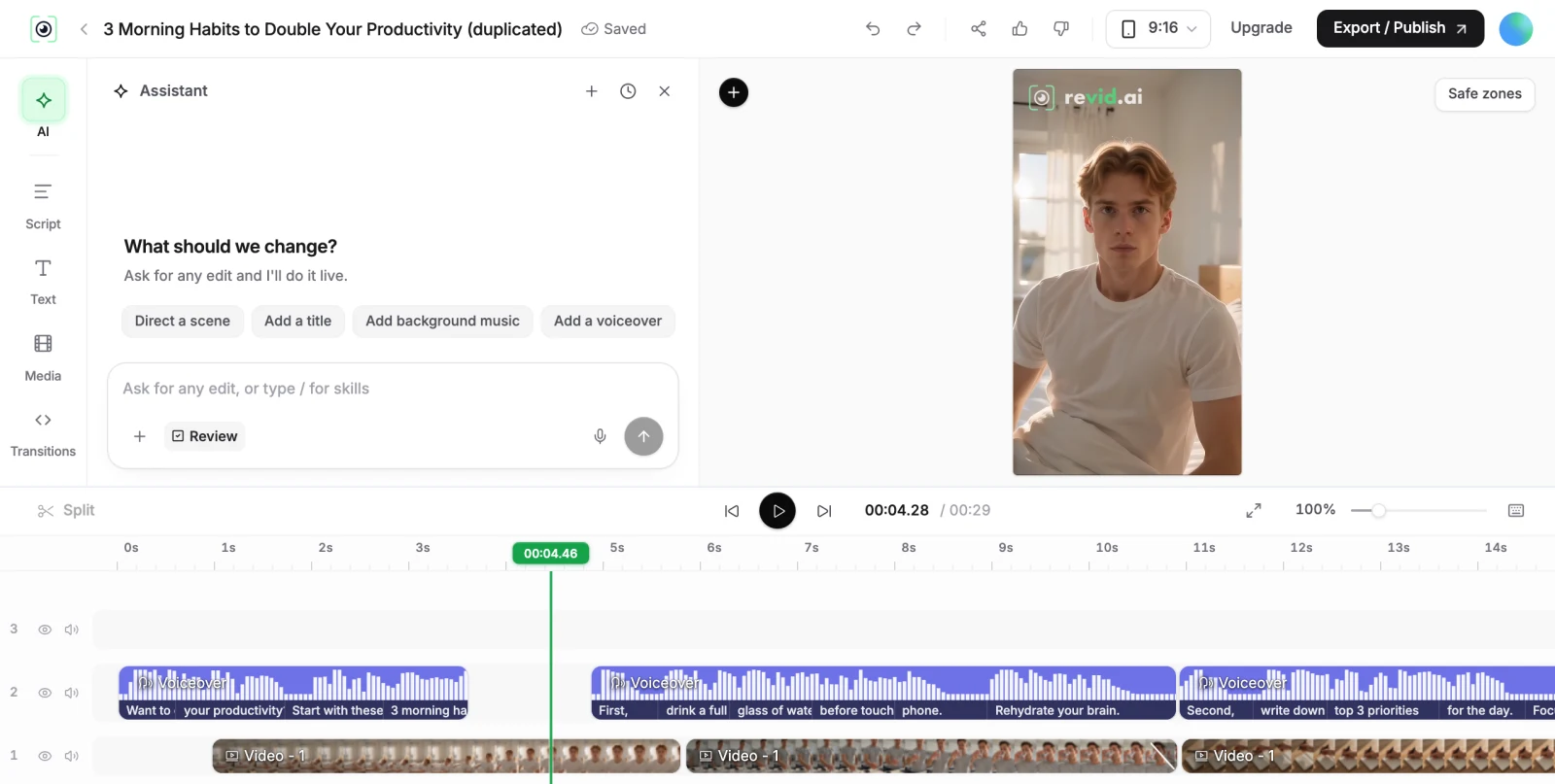
CapCut's job is to make your footage post-ready fast, and it is extremely good at it. Its AI features are conveniences bolted onto an editor, metered by credits, with the underlying models undisclosed. Revid's job is to make the footage itself: type what the video should be, and the scenes are generated, voiced, captioned, and scored. For creators who film daily, CapCut stays open; for channels built on content that cannot be filmed (stories, niches, music videos, brainrot formats), generation is the only path.
Two developments drove many CapCut alternative searches. First, the June 2025 terms-of-service update, which granted CapCut a broad, perpetual, royalty-free license over user content, including drafts, and rights over biometric features like face and voice; CapCut responded publicly that user rights did not change and that it claims no ownership. Read both the terms and the response yourself before uploading commercial or client work.
Second, the late-2025 pricing restructure: the old Pro tier was renamed Standard, a new Pro roughly doubled the price (to about $19.99/month), and existing annual subscribers were moved to $179.99/year, covered by Newsweek among others. None of this changes what the free editor does well; it changes what depending on CapCut costs.
Both products' billing reputations are visible in public reviews; check them. Revid publishes the exact credit cost of every feature so you know what you are paying before you render.
Revid is not a 5-second video toy. Its viral video intelligence writes the script, directs the scenes, generates the voices and edits the final cut. Every film below was created in one go.


Creators publish 30,000+ videos to TikTok, Instagram, and YouTube through Revid every month. Your channel could be next.


Find detailed answers to 100+ questions about features, tools, and workflows
or check our markdown version optimized for LLMs