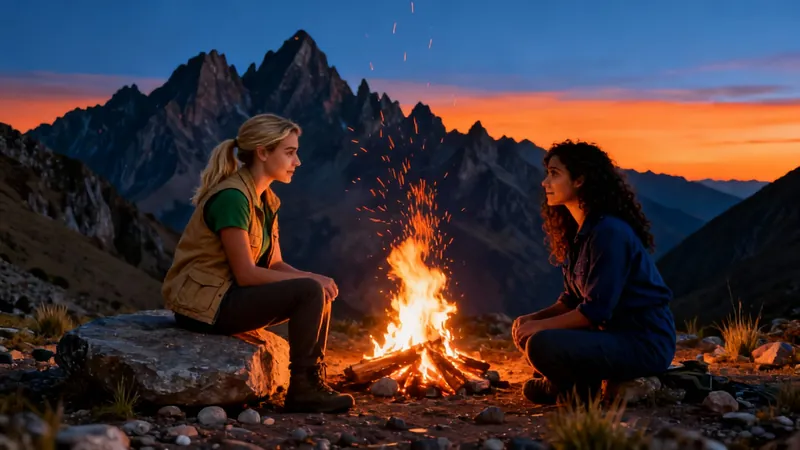
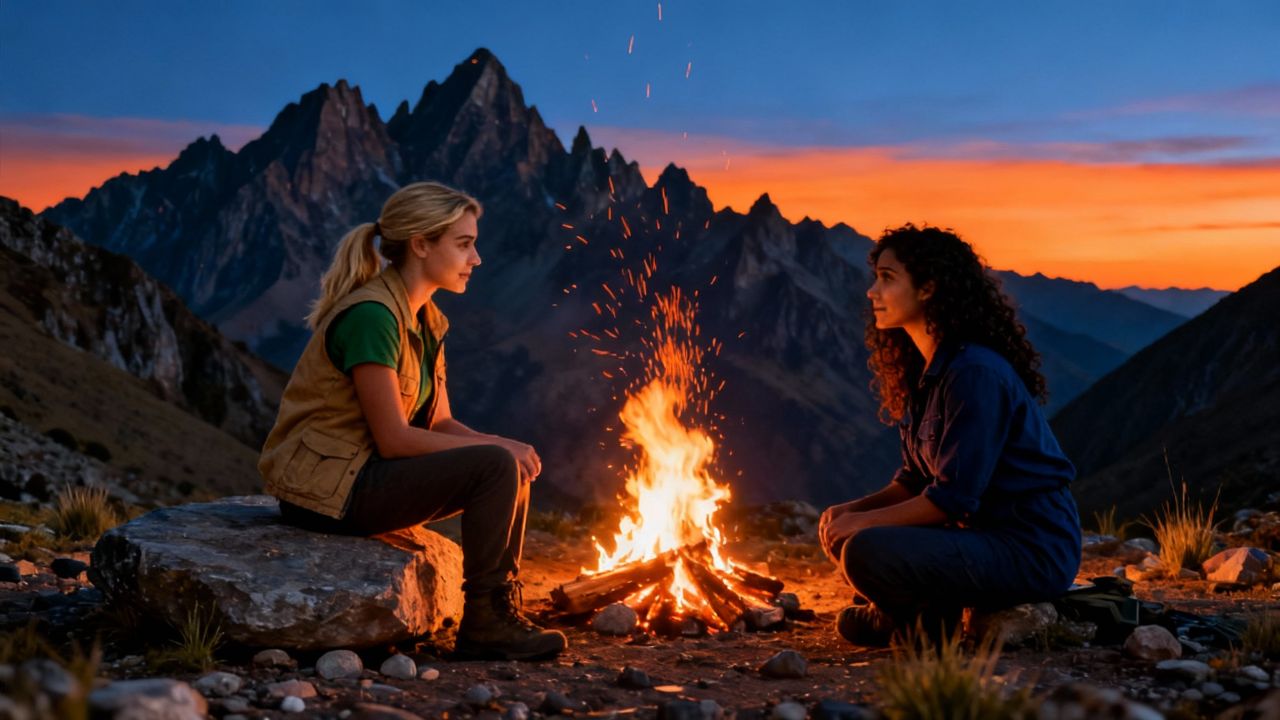
In the autumn of 2015, Clara and Mia met at a volunteer program in Peru. Both were passionate about environmental conservation and soon became close friends, sharing long conversations over campfires and working together to protect local wildlife. The two women found themselves in sync with their shared goals and adventurous spirits.
One day, a new volunteer arrived—a charming, witty traveler named Marco who seemed to have endless stories about his travels around the world. Both Clara and Mia found themselves drawn to him. At first, they joked about it, saying they’d “let fate decide.” But as weeks passed, the friendly competition became intense. Clara started inviting Marco on solo hikes, while Mia organized group dinners just to spend more time with him.
Formato visivoVideo IA
Stile visivoRealist
VIDEO FINALE
How to Turn Music into Video in 3 Simple Steps
1 Upload your music track
Start by uploading your audio file. Our tool accepts most popular audio formats including MP3, WAV, and M4A. The system will automatically process your music track and prepare it for visualization.
2 Choose your visual style
Select your preferred visual style from our options: stock videos, AI-generated visuals, or moving AI images. Each option creates a unique look and feel for your music visualization. You can also enable the sound wave feature to add dynamic audio visualization that pulses with your music.
3 Generate and customize your video
Click 'Generate Video' and watch as our AI transforms your music into a stunning visual experience. Once complete, use our built-in editor to add personal touches, adjust timing, or enhance visual elements before downloading your finished music video.
01
Generatore di Trailer Film IA — Crea Trailer Cinematografici da Qualsiasi Video
Il generatore di trailer cinematografici con IA di Revid analizza le tue riprese e assembla automaticamente un trailer cinematografico ad alta energia, completo di tagli drammatici, musica e un ritmo che costruisce la tensione nel modo giusto. Che tu stia promuovendo un cortometraggio, una serie YouTube o un video aziendale, il nostro creatore di trailer IA produce risultati di qualità professionale in pochi minuti, senza bisogno di esperienza nel montaggio.
02
Da Testo a Trailer con IA — Dalla Sceneggiatura al Trailer in Pochi Secondi
Con l'IA da testo a trailer cinematografico di Revid, non hai nemmeno bisogno di riprese esistenti per creare un trailer avvincente. Descrivi semplicemente la tua storia, i personaggi o il concept, e la nostra IA genererà un video in stile trailer completamente prodotto con immagini, voci fuori campo e colonna sonora abbinate. È il modo più veloce per dare vita a una visione cinematografica prima ancora di girare un singolo fotogramma reale.
03
Creatore di Trailer Film IA — Nessuna Carta di Credito Richiesta
Il trailer cinematografico IA di Revid non richiede carta di credito. Incolla il link del tuo video o carica le tue riprese, lascia che l'IA identifichi i momenti migliori e scarica un trailer finito pronto per essere condiviso ovunque. Nessuna filigrana, nessuna impostazione complicata. È il generatore di trailer IA più accessibile disponibile oggi.
Altri strumenti
Esplora strumenti video IA simili per Creazione Video
Scopri altri modi per creare video coinvolgenti con i nostri strumenti basati sull'IA
FAQ
Domande Frequenti
What is the Music to Video converter tool?
Our Music to Video converter is an innovative AI-powered tool that transforms your audio tracks into captivating visual content. Simply upload your music, and our system will automatically generate a synchronized video with visuals that complement your audio. Whether you're a musician looking to share your latest track on social media, a content creator needing background visuals for your podcast, or just someone who wants to turn favorite songs into shareable videos, this tool makes the process effortless and professional.
What types of music files can I upload?
Our tool supports all standard audio formats including MP3, WAV, M4A, AAC, FLAC, and OGG files. The maximum file size is 100MB, which accommodates most songs and audio tracks. For optimal results, we recommend using high-quality audio files with minimal background noise. If your file is in an unsupported format, you can use free online converters to change it to a compatible format before uploading.
How does the AI choose visuals for my music?
Our advanced AI analyzes various aspects of your music including tempo, rhythm, frequency patterns, and emotional tone. Based on this analysis, it selects or generates visuals that synchronize with and complement your audio. With stock videos, it chooses from our extensive library of high-quality footage. With AI-generated visuals, it creates unique imagery based on your music's characteristics. The moving AI images option combines the best of both worlds, creating dynamic, flowing visuals that respond to your music's energy and mood.
What is the sound wave feature and how does it work?
The sound wave feature adds a dynamic audio visualization layer to your video that pulses and moves in perfect sync with your music. This visual representation of your audio waveform creates an engaging element that highlights the beats, drops, and rhythmic patterns in your track. You can toggle this feature on or off depending on your preference. When enabled, the sound wave appears as an overlay that responds in real-time to your music's amplitude and frequency, creating a professional music visualization effect.
What's the difference between stock videos, AI videos, and moving AI images?
Stock videos utilize our curated library of high-quality footage, selected by AI to match your music's mood and rhythm. This option provides realistic, professional visuals. AI-generated videos create completely unique, computer-generated visuals based on your music's characteristics, offering unlimited creative possibilities but requiring 1 additional credit per video. Moving AI images combine AI-generated still images with subtle animation effects, creating a flowing visual experience that's both unique and resource-efficient. Each option offers a different aesthetic and feel for your music visualization.
How long can my music track be?
Our tool can process music tracks up to 10 minutes in length. For tracks longer than 10 minutes, we recommend splitting them into smaller segments and processing them separately. Keep in mind that longer tracks will require more processing time and may use additional credits depending on your subscription plan. For optimal social media sharing, we recommend using tracks between 30 seconds and 3 minutes, as this length performs best on platforms like TikTok, Instagram Reels, and YouTube Shorts.
Can I customize the video after it's generated?
Absolutely! Once your music video is generated, you'll have access to our full-featured editor where you can make various adjustments and enhancements. You can trim sections, add text overlays, apply filters, adjust colors, and even incorporate additional visual elements. The sound wave visualization can also be customized with different colors and styles. Our goal is to provide you with a great starting point that you can then personalize to perfectly match your vision and brand.
What aspect ratio should I choose for my music video?
We offer the 9:16 vertical aspect ratio as the default for music videos because it's optimized for mobile viewing and performs exceptionally well on platforms like TikTok, Instagram Reels, and YouTube Shorts. This vertical format fills the entire screen on smartphones, providing viewers with an immersive experience. If you need a different aspect ratio for specific platforms or purposes, you can adjust this in the advanced settings before generating your video.
How many credits does it cost to create a music video?
Creating a basic music video with stock footage or moving AI images costs 1 credit for tracks up to 3 minutes, with additional credits for longer tracks. Choosing the AI-generated video option requires 1 additional credit due to the intensive processing required to create unique visuals. The exact credit cost will be displayed before you confirm generation, and depends on your selected options and track length. Our subscription plans offer different monthly credit allocations to suit various needs and budgets.
Can I use copyrighted music with this tool?
While our tool can technically process any audio file you upload, we strongly recommend only using music that you have the rights to use. This includes music you've created yourself, purchased a license for, or that's available under Creative Commons or other free-to-use licenses. Using copyrighted music without permission in videos you publish could result in copyright claims or takedowns on platforms like YouTube and Instagram. We're not responsible for any copyright issues arising from the use of unauthorized music in videos created with our tool.
How can I share my music video once it's created?
After generating and customizing your music video, you can download it in high quality MP4 format suitable for sharing anywhere. We also offer direct sharing options to popular platforms like TikTok, Instagram, YouTube, and Facebook with just a few clicks. For professional users, you can also export in various quality settings and formats optimized for different platforms. Your finished videos are stored in your account library for easy access and re-sharing in the future.
Dal segnale al video pubblicato in quattro passaggi.
1
Trova video virali e tendenze.
Viral Search e Channel Watcher di Revid AI fanno emergere i format, i creator e le tendenze che stanno attirando attenzione, e ti aiutano a trasformarli in idee tue.
Scopri i format vincenti nella tua nicchia
Segui i creator e i canali che contano
Parti da idee collaudate invece di tirare a indovinare
2
Trasforma un’idea in una storia.
Hai trovato qualcosa che vale la pena? Revid AI scrive lo script, suggerisce la struttura e trasforma link, prompt o argomenti in concept video completi.
Parti da un prompt, un argomento o un URL
Genera script ispirati a schemi collaudati
Costruisci storie pensate per tenere incollato chi guarda
3
Genera il video finito.
Script, voice over, visual, sottotitoli e montaggio in un unico workflow. Senza incastrare cinque strumenti diversi.
Trasforma il testo in video completi di più minuti
Genera tutto in un unico posto
Rifinisci il risultato nell’editor
4
Pubblica ovunque.
Condividi i tuoi video su TikTok, YouTube, Instagram e ovunque sia il tuo pubblico.