Creators publish 30,000+ videos a month with Revid
AI Squid Game Edit Generator
Create dramatic, viral fan edits for Squid Game. Describe the character, mood, or scene, and our AI will generate a dynamic video edit perfect for TikTok and Instagram.
Start from text in seconds
AI voiceover
Auto-selects visuals
Captions and sound-ready
Your video prompt
💡 Use natural language to describe what you want to see in the video. AI will generate a script based on your prompt.
2,524 videos created with Revid in the last 24h
Ready in minutes · Edit everything before you post
Output Example
Related tools you might like:
or explore our 42+ other tools to create the exact video you want
Type a prompt describing the fan edit you want to create. Focus on a character, a mood, or a theme. For example, 'a nostalgic edit of Gi-hun before the games' or 'an intense, powerful edit of the Front Man'.
2 Choose Your Visual Style
Select your preferred media style: dynamic 'Moving AI Images' or cinematic 'AI Video'. Our AI will use this style to generate visuals that match the dramatic tone of Squid Game. The background music is pre-selected to enhance the suspense and emotion.
3 Generate and Go Viral
Click 'Generate Video.' In minutes, our AI will piece together a stunning edit with quick cuts, impactful visuals, and captions, ready for TikTok or Instagram. You can then use our editor to make final tweaks before sharing your creation.
FAQs
Frequently Asked Questions
What is the AI Squid Game Edit Generator?
It's a specialized tool that lets you instantly create dramatic, viral fan edits for the hit show *Squid Game*. Simply describe the edit you envision—whether it's about Gi-hun, the Front Man, or a specific theme—and our AI generates a high-impact video with music and effects, perfect for the #squidgameedit trend on TikTok and Instagram Reels.
How do I use this tool to make a Squid Game edit?
It's incredibly simple. First, write a text prompt describing the mood and focus of your video (e.g., 'a sad, reflective edit of Kang Sae-byeok'). Next, choose your visual style (moving images or AI video). Finally, hit 'Generate Video'. The AI handles the complex editing, creating a video you can share in minutes.
Do I need to be a video editor to use this?
Not at all! This tool is designed for everyone, especially fans who want to create edits without learning complex software. Our AI acts as your personal video editor, managing the scene selection, quick cuts, music synchronization, and text overlays to produce a professional-quality fan edit automatically.
What kind of prompts give the best results?
Be descriptive and focus on emotion. Prompts like 'a badass edit of the Front Man showing his authority,' 'a heartbreaking edit about the betrayal of Sang-woo,' or 'a nostalgic montage of the players' lives before the game' work very well. Mentioning a character and a feeling is the key to a great video.
Can I make edits about any Squid Game character?
Yes! The tool is perfect for creating edits for all major characters, including Seong Gi-hun (Player 456), the mysterious Front Man, Kang Sae-byeok (Player 067), Cho Sang-woo (Player 218), Ali Abdul (Player 199), and even the iconic masked guards. Just specify the character in your prompt.
How much does it cost to use the Squid Game Edit Generator?
Creating a video with this tool uses credits from your Revid AI account. The exact number of credits required is shown before you generate the video. You can get more credits by upgrading to one of our paid plans, or you can start with the complimentary credits provided in our free tier to try it out.
Are the videos ready to post on TikTok and Instagram?
Absolutely. All videos are generated in a 9:16 vertical aspect ratio, which is optimized for mobile platforms like TikTok, Instagram Reels, and YouTube Shorts. The pacing, style, and length are all designed to capture attention and perform well on social media.
Can I make changes to the video after it's generated?
Yes, you can. Once your AI-generated edit is ready, you can open it in Revid AI's built-in editor. There, you can fine-tune the timing, adjust the captions, or even replace specific scenes to make sure your final video is exactly how you want it.
Why is there a voiceover in my edit?
The narrator voiceover is a key feature of the fan edit style this tool emulates. It adds a reflective, emotional layer that explains the character's inner thoughts or the theme of the video, making the edit more powerful and engaging for viewers. The AI generates this narration based on the mood of your prompt.
What's the difference between 'Moving AI Images' and 'AI Video'?
'Moving AI Images' creates a dynamic slideshow effect where AI-generated pictures are animated with pans and zooms, similar to a classic fan edit. 'AI Video' generates short, full-motion video clips for each scene, offering a more cinematic and fluid visual experience. Both are great options, so feel free to experiment to see which style you prefer for your edit.
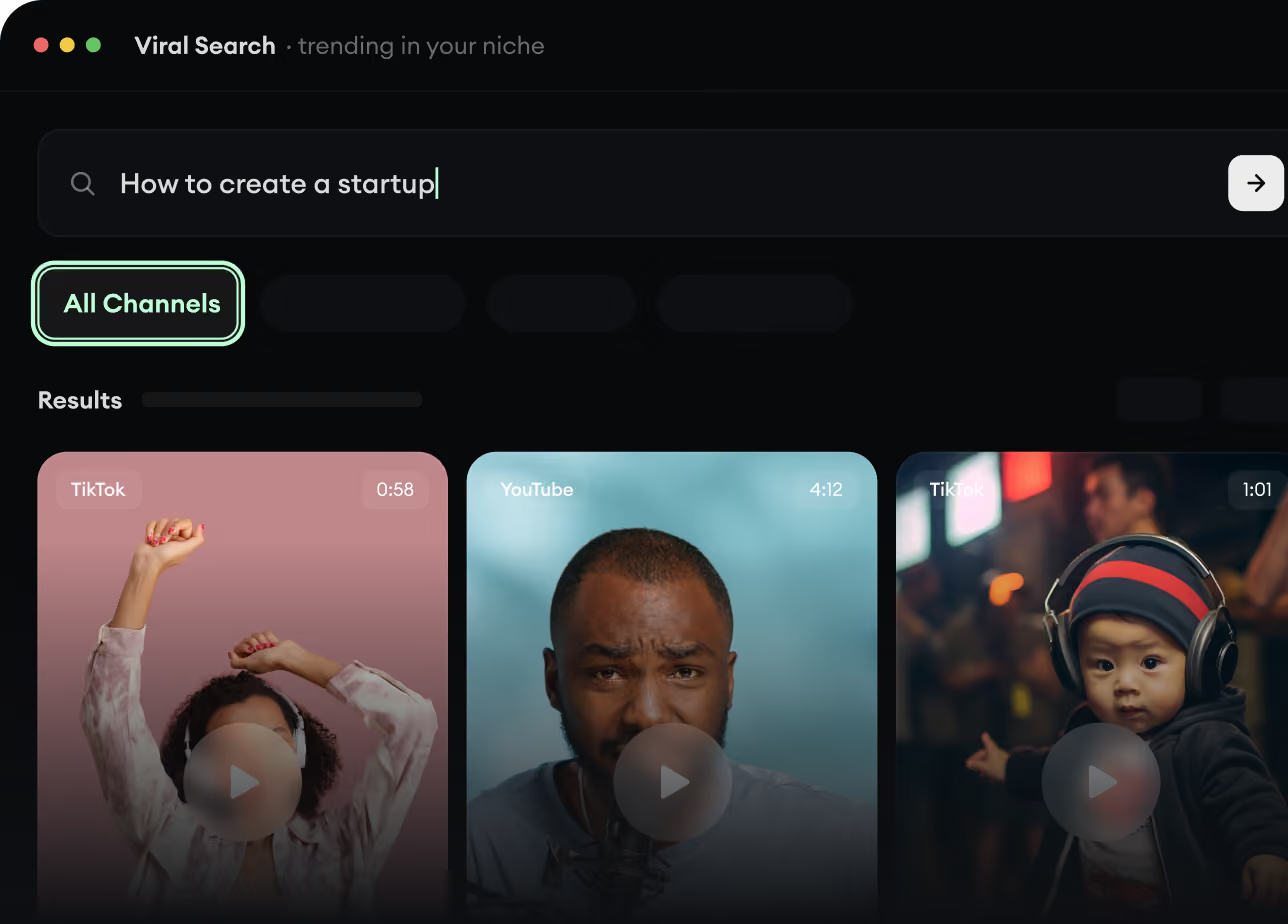
RevidAI's Viral Search and Channel Watcher surface the formats, creators, and trends getting attention right now, then help you turn them into ideas of your own.
Discover winning video formats in your niche
Follow creators and channels that matter
Start with proven ideas instead of guessing
2
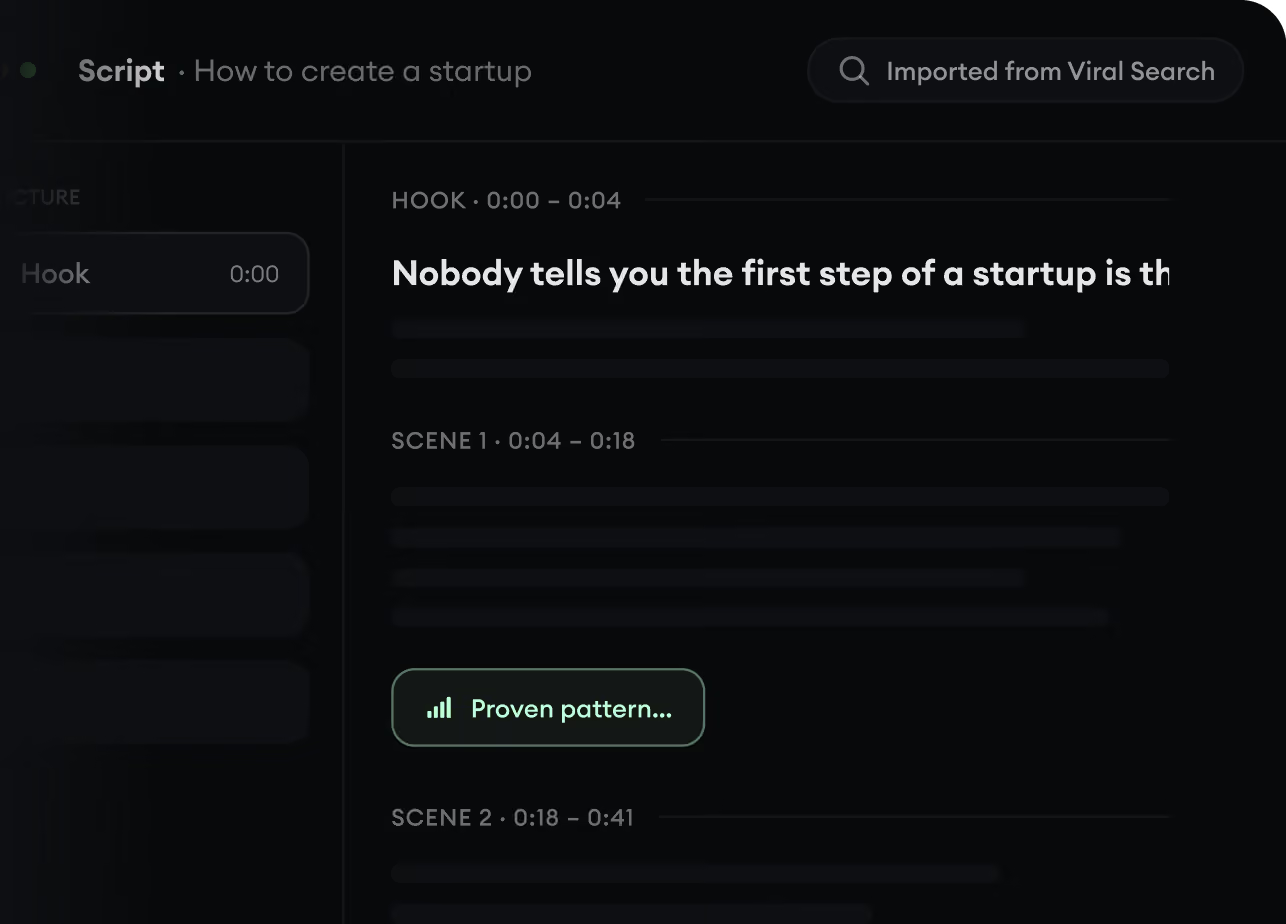
Turn An Idea Into A Story.
Found something worth making? Revid AI writes the script, suggests the structure, and turns links, prompts, or topics into complete video concepts.
Start with a prompt, topic, or URL
Generate scripts inspired by proven patterns
Build stories designed to keep people watching
3
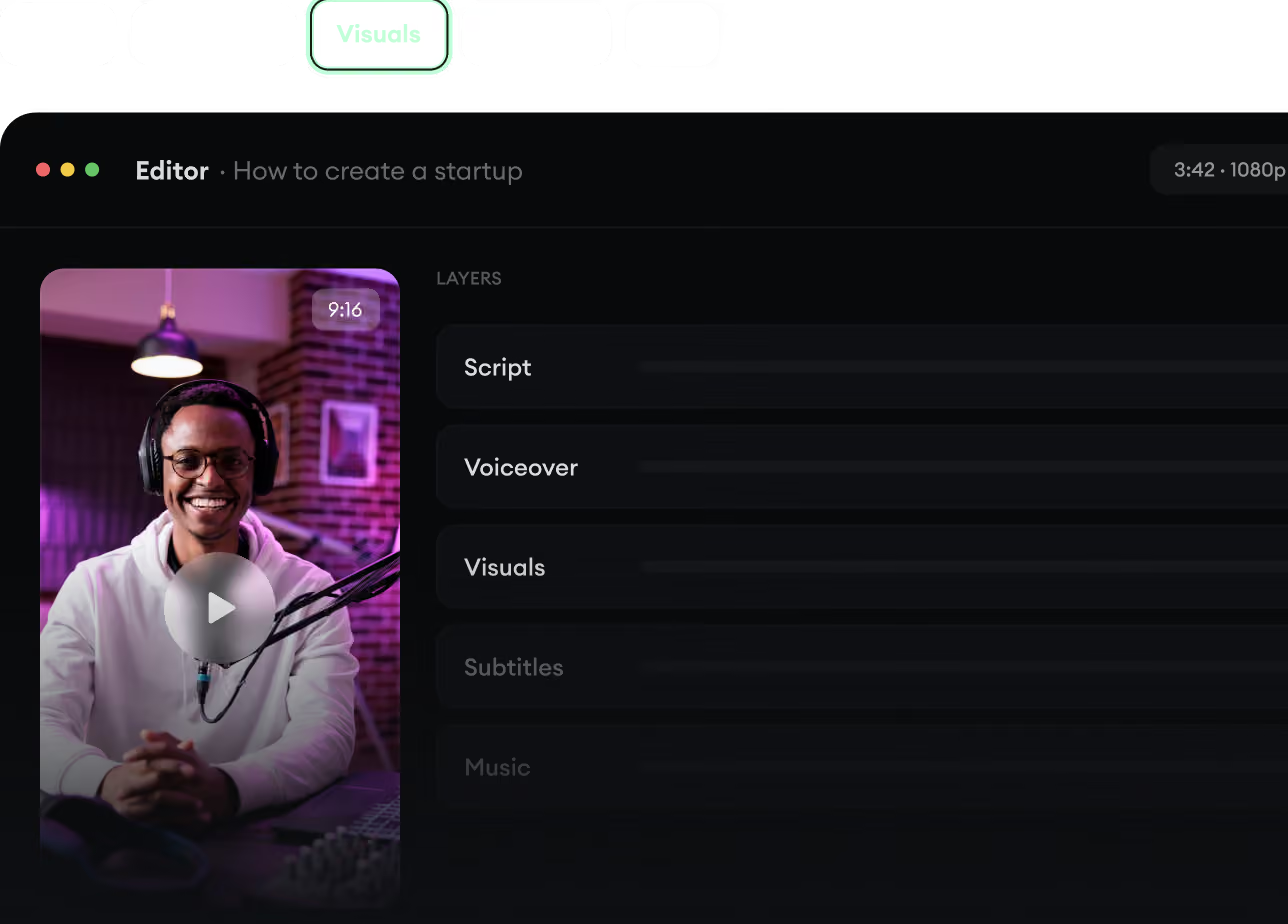
Generate The Finished Video.
Script, voiceover, visuals, subtitles, and editing all come together in one workflow. No stitching together five different tools.
Turn text into complete, multi-minute videos
Generate everything in one place
Refine the result in the editor
4
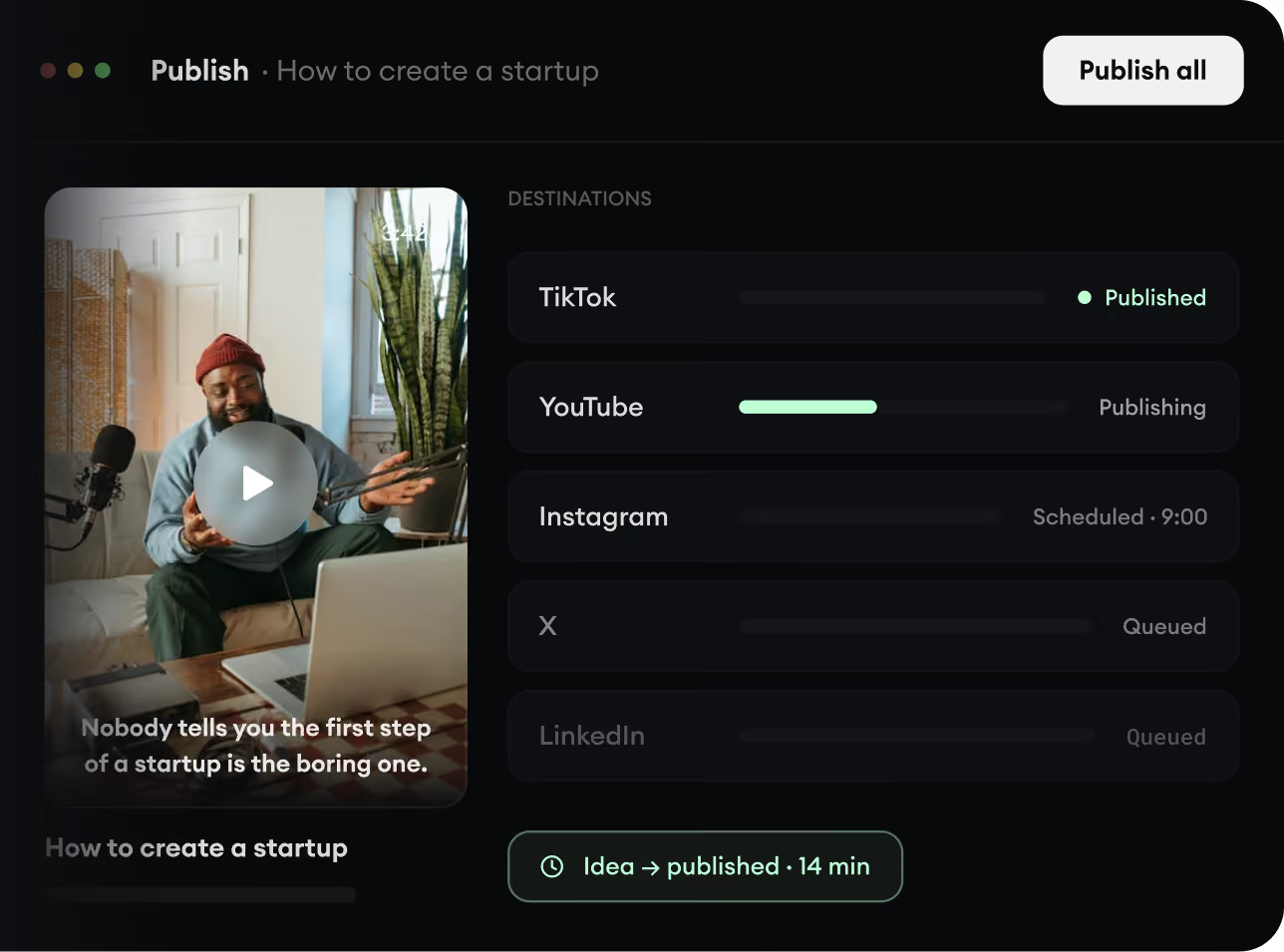
Publish Everywhere.
Share your videos to TikTok, YouTube, Instagram, and wherever your audience is.