On this page
The best AI video tool depends on the job you need it to finish. AI adoption in video creation has grown quickly, with teams focusing on workflow automation rather than relying on one generator for every task. The right choice starts with your pipeline.
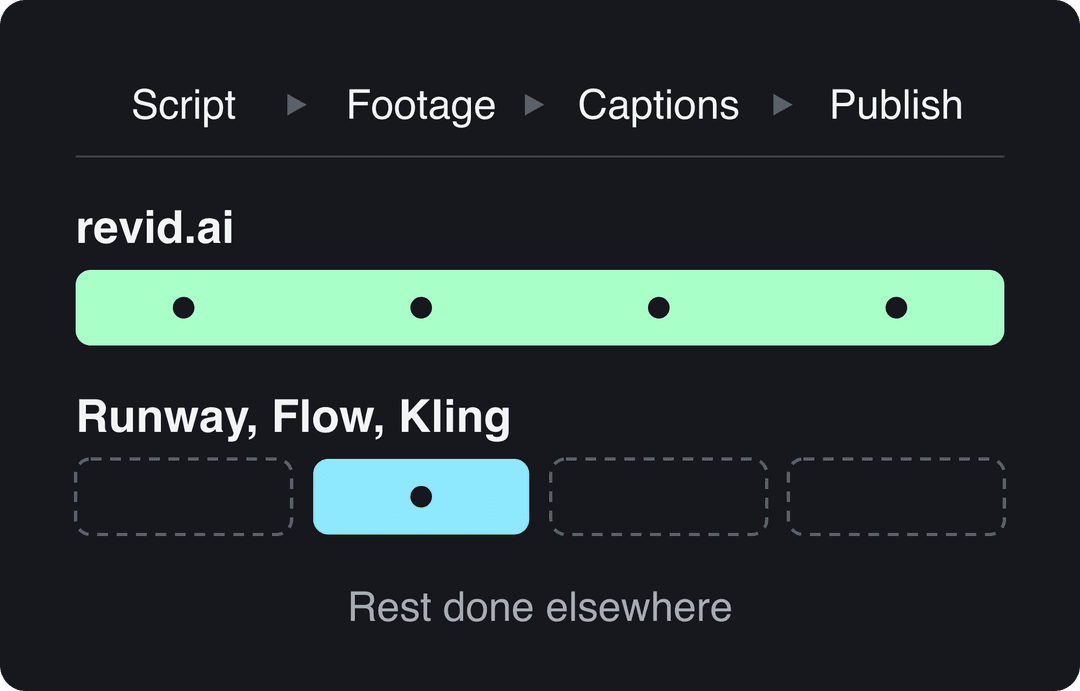
A script-to-published social video workflow needs scripting, captions, voiceover, and publishing in one flow. Cinematic scene building calls for motion control and consistent scenes, with editing handled separately. Avatar-led presenting suits scripts that need a talking presenter without filming. For short AI teasers for SaaS products, the priority is a finished social post, not just a polished raw clip.
The seven tools below are judged by workflow fit. Each gets a practical look at its strengths, limitations, pricing signals, and ideal use cases, followed by a comparison table to help you shortlist two for a head-to-head test.
- Estimated AI video generator market size in 2025, up from about $690M in 2024
- $850M
- Research and Markets
- Marketing professionals who reported personally using AI in some form
- 99%
- Marketing AI Institute 2024 survey
- Creators who say they always or often disclose AI use
- 49%
- Adobe 2026 global creator survey
- Video marketers who have used AI video tools to create or edit marketing videos
- 63%
- Wyzowl, December 2025
1. revid.ai
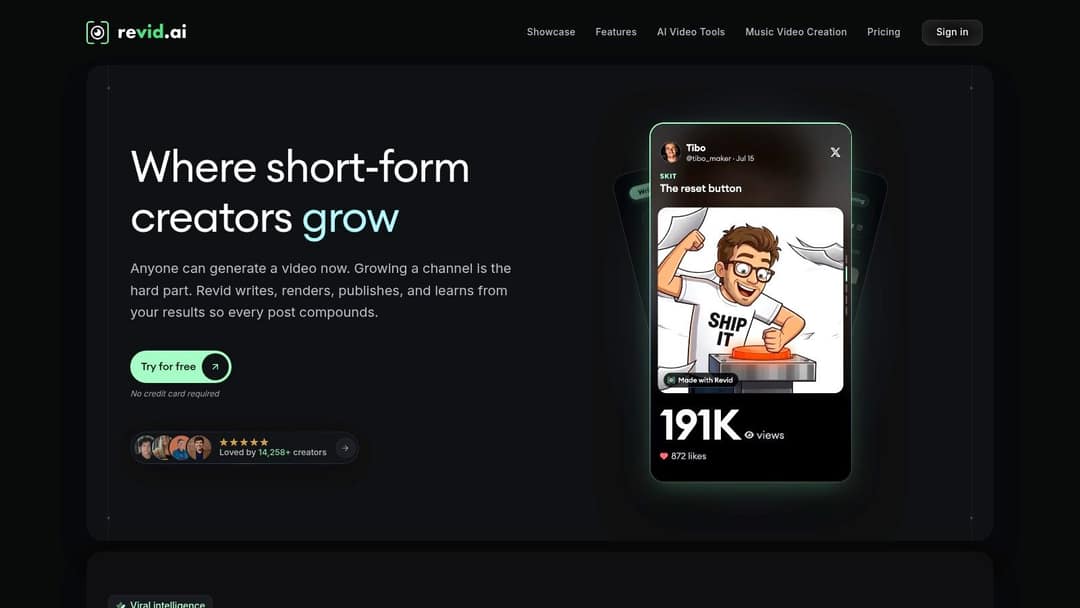
Revid.ai fits a script-to-published-social-video workflow: turn a prompt, script, link, product page, audio file, or PDF into an editable video, then customize it for TikTok, Instagram, or YouTube. It can generate scripts from text or a URL, add visuals, voiceover, and captions, and let you finish the post in its editor. If your copy is ready, you can also turn a script into a video.
Where It Earns Its Place
For creators who need a repeatable source of ideas, Revid's Viral Search finds top videos in a niche and shows why they land. Its script writer studies a viral video's hook, structure, and pacing before creating a new script. A free account can search viral videos, which gives you a way to research topics before building a production workflow around them.
Every plan includes 100+ AI video tools, voiceovers in 70+ languages, direct publishing to TikTok, Instagram, and YouTube with post stats, Auto-Mode workers, and access to the API, MCP server, and CLI. Auto-Mode can create a fresh video on a schedule from a prompt, content source, or viral library, then post it automatically. A typical 30-second video using Pro moving images and a voiceover costs about 40 to 80 credits. At that rate, 2,000 credits cover roughly 25 to 50 videos a month.
- Input range: Prompts, scripts, links, product pages, PDFs, audio, and images can feed an editable video workflow.
- Best fit: Faceless narrated videos, product promos, and UGC-style ads where publishing cadence matters more than shot-by-shot cinematic control.
- Trade-off: Full AI video models cost more credits per second than Pro moving images, so they can reduce the number of videos a credit balance covers.
Practical rule: Treat the first draft as a draft. Check names, claims, and caption spelling before scheduling; fast generation still needs editorial review.
Caption accuracy needs the same check. A 2026 review of 36 peer-reviewed studies reported recurring recognition and translation errors in automatic social-media captions. Spot-check the text before publishing, especially for names and product terms.
2. Runway
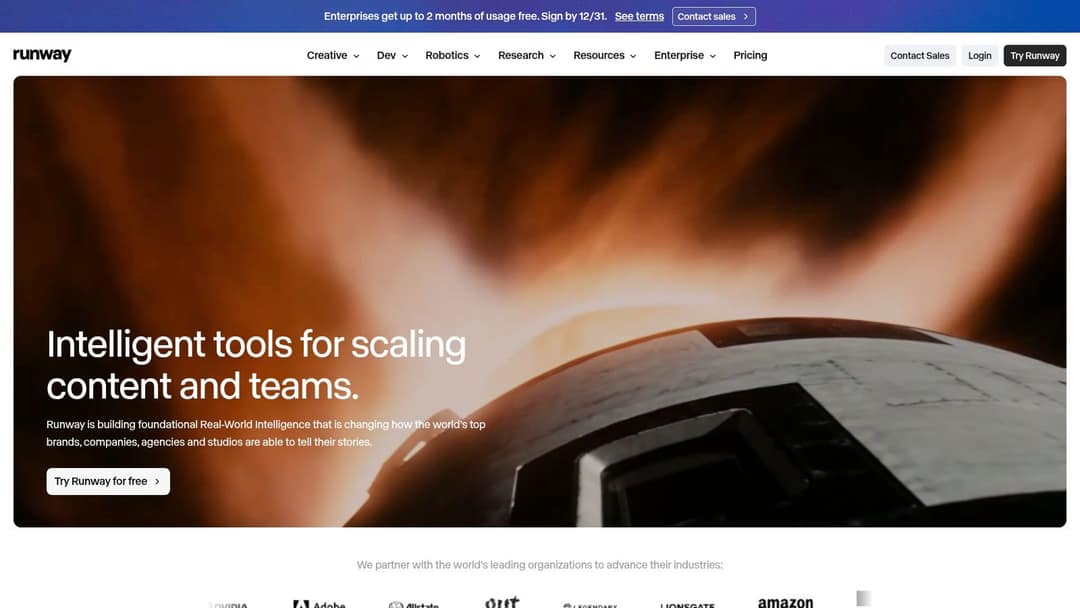
Runway is where you go to make footage, not finished posts. It combines its own video models with models from other providers, plus image, audio, editing, and upscaling tools in one creative workspace. For a launch teaser, music video insert, or stylized product shot, that breadth matters. You can generate, compare, and refine without moving assets between apps.
Don't judge a Runway clip by its first pretty frame. The VBench evaluation framework decomposes generation quality into 16 hierarchical dimensions using 1,746 prompts across 24 categories, because a clip can look attractive while failing on temporal consistency or subject identity. Apply that thinking yourself. Run the same prompt three times and score motion smoothness, prompt adherence, and whether the product or character stays recognizable across cuts.
Best Use and Main Trade-Off
Runway suits creators who already edit in a timeline and want text-to-video, image-to-video, sound effects, and 4K upscaling under one roof. It's a strong reference point when you're researching the best AI video generator category for filmmaking style work. The free tier lets you test the workspace before committing.
- Strength: Multiple models in one place make A/B testing a scene practical.
- Strength: Post-production tools help you salvage a near-miss generation.
- Weakness: Repeated generations burn credits fast, especially while you're learning prompt phrasing.
I wouldn't pick Runway as your only tool for daily TikToks. You'll still need scripting, captions, voiceover assembly, and scheduling elsewhere, and that handoff is exactly where high-volume social workflows slow down.
Prompt to try
A quiet kitchen at dawn: an old baker kneads dough as golden light creeps across the counter, then his granddaughter walks in and asks why he still wakes up at 4am. Open on a close-up of flour-dusted hands, cut between wide, medium and close-up shots, warm cinematic grade, soft piano score. 30 seconds, vertical.
3. Google Flow
Say you need five connected shots of the same kitchen at dawn, not five unrelated clips. Google Flow is designed for that scene-building problem. You generate from text, images, or frames, then extend clips and develop visual sequences with Scenebuilder instead of starting each shot from zero.
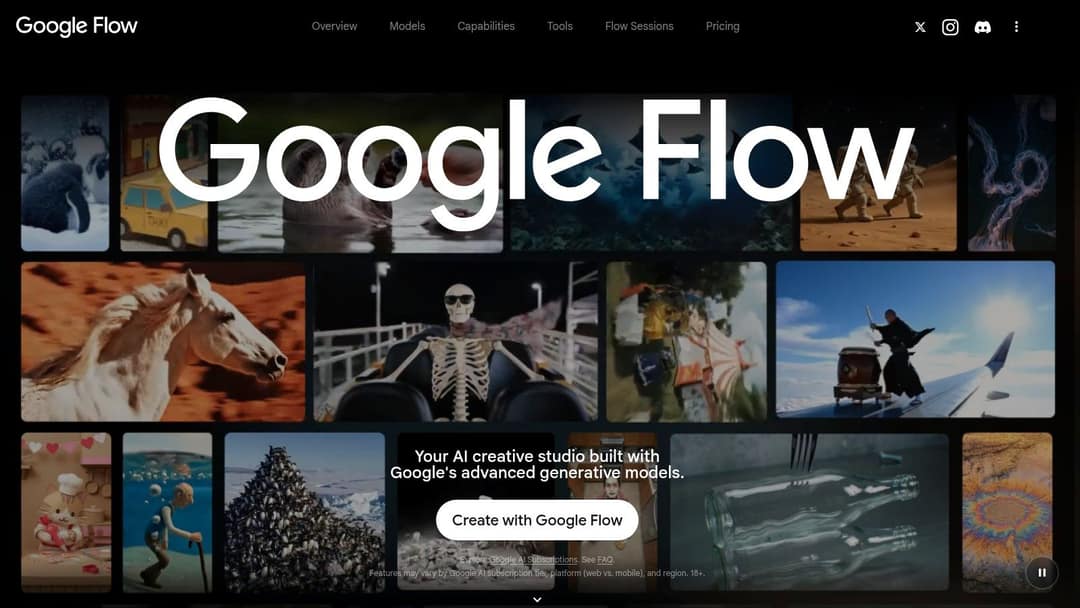
That structure suits story-led short films, concept ads, and visual sequences where continuity sells the idea. If you're still learning what AI video generation is, Flow teaches an important lesson quickly. A useful output isn't a single generation, it's a sequence you can cut together without the setting changing every two seconds.
Free access is available, which makes Flow a low-risk way to test cinematic prompting. The catch is predictability. Features and limits depend on your Google AI plan and region, and credit use varies by model and generation. You can't confidently tell a client you'll get a fixed number of finished clips per month without checking your current plan first.
- Choose it for: Building related scenes and extending a promising shot.
- Avoid it for: Template-driven social posting where captions and scheduling matter most.
- Watch for: Experimentation time. Scene building rewards patience, not one-click publishing.
Break a complex scene into simpler shots and extend the winners. You'll waste fewer credits than asking one prompt to handle camera movement, dialogue, and three actions at once.
Flow is a director's sketchpad. It's compelling when the visual idea is the product, and overkill when you just need a captioned explainer posted by noon.
4. Adobe Firefly
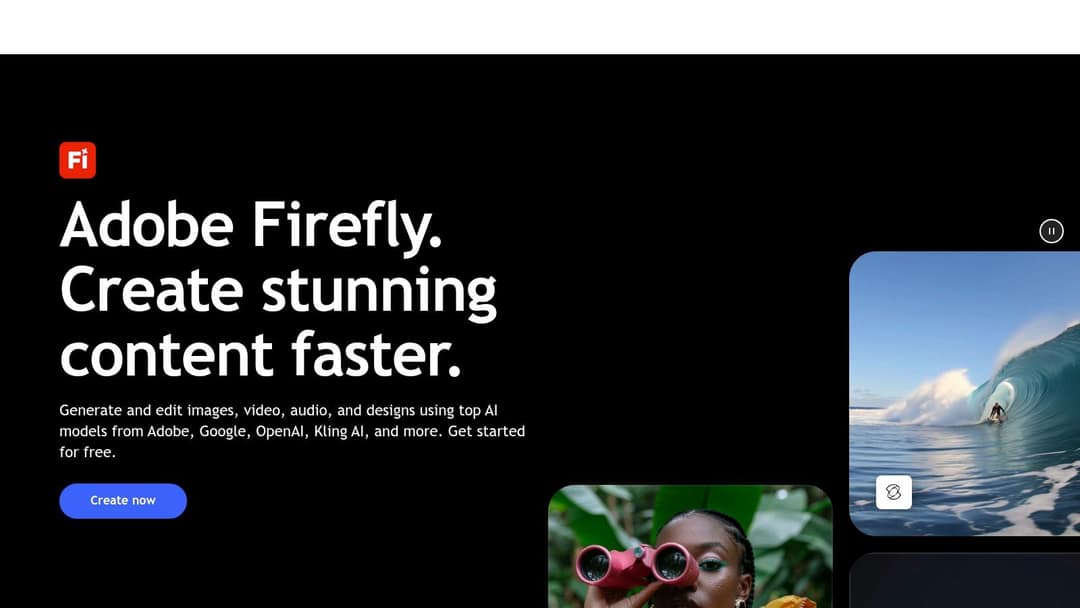
Adobe Firefly makes the most sense inside an Adobe-shaped life. Generate a clip from text or an image, transform existing footage with video-to-video tools, try partner models, then keep editing in Adobe's creative tools. If your deliverables already pass through Premiere Pro or After Effects, that continuity saves real friction.
Firefly also forces a useful conversation about disclosure. Adobe's 2026 global survey of more than 16,000 creators found 85% said audience expectations around AI disclosure were increasing or staying steady, yet only 49% said they always or often disclose AI use. Don't treat undetectable as the goal. For client work, agree upfront whether disclosure lives in the caption, description, or on screen, then apply it consistently.
Fit Check
For teams comparing AI tools for video creation, Firefly's value is ecosystem fit, not social automation. Plans state monthly generative-credit allowances, so you can budget generation attempts more clearly. Video generation draws on that limited allowance, though, and casual creators who don't use Adobe's wider tools may pay for an ecosystem they'll never open.
- Best for: Designers and editors generating B-roll they'll polish in Adobe apps.
- Less ideal for: Faceless channel owners who need scripting, captions, and posting handled.
Pick Firefly when generated footage is an ingredient in a professional edit. Skip it when the finished, captioned post is the whole job.
5. HeyGen
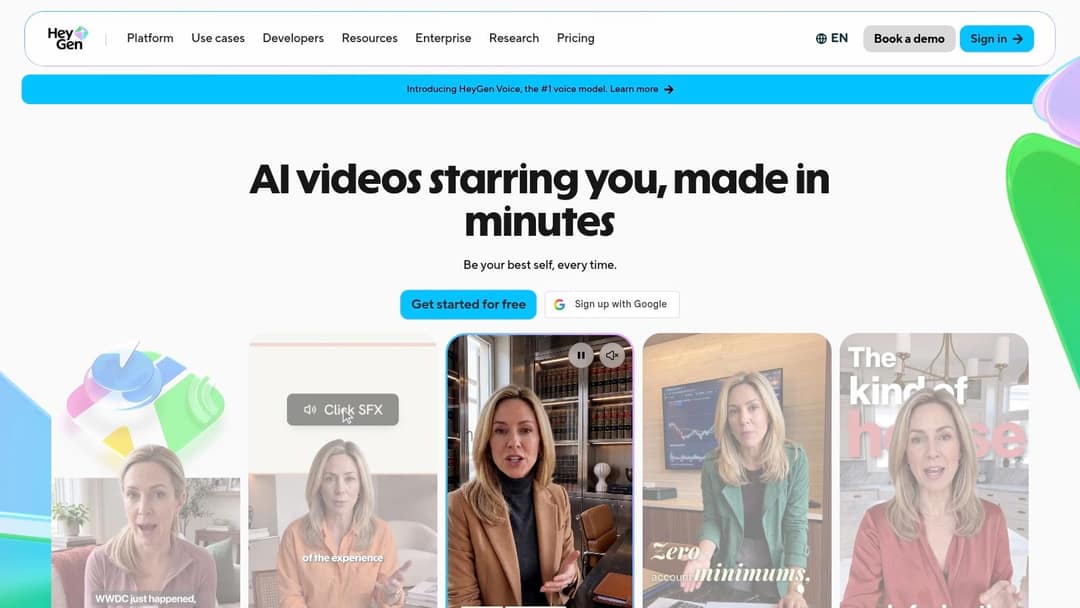
HeyGen answers one specific question well. How do you get a presenter on screen without filming anyone? You pick or create an avatar, add a script, choose a voice, and produce an explainer, product introduction, or training clip. For a small business owner who hates being on camera, that removes the biggest blocker.
The localization angle is the stronger business case. HeyGen supports text-to-speech, voice cloning, and translation in many languages and dialects, so one approved script can become several regional versions. That matters in a market where the Marketing AI Institute 2024 survey of 1,784 marketing professionals found 99% reported personally using AI in some form. Your competitors aren't debating AI anymore, they're using it to ship multilingual content faster.
Where Avatars Work and Where They Don't
Avatars hold attention for explainers, onboarding, and product walkthroughs where clarity beats atmosphere. They struggle when your concept needs genuine emotion, physical comedy, or cinematic environments. If you're choosing an AI video maker app for entertainment-led shorts, a talking presenter may feel flat next to generated scenes.
- Pro: No camera, lighting, or retakes when a script changes.
- Pro: A free plan lets you test whether your audience accepts the format.
- Con: Paid plans use monthly credits, and costs shift by feature and model.
Test one avatar video with your real audience before committing. Presenter trust is format specific, and comments will tell you quickly whether it works for your niche.
6. Kling AI
Kling suits a scene-building workflow: generate a shot from text or an image, guide its movement, then take the clip into an editor. Kling AI is aimed at creators who want to shape individual shots, such as a surfer moving toward the camera at sunset, rather than produce a complete narrated social post.
Its tools also include video-to-audio, lip sync, video effects, and image enhancement. That range is useful when a generated scene needs sound or a character needs to deliver a line. For a workflow that starts with text-to-video AI and ends in a separate editor, Kling provides footage to refine rather than a finished post. Compare the current plan tiers on Kling's official site before budgeting for extended testing.
Credit use varies by model and settings, so check the cost before each render. A few rounds of experimentation can consume credits quickly, especially when refining a short shot.
Cost control: Set the composition with a still image, then animate it. Starting from a reference image gives the generation a defined frame to work from.
Kling fits cinematic inserts, animated product shots, and stylized social clips that you plan to caption and assemble yourself. Allow time for that editing and publishing work in your pipeline.
7. Pika
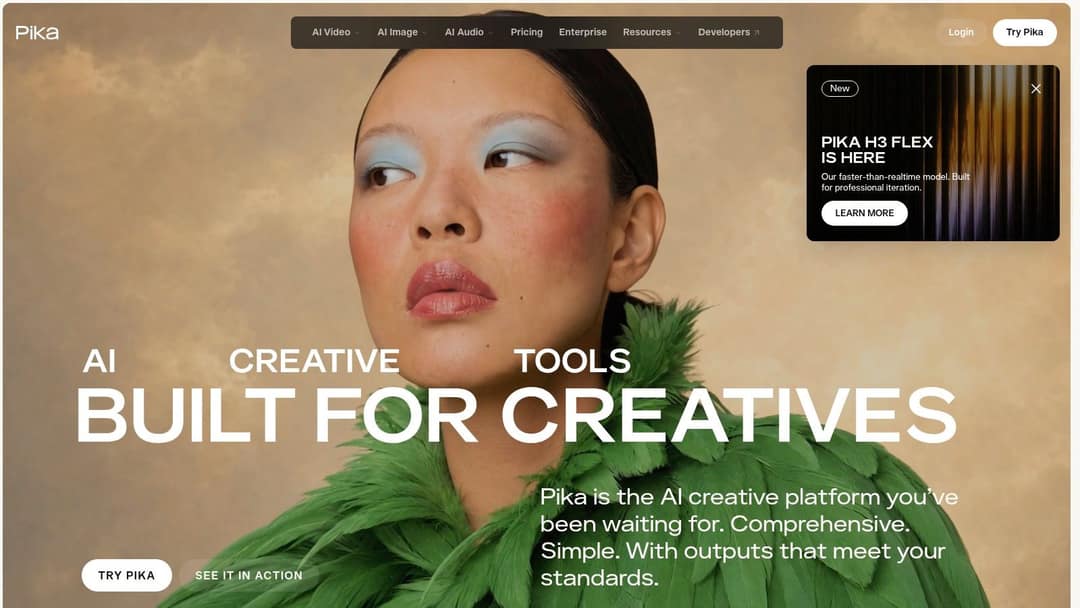
Pika is the playful end of this list. Text-to-video and image-to-video generation sit alongside creative transformations, scene additions, and swaps that can turn an ordinary photo into something scroll-stopping. For testing a visual gag or making an eye-catching post, that effects-first approach is fun to use.
The practical workflow is simple. Bring a strong still, animate it, and add an effect that gives viewers a reason to rewatch. That's why learning how to make an AI video from a photo pairs naturally with Pika's strengths. A product shot, character portrait, or meme image gives the model composition for free, so your credits go toward motion and effects instead of fixing framing.
Read the Credit Rules First
Pika's pricing needs a slower look than its interface. Credit costs vary considerably by model, resolution, duration, and effect, and the current pricing page doesn't include a monthly credit allowance with free access. One-time credit packs let you top up without changing plans, which is flexible, but flexible pricing punishes creators who don't check costs before rendering.
- Pro: Paid plans include watermark-free downloads.
- Pro: Effects and transformations go beyond plain prompt-generated footage.
- Con: Commercial-use rights aren't included on every tier, so confirm your plan before client work.
I recommend Pika for short, effect-led social experiments and visual hooks. For a narrated series with captions and a posting schedule, you'll outgrow it and end up stitching together other tools around it.
US dollars per month
Revid's $39 Growth plan includes 2,000 credits, the editor, direct posting and the API. Yearly billing is cheaper on most tools.
Source: Pricing page of each tool, checked for Revid's comparison pages (revid.ai/vs) in November 2026.
Show the data
| US dollars per month | |
|---|---|
| Creatify | 15 |
| OpusClip | 15 |
| Higgsfield | 19 |
| Synthesia | 19 |
| CapCut | 20 |
| InVideo | 20 |
| Fliki | 28 |
| Klap | 29 |
| Revid | 39 |
The 7 best AI video tools at a glance
Choose by the work you need the tool to do. Revid.ai connects script-to-video creation with social publishing; Runway, Google Flow, and Kling AI focus on building and refining clips; HeyGen centers on avatar presentations. The table compares each tool by workflow, access, and the trade-off to consider.
| Tool | Core strength | Best for | Free access | Standout limitation |
|---|---|---|---|---|
| revid.ai | End-to-end short-form video creation and publishing | Turning prompts or existing content into social videos | Free account can search viral videos | Credits limit paid-plan usage; AI output may need editing |
| Runway | Video generation and refinement in one creative workspace | Experimenting with and refining generated footage | Free tier available | Credits can run down quickly |
| Google Flow | Scene generation, extension, and editing | Building sequences of related visuals | Free access available | Features and usage limits vary by plan and region |
| Adobe Firefly | AI video tools integrated with Adobe workflows | Generating clips for editing in Adobe tools | Plans include monthly generative credits | Video generation uses limited generative credits |
| HeyGen | Avatar-led video, voice, and localization tools | Presenter-style explainers and multilingual videos | Free plan available | Presenter-led format may not suit every concept |
| Kling AI | Video and image generation with motion controls | Creating and shaping prompt- or image-based clips | Entry plans from $6.99 | Clips may need separate editing and assembly |
| Pika | Approachable video generation with creative effects | Testing ideas and making eye-catching social clips | Free access has no monthly credit allowance listed | Credit costs vary by feature and output settings |
Prompt to test two tools
Make a 30-second vertical video on why most people quit the gym in February. Hook: "80% of New Year gym-goers vanish by week six, here's why." Use punchy narration, fast-cut realistic AI visuals of empty gyms and alarm clocks, and bold captions. End with one simple habit tip.
Median seconds
Revid has since moved its base tier to Grok Imagine 1.5 (October 14, 2026), which is not timed here.
Source: Revid production data: 713,649 AI video clips generated Jun 29, 2026 to Sep 26, 2026.
Show the data
| Median seconds | |
|---|---|
| MiniMax H3 Max Turbo | 23 |
| MiniMax H3 Max | 31 |
| Seedance 2.5 | 400 |
| Seedance 1.0 Pro Fast | 69 |
| Seedance 2.0 Mini | 374 |
| Seedance 2.0 | 303 |
Pick the Tool That Matches Your Pipeline
Start from your input and your deadline, not from a demo reel. The market context explains why so many tools exist. Research and Markets estimates the AI video generator market grew from approximately USD 690 million in 2024 to USD 850 million in 2025, and Grand View Research valued the global AI video-generator market at USD 788.5 million in 2025. Plenty of vendors are chasing that growth, which means feature lists will keep converging. Workflow fit won't.
Choose by job. Pick revid.ai if you want one workflow from idea to published social video, with scripting, captions, voiceover, and scheduling connected. Pick Runway, Google Flow, or Kling AI for cinematic clip generation you'll edit yourself, and Pika when effects and transformations are the hook. Pick Adobe Firefly if you already live in Adobe's tools, and HeyGen for avatar-led explainers and localized presenter videos.
Geography reinforces the localization point. Fortune Business Insights estimates North America accounted for 41.0% of global AI video-generator revenue in 2025, with Europe and Asia-Pacific also holding substantial shares. If you sell beyond one country, weight multilingual voiceover, translated captions, and format flexibility heavily. A tool that only works well in English limits your ceiling early.
Now test properly. Run the same one-sentence prompt through two free tiers and judge which output needs less fixing, not which looks flashier in the first second. Score the hook, caption accuracy, subject consistency, and how many steps remain before publishing. Time the whole job from prompt to scheduled post, because that's the number that decides whether you'll still be posting in a month.
One final check before you pay. Confirm commercial usage rights, watermark rules, and credit costs on the exact tier you'd buy, since these vary more than headline features. On Revid, all plans include AI video generation technology and commercial usage rights, voiceovers in 70+ languages, and direct publishing to TikTok, Instagram, and YouTube. Whichever tool you choose, the best AI video setup is the one your actual weekly workflow can sustain.
Ready to skip the stitch-together workflow and go from idea to published short in one place? Revid turns a prompt, script, link, product page, audio file, or PDF into an editable video with scripting, visuals, voiceover, captions, and direct publishing built in. Start free today at revid.ai and post your first video this week.
FAQ
What is the best AI video tool in 2026?
It depends on the job. Revid.ai fits a script-to-published social video workflow, Runway, Google Flow and Kling AI suit cinematic clip generation you edit yourself, Adobe Firefly fits teams already in Adobe's tools, HeyGen fits avatar-led explainers, and Pika suits effect-led social experiments.
How should I test two AI video tools before paying?
Run the same one-sentence prompt through two free tiers and judge which output needs less fixing. Score the hook, caption accuracy, subject consistency and how many steps remain before publishing. Time the whole job from prompt to scheduled post.
How many videos can I make with 2,000 Revid credits?
A typical 30-second video using Pro moving images and a voiceover costs about 40 to 80 credits. At that rate, 2,000 credits cover roughly 25 to 50 videos a month. Full AI video models cost more credits per second, so they reduce that number.
Are AI avatar videos good for every kind of content?
Avatars work well for explainers, onboarding and product walkthroughs where clarity beats atmosphere. They struggle when a concept needs genuine emotion, physical comedy or cinematic environments. Test one avatar video with your real audience before committing.
What should I check before buying an AI video plan?
Confirm commercial usage rights, watermark rules and credit costs on the exact tier you plan to buy, since these vary more than headline features. For example, Pika's commercial-use rights are not included on every tier, and credit costs vary by model, resolution, duration and effect.
Should I disclose that a video was made with AI?
Adobe's 2026 survey of more than 16,000 creators found 85% said audience expectations around AI disclosure were increasing or steady, yet only 49% always or often disclose. For client work, agree upfront whether disclosure goes in the caption, description or on screen, then apply it consistently.
Sources
- Pricing page of each tool, checked for Revid's comparison pages (revid.ai/vs) in November 2026.
- Revid production data: 713,649 AI video clips generated Jun 29, 2026 to Sep 26, 2026.
- Wyzowl, Video Marketing Statistics 2026 (December 2025)
Charts and figures checked on November 6, 2026.