revid.ai logo
Scelto da oltre 14.000 creatori

Creatore di Film IA

Crea video IA di qualità cinematografica da testo o URL in pochi minuti. Dai vita alle tue idee con immagini dinamiche e voci realistiche.

Scrivi una storia o incolla un prompt e genera un film IA cinematografico con scene, voci e ritmo drammatico.

  • Dal prompt al film
  • Generazione di scene cinematografiche
  • Immagini e voci dinamiche
  • Pronto per lo storytelling in formato breve
Magia dell'IA

Trasforma le tue idee in
video incredibili

LA TUA IDEA
Il tuo prompt

Script generato automaticamente da Revid

SCENE 1 – THE STRANGE BEGINNING Exterior, Modena city walls, early morning, 1325. Dark clouds gather over medieval Italy. The camera slowly pushes in toward MATTEO OF MODENA, a battle-worn soldier in steel armor and chainmail, standing waist-up on the stone wall facing the camera. Soldiers move behind him preparing weapons. [Matteo of Modena – Veteran Soldier of Modena] (looking directly at the viewer) You’d think wars start over land… or gold. But the war I fought in… started because of a bucket. --- SCENE 2 – THE BUCKET Camera slowly circles Matteo as he walks along the city well in Modena’s courtyard. He bends down and lifts an old wooden bucket. Townspeople move nervously in the background. [Matteo] A few of our men snuck into Bologna one night. They didn’t steal treasure… or weapons. (raises the bucket slightly toward camera) They stole this. A simple bucket from the city well. --- SCENE 3 – THE INSULT Camera pans with Matteo as he walks toward the edge of the wall overlooking distant hills. He points across the landscape. The city of Bologna can be seen faintly in the distance. [Matteo] Over those hills… lies Bologna. And to them… this wasn’t a joke. It was an insult. --- SCENE 4 – AN ARMY FOR A BUCKET Wide shot as Matteo walks through soldiers preparing armor and sharpening swords. The camera tracks backward while he walks toward it. Behind him thousands of soldiers gather. [Matteo] So Bologna did something unbelievable. They raised an army. Thirty thousand men… All marching here… For a bucket. --- SCENE 5 – THE BATTLE OF ZAPPOLINO Camera cuts to Matteo standing waist-up on a dusty battlefield. Smoke rises. Soldiers clash behind him. The camera slowly pushes in while arrows fly overhead. [Matteo] We had barely seven thousand. But we met them at Zappolino. Steel crashed. Arrows filled the sky. And suddenly… A joke turned into a war. --- SCENE 6 – CHAOS OF WAR Camera handheld now, moving slightly to create urgency. Matteo ducks slightly as soldiers rush past him fighting behind him. He gestures toward the chaos behind him. [Matteo] Look behind me. That’s Bologna’s army. Thirty thousand men… Running. --- SCENE 7 – THE RETREAT Tracking shot as Matteo walks forward through the battlefield while defeated soldiers flee behind him. [Matteo] The great army of Bologna broke. And they ran all the way back to their city walls. We chased them the entire way. --- SCENE 8 – THE TROPHY Camera slows and centers Matteo again. He now stands inside a stone tower room lit by torches. The bucket sits on a pedestal beside him. He places a hand on it. [Matteo] When the fighting ended… We still had the bucket. --- SCENE 9 – THE LEGEND The camera slowly pushes in close on Matteo's face. The room is quiet now. [Matteo] Seven hundred years later… People still come to see it. --- SCENE 10 – FINAL LINE Matteo lifts the bucket slightly and looks directly at the camera. [Matteo] The strangest trophy in history. A war… Fought over a bucket.
Formato visivoVideo IA
Stile visivoUltra Realism
Personaggi
Voce 1
VIDEO FINALE

Create Stunning AI-Generated Videos in 3 Simple Steps

1 Write Your Script

Start by typing your script into the text box. If you have existing content, just paste the link. To suggest specific visuals, put [descriptive words] in brackets. For example, "[smiling woman]" tells the AI what kind of image to use there. Our AI reads through your script, getting ready to turn your words into video.

2 Pick Your Style

Now, choose how you want your video to sound and look. Select a voice from our AI options, or use your own by uploading an audio file. Then, decide on the visuals: do you want moving images, still pictures, or scenes that blend into each other? Set how wide or tall you want your video, and pick some background music if you'd like.

3 Create and Polish

Hit the 'Generate' button and watch as your video comes to life. Once it's ready, take a look at what the AI has created. If you want to change anything, our editor is right there. You can tweak the timing, adjust how the words appear on screen, or swap out visuals until you're happy with the result.

01

Il Creatore di Film IA che Trasforma le Idee in Video Cinematografici

Revid è il creatore di film IA pensato per i creator che desiderano produrre contenuti video di alta qualità basati su storie, senza un budget di produzione o una troupe cinematografica. Che tu parta da un copione, un concetto o solo poche righe di testo, il nostro creatore di film IA gestisce tutto: immagini, voce fuori campo, ritmo e montaggio, consegnandoti un video finito e pronto per essere condiviso. Dai cortometraggi ai contenuti social cinematografici, Revid rende la creazione di film accessibile a tutti.

02

IA da Testo a Film — Scrivilo, Generalo, Condividilo

L'IA da testo a film di Revid trasforma i contenuti scritti in video completamente prodotti in pochi minuti. Digita la tua storia, il tuo copione o la tua idea, scegli il tuo stile visivo e lascia che l'IA generi un video in stile film completo di scene corrispondenti, narrazione e colonna sonora. È il modo più veloce per passare dalla pagina bianca al film finito: nessuna videocamera, nessuna troupe, nessun software di montaggio richiesto.

03

Creatore di Film IA per Creator, Marketer e Storyteller

Che tu sia un creator indipendente, un brand o un aspirante regista, il creatore di film IA di Revid ti offre gli strumenti per produrre contenuti video accattivanti su larga scala. Genera scene dal testo, costruisci automaticamente archi narrativi ed esporta in formati ottimizzati per YouTube, i social media o la tua piattaforma. Revid è il generatore di film IA che rimuove ogni barriera tecnica tra la tua idea e un film finito.

04

Come Creare Film con l'IA — Nessuna Esperienza Richiesta

Creare film IA con Revid è semplice: basta descrivere ciò che desideri. La nostra IA generatrice di film interpreta il tuo input, costruisce una narrazione visiva e produce un video curato senza richiedere alcuna conoscenza di regia cinematografica. Dal concetto al film finito in pochi minuti: Revid è il generatore di film IA più adatto ai principianti oggi disponibile, con un piano gratuito che ti permette di provarlo prima di impegnarti.

Video di esempio

Guarda cosa puoi creare con Creatore di Film IA

Esplora stili e possibilità diverse con il nostro Creatore di Film IA

Storie Cinematografiche da Semplici Idee

Trasforma i tuoi copioni e le tue idee in capolavori cinematografici. La nostra IA genera immagini di qualità hollywoodiana, angolazioni di ripresa perfette e un montaggio professionale che dà vita alle tue storie.
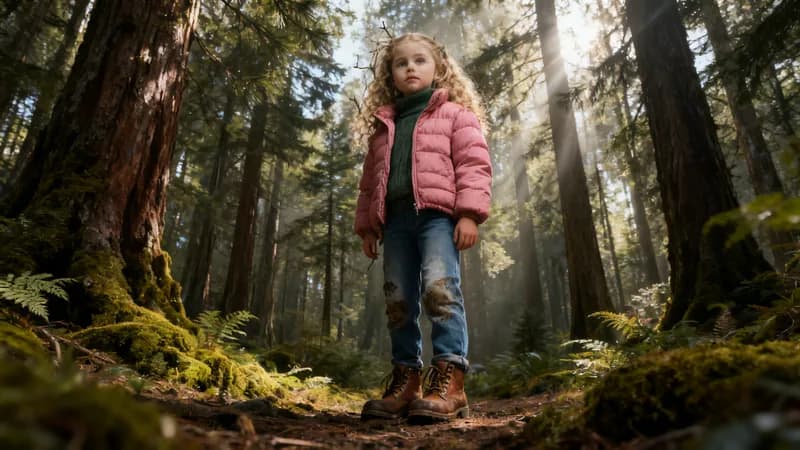
  • Scene e transizioni cinematografiche generate dall'IA
  • Voce fuori campo professionale con emozione e ritmo
  • Molteplici stili visivi, dal thriller al documentario
  • Esportazione in risoluzione di qualità cinematografica
Storie Cinematografiche da Semplici Idee

Contenuti Educativi che Catturano

Crea video educativi coinvolgenti che rendono semplici gli argomenti complessi. Perfetto per corsi online, tutorial e materiali di formazione che mantengono alto l'interesse degli studenti e migliorano l'apprendimento.
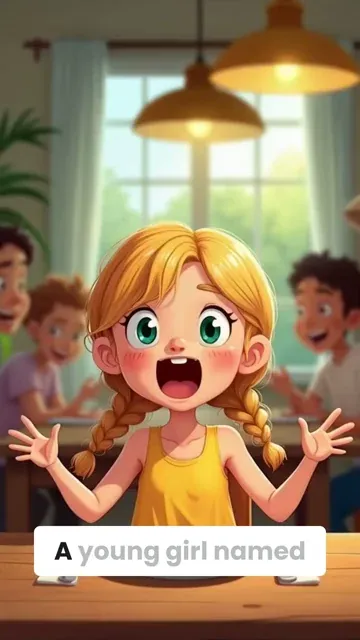
  • Spiegazioni visive che migliorano la comprensione
  • Narrazione professionale dal ritmo perfetto
  • Grafiche e animazioni per concetti complessi
  • Supporto multilingue per un pubblico globale
Contenuti Educativi che Catturano

Video di Marketing che Convertono

Trasforma le descrizioni dei prodotti e i testi di marketing in annunci video irresistibili. La nostra IA crea spot commerciali professionali che mettono in mostra i tuoi prodotti e guidano le conversioni su tutte le piattaforme.
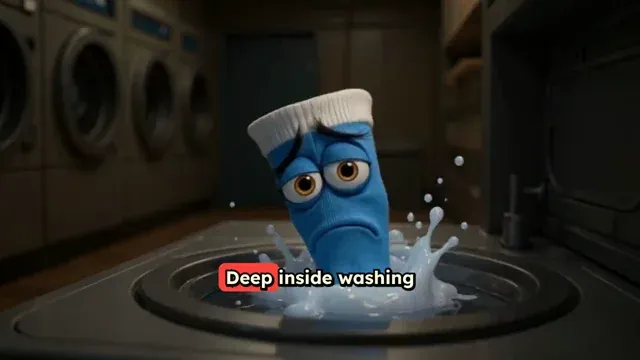
  • Immagini incentrate sul prodotto che ne evidenziano le caratteristiche
  • Narrazioni persuasive che spingono all'azione
  • Formati multipli per tutte le piattaforme social
  • A/B test per messaggi e stili diversi
Video di Marketing che Convertono
FAQ

Domande Frequenti

What is the AI Movie Maker tool?
Think of our AI Movie Maker as your personal AI video-making JARVIS. You type in what you want to say, and it turns your words into a stunning video with AI-generated visuals. No need to wrestle with complex editing software or hire a production team. It's perfect for YouTubers, social media managers, or anyone who needs cinematic-looking videos without the headache. Just feed it your ideas, pick a few options, and let the AI work its magic. It's that simple
How do I create a video using this tool?
Creating a video using revid.ai is straightforward. Start by entering your script, then select a voice (AI or your own recording). Next, choose your preferred visual style and aspect ratio. Add background music if desired, and adjust caption settings. Once you're happy with your choices, click "Generate Video." Our AI will process your inputs and deliver a finished video in just a few minutes
Can I use my own voice instead of an AI voice?
Absolutely! While our AI voices are pretty cool, nothing beats the personal touch of your own voice. Got a quiet moment? Record directly through your device. On the go? Upload a pre-recorded file. Whether you're in a professional studio or whispering into your phone under the covers, we've got you covered. It's all about what works best for you and your content
What types of visuals can I choose for my video?
When it comes to visuals, we've got you covered with three distinct styles. Want something eye-catching? Try our AI-generated animations. Need a more professional look? Go for static images. Looking for something unique? Our morphing videos blend scenes seamlessly. You're not limited to AI choices either – feel free to provide specific visual directions to get exactly what you're after
How does the credit system work?
The credit system is how we measure and charge for usage. Each video costs one credit to generate, plus an additional credit per 1,000 characters over the initial 1,000. This allows you to create shorter videos without using extra credits, while longer videos use more. Free users start with a limited number of credits, and our paid plans offer more credits monthly to suit different usage levels. Check out the pricing page for more details
What's the purpose of the "very high quality audio transcription" option?
The high-quality transcription option is a feature for users who need extremely accurate captions. It's particularly useful for content with technical terms, multiple languages, or when precise timing is crucial. While it costs an extra credit, this accuracy can be invaluable. For most general content, our standard transcription works well, but this option is there when you need that extra level of accuracy
Can I customize the appearance of the captions?
Yes, caption customization is available. You can choose from preset styles and positions through the "More Options" menu. After the video is generated, you can further refine these settings in the editor. This level of control is important because well-designed captions can significantly enhance viewer engagement and accessibility
How can I guide the AI to generate specific visuals?
To guide the AI's visual choices, use square brackets in your script. For example, "[close-up of a cat]" tells the AI to generate or select a close-up image of a cat. The bracketed text won't be narrated, it's purely for visual guidance. This feature gives you more control over the visual narrative without complicating your script
What video aspect ratios are available?
We offer three aspect ratios: 9:16 (vertical), 16:9 (horizontal), and 1:1 (square). Vertical is great for mobile-first platforms like TikTok or Instagram Stories. Horizontal works well for YouTube and traditional formats. Square is ideal for Instagram feeds and some social media timelines. Choose based on where your audience is most likely to watch your content
Is there a limit to video length?
Technically, no. But let's be real – attention spans aren't getting any longer. We recommend keeping your videos between 30 seconds and 3 minutes. It's the sweet spot for engagement, especially on social media. Plus, shorter videos are quicker to make and use fewer credits. Remember, a snappy 1-minute video often packs more punch than a 10-minute snooze fest. Keep it short, keep it sweet
Can I edit the video after it's generated?
You bet! While our AI is pretty smart, we know you might want to add your own flair. That's why we've built in an easy-to-use editor for post-generation tweaks. Want to tweak the timing? Adjust those captions? Swap out a visual? Go for it. Our editor is designed to be user-friendly, allowing you to fine-tune your video – no film school degree required
Can I use this tool for commercial purposes?
Yes, you're welcome to use videos created with our tool for commercial purposes, including marketing, product demos, and monetized content. Just ensure any custom content you add (like uploaded audio or images) is properly licensed for commercial use. As always, all content must comply with our terms of service. Within these guidelines, you're free to use our tool for a wide range of commercial applications
I have an additional question not answered here. How can I get help?
We're here to help! If you have any other questions about using the AI Movie Maker Tool or any other part of Revid.AI, please reach out to our friendly support team. You can contact us via email hello@revid.ai and we'll get back to you ASAP
Visualizza Centro Assistenza Completo

Trova risposte dettagliate a oltre 100 domande su funzionalità, strumenti e flussi di lavoro

o consulta la nostra versione markdown ottimizzata per LLM

Strumenti

Strumenti video IA gratuiti

Scegli il tuo strumento, aggiungi i tuoi contenuti e crea un video in pochi secondi. Quindi personalizzalo a tuo piacimento.

Generatore di Video TikTok IA

Converti istantaneamente il testo in video TikTok virali e di tendenza

Prova

Convertitore da Prompt a Video

Trasforma i tuoi prompt in video coinvolgenti con l'IA

Prova

Aggiungi Sottotitoli al Video

Genera sottotitoli in più di 100 lingue con l'IA

Prova

PDF in Video Brainrot

Converti PDF in video virali a scorrimento che catturano immediatamente l'attenzione

Prova

Testo in Video Brainrot

Crea contenuti virali a scorrimento con effetti visivi accattivanti partendo dal testo

Prova

Avatar Parlante IA

Crea avatar parlanti realistici partendo dal testo in pochi secondi

Prova

Generatore di Video Podcast

Trasforma i tuoi podcast in contenuti video visivamente coinvolgenti

Prova

Creatore di Film IA

Crea video di qualità professionale dal testo, senza necessità di riprese

Prova

Da Audio a Video

Crea video accattivanti dai tuoi podcast, interviste o altri contenuti audio

Prova

Animated Lyrics Video Generator

Turn any song into an animated lyric video with synced text and visuals.

Prova

Musica in Video

Trasforma la tua musica in video cinematografici

Prova

AI Lyrics Video Generator

Transform your lyrics into a complete music video with AI

Prova
Vedi tutti gli strumenti
Come funziona

Quattro semplici passaggi per creare e condividere il tuo video

1
Step 1

Trova la tua prossima idea virale

A corto di ispirazione? La nostra IA individua le tendenze e ti aiuta ad adattarle per i tuoi video, senza problemi.
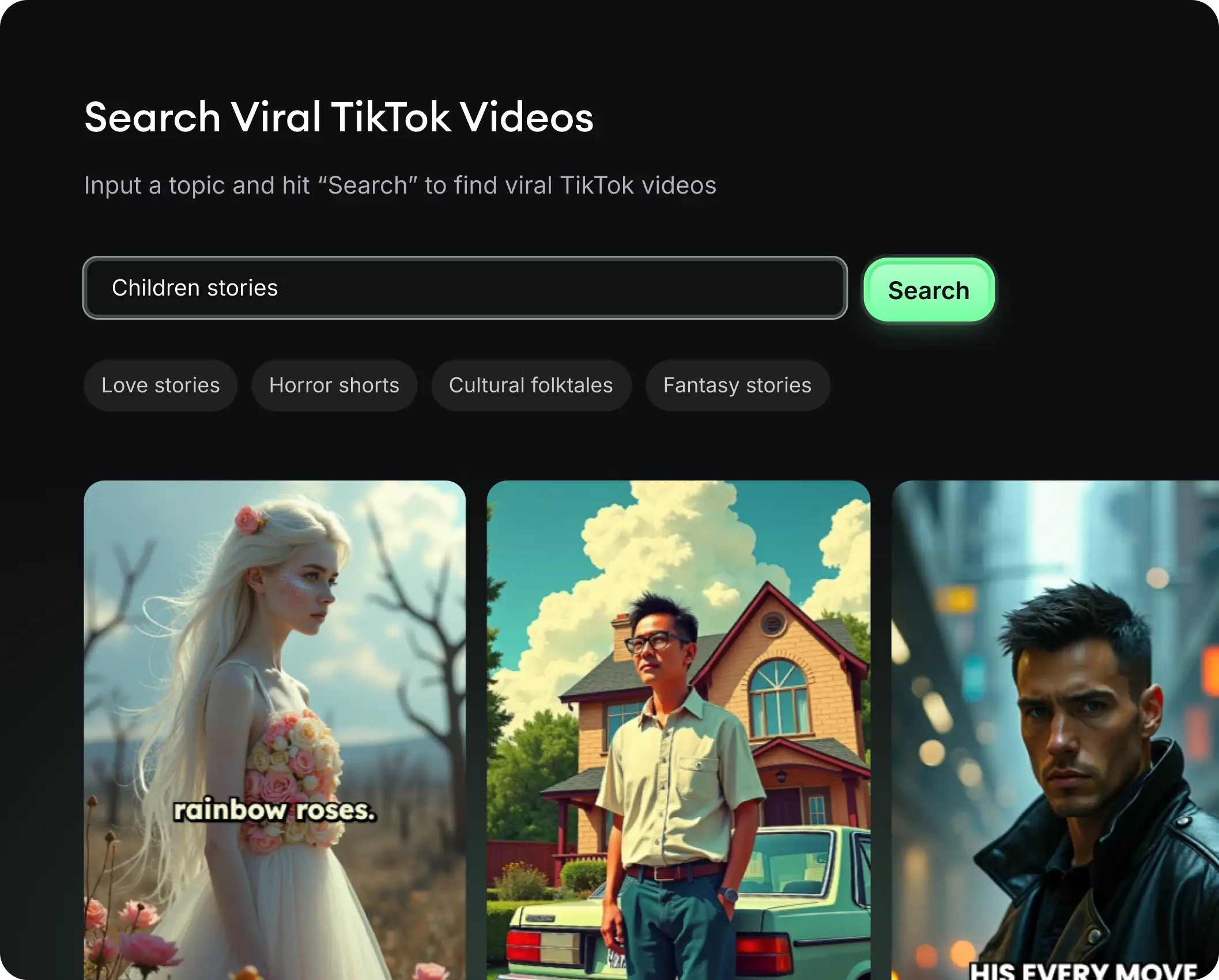
  • Identifica i formati con le migliori prestazioni
  • Lasciati ispirare dai migliori creatori
  • Trasforma le tue idee in video accattivanti
Trova la tua prossima idea virale
2
Step 2

Uno storytelling pensato per catturare

Revid.ai analizza i video virali e utilizza quegli stessi codici per scrivere i tuoi script.
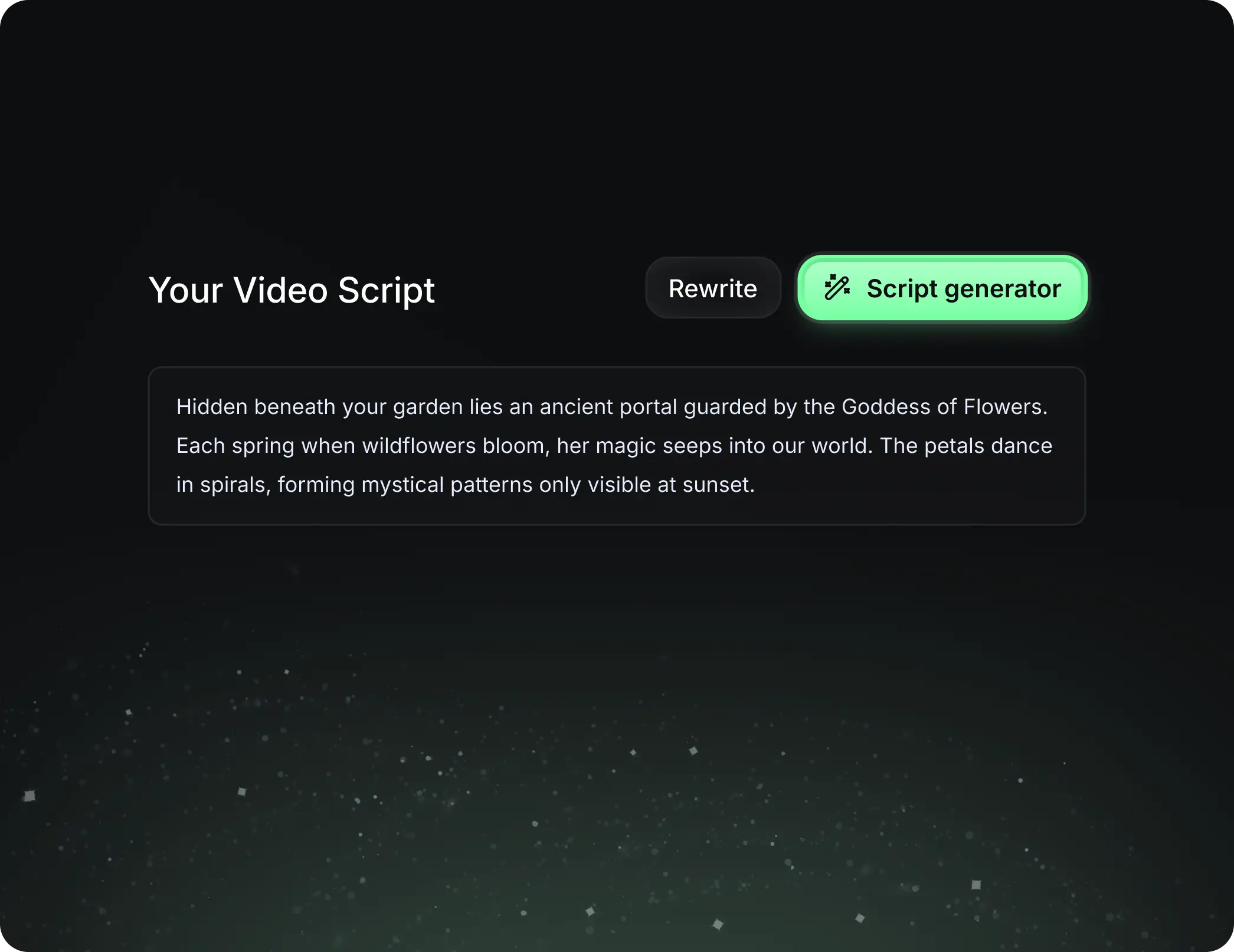
  • Scrivi il tuo script o dai semplicemente l'argomento alla nostra IA
  • L'IA ti proporrà contenuti pertinenti per ispirarti
  • Incolla un link, la nostra IA lo analizza e lo trasforma in un video
Uno storytelling pensato per catturare
3
Step 3

Video che amerai

Crea video professionali, condividili con un clic e fai crescere il tuo pubblico.
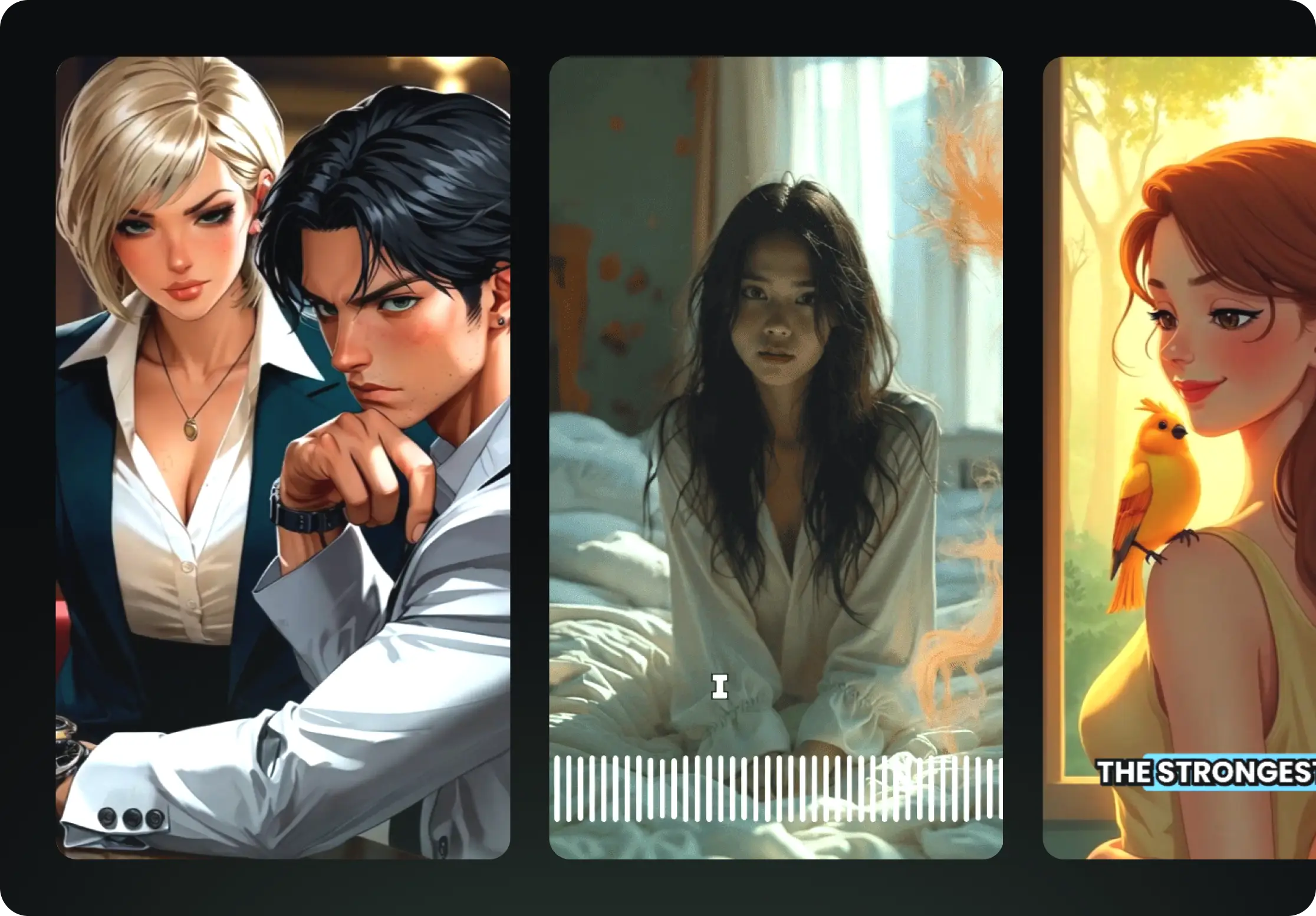
  • Guarda i tuoi testi trasformarsi in video professionali
  • Automatizza la creazione di video dai tuoi contenuti
Video che amerai
4
Step 4

Pubblica su TikTok, YouTube, Instagram e altro

Raggiungi un pubblico più ampio condividendo i tuoi video su tutti i tuoi social network.
Pubblica su TikTok, YouTube, Instagram e altro
revid.ai logo

Il modo più veloce per creare video accattivanti.