2,085 people used this tool in the last 24h
or explore our 42+ other tools to create the exact video you want
Explore our tools
Turn any song into a beat-synced AI music video in minutes. Upload an audio file or paste a music link, Revid automatically generates visuals, motion, and lyric captions synced to your track.
68% of people discover music through short-form videos, create yours
or explore our 42+ other tools to create the exact video you want
Explore our toolsFrom jazz to metal, lo-fi to EDM — generate beat-synced videos that match the vibe, energy, and mood of your music in minutes.
Creating a music video traditionally requires editing skills, visual assets, and hours of production work. An AI music video generator removes that complexity by analyzing your audio and automatically producing synchronized visuals, motion, and captions. Instead of manually aligning cuts or effects to the beat, the system detects rhythm, structure, and lyrics to generate cohesive scenes in minutes. This allows artists, marketers, and content creators to publish more frequently, test creative directions faster, and focus on promotion rather than editing workflows.
AI-driven video creation is useful far beyond independent musicians. Content creators can turn background tracks into engaging short-form videos, brands can transform audio campaigns into visual assets, and social media teams can produce platform-ready content without dedicated production resources. By lowering technical barriers, an AI music video generator makes visual storytelling accessible to anyone working with audio, whether the goal is audience growth, promotion, or rapid content experimentation across channels.
Discover how real users are using our AI music video generator to create their content in a smart and effective way.
Choose your music file - audio or video. The AI handles both formats perfectly. Quality matters here. Better input, better output. Even if your file isn't studio-grade, the AI can still produce impressive results.
Choose your visual preference: stock videos, AI-generated clips, or moving AI images. Each offers unique advantages. Stock is efficient, AI-generated is customized, moving images balance both. Your choice shapes the final product. Select what suits your vision best.
Hit 'Generate' and let the AI work its magic. In minutes, you'll have a video. Then, use the editor to enhance. Adjust timings, swap visuals, fine-tune captions. This is where you add your personal touch. Make it uniquely yours.
I used this AI music video generator to promote my latest single on TikTok and Instagram. I uploaded the audio file, picked a visual style, and within minutes I had a video perfectly synced to the beat. The automatic timing of the animations makes a huge difference. For an independent artist, this tool is a game changer.

Jordan M.
Indie Artist
I was looking for an AI music video generator that was simple and fast. With this one, I just paste a Spotify link and the video is ready. The visuals actually follow the music instead of playing random effects. I mainly use it for YouTube Shorts and Instagram Reels since it exports in the right formats.

Suzie P.
Content Creator
As a producer, I publish a lot of instrumental beats and this video generator tool made everything easier. I upload the WAV file, enable audio-reactive animations, and get a video that matches the structure of the beat. It's a big upgrade compared to the static visualizers I used before.

Marcus B.
Producer & Beatmaker
I manage social media accounts for emerging artists and needed an AI music video generator that could work at scale. Revid lets me create multiple videos from the same track just by changing styles and formats. It's perfect for testing different creatives on TikTok and Instagram without extra editing.

Sophie L.
Social Media Manager
I've never edited a video before, but this AI music video generator was extremely easy to use. I uploaded my song, added lyrics, and everything was automatically synced. The final result looks professional even without any technical skills.

Chris R.
First-time Creator
I never believed people would like content that's so simple, but I'm 250+ subs in 1mo and 700 watch hours. Revid was an amazing tool to get me started creating music content. The beat-sync feature really makes the videos stand out.

George S.
YouTube Creator
Discover the outputs created with our AI video music generator from audio visualizers to full cinematic music videos. Each example shows how AI transforms raw audio into engaging visuals that move in sync with the beat, structure, and energy of the track.
Transform viral meme songs into engaging AI music video content with perfectly synchronized animations and relevant imagery that captures the humor and energy of internet culture.

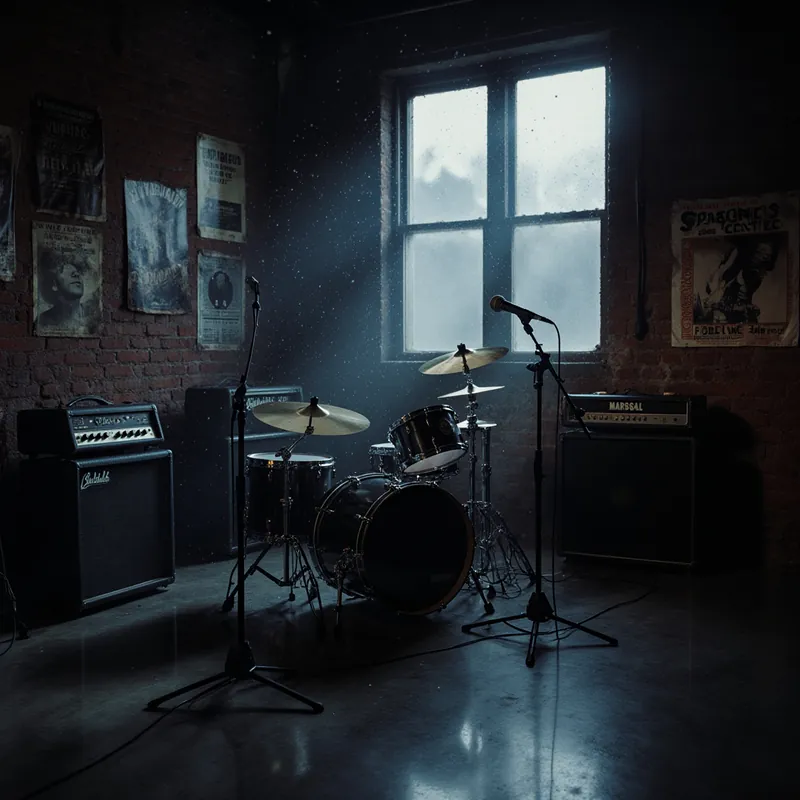
Generate cinematic AI music video visuals that match your music's mood and energy. Perfect for instrumental tracks, ambient music, and electronic beats.
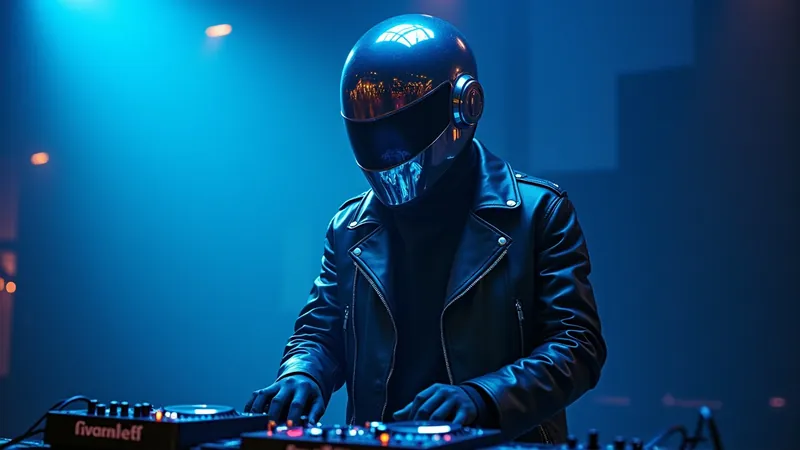
Create stunning AI music video with animated lyrics, visual effects, and perfect timing. Ideal for musicians, content creators, and music marketers.
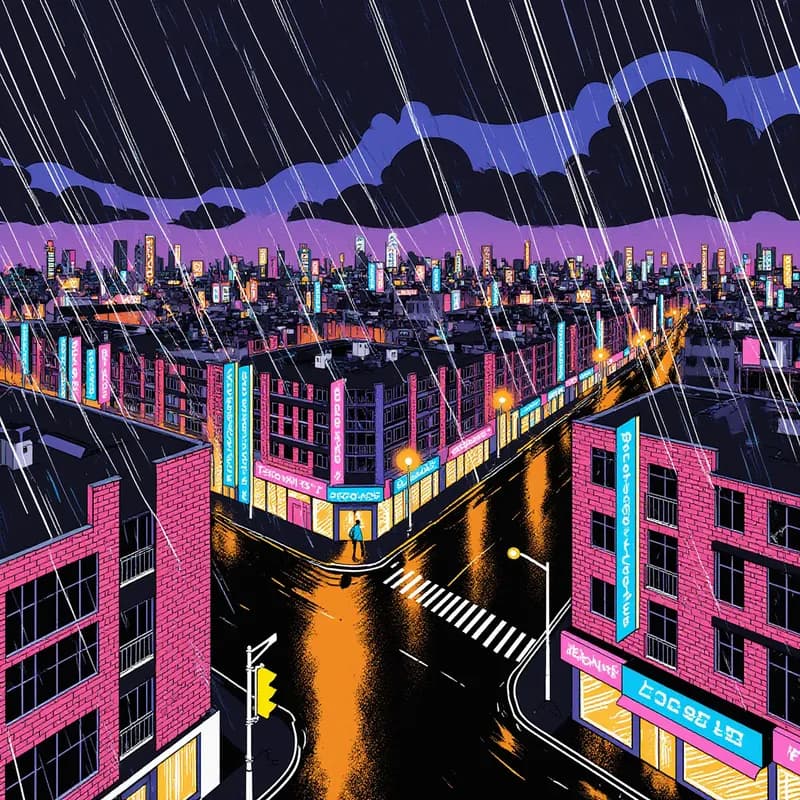
If you producing music video for hip-hop, EDM, lo-fi, rock, or jazz, the Revid’s AI video music generator adapts visuals to the rhythm, mood, and structure of your audio.
Find detailed answers to 100+ questions about features, tools, and workflows
or check our markdown version optimized for LLMs
Pick the right tool, provide your input, and you'll create a video in no time - customize it however you want.
Looking for story ideas? Our AI finds trending content and helps you remake it into your very own videos - no more trial and error.
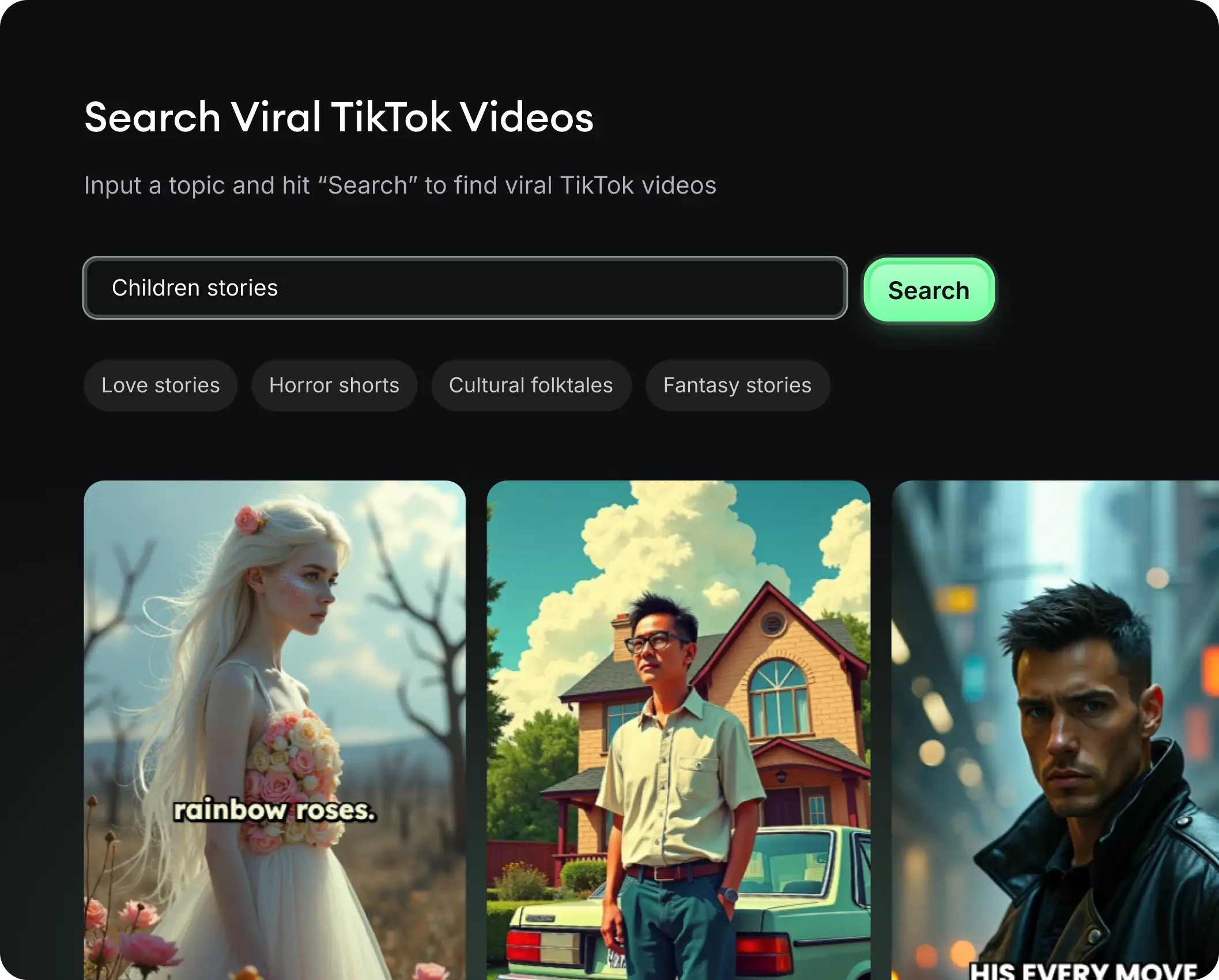
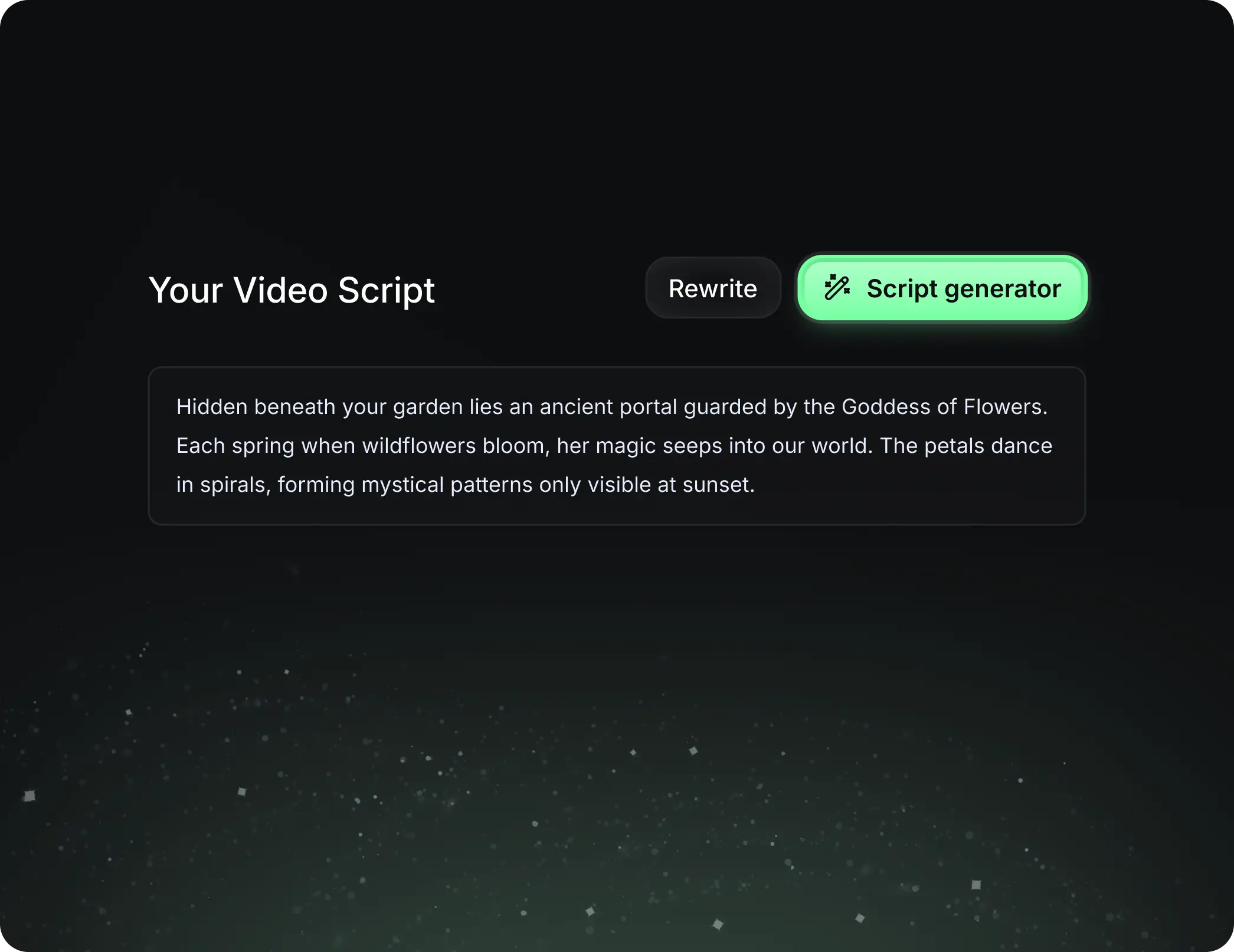
Revid.ai understands what makes videos go viral and uses the same proven methods to write scripts for you.
Create perfect videos, share instantly, and grow your business.
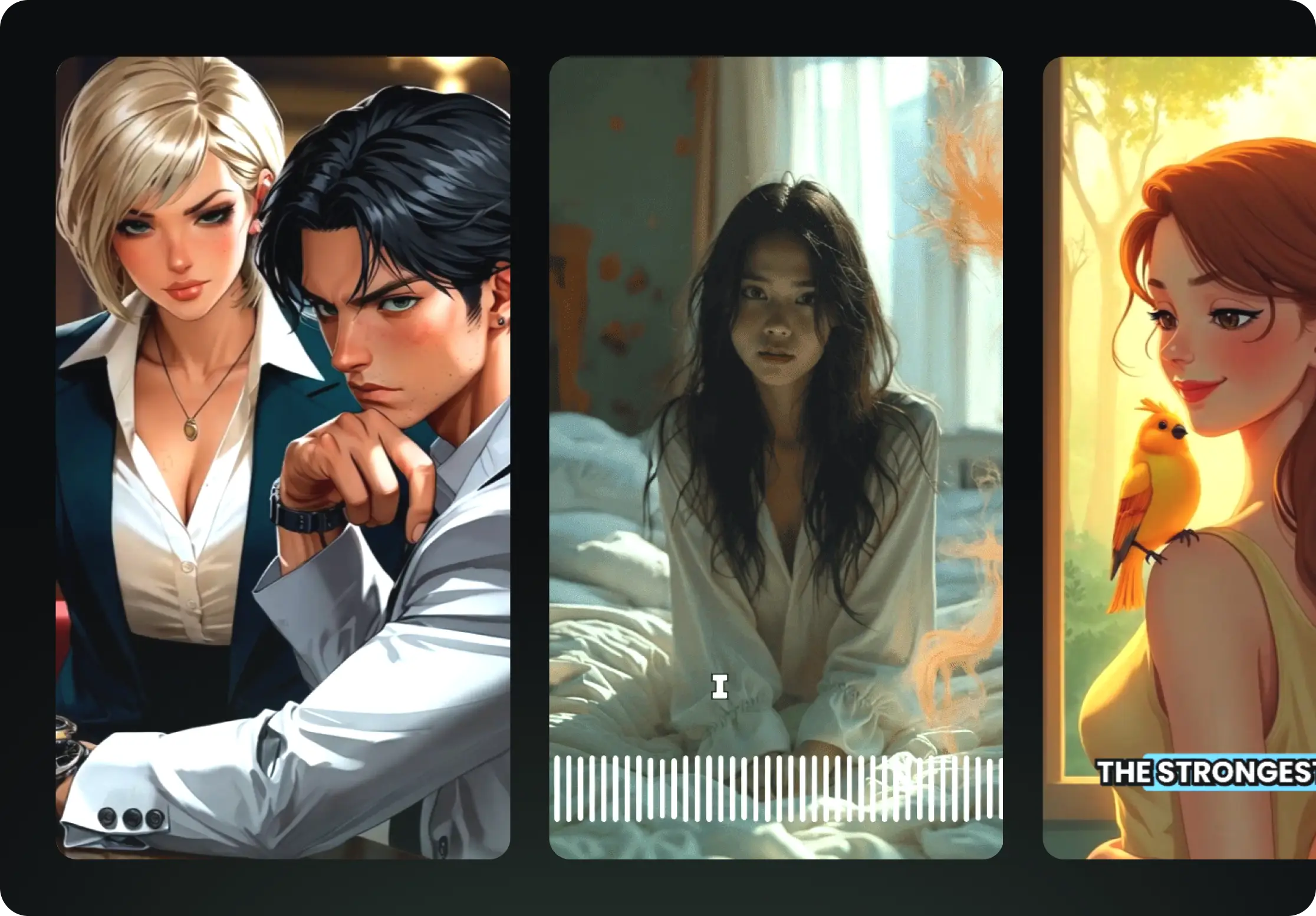
Reach a wider audience by sharing your video across your favorite social media platforms