2,159 people used this tool in the last 24h
or explore our 42+ other tools to create the exact video you want
Explore our tools
Revid's AI rap video generator turns your lyrics into a complete rap music video. Paste your bars with [verse] and [chorus] tags and describe the beat (trap, drill, old school), and the AI produces an original track with your lyrics rapped over it, then adds visuals, a sound wave and on-screen lyrics in sync. Turn on singer lip sync to have an AI rapper perform parts of the song.
or explore our 42+ other tools to create the exact video you want
Explore our toolsStart by entering your rap lyrics in the text box. Organize your bars into sections like [intro], [verse], [chorus], or [outro] for best results. You can write your own lyrics or paste them from another source—our AI will handle the rest!
Pick the vibe of your rap by selecting a beat style—Trap, Drill, Old School, Lo-Fi, or create your own custom feel. The AI will generate an original hip hop beat tailored to your lyrics and chosen style.
Customize the look of your music video by choosing AI-generated video, moving images, stock footage, gameplay, or upload your own media. Our AI automatically matches visuals and animations to your lyrics, ensuring every scene pops.
Click 'Generate Rap Video' and let the AI work its magic. In just minutes, you'll get a complete rap music video with auto-synced lyrics, custom visuals, and a professionally produced beat—ready to share on TikTok, YouTube Shorts, Instagram Reels, or anywhere you want!
Most rappers spend more time on production than on writing. Revid flips that. Paste your lyrics, choose a style from Trap, Drill, Old School, Boom Bap, or Lo-Fi, and the AI composes an original instrumental tailored to the flow and structure of your words. Every beat is generated from scratch based on your specific input, so the result actually fits what you wrote rather than forcing your bars into a generic template. No DAW, no samples, no music production knowledge required.
Revid does not just generate a beat and stop there. The AI takes your lyrics, syncs them to the generated instrumental word by word, selects visuals that match the mood and energy of your track, and assembles a complete vertical rap video ready for TikTok, Instagram Reels, and YouTube Shorts. You can choose from AI-generated video clips, moving AI images, stock footage, gameplay backgrounds, or upload your own media to keep full creative control over the visual direction.
The AI Rap Video Generator is designed for anyone who writes bars and wants to be seen and heard, whether you are an independent artist promoting a new track, a content creator building a hip-hop channel, or a songwriter testing how your lyrics feel over a produced beat. If you already have a finished track and want to pair it with visuals, Revid's AI music video generator covers that workflow too, giving you a complete suite of music video tools in one platform.
Once Revid generates your rap video, the creative process does not stop there. The built-in editor lets you adjust lyric timing, swap out individual visual scenes, change caption styles, and fine-tune the overall look until the video matches your vision exactly. You can also correct any transcription errors in the lyrics before downloading. The final output is a 9:16 vertical video ready to post anywhere, produced to a standard that would have required a full production team just a few years ago.
Explore different styles and possibilities with our AI Rap Video Generator
Transform your bars into complete rap music videos with AI. Our AI rap video generator creates the beat from your lyrics and generates stunning visuals automatically. Just paste your text and get a professional rap video with AI-generated flow and cinematic visuals in minutes.
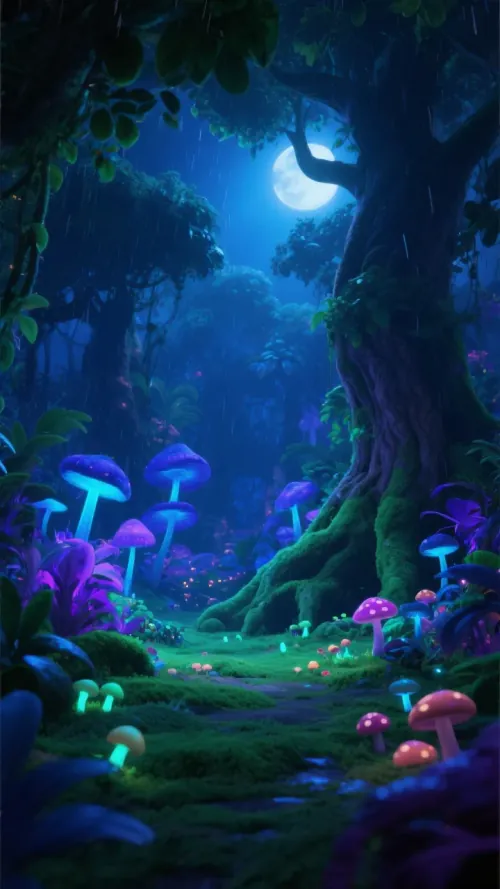
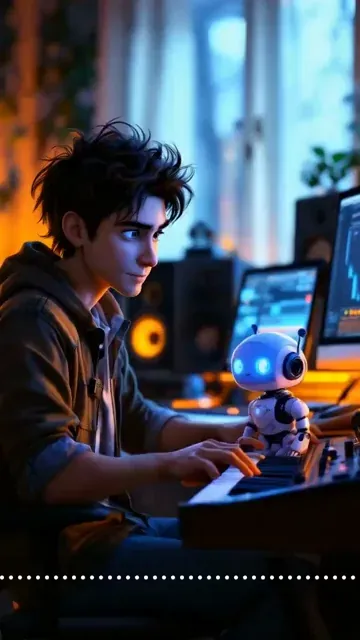
Create full rap videos from just text. Our AI rap generator composes original hip hop tracks based on your lyrics, then generates a matching video with stunning visuals and animations. Perfect for aspiring rappers, songwriters, and creators.
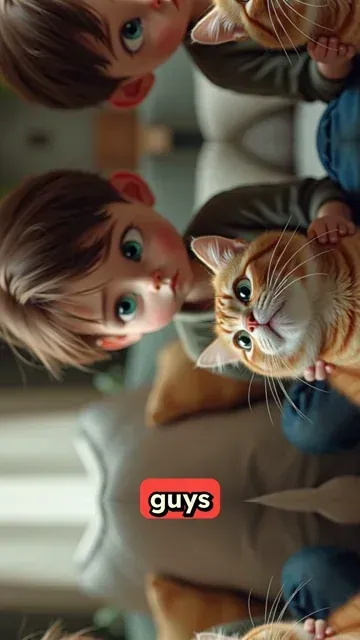
Create rap videos from scratch with AI. Describe your song idea or paste lyrics, and our AI generates the lyrics, composes the beat, and creates a viral-ready music video. Perfect for TikTok, Instagram Reels, and YouTube Shorts.
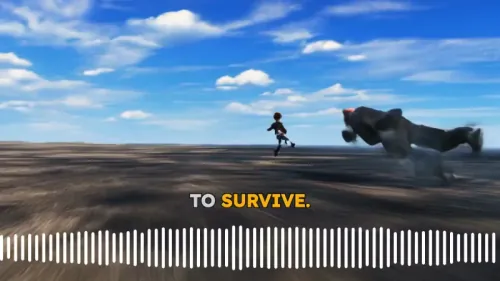
Discover more ways to create engaging videos with our AI-powered tools
Find detailed answers to 100+ questions about features, tools, and workflows
or check our markdown version optimized for LLMs
Choose your tool, add your content, and create a video in seconds. Then customize it to your liking.
Turn your prompts into engaging videos with AI assistance
Create studio-quality videos from text, no filming required
Turn any song into an animated lyric video with synced text and visuals.
RevidAI's Viral Search and Channel Watcher surface the formats, creators, and trends getting attention right now, then help you turn them into ideas of your own.
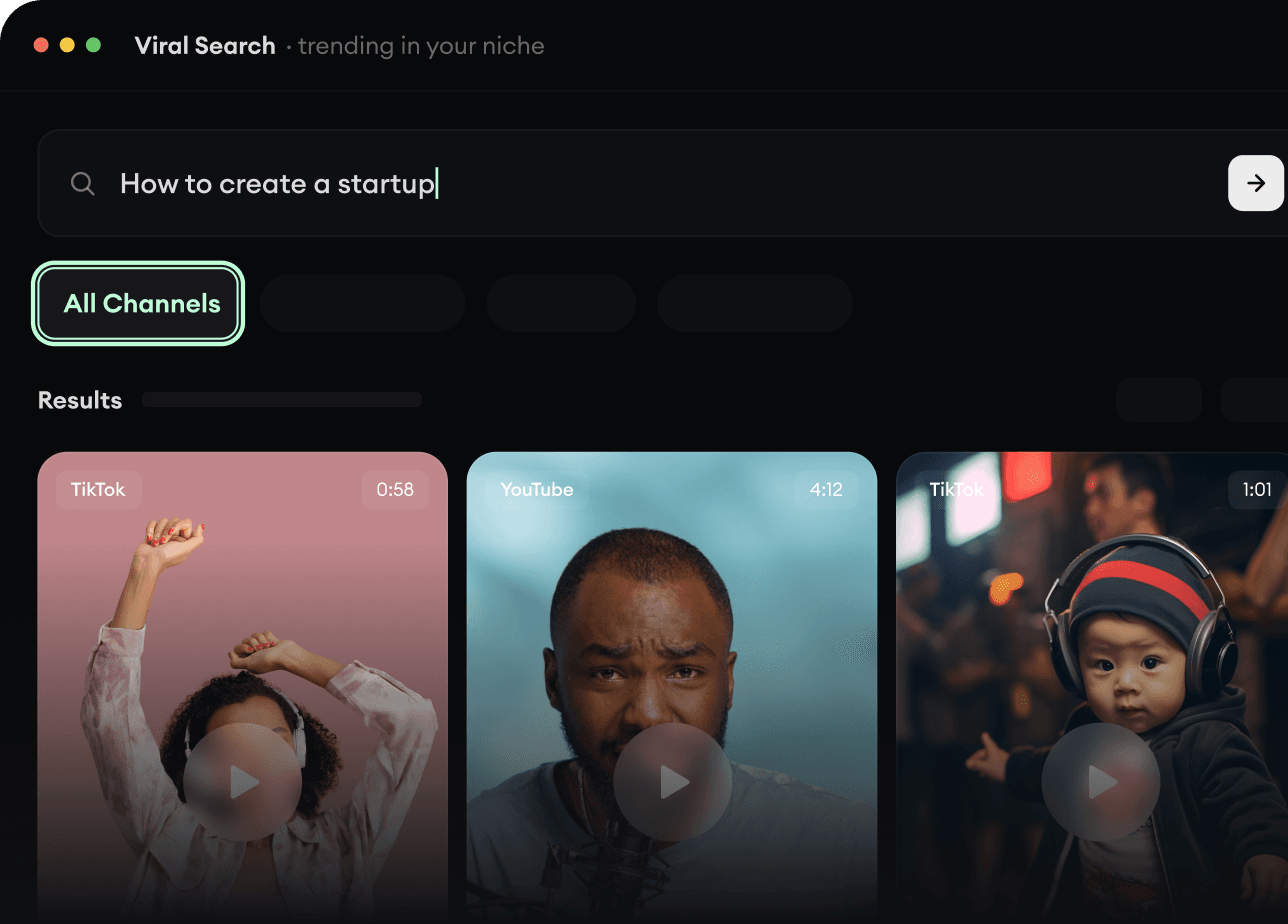
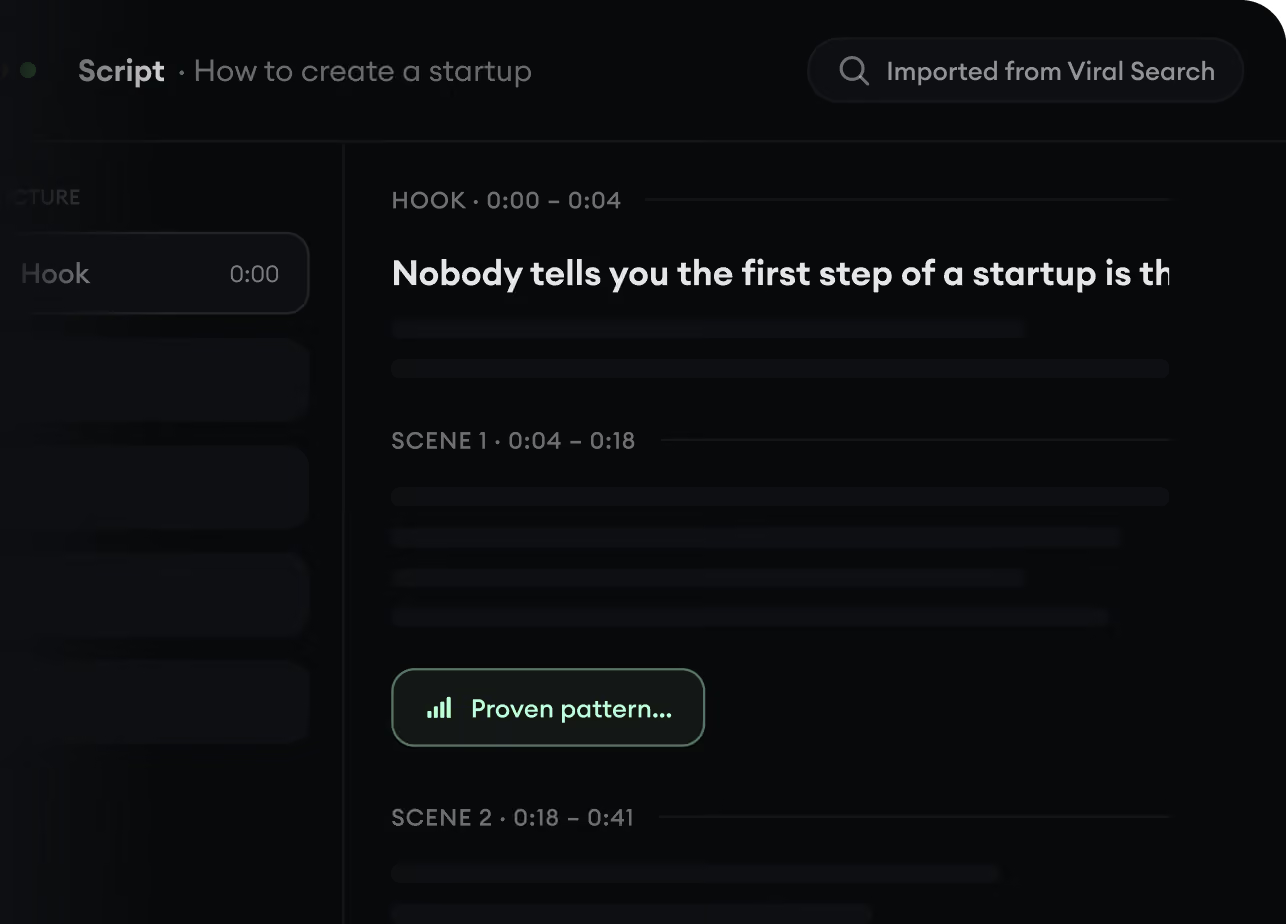
Found something worth making? Revid AI writes the script, suggests the structure, and turns links, prompts, or topics into complete video concepts.
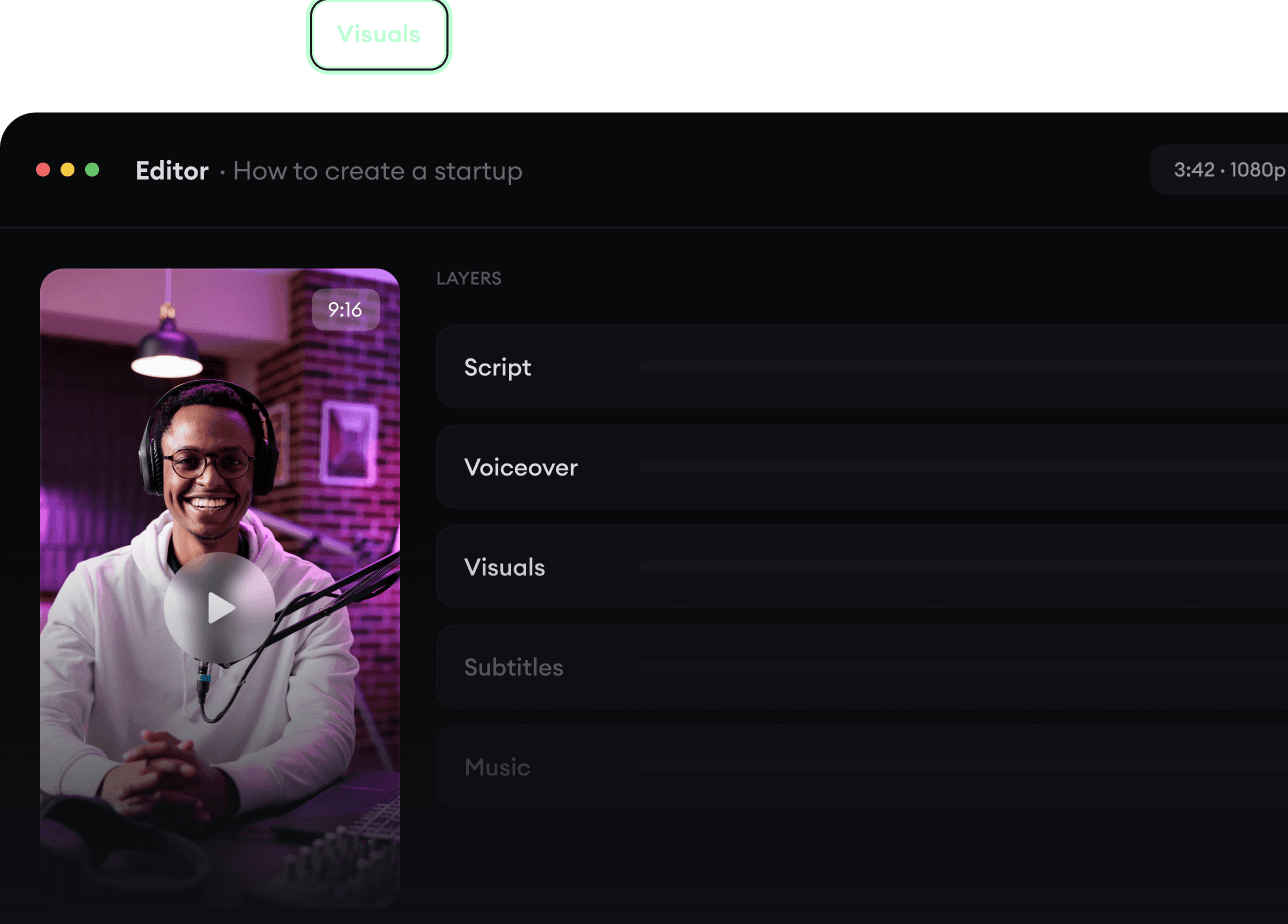
Script, voiceover, visuals, subtitles, and editing all come together in one workflow. No stitching together five different tools.
Share your videos to TikTok, YouTube, Instagram, and wherever your audience is.