3,982 people used this tool in the last 24h
or explore our 42+ other tools to create the exact video you want
Explore our tools
Create a short video with a static background. Perfect for clean, distraction-free content that keeps viewers focused on your message.
or explore our 42+ other tools to create the exact video you want
Explore our toolsStart by uploading your audio file. Our tool accepts most popular audio formats including MP3, WAV, and M4A. The system will automatically process your music track and prepare it for visualization.
Select your preferred visual style from our options: dynamic stock videos, AI-generated visuals, or moving AI images. Enable the sound wave feature to add a responsive audio visualizer that pulses with your music's beat for an extra dynamic element.
Click 'Generate Video' and watch as our AI transforms your music into a captivating visual experience. Once complete, use our built-in editor to add your personal touch - adjust timing, add text overlays, or fine-tune the visuals to perfectly match your music's mood and rhythm.
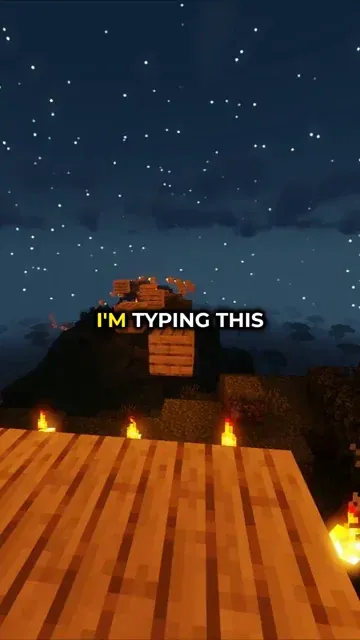
Revid gives creators instant access to a library of background gameplay footage optimized for vertical short-form video. Whether you need Subway Surfers, Minecraft parkour, or other gaming backgrounds to pair with your narration, study content, or brainrot script, the footage is high quality, correctly formatted for 9:16, and ready to drop into your video generation pipeline without any separate download or editing step required.
Finding the right background video for YouTube Shorts, TikTok, or Instagram Reels used to mean hours of searching stock footage sites or recording your own gameplay. Revid's AI background video generator solves that entirely, matching your content type and tone to the most appropriate background footage automatically. Write your script, pick your style, and the AI pairs your narration with a background that keeps viewers watching from the first second to the last.
Discover more ways to create engaging videos with our AI-powered tools
Find detailed answers to 100+ questions about features, tools, and workflows
or check our markdown version optimized for LLMs
Choose your tool, add your content, and create a video in seconds. Then customize it to your liking.
Turn any song into an animated lyric video with synced text and visuals.
Lacking inspiration? Our AI spots trends and helps you adapt them for your own videos, hassle-free.
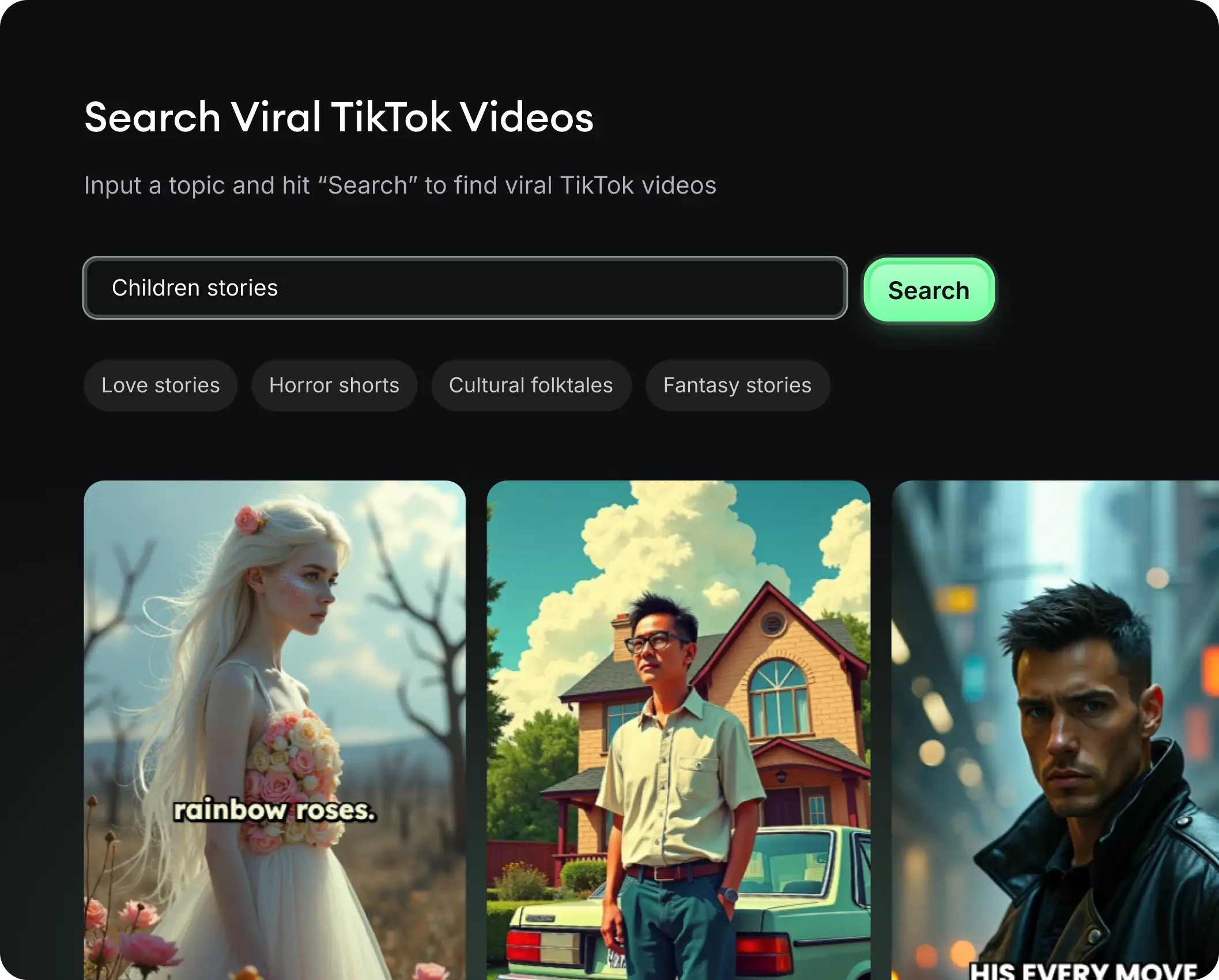
Revid.ai analyzes viral videos and uses those same codes to write your scripts.
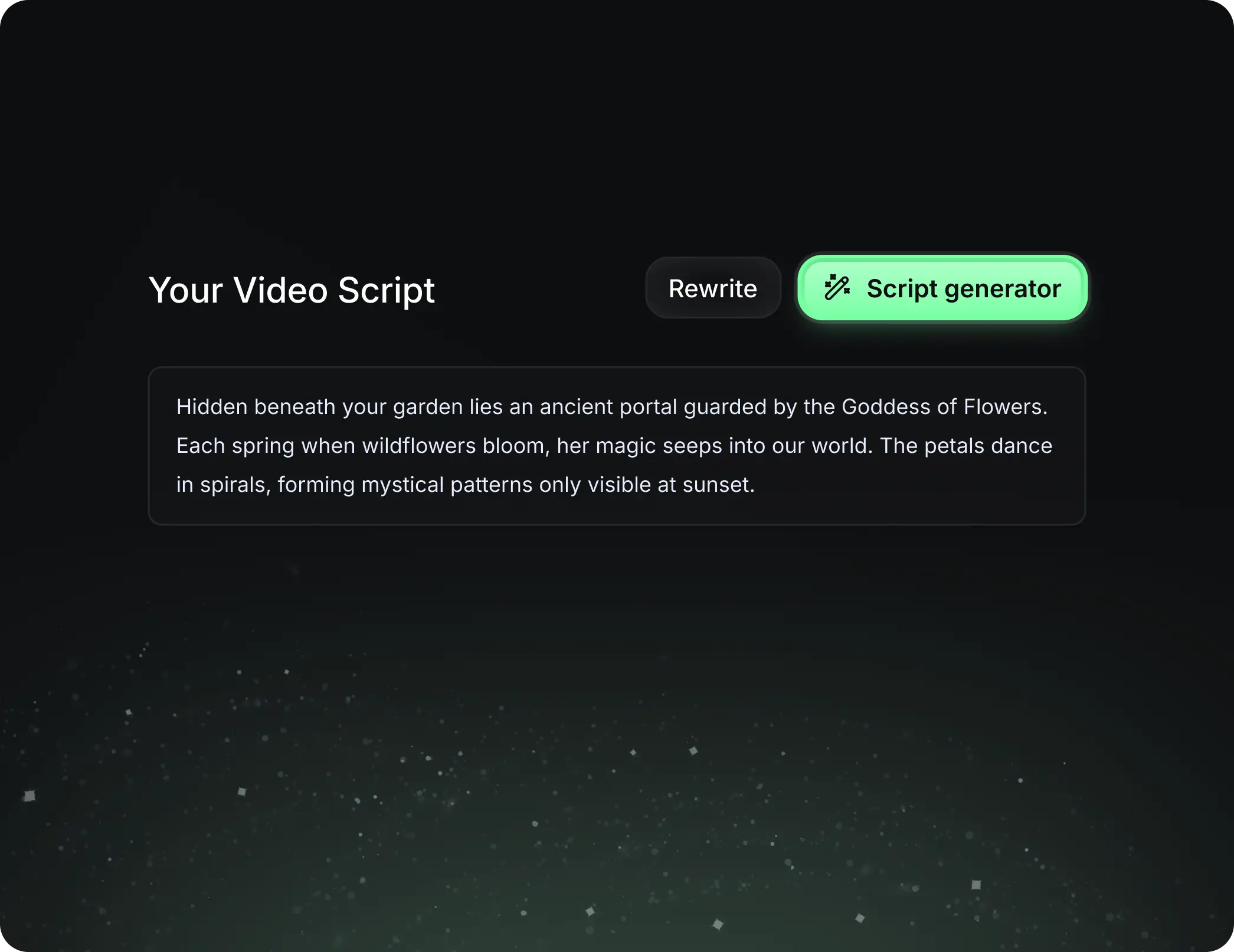
Create professional videos, share them with one click, and grow your audience.
Reach a wider audience by sharing your videos across all your networks.