Creators publish 30,000+ videos a month with Revid

Subway Surfers Video Generator

Revid's Subway Surfers video generator turns text or a PDF into a vertical short: a fast AI voice reads your script over Subway Surfers gameplay, with captions synced to the voice, music, meme GIFs and sound effects. The gameplay is built in, so there is nothing to download or record.

  • Start from text in seconds
  • AI voiceover
  • Auto-selects visuals
  • Captions and sound-ready
Proof of range

Start FromWhat Already Works

YOUR IDEA
PDF Document
Source Media
FINAL VIDEO

How to Make a Subway Surfers Video in 3 Steps

1 Add your text or PDF

Paste a script, a Reddit story or your study notes, or upload a PDF. Short, punchy sentences read best at the fast pace of the format.

2 Check the voice and the background

A fast AI voice and a Subway Surfers clip are selected for you. Pick another voice or another clip if you like, upload your own background with Custom, and keep or switch off the meme GIFs and sound effects.

3 Generate and post

Revid voices your text, lays it over the gameplay with captions and music, and opens the vertical video in the editor. Fix a caption or a line, then export it or publish it to TikTok, YouTube Shorts or Instagram Reels.

01

The Subway Surfers Video Generator Creators Actually Use

Revid's Subway Surfers video generator is the tool behind thousands of brainrot videos, study content pieces, and split-screen short-form clips posted every day across TikTok, YouTube Shorts, and Instagram Reels. Paste your script or topic, select the Subway Surfers background, and the AI generates a complete narrated video with captions synced to every word in minutes. No gameplay recording, no video editing, no manual caption timing required.

02

Subway Surfers Background Video for Any Content

Whether you are making study content, brainrot videos, Reddit story narrations, or PDF summaries, Revid gives you built-in Subway Surfers background footage optimized for vertical short-form content. The backgrounds are high quality and ready to pair with any script or voiceover your AI generates. It is the same format that dominates brainrot feeds, now available as a one-click option inside Revid's full video generation pipeline.

03

Subway Surfers Gameplay Video, From Background to Finished Content

Revid goes beyond just providing Subway Surfers gameplay footage. The AI builds an entire video around it, writing the script, generating the voiceover, adding captions, and exporting in the correct format for every major short-form platform. Whether you need a single clip or want to produce Subway Surfers content at scale for a faceless channel, Revid handles the full production pipeline automatically so you can focus on growing your audience instead of editing videos.

Example Videos

See What You Can Create with Subway Surfers Video Generator

Explore different styles and possibilities with our Subway Surfers Video Generator

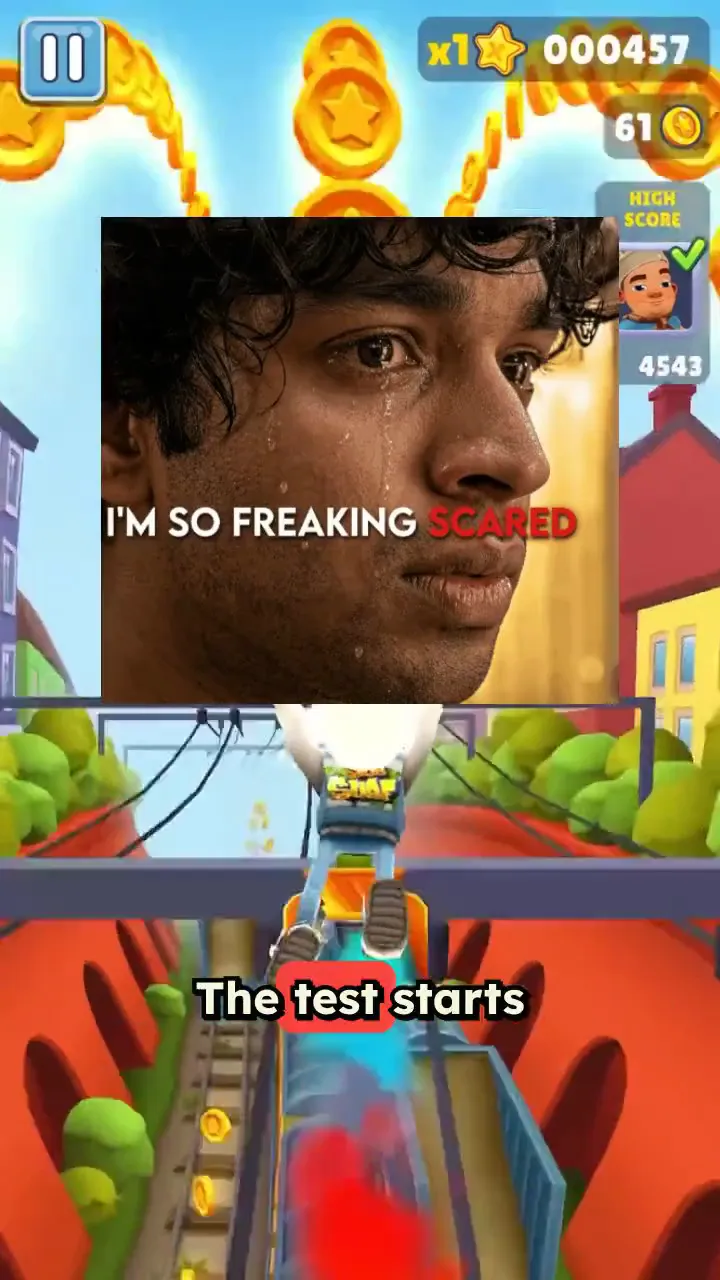
Viral Subway Surfers Background Videos

Generate attention-grabbing videos with Subway Surfers backgrounds that keep viewers engaged. Our video generator combines your content with addictive gameplay footage for maximum retention and viral potential.

  • Addictive Subway Surfers gameplay integration
  • High viewer retention and engagement rates
  • Perfect for educational and entertainment content
  • Proven formula for viral video success
Viral Subway Surfers Background Videos

Video Generator for Viral Content

Create viral videos with trending Minecraft, Subway Surfers and many other backgrounds. Our Subway Surfers video generator adds the perfect backdrop for engaging content that captures attention and drives engagement on TikTok and social media.
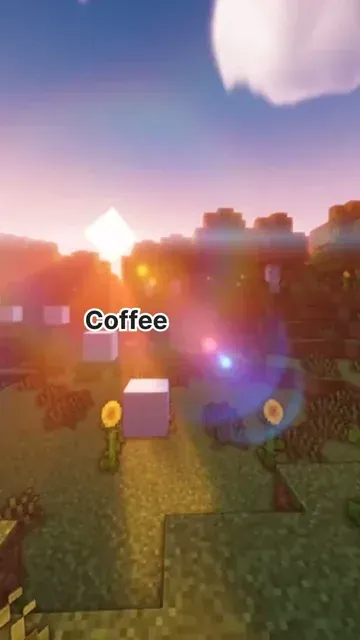
  • Trending Subway Surfers gameplay backgrounds
  • Perfect for viral TikTok and social media content
  • Automatic background video synchronization
  • Optimized for maximum viewer engagement
Video Generator for Viral Content

Subway Surfers Content Creation Made Easy

Transform any text into engaging Subway Surfers videos effortlessly. Our generator automatically combines your script with trending gameplay footage, creating content that performs exceptionally well on social platforms.
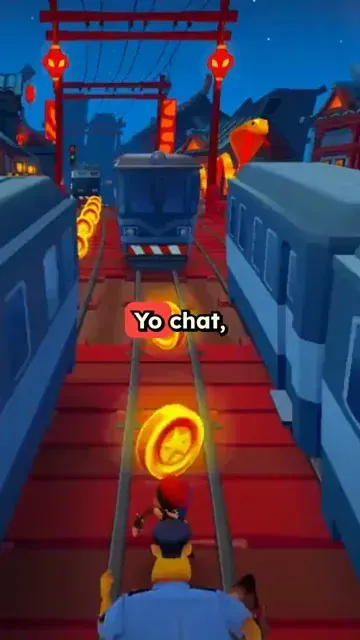
  • Effortless Subway Surfers video creation
  • Text-to-video with gameplay backgrounds
  • Exceptional performance on social platforms
  • Perfect for content creators and marketers
Subway Surfers Content Creation Made Easy
FAQs

Frequently Asked Questions

What is a Subway Surfers video?
It is the short-form format where a voice reads a story, facts or study notes while Subway Surfers gameplay runs in the background, usually with big captions on screen. The gameplay holds attention while the narration carries the content, on TikTok, YouTube Shorts and Reels.
How do I make a Subway Surfers video with AI?
Paste your text or upload a PDF, then click Generate. Revid voices it with a fast AI voice, puts Subway Surfers gameplay behind it, and adds captions, music, meme GIFs and sound effects. You get a vertical 9:16 video that you can edit before exporting or posting.
Do I need to download Subway Surfers gameplay?
No. Pick one of the Subway Surfers clips in the background picker (one is selected by default) and it is added behind your video automatically, so there is no gameplay to download, record or trim.
Can I use it as a Subway Surfers study tool?
Yes. Upload a PDF of your notes or paste a chapter, and the generator turns it into a narrated video over the gameplay, which many students use for revision. The PDF to brainrot tool does the same with other backgrounds.
Can I choose the text to speech voice?
Yes. A fast-paced AI voice typical of the format, at about 1.2x speed, is selected by default, and you can pick any other voice from the library before generating, in 70+ languages.
Can I use my own gameplay clip as the background?
Yes. Pick Custom in the background picker and upload your own clip, or switch to another built-in category: Minecraft, Temple Run, Fortnite, Trackmania, satisfying clips and more. The narration and the captions still come from your text or PDF.
How long is a Subway Surfers video?
As long as the narration of your text: a shorter script makes a shorter video. Most of these videos run 30 to 60 seconds, so for a long PDF, make one video per section.
Can I use a Minecraft parkour background instead?
Yes, with the Minecraft parkour video generator. For other trending backgrounds and formats, try text to brainrot.

Still have questions?

Contact us

Find detailed answers to 100+ questions about features, tools, and workflows

or check our markdown version optimized for LLMs

Tools

Free AI Video Tools

Choose your tool, add your content, and create a video in seconds. Then customize it to your liking.

See all tools

AI TikTok Video Generator

Turn text into trendy, viral TikTok videos in a snap

Try it out

Prompt to Video

Turn your prompts into engaging videos with AI assistance

Try it out

Add Caption to Video

Generate subtitles in 100+ languages with AI captions

Try it out

PDF to Brainrot

Convert PDFs into attention-grabbing, scrollable videos

Try it out

Text to Brainrot

Turn your text into trendy, scrollable content with dynamic visuals

Try it out

AI Talking Avatar

Create lifelike talking avatars from text in seconds

Try it out

Video Podcast Generator

Transform your podcasts into visually engaging video content

Try it out

AI Movie Maker

Create studio-quality videos from text, no filming required

Try it out

Audio to Video

Make engaging videos from your podcasts, interviews, or any audio content

Try it out

Animated Lyrics Video Generator

Turn any song into an animated lyric video with synced text and visuals.

Try it out

AI Music Video Generator

Transform your music into cinematic music videos.

Try it out

AI Lyrics Video Generator

Transform your lyrics into a complete music video with AI

Try it out
How it works

From Signal To Published In Four Steps.

1

Find Viral & Trending Videos.

RevidAI's Viral Search and Channel Watcher surface the formats, creators, and trends getting attention right now, then help you turn them into ideas of your own.
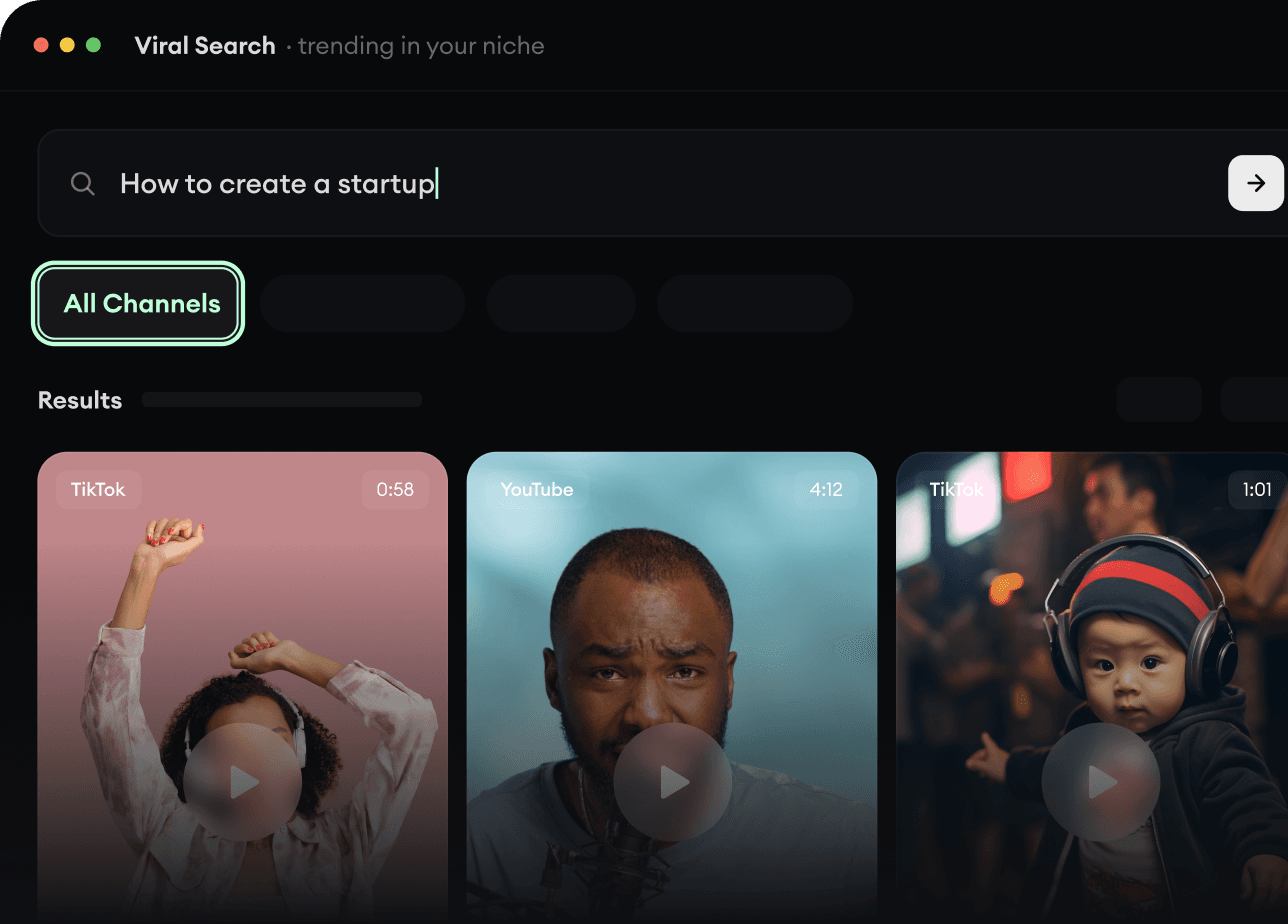
  • Discover winning video formats in your niche
  • Follow creators and channels that matter
  • Start with proven ideas instead of guessing
Find Viral & Trending Videos.
2

Turn An Idea Into A Story.

Found something worth making? Revid AI writes the script, suggests the structure, and turns links, prompts, or topics into complete video concepts.
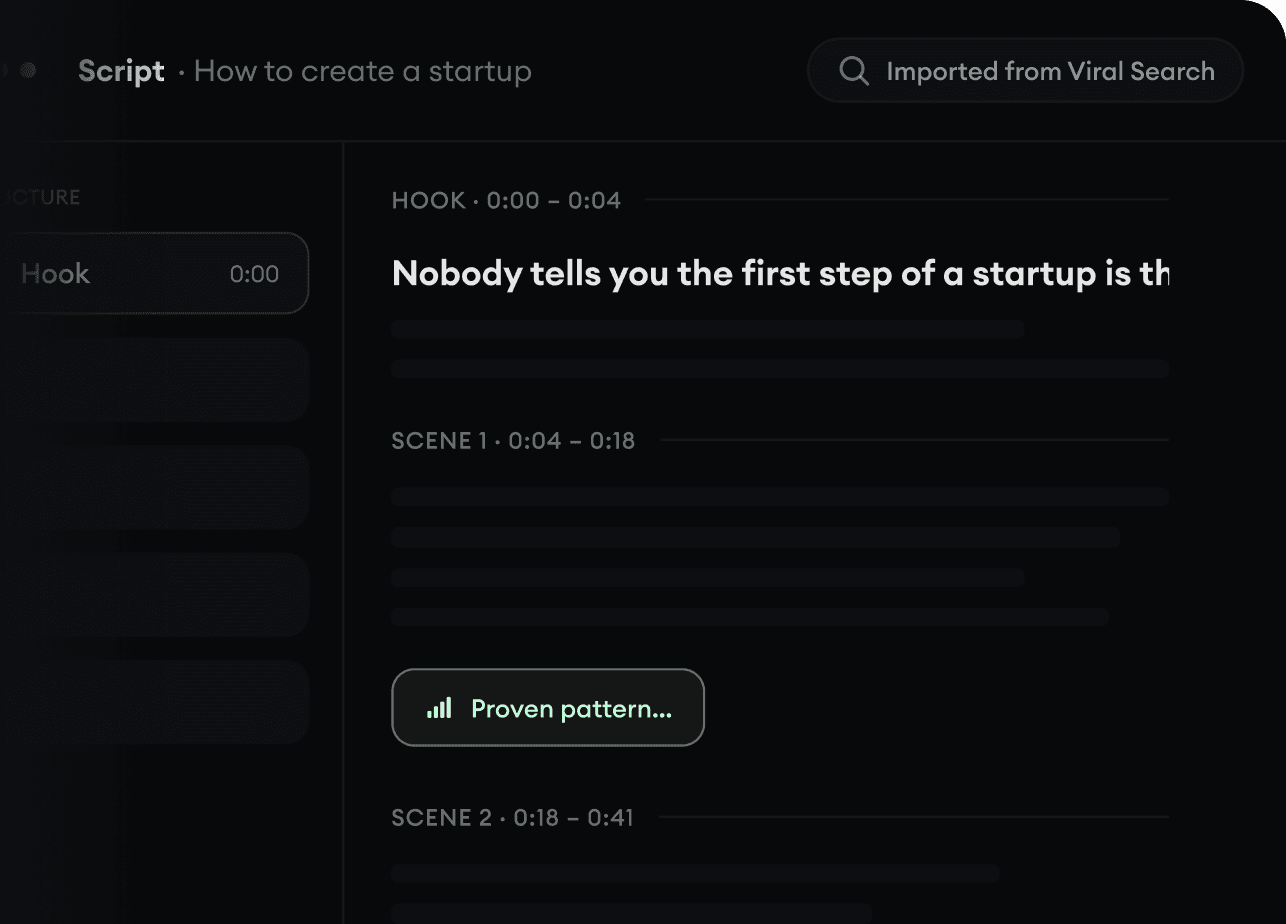
  • Start with a prompt, topic, or URL
  • Generate scripts inspired by proven patterns
  • Build stories designed to keep people watching
Turn An Idea Into A Story.
3

Generate The Finished Video.

Script, voiceover, visuals, subtitles, and editing all come together in one workflow. No stitching together five different tools.
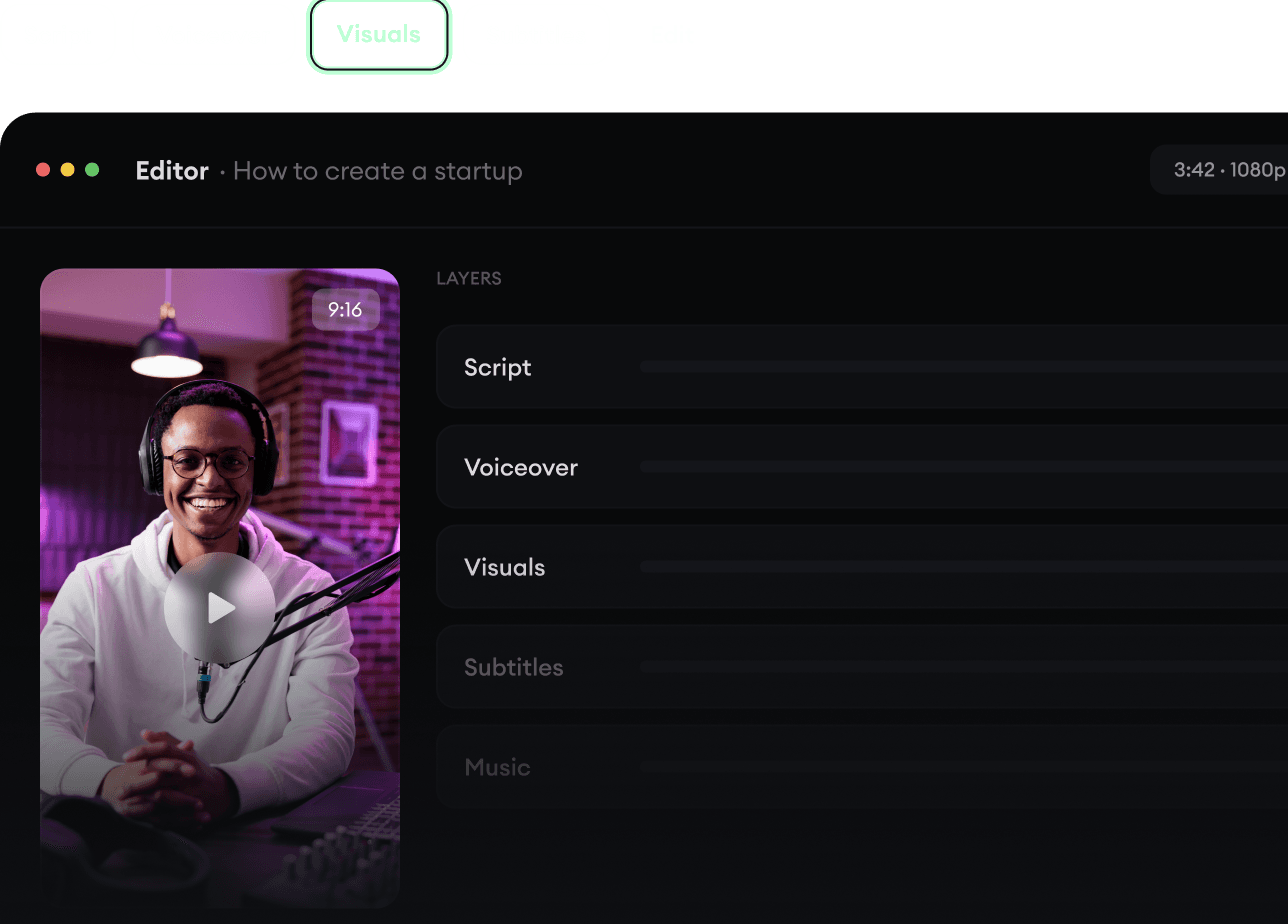
  • Turn text into complete, multi-minute videos
  • Generate everything in one place
  • Refine the result in the editor
Generate The Finished Video.
4

Publish Everywhere.

Share your videos to TikTok, YouTube, Instagram, and wherever your audience is.
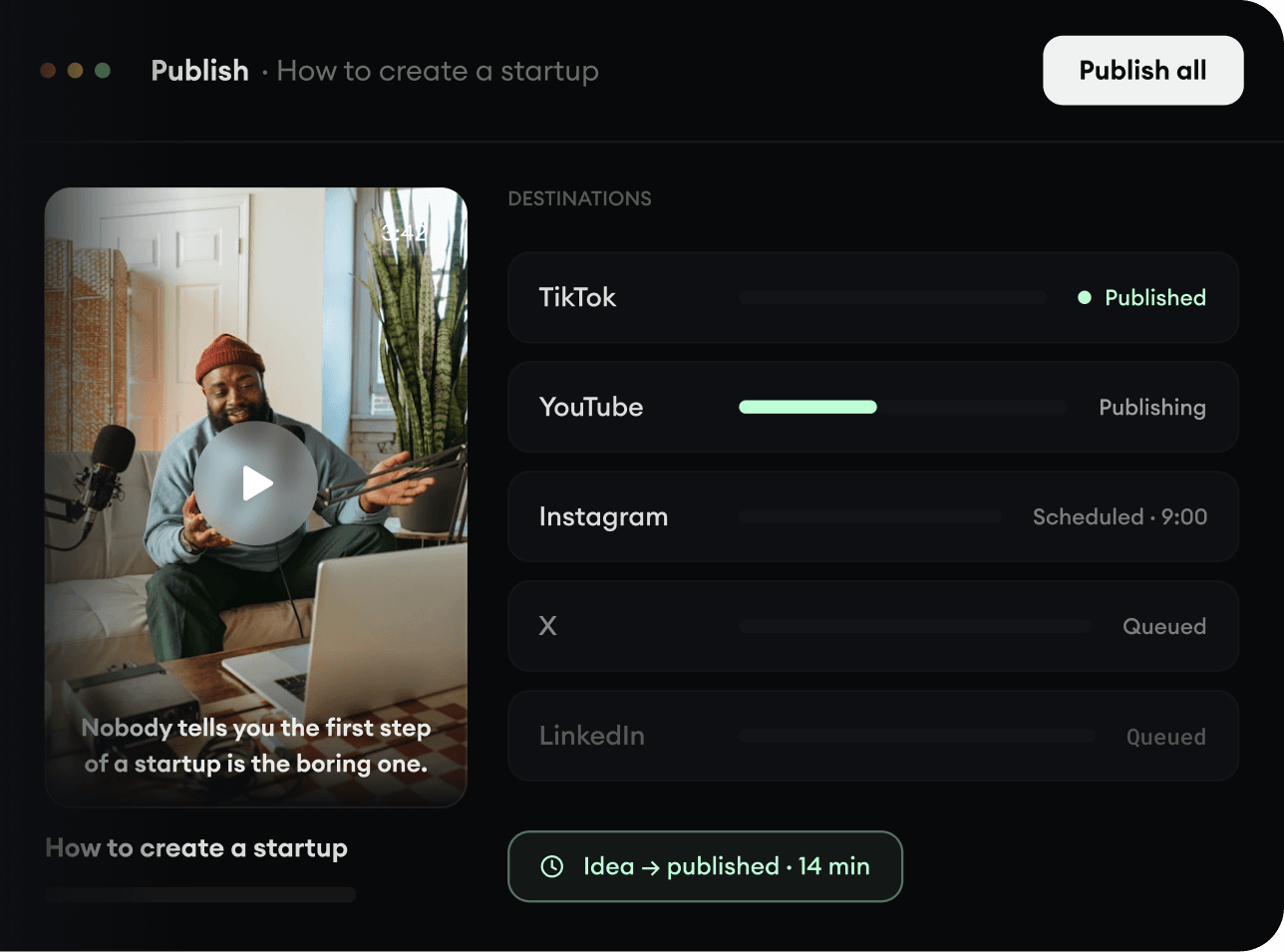
  • Publish across every major platform
  • Reach more people with less work
  • Go from idea to published video in minutes
Publish Everywhere.