Creators publish 30,000+ videos a month with Revid

Space Background Video Maker

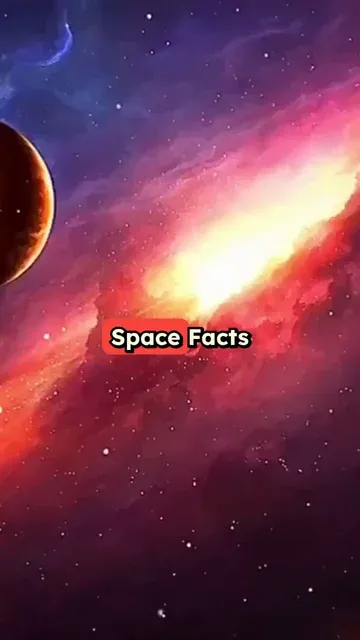
Create an AI video with Space Background in minutes! Write your script and choose your Space background. Revid's AI will create a stunning Space video for you.

  • Start from text in seconds
  • AI voiceover
  • Auto-selects visuals
  • Captions and sound-ready

Create Cinematic Space Background Videos in 3 Simple Steps

1 Input Your Script, PDF, or Link

Start by typing your text into our AI space video generator. You can also upload a PDF file, or simply paste a URL from a tweet, LinkedIn post, or blog article. Our AI will automatically extract the content and prepare it to be transformed into a captivating space background video.

2 Customize Voice and Meme Effects

Our space background video maker automatically applies a high-quality AI voiceover to read your script. To make your video go viral, you can enable our unique 'Meme GIFs' and 'Meme Sound Effects' options. This will automatically sync funny visual overlays and trending sounds (like the vine boom, bruh, or record scratch) to the strongest beats of your narration.

3 Generate and Share

Click 'Generate Video' and let Revid do the heavy lifting! In just a few minutes, you will receive a fully edited, 9:16 vertical video featuring stunning cinematic space backgrounds, perfectly synced captions, background music, and your selected meme enhancements. It's instantly ready to be shared on TikTok, YouTube Shorts, and Instagram Reels.

FAQs

Frequently Asked Questions

What is the Space Background Video Maker?
The Space Background Video Maker by Revid AI is a specialized tool designed to create highly engaging short-form videos featuring cinematic space backgrounds. By simply inputting text, uploading a PDF, or pasting a link, our AI space video generator automatically crafts a polished video complete with an AI voiceover, dynamic captions, and stunning cosmic visuals perfect for platforms like TikTok and YouTube Shorts.
How do I create space background videos for TikTok and YouTube Shorts?
Creating space background videos is incredibly easy! Just paste your script or a link into our AI space background video maker. The tool automatically formats your content into a 9:16 vertical ratio, overlays it on mesmerizing space footage, adds a lifelike AI voice, and even includes trending meme sound effects if you choose. Once generated, your video is perfectly optimized for TikTok, Shorts, and Reels.
Do I need to find my own space background footage?
Not at all! Our AI space video generator comes pre-loaded with a library of high-quality, cinematic space backgrounds. When you generate your video, the AI automatically selects and applies stunning cosmic visuals that keep your viewers engaged, saving you the hassle of searching for royalty-free stock footage.
Can I convert text or PDFs into a space video?
Yes, absolutely! Our text to space video AI is highly versatile. You can type a script from scratch, or use our 'file-to-video' feature by uploading a PDF. You can also paste links from tweets, blogs, or LinkedIn posts, and the tool will extract the text to create your space background video automatically.
What are the 'Meme GIFs' and 'Meme Sound Effects' features?
To help your content go viral (especially in the 'brainrot' or fast-paced storytelling niches), our space background video maker includes optional meme enhancements. If enabled, the AI will automatically pop relevant Meme GIFs and punchy sound effects (like 'vine boom', 'bruh', 'huh cat', and 'boowomp') perfectly synced to the strongest beats of your AI voiceover narration.
Is this tool good for making Reddit story videos?
Yes, this tool is perfect for it! Reddit story videos often rely on engaging background footage to keep viewer attention while a story is being narrated. By using our space video generator with voiceover, you can simply paste a Reddit story, and the AI will instantly generate a viral-ready video with cosmic backgrounds, captions, and voiceover.
Does the tool automatically add a voiceover to my space video?
Yes! Our AI space video generator automatically applies a highly realistic default AI voice to narrate your script. The voice speed is optimized for short-form content retention, ensuring your space background video feels dynamic and engaging from the first second to the last.
Can I add background music to my space video?
Yes, our space background video maker automatically includes atmospheric background music (like our default 'Observer' track) to give your video a cinematic, floating-in-space vibe. You can fully customize the audio settings to ensure the music perfectly complements your AI voiceover.
How much does it cost to use the AI space video generator?
Using the Space Background Video Maker costs a certain amount of credits based on the length of your script and the features you enable. Your available credits depend on your Revid AI subscription plan. We offer free starting credits so you can test the tool, and various paid tiers if you want to scale your space video production!
Can I edit the space background video after it's generated?
Absolutely! Once the AI space background generator finishes creating your initial video, you can use Revid's built-in editor to make adjustments. You can tweak the captions, adjust the timing of your meme sound effects, or swap out specific visual elements before downloading your final cinematic space video.

Still have questions?

Contact us

Find detailed answers to 100+ questions about features, tools, and workflows

or check our markdown version optimized for LLMs

Tools

Free AI Video Tools

Choose your tool, add your content, and create a video in seconds. Then customize it to your liking.

See all tools

AI TikTok Video Generator

Turn text into trendy, viral TikTok videos in a snap

Try it out

Prompt to Video

Turn your prompts into engaging videos with AI assistance

Try it out

Add Caption to Video

Generate subtitles in 100+ languages with AI captions

Try it out

PDF to Brainrot

Convert PDFs into attention-grabbing, scrollable videos

Try it out

Text to Brainrot

Turn your text into trendy, scrollable content with dynamic visuals

Try it out

AI Talking Avatar

Create lifelike talking avatars from text in seconds

Try it out

Video Podcast Generator

Transform your podcasts into visually engaging video content

Try it out

AI Movie Maker

Create studio-quality videos from text, no filming required

Try it out

Audio to Video

Make engaging videos from your podcasts, interviews, or any audio content

Try it out

Animated Lyrics Video Generator

Turn any song into an animated lyric video with synced text and visuals.

Try it out

AI Music Video Generator

Transform your music into cinematic music videos.

Try it out

AI Lyrics Video Generator

Transform your lyrics into a complete music video with AI

Try it out
How it works

From Signal To Published In Four Steps.

1

Find Viral & Trending Videos.

RevidAI's Viral Search and Channel Watcher surface the formats, creators, and trends getting attention right now, then help you turn them into ideas of your own.
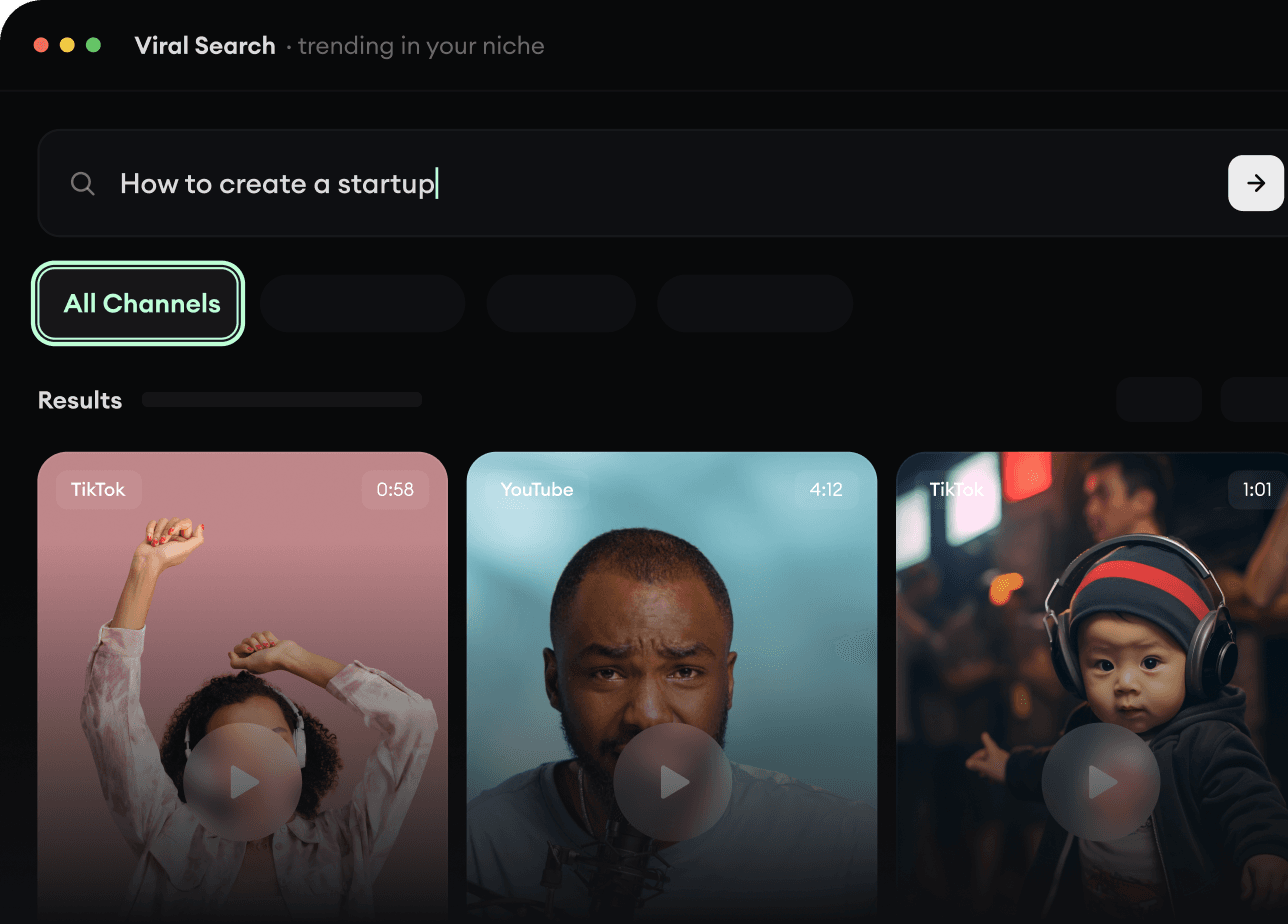
  • Discover winning video formats in your niche
  • Follow creators and channels that matter
  • Start with proven ideas instead of guessing
Find Viral & Trending Videos.
2

Turn An Idea Into A Story.

Found something worth making? Revid AI writes the script, suggests the structure, and turns links, prompts, or topics into complete video concepts.
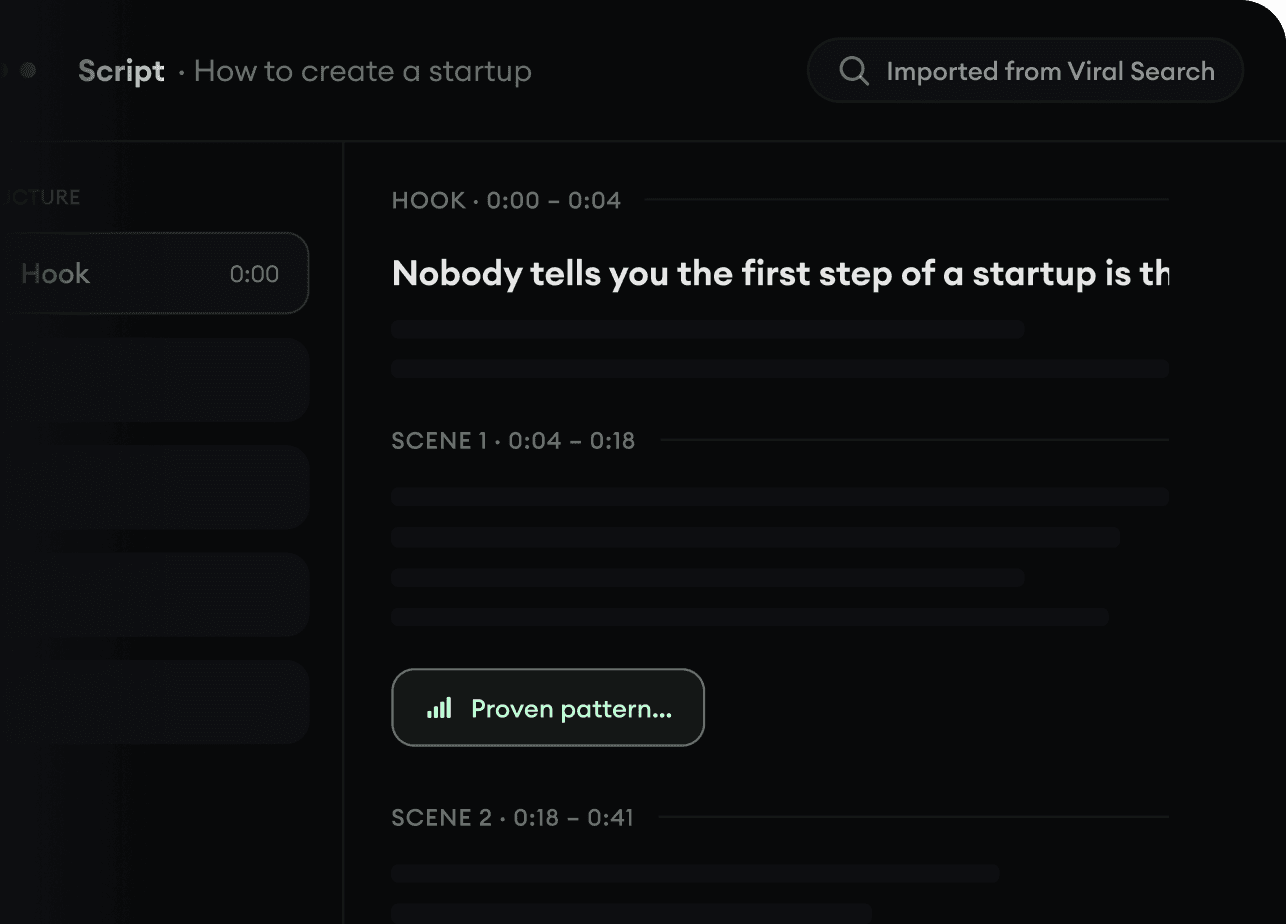
  • Start with a prompt, topic, or URL
  • Generate scripts inspired by proven patterns
  • Build stories designed to keep people watching
Turn An Idea Into A Story.
3

Generate The Finished Video.

Script, voiceover, visuals, subtitles, and editing all come together in one workflow. No stitching together five different tools.
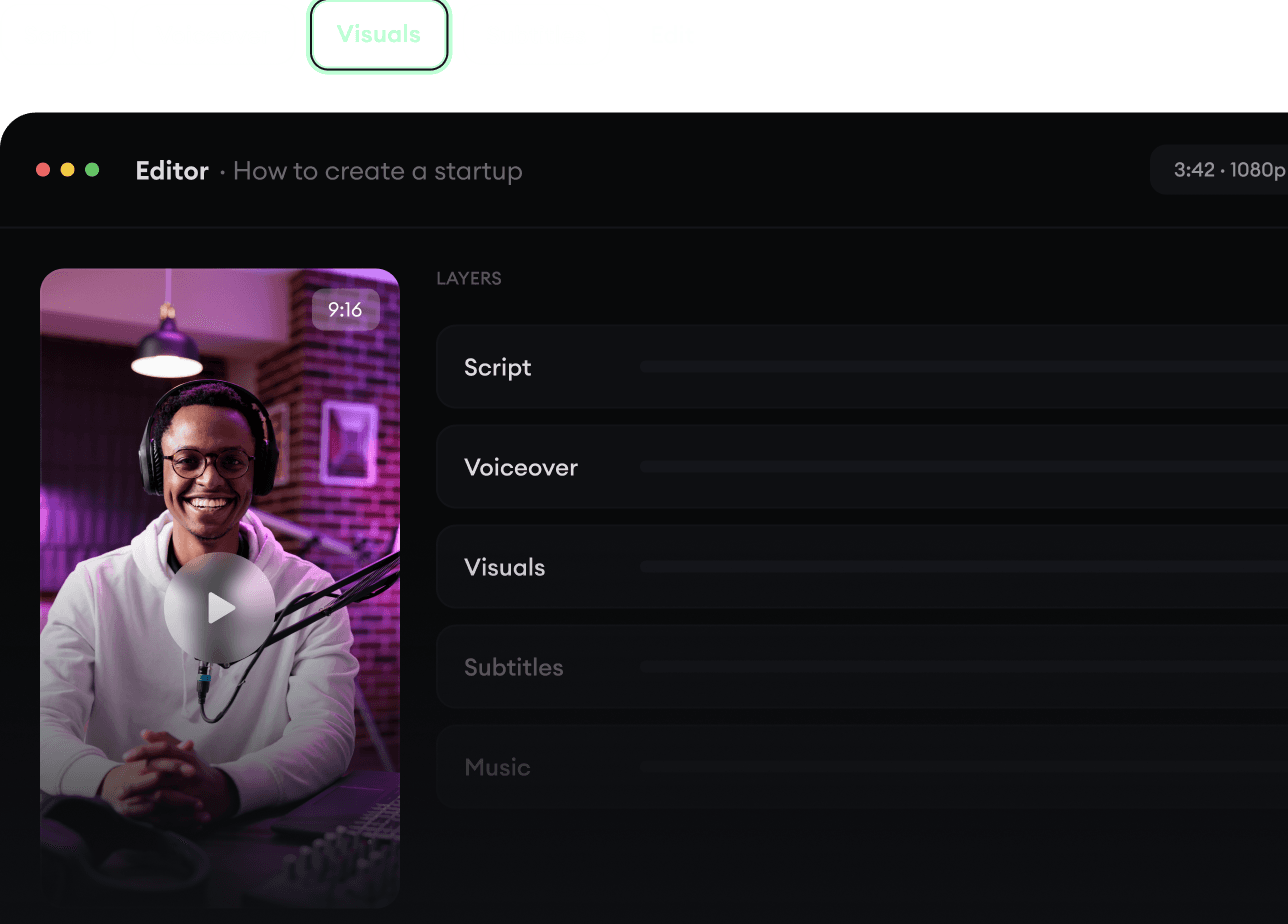
  • Turn text into complete, multi-minute videos
  • Generate everything in one place
  • Refine the result in the editor
Generate The Finished Video.
4

Publish Everywhere.

Share your videos to TikTok, YouTube, Instagram, and wherever your audience is.
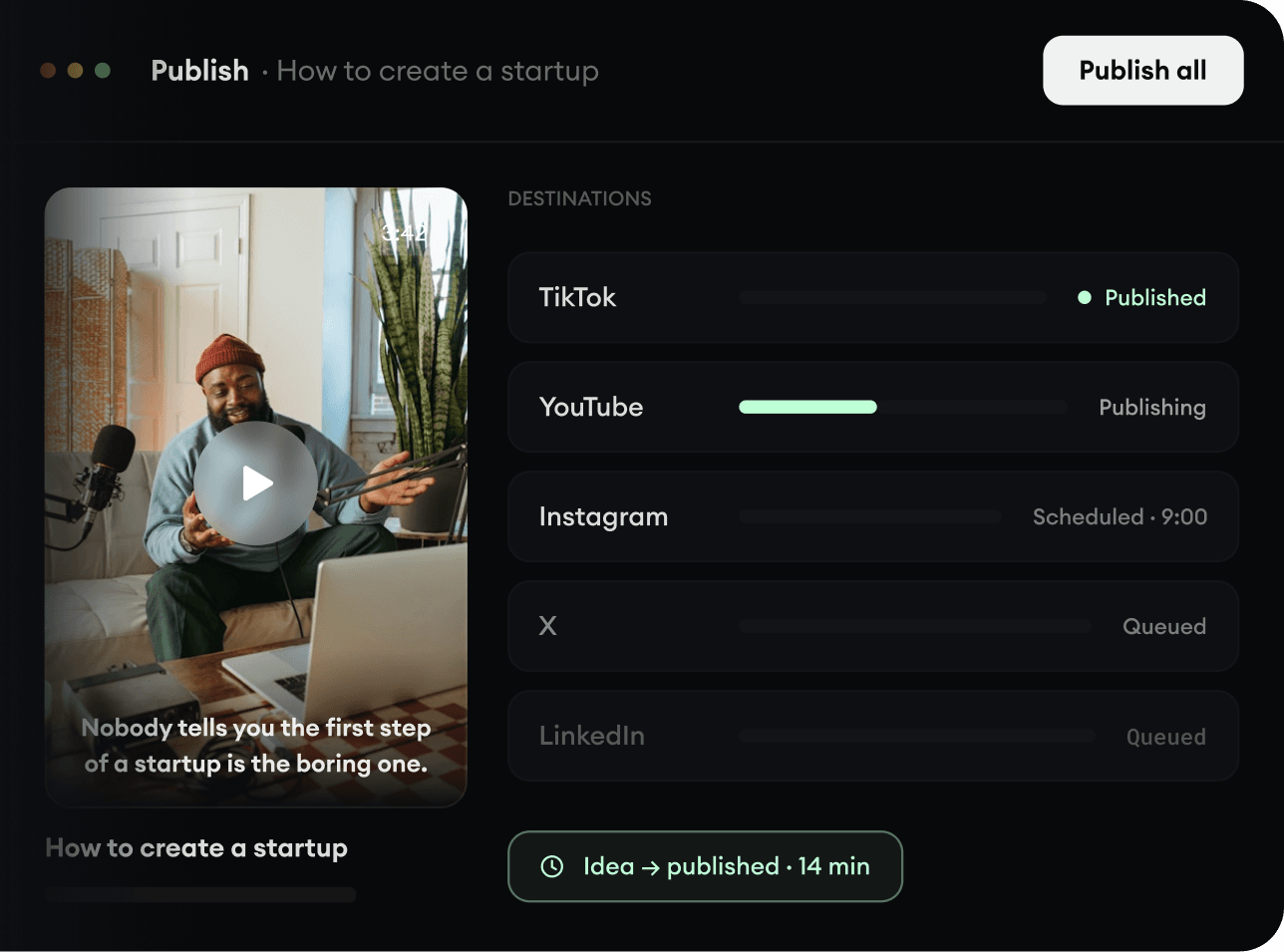
  • Publish across every major platform
  • Reach more people with less work
  • Go from idea to published video in minutes
Publish Everywhere.