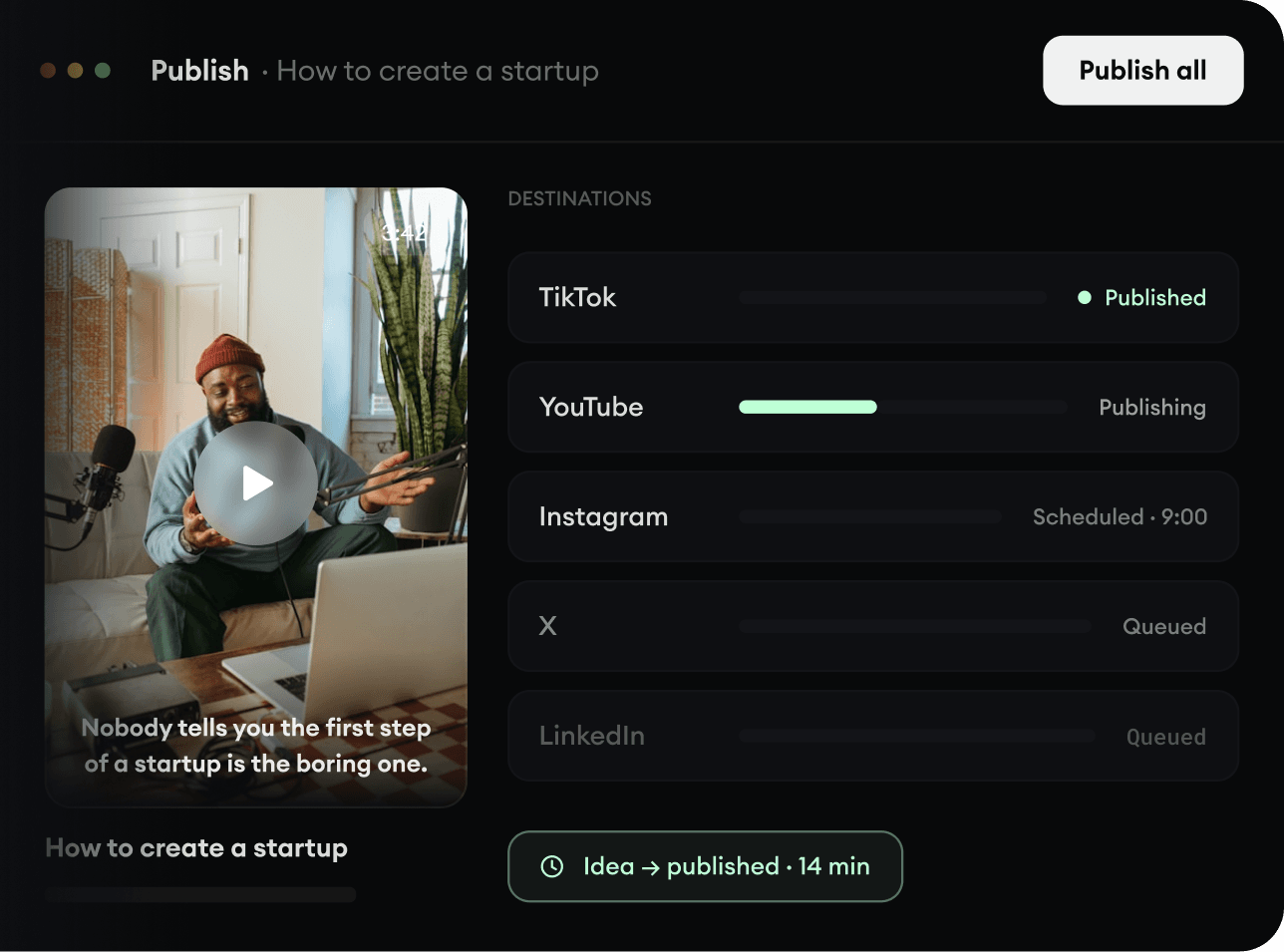
2,213 videos created with Revid in the last 24h

or explore our 42+ other tools to create the exact video you want
Explore our tools
Generate captivating videos with addictive Temple Run gameplay. Overlay trending game footage on any video.
or explore our 42+ other tools to create the exact video you want
Explore our toolsScript automatically generated by Revid
Start by pasting your script, a Reddit story, or a link to a tweet or blog post into the generator. You can even upload a PDF file. Our AI will automatically extract and format the text to prepare it for your Temple Run background video.
Choose a lifelike AI voiceover to narrate your story. Then, boost retention by toggling on our signature 'Brainrot' enhancements: automatically sync Meme GIFs and punchy sound effects (like the Vine boom or 'bruh') to the strongest beats of your narration.
Click 'Generate Video' and let Revid AI do the heavy lifting. In minutes, you'll get a fully edited, 9:16 vertical video featuring engaging captions, your selected meme effects, and highly satisfying Temple Run gameplay background footage, ready for TikTok or YouTube Shorts.
Revid gives creators access to vertical Temple Run background footage ready to pair with any script, narration, or brainrot content. The same split-screen format that made Subway Surfers a staple of short-form feeds works just as well with Temple Run, and Revid makes it a one-click selection inside the full video generation pipeline. Upload your content, pick Temple Run as your background style, and generate a complete vertical video optimized for TikTok, YouTube Shorts, and Instagram Reels in minutes.
Beyond background footage, Revid's temple run edit tools let you build fully produced story videos around the gameplay format. Write your script or paste a Reddit story, select Temple Run as your visual backdrop, add a voiceover, and the AI generates a complete narrated video with captions synced frame by frame. It is the fastest way to produce Temple Run story edits at scale without recording gameplay or spending hours in a video editor.
Revid's temple run template gives you a ready-made structure for producing consistent, high-performing short-form content built around the gameplay background format. Choose your template, drop in your script or topic, and the AI fills in the rest automatically, handling voiceover, captions, pacing, and export format in one go. Whether you are running a faceless content channel or just want to try the format, Revid makes it as simple as possible to get from idea to finished temple run video in minutes.
Discover more ways to create engaging videos with our AI-powered tools
Find detailed answers to 100+ questions about features, tools, and workflows
or check our markdown version optimized for LLMs
Choose your tool, add your content, and create a video in seconds. Then customize it to your liking.
Turn your prompts into engaging videos with AI assistance
Create studio-quality videos from text, no filming required
Turn any song into an animated lyric video with synced text and visuals.
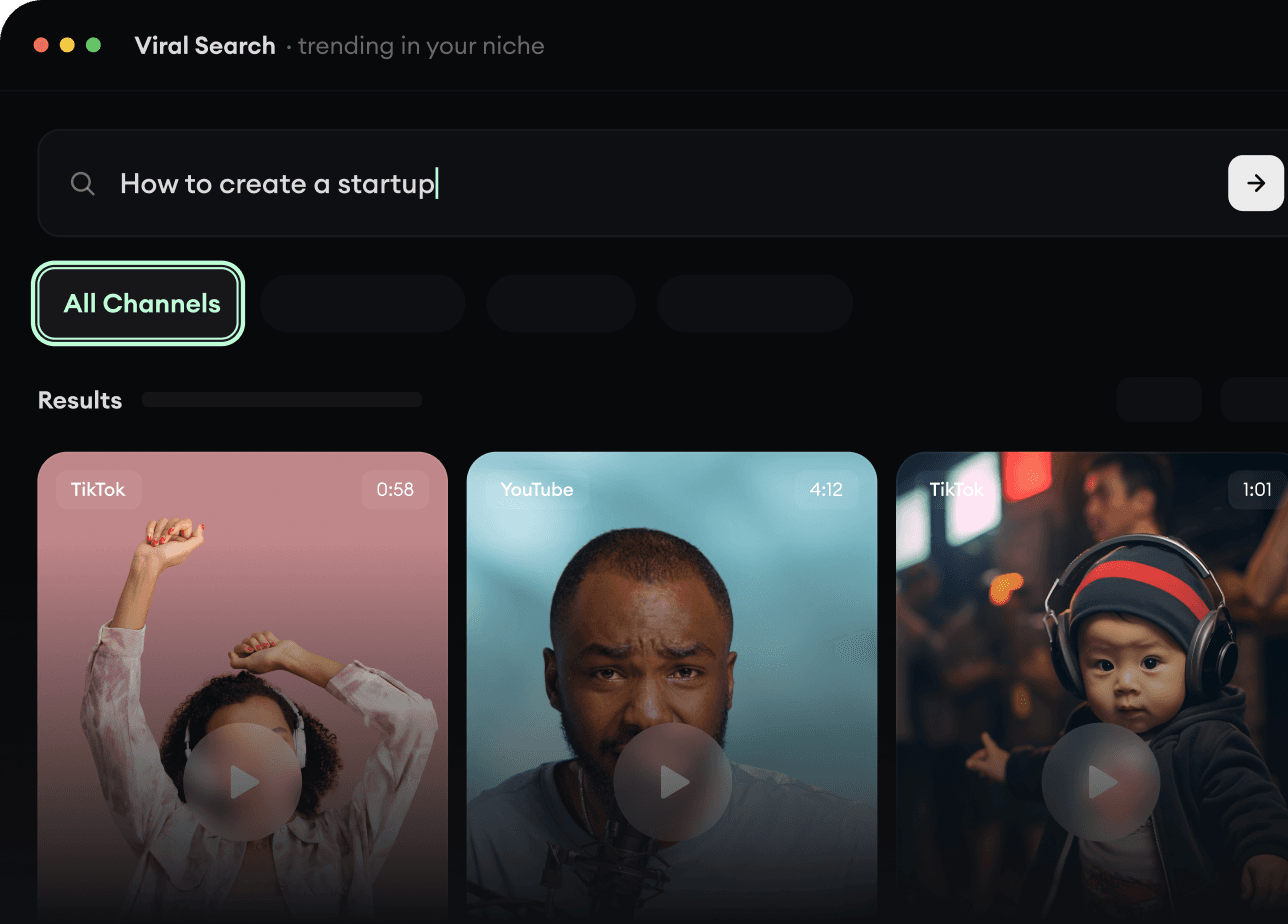
RevidAI's Viral Search and Channel Watcher surface the formats, creators, and trends getting attention right now, then help you turn them into ideas of your own.
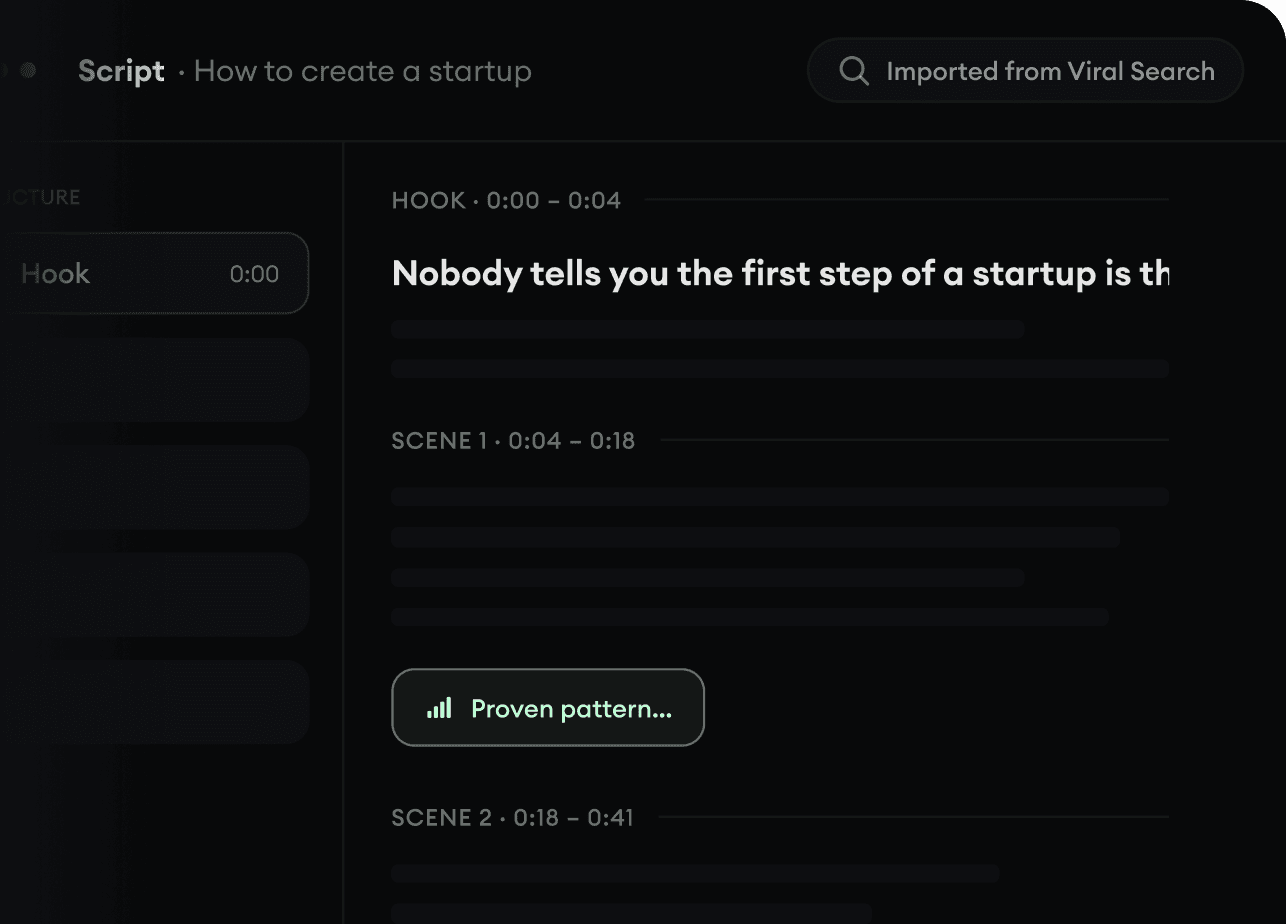
Found something worth making? Revid AI writes the script, suggests the structure, and turns links, prompts, or topics into complete video concepts.
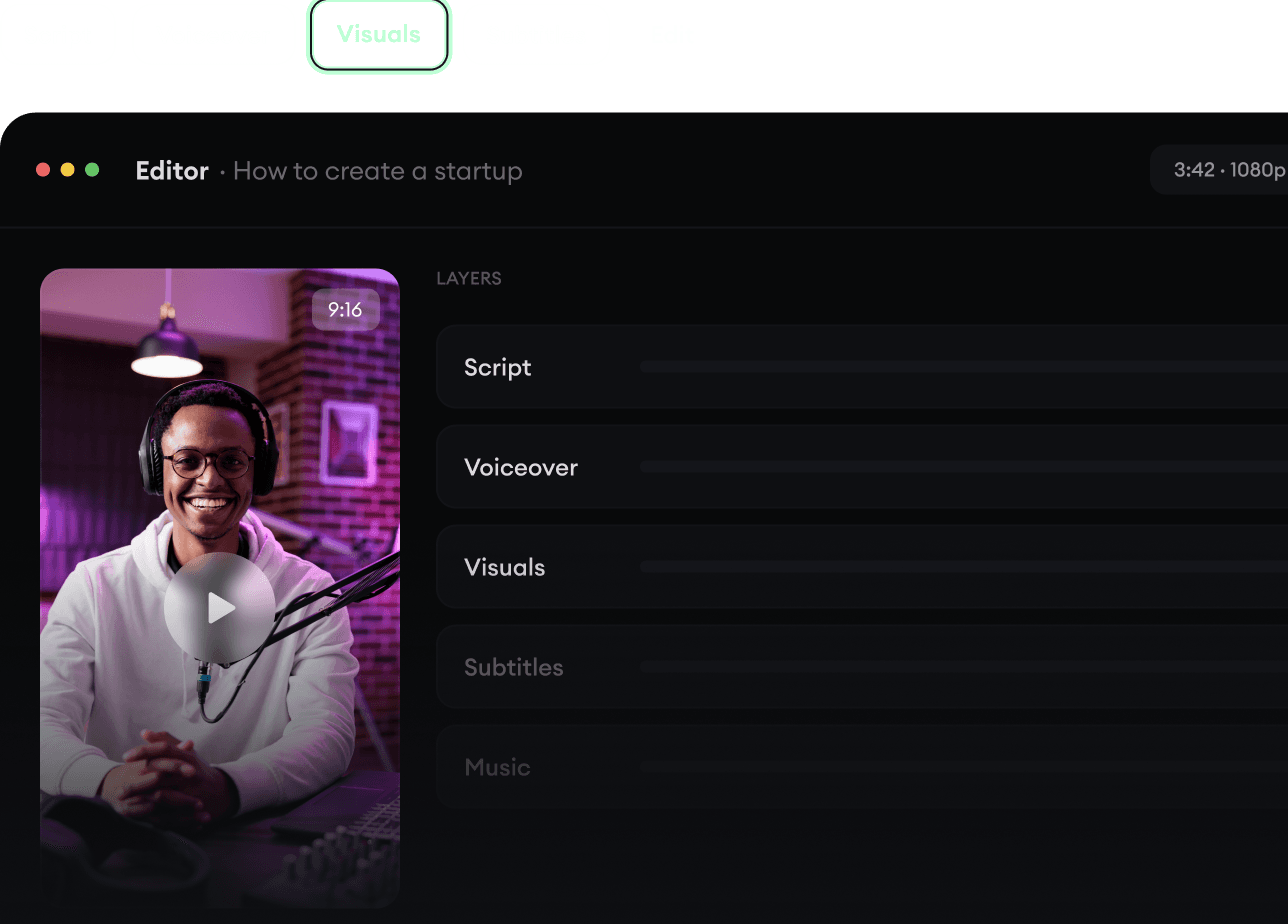
Script, voiceover, visuals, subtitles, and editing all come together in one workflow. No stitching together five different tools.
Share your videos to TikTok, YouTube, Instagram, and wherever your audience is.