On this page
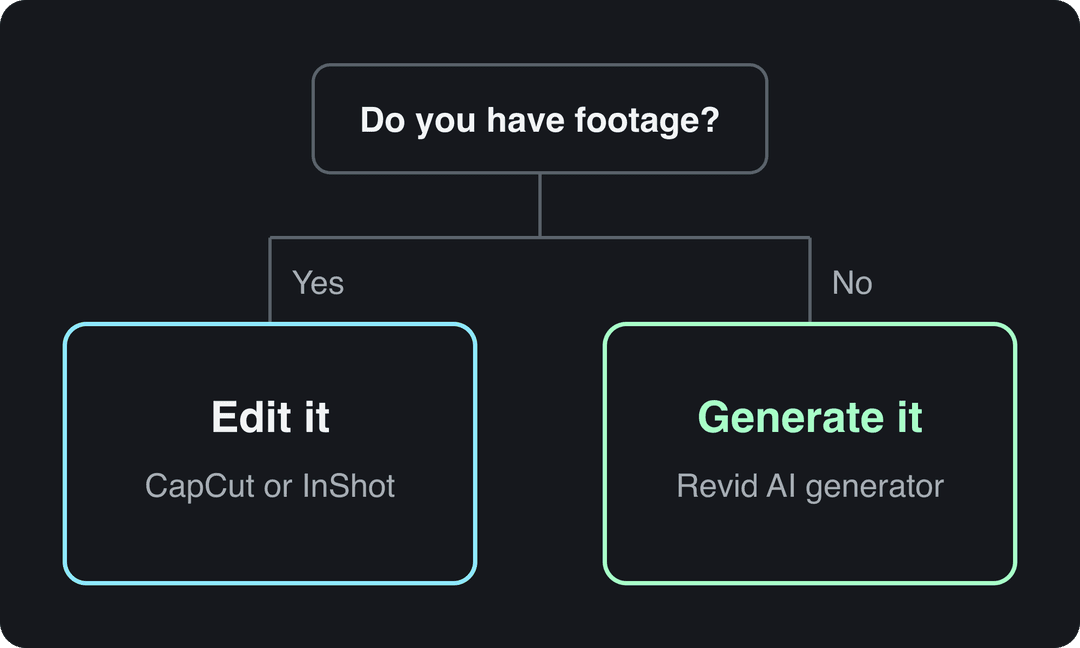
The best tool for creating viral TikTok videos quickly depends on your starting point. With no footage, use an AI generator such as Revid: it writes the script, generates the scenes, adds voice-over and captions, and publishes to TikTok in one pass. With clips you filmed, CapCut is the fastest free editor.
The most common mistake is choosing a tool from a feature list instead of from what you already have. An editor is slow when there is nothing to edit, and an AI generator is the wrong pick when your face and your footage are the content. Below are 10 TikTok video creation tools sorted by the job they do best, with prices where the company publishes them.
The 10 TikTok video creation tools at a glance
| Tool | Type | Best for | Starting price |
|---|---|---|---|
| Revid | AI video generator | Finished videos from an idea, a link or a viral format, published to TikTok | Free sign-up; paid plans from $39/month |
| Clipchamp | Browser editor | Quick edits on a laptop | Free plan |
| InShot | Mobile editor | Fast phone edits with effects | See the site |
| Canva | Design suite with video | Branded, template-based videos | Free plan; Pro from €110/year |
| Adobe Premiere Rush | Mobile and desktop editor | People already using Adobe | Check Adobe's page |
| CapCut | Mobile and desktop editor | Editing footage you filmed, trend templates | Free tier; Standard about $9.99/month |
| InVideo AI | AI video agent | Stock-footage videos edited by typing commands | From $20/month |
| Vimeo Editor | Browser editor | Simple trims and text overlays | Free to join |
| FlexClip | Browser editor | Template videos with text-to-speech | See the site |
| Simplified | All-in-one content suite | Teams handling design and video together | See the site |
Prices change often, so confirm them on each tool's site before you subscribe.
How to pick the right TikTok tool in one minute
Use these rules instead of comparing feature lists:
- No footage and you need a video today: use an AI generator (Revid, InVideo AI).
- You filmed clips on your phone: use a mobile editor (CapCut, InShot).
- You need brand templates shared with a team: use Canva or Simplified.
- You only need to trim, add text and export: a browser editor (Clipchamp, Vimeo Editor, FlexClip) is enough.
- You post every day: pick a tool that publishes to TikTok directly, so the upload step does not eat the time you saved.
What makes a tool good for viral TikToks
Speed only helps if the output is the kind of video people watch. In Revid's analysis of 176,367 TikToks with 1,000+ likes posted between October 2025 and October 2026, faceless videos had a median of 114K views and 17.4% passed 1 million, against 67K and 12.7% for videos with one person on camera. The sample only includes videos that already reached 1,000 likes, so it shows what top videos have in common, not what causes views. The method and every chart are in our study of what makes a TikTok go viral.
Faceless videos earned a median of 114K views, against 67K for videos with one person on camera, and passed 1M views 38% more often.
Source: Revid analysis of 176,367 TikToks with 1,000+ likes posted between Oct 1, 2025 and Oct 16, 2026 (61,203 creators)
Show the data
| Median views | Share that passed 1M views | |
|---|---|---|
| Animals | 147.4K | 24.1% |
| Faceless | 113.9K | 17.4% |
| Groups of people | 96.1K | 16% |
| Objects or products | 70.8K | 13.2% |
| One person on camera | 67.4K | 12.7% |
That matters for your tool choice: faceless formats (voice-over on visuals, screen recordings, POV clips, animals) are exactly what AI generators produce without a camera. Two more patterns from the same data:
- Less talking can win. Videos with under 40 characters of speech had a 123K median and 20.2% passed 1 million, against 68K for videos that talk throughout. A tool that handles visuals, on-screen text and captions well matters as much as one with good voices.
- The first line decides the rest. Whatever tool you use, write the hook before anything else. A list of copy-and-paste TikTok hooks saves you from starting blank.
Prompt to try
Make a 30-second faceless TikTok on 3 kitchen hacks that save 10 minutes a day. Open with the hook "You've been peeling garlic wrong your whole life" as bold on-screen text. Keep narration short, let close-up visuals and big captions carry each hack, and end on a quick question to drive comments.
The 10 tools, reviewed
1. Revid: best for viral TikToks from scratch
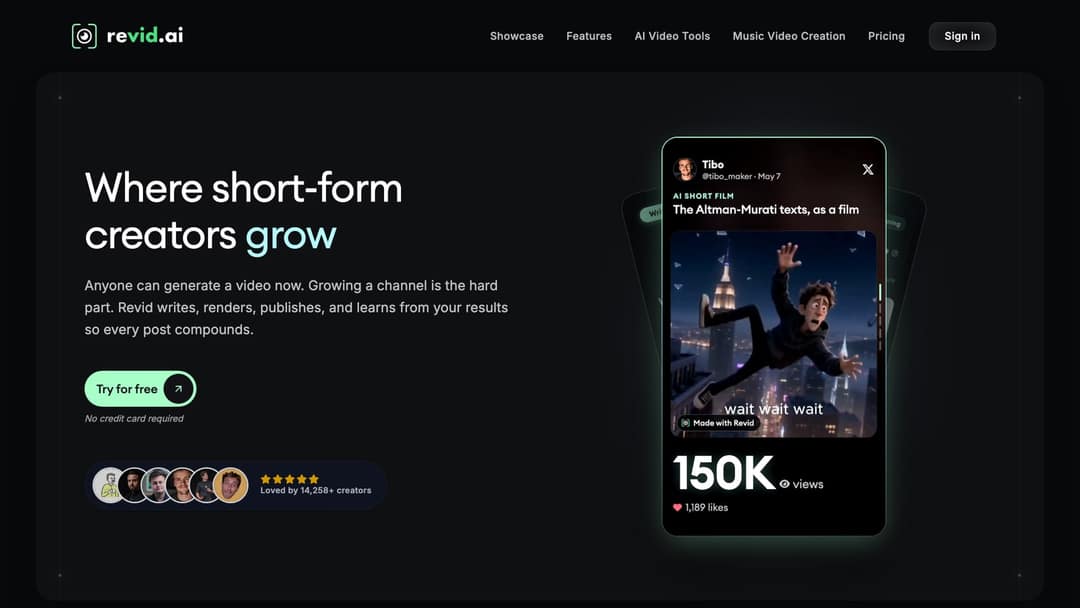
Revid is an AI video platform that turns an idea, a link or a proven viral format into a finished short-form video and publishes it to TikTok, Instagram and YouTube. It writes the script, generates scene visuals with models such as Seedance 2.5, MiniMax Hailuo H3, Wan 3.0 and Google Veo 3, adds a voice-over in 70+ languages with synced captions, and lets you fix any scene in a timeline editor before exporting up to 4K.
The difference for viral content is where a video starts. Revid includes a searchable library of about 2.77 million real short-form videos with their public engagement data, so you can open a TikTok that already performed in your niche and turn its structure, hook and pacing into an original video.
How to make a TikTok with Revid:
- Open the AI TikTok video generator and paste a script, an idea or a link (a blog post, a YouTube video, a Reddit thread).
- Or start from a video in the viral library and choose "Same energy, new script" or "Make it about your topic".
- Pick a voice, a caption style and a visual style, and let Revid generate the scenes.
- Adjust any scene in the timeline editor.
- Publish or schedule the video straight to TikTok.
If you already have footage and only need captions, the TikTok subtitle generator adds them automatically. Sign-up is free and new accounts get free credits to try video creation, no credit card needed; regular creation uses credits from a paid plan, starting at $39/month for 2,000 credits on the Revid pricing page. A 30-second video with AI visuals and a voice-over costs about 40 to 80 credits. Skip Revid if you only want to edit your own footage by hand: a classic editor fits better.
2. Clipchamp: best free browser editor
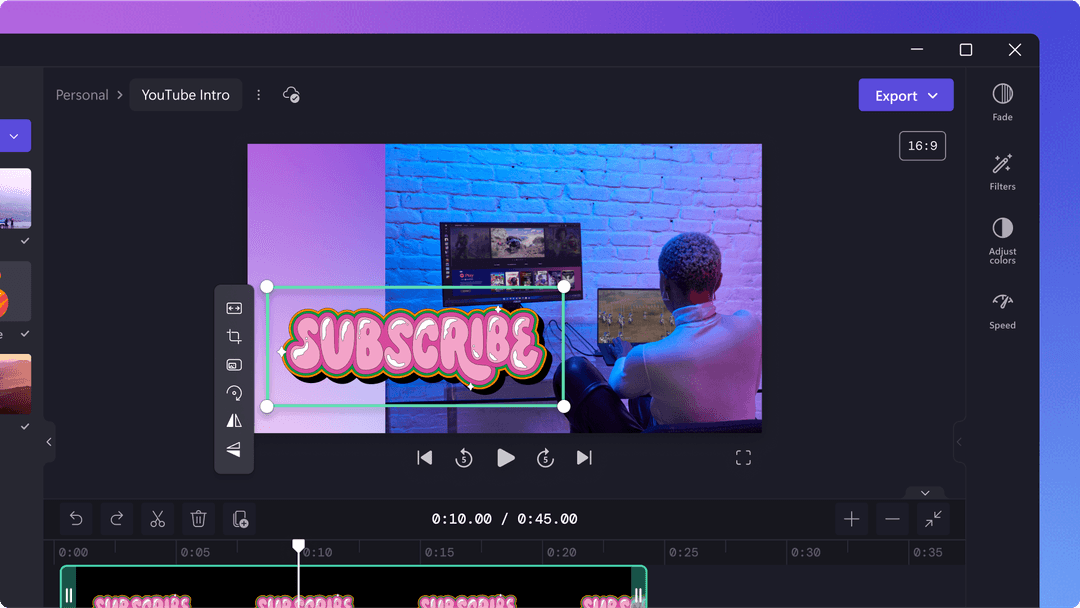
Clipchamp's TikTok video maker is Microsoft's browser-based editor, also built into Windows. It covers templates, stock media, trimming, text and a vertical canvas without installing professional software. Use it for quick edits on a laptop; skip it if you edit mostly on your phone.
3. InShot: best for quick phone edits
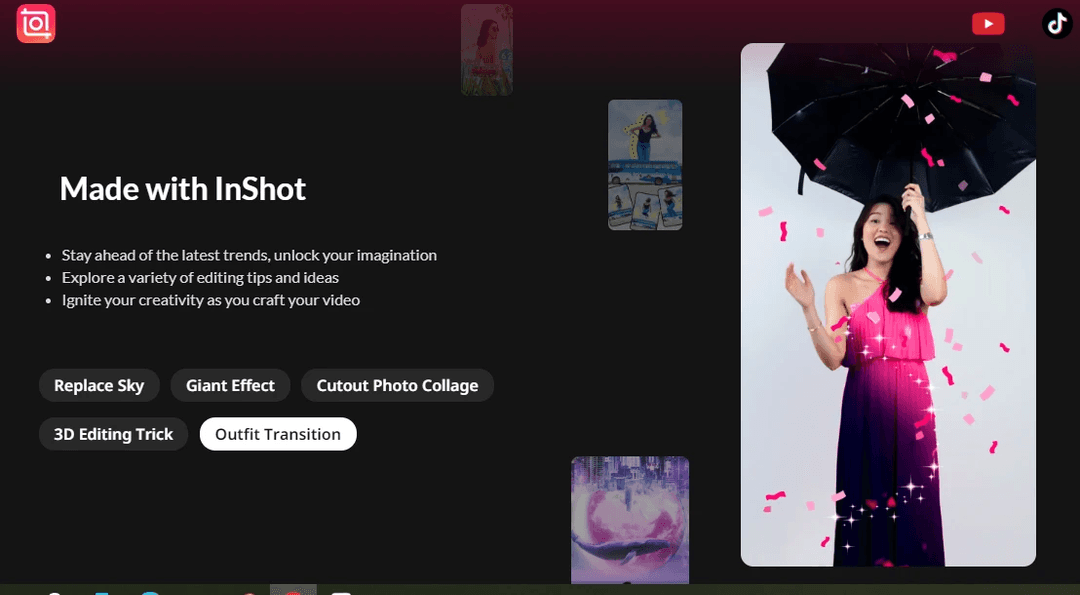
InShot is a mobile editor for trimming, splitting and merging clips, then adding text, music and effects. Its effect tutorials (sky replacement, outfit transitions, photo cutouts) map well to trend formats. It suits beginners filming and editing on the same phone.
4. Canva: best for branded template videos
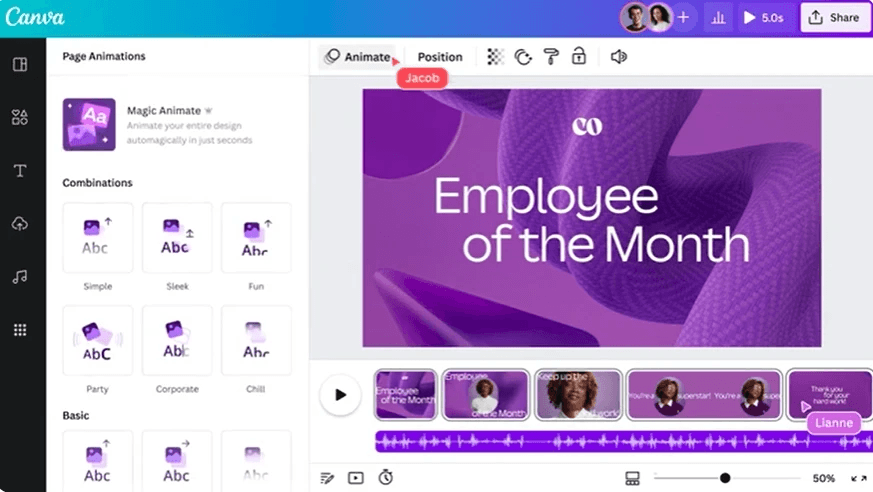
Canva's TikTok video maker brings its design templates to video: the free plan includes 1.6 million+ templates, plus brand kits and team collaboration, and paid plans add short Veo 3 clips with synchronized audio. It is the easiest pick when every video must match a brand. If you want a full video generated from text instead of assembled from templates, see Revid vs Canva.
5. Adobe Premiere Rush: for existing Adobe users
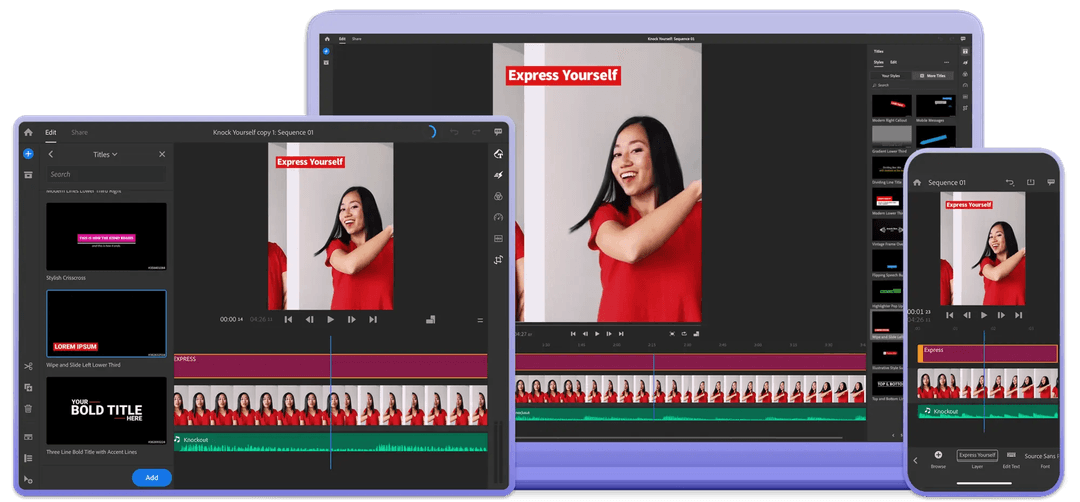
Adobe Premiere Rush brought Premiere-style titles, color correction and audio mixing to phone and desktop, with projects synced through the cloud. Adobe has been winding Rush down in favor of its other apps, so check its current status on that page before you build a workflow around it.
6. CapCut: best for editing footage you filmed
CapCut is ByteDance's editor and has the tightest TikTok integration of any editor. The free tier includes the full editor, 1080p export and auto-captions, and trend templates drop your clips straight into viral formats; premium templates and most AI features need a paid plan (Standard is about $9.99/month). If you would rather generate videos from text than edit footage, our Revid vs CapCut comparison explains the difference.
7. InVideo AI: best for stock-footage explainers
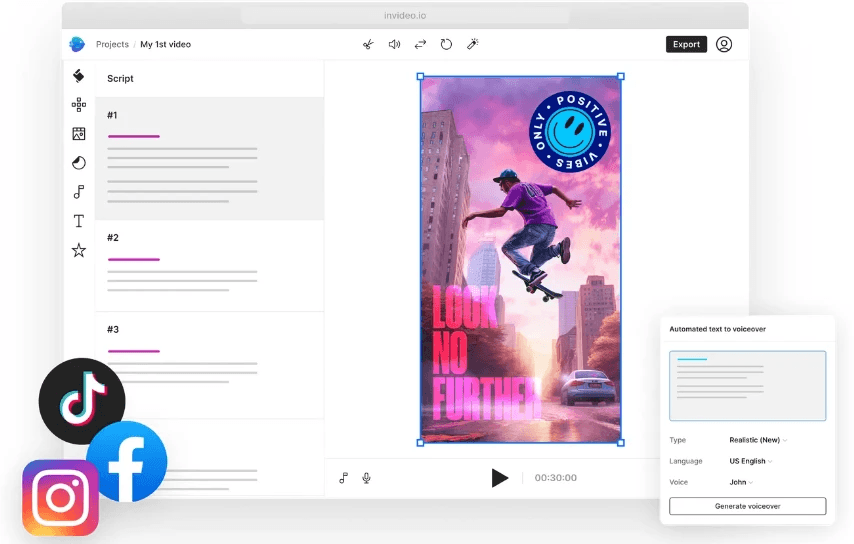
InVideo AI works like a chat agent: you type a prompt, it assembles a video from a 16M+ stock library with music and voice-over, and you edit by typing commands instead of using a timeline. Plans start at $20/month per seat. It fits explainers built on stock footage; for timeline editing and direct publishing, read our Revid vs InVideo comparison.
8. Vimeo Editor: best for simple browser trims
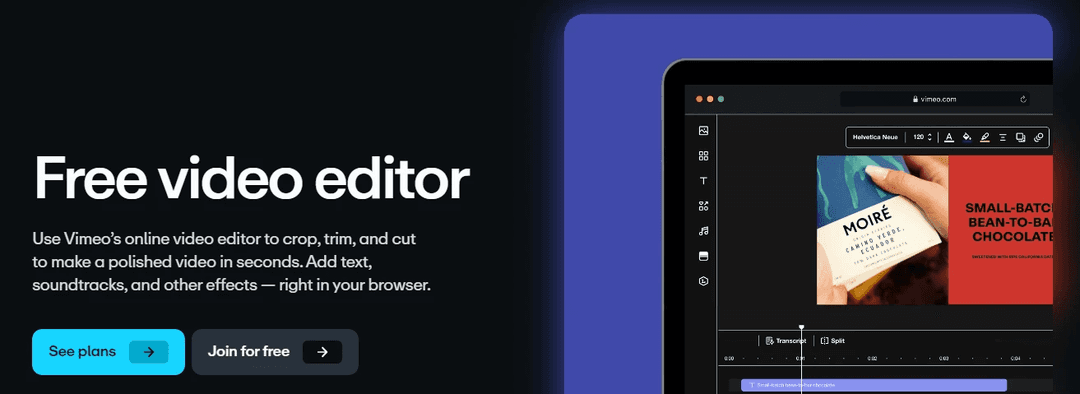
Vimeo's online video editor crops, trims and cuts in the browser, adds text and soundtracks, and includes a transcript view. It is free to join and enough when you only need a clean cut and a caption.
9. FlexClip: best for template videos with AI voice
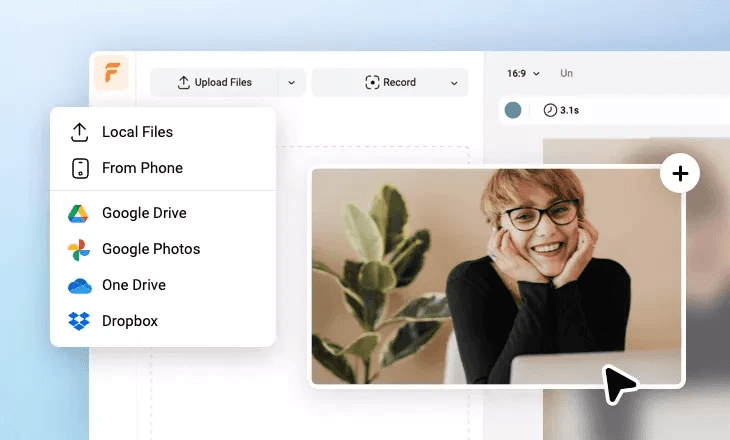
FlexClip's TikTok video maker is a browser editor with templates, stock media, AI text-to-video and text-to-speech. It imports straight from your phone, Google Drive, Google Photos, OneDrive and Dropbox, which helps when your clips live in the cloud.
10. Simplified: best for small teams

Simplified's video editor sits inside a wider content suite with a subtitle generator, AI text to video, short-clip repurposing and text to speech, alongside design and brand tools. It suits a small team running several social accounts from one place.
Using AI video tools for street-style and trend content
Street interviews, POV clips and fake vlogs are some of the most copied AI formats on TikTok and Reels. Revid's street interview video generator creates street-interview-style videos from a prompt, and the faceless video generator covers narrated formats with no presenter.
TikTok export settings that work in any tool
| Setting | What to use |
|---|---|
| Aspect ratio | 9:16 vertical |
| Resolution | 1080x1920, TikTok's recommendation |
| Maximum length | 60 minutes for uploads, 10 minutes recorded in the TikTok camera |
| Creator Rewards | Only videos of at least 1 minute earn |
| File format | MP4 with H.264, the format TikTok's posting API recommends |
FAQ
What is the best free tool for making TikTok videos?
CapCut, if you have footage: its free tier includes the full editor, 1080p export and auto-captions. Clipchamp and Canva also have free plans. Revid's sign-up is free, lets you search the viral library and comes with free credits to try video creation; regular creation then uses credits from a paid plan.
Is CapCut owned by TikTok?
CapCut is made by ByteDance, the company that created TikTok. In the US, TikTok itself has been run by the TikTok USDS Joint Venture since January 2026.
Can AI-generated TikToks earn money from Creator Rewards?
Yes, if they count as original and you qualify: 18 or older, 10,000 followers, 100,000 views in the last 30 days, and videos at least one minute long. Photo-only or text-only videos, lightly modified reposts and looping videos do not count as original.
Does labeling a TikTok as AI-generated hurt its reach?
No. TikTok states that turning on its AI-generated content setting does not affect a video's distribution as long as it follows the Community Guidelines.
How long should a TikTok made with these tools be?
Length matters less than the hook. In Revid's 12-month study, every length from under 15 seconds to 10 minutes had a median between 58K and 76K views, with 61 to 90 seconds slightly ahead, which also clears the one-minute bar for Creator Rewards.