Create Magical Harry Potter Videos in 3 Simple Steps
1 Write Your Wizarding Script
Start by typing your script into our Harry Potter AI video generator. Whether it's a Hogwarts house analysis, a character lore explanation, or your own original fan fiction, just drop your text in. You can use bracketed text like [Slytherin common room] to guide the AI's visual generation without it being spoken aloud.
2 Choose Your Magical Visuals and Voice
Customize how your Harry Potter video will look and sound. Select 'AI video' for moving characters and dynamic camera angles, or 'Animated AI images' for a cinematic pan-and-zoom effect. Then, pick one of our natural AI voices to narrate your wizarding world story, or upload your own voiceover.
3 Generate and Share to the Fandom
Hit 'Generate' and let the Harry Potter video maker work its magic. In minutes, Revid AI will sync your script, AI-generated Hogwarts visuals, voiceover, and background music. Edit any details using our built-in tools, then download and post directly to TikTok, Instagram Reels, or YouTube Shorts!
01
Wizarding World Videos Without Props, Sets, or Studio Lighting
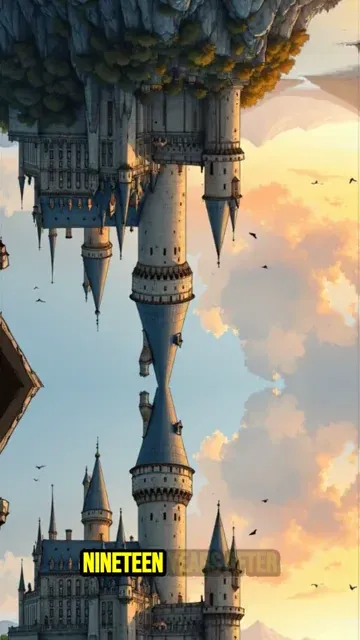
Write your Harry Potter-inspired script and Revid generates a complete short video with AI-rendered magical visuals, natural voiceover, and cinematic presentation. The AI image preset produces fantasy imagery that captures the atmosphere of Hogwarts, the Wizarding World, and the characters you describe in your script. There is no filming, design work, or editing required. From script to finished video takes minutes, making it practical to produce character analysis videos, house breakdowns, lore explanations, and fan story shorts consistently and at scale.
02
What the AI Generates from Your Hogwarts Script
The Harry Potter video generator renders each scene with visuals matched to the magical settings, characters, and events described in your script. Whether you are writing about Hogwarts classes, the Wizarding War, specific characters, or your own story set in the same world, the AI produces imagery that fits your narrative tone. Natural voiceover is generated and synced automatically alongside a matching soundtrack. You write the story, the AI handles every visual and audio element, and you get a finished short video without any intermediate production steps.
03
Harry Potter Fan Content That Performs Across Every Social Platform
The Harry Potter fandom remains one of the most engaged communities on TikTok and YouTube Shorts, consistently driving strong performance for house sorting breakdowns, character theory videos, and wizarding lore analysis. Building a channel around this niche rewards creators who publish regularly with high watch time and strong audience growth. Revid removes the production barrier that typically slows down fan content creators. Write the storyline, generate the video, and post without needing editing software or visual sourcing skills to produce each piece.
Target Audience
Who is this tool for?
Harry Potter fan content creators
Build a consistent TikTok or YouTube channel around Hogwarts lore, house analysis, and character breakdowns without video production skills slowing down your publishing schedule.
Fantasy and fiction storytellers
Bring original wizarding world stories, alternate character arcs, and fan fiction narratives to video format without requiring a production team or animation skills.
Book and literary analysis channels
Complement written analysis and book review content with short-form videos that reach the large portion of the Harry Potter audience that engages primarily through video.
Education and creative writing brands
Use wizarding world storytelling as a creative writing prompt framework to produce educational video content that engages younger audiences through a familiar and beloved universe.
Comparison
Revid vs. Manual Harry Potter Fan Video Production
Creating wizarding world fan videos typically requires finding or creating visuals, recording narration, and editing each element together. Revid delivers the full pipeline from script automatically.
Input
Revid Create Harry Potter VideosWrite a script and generate immediately
Other ToolsSource visuals, record narration, and edit all elements separately
Visual style
Revid Create Harry Potter VideosAI generates magical fantasy imagery from your script description
Other ToolsLimited to available licensed stock assets and fan art
Voiceover
Revid Create Harry Potter VideosAI narration generated and synced automatically
Other ToolsRequires recording or commissioning voiceover work
Music
Revid Create Harry Potter VideosSoundtrack matched to the content pacing automatically
Other ToolsMust license music and sync it manually
Production time
Revid Create Harry Potter VideosComplete video ready in minutes
Other ToolsHours of sourcing and editing per finished video
Content volume
Revid Create Harry Potter VideosProduce multiple lore and story videos in a single session
Other ToolsEach video requires a separate full production workflow
Feature / Benefit
Revid Create Harry Potter Videos
Other Tools
Input
Write a script and generate immediately
Source visuals, record narration, and edit all elements separately
Visual style
AI generates magical fantasy imagery from your script description
Limited to available licensed stock assets and fan art
Voiceover
AI narration generated and synced automatically
Requires recording or commissioning voiceover work
Music
Soundtrack matched to the content pacing automatically
Must license music and sync it manually
Production time
Complete video ready in minutes
Hours of sourcing and editing per finished video
Content volume
Produce multiple lore and story videos in a single session
Each video requires a separate full production workflow
More Tools
Explore Similar Fandom AI Video Tools
Discover more ways to create engaging videos with our AI-powered tools
FAQs
Frequently Asked Questions
What is the Harry Potter AI Video Generator?
The Harry Potter AI Video Generator by Revid AI is a specialized tool that lets you create Harry Potter videos from just a text script. It automatically generates magical wizarding world visuals, perfectly synced AI voiceovers, and background music. It is designed for creators who want to make Harry Potter shorts for TikTok and YouTube without needing complex video editing skills or expensive software.
How do I create a Harry Potter video for my TikTok or YouTube channel?
To create a Harry Potter video, simply paste your script or story into the generator. Select your preferred visual style—such as dynamic AI video or animated AI images—and choose a lifelike voiceover. Our Harry Potter AI video generator will automatically produce a complete, cinematic short video featuring Hogwarts-inspired visuals, ready to be shared with the fandom.
Do I need to upload my own images or footage to use this Hogwarts video maker?
Not at all! Our AI wizarding world video generator creates all the visuals for you based on the descriptions in your script. Whether you need scenes of a potions class, a Quidditch match, or specific character interactions, the AI generates high-quality fantasy imagery that captures the atmosphere of the Harry Potter universe.
Can I use this tool to create Harry Potter lore videos and house breakdowns?
Absolutely. The tool is perfect for creating Harry Potter lore videos, Gryffindor vs. Slytherin house breakdowns, and character theory analysis. Because you simply input the text, you can produce consistent, high-quality Harry Potter fan content at scale, helping you grow your audience on social media.
What visual styles can I choose when I make Harry Potter shorts?
When you create a Harry Potter video with our tool, you can choose between two main media types: 'AI video' (where characters act and the camera follows dynamic movements) and 'Animated AI images' (stunning still AI images brought to life with cinematic pans and zooms). Both are optimized for the 9:16 vertical format perfect for mobile shorts.
Can I narrate the Harry Potter fan fiction myself?
Yes! While our Harry Potter AI video generator includes a wide selection of highly realistic AI voices, you can totally use your own voice. You can either record your narration directly within the tool or upload a pre-recorded audio file. This is great for creators who want to add a personal touch to their Harry Potter fanfic video generation.
How can I guide the AI to show specific Harry Potter characters or spells?
You can easily direct the visual output of the Harry Potter video maker by using [bracketed text] in your script. For example, writing '[A wizard casting a glowing Patronus charm in a dark forest]' tells the AI exactly what to generate for that scene, without reading the bracketed text aloud in the voiceover.
How long does it take to generate a wizarding world short?
From script to screen, the process is incredibly fast. Once you click generate, your AI Harry Potter video will typically be ready in just a few minutes. Revid AI handles the visual rendering, voice syncing, and captioning all at once, saving you hours of traditional video editing.
Is it possible to edit my Harry Potter video after it's generated?
Yes! After the Harry Potter AI video generator completes its initial export, you can use our built-in video editor to make adjustments. You can swap out specific AI visuals, tweak the timing, adjust the magical background music, and customize the text overlays before you download the final file.
How much does it cost to use the Harry Potter TikTok generator?
Creating a video uses credits from your Revid AI account. The exact cost depends on the length of your script and the media type you select (like AI video vs. Animated images). Free users get starting credits to test the Hogwarts video maker, while our paid plans provide a monthly allowance perfect for creators posting regular Harry Potter shorts.
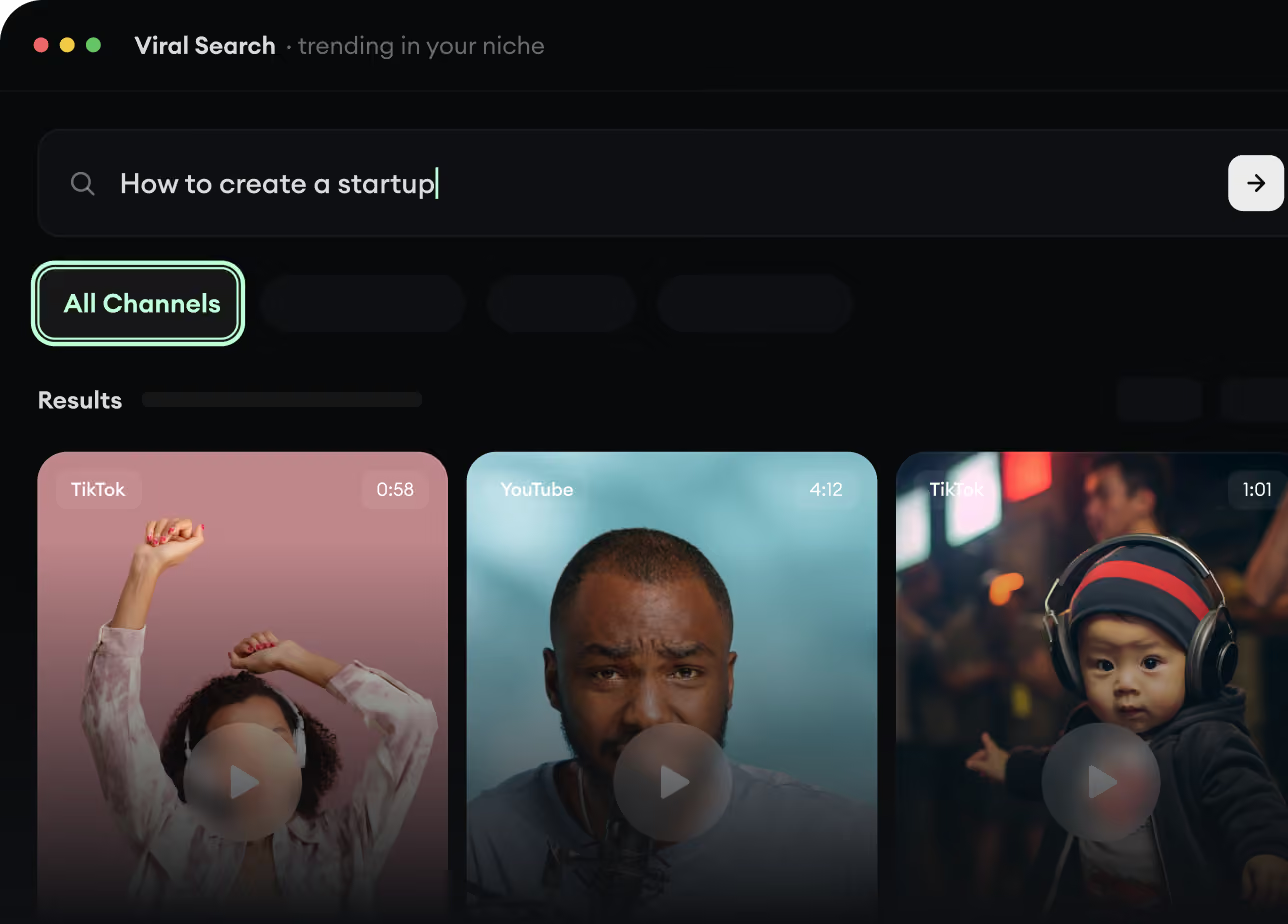
RevidAI's Viral Search and Channel Watcher surface the formats, creators, and trends getting attention right now, then help you turn them into ideas of your own.
Discover winning video formats in your niche
Follow creators and channels that matter
Start with proven ideas instead of guessing
2
Turn An Idea Into A Story.
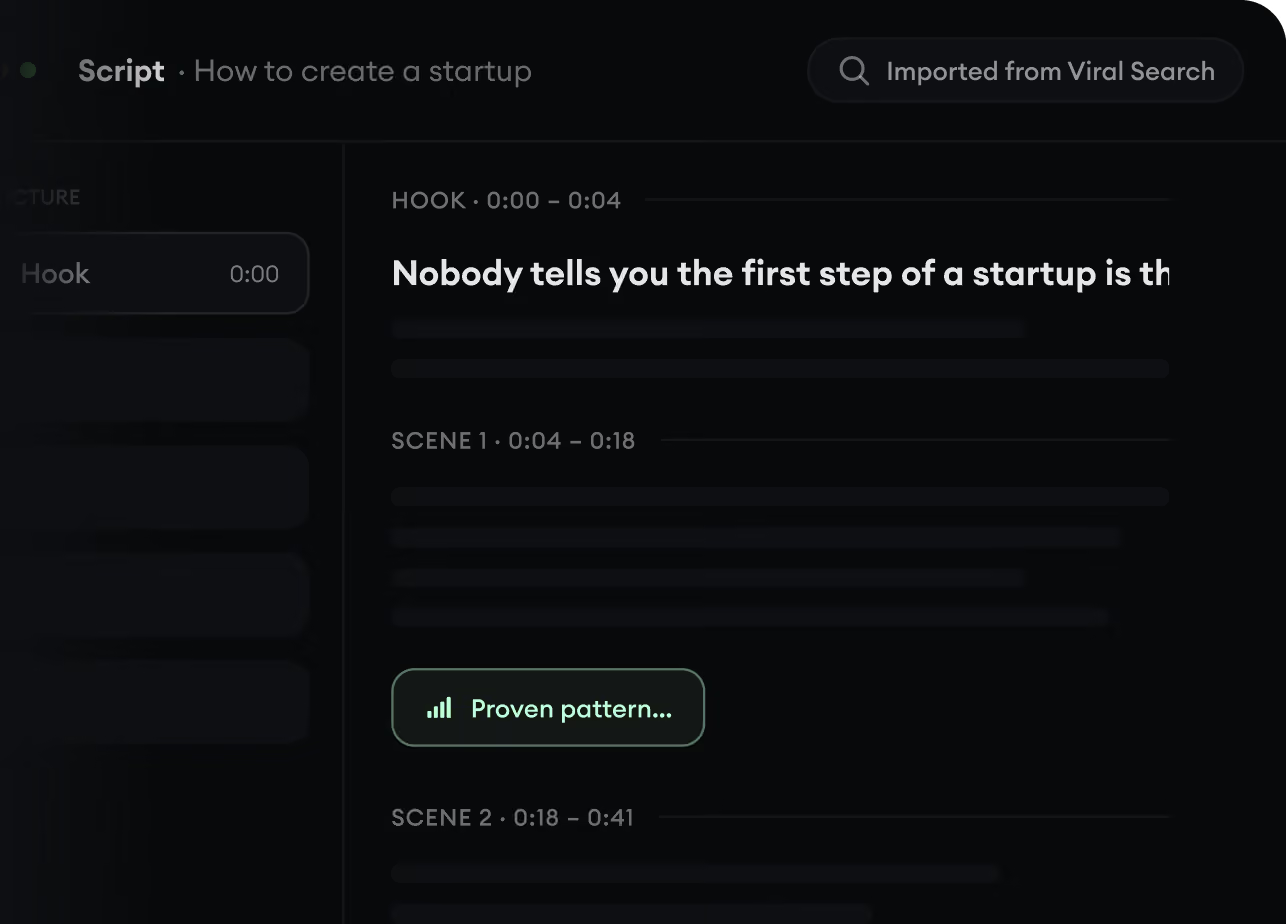
Found something worth making? Revid AI writes the script, suggests the structure, and turns links, prompts, or topics into complete video concepts.
Start with a prompt, topic, or URL
Generate scripts inspired by proven patterns
Build stories designed to keep people watching
3
Generate The Finished Video.
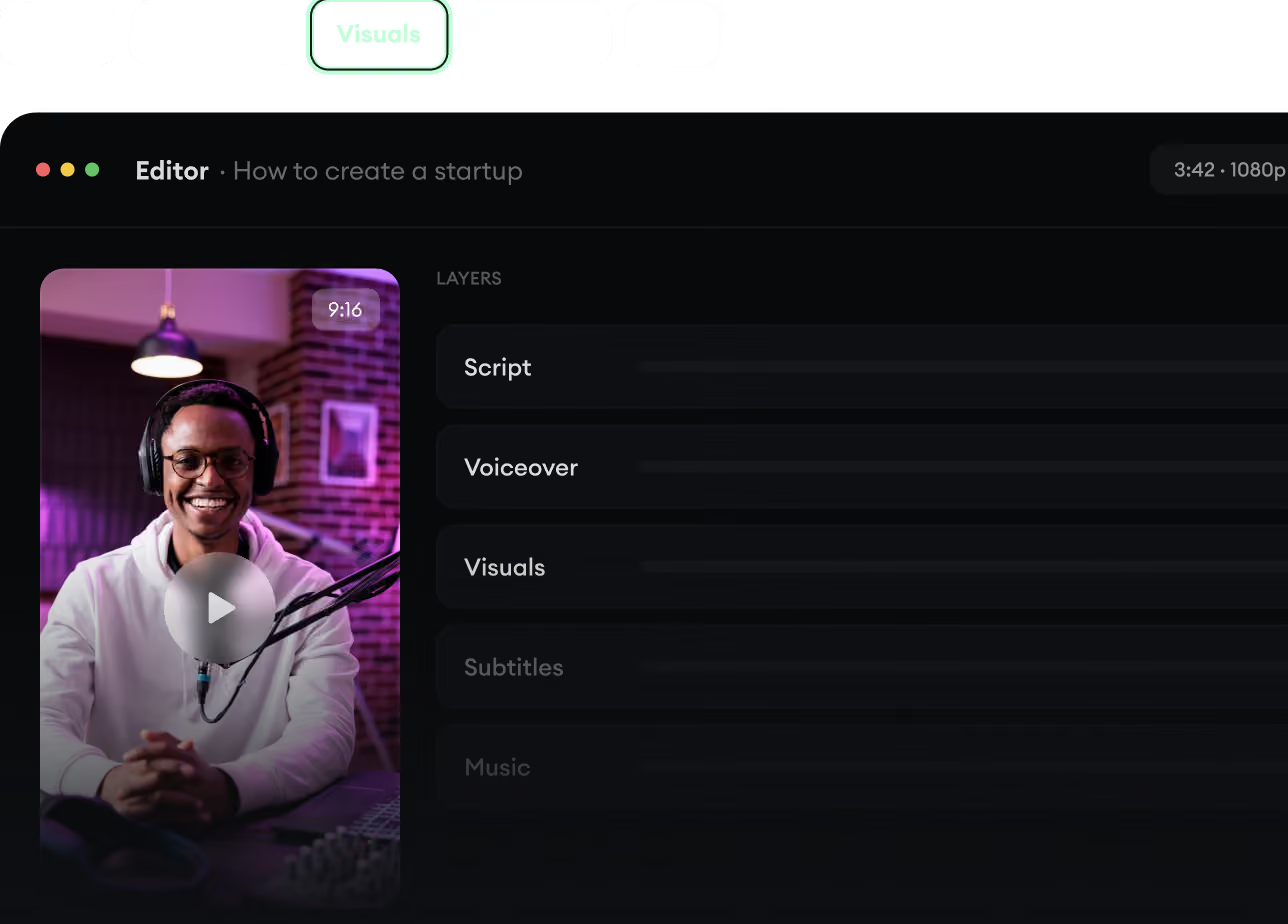
Script, voiceover, visuals, subtitles, and editing all come together in one workflow. No stitching together five different tools.
Turn text into complete, multi-minute videos
Generate everything in one place
Refine the result in the editor
4
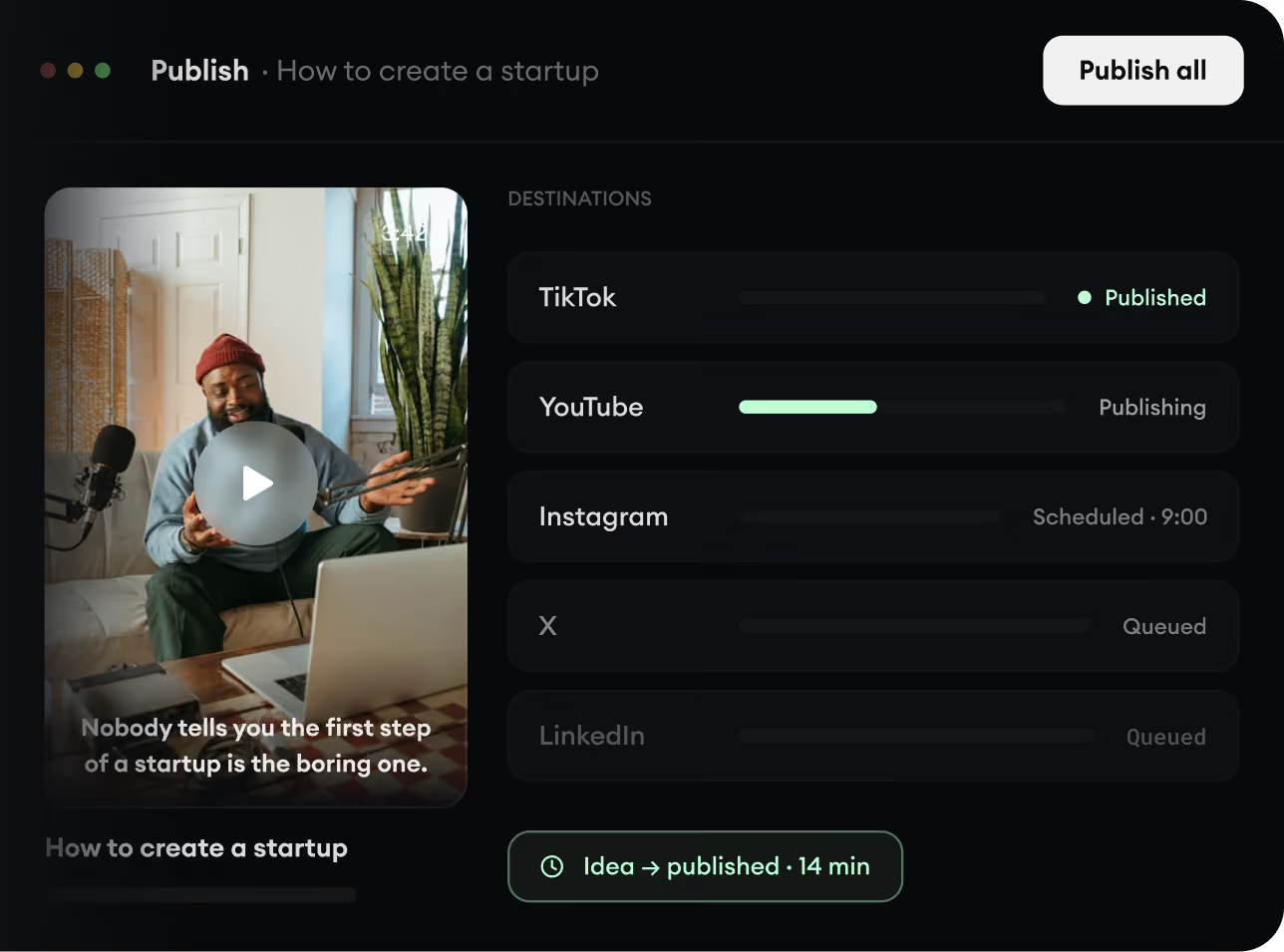
Publish Everywhere.
Share your videos to TikTok, YouTube, Instagram, and wherever your audience is.