Start by writing your script or pasting your Minecraft content. Use [brackets] to guide specific Minecraft scenes you want to show, like [player mining diamonds] or [epic build reveal].
2 Choose Voice and Style
Select from our gaming-optimized AI voices or record your own commentary. Pick your preferred visual style: Minecraft gameplay footage, animations, or custom scenes. Add background music to enhance the gaming atmosphere.
3 Generate and Edit
Click generate and watch as your Minecraft video comes to life with perfectly synced gameplay footage, voice-over, and captions. Use our editor to fine-tune transitions, add effects, or adjust timing before sharing.
01
Minecraft Story Videos Without Recording Any Gameplay Footage
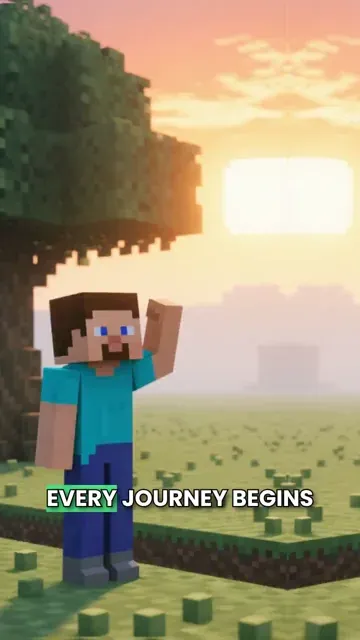
Write your Minecraft-inspired script and Revid generates a complete short video with AI-rendered pixel art visuals, natural voiceover, and cinematic presentation. The Pixel Art AI preset produces iconic block-world imagery that captures the environments, builds, and characters described in your script. No screen recording, gameplay capture, or editing is required. From script to finished video takes minutes, making it practical to post survival stories, base tours, building guides, and community lore videos on a consistent schedule that Minecraft's huge online audience actively follows.
02
What the Pixel Art AI Preset Generates from Your Minecraft Script
The Minecraft video generator uses the Pixel Art preset to render each scene in the distinctive block-based aesthetic that is immediately recognizable to any player. Whether your script covers a survival adventure, a creative build showcase, a mob encounter, or a made-up Minecraft legend, the AI creates visuals that match the described action and setting. Voiceover is generated and synced automatically alongside a curated soundtrack. Write the story and receive a complete, polished short video without managing any of the production steps yourself.
03
Minecraft Content That Reaches Players and Builders Across Every Platform
Minecraft content is among the most consistently viewed gaming categories on TikTok and YouTube Shorts, with strong engagement for survival stories, build showcases, challenge videos, and community lore. Channels that post regularly in this niche build large audiences because Minecraft's player base spans multiple generations and continues to grow with each new update. Revid makes it practical to publish that content at scale without screen recording sessions or lengthy editing workflows standing between each idea and the finished video.
Target Audience
Who is this tool for?
Minecraft content creators
Build a consistent posting schedule of survival stories, build showcases, and lore videos on TikTok and YouTube Shorts without screen recording sessions or video editing software.
Gaming storytellers
Write original Minecraft adventure stories or community legends and convert them directly into short videos that reach the large and active Minecraft audience on social platforms.
Gaming channels and let's play creators
Add scripted Minecraft story content to a gaming channel to complement live gameplay recordings with polished narrative shorts that attract and retain subscribers in the niche.
Gaming brand and merchandise teams
Create Minecraft-themed video content for product launches, server promotions, and gaming events that connect with one of the largest and most active gaming communities online.
Comparison
Revid vs. Manual Minecraft Video Production
Minecraft content creators usually record gameplay, add voiceover, and edit everything together. Revid generates a complete pixel-art story video from your script without any of those steps.
Input
Revid Minecraft AI Video GeneratorWrite a script and generate immediately
Other ToolsRecord gameplay, capture footage, and edit every clip manually
Visual style
Revid Minecraft AI Video GeneratorAI pixel art preset renders Minecraft-style visuals from your script
Other ToolsRequires live game recording or custom animation
Voiceover
Revid Minecraft AI Video GeneratorAI narration generated and synced automatically
Other ToolsRequires recording microphone audio and manual sync
Music
Revid Minecraft AI Video GeneratorCurated soundtrack matched to scene pacing automatically
Other ToolsMusic must be licensed and manually synced to the edit
Production time
Revid Minecraft AI Video GeneratorComplete video ready in minutes
Other ToolsHours of recording and editing per finished video
Content volume
Revid Minecraft AI Video GeneratorGenerate multiple Minecraft stories in a single session
Other ToolsEach video requires a separate full recording and editing run
Feature / Benefit
Revid Minecraft AI Video Generator
Other Tools
Input
Write a script and generate immediately
Record gameplay, capture footage, and edit every clip manually
Visual style
AI pixel art preset renders Minecraft-style visuals from your script
Requires live game recording or custom animation
Voiceover
AI narration generated and synced automatically
Requires recording microphone audio and manual sync
Music
Curated soundtrack matched to scene pacing automatically
Music must be licensed and manually synced to the edit
Production time
Complete video ready in minutes
Hours of recording and editing per finished video
Content volume
Generate multiple Minecraft stories in a single session
Each video requires a separate full recording and editing run
More Tools
Explore Similar Fandom AI Video Tools
Discover more ways to create engaging videos with our AI-powered tools
FAQs
Frequently Asked Questions
What is the Minecraft Video AI Generator?
Our Minecraft Video AI Generator is a specialized tool designed to create engaging Minecraft content for YouTube, TikTok, and other platforms. Simply input your script, and our AI will generate a professional-quality video complete with relevant Minecraft footage, voice-over, and captions. Perfect for content creators looking to streamline their Minecraft video production process.
What type of Minecraft content can I create?
You can create a wide variety of Minecraft content including tutorials, gameplay highlights, build showcases, tips and tricks videos, story-based content, and more. Our AI understands Minecraft-specific terminology and can match appropriate visuals to your script, making it perfect for any type of Minecraft content you want to create.
How does the AI select Minecraft footage?
Our AI analyzes your script for Minecraft-specific keywords and contexts to select relevant footage from our extensive library of Minecraft gameplay, builds, and animations. You can guide the AI by using [brackets] in your script to specify exactly what type of Minecraft footage you want to show at specific points.
Can I use this for my Minecraft YouTube channel?
Absolutely! The Minecraft Video AI Generator is perfect for YouTubers looking to create regular content. It helps you produce professional-quality Minecraft videos quickly and consistently, ideal for growing your channel with shorts or regular uploads. Many successful Minecraft content creators use our tool to supplement their content production.
How long can my Minecraft videos be?
While you can create videos of any length, we recommend keeping them between 30 seconds to 3 minutes for optimal engagement, especially for platforms like YouTube Shorts and TikTok. Longer videos will use more credits, with each additional 1,000 characters of script requiring an extra credit.
Can I customize the voice-over for my Minecraft videos?
Yes! Choose from our selection of AI voices optimized for gaming content, or record your own voice-over directly in the tool. We also support custom voice uploads if you prefer to record separately. Many creators mix both AI and personal voice-overs for different types of content.
What aspect ratios are available for Minecraft videos?
We support multiple aspect ratios to suit different platforms: 9:16 for TikTok and YouTube Shorts, 16:9 for traditional YouTube videos, and 1:1 for Instagram. Select the ratio that best fits your target platform to ensure your Minecraft content looks great wherever you share it.
How can I make my Minecraft videos more engaging?
Use short, punchy sentences in your script, include exciting Minecraft moments like finding diamonds or completing builds, and utilize our built-in features like dynamic captions and transitions. Our AI automatically adds appropriate background music and sound effects to enhance viewer engagement.
Can I edit the generated Minecraft videos?
Yes! After generation, use our built-in editor to fine-tune your video. Adjust timing, add text overlays, modify transitions, or change background music. You have full control to ensure your Minecraft content matches your vision perfectly before sharing it with your audience.
How much does it cost to create Minecraft videos?
Each video requires a base of 1 credit, with additional credits needed for longer scripts or premium features. Check our pricing page for current plans and credit allocations. We offer various tiers to suit different content creation needs, from casual creators to professional Minecraft YouTubers.
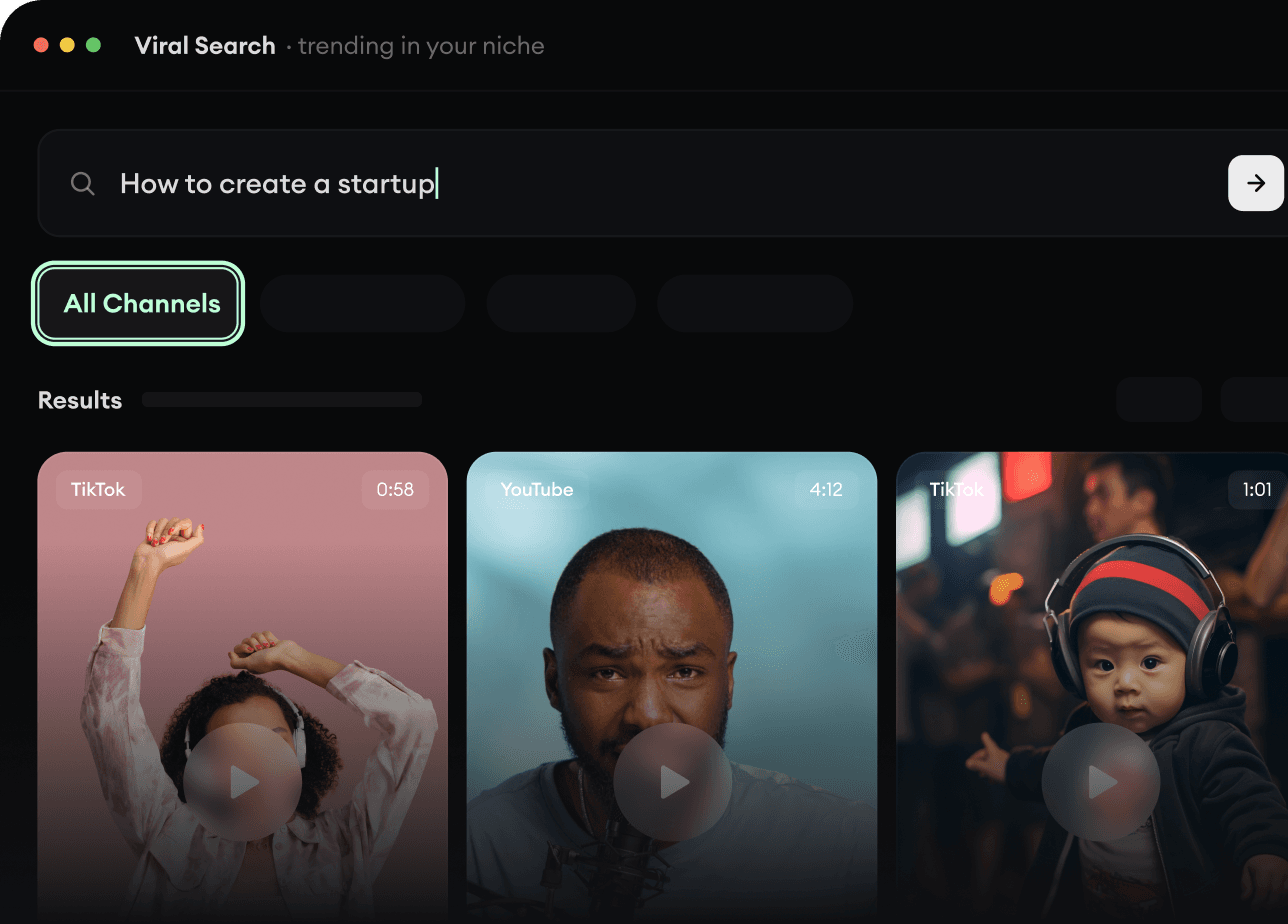
RevidAI's Viral Search and Channel Watcher surface the formats, creators, and trends getting attention right now, then help you turn them into ideas of your own.
Discover winning video formats in your niche
Follow creators and channels that matter
Start with proven ideas instead of guessing
2
Turn An Idea Into A Story.
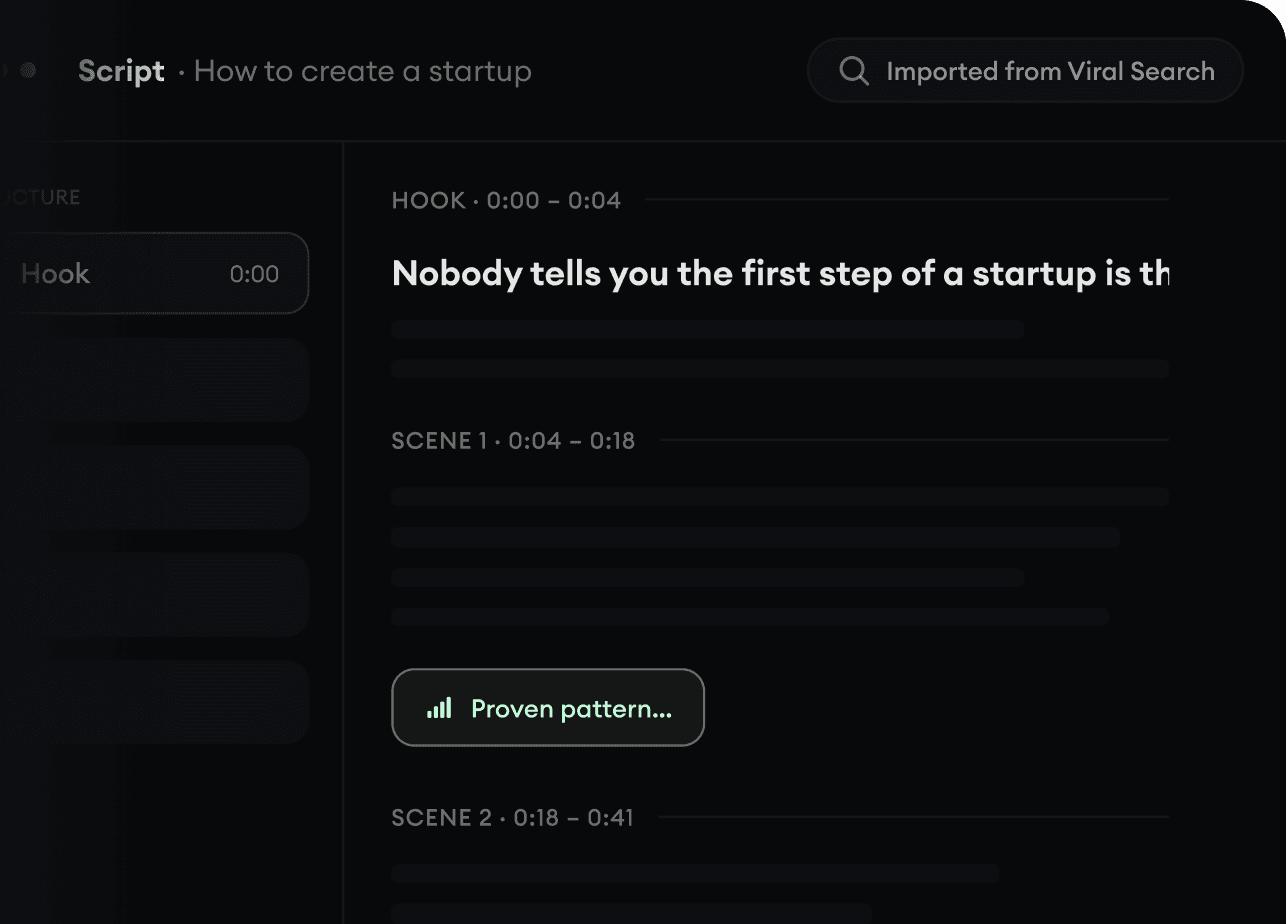
Found something worth making? Revid AI writes the script, suggests the structure, and turns links, prompts, or topics into complete video concepts.
Start with a prompt, topic, or URL
Generate scripts inspired by proven patterns
Build stories designed to keep people watching
3
Generate The Finished Video.
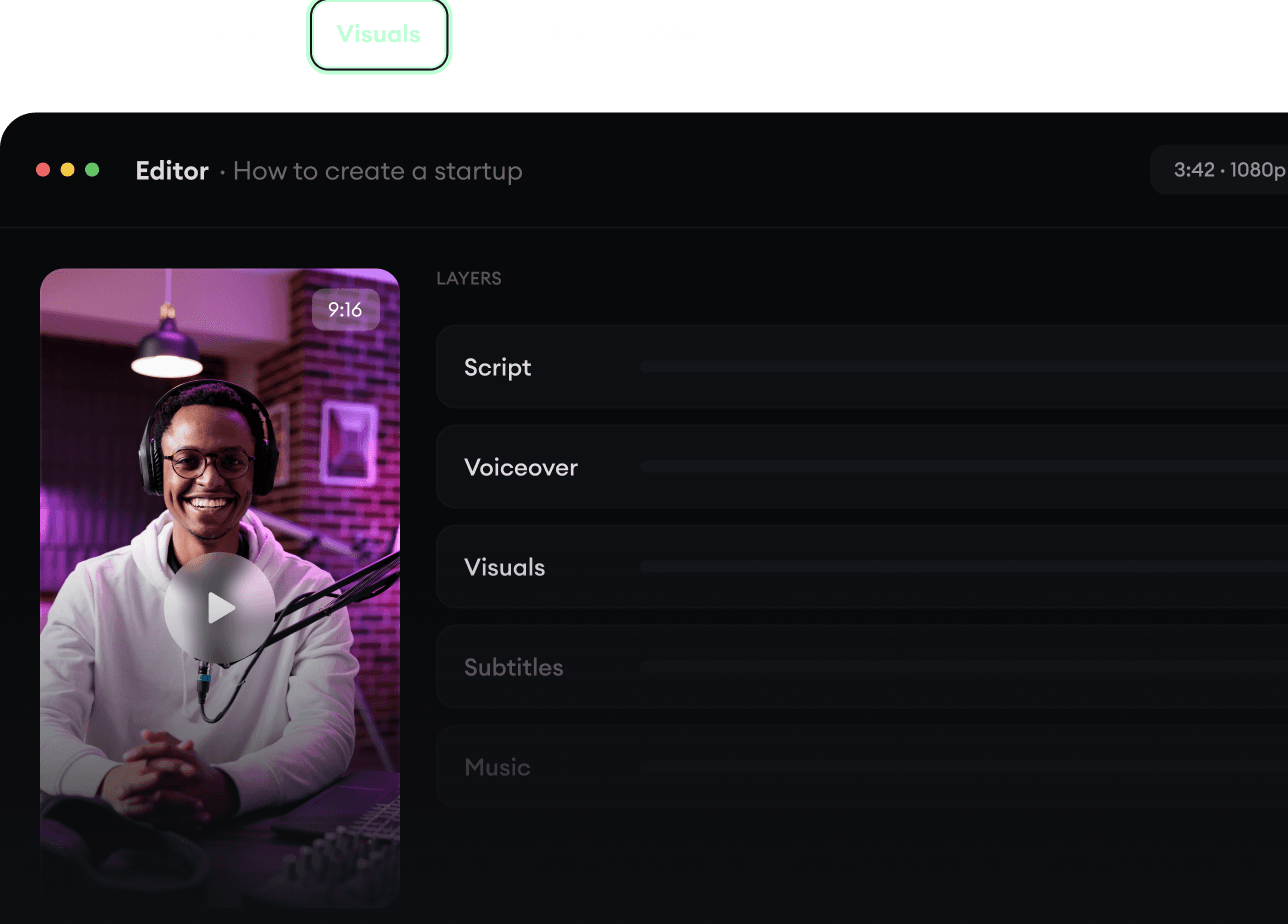
Script, voiceover, visuals, subtitles, and editing all come together in one workflow. No stitching together five different tools.
Turn text into complete, multi-minute videos
Generate everything in one place
Refine the result in the editor
4
Publish Everywhere.
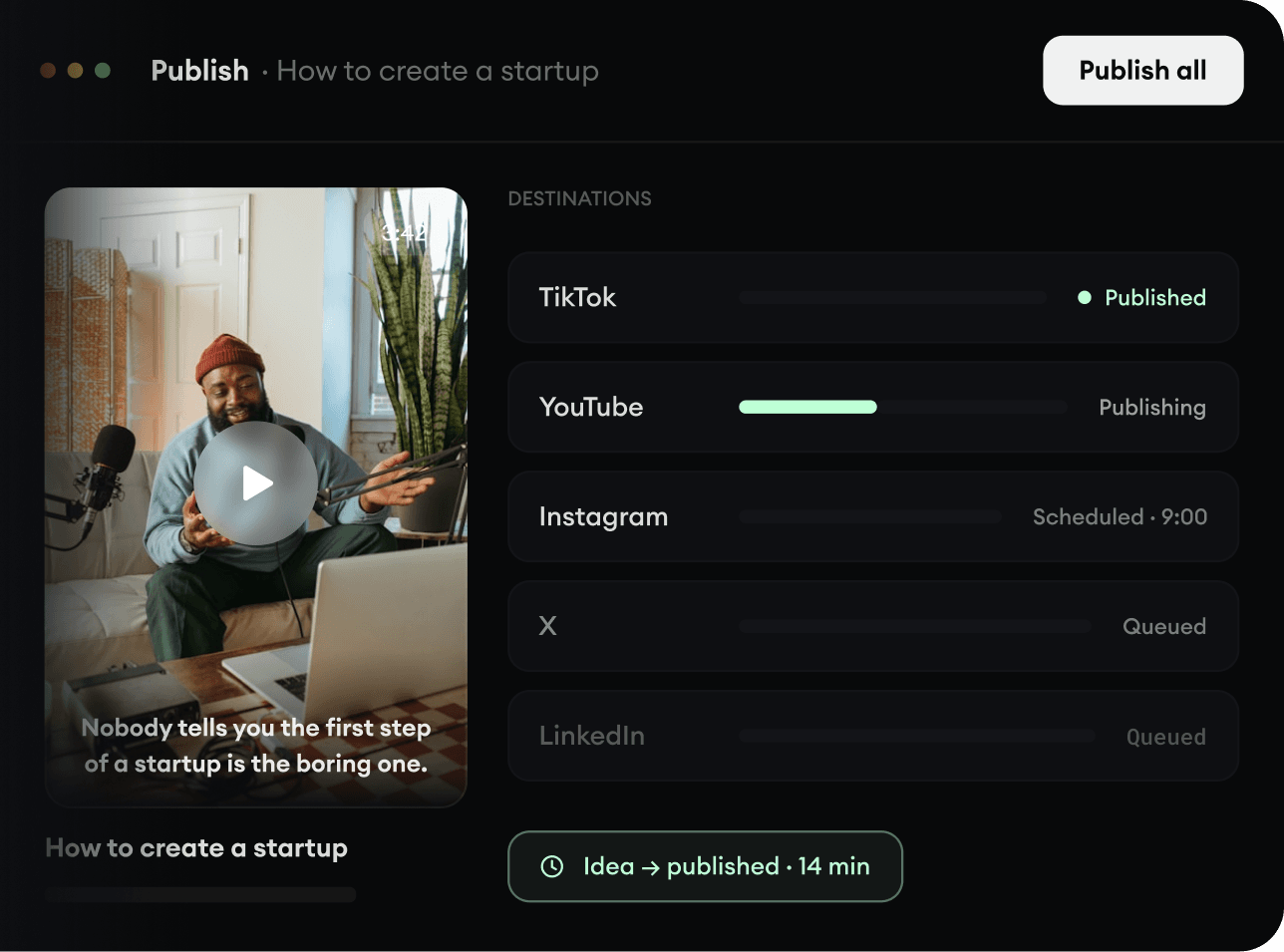
Share your videos to TikTok, YouTube, Instagram, and wherever your audience is.