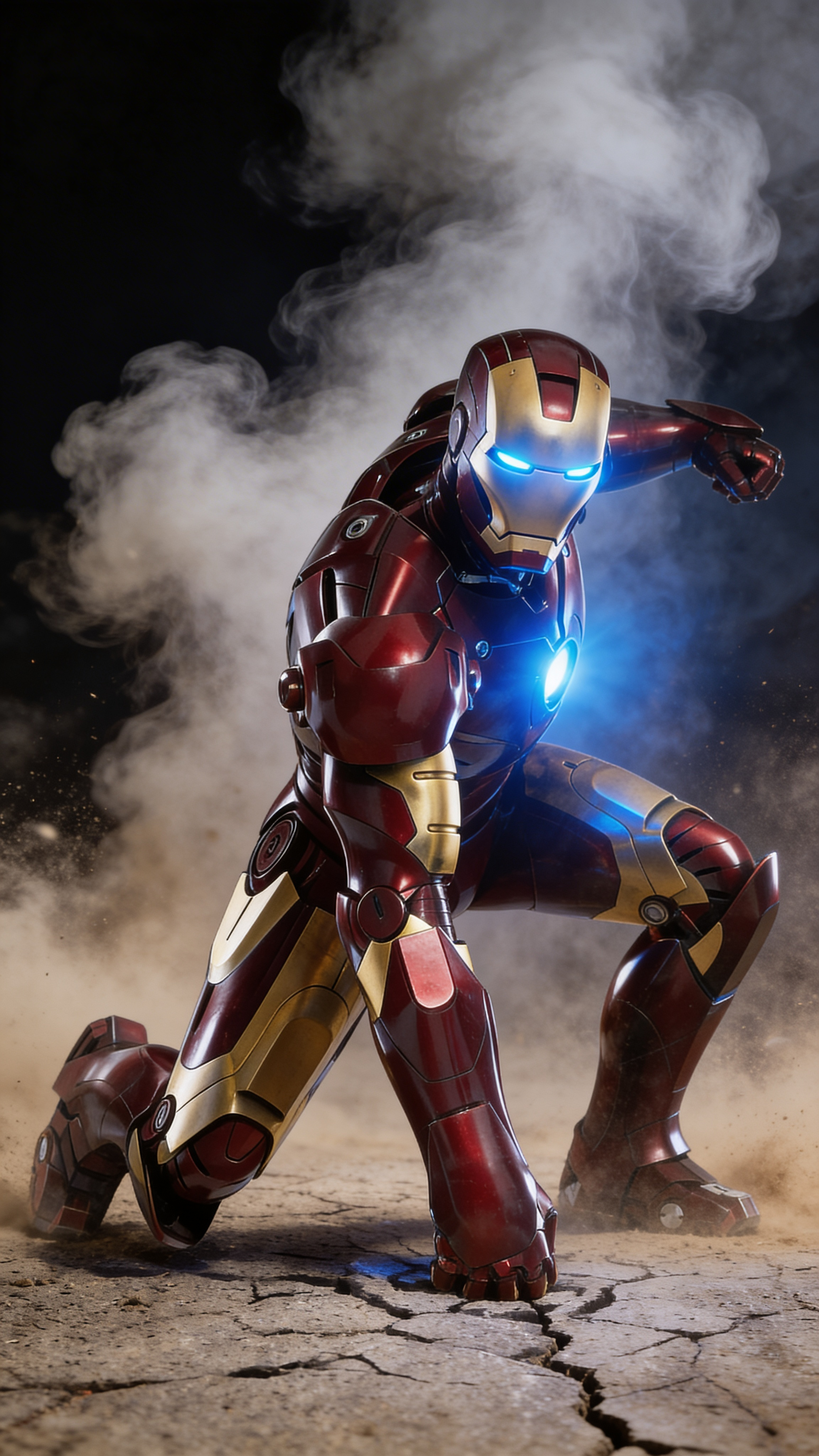
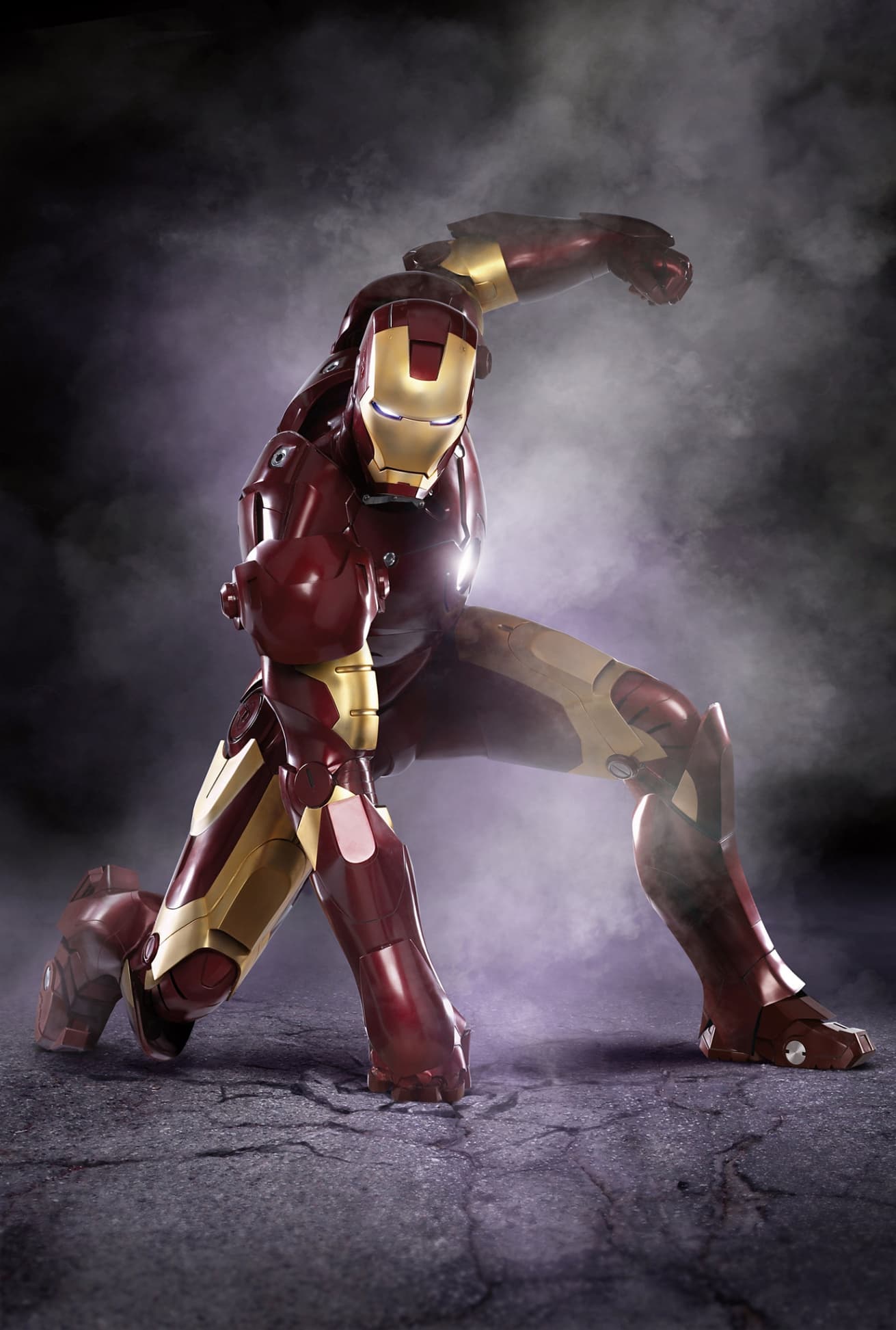
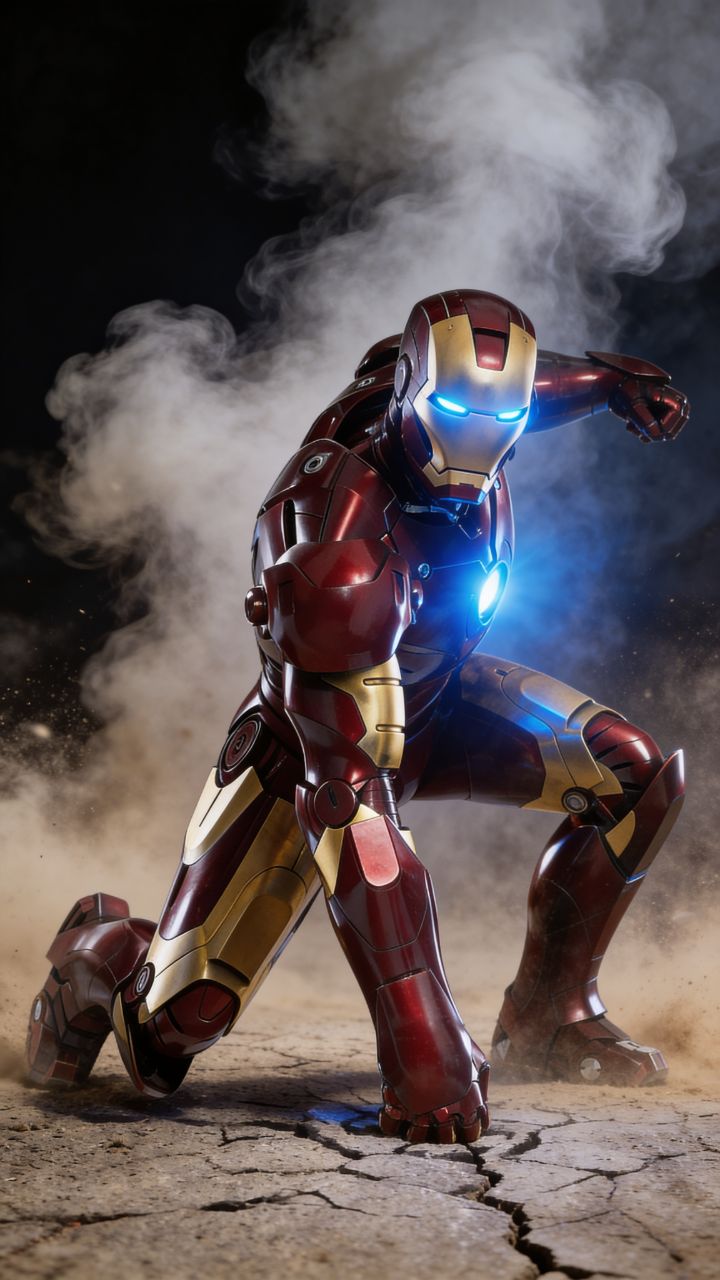
Iron Man lands on cracked ground in a powerful battle stance, dust and smoke swirling around him. The arc reactor in his chest pulses with a bright blue glow. Camera slowly circles him from low angle. Sparks fly off the armor. Smoke thickens behind him. He slowly raises his head, visor illuminating. Repulsor on his right hand charges up with a blinding white-gold energy build. Ground cracks beneath him from the pressure. Cinematic. Dramatic. IMAX quality
Source Media
FINAL VIDEO
How to Turn Images into a Video Effect with AI in 3 Steps
1 Upload Your Static Image
Start by importing the photo, illustration, or graphic you want to animate. Our AI image to video effect generator works with various formats, making it easy to turn any static image into a dynamic video.
2 Add a Prompt and Select Your AI Model
Guide the AI by entering an optional text prompt describing the motion or effect you want (e.g., "add some unicorns" or "cinematic pan"). Then, choose your preferred video generation model from our options: Base (Low), Pro, Ultra, or Sora2, depending on the level of photorealism and creative quality you need.
3 Generate Your AI Video Effect
Click the generate button and let Revid's AI apply stunning motion and visual effects to your picture. In just minutes, you will have a highly engaging, vertical video effect ready to be shared directly to TikTok, Instagram Reels, and YouTube Shorts.
01
Turn Static Images into Dynamic Video Content in Seconds
A static image on social media gets scrolled past. The same image animated as a video captures attention, holds it, and drives significantly higher engagement. Revid's image-to-video effect generator takes any photo or image you upload and applies AI-generated motion and visual effects to produce a dynamic video clip. You can add an optional prompt to direct the type of effect applied, or let the AI interpret the image's content and generate a complementary motion sequence. The output is a short vertical video ready for TikTok, Instagram Reels, and YouTube Shorts.
02
How AI Video Effects Are Applied to Your Images
Upload any image and Revid analyzes the visual content to determine where motion, parallax effects, or AI-generated extensions can be applied most effectively. You can specify an effect style in a text prompt, giving the AI direction for the type of movement or transformation you want. The tool supports multiple AI video generation models, letting you choose between different levels of creative interpretation and photorealism. The entire process requires only the image upload and an optional description. No keyframes, no compositing software, and no timeline editing required.
03
Image to Video for Social Media, Marketing, and Creative Projects
Photographers add motion to still images to make portfolio content more arresting on social media. Product teams animate product photography for ads and campaigns that outperform static image equivalents. Artists and illustrators bring their artwork to life with subtle motion effects that preserve the original aesthetic while adding visual dynamism. The kids drawing animation tool uses the same image-to-video foundation specifically for animating children's artwork into story-driven videos.
Target Audience
Who is this tool for?
Photographers and visual artists
Bring still photography and illustrations to life with subtle or dramatic motion effects that make your work perform significantly better in algorithm-driven social media feeds.
Product and e-commerce teams
Transform product photography into short animated video ads that outperform static images in click-through rates across paid social campaigns and organic product pages.
Designers and brand teams
Convert brand assets, logos, and graphic designs into animated visual content without needing motion design expertise or access to animation software.
Content creators repurposing archives
Revitalize existing image libraries by converting high-performing still images into video content, extending the value of assets you have already created and licensed.
Comparison
Why Choose Revid for Image to Video Effects?
Adding motion to a still image traditionally requires compositing software, keyframe animation, and motion design skills. Revid converts any image into a video effect from a single upload.
Skill requirement
Revid Image to Video EffectNo animation or compositing skills needed, upload an image and generate
Traditional Motion DesignRequires proficiency in After Effects, Premiere, or equivalent motion tools
Input flexibility
Revid Image to Video EffectWorks with any photo, illustration, or graphic image format
Traditional Motion DesignImport and compatibility issues vary by software and file type
Effect direction
Revid Image to Video EffectOptional text prompt steers the type of motion and visual effect applied
Traditional Motion DesignAll motion must be designed manually using keyframes and effect layers
Production time
Revid Image to Video EffectVideo effect ready in minutes from an image upload
Traditional Motion DesignHours of animation work to apply convincing motion to a single image
Model selection
Revid Image to Video EffectChoose from multiple AI video generation models to control creative output style
Traditional Motion DesignOutput style depends entirely on the operator's design decisions
Output format
Revid Image to Video EffectSocial-ready vertical video exported immediately after generation
Traditional Motion DesignRequires manual export settings and compression for each platform
Feature / Benefit
Revid Image to Video Effect
Traditional Motion Design
Skill requirement
No animation or compositing skills needed, upload an image and generate
Requires proficiency in After Effects, Premiere, or equivalent motion tools
Input flexibility
Works with any photo, illustration, or graphic image format
Import and compatibility issues vary by software and file type
Effect direction
Optional text prompt steers the type of motion and visual effect applied
All motion must be designed manually using keyframes and effect layers
Production time
Video effect ready in minutes from an image upload
Hours of animation work to apply convincing motion to a single image
Model selection
Choose from multiple AI video generation models to control creative output style
Output style depends entirely on the operator's design decisions
Output format
Social-ready vertical video exported immediately after generation
Requires manual export settings and compression for each platform
More Tools
Explore Similar Video Editing AI Video Tools
Discover more ways to create engaging videos with our AI-powered tools
FAQs
Frequently Asked Questions
What is the AI Image to Video Effect Generator?
The AI Image to Video Effect Generator is a powerful tool by Revid that allows you to instantly turn any static image into a dynamic video. By simply uploading a photo and optionally adding a text prompt, the AI applies realistic motion, parallax effects, and visual extensions. It is the easiest way to create an eye-catching image to video effect for your social media channels without needing complex animation software.
How do I turn a static image into a video effect using this tool?
Turning an image into a video is incredibly simple. First, upload your image into the generator. Next, you can optionally type a prompt to guide the AI on what kind of motion or elements to add. Then, select your AI video generation model (Base, Pro, Ultra, or Sora2). Finally, click generate. The AI will process your input and create a stunning image to video effect in minutes.
Do I need any motion design skills to animate still images?
Not at all! Unlike traditional motion design that requires proficiency in software like After Effects or Premiere, our AI image to video generator does all the heavy lifting. You do not need to deal with keyframes, compositing, or timelines. The AI automatically analyzes your image and applies professional-grade video effects.
What types of images can I convert into video effects?
You can use almost any static image! Photographers can add motion to still photography, product teams can animate e-commerce product shots, and artists can bring their illustrations to life. Whether it is a brand asset, a logo, or a simple photo, our image to video AI tool can transform it into a highly engaging video clip.
Can I control the specific video effect applied to my image?
Yes! While the AI can automatically interpret and animate your image, you can also use the text prompt feature to steer the creative direction. Simply type what you want to see happen (for example, "make it rain," "add moving clouds," or "zoom in slowly"), and the AI image to video effect generator will apply that specific motion.
What are the different AI video generation models available?
To give you full control over your image to video effect, we offer multiple AI models. You can choose from Base (Low) for quicker, simpler animations, Pro and Ultra for high-quality, photorealistic motion, or the advanced Sora2 model for cutting-edge, complex video generation. Each model offers a different flavor of creative interpretation.
Are the generated videos optimized for social media platforms like TikTok and Instagram?
Absolutely. When you turn an image into a video using Revid, the output is specifically formatted as a short vertical video. This means your new AI video effect is perfectly optimized for immediate sharing on TikTok, Instagram Reels, and YouTube Shorts, helping you capture attention and drive higher engagement.
How long does it take to create an image to video effect?
The process is incredibly fast. Once you upload your image, write your prompt, and select your AI model, the actual video generation takes only a few minutes. You can transform a static image into a dynamic video much faster than using traditional video editing methods.
Can I use the AI photo animator for commercial and marketing purposes?
Yes! Many marketers, e-commerce teams, and brand designers use our AI image to video generator to create high-performing video ads from static product photography. Adding motion to a photo significantly increases click-through rates and engagement, making it perfect for paid social campaigns and organic marketing.
How much does it cost to use the image to video AI tool?
Generating an image to video effect uses credits from your Revid account. The exact credit cost may vary depending on the video generation model you select (Base, Pro, Ultra, or Sora2). Free users get starting credits to test the tool, while our paid plans provide a monthly allowance of credits for frequent content creation.
I have an additional question about generating AI video effects. How can I get help?
We are always here to help you get the best results from our AI image to video generator! If you have any questions about creating an image to video effect, selecting models, or using Revid AI in general, please reach out to our support team at [email protected] and we will assist you as soon as possible.
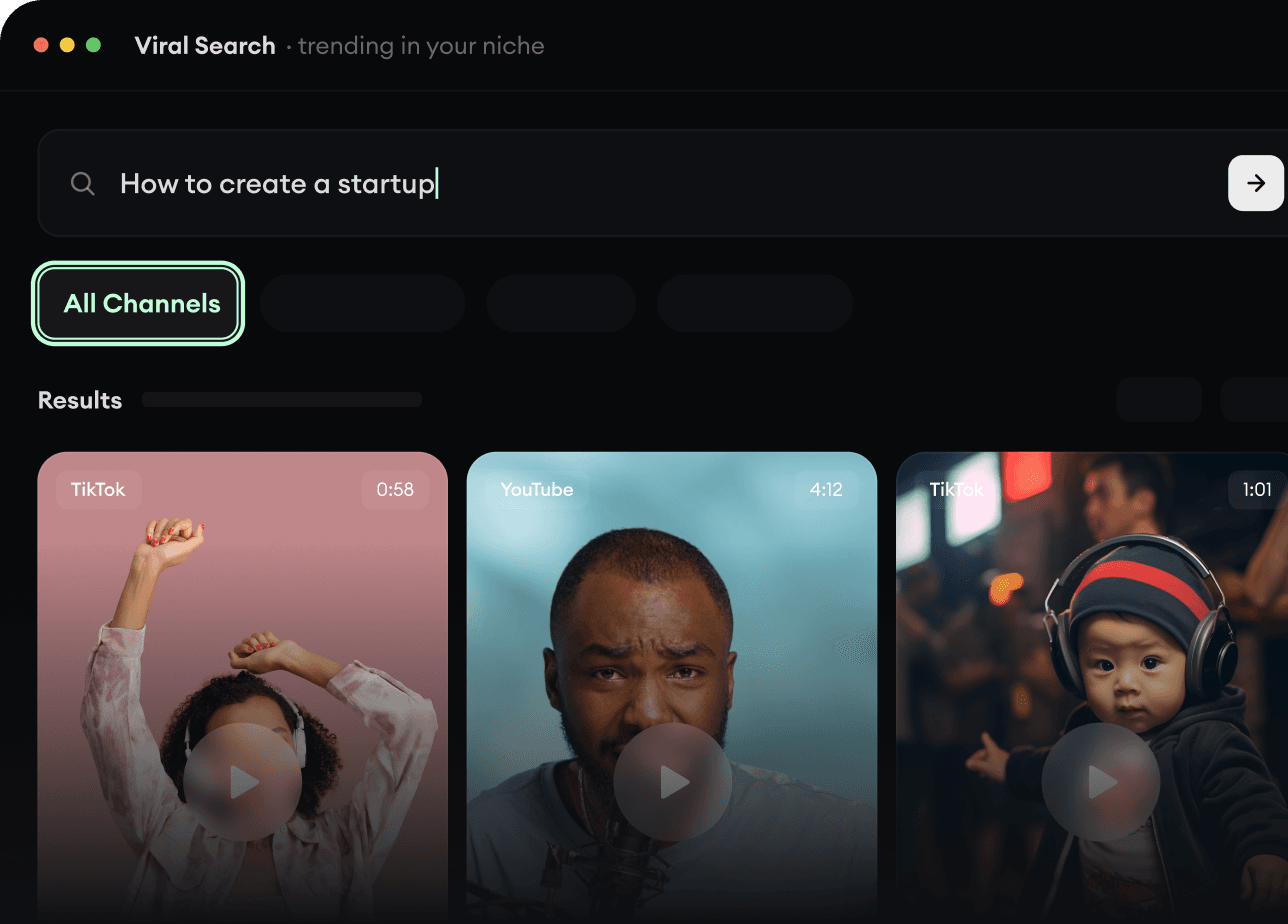
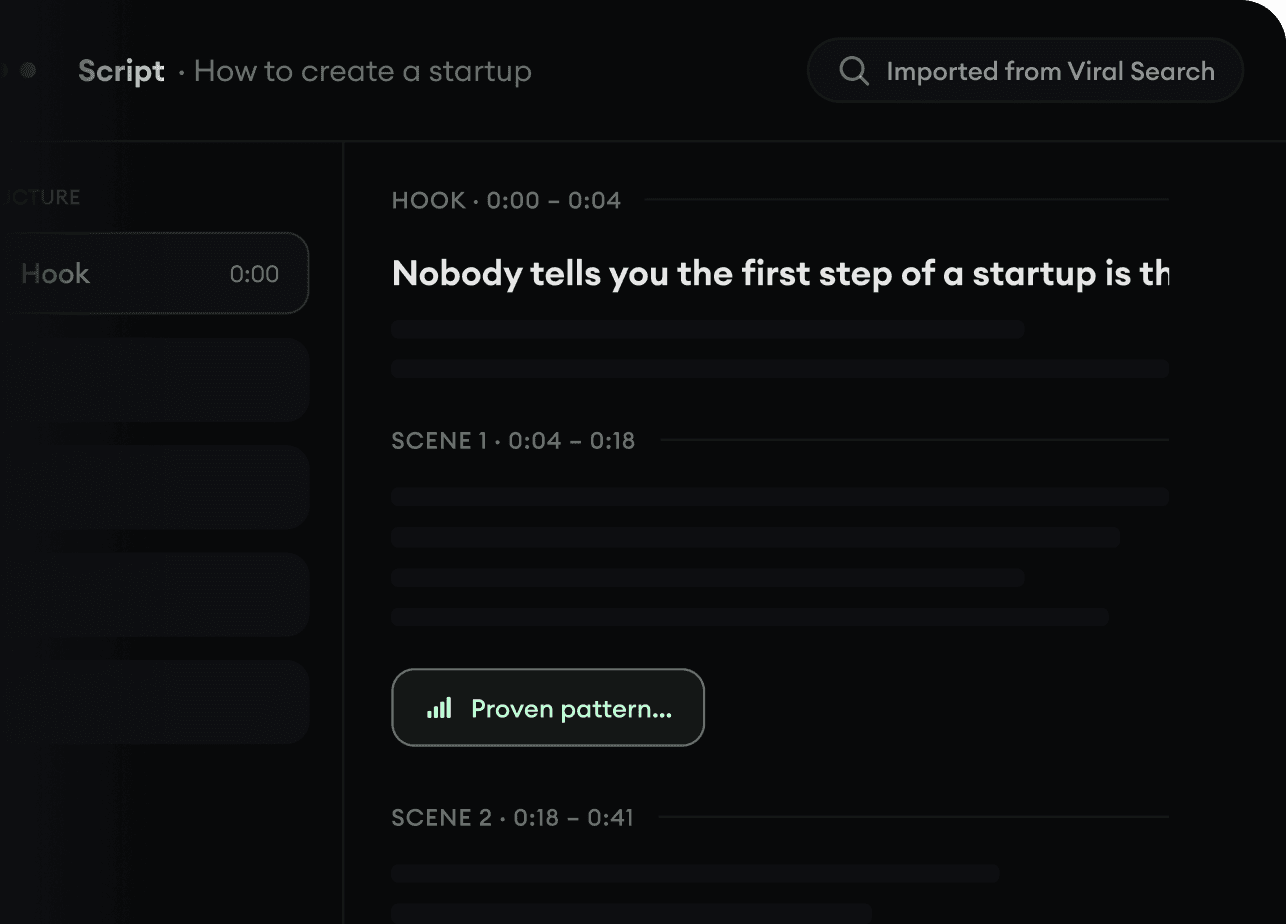
RevidAI's Viral Search and Channel Watcher surface the formats, creators, and trends getting attention right now, then help you turn them into ideas of your own.
Discover winning video formats in your niche
Follow creators and channels that matter
Start with proven ideas instead of guessing
2
Turn An Idea Into A Story.
Found something worth making? Revid AI writes the script, suggests the structure, and turns links, prompts, or topics into complete video concepts.
Start with a prompt, topic, or URL
Generate scripts inspired by proven patterns
Build stories designed to keep people watching
3
Generate The Finished Video.
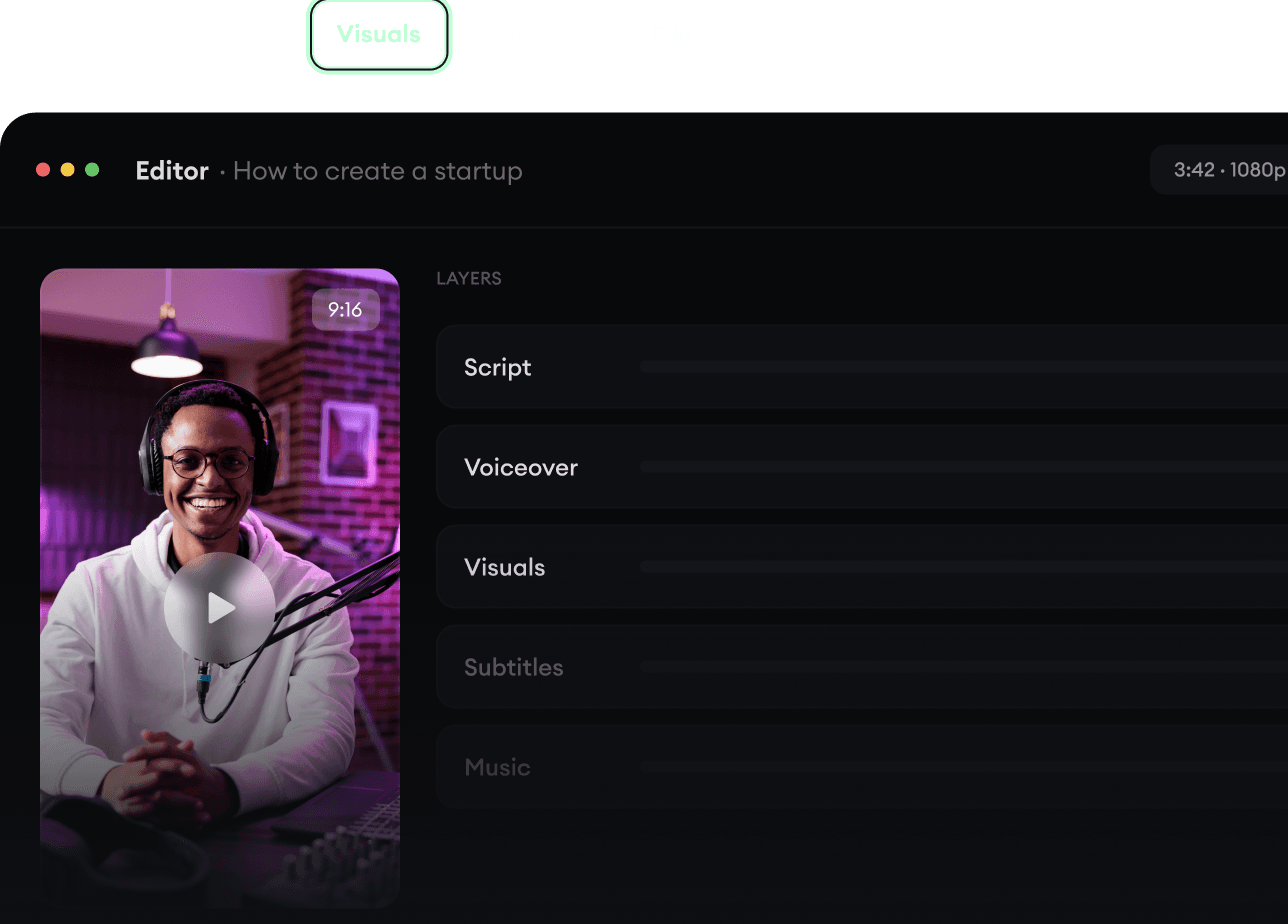
Script, voiceover, visuals, subtitles, and editing all come together in one workflow. No stitching together five different tools.
Turn text into complete, multi-minute videos
Generate everything in one place
Refine the result in the editor
4
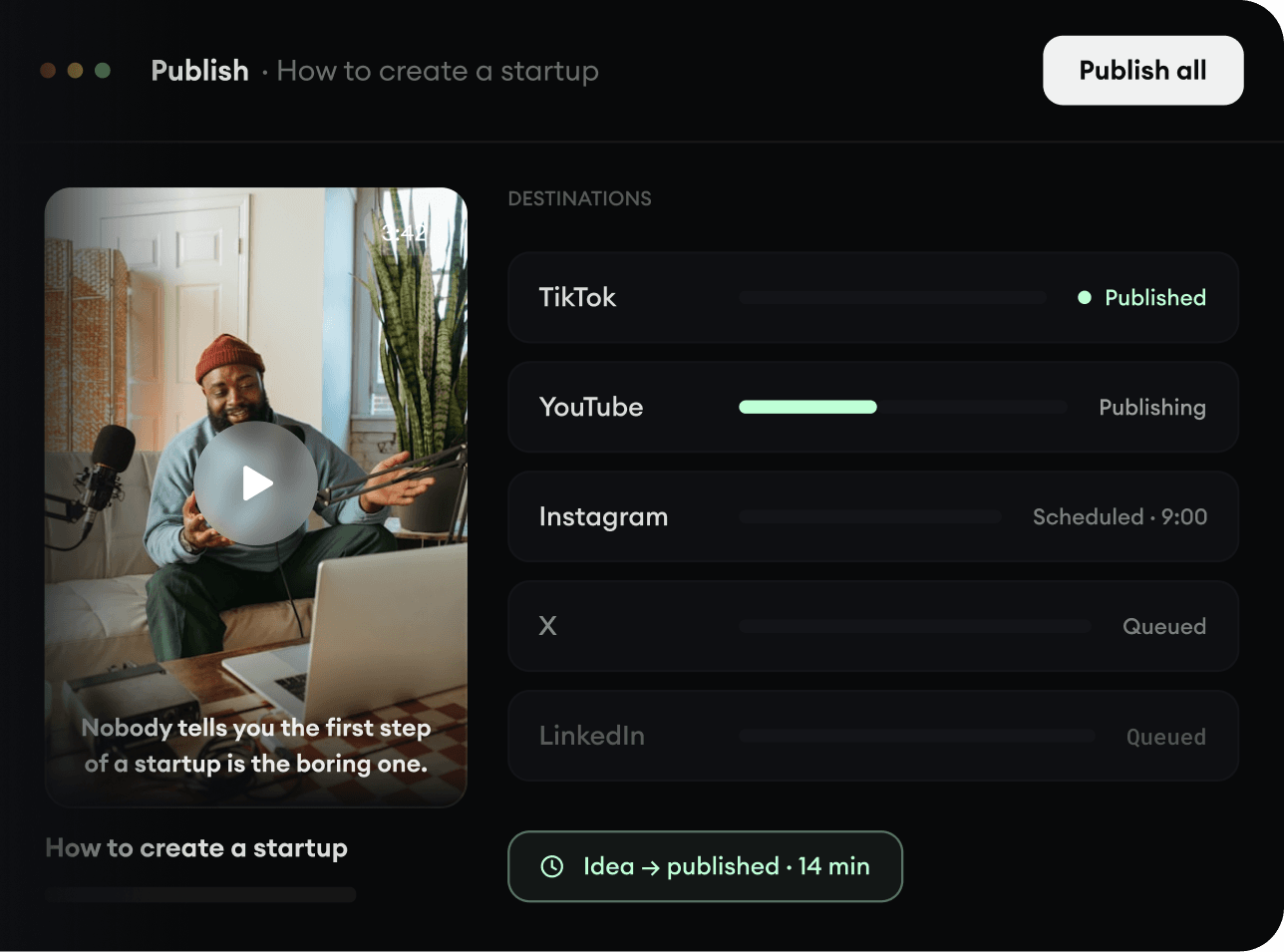
Publish Everywhere.
Share your videos to TikTok, YouTube, Instagram, and wherever your audience is.