1,792 people used this tool in the last 24h
or explore our 42+ other tools to create the exact video you want
Explore our tools
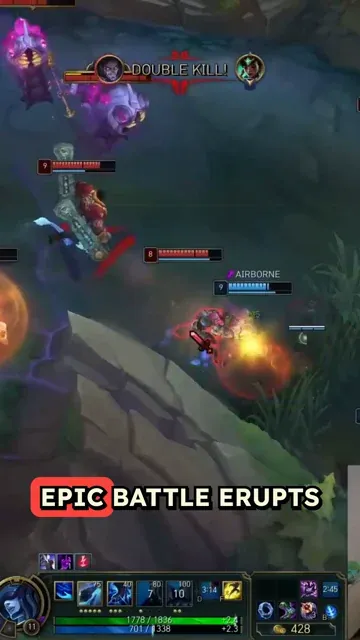
Auto generate voiceover and subtitles from your game streams to create an engaging short video
or explore our 42+ other tools to create the exact video you want
Explore our toolsScript automatically generated by Revid
Start by uploading your game stream video file or pasting a YouTube link of your stream. Our tool supports various video formats and can process streams of different lengths.
Our advanced AI will analyze your gameplay, identifying key moments and exciting action. It then generates an engaging voiceover commentary, mimicking the style of professional esports casters.
Review the generated short video, make any desired adjustments, and add custom touches. Once satisfied, easily share your newly created gaming short directly to popular social media platforms or download it for later use.
Upload your game stream footage and Revid adds AI-generated voiceover and subtitles automatically, transforming raw gameplay into a finished short video ready for TikTok, YouTube Shorts, and Instagram Reels. There is no manual clip selection, audio recording, or editing software involved. The AI generates a natural commentary track that matches the on-screen action and adds accurate captions timed to the voiceover. The result is a polished gaming short that looks produced without the hours of editing that gaming content creation normally requires.
The game stream to short tool takes your uploaded gameplay footage and layers two key elements on top: an AI-generated voiceover that narrates or comments on the action, and synchronized subtitles formatted for vertical short-form viewing. The voiceover is generated to match the energy and pacing of the gameplay, creating the effect of a gaming commentator without requiring you to record a separate audio track. The output is a complete short video with professional presentation that you can post directly without any additional production steps.
Gaming is one of the most consistent and high-performing content categories on TikTok and YouTube Shorts, with strong engagement for highlight clips, funny moments, and skill showcase videos. Streamers who clip and share their best moments regularly build audiences faster than those who only promote their live streams. The barrier is usually the time it takes to edit raw stream footage into a polished clip. Revid removes that barrier, making it practical to share multiple shorts per stream session without a post-production workflow slowing you down.
Convert the best moments from your live streams into short social clips automatically, growing your TikTok and YouTube Shorts audience without spending hours editing after each session.
Use AI-generated commentary to add narrative context to raw gameplay footage, creating story-driven gaming short content that goes beyond pure highlight clips.
Share tournament highlights, clutch plays, and match-winning moments as polished short videos across social media without a dedicated video editor producing each clip.
Convert stream footage from sponsored events, brand activations, and gaming tournaments into short social content that reaches the gaming community across every platform.
Editing gaming stream clips manually requires scrubbing footage, recording commentary, adding subtitles, and exporting for each platform. Revid handles all of that automatically from your uploaded footage.
Discover more ways to create engaging videos with our AI-powered tools
Find detailed answers to 100+ questions about features, tools, and workflows
or check our markdown version optimized for LLMs
Choose your tool, add your content, and create a video in seconds. Then customize it to your liking.
Turn any song into an animated lyric video with synced text and visuals.
Lacking inspiration? Our AI spots trends and helps you adapt them for your own videos, hassle-free.
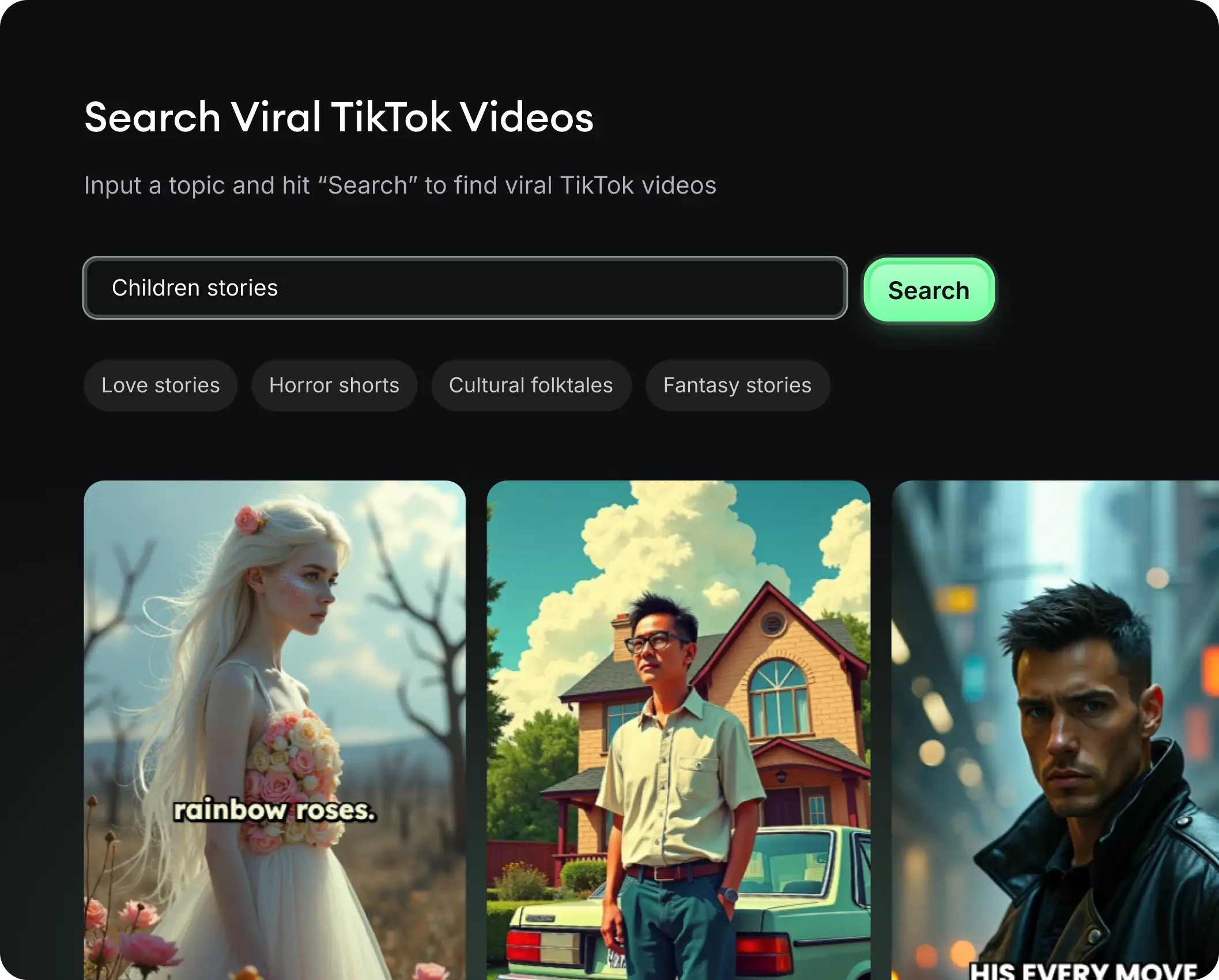
Revid.ai analyzes viral videos and uses those same codes to write your scripts.
Create professional videos, share them with one click, and grow your audience.
Reach a wider audience by sharing your videos across all your networks.