Trusted by 14,000+ creators worldwide

YouTube Clip Maker

Turn long YouTube videos into short clips instantly. Revid will select the most relevant clips, auto-crop them, and customize your video based on your preferences.

Turn any long YouTube video into Shorts with auto-crop, clip selection, and platform-ready formatting.

  • Paste a YouTube URL
  • Extract the best clips
  • Shorts, Reels, TikTok ready
  • Auto-crop for vertical
AI Magic

Turn simple ideas into
incredible videos

YOUR IDEA
Your Prompt

Script automatically generated by Revid

https://www.youtube.com/watch?v=t40HXEc6c84
Visual FormatAI Video
Visual StyleDefault
FINAL VIDEO

Create Captivating YouTube Clips in 4 Simple Steps

1 Enter YouTube URL

Paste the URL of the YouTube video you want to clip into the designated field. Revid AI can work with any public YouTube video, from vlogs to podcasts and tutorials.

2 Choose Your Settings

Select your preferences: AI summarization, auto-crop, number of extracts (1-3), and specific content guidance. These options help tailor the clips to your needs and maximize engagement.

3 Generate and Edit

Click "Generate" and wait a few minutes for our AI to work its magic. Once complete, use our built-in editor to add final touches like text overlays or transitions before downloading or sharing.

4 Share and Engage

Download your newly created clips or share them directly to your preferred social media platforms using Revid.AI in 1-click. Watch as your bite-sized content drives engagement and grows your audience across channels.

01

The YouTube Clip Maker That Turns Long Videos into Viral Shorts

Revid's YouTube clip maker automatically finds the best moments in any video and turns them into polished, ready-to-post clips no manual scrubbing required. Just paste your YouTube link, and our AI analyzes the full video to identify highlights, key quotes, and high-engagement segments worth clipping. It's the fastest way to repurpose long-form YouTube content into Shorts, Reels, and TikToks that actually get views.

02

How to Make Clips from YouTube Videos in Seconds

With Revid, making clips from YouTube videos takes less than a minute. Paste your URL, let the AI scan the video, and choose from a set of auto-generated clips ranked by viral potential. Each clip comes with auto-captions, trimmed silences, and formatting optimized for vertical short-form so you can go from raw YouTube video to publishable clip without touching a timeline.

03

YouTube Clip Generator No Software Needed

Revid's YouTube clip generator runs entirely in your browser. There's nothing to download, no credit card required, and no complicated settings to configure. Whether you're a creator repurposing your own content or a marketer clipping highlights from any public YouTube video, Revid gives you studio-quality clips with a single paste. It's the simplest YouTube clip maker tool available today.

Example Videos

See What You Can Create with YouTube Clip Maker

Explore different styles and possibilities with our YouTube Clip Maker

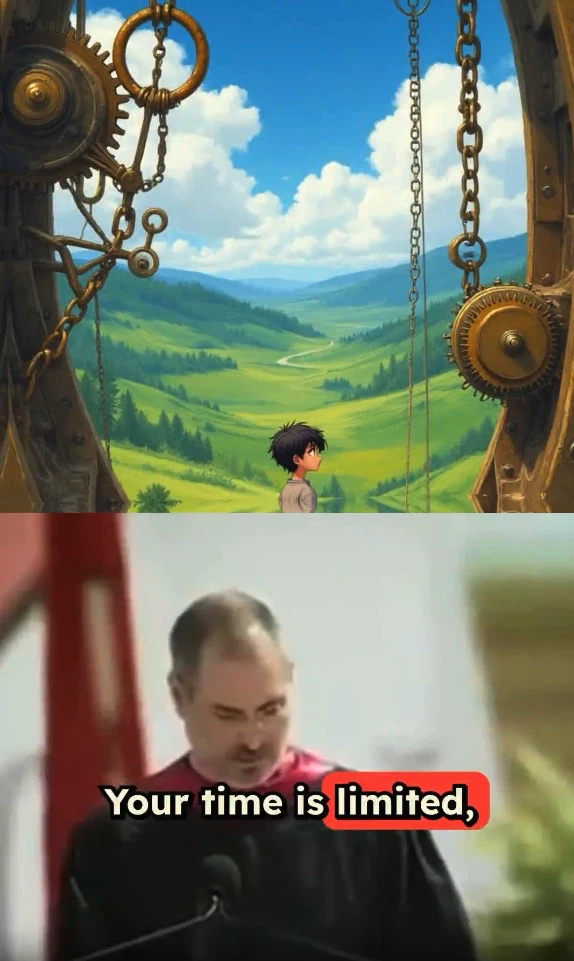
YouTube to Short Video AI Conversion

Convert YouTube videos to short clips effortlessly with our YouTube clip maker. Extract highlights, add captions, and create professional short videos that maximize reach across all social media platforms.

  • YouTube video to short clip conversion
  • Smart content extraction and summarization
  • Auto-generated captions and engagement features
  • Optimized for YouTube Shorts algorithm
YouTube to Short Video AI Conversion

YouTube Clip Maker for Viral Short Videos

Transform long YouTube videos into viral clips for TikTok, Instagram Reels, and YouTube Shorts. Our YouTube clip maker automatically identifies the best moments and creates engaging short-form content that drives views and engagement.
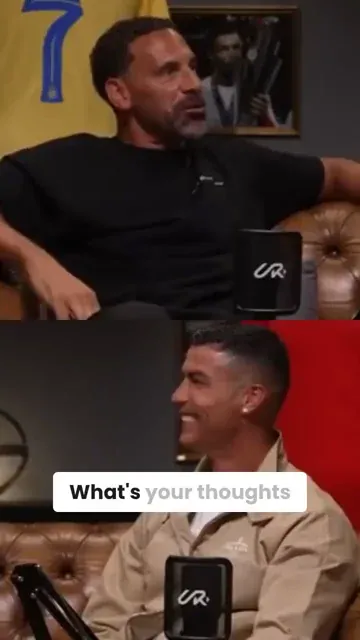
  • AI-powered YouTube clip extraction and editing
  • Automatic viral moment detection for maximum impact
  • Perfect cropping and formatting for all platforms
  • Generate multiple clips from one long video
YouTube Clip Maker for Viral Short Videos

Professional YouTube Clip Creation

Create professional YouTube clips with advanced AI editing. Our YouTube clip maker handles complex content analysis, scene transitions, and audio optimization to produce broadcast-quality short videos from long-form content.
  • Professional YouTube clip editing and production
  • Advanced AI content analysis and scene detection
  • Broadcast-quality output with optimal audio
  • Perfect for content creators and marketers
Professional YouTube Clip Creation
FAQs

Frequently Asked Questions

How do I use the tool to create short clips from YouTube videos?
Revid AI's YouTube Clip Maker allows you to instantly generate short, punchy clips from any YouTube video using Revid.AI's powerful algorithms. No video editing skills needed - just enter a YouTube URL, choose your settings, and let our AI do the rest! It's the easiest way to repurpose long YouTube content into bite-sized clips perfect for sharing on social media
How do I use this tool?
It's a breeze! First, copy the URL of the YouTube video you want to clip. Paste that into the tool. Then select if you want the AI to automatically summarize the video in voiceover (super handy!), if you want it to intelligently crop to the most relevant parts, and how many extracts you want (up to 3). You can even give the AI specific guidance on what to look for. Click generate and voila — your custom short clip will be ready in minutes
How much does it cost to use this tool?
The base cost is 1 credit per video. If you enable the "auto-crop" feature for the AI to intelligently crop to the most relevant parts, it costs 1 additional credit. Your available credits depend on your plan. Paid plans come with a monthly allocation of credits, while the free tier provides some complimentary credits to get started. Check out our pricing page for more details
What types of videos work best with this tool?
The tool works great with all kinds of YouTube content — vlogs, podcasts, tutorials, reviews, interviews, and more. As long as it's a public YouTube video, our AI can analyze it and extract the most punchy clips. Give it a try with your favorite videos or podcasts
How long can the YouTube video be?
There's no hard limit, but for best results we recommend videos that are at least 3 minutes long and no more than 2 hours. This gives the AI enough content to find good clips without getting bogged down
How do I guide the AI to find the content I want?
Use the "Specify what you would like to get extracted" field to give the AI keywords or phrases related to your desired clips. For example, if you want clips about a certain topic covered in the video, mention that topic. The AI will focus on finding the most relevant parts
How long does it take to generate the video clips?
Our powerful AI tool works quickly - most clips will be ready within 2-3 minutes of clicking the generate button. The length of the original video and number of clips requested may impact this slightly. You'll be notified via email as soon as they're done and ready to download/edit
What is the auto-crop feature?
Auto-crop uses AI to automatically focus on the most crucial aspects of your video, such as people talking or key events. It dynamically reframes your short clips to maintain visual emphasis where it matters the most, even if the original footage is static. This feature does require an extra credit to use but can significantly enhance the impact of your content
Can I edit and customize the generated clips?
Absolutely! After the AI generates your clip, you'll be able to make additional edits in our intuitive video editor. There, you can trim segments, add text overlays, include transitions, and more to put your own creative spin on the auto-generated clips before downloading or publishing. We give you a great starting point, and you can refine the videos to perfection
What does the AI voice summary include?
The AI voice summary offers a concise tl;dr of the video's most crucial points, main arguments, and important takeaways. It's like having a knowledgeable friend give you a quick rundown of the video. This feature is particularly valuable for lengthier videos, as it enables viewers to understand the core ideas without needing to watch the entire content
What if I'm not happy with the AI-generated clips?
No worries! If you're not satisfied, you have options. You can easily regenerate clips with different settings or guidance, or use our built-in editor to tweak them to perfection. We're committed to ensuring you create clips you love. So if you're still not happy, reach out to our support team and we'll make it right
How do I get more credits to use the tool?
You can upgrade to one of our affordable paid plans to get a larger monthly allocation of credits. This gives you the freedom to generate more clips to fuel your content strategy. We offer several plan tiers to fit different needs and budgets. You can always start with the free tier and upgrade anytime as you see the value and results from the tool. Visit our pricing page to learn more
I have an additional question not answered here. How can I get help?
We're here to help! If you have any other questions about using the YouTube Clip Maker tool or any other part of Revid.AI, please reach out to our friendly support team. You can contact us via email at hello@revid.ai and we'll get back to you ASAP. Don't hesitate to ask for any clarifications you might need
View Complete Help Center

Find detailed answers to 100+ questions about features, tools, and workflows

or check our markdown version optimized for LLMs

Tools

Free AI Video Tools

Choose your tool, add your content, and create a video in seconds. Then customize it to your liking.

AI TikTok Video Generator

Turn text into trendy, viral TikTok videos in a snap

Try it out

Prompt to Video

Turn your prompts into engaging videos with AI assistance

Try it out

Add Caption to Video

Generate subtitles in 100+ languages with AI captions

Try it out

PDF to Brainrot

Convert PDFs into attention-grabbing, scrollable videos

Try it out

Text to Brainrot

Turn your text into trendy, scrollable content with dynamic visuals

Try it out

AI Talking Avatar

Create lifelike talking avatars from text in seconds

Try it out

Video Podcast Generator

Transform your podcasts into visually engaging video content

Try it out

AI Movie Maker

Create studio-quality videos from text, no filming required

Try it out

Audio to Video

Make engaging videos from your podcasts, interviews, or any audio content

Try it out

Animated Lyrics Video Generator

Turn any song into an animated lyric video with synced text and visuals.

Try it out

AI Music Video Generator

Transform your music into cinematic music videos.

Try it out

AI Lyrics Video Generator

Transform your lyrics into a complete music video with AI

Try it out
See all tools
How it works

Four simple steps to create and share your video

1
Step 1

Find your next viral idea

Lacking inspiration? Our AI spots trends and helps you adapt them for your own videos, hassle-free.
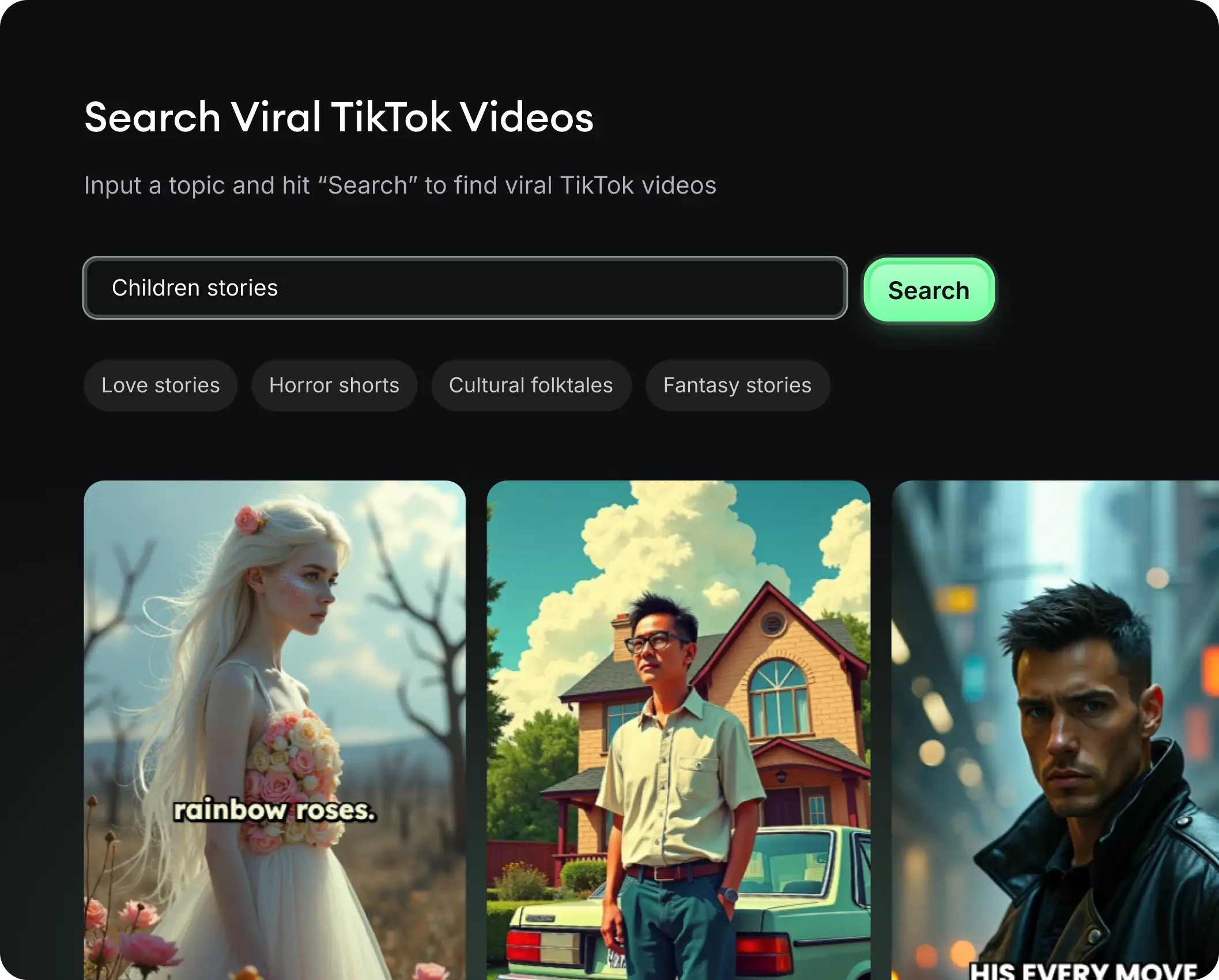
  • Identify the best performing formats
  • Get inspired by top creators
  • Turn your ideas into captivating videos
Find your next viral idea
2
Step 2

Storytelling designed to captivate

Revid.ai analyzes viral videos and uses those same codes to write your scripts.
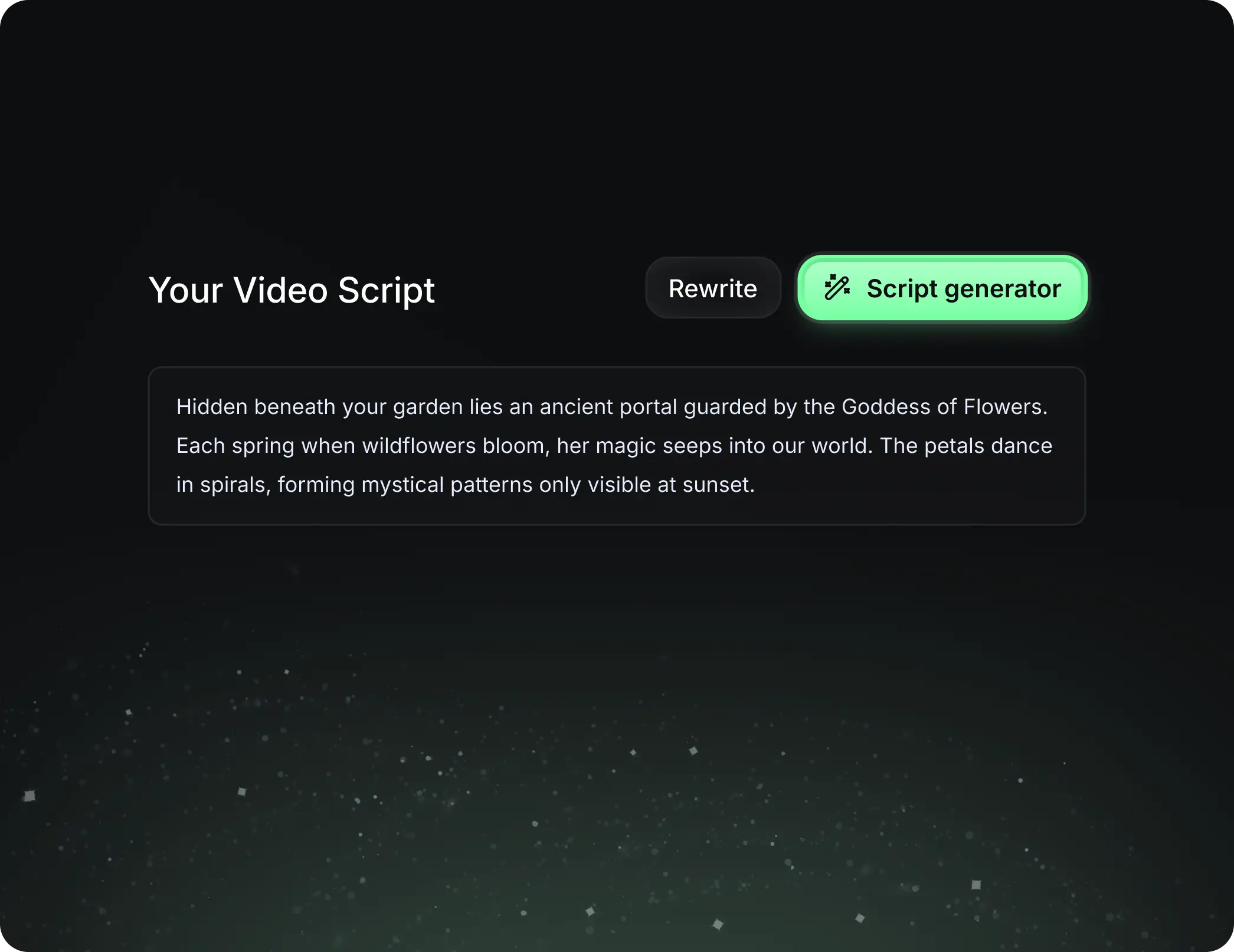
  • Write your script or just give the topic to our AI
  • The AI will suggest relevant content to inspire you
  • Paste a link, our AI analyzes it and turns it into a video
Storytelling designed to captivate
3
Step 3

Videos you will love

Create professional videos, share them with one click, and grow your audience.

  • Watch your texts turn into professional videos
  • Automate video creation from your content
Videos you will love
4
Step 4

Publish on TikTok, YouTube, Instagram and more

Reach a wider audience by sharing your videos across all your networks.
Publish on TikTok, YouTube, Instagram and more
revid.ai logo

The fastest way to create captivating videos.