Trusted by 14,000+ creators worldwide

Turn your Videos and Images into a Story with AI

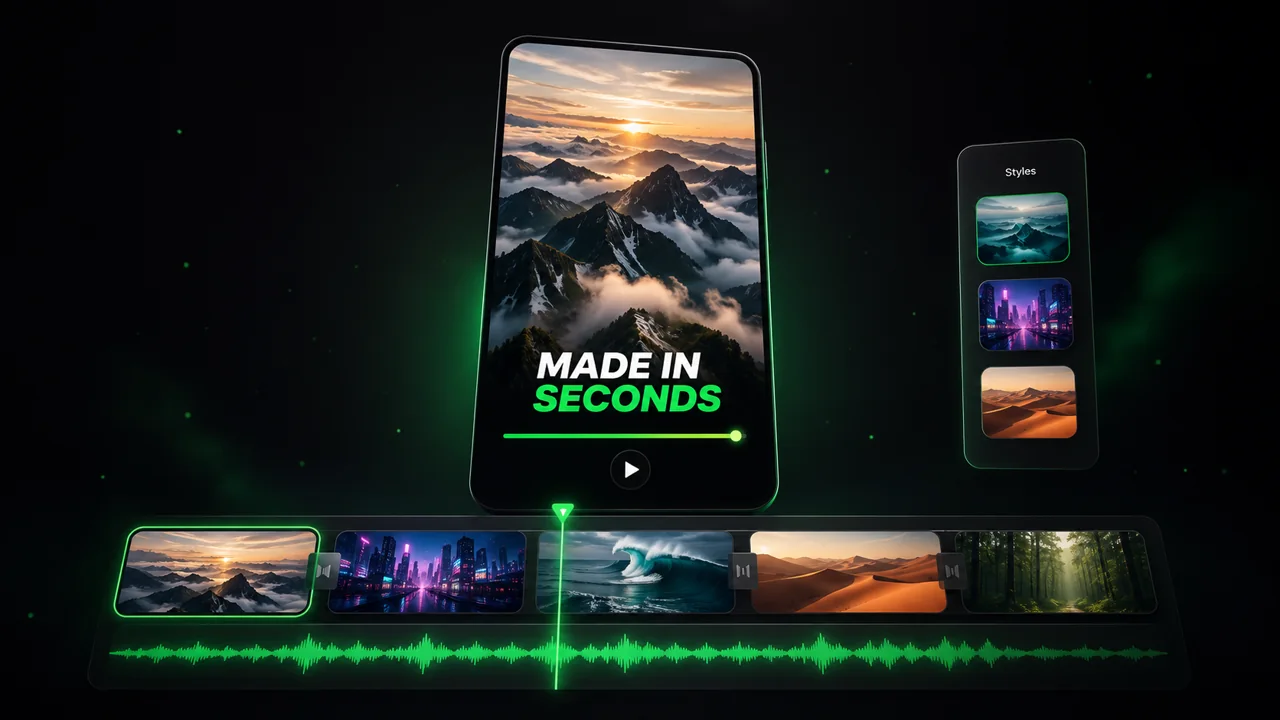
Create a story from a your Videos and Images. Upload them and let Revid create a compelling story out of them.

  • Start from text in seconds
  • AI voiceover
  • Auto-selects visuals
  • Use your own media
562 people used this tool in the last 24h
Start for free.(no credit card required)

or explore our 42+ other tools to create the exact video you want

Explore our tools

Magic Inputs

From simple inputs to
incredible videos

INPUT
Text Prompt

Prompt generated by Revid itself

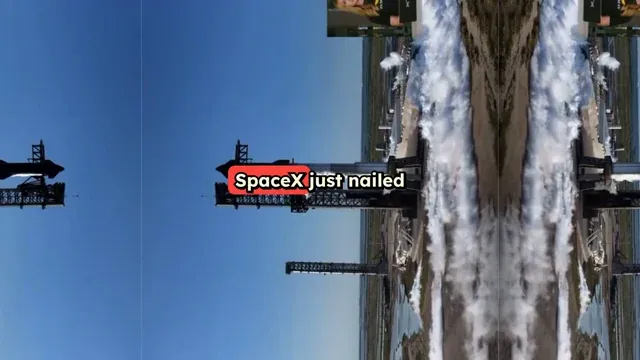
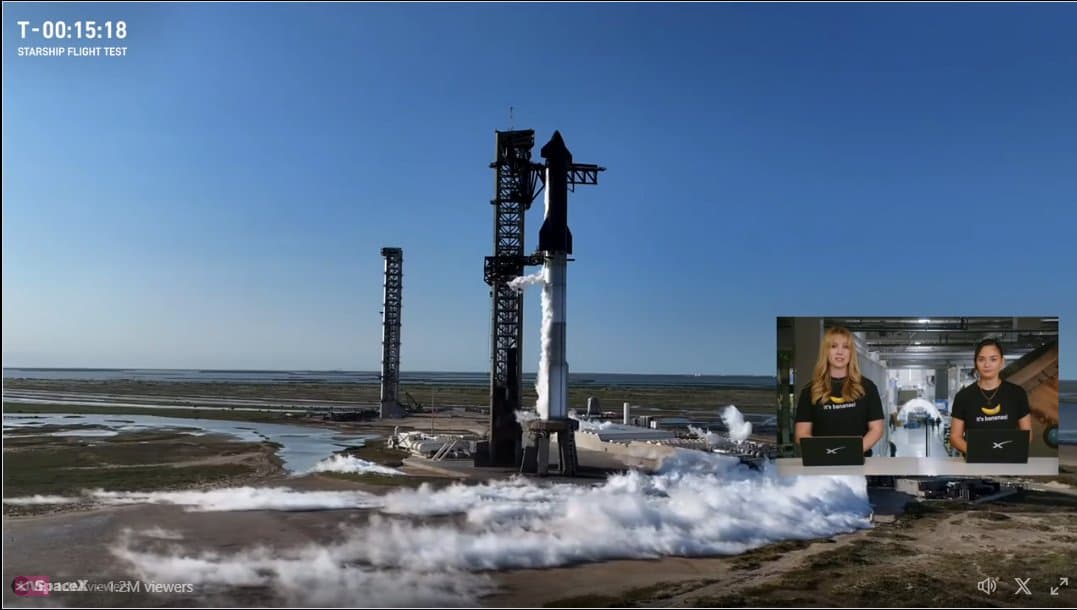
Sum up sharship flight 6, share how it went almost perfectly booster catch by Mechazilla was not attempted because of an antenna failure (coming from take off) but starship heat shield worked very well and landing on the ocean was simulated
Input Media
Input media 1
OUTPUT

Convert Videos and Images into Stories in 3 Easy Steps

1 Upload Your Media

Select and upload your videos or images. Our AI tool accepts multiple media files at once, making it easy to create a cohesive story from various content pieces.

2 Customize Your Story

Choose your preferred story format, adjust transitions, and add text overlays. Our AI automatically optimizes your media for the perfect vertical story format while maintaining quality.

3 Generate and Share

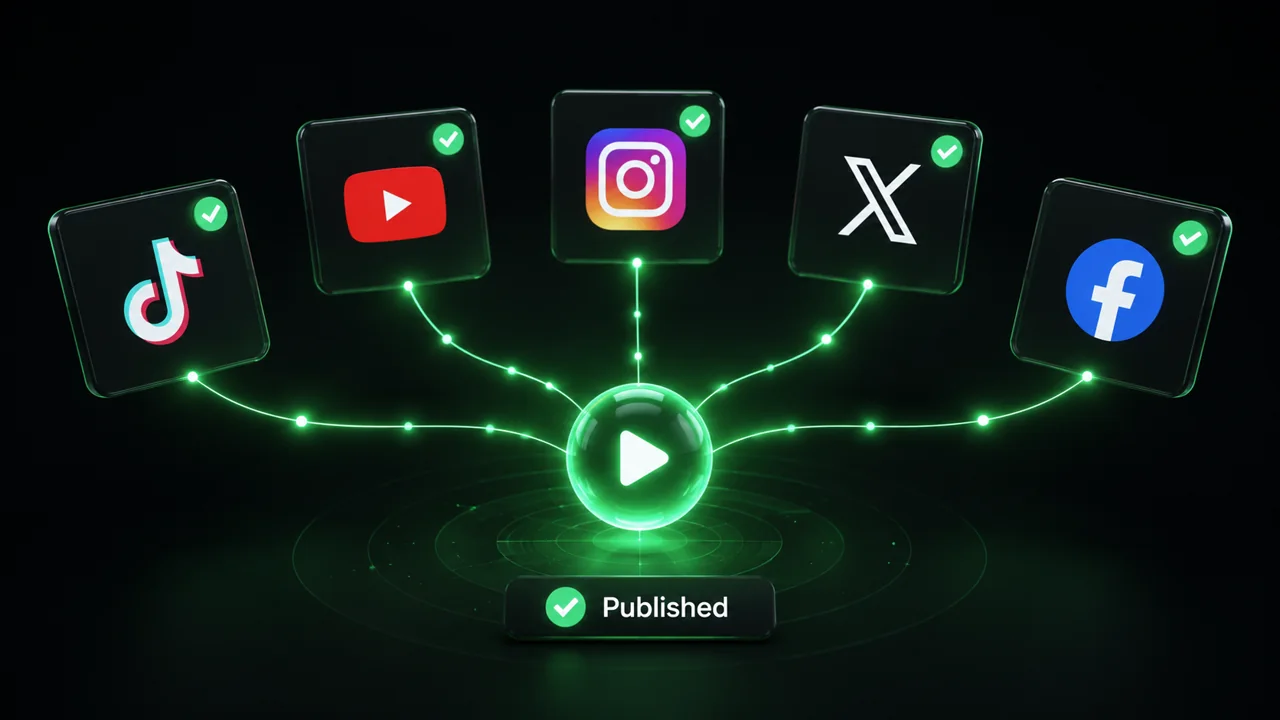
Click generate and let our AI transform your media into a engaging story. Once complete, download your story or share it directly to your favorite social media platforms.

01

Video to Story Generator That Finds the Narrative in Your Footage

Revid's video to story generator watches your footage and does what most editors spend hours doing manually finding the emotional arc, identifying the key moments, and assembling them into a coherent story with narration and captions that pull the viewer through from start to finish. Upload any video clip, and the AI produces a complete story-driven short in minutes, ready for TikTok, Instagram Stories, or YouTube Shorts.

02

Turn Images into a Story with AI

Got a collection of photos but no idea how to turn them into compelling video content? Revid's image to story AI takes your pictures, reads the visual context, and builds a narrative around them automatically. Whether you are working with travel photos, product shots, event pictures, or personal memories, the AI sequences your images, writes a story to connect them, and produces a finished video complete with voiceover and captions. No manual arrangement, no scripting, no editing required.

03

Video to Story Converter, No Editing Experience Needed

Revid's video to story converter gives any creator the ability to transform raw footage into polished, story-driven content without touching a timeline. Drop in your video link or upload your clip, let the AI identify the narrative worth telling, and download a finished story video ready to post anywhere. It works for travel content, brand storytelling, personal vlogs, and anything else where great footage deserves a better story wrapped around it.

FAQs

Frequently Asked Questions

What is the Media to Story AI converter?
Our Media to Story converter is an AI-powered tool that transforms your videos and images into engaging social media stories. It automatically adjusts your content to the perfect vertical format, adds smooth transitions, and optimizes your media for maximum impact on platforms like Instagram, TikTok, and Snapchat.
What types of media can I convert into stories?
Our tool supports a wide range of media formats including videos (MP4, MOV, AVI) and images (JPG, PNG, GIF). You can upload multiple files at once to create a seamless story sequence. Whether you have professional footage or smartphone captures, our AI will optimize them for story format.
How does the AI optimize my media for stories?
Our AI analyzes your media and automatically adjusts it for optimal story viewing. This includes smart cropping to vertical format, intelligent scene detection for perfect transitions, and automatic enhancement of visual quality. The AI ensures your story looks professional and engaging across all social platforms.
Can I customize how my story looks?
Absolutely! While our AI handles the technical optimization, you maintain creative control. Add text overlays, choose transition styles, adjust timing, and select from various story templates. You can even add music or voice-overs to make your story more engaging.
How long can my story be?
You can create stories of any length, though we recommend keeping them under 60 seconds for optimal engagement. Each clip within your story can be adjusted to match platform-specific requirements (15 seconds for Instagram, 60 seconds for TikTok, etc.).
Will my story look good on all social platforms?
Yes! Our AI optimizes your story for universal compatibility across major social platforms including Instagram, TikTok, Snapchat, and Facebook. The vertical format (9:16 ratio) ensures your story looks perfect whether viewed on Instagram Stories, TikTok, or any other platform.
How do I share my story after creating it?
Once your story is generated, you can download it directly to your device or share it instantly to your social media accounts. The story will be optimized for each platform's specifications, ensuring the highest quality possible for your audience.
What's the maximum file size I can upload?
Individual files can be up to 500MB each, and you can upload multiple files in a single session. Our AI will process and optimize these files while maintaining the best possible quality for story format.
Can I edit my story after it's generated?
Yes! After generation, you can use our built-in editor to make adjustments. Change transitions, add or remove text, adjust timing, and fine-tune your story until it's exactly how you want it. You can regenerate or edit your story as many times as needed.
How does the credit system work for story creation?
Creating a story costs 1 credit for every 30 seconds of content. Additional features like AI enhancement or premium templates may require extra credits. Check our pricing page for detailed information about credit packages and subscription options.
View Complete Help Center

Find detailed answers to 100+ questions about features, tools, and workflows

or check our markdown version optimized for LLMs

Tools

Free AI Video Tools

Pick the right tool, provide your input, and you'll create a video in no time - customize it however you want.

AI TikTok Video Generator

Turn text into trendy, viral TikTok videos in a snap

Try it out

Add Caption to Video

Generate subtitles in 100+ languages with AI captions

Try it out

PDF to Brainrot

Convert PDFs into attention-grabbing, scrollable videos

Try it out

Text to Brainrot

Turn your text into trendy, scrollable content with dynamic visuals

Try it out

AI Talking Avatar

Create lifelike talking avatars from text in seconds

Try it out

Video Podcast Generator

Transform your podcasts into visually engaging video content

Try it out

AI Movie Maker

Create studio-quality videos from text, no filming required

Try it out

Audio to Video

Make engaging videos from your podcasts, interviews, or any audio content

Try it out

Animated Lyrics Video Generator

Turn any song into an animated lyric video with synced text and visuals.

Try it out

AI Music Video Generator

Transform your music into cinematic music videos.

Try it out

AI Lyrics Video Generator

Transform your lyrics into a complete music video with AI

Try it out

Instrumental Music Visualizer

Transform your instrumental music into videos.

Try it out
See all tools
How it works

Four Easy Steps To Create & Share Your Story

1
Step 1

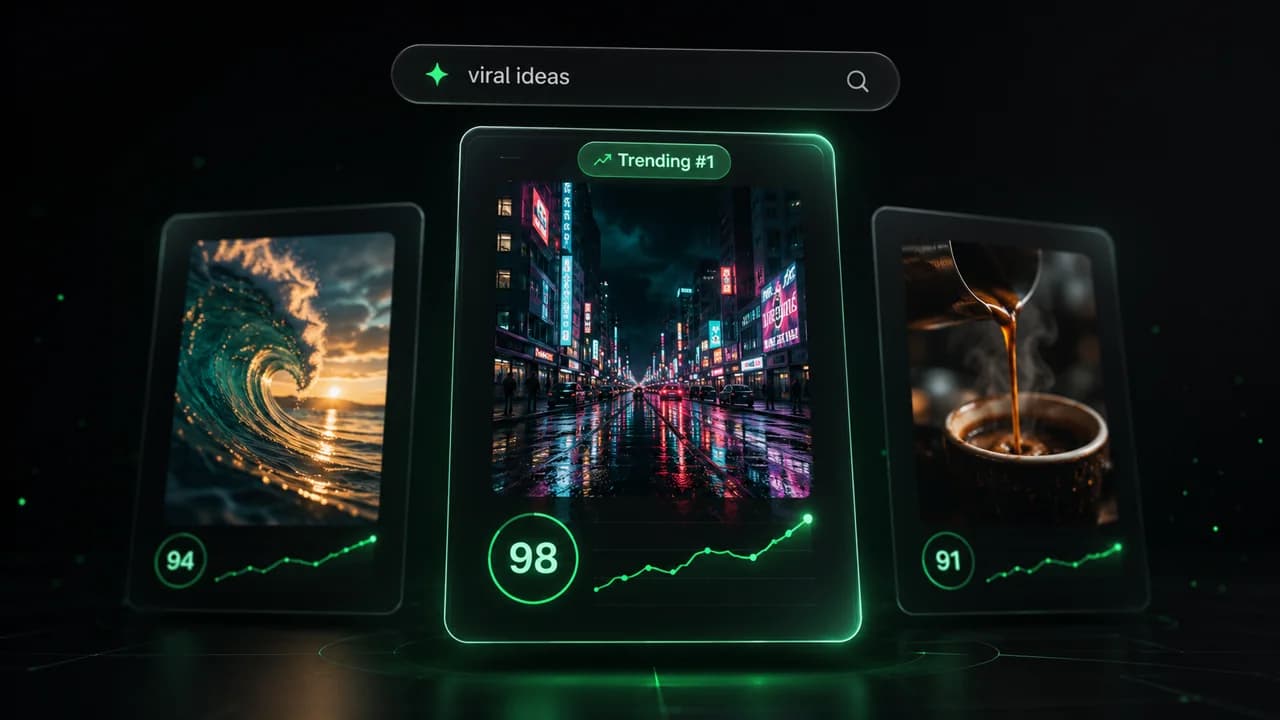
Get inspired by viral content

Looking for story ideas? Our AI finds trending content and helps you remake it into your very own videos - no more trial and error.

  • See what types of stories are working right now
  • Get inspiration from successful creators
  • Turn your ideas into stories people want to hear
Get inspired by viral content
2
Step 2

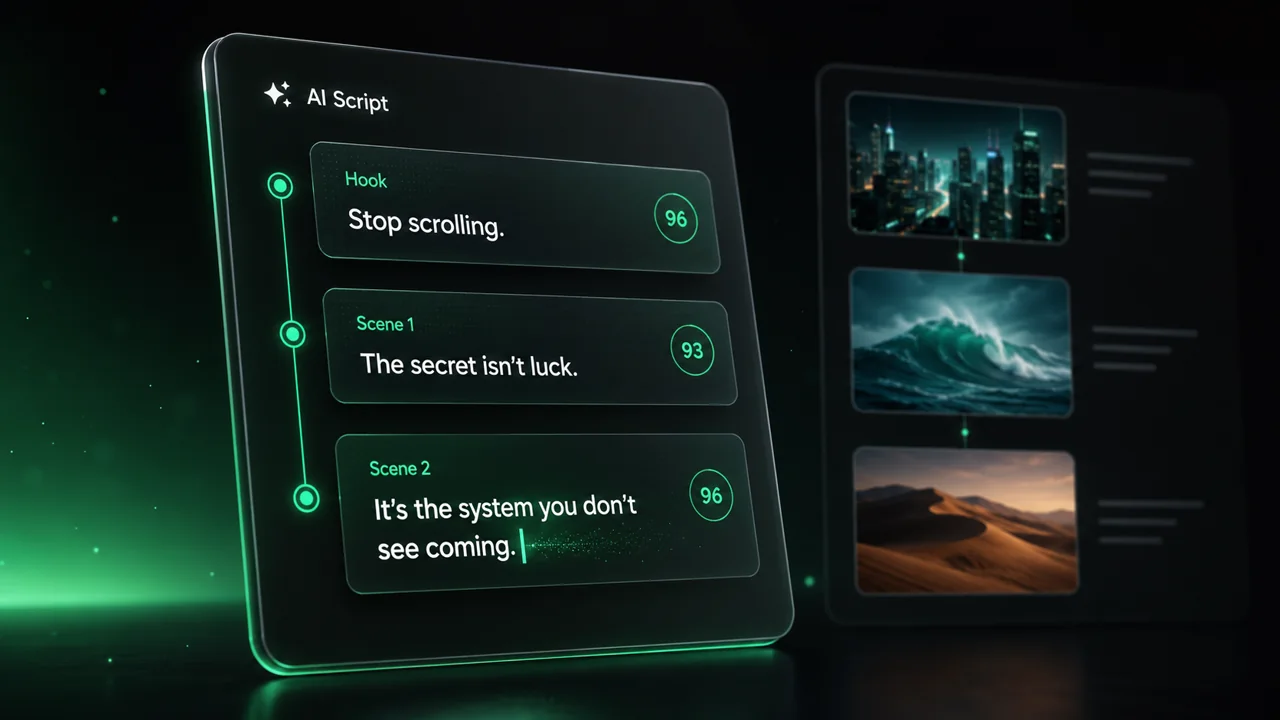
Storytelling to Hook your Audience

Revid.ai understands what makes videos go viral and uses the same proven methods to write scripts for you.

  • Write your script or tell our AI what you want to talk about
  • The AI will find relevant content to get inspired by
  • Drop any link and it will be automatically parsed and formatted for a video
Storytelling to Hook your Audience
3
Step 3

Videos You'd LOVE to Watch

Create perfect videos, share instantly, and grow your business.

  • Watch your words become a professional video
  • Set up automatic video creation from your content
Videos You'd LOVE to Watch
4
Step 4

Publish on TikTok, YouTube, Instagram and more...

Reach a wider audience by sharing your video across your favorite social media platforms

Publish on TikTok, YouTube, Instagram and more...
revid.ai logo

Your shortcut to effortless video storytelling.