3,953 people used this tool in the last 24h
or explore our 42+ other tools to create the exact video you want
Explore our tools
Summary AI Video Generator: Create faceless videos in minutes. No filming needed. Natural voices, dynamic visuals for any topic. Ultimate faceless video tool for creators. Try for free!
Turn any long YouTube video into Shorts with auto-crop, clip selection, and platform-ready formatting.
or explore our 42+ other tools to create the exact video you want
Explore our toolsScript automatically generated by Revid
Simply copy and paste the URL of any YouTube video you want to summarize. Our AI will automatically process the video content.
Select your preferred summary length and format. You can choose between key points, detailed summary, or both. Our AI will analyze the video content and extract the most important information.
Click 'Generate Summary' and wait a few moments while our AI creates a concise summary of your video. You can then download, edit, or share the summary directly.
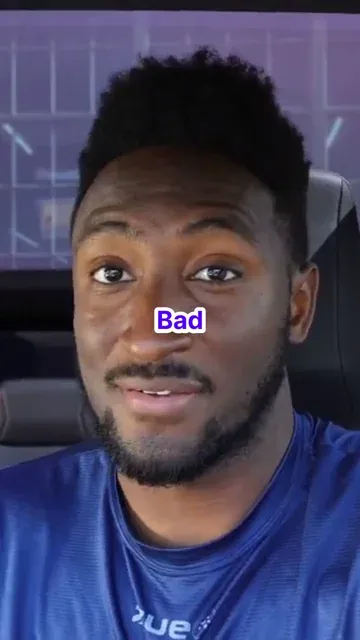
Paste any YouTube URL and Revid's AI watches the video, identifies the most important moments, and generates a short summary clip with AI voiceover and auto-crop for mobile viewing. No manual scrubbing, clip selection, or editing is required. The AI condenses hours of long-form content into a focused short video that communicates the key points in under a minute. This works for interviews, tutorials, lectures, product demos, podcasts, and any other long-form YouTube content you want to repurpose for short-form platforms.
The YouTube video summarizer analyzes the full transcript and content structure of your video, extracts the most valuable moments, and builds a short video around them. If you enable AI voiceover, the tool generates a natural-sounding summary narration that contextualizes the clips for viewers who have not seen the original video. Auto-crop reformats the content to 9:16 vertical for TikTok and Instagram Reels. The output is a complete short video ready to post without any post-processing required.
Long-form YouTube videos attract deep viewers but limit your reach on short-form platforms where most new audience discovery happens. Converting your existing YouTube content into short summary clips gives every video a second life on TikTok, Instagram Reels, and YouTube Shorts. Creators who repurpose consistently build audiences on multiple platforms simultaneously without producing new content for each one. Revid makes this a one-click step rather than a separate editing project that competes with time you would rather spend creating.
Extract the best moments from every long video and post them as shorts on TikTok and Instagram without spending editing time on each clip beyond the original upload.
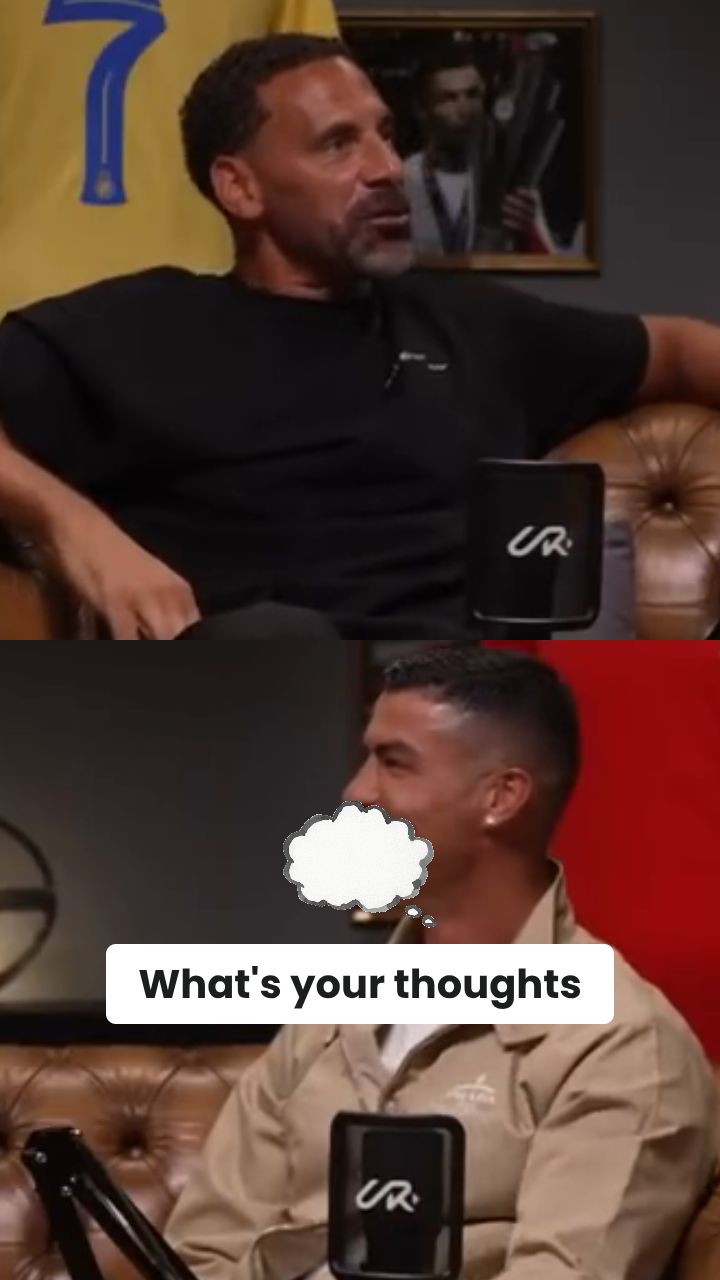
Turn hours of interview footage and podcast content into short shareable clips automatically without listening through every minute to find the best moments manually.
Condense long educational videos into focused short clips that students and learners can watch quickly, increasing content accessibility and engagement across multiple platforms.
Pull the most compelling moments from product demos, webinars, and tutorial videos to create short promotional clips that reach buyers on platforms where long-form content never appears.
Manual YouTube summarization requires watching the full video, selecting timestamps, editing clips, and recording narration. Revid generates the complete summary video automatically from the URL.
Discover more ways to create engaging videos with our AI-powered tools
Find detailed answers to 100+ questions about features, tools, and workflows
or check our markdown version optimized for LLMs
Choose your tool, add your content, and create a video in seconds. Then customize it to your liking.
Turn your prompts into engaging videos with AI assistance
Create studio-quality videos from text, no filming required
Turn any song into an animated lyric video with synced text and visuals.
RevidAI's Viral Search and Channel Watcher surface the formats, creators, and trends getting attention right now, then help you turn them into ideas of your own.
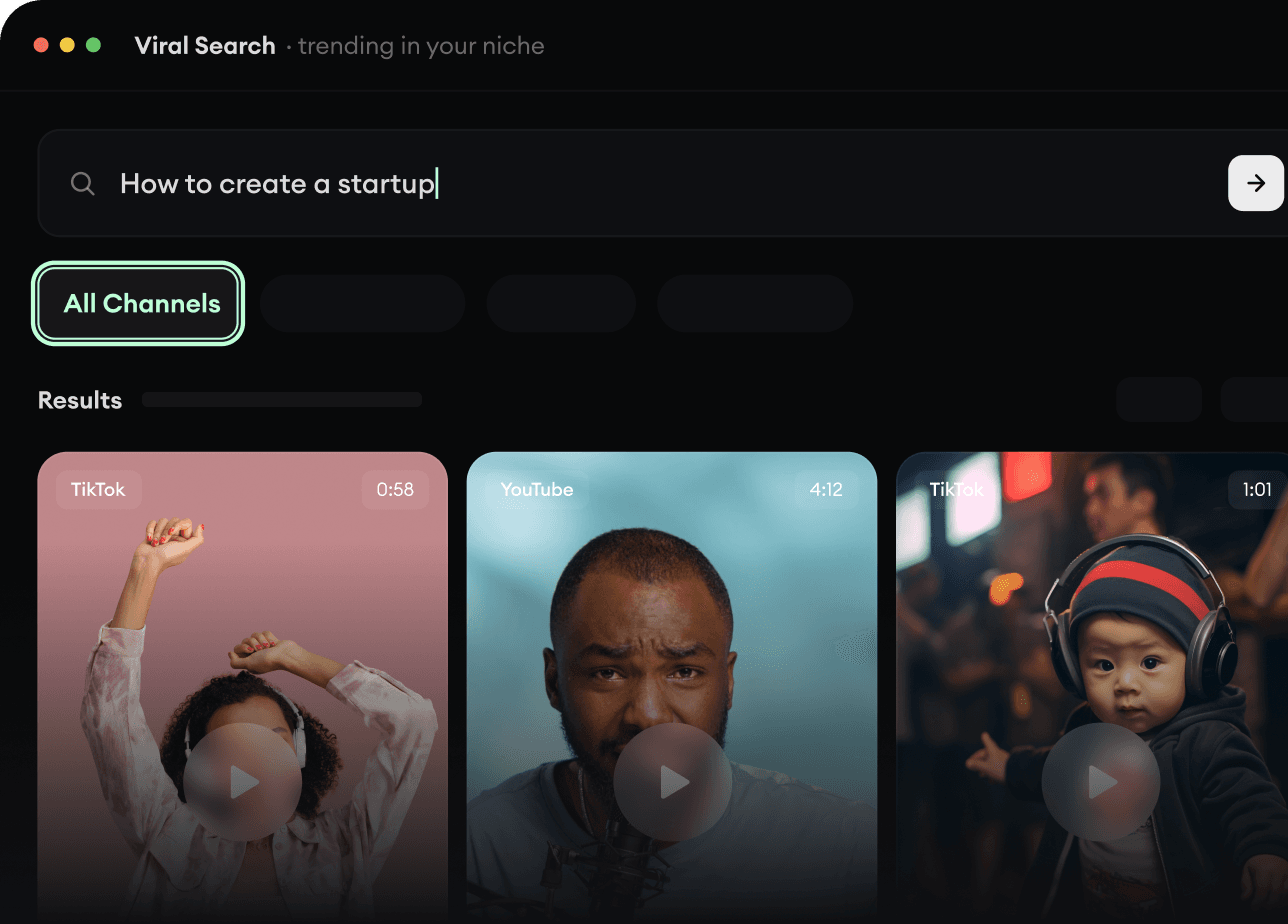
Found something worth making? Revid AI writes the script, suggests the structure, and turns links, prompts, or topics into complete video concepts.
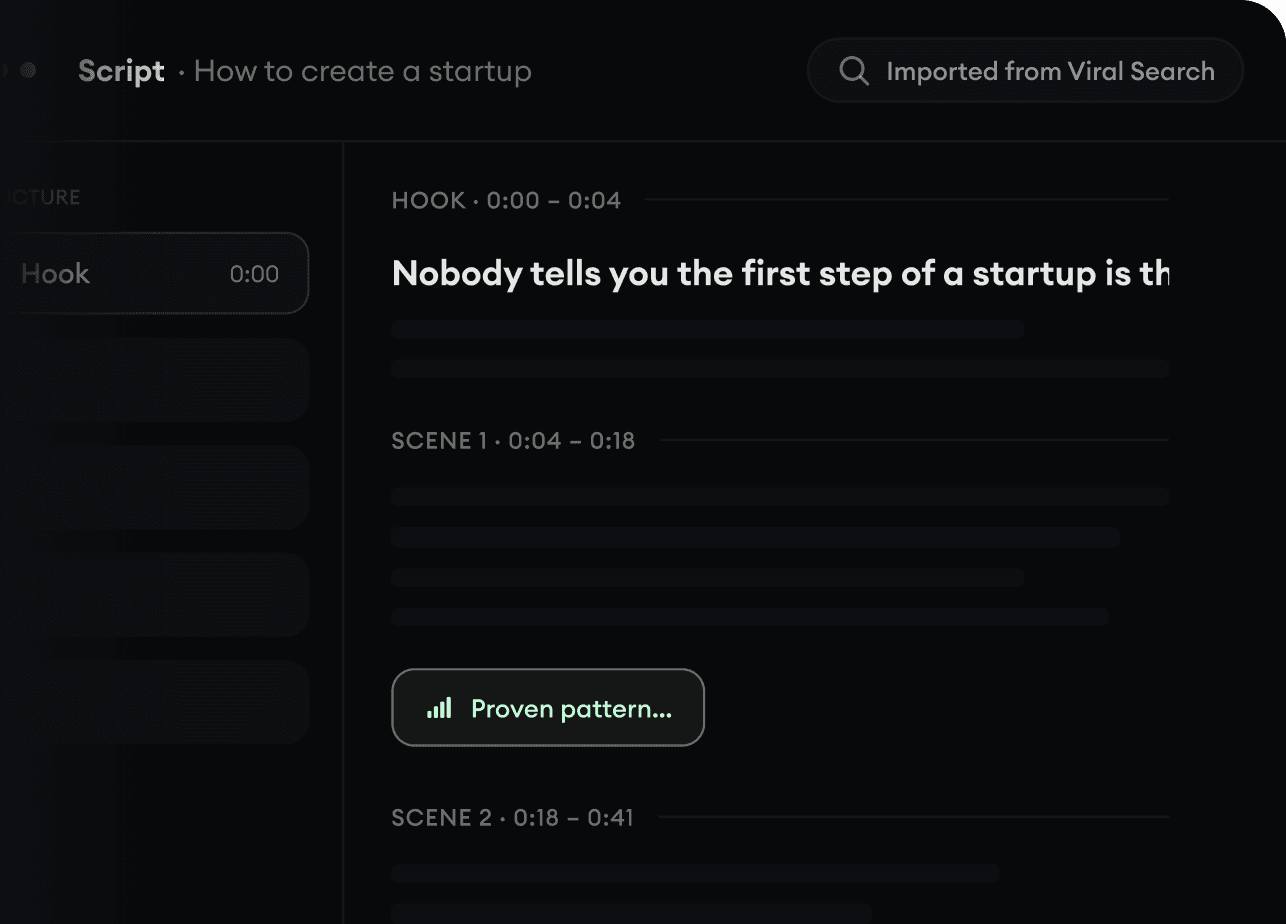
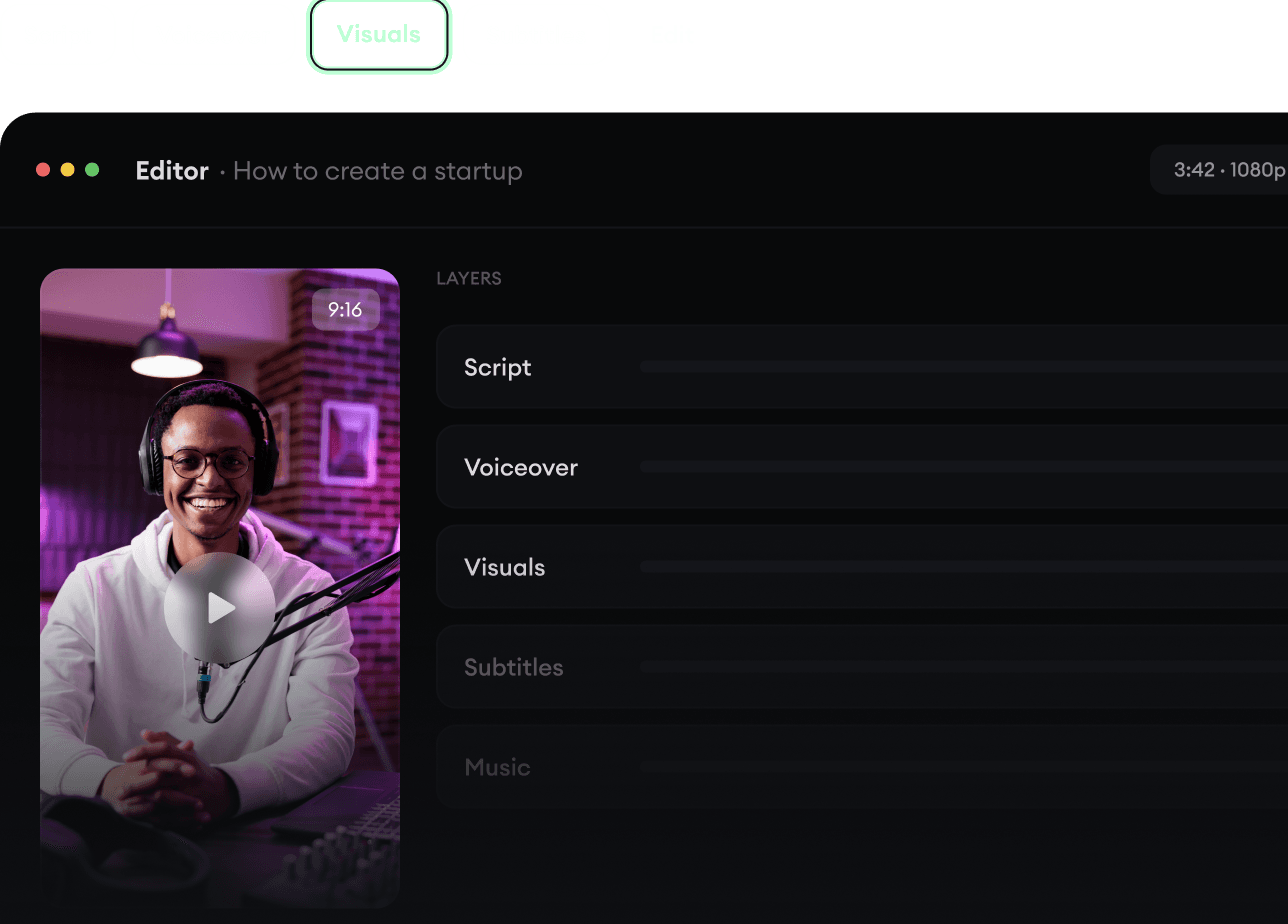
Script, voiceover, visuals, subtitles, and editing all come together in one workflow. No stitching together five different tools.
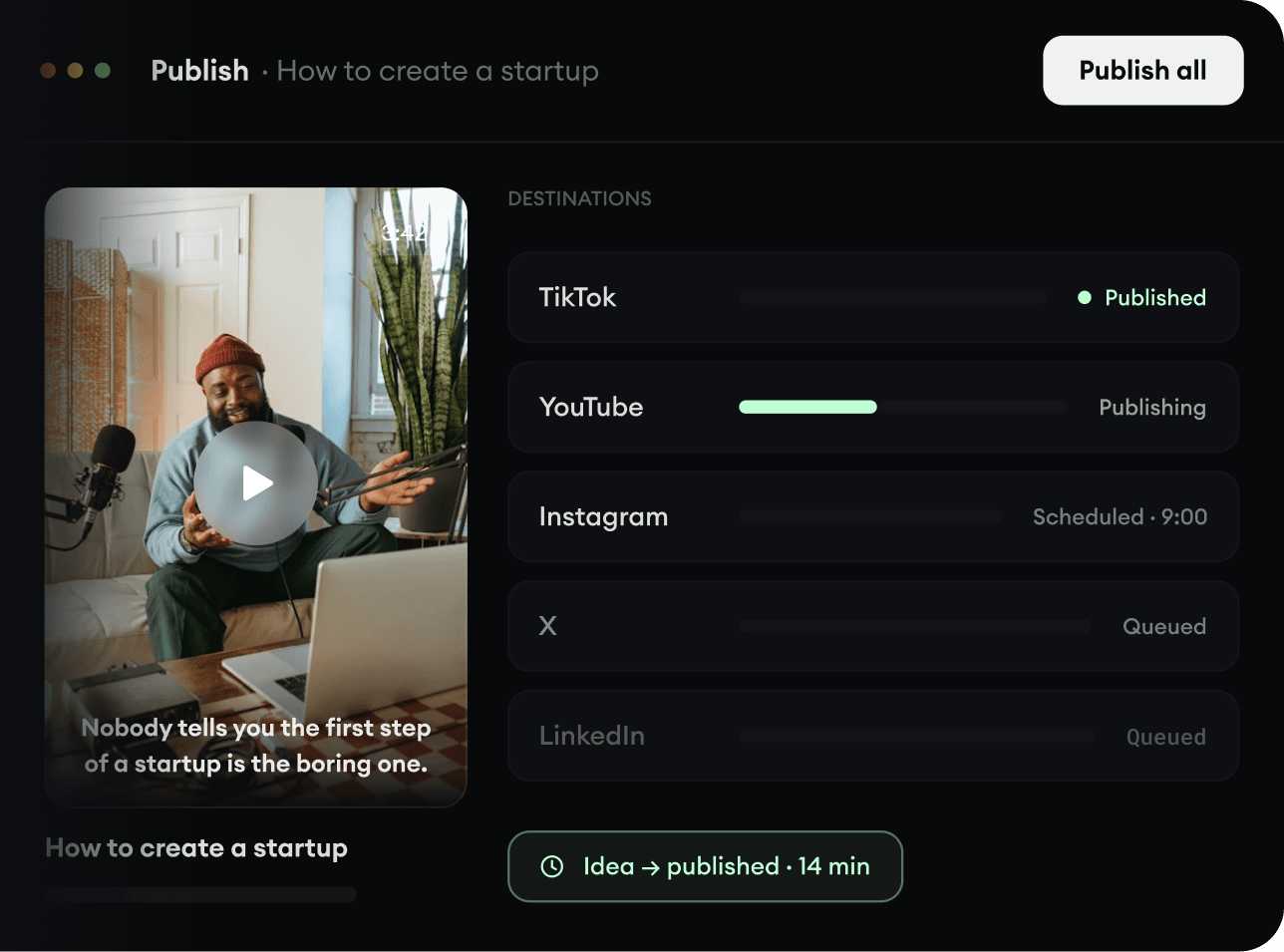
Share your videos to TikTok, YouTube, Instagram, and wherever your audience is.