3,953 people used this tool in the last 24h
or explore our 42+ other tools to create the exact video you want
Explore our tools
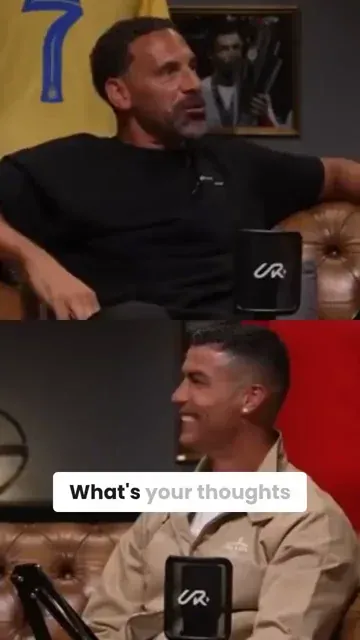
Revid's YouTube to Instagram converter turns a YouTube video into vertical Instagram Reels. Paste the link: the AI picks the best moments (up to 3 clips of 10 seconds to 2 minutes), reframes them to 9:16 around the speaker and adds captions, ready to post or schedule on Instagram. It creates new clips; it does not download the original video.
Turn any YouTube video into Reels with auto-crop, clip selection and captions.
or explore our 42+ other tools to create the exact video you want
Explore our toolsScript automatically generated by Revid
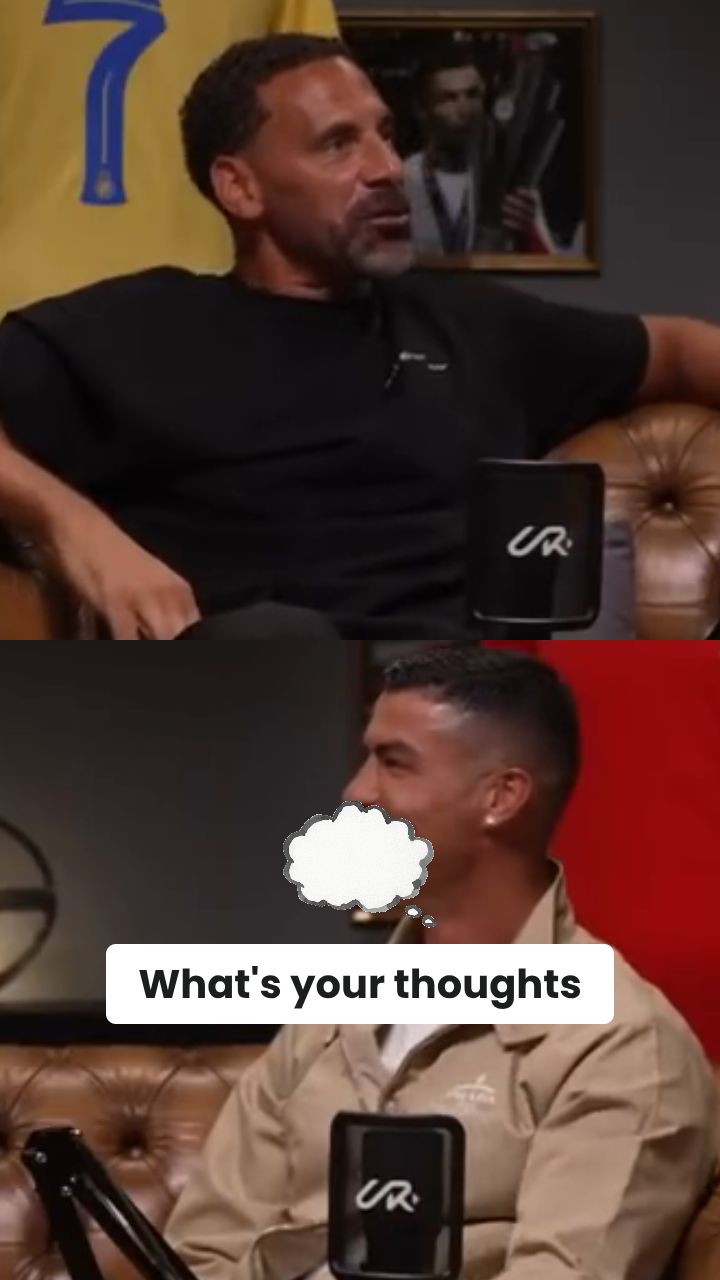
Simply copy and paste the URL of your YouTube video into the input field. Our tool works with any public YouTube video, regardless of length or format.
Select your desired Instagram format - Story, Reel, or Post. Our AI will automatically adjust the aspect ratio and optimize the video for your chosen format.
Once processing is complete, download your Instagram-ready video or share it directly to Instagram. Your video will be perfectly formatted with optimal quality and aspect ratio.
Revid's YouTube video to reels converter takes any YouTube URL and produces Instagram-ready vertical content without any manual editing steps. The AI identifies the strongest moments in your video, crops to 9:16, adds captions optimized for Instagram's feed, and exports a finished reel ready to post in minutes. It is not just a format converter: it is a complete repurposing pipeline that turns long YouTube content into short-form Instagram reels engineered to perform.
Converting YouTube content to Instagram format used to mean downloading a file, opening an editor, cropping manually, and adding captions separately. Revid collapses that entire process into a single paste. Drop in your YouTube link, select your clip range or let the AI find the best moments automatically, and download a finished Instagram-ready video with captions included. The YouTube to Instagram converter runs entirely in your browser, with no software to install.
The difference between a basic converter and Revid's YouTube to reels AI is what happens to the content before it gets exported. Revid analyzes your video for hooks, quotable moments, high-energy segments, and narrative peaks before generating a reel, selecting the clips most likely to drive saves, shares, and follows on Instagram rather than just cutting to a time range you specify. The result is a reel that feels native to Instagram rather than obviously repurposed from a longer video.
Revid's free reel maker from YouTube videos supports content in multiple languages, making it the most versatile YouTube to Instagram reels converter for international creators. Whether your source video is in English, Arabic, Spanish, or any other language, the AI generates accurate captions and produces a finished reel formatted correctly for Instagram's algorithm. Generate multiple reels from the same YouTube video, test different clip lengths and hooks, and build a consistent Instagram content calendar from YouTube content you have already produced.
Discover more ways to create engaging videos with our AI-powered tools
Find detailed answers to 100+ questions about features, tools, and workflows
or check our markdown version optimized for LLMs
Choose your tool, add your content, and create a video in seconds. Then customize it to your liking.
Turn your prompts into engaging videos with AI assistance
Create studio-quality videos from text, no filming required
Turn any song into an animated lyric video with synced text and visuals.
RevidAI's Viral Search and Channel Watcher surface the formats, creators, and trends getting attention right now, then help you turn them into ideas of your own.
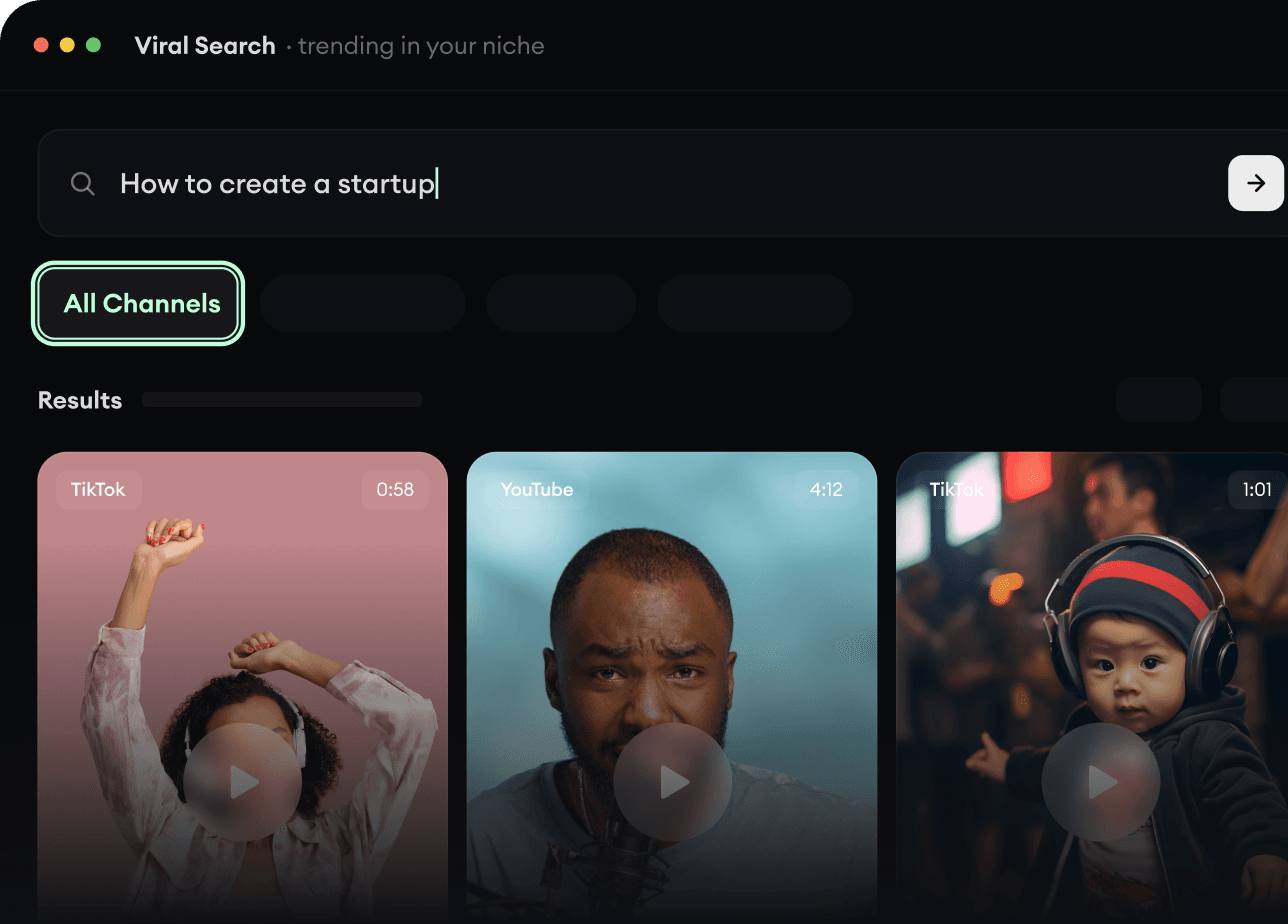
Found something worth making? Revid AI writes the script, suggests the structure, and turns links, prompts, or topics into complete video concepts.
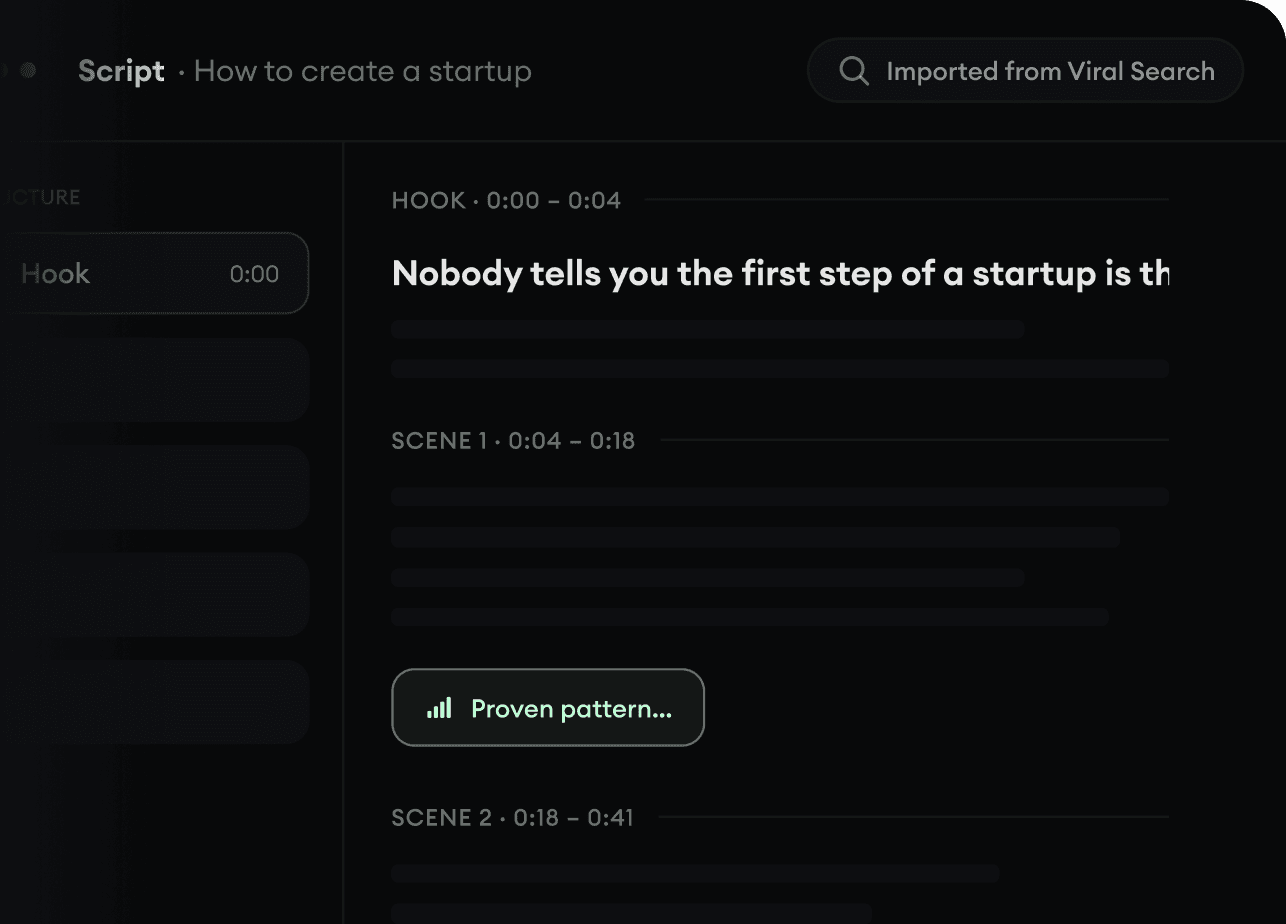
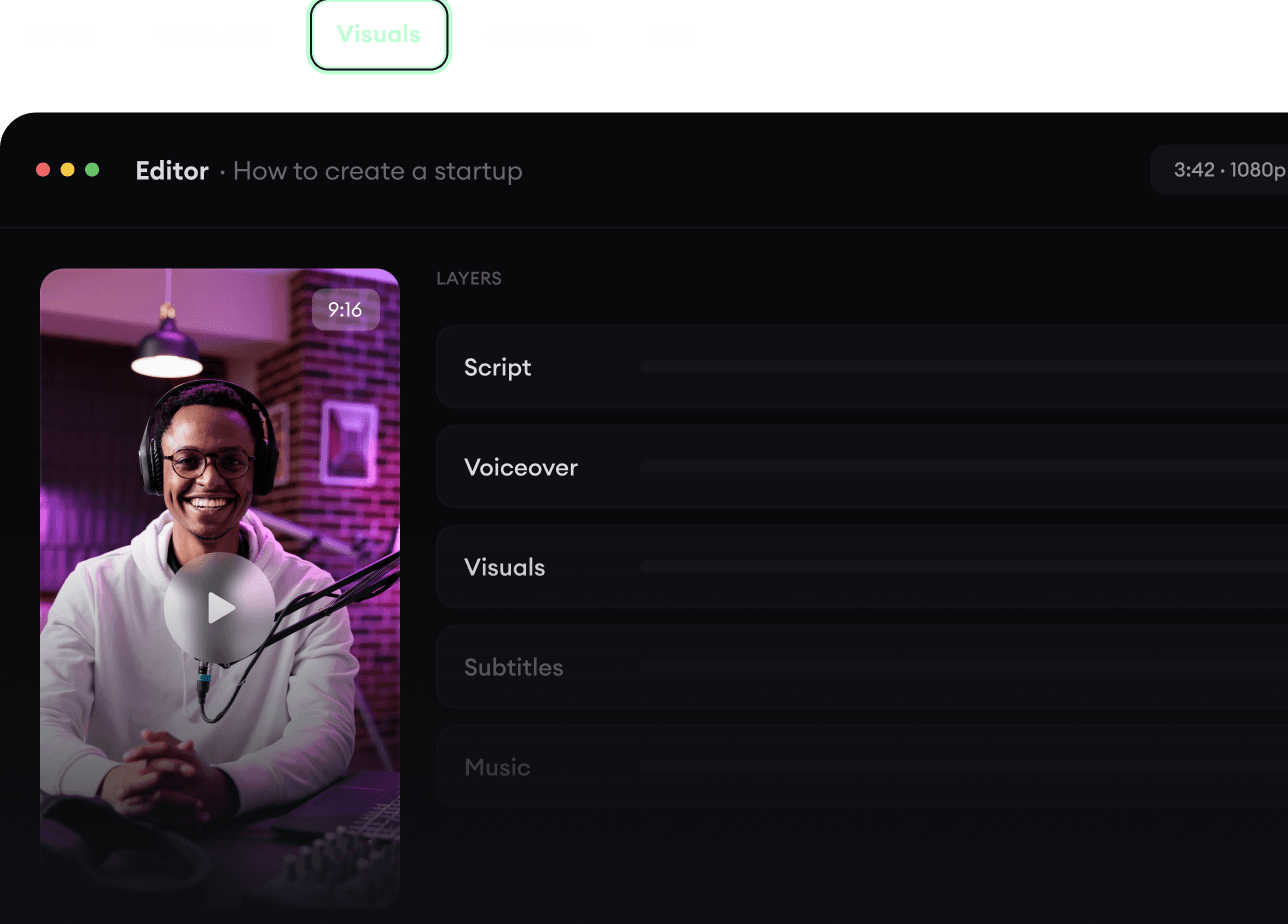
Script, voiceover, visuals, subtitles, and editing all come together in one workflow. No stitching together five different tools.
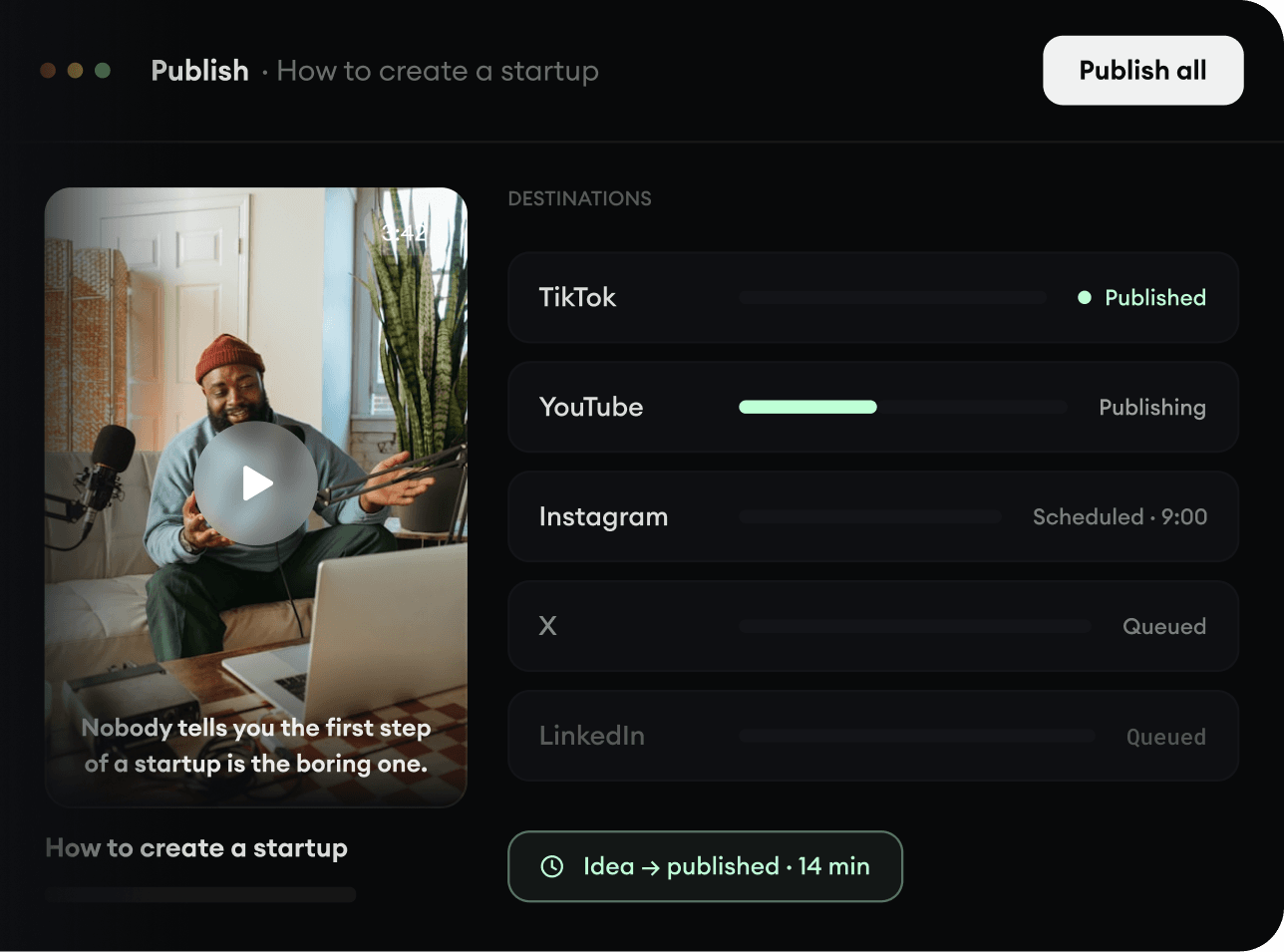
Share your videos to TikTok, YouTube, Instagram, and wherever your audience is.