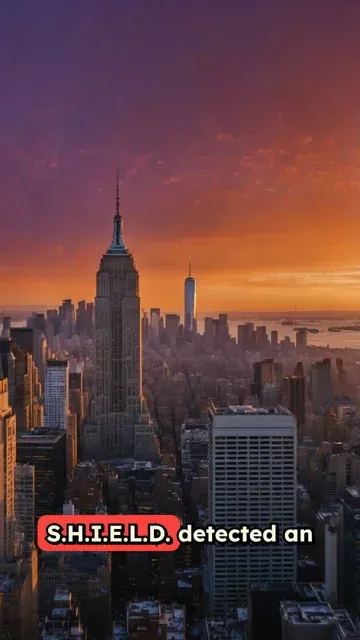
AI Viral News Generator

Turn trending topics and #komentarnetizen discussions into viral news videos. Perfect for #dwts updates, #blackpink news, and celebrity drama.

2,464 people used this tool in the last 24h
Start for free.(no credit card required)

or explore our 42+ other tools to create the exact video you want

Explore our tools

Create Viral News & Drama Recaps in 3 Easy Steps

1 Choose Your Topic

Enter a trending topic, a celebrity controversy, or a sports update. You can describe the event directly (e.g., "Latest #dwts elimination results" or "Netizen reactions to #blackpink's new outfit"). The AI is trained to identify the drama and the key talking points.

2 Select Anchor and Visuals

Decide if you want an AI News Anchor avatar to narrate the story for that professional broadcast look. Then, choose your visual style: high-quality stock footage for a realistic news feel, AI-generated video for unique clips, or moving AI images for an artistic touch.

3 Generate and Share

Click "Generate Video" and watch as our AI writes a script designed to go viral—complete with a hook, the "tea," and netizen reactions. In minutes, you'll have a polished video with voiceover, captions, and music, ready to post to TikTok, Instagram Reels, or YouTube Shorts.

Example Videos

See What You Can Create with AI Viral News Generator

Explore different styles and possibilities with our AI Viral News Generator

Celebrity Drama Recaps

Create engaging summaries of the latest celebrity gossip and #komentarnetizen discussions. Perfect for keeping your followers updated on #nagitaslavina and pop culture.

  • Viral news script generation
  • Dramatic storytelling style
  • Integration of trending topics
  • Engagement-driven hooks
Celebrity Drama Recaps

Sports Season Updates

Generate quick, high-energy updates for the #newseason. Cover #laliga scores, #kickoff events, and transfer news without needing a studio.

  • Fast-paced sports reporting
  • Professional news anchor avatars
  • Dynamic visual overlays
  • Perfect for match recaps
Sports Season Updates

Fandom News & Updates

Keep the fandom fed with updates on #blackpink, #konsermusik, and #dwts. Create professional-looking news segments about your favorite idols and shows.

  • Fandom-focused news content
  • Exciting and positive tone
  • Visuals tailored to music & dance
  • Ideal for fan pages
Fandom News & Updates
Tools

Free AI Video Tools

Pick the right tool, provide your input, and you'll create a video in no time - customize it however you want.

AI TikTok Video Generator

Turn text into trendy, viral TikTok videos in a snap

Try it out

Add Caption to Video

Generate subtitles in 100+ languages with AI captions

Try it out

PDF to Brainrot

Convert PDFs into attention-grabbing, scrollable videos

Try it out

Text to Brainrot

Turn your text into trendy, scrollable content with dynamic visuals

Try it out

AI Talking Avatar

Create lifelike talking avatars from text in seconds

Try it out

Video Podcast Generator

Transform your podcasts into visually engaging video content

Try it out

AI Movie Maker

Create studio-quality videos from text, no filming required

Try it out

Audio to Video

Make engaging videos from your podcasts, interviews, or any audio content

Try it out

AI Music Video Generator

Transform your music into cinematic music videos.

Try it out

AI Lyrics Video Generator

Transform your lyrics into a complete music video with AI

Try it out

Instrumental Music Visualizer

Transform your instrumental music into videos.

Try it out

Prompt to Video

Turn your prompts into engaging videos with AI assistance

Try it out
See all tools
How it works

Four Easy Steps To Create & Share Your Story

1

Get inspired by viral content

Looking for story ideas? Our AI finds trending content and helps you remake it into your very own videos - no more trial and error.
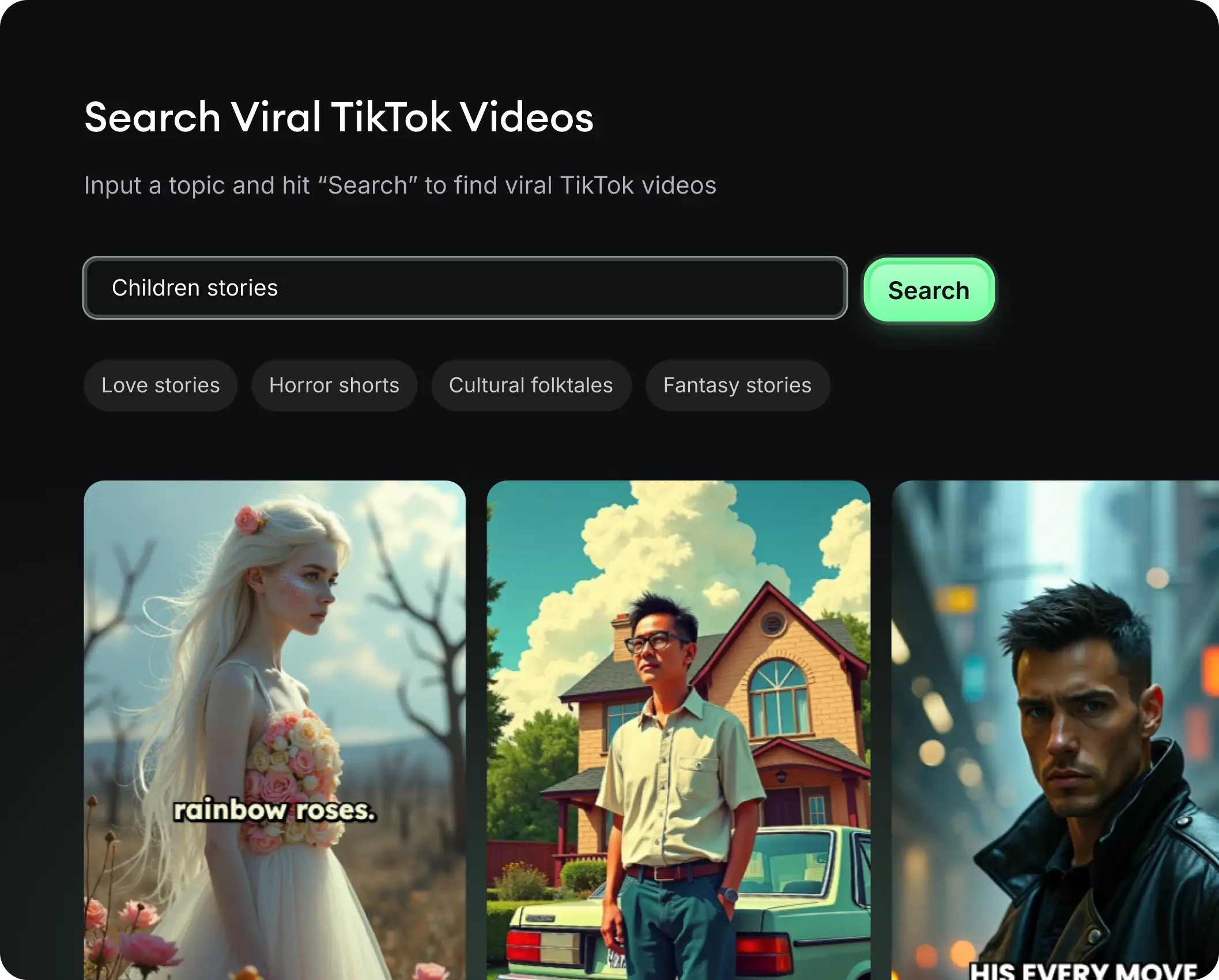
  • See what types of stories are working right now
  • Get inspiration from successful creators
  • Turn your ideas into stories people want to hear
Get inspired by viral content
2

Storytelling to Hook your Audience

Revid.ai understands what makes videos go viral and uses the same proven methods to write scripts for you.
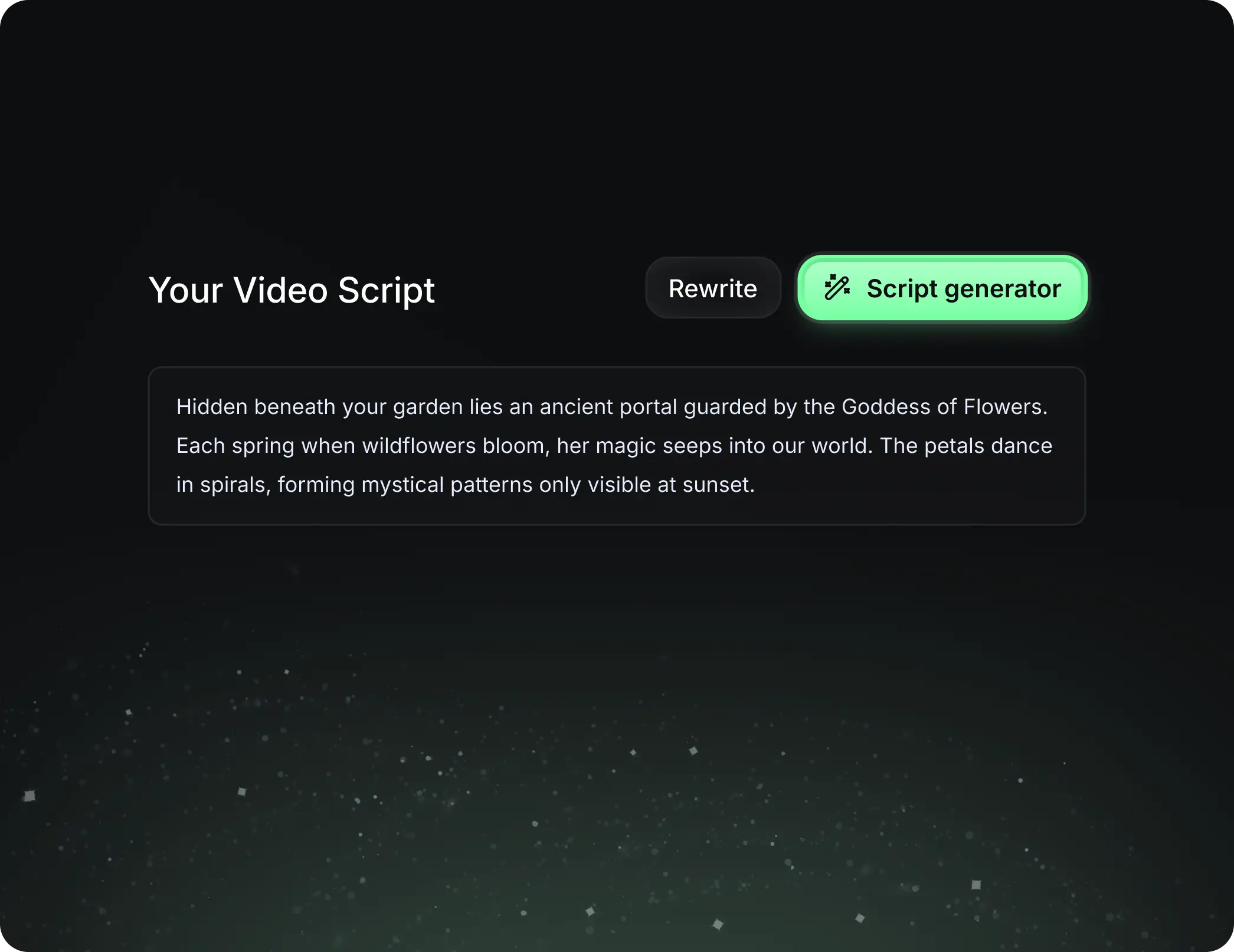
  • Write your script or tell our AI what you want to talk about
  • The AI will find relevant content to get inspired by
  • Drop any link and it will be automatically parsed and formatted for a video
Storytelling to Hook your Audience
3

Videos You'd LOVE to Watch

Create perfect videos, share instantly, and grow your business.
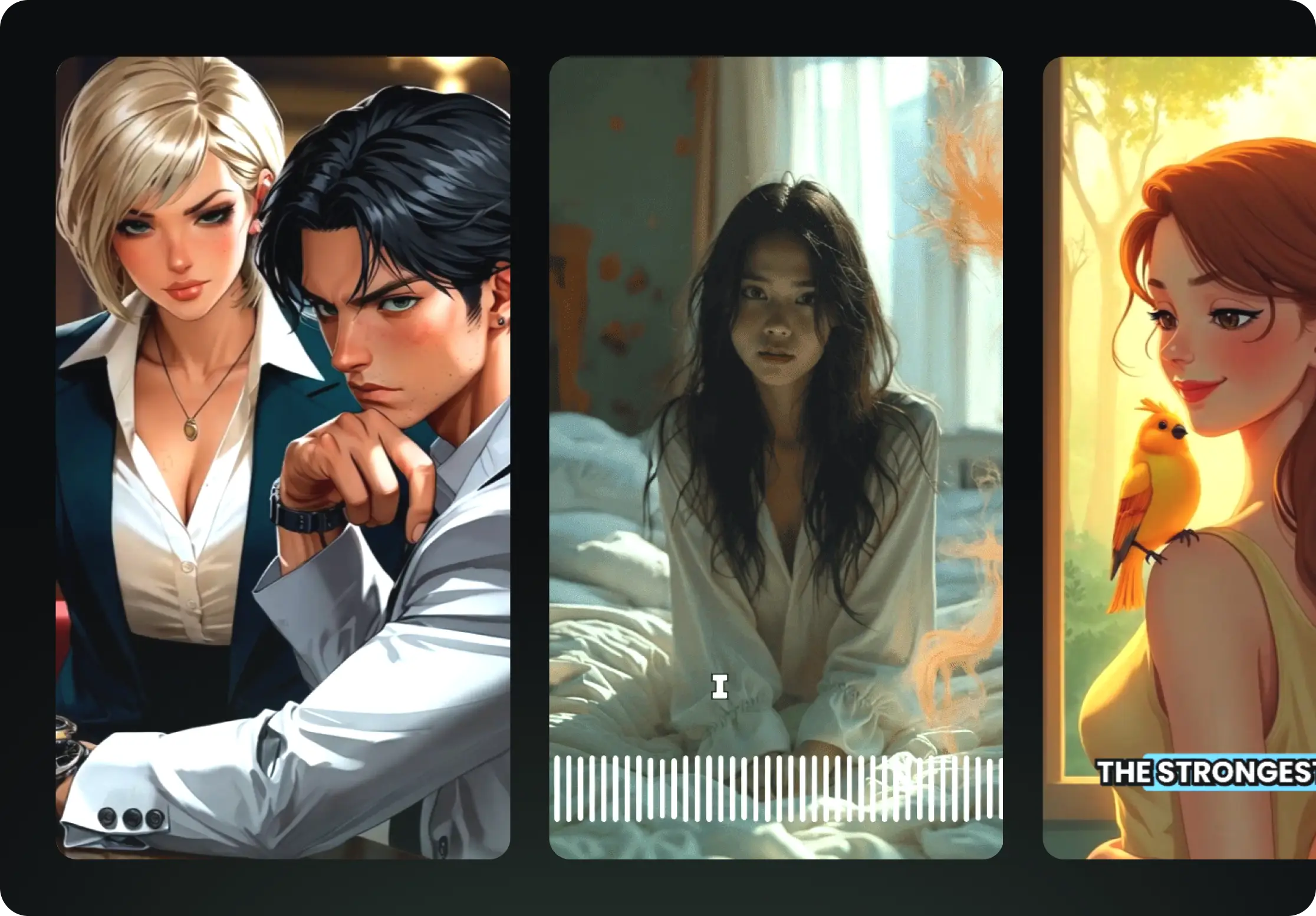
  • Watch your words become a professional video
  • Set up automatic video creation from your content
Videos You'd LOVE to Watch
4

Publish on TikTok, YouTube, Instagram and more...

Reach a wider audience by sharing your video across your favorite social media platforms
    Publish on TikTok, YouTube, Instagram and more...
    revid.ai logo

    Your shortcut to effortless video storytelling.

    FAQs

    Frequently Asked Questions

    What is the AI Viral News Generator?
    The AI Viral News Generator is a specialized tool designed to turn trending topics, celebrity gossip, and internet drama into professional-style news reports. It acts as your personal production team, scripting a "spill the tea" style narrative, providing an AI news anchor, and compiling relevant visuals to create high-engagement videos for social media platforms like TikTok and Instagram.
    How do I create a news video with an AI anchor?
    It's incredibly simple. Just input the news story or topic you want to cover into the prompt box. Ensure the "Use News Anchor Avatar" toggle is switched on. Our AI will then generate a script, animate a professional-looking avatar to read the news, and overlay relevant visuals, creating a complete broadcast segment in minutes.
    What kind of topics work best for this tool?
    This tool thrives on high-energy, trending content. It is perfect for celebrity drama (#nagitaslavina, celebrity breakups), reality TV updates (#dwts, talent shows), K-pop news (#blackpink, comeback rumors), sports recaps (#laliga, #kickoff), and general internet discourse (#komentarnetizen). If people are talking about it online, this tool can turn it into a video.
    Can I customize the visual style of the news report?
    Yes! You have full control over the aesthetic. You can choose to use Stock Videos for a traditional news look, AI Video generation for completely unique footage, or Moving AI Images for a stylized effect. Additionally, you can toggle the AI Avatar on or off depending on whether you want a "face" for your news channel or a voiceover-only style.
    Does the AI write the script for me?
    Absolutely. You don't need to be a journalist. Simply provide the topic or the core facts, and our AI—trained on viral social media structures—will write an engaging script. It includes a strong "Hook" to grab attention, explains the "Tea" (the news), covers "Netizen Reactions," and ends with a question to drive engagement in your comments section.
    Is the content suitable for TikTok and Instagram Reels?
    Yes, the AI Viral News Generator is specifically optimized for vertical video formats (9:16). The pacing, the visual overlays, the caption styles, and the script structure are all engineered to perform well on short-form video platforms like TikTok, Instagram Reels, and YouTube Shorts.
    How much does it cost to generate a viral news video?
    The cost depends on your subscription plan and credit balance. Generally, creating a video uses a base number of credits. If you use advanced features like the AI News Anchor avatar or generate custom AI video footage instead of stock clips, it may require additional credits. You can check the exact credit cost before you hit generate.
    Can I edit the video after it is generated?
    Definitely. Once the AI generates the initial video, you are taken to our comprehensive editor. Here you can tweak the script, change the background music (we recommend our "News Broadcast" or energetic tracks), swap out specific video clips, and adjust the position of the captions to ensure your news report looks exactly how you want it.
    Do I need to worry about copyright for the visuals?
    If you select our Stock Video or AI Generated Video options, the visuals are generally cleared for use in your social media content. However, if you choose to upload your own specific images (like screenshots of tweets or specific celebrity photos) to the editor later, you are responsible for ensuring you have the rights to use those specific assets.
    How does the tool handle "Netizen Comments"?
    A key feature of viral news is the reaction from the public. Our AI is trained to simulate or summarize the "vibe" of internet comments (#komentarnetizen). When you input a controversial topic, the script will often include phrases like "Fans are saying..." or "Netizens are divided..." to make the report feel current and connected to the community discussion.
    I have more questions. How can I get support?
    We are here to help you launch your news channel! If you have specific questions about the AI Viral News Generator or need help with your account, please email us at hello@revid.ai. Our team is ready to assist you ASAP.
    View Complete Help Center

    Find detailed answers to 100+ questions about features, tools, and workflows

    or check our markdown version optimized for LLMs